
Photo Collage Ideas: 15 Layouts by Occasion
Photo collage ideas for birthdays, trips and anniversaries: fifteen layouts, the counts that sit flush, the free tools compared, and print and social sizes.
 Maya Chen 9 min read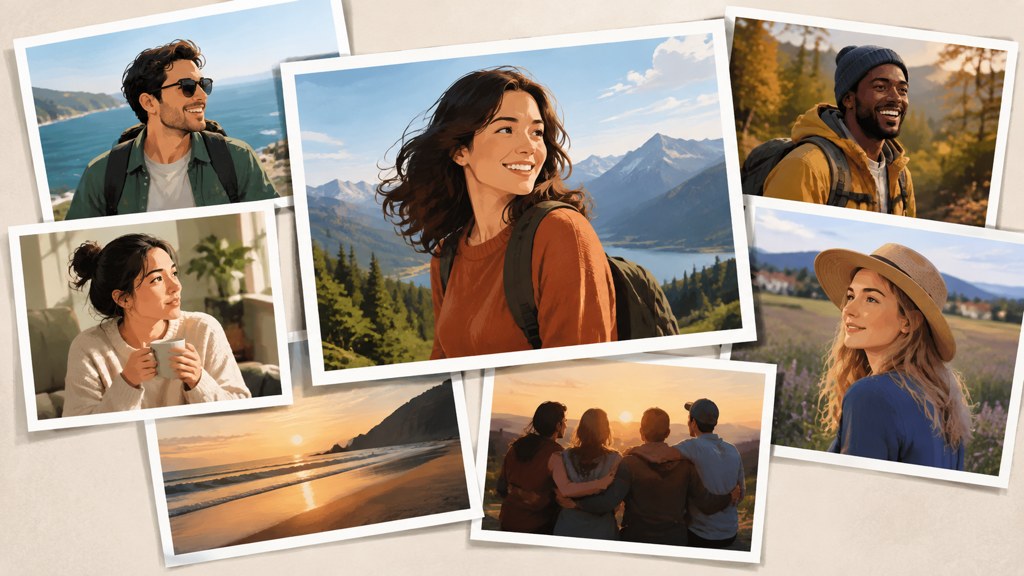
Good photo collage ideas are mostly layout decisions, not decoration. One image has to be bigger than the rest, the gaps between frames have to be identical, and the colours across the set have to agree. Get those three right and a nine-frame grid of phone snaps looks deliberate. Below are fifteen layouts sorted by occasion, the photo counts that lay out cleanly, what the free tools actually give you today, and the print and social sizes that decide how much of your edges survive.
What makes a photo collage work instead of looking cluttered?
Three rules fix most bad collages, and they are all about restraint rather than skill.
- One hero. Give a single frame roughly twice the area of any other and the eye knows where to start. A grid of equals has no entry point, which is why it reads as clutter even when every photograph is good.
- One gutter. Pick a gap width and use it everywhere, including the outer margin. Mixed gaps are the single most common tell of a rushed layout.
- One palette. Three or four dominant colours across the whole set. If one frame is warm and the rest are cool, that frame becomes the subject whether you meant it or not.
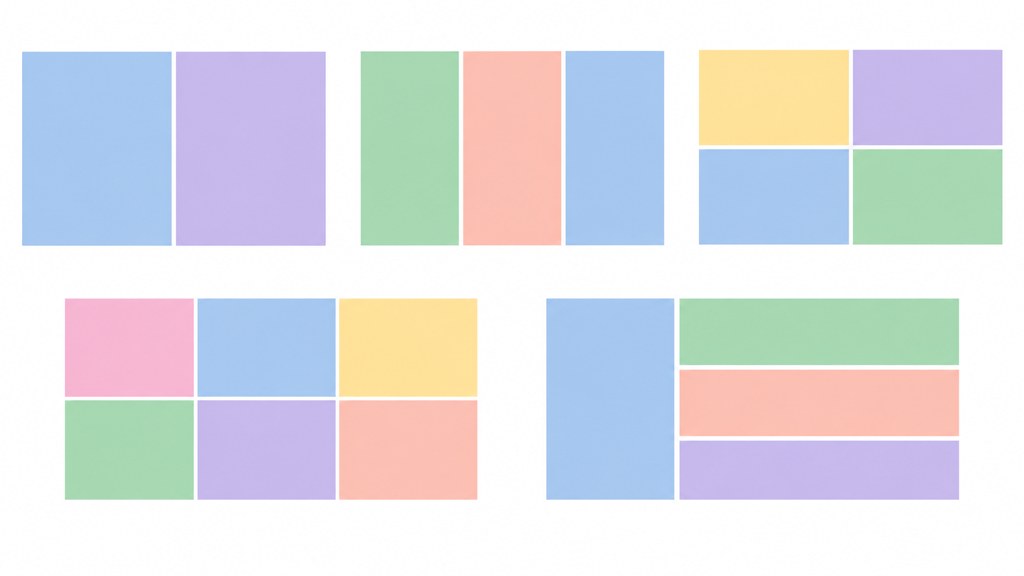
Build the skeleton before you choose the pictures. Deciding on a three-by-three with a double-width top cell, then filling it, takes ten minutes. Dragging photographs around until something emerges takes an hour and usually ends in a uniform grid.
What collage layouts should you use for each occasion?
Fifteen layouts, grouped by what the collage is for. The number in brackets is the photo count the layout needs to sit flush.
Birthday and milestone
- Timeline strip (6): one row, oldest to newest, equal cells. Works printed long and thin.
- One per year (any): a square grid sized to the age, which is why 4, 9, 16 and 25 are the easy birthdays.
- Hero plus satellites (7): one large portrait, six small moments around it.
- Number fill (varies): photographs masked inside a large numeral, best with high-contrast images only.
Travel
- Establishing plus details (5): one wide scene, four close details from the same trip.
- Route strip (4 or 8): ordered by distance travelled rather than by date.
- Two-up diptych (2): the same place at two times of day.
- Postcard stack (6): overlapping frames at slight angles, the only layout where an uneven gutter is deliberate.
Anniversary and family
- Then and now (2 or 4): matched framing across years, which needs the crops to agree.
- Nine-square (9): the most forgiving layout in existence and the reason it never goes away.
- Centre portrait (5): one upright frame flanked by two pairs.
- Letter fill (varies): initials filled with photographs, same contrast rule as the number fill.
Year in review
- Twelve-cell calendar grid (12): one frame per month, no exceptions, which forces honest editing.
- Quarter blocks (4 or 8): four hero images with optional small frames beneath each.
- Contact sheet (24 or more): deliberately small frames, one printed large, best treated as texture rather than as individual pictures.
Four jobs account for most requests, and each one changes the layout: photo collage ideas for wall pieces that get looked at daily, photo collage ideas for school project deadlines where the caption matters, photo collage ideas for instagram where the crop is fixed before you start, and photo collage ideas for celebration of life services where running order carries more weight than design.
How many photos should a collage have?
Counts that divide cleanly lay out flush: 3, 4, 6, 8, 9, 12 and 16. Counts that do not, such as 5, 7, 10 and 11, force either an uneven gutter or one stretched cell, and both are visible from across a room.
- Five photographs: use a centre portrait with two pairs beside it rather than a five-across row.
- Seven photographs: hero plus six satellites, never a straight grid.
- Ten photographs: either drop one for a three-by-three or add two for a four-by-three.
- More than sixteen: stop treating them as individual pictures and design a contact sheet instead.
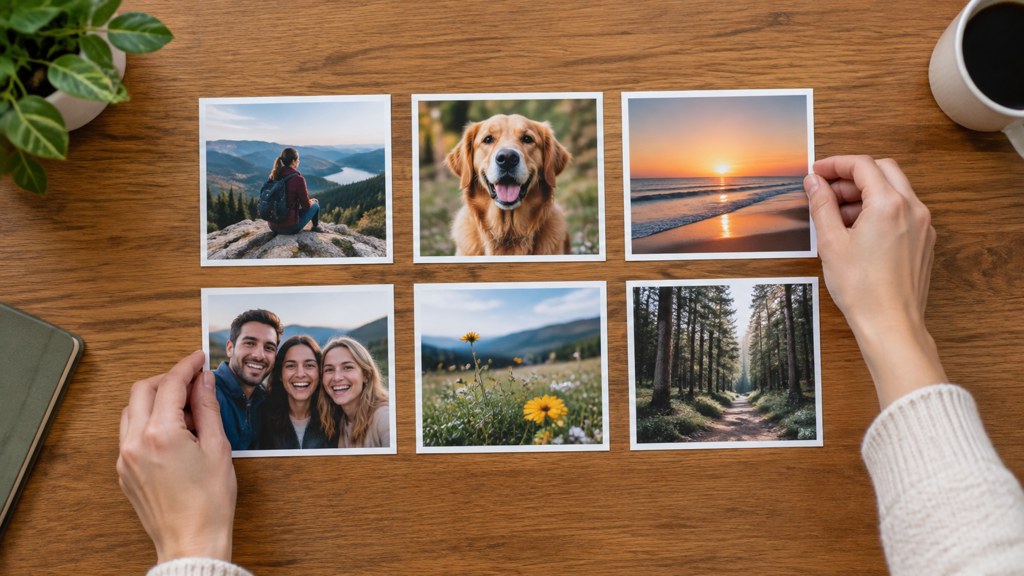
Print the candidates small, or lay the thumbnails out on a table. Physical sorting takes minutes and surfaces the duplicate frames that a screen hides.
How do you make a birthday collage that is not just a grid?
Most birthday collage ideas fail because they treat every year as equally interesting. Structure beats completeness.
- Timeline strip. One row in age order, equal cells, no captions. The progression is the content; labels only get in the way.
- One frame per year with deliberate gaps. Missing years are honest and they make the years you have matter more.
- Hero plus satellites. The best recent portrait large, six smaller moments around it, all cropped to the same shape.
- Age-shaped number fill. Only works with high-contrast photographs, because a busy image inside a thin numeral stroke reads as noise.
Crop everything to one shape first
Square or 4:3, chosen once, applied to every frame before the layout starts. Mixed shapes are what force uneven gutters, and fixing that at the end means recropping anyway.
How do you make a travel collage tell a story?
A travel set with no order is a screenshot of a camera roll. Give it one of two orders and it becomes a sequence.
- By time: morning to night, or day one to day seven. Simple, and it lets a dark frame at the end feel like an ending.
- By distance: the route as it was travelled. Better for a trip that moved through several places, because the layout inherits the shape of the journey.
- Open with the establishing shot. One wide frame that says where this is, so the details afterwards have somewhere to belong.
- Reserve at least one cell for a detail rather than a landmark. A menu, a door handle, a pair of shoes. Landmark-only sets are indistinguishable from a stock gallery.
Stock libraries such as Getty Images exist precisely because landmark photographs are interchangeable. The frames that make a travel collage yours are the ones nobody else would bother taking.
How do you build a collage from photos with different colour casts?
Mixed white balance is the reason a technically fine collage looks wrong. Indoor tungsten frames go orange, overcast frames go blue, and side by side the difference is obvious even to someone who could not name it.
- Pick the frame you like most and grade everything else toward it. One reference, one direction.
- Match the shadows before the highlights. Neutral shadows do more for a set than matched skin tones.
- Convert the stubborn frame to black and white rather than fighting it. A single monochrome cell in a warm grid looks intentional.
- Drop the outlier. The fastest colour fix in any collage is one fewer photograph.
When a frame is missing rather than mismatched, the image combiner merges two photographs into a single frame you can then drop into a cell, which is easier than leaving a hole in a grid you already built.
How do you make a photo collage for free?
Every one of these has a free route, and the interesting part is what each company will and will not publish about the free tier. Everything below was read on the company's own page on 2026-09-07 (the Adobe Express plan page is named rather than linked, because adobe.com does not answer automated link checks).
| Tool | What its own page states today | Price shown | Free-tier export resolution |
|---|---|---|---|
| Adobe Express | Free plan called Adobe Express Free, with basic tools and limited generative AI credits | US$0.00 free, Premium US$9.99/mo | Not published on the page |
| BeFunky | Collage maker page promotes BeFunky Plus for its most powerful features | Not shown on the collage page | Not published on the page |
| Fotor | Advertises 2,000+ designer layouts and saving to high-resolution JPEG, PNG and PDF | Not shown on the collage page | Not published on the page |
| Picsart | Home page names the background remover as free and bundles everything else into a subscription | Not shown on the home page | Not published on the page |
| Pixlr | Four paid tiers listed, free-tier limits not described on the pricing page | Plus US$2.49/mo, Premium US$9.99/mo, Ultra from US$24.99/mo | Not published on the page |
| LazyKiwi collage template | Fixed four-panel layout generated from one uploaded photo | 13 credits per 1K image, 40 free on signup | 1K, 2K or 4K by resolution chip |
Read that last column again. Not one of Adobe Express, BeFunky, Fotor, Picsart or Pixlr states its free export resolution on the page you land on, so the only safe way to find out is to export one test file before you commit to a design you intend to print.
The generated route is different in kind rather than cheaper. A template produces a fixed layout from one photograph instead of arranging photographs you already have, so it solves the empty-grid problem, not the arranging problem.
What size should a collage be for print and for social?
Two different jobs with two different failure modes. Print loses detail; social loses edges.
- For print, work at 300 pixels per inch of final size. A 12 by 16 inch print needs 3600 by 4800 pixels, and a collage assembled from small web copies will not get there no matter what the export dialog says.
- Leave a margin of at least 5 millimetres inside the outer frames. Trimming and framing both eat the edge, and a photograph cropped by a mount is unrecoverable.
- For a single social image, square is the safe shape. In LazyKiwi's workbench data from August 2026, 124 of 143 external image jobs came out at 1:1, which matches where they end up.
- For a carousel, split the collage into slides rather than shrinking it into one frame. Instagram publishes the current maximum number of photos and videos per feed post in its help centre, and that ceiling has been raised before, so read it there rather than trusting a number in an article.
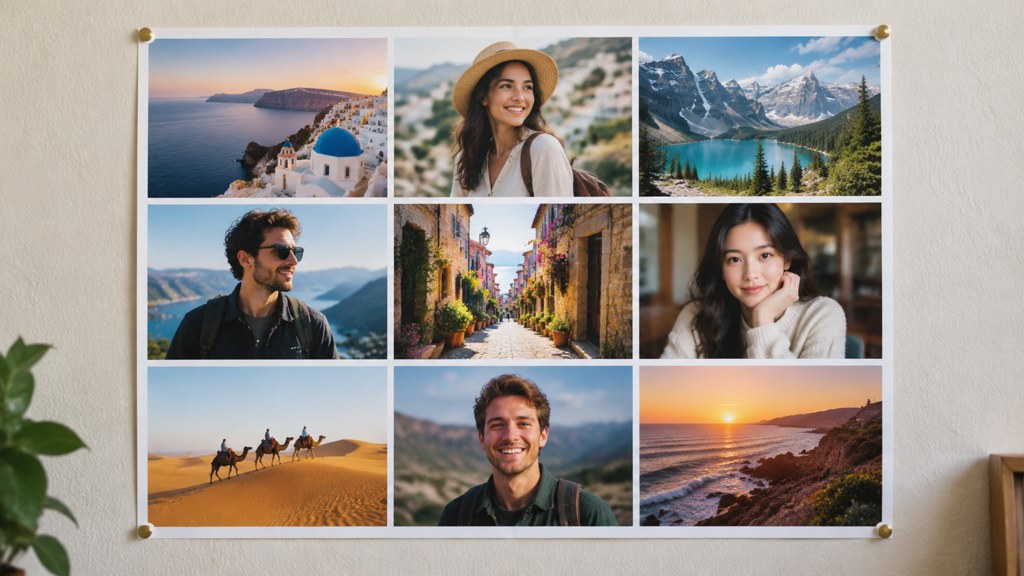
Print a small proof before ordering anything large. Gutters that look fine at screen size can look mean or gaping at 40 centimetres wide, and a proof costs less than a reprint.
What makes a collage look amateur?
Five habits account for almost all of it, and each takes seconds to remove.
- Drop shadows on every frame. They were a novelty two decades ago and they now read as a default nobody turned off.
- Decorative clip-art borders. Torn paper, film sprockets, scrapbook tape. One of them is a style; all of them at once is a template.
- Mixed gutters. Covered above, and worth repeating because it is the fastest thing to fix.
- A display font fighting the photographs. If a caption is needed, set it small, in one weight, outside the grid.
- Every frame at maximum saturation. Grading the whole set together is what makes it look like one piece of work.
Photography publications such as PetaPixel run before-and-after critiques worth reading for the same reason: almost every fix is subtraction.
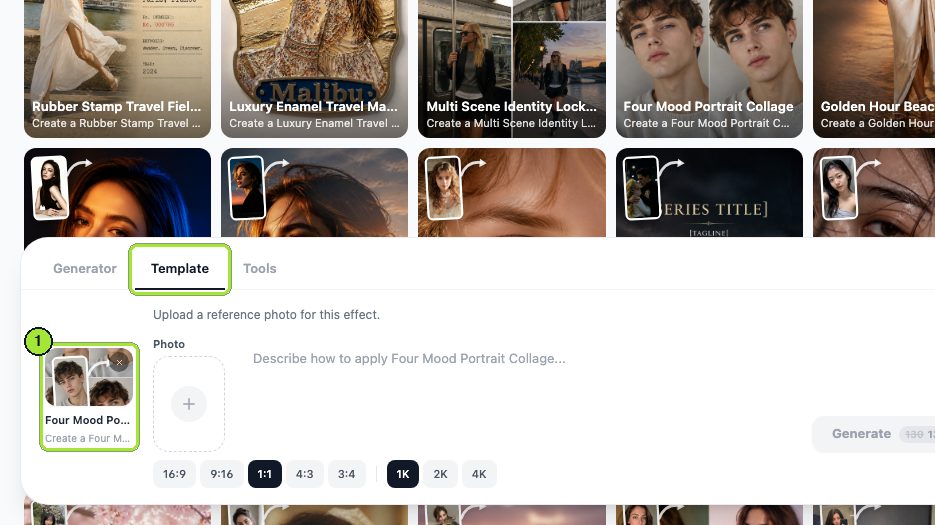
If you want the four-panel look without arranging anything, the four mood portrait collage template builds it from one photograph. We ran it twice, first on a plain studio headshot and then on an indoor selfie, at 1:1 and 1K both times.
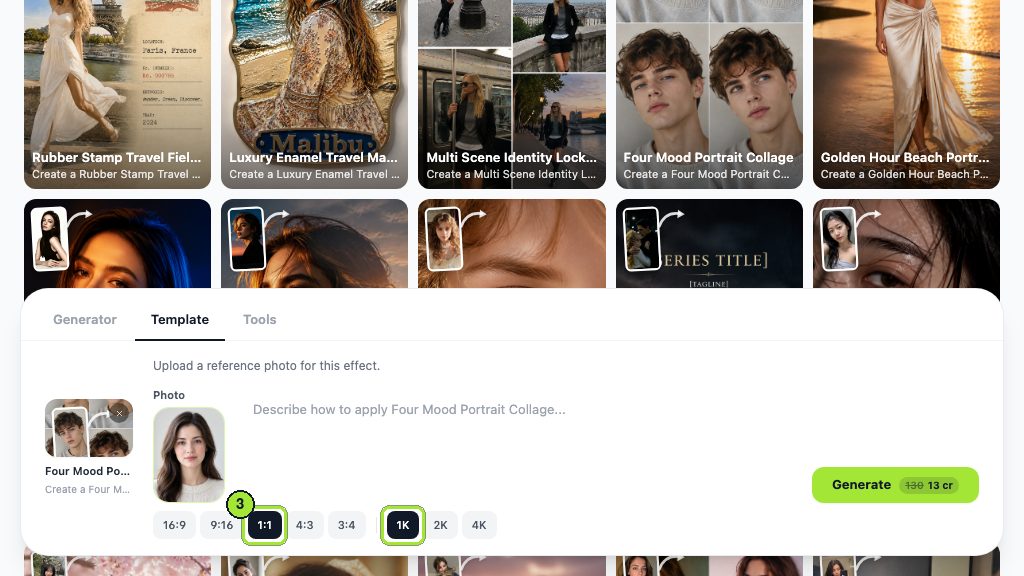
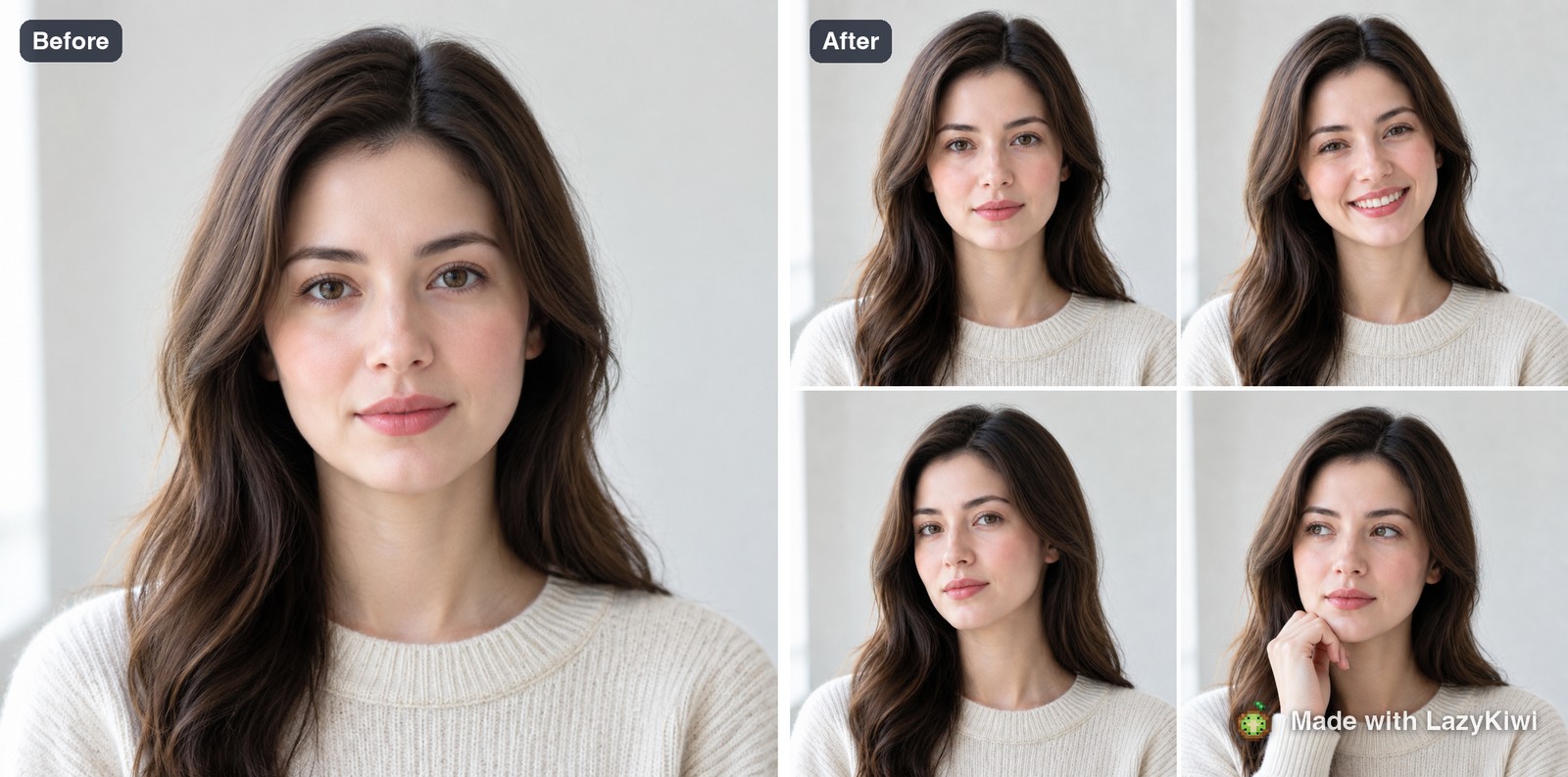
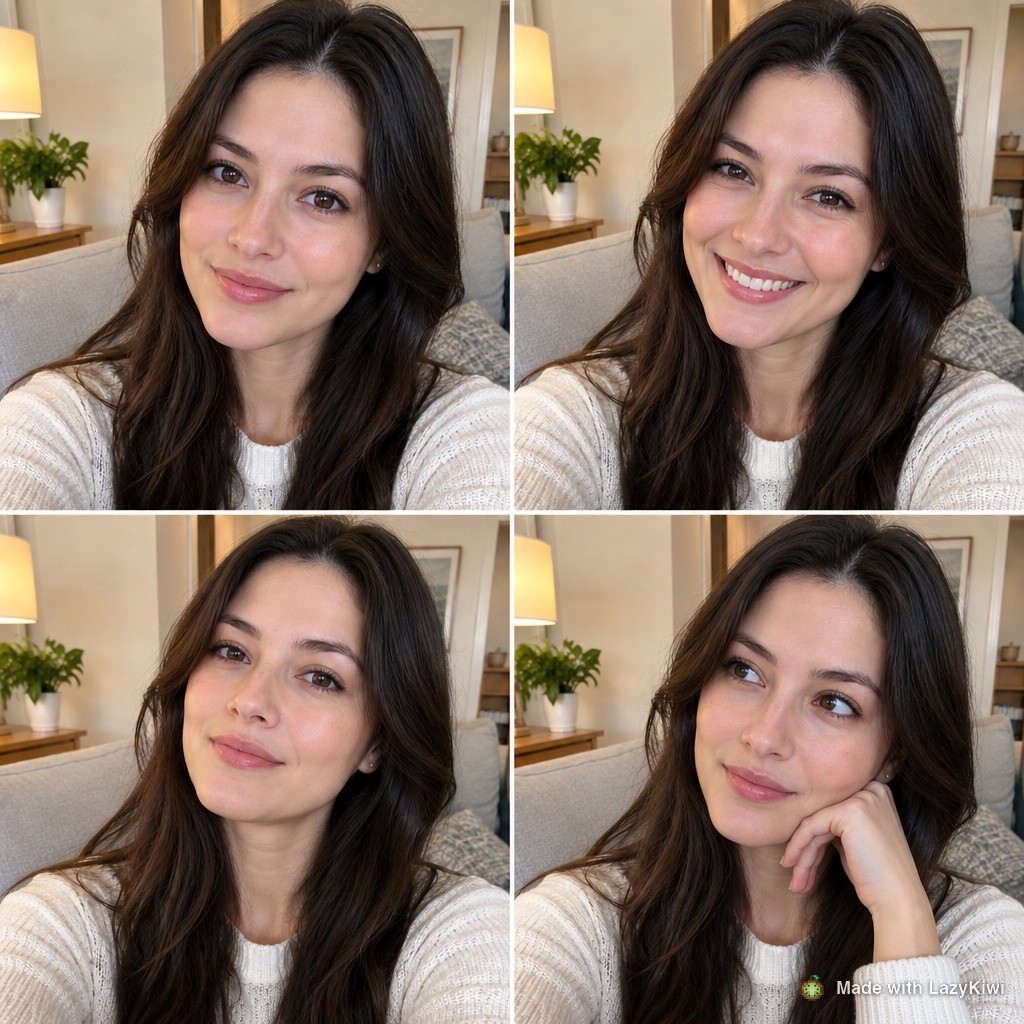
Both runs used GPT Image 2. The template rebuilds one face into four moods, so it is a portrait device rather than a way to arrange a family set, and it is worth knowing that before you plan a card around it.
Key takeaways
- One hero frame, one gutter width and one palette fix most collages before any tool is opened.
- Photo counts of 3, 4, 6, 8, 9, 12 and 16 lay out flush; 5, 7 and 10 need a hero-and-satellite structure instead.
- Order a travel set by time or by distance, and keep one cell for a detail rather than a landmark.
- None of the five big free collage makers publishes its free export resolution, so test one export before designing for print.
- Print at 300 pixels per inch of final size and leave a 5mm inner margin; for social, split a long set into carousel slides.
- Grade the whole set toward one reference frame, or convert the stubborn one to black and white.
Image & Design Editor
Maya Chen
I spend my days inside image tools, testing prompts and settings on real photos so the steps here match what you actually see on screen.
FAQ
Common questions
How many photos work best in a collage?
Nine is the most forgiving count because it fills a three-by-three grid with no leftover cell. Three, four, six, eight, twelve and sixteen also sit flush. Awkward counts such as five, seven and ten need a hero frame with smaller satellites around it rather than a straight grid.
How do you make a photo collage for free?
Adobe Express, BeFunky, Fotor, Picsart and Pixlr all have a free route, and Adobe lists its free plan at US$0.00 with limited AI credits on its plan page (checked 2026-09-07). None of them states the free export resolution on the page you land on, so export one test file before designing anything for print.
What size should a photo collage be for printing?
Work at 300 pixels per inch of the finished size, so a 12 by 16 inch print needs roughly 3600 by 4800 pixels. Leave at least 5mm of margin inside the outer frames for trimming and mounting, and print a small proof before ordering the large version.
How do you fix photos that do not match in a collage?
Choose the frame you like most and grade every other image toward it, matching the shadows before the highlights. If one photograph refuses to sit with the rest, convert it to black and white so it reads as a deliberate choice, or take it out entirely.
Can you make a collage from a single photo?
Yes. A collage template builds a fixed multi-panel layout from one upload, which solves the problem of not having enough frames. It rebuilds the same face in different treatments rather than arranging separate photographs, so it suits a portrait card more than a family set.
Build a four-panel set from one photo
Upload a single portrait, pick the frame shape and resolution, and get a four-mood collage back. Each 1K run costs 13 credits, and signing up adds 40 free ones.
Related reading
Pose Reference Library: 40 Poses by Use Case
Forty pose references sorted by what you need them for, figure drawing, portrait sessions, product shots, plus how to generate your own on demand.
10 min read
Family Picture Outfit Ideas: Palettes That Work
Six colour palettes for family photos, how to coordinate without matching, what to avoid on camera, and how to plan the whole set from one anchor outfit.
9 min read
Instagram Photo Dump: How to Plan a Good One
What a photo dump is, why the unpolished format works, how to sequence ten photos so the carousel keeps holding, and captions that fit the tone.
9 min read