
How to Make a Stop Motion Video From Scratch
How to make a stop motion video: frame rate and hold, the home rig, lighting that will not flicker, and where AI simulation helps or gets in the way.
 Daniel Okafor 9 min read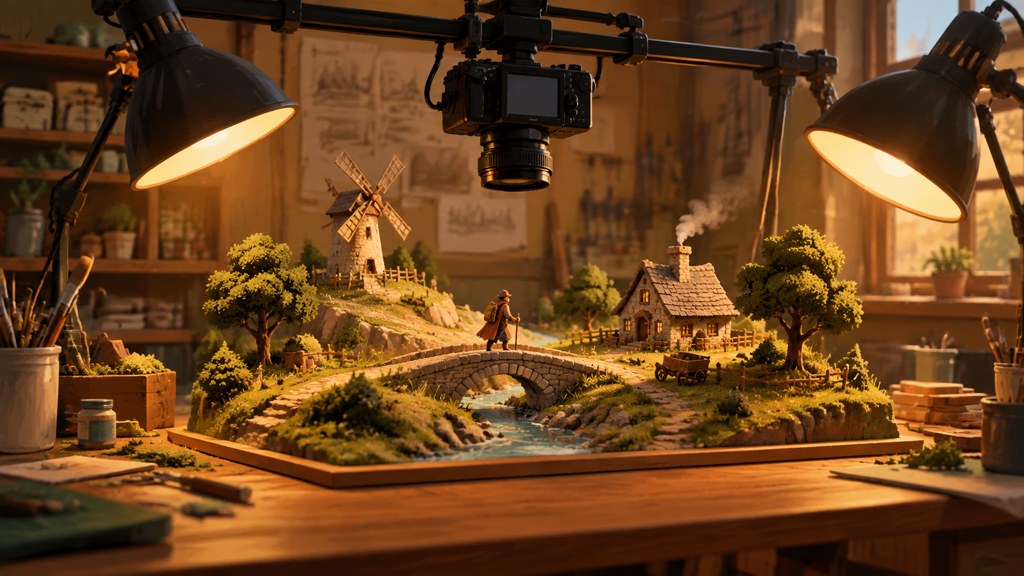
Learning how to make a stop motion video comes down to four mechanics: a locked camera, a fixed light, a movement small enough to read as motion, and a decision about how many film frames each photograph holds. Everything else is set dressing. This guide walks the shoot end to end, then covers the AI route people ask about, which produces the look without the patience but is a different job with different limits. Tool details below were read on their own pages on 7 September 2026.
What frame rate and hold does stop motion use?
Two numbers govern the feel. The playback rate is how many film frames run per second. The hold is how many of those frames each of your photographs occupies. Shoot one photo per frame and you get the smoothest, most expensive result. Hold each photo for two frames and you halve the work.
Wikipedia's entry on traditional animation puts the convention plainly: characters are often shot 'on twos', one drawing for every two frames of film running at 24 frames per second, giving 12 drawings a second, and it notes the fluidity stays acceptable for most subjects (Wikipedia, read 7 September 2026). Stop motion inherited the same arithmetic from drawn animation.
| Hold | Photos per second of screen time | Feels like |
|---|---|---|
| On ones | 24 | Fluid, close to live action, four times the shooting time |
| On twos | 12 | The classic animated look, and the default worth starting from |
| On threes | 8 | Deliberately choppy, good for comedy and for craft-paper styles |
| On fours | 6 | Reads as a slideshow unless the movement is large |
Pick the hold before you shoot, not in the edit. A ten-second scene on twos needs 120 photographs. The same scene on ones needs 240, and you will feel every one of them.
What do you need to shoot stop motion at home?
Less than you think, but the three things that matter cannot be improvised.
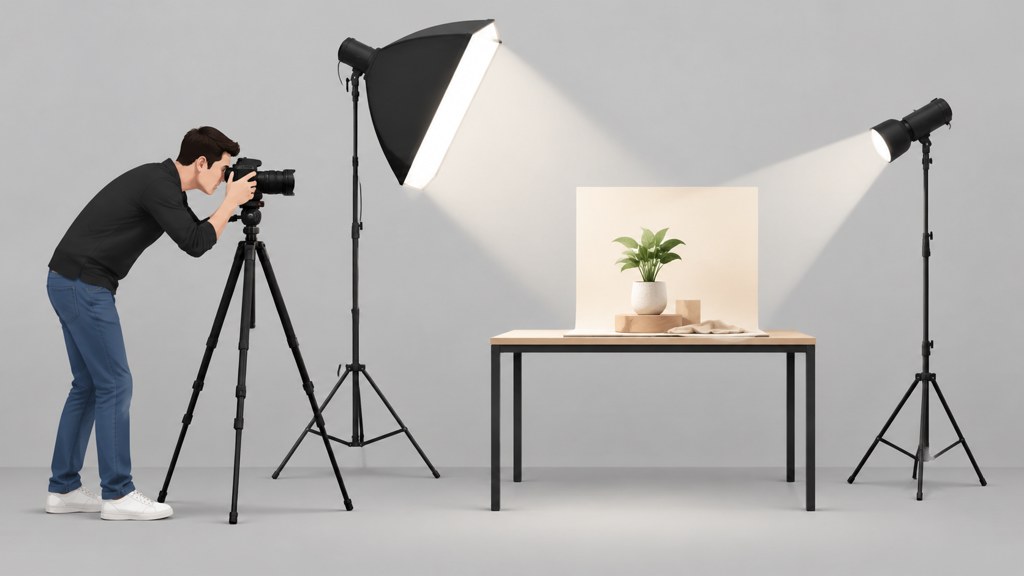
- A camera that does not move. A phone clamped to a cheap tripod beats a good camera held in a hand.
- Light you control. Two desk lamps in fixed positions beat a window, because the sun moves during a shoot and the window does not care about your schedule.
- A surface nobody will bump. Kitchen tables are the enemy of continuity.
- Manual exposure, manual focus and fixed white balance, so the camera stops making decisions between frames.
- Something to move: modelling clay, paper cut-outs, LEGO figures, a set of pens, a plate of food.
Tape everything down
Tape the tripod feet, the lamp bases and the backdrop edges to the surface. Ninety percent of unusable stop motion is a rig that shifted two millimetres between frame 40 and frame 41.
An onion-skin preview, where the app ghosts the previous frame over the live view, is the one piece of software that genuinely changes the result. It lets you judge the size of each move against the last position rather than guessing.
How do you make a stop motion video step by step?
Here is the full run of how to make a stop motion video, start to finish. Read it once before you begin, because the order matters more than any single setting.
- 1
Storyboard the beats, not the frames
Six sketches for a fifteen-second piece is plenty. You are deciding what changes, not drawing every position.
- 2
Build and light the set
Get the lamps where you want them and leave them. Turn off every other light in the room, including the one behind you.
- 3
Lock the camera down
Tripod, manual focus, manual exposure, fixed white balance, self-timer or a remote so you never touch the body.
- 4
Shoot a reference frame
One photo of the empty set. If anything drifts later, this is what you compare against.
- 5
Move small, shoot, repeat
Move the figure two to five millimetres for a walk, more for a fast gesture. Photograph after every move, never during.
- 6
Check every twentieth frame
Play back what you have. Catching a drifted lamp at frame 60 costs you 40 frames; catching it at frame 300 costs you the scene.
- 7
Assemble at your chosen hold
Import the stills as an image sequence and set the duration so each photo occupies two frames, or three for a rougher feel.
- 8
Grade last
Colour-correct the finished sequence in one pass so the whole scene shifts together rather than frame by frame.
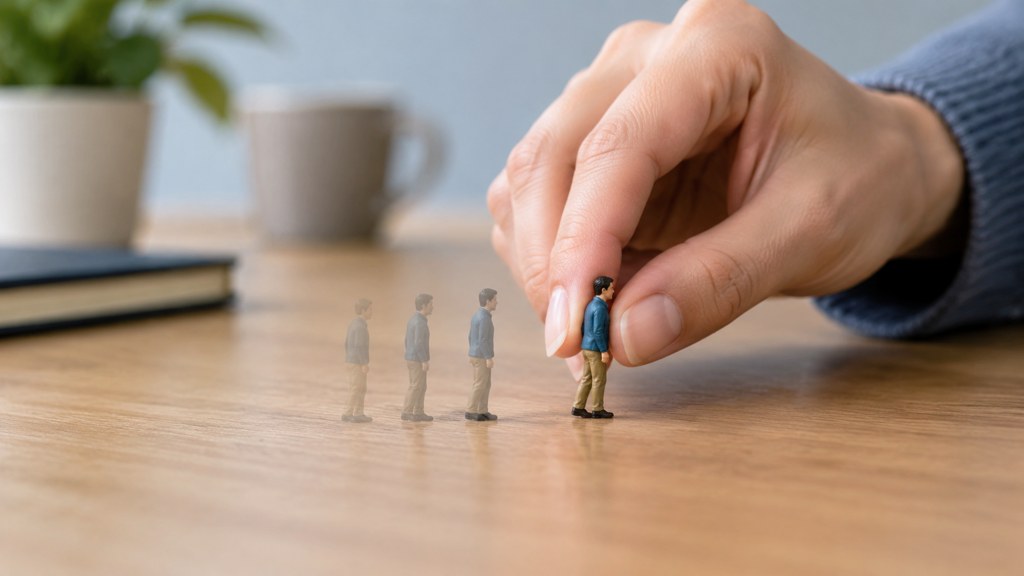
Search demand splits along the tools people already own, and the answer barely changes between them. Whether you are looking up how to make a stop motion video on iphone, how to make a stop motion video with photos on phone, or how to make a stop motion video on canva, the mechanics above are identical; only the import step differs.
How do you keep lighting consistent between frames?
Flicker is the signature failure of home stop motion, and it is almost always exposure rather than the lamps themselves.
- Switch the camera out of auto exposure. Auto re-meters every shot, and a hand entering the frame changes the reading.
- Lock white balance to a preset rather than auto, or the colour temperature will crawl across the sequence.
- Block daylight completely. Curtains, not blinds.
- Use lamps with the same bulb type. Mixing a warm bulb with a cool one gives you two shadows in different colours.
- Keep your body out of the light path when you reach in, or wear dark clothing so your reflection does not bounce back.
If a sequence still flickers, a deflicker pass in an editor will smooth it. DaVinci Resolve, currently at version 21 on the Blackmagic Design product page, has a free edition that handles image sequences and grading, which is where most people fix this without paying for anything.
What are good stop motion ideas to start with?
Good beginner stop motion ideas share one property: the subject cannot fall over.
- Objects assembling themselves: a sandwich building, a desk tidying, a jigsaw completing.
- Paper cut-outs sliding across a coloured sheet, which need no armature at all.
- A drawing that grows a line at a time, photographed from directly above.
- Clothing folding itself into a stack, a favourite of retail accounts because it needs no face.
- A plant or a candle changing across a long timelapse, which is the same discipline with a timer doing the work.
Studios are the reference point once you want to see the ceiling of the craft. Aardman, the Bristol studio behind decades of model animation, groups its work into film, television and games, short form and commercials, and licensing, and its site is a fair map of where the technique still earns money. For historical context, both the BFI and MoMA hold and programme animated work, which is a more reliable route to canon than a listicle.
How do you simulate stop motion with AI instead?
Two routes exist, and they are not equivalent. One generates a clip that imitates the stepped motion; the other genuinely renders discrete frames.
- 1
Generate a clip and ask for the cadence
In the video generator, describe the subject and add the timing you want: stepped movement, held poses, visible handmade texture. The model produces continuous motion styled to look stepped.
- 2
Animate a still with a fixed motion recipe
The photo animation template takes one photo and applies one of four motion styles, which gives you the movement without a rig.
- 3
Use a tool that actually steps the frames
The paper animation tool states on its page that it renders at 8 frames per second and that every frame is a separately torn and placed sheet rather than a tween, with four modes and no watermark on any export. That is the closest thing here to real stop motion arithmetic.
Model choice matters for the first route. Wan 2.7 takes a photo or a frame pair and holds a fixed frame shape, which suits a locked-off miniature set better than a model that likes to drift the camera.
Real stop motion vs AI simulation: which should you use?
Decide by what the video is for, not by which is more impressive.
- Choose real frames when the craft is the point: a maker video, a product with texture, anything where a viewer should feel the hand.
- Choose generated motion when the deadline is the point, or when the subject cannot physically be built.
- Choose the stepped paper tool when you want the cadence guaranteed rather than approximated.
- Choose neither when a simple cut would say the same thing faster.

On cost, generated routes are metered rather than free. The pricing page, read on 7 September 2026, lists a Free plan at 40 credits a month with a monthly refresh and charges by model, duration, resolution and output count. In LazyKiwi's workbench data (August 2026) the free five-second template was used by 15 external accounts, which is roughly the volume a single test session eats.

How do you add sound to a stop motion video?
Silent stop motion feels unfinished, because the eye expects a noise every time something lands. Build the track in three layers.
- 1
Contact sounds first
A tap, a scrape, a click on every landing. Record them yourself with a phone; a pencil on a table covers most of them.
- 2
A bed underneath
Room tone or a soft loop stops the cuts between silence and effect from sounding like dropouts.
- 3
Music last, and quietly
Cut the music to the beats you already animated instead of re-timing the animation to a track.
Any editor will do this. CapCut covers it on a phone and lists auto captions, text to speech and noise reduction among its audio tools, and Resolve covers it on a desktop with a full audio page. After Effects is the third common answer, though its help pages would not load for me on the day of writing, so I am not quoting a menu path for it.
What makes stop motion look wobbly or cheap?
Five faults account for nearly everything, and four of them are set before you shoot a single frame.
- Camera drift: the tripod moved, so the whole world wobbles under a still subject.
- Uneven move sizes: three millimetres, then eight, then two. The eye reads that as stumbling rather than walking.
- Exposure flicker from auto settings, which no amount of grading fully hides.
- Rushed easing: real movement accelerates and decelerates, so add extra frames at the start and end of a move.
- Fingers in frame, shadows of the animator, and a backdrop seam that appears halfway through the shot.
None of these are talent problems. They are checklist problems, and a printed checklist taped next to the set fixes more of them than any amount of practice. No Film School is a reasonable place to keep reading on the production side once the mechanics stop being the obstacle.
Key takeaways
- Choose the hold before shooting: on twos gives 12 photographs per second of screen time and is the sane default.
- A locked camera, fixed lamps and manual exposure remove the two faults that ruin most home attempts.
- Move two to five millimetres per frame for a walk and check playback every twentieth frame.
- AI routes imitate the cadence; the paper animation tool actually steps frames at 8 fps, which is closer to the real thing.
- Sound is three layers: contact noises, a bed, then music cut to the animation rather than the reverse.
Video Workflows Editor
Daniel Okafor
I run the same clip through every video model we ship and write down what actually changes: motion, timing, cost, and where each one falls apart.
FAQ
Common questions
How many photos do I need for a 30-second film?
On twos at 24 frames per second that is 12 photographs for every second, so roughly 360 for thirty seconds. On ones it doubles to about 720. Shoot a ten-second test at both holds before committing, because the difference in effort is far bigger than the difference on screen.
What is the easiest way to learn how to do stop motion on a phone?
Clamp the phone so it cannot move, switch to manual or locked exposure and focus, and use an app with onion-skin preview so you can see the previous frame under the live view. The phone is rarely the limitation; the tripod and the lighting are.
Can AI make a stop motion video for me?
It can imitate the look. A generated clip styled with held poses and handmade texture reads as stop motion at a glance, and the paper animation tool renders genuinely stepped frames at 8 fps. Neither gives you the physical set that makes a maker video worth watching.
What frame rate should I export at?
Export at the timeline rate, usually 24 or 30 frames per second, and control the feel through the hold instead. Exporting at 12 frames per second to force a choppy look causes playback problems on some platforms, while a two-frame hold on a 24 fps timeline plays anywhere.
Why does my footage flicker even with the lights on?
Auto exposure is the usual cause: the camera re-meters every shot and your hand entering the frame changes the reading. Lock exposure, focus and white balance, curtain off any daylight, and use bulbs of the same type. A deflicker pass in an editor cleans up what is left.
Try the generated route in a minute
Describe a stepped, handmade-looking sequence and see how close a generated clip gets before you build a set.
Related reading
How to Make a Music Video on a Small Budget
Treatment, shot list, generation and edit: a repeatable pipeline for a music video made with AI clips, timed to the track.
8 min read
Claymation: How It Is Made and How to Fake It
What clay animation involves, why it takes so long, and the two routes to that look today: build it physically or generate the texture.
8 min read
How to Remove Objects From Video Without Smears
Erase a passer-by, a boom mic or a logo from a clip: masking across frames, what breaks tracking, and the free routes that hold up.
8 min read
AI Animation Generator: Animate Illustrations Into Clips
Turn a drawing or still into motion with an AI animation generator: image-to-video steps, text and anime routes, free tiers checked today and fixes.
10 min read