
Dreamina AI Review: Seedance, Pricing and Alternatives
Dreamina AI reviewed from its CapCut-hosted pages on 15 October 2026: the models it exposes, what is free, what each plan costs, and where to go instead.
 Priya Sharma 10 min read
Dreamina AI is ByteDance's consumer studio for AI images, videos and talking avatars, published under the CapCut brand at dreamina.capcut.com. It matters for one reason above all others: it is where the Seedance video models and the Seedream image models show up first, before API resellers and aggregators get them. It also has a crowded search result, with half a dozen unrelated sites using the same name. This review reads only the official pages as they stood on 15 October 2026: the homepage, the pricing page, the Seedance 2.5 and Seedream 5.0 Pro model pages and the CapCut site. No benchmark was run; the point is to tell you what Dreamina offers, what it charges, how it connects to CapCut, and which alternatives fit when it does not.
What is Dreamina AI, and who makes it?
The homepage calls Dreamina an all-in-one AI creative platform that generates cinematic images, dynamic videos and realistic talking avatars from text prompts, photos or audio. The site lives on a CapCut subdomain, the sign-in dialog offers Google, email, TikTok, Facebook and a CapCut Mobile QR option, and the CapCut homepage lists Dreamina under its Products menu as an image and video maker. CapCut itself is owned by ByteDance, the company behind TikTok, per Wikipedia. A Chinese-language counterpart from the same company also ranks for the name.
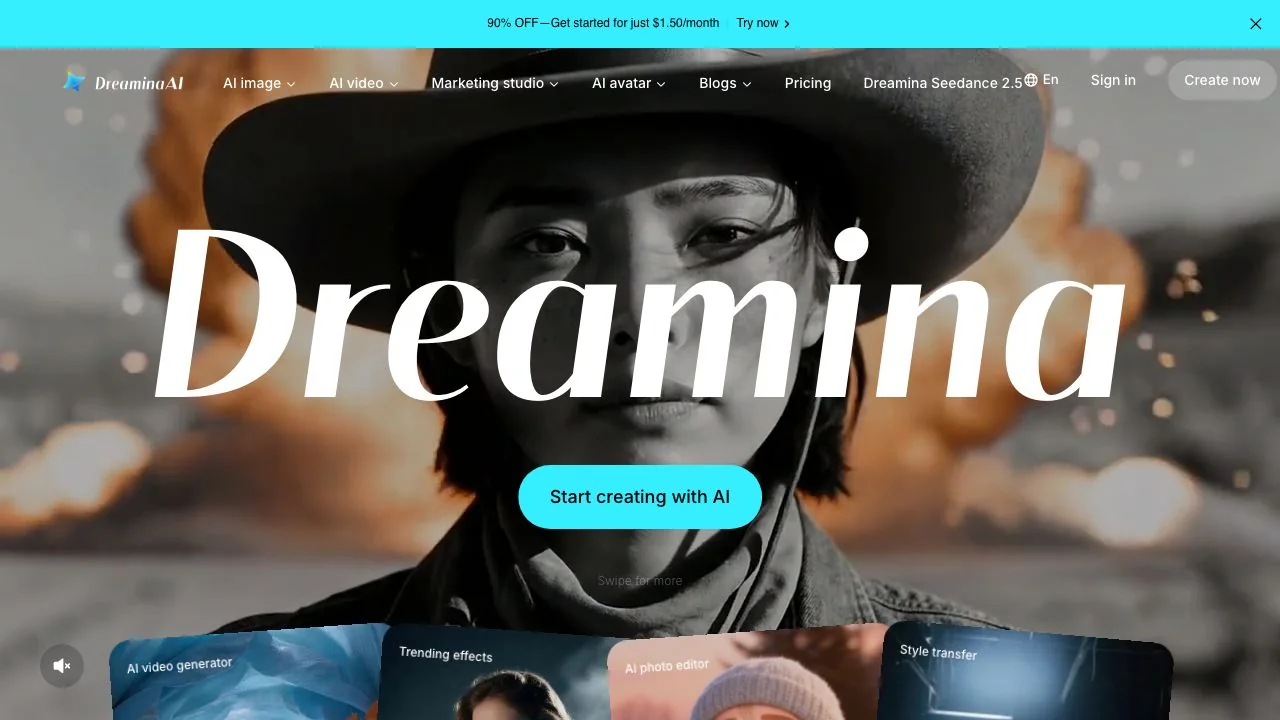
That ownership is the whole story of any Dreamina AI review. ByteDance's Seed research group builds Seedance and Seedream, and Dreamina is the first consumer surface for them. The navigation on the day we checked was organised around four product groups: AI image, AI video, Marketing studio and AI avatar, with a dedicated entry for Dreamina Seedance 2.5 in the top bar.
Dreamina AI video: Seedance 2.5, Seedance 2.0, Veo 3.1 and Sora 2
The footer's video menu named five options: Dreamina Seedance 2.5, Dreamina Seedance 2.0, its Mini variant, plus Google's Veo 3.1 and OpenAI's Sora 2. The in-house ones are the draw. The Seedance 2.5 page states that the model is officially live worldwide with first access on Dreamina, and lists these capabilities:
- Clips up to 30 seconds in standard mode, extendable to 180 seconds in a beta long-video mode.
- Up to 50 multimodal inputs in one generation: text, scripts, reference photos, videos, music and style guides.
- R2V references, meaning green-screen footage or white-model previz used to control movement, framing and blocking.
- Local edits that replace an object or fix a detail while keeping lighting, motion and audio in place.
- Native-language creation in Chinese, English, Spanish, Indonesian, Malay, Thai, Arabic, Portuguese, Vietnamese, Japanese and Korean, and clean 4K output without stray subtitles or background music.
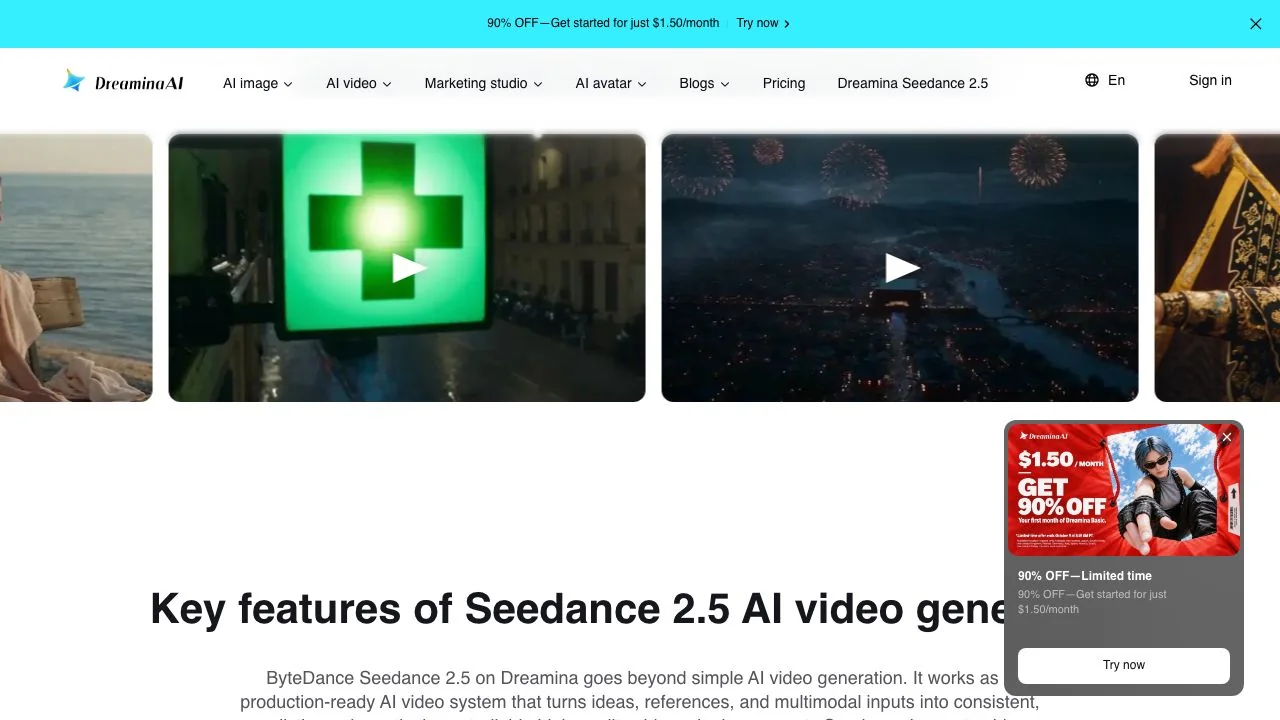
ByteDance's own Seed page for Seedance 2.5 describes it as an audio-video joint generation model that creates up to 30 seconds in one pass with the option to extend twice, which matches the Dreamina copy. The steps the model page gives are simple: open AI Video, add references with the plus button, pick Dreamina Seedance 2.5, set aspect ratio and duration, generate, then download.
Veo 3.1 and Sora 2 are listed as alternatives inside the same prompt box, each with its own landing page. Their presence is the reason Dreamina reads less like a single-model app and more like a small aggregator built around one family.
Dreamina AI image: Seedream 5.0 Pro, 5.0 Lite and Nano Banana Pro
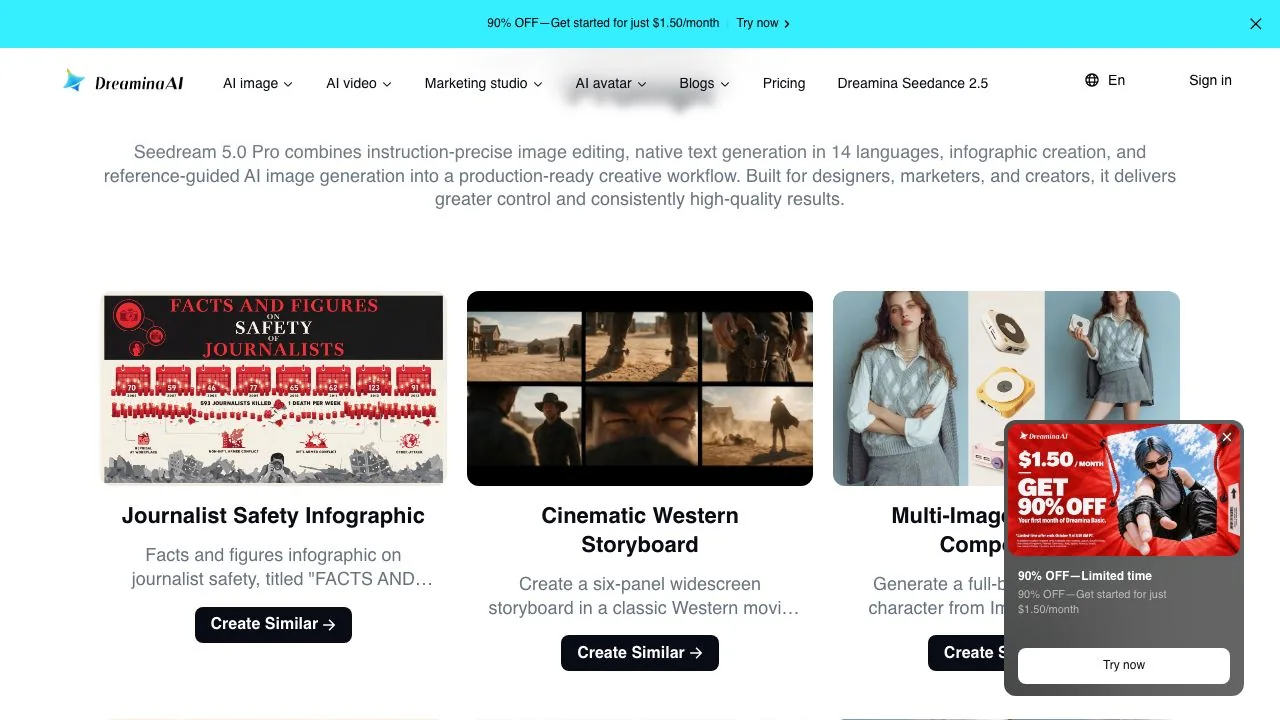
On the image side the footer named Seedream 5.0 Pro, Seedream 5.0 Lite and Nano Banana Pro. The Seedream 5.0 Pro page promises instruction-precise editing with point, lasso and sketch selection, native text in 14 languages, one-pass infographic generation, layer separation into subject, background, text and effects, built-in web search for current references, and 2K output. The homepage adds that the Pro model is the default suggestion for posters, memes, stickers and book covers.
Beyond the models, the Resources menu lists small tools built on them: logo generator, AI posters, meme generator, AI headshots, AI comic maker, AI clothes changer, AI book covers, AI face swap and a bulk image generator. The AI avatar group covers avatar maker, anime avatar, talking avatar, photo to avatar, text to speaking avatar and a brand avatar product aimed at sellers.
Is Dreamina free? Credits, the watermark and the 90% offer
Dreamina is free to start, and the homepage says so plainly: free daily credits for images and videos with no upfront payment. The pricing FAQ repeats that there is a free option with available credits and that paid plans add credits and benefits. Neither page prints the size of the daily allowance, so we do not either. Two things the free tier does not include are visible in the Basic plan card: watermark removal (the card lists Remove the Dreamina watermark in downloads as a paid benefit) and extending video length.
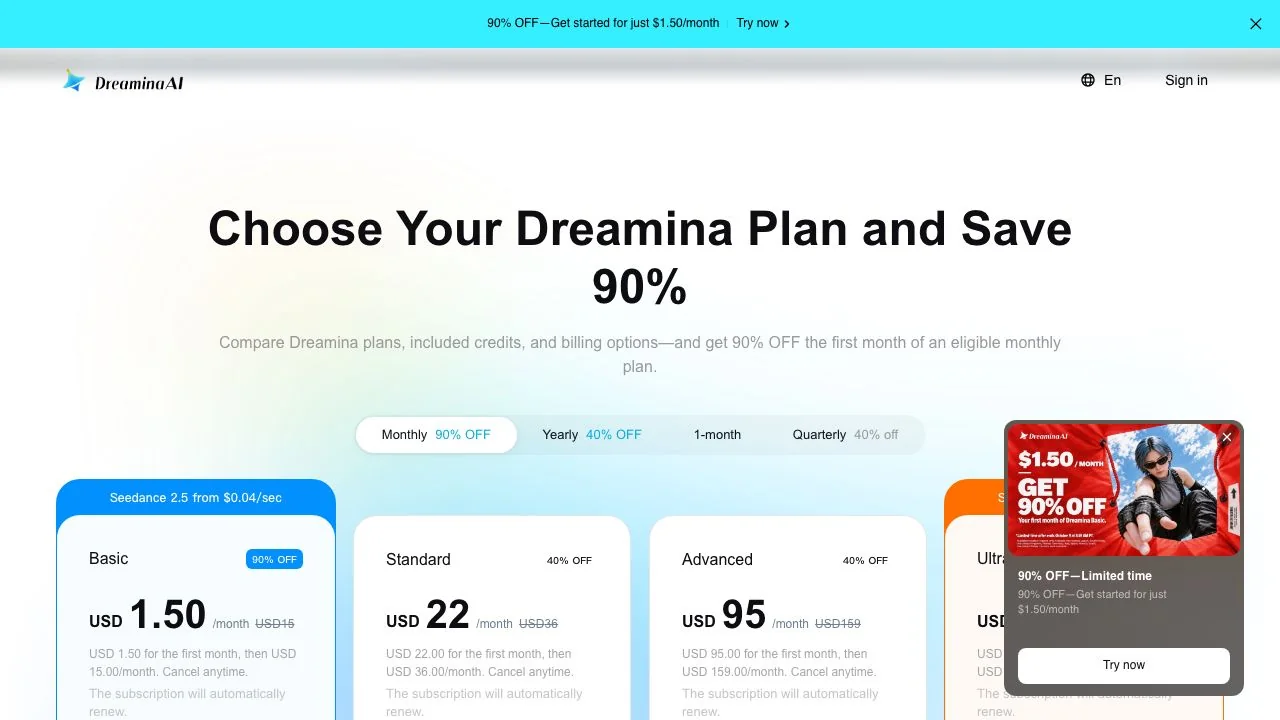
The 90% OFF promotion deserves a note. The page states an offer period of 23 September to 9 October 2026, yet the banner, the pop-up and the discounted first-month prices were all still live when we opened the page on 15 October. The small print also says the USD 1.50 price applies to credit card, debit card and PayPal, with other payment methods charged USD 15, and that displayed pricing is for reference until you sign in.
If you only want to try Seedance 2.5, the free daily credits are enough for a short test, but every download will carry the Dreamina watermark until you subscribe.
Dreamina pricing: Basic, Standard, Advanced and Ultra compared
Four plans were listed on 15 October 2026, each with a monthly, yearly (40% off) and quarterly option. The table uses the standard monthly prices; the first-month discounts are shown separately because they apply once.
| Plan | Standard monthly price | First month (promo) | Credits per month | Stated video allowance | Seedance discount |
|---|---|---|---|---|---|
| Basic | USD 15 | USD 1.50 | 1,575 | 19 videos of 10 seconds | Save 43% on Seedance 2.0 Fast at 720p |
| Standard | USD 36 | USD 22 | 3,885 | 48 videos of 10 seconds | Save 57% on Seedance 2.5 at 720p |
| Advanced | USD 159 | USD 95 | 17,600 | 220 videos of 10 seconds | Save 57% on Seedance 2.5 at 720p |
| Ultra | USD 520 | USD 312 | 59,000 | 737 videos of 10 seconds | Save 76% on Seedance 2.5 at 720p |
All four plans carry the line Official Seedance access, which is the pitch: this is where the model is native rather than resold. The Basic card advertises Seedance 2.5 from $0.04 per second while the Ultra card says from $0.05 per second; the two figures do not line up, so treat per-second costs as indicative until you see the credit price inside the generator. Standard and above also list a 60% credit saving on GPT Image 2.5.
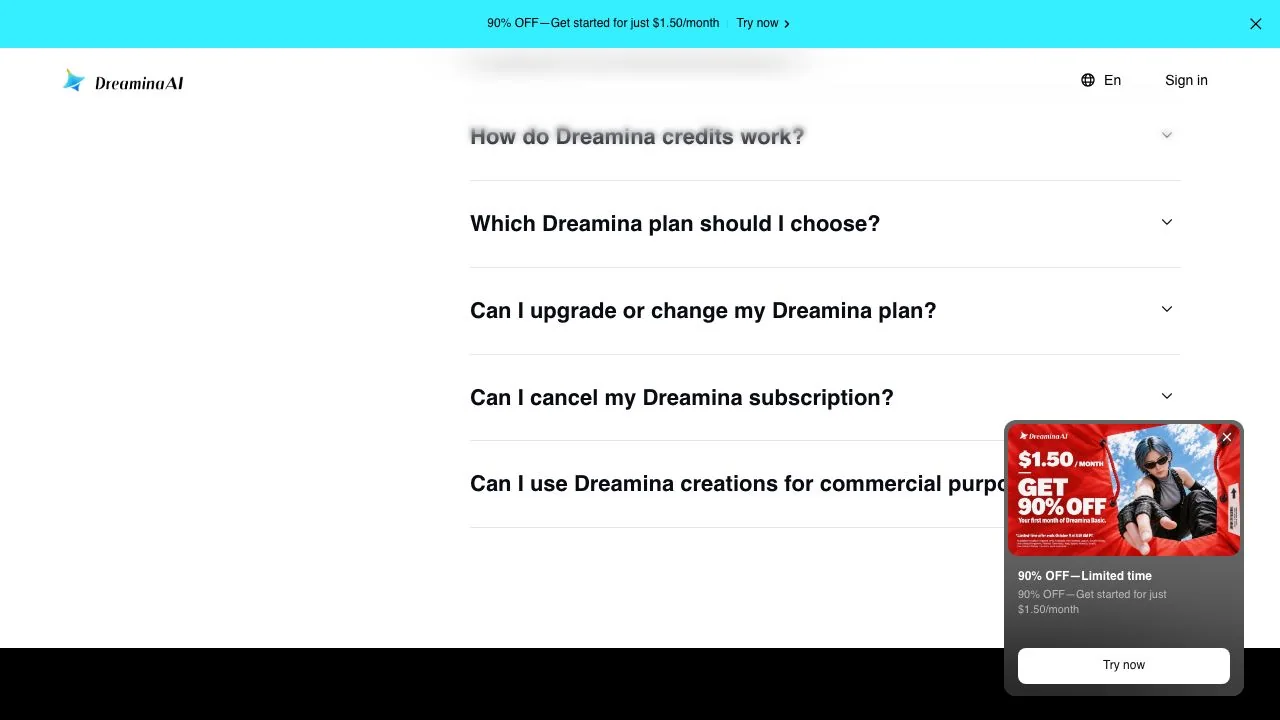
On commercial use, the FAQ does not give a yes or no. It says eligibility depends on the terms, the content and the models involved, and tells you to read the Terms of Service before using outputs commercially. If you sell what you make, that sentence is the one to read twice.
Dreamina vs CapCut: how the two products fit together
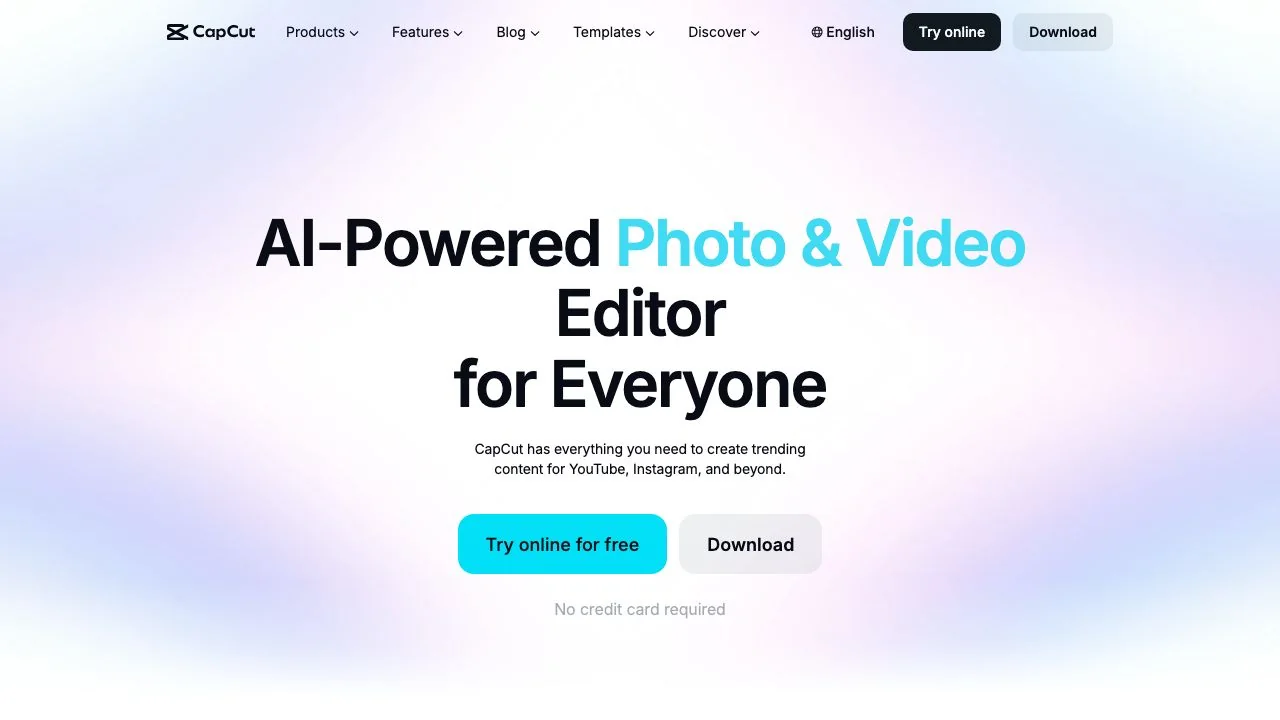
People search for Dreamina vs CapCut as if they were rivals. They are two doors into the same house. CapCut is the editor, free to try in the browser or as a download, and its homepage promotes Dreamina Seedance 2.5 in its feature list. Dreamina is the generator: it makes the clips, stills and avatars that you then cut, caption and export in CapCut. The shared account is the practical link; the Continue with CapCut Mobile option in the Dreamina login dialog lets you scan a code from the phone app.
- Choose Dreamina when the job is generation: a Seedance 2.5 clip, a Seedream 5.0 poster, a talking avatar.
- Choose CapCut when the job is editing: trimming, captions, templates for TikTok and YouTube Shorts, export presets.
- Expect to use both for anything you publish, which is exactly what ByteDance intends.
Which Dreamina site is the real one?
The search results for the brand name are unusual. Besides the official site, we found dreaminai.app, dreamina.art, dreamina-ai.com, dreaminai.net and dreamina-ai.pro on the first page. We opened two of them. dreaminai.app trades under the Dreamina name with its own pricing page and a support address on its own domain, and its page carries no link to CapCut or ByteDance. dreamina.art calls itself the Dreamina official website, offers a daily free image allowance, and likewise shows no ByteDance connection in the copy we read. We cannot say what models those sites run; we can say that neither is the CapCut-hosted product this review is about.
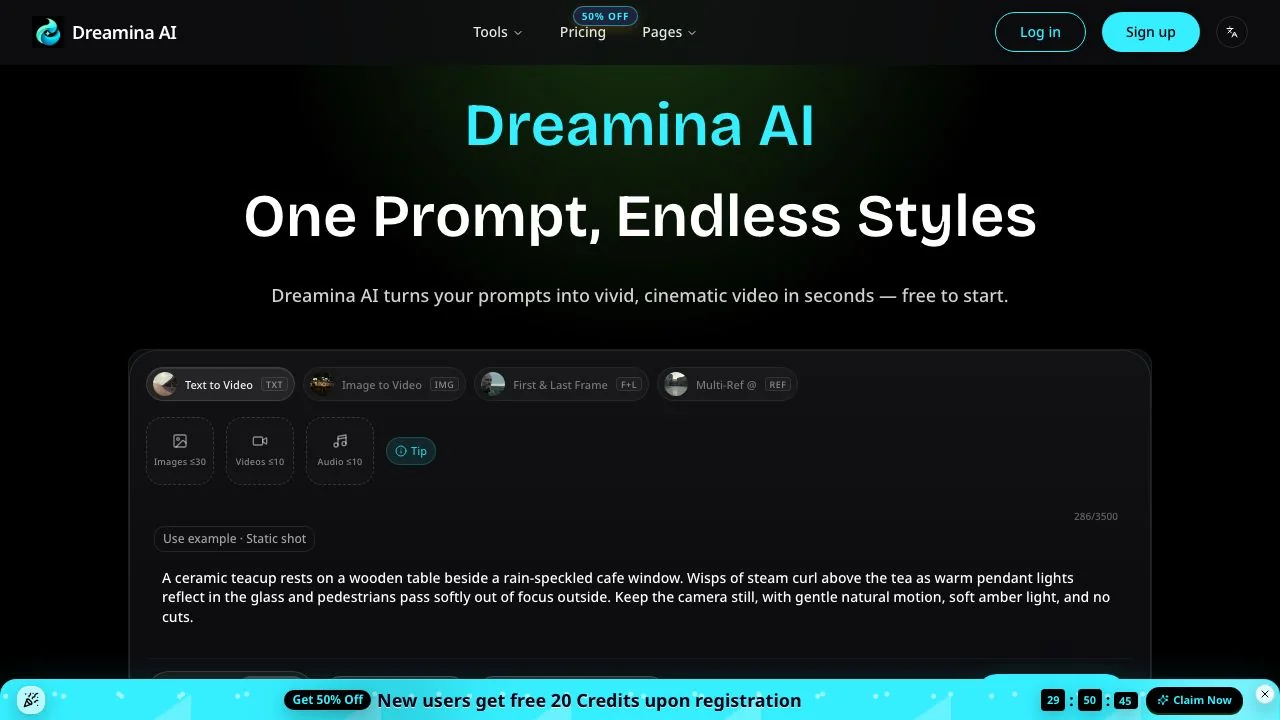
The rule is simple: the official product is on the capcut.com domain, signs you in with a CapCut or TikTok account, and sells plans in USD with the credit figures above. Anything else is a third party trading on the name.
Dreamina alternatives: where to go for the same models
Dreamina alternatives split into two groups: other studios that resell the Seedance and Seedream models, and studios built around a different flagship. Each row quotes the tool's own pricing or homepage as read on 15 October 2026.
| Tool | Seedance or Seedream access | Free tier, as stated | Paid entry point | Best for |
|---|---|---|---|---|
| [PixVerse](https://pixverse.ai/) | Seedance 2.5 and 2.0 behind the Pro tier; Seedream 4.0 to 5.0 Pro on paid tiers | Basic tier with 30 credits a day, 540p output and a watermark | Standard from $8 a month yearly; Seedance needs Pro at $24 | Template effects and the mobile app |
| [Runway](https://runway.com/pricing) | Seedance 2.0 Pro and Fast | One-time allowance of 125 credits | Standard from $12 a month on the yearly plan | Editing-led workflows with Gen-4.5 and Aleph |
| [Google Flow](https://flow.google.com/) | None; Veo 3.1 and Gemini Omni Flash only | A daily allowance of 50 credits for any Google account | Google AI Plus at $4.99 or AI Pro at $19.99 a month | Veo 3.1 with frames, ingredients and extend |
| [Kling AI](https://kling.ai/) | None; Kling 4.0 and Kling Image 3.0 | No free allowance printed on the plans page | $6.99 for the first month of Standard, $8.8 after that | Kling's own flagship |
| [LazyKiwi](/video-generator) | Seedance 2.5 and Seedream 5.0 on every account | Free credits on sign-up | Cost shown per generation before you confirm | Mixing Seedance with Sora 2, Veo 3.1 Lite and Kling v3 Omni |
If Seedance is the point, Dreamina is still the first stop, because new versions land there first and the credit discounts are tied to it. PixVerse and Runway resell Seedance 2.0 era models behind a paid tier. Google Flow and Kling do not carry it at all and are better understood as alternatives to the Seedance model rather than to the Dreamina app.
When LazyKiwi is the better fit than Dreamina
LazyKiwi is an aggregator, not a ByteDance product, so it will never be the first place a new Seedance version appears. What it offers instead is the same two families without a plan requirement and next to their competitors. The video generator runs Seedance 2.5 at up to 30 seconds and 21:9 through 9:16, alongside Sora 2, Veo 3.1 Lite, Kling v3 Omni and Wan 2.7, and the image generator runs Seedream 5 next to GPT Image 2, Nano Banana, Z-Image and Qwen Image. New accounts start with free credits, and the credit cost appears before you generate.
- Pick LazyKiwi when you want to A/B the same prompt across Seedance and a rival model without two subscriptions.
- Pick LazyKiwi for the single-purpose tools Dreamina spreads across its Resources menu: the AI Clothes Changer for outfit swaps, the AI Headshot template for portraits, and Character Swap for replacing a person in a video.
- Pick Dreamina when you need the 180-second beta mode, 50-reference inputs, the avatar products, or a direct hand-off into CapCut.
- 1
Write one brief
Name the subject, the camera move, the duration and the sound you want. Keep it under 80 words so both tools see the same instruction.
- 2
Run it on Dreamina with Seedance 2.5
Use the free daily credits at the default settings and note the watermark on the download.
- 3
Run it on LazyKiwi with Seedance 2.5, then one rival
Match the duration and aspect ratio, check the credit price shown before confirming, and generate a Kling v3 Omni or Sora 2 version of the same brief.
- 4
Decide on the edit, not the preview
Drop all three clips into CapCut or your editor at publishing size, and pay for the one that survives the cut.
Is Dreamina worth it in 2026? Our verdict
- Yes, for a free account, if you want to see Seedance 2.5 and Seedream 5.0 Pro before anyone else resells them; expect a watermark on free downloads.
- Yes, for the Basic plan at USD 15 a month (USD 1.50 for the first month while the promotion runs) if you make a handful of clips a month and already edit in CapCut.
- Think twice about Advanced or Ultra unless you need hundreds of 10-second clips a month; at those volumes compare the per-second Seedance pricing with API resellers.
- Skip the look-alike sites entirely. The official product is the one on the CapCut domain.
The short version of this review: a first-party Seedance and Seedream studio with a generous free start and a confusing promotion, best used in tandem with CapCut and tested against an aggregator before you commit to a plan.
Key takeaways
- Dreamina is ByteDance's consumer studio, hosted at dreamina.capcut.com and listed as a CapCut product; several unrelated sites use the same name.
- Video options named on the site: the Seedance 2.5, 2.0 and 2.0 Mini models plus Veo 3.1 and Sora 2; image options: Seedream 5.0 Pro, 5.0 Lite and Nano Banana Pro.
- Seedance 2.5 on Dreamina advertises 30-second clips, a 180-second beta mode, up to 50 references and 4K output.
- Free daily credits are real but unsized; the watermark comes off only on a paid plan, starting with Basic at USD 15 a month (USD 1.50 for the first month during the promotion).
- LazyKiwi runs Seedance 2.5 and Seedream 5 next to Sora 2, Veo 3.1 Lite and Kling v3 Omni with free credits on sign-up, which makes it the natural place to A/B the brief.
Creator Growth Editor
Priya Sharma
I study what makes short-form content spread, then turn the pattern into something you can repeat on a Tuesday afternoon without a studio.
FAQ
Common questions
Is Dreamina AI free to use?
Yes, to start. The homepage promises free daily credits for images and videos with no upfront payment, and the pricing FAQ confirms a free option. The amount is not published. Free downloads keep the Dreamina watermark; removing it, and extending video length, are benefits of the paid plans beginning with Basic.
Is Dreamina the same as CapCut?
No, but they belong together. CapCut is ByteDance's video editor; Dreamina is the generation studio hosted on a CapCut subdomain that makes the clips, images and avatars you edit in CapCut. They share a login, and the CapCut homepage lists Dreamina under its Products menu.
Which Seedance version does Dreamina offer?
On 15 October 2026 the site listed Dreamina Seedance 2.5, Seedance 2.0 and the 2.0 Mini variant, and the Seedance 2.5 page said the model is live worldwide with first access on Dreamina. Veo 3.1 and Sora 2 appear as further choices in the same generator.
Is dreaminai.app or dreamina.art the official Dreamina?
Neither is the CapCut-hosted product. Both present themselves under the Dreamina name, but the pages we read show no link to CapCut or ByteDance, use their own support addresses and sell their own plans. The official site is dreamina.capcut.com, which signs you in with Google, email, TikTok, Facebook or CapCut Mobile.
What is a good Dreamina alternative for Seedance?
LazyKiwi runs Seedance 2.5 and Seedream 5 on every account with free credits on sign-up, next to Sora 2, Veo 3.1 Lite and Kling v3 Omni, so you can compare the same prompt across models. PixVerse and Runway also resell Seedance 2.0-era models, but behind their paid tiers.
Compare Seedance 2.5 with its rivals in one workbench
Run the brief you wrote for Dreamina on LazyKiwi's Seedance 2.5, then on Kling v3 Omni or Sora 2, with the credit cost shown before each generation.
Related reading

Seedance Explained: Versions, Access and Limits
What Seedance is, how the 2.0 and 2.5 releases differ on length and ratio, where Dreamina fits, and how it lines up against Veo and Kling today.
9 min read
Nano Banana 2.1 vs Pro: Price, Specs and Which to Use
Nano Banana 2.1 vs Pro from Google's own model card and price list: what each costs per image, where 2.1 wins, and the jobs Pro still does better.
8 min read
Best AI Video Editor in 2026: 7 Picks, Free and Paid
Seven of the best AI video editors compared on prices checked today, free tiers, captions, text-based cuts and generative tools, plus where LazyKiwi fits.
10 min read
How to Make an AI Video From a Photo (Without Weird Motion)
How to make an AI video from a photo that holds the face: source-photo rules, motion-only prompts, and Kling v3 Omni, Wan 2.7 and Hailuo 2.3 Fast compared.
9 min read