
Extract Audio from Video in MP3, M4A or WAV
Upload a video, choose MP3, M4A or WAV, and download the soundtrack on its own. Clips can be anything from one second to five minutes, so it covers the sound from a Reel, a TikTok, a voiceover take, an AI-generated video or a short interview — but not a full-length film or a whole podcast episode.
What it is
The sound from your clip, as its own file.
Extracting audio from a video means taking the sound track that is already inside the video file — music, voice, ambient noise, all mixed together as they play — and saving it as a standalone audio file you can use anywhere. A video file is really a container holding a picture stream and a sound stream side by side; extraction keeps the sound stream and drops the picture. That is slightly different from converting, which changes a file from one format into another: when you extract to MP3 or M4A, the audio is also encoded into that format, and when you extract to WAV it is written out uncompressed. This tool does exactly that one job. You upload a video of up to five minutes, pick one of three output formats, and download the result. It does not split vocals from music, remove background noise or trim the audio; what comes out is the complete soundtrack of the clip you uploaded. The five-minute limit fits the clips people most often want the sound from: short-form social video, voiceover takes, short interviews and the clips that AI video generators produce.
How it works
How to extract audio in three steps
Upload a clip up to 5 minutes
Choose the video file from your computer or phone. If the video is longer than five minutes, trim it first to the section whose sound you want.
Pick MP3, M4A or WAV
MP3 for playing and sharing anywhere, M4A for Apple devices and smaller files at good quality, WAV for editing and further processing.
Download the audio
The workbench shows the credit cost before you run it. When the file is ready, download it and drop it into your editor, DAW or transcription tool.
MP3 vs M4A vs WAV: which should you pick?
All three hold the same sound; the difference is how it is stored. MP3 and M4A are compressed formats: they discard parts of the signal that are hard to hear to keep files small, and both are good enough for listening, sharing and most social use. MP3 is the most universally supported — practically every device, app and website accepts it. M4A, which usually holds AAC audio, tends to sound a little better than MP3 at the same file size and is the native choice on iPhone, Mac and many video apps. WAV is an uncompressed format, so it adds no compression step of its own, which makes it the right choice if you are going to edit, mix, apply effects or re-export the audio later. The trade-off is size: WAV files are far larger, though for a short clip that rarely matters; a five-minute WAV is roughly 50 MB.
- MP3: plays everywhere, small files
- M4A: good quality at small size, Apple-friendly
- WAV: uncompressed, best for editing and mixing
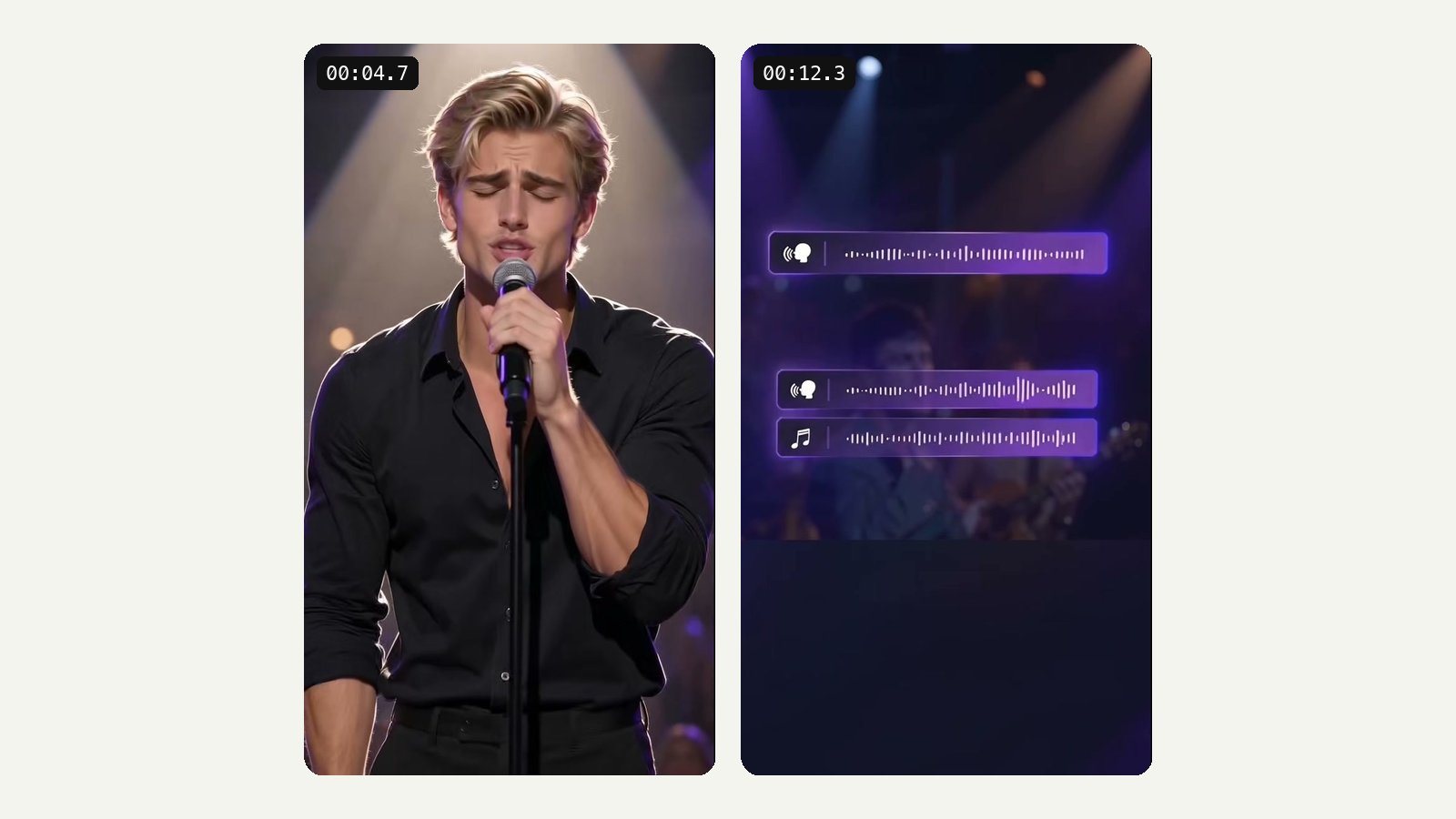
Extract music and voice from AI-generated videos
More and more AI video models generate sound along with the picture: background music, ambient noise, sometimes dialogue. That audio is often the part worth keeping — a short score that fits the mood, a sound effect you could not easily find elsewhere, a line of generated speech you want to reuse under different footage. AI clips are short by nature, so they sit comfortably inside this tool's five-minute limit. Generate a clip in the LazyKiwi video generator or with a model such as Seedance, then bring the downloaded clip here to save its soundtrack as a separate file. You can also go the other way: keep the audio aside, restyle the picture with video to video or change the background, and put the original sound back in your editor.
- Keep the soundtrack from generated clips
- Reuse music, effects or voice under new footage
- Pairs with restyle and background tools
Supported inputs and what the tool does not do
The tool accepts video clips from one second up to five minutes long. That covers social clips, voiceover takes, short interviews and AI-generated video, but it is worth being clear about the limit: this is not the tool for pulling the audio from a full lecture, a wedding film or a whole episode. For those, you will want a desktop editor or a converter that handles long files. You upload a file from your device; there is no option to paste a link to YouTube, TikTok or any other site. The output is the whole mixed soundtrack of the clip. Vocal separation, noise removal, trimming, fades and volume changes are not part of this tool, so if you need them, export WAV and do that work in an audio editor afterwards.
- Upload a video file of up to 5 minutes
- No link pasting, no vocal separation, no trimming
- Longer video? Trim to the section you need first
Getting the best-sounding file
The audio you get out can never be better than the audio already inside the video. A clip that has been downloaded, re-uploaded and screen-recorded several times will have lost quality along the way, and no export format will bring it back. So start from the best copy you have: the original recording from your phone, the file your generator produced, or the export from your editor rather than a copy that went through a messaging app. Choose WAV if you plan to edit, because it avoids adding another round of compression on top of what the video already had. Choose MP3 or M4A if the file is the final destination — a clip to send, a sound to upload, an audio note to keep. And check the clip before uploading: if the sound you want starts after the first few seconds, trim the video so it starts closer to that moment.
- Start from the original file, not a re-upload
- WAV for editing, MP3 or M4A for final use
- Trim the video first to the sound you need
Whose audio is it?
Extracting a sound is technically easy; having the right to reuse it is a separate question. Audio you recorded yourself, voiceovers you made, and sound from AI clips you generated are generally yours to work with, subject to the terms of the tool that generated them. Music from someone else's video, a trending sound on a platform, or a song playing in the background of your own clip usually belongs to someone else, and reusing it outside the platform where you found it can break copyright rules or platform terms. When in doubt, use the extracted file for private reference, transcription or editing practice, and license music properly for anything you publish.
- Your own recordings: usually yours to reuse
- Other people's music: check the rights before publishing
- Platform sounds may be licensed only on that platform
Why LazyKiwi
Why use this for clips
Three formats
MP3, M4A or WAV from the same upload, so you pick the one that fits where the audio is going.
One job, done plainly
Upload, choose a format, download. No settings to learn and nothing to install.
Fits AI video workflows
Sits next to the video generator, so generated clips and their sound stay in one workbench.
Clear about limits
Takes clips up to five minutes. If your video is longer, we say so up front on this page.
Price before you run
Extraction is paid in credits, and the workbench shows the exact cost before anything runs.
Next steps in the same place
Restyle the picture with video to video or extend the clip and keep the sound aside.
FAQ
Extracting audio from video
How do I extract audio from a video?+
Upload a video of up to five minutes, choose MP3, M4A or WAV as the output, and run the extraction. When it finishes, download the audio file. The workbench shows the credit cost before you start.
What audio formats can I download?+
Three: MP3, M4A and WAV. Those cover almost every use, from sharing a sound on a phone to editing it in a professional audio app. Other formats such as FLAC or OGG are not offered.
Should I choose MP3, M4A or WAV?+
MP3 if you want a small file that plays on anything. M4A if you are on Apple devices or want slightly better quality at the same size. WAV if you are going to edit, mix or process the audio, because it is uncompressed and avoids another round of compression.
How long can my video be?+
Anything from one second to five minutes. That covers social video, voiceover takes, sound effects, short interviews and AI-generated clips. It is not designed for full-length videos.
My video is longer than 5 minutes — how do I extract its audio?+
Trim it to the section you need — five minutes or less — using your phone's built-in editor or any video editor, and upload that section. If you need the audio from a long video in one piece, a desktop editor or a converter built for long files is a better fit than this tool.
Which video formats can I upload?+
Standard video files from your phone, camera, editor or AI generator. The upload box shows which formats it accepts; MP4 is the most widely compatible choice if you are exporting a clip specifically for this.
Does extracting audio reduce sound quality?+
The sound can never be better than what is already in the video. MP3 and M4A are compressed formats, so exporting to them adds a round of compression; at normal listening levels that is hard to notice. WAV is uncompressed, so it adds no further loss, but it cannot restore detail the video's audio had already lost.
Can I extract audio from an AI-generated video?+
Yes, as long as the clip has an audio track. Many current video models generate sound with the picture. Download the clip from the generator — for example the LazyKiwi video generator — and upload it here. If the generated clip is silent, there will be nothing to extract.
Can I extract the sound from a TikTok or Reels clip I saved?+
If you have the video file saved on your device and it is five minutes or shorter, yes. Keep in mind that sounds on those platforms are often licensed music; reusing them outside the platform may not be allowed.
Why is my extracted audio silent or very quiet?+
The tool saves the soundtrack exactly as it exists in the video, so a silent result almost always means the clip itself has no audio, or only a very quiet one. Screen recordings made without system sound, clips exported from an editor with the audio muted, and some AI-generated videos have an empty or near-empty track. Play the video with sound before uploading; if you cannot hear anything there, there is nothing for the extractor to pull out.
Related tools:AI Video Extender GIF to MP4 Add Text to Video
Use cases
What people pull audio out for
Sounds from Reels and TikToks you made
Keep the original audio of your own short-form clip to reuse under a new edit or a follow-up post.
Soundtracks from AI-generated clips
Save the music, ambience or voice that a video model generated with the picture, and use it elsewhere in your project.
Voiceover takes
You recorded the voiceover on camera. Pull it out as WAV and lay it over B-roll in your editor.
Transcription and captions
Many transcription tools take audio files more happily than video. Extract a short clip's sound and feed it in. A short, clean file is also easier to check and correct by ear than a clip buried in a longer video.
Sound effects and samples
A door slam, a crowd cheer, a bird call caught on your phone. Keep it as a sound file for your library.
Podcast and social snippets
Turn a short on-camera moment into an audio snippet for a podcast trailer or an audio-only post.
More answers
More on audio extraction
Can I extract audio from a YouTube link?+
No. The tool works on files you upload from your device, not links. It also cannot fetch audio from YouTube, TikTok or any other site. Only extract audio from videos you have the right to use.
Does it separate vocals from background music?+
No. You get the complete soundtrack exactly as it is mixed in the video — voice, music and background noise together. To isolate a voice or remove the music, export WAV and use a dedicated stem-separation tool afterwards.
What is the difference between extracting and converting audio?+
Extracting pulls the sound stream out of a video and saves it on its own. Converting changes an audio or video file from one format to another. Here the two happen together: the soundtrack is taken out of the video and saved in the format you choose.
Can I put the extracted audio into a new video?+
Yes. Import the MP3, M4A or WAV file into any video editor and lay it under new footage, trimming or fading it there as needed. A common workflow is to keep the sound from a clip aside, transform the picture with a tool such as video to video, then combine the new picture with the original sound. Check the rights to the audio first if it is someone else's music.
Will the audio stay in sync if I put it back on the same video?+
The extracted file covers the full length of the clip you uploaded, so if you place it at the very start of the same clip on your timeline, it lines up with the picture. If you trim or speed up the video afterwards, you need to make the same change to the audio in your editor to keep them together.
Does it work on iPhone and Android?+
LazyKiwi is a website rather than an app, so you use it from a web browser. On a phone, the upload lets you pick a clip from your camera roll or files, and the audio downloads like any other file.
How many credits does audio extraction cost?+
Extraction is paid in credits, and the workbench shows the exact price before you run it, so there are no surprises. The pricing page explains what each LazyKiwi plan includes.
Is my video deleted after extraction?+
Your clip is uploaded to LazyKiwi's servers so the audio can be extracted. For details on how uploaded files are stored and handled, see the LazyKiwi privacy policy.
Take the sound, leave the picture
Upload a clip up to five minutes and download its audio as MP3, M4A or WAV.
No credit card · Free to try · Results in seconds