
ChatGPT photo editor alternative: describe the change, get the photo.
Type what should be different and the picture comes back changed. Same conversational editing people go to ChatGPT for, without the refusals on photos of real people, without the resolution ceiling, and with the original composition actually preserved.
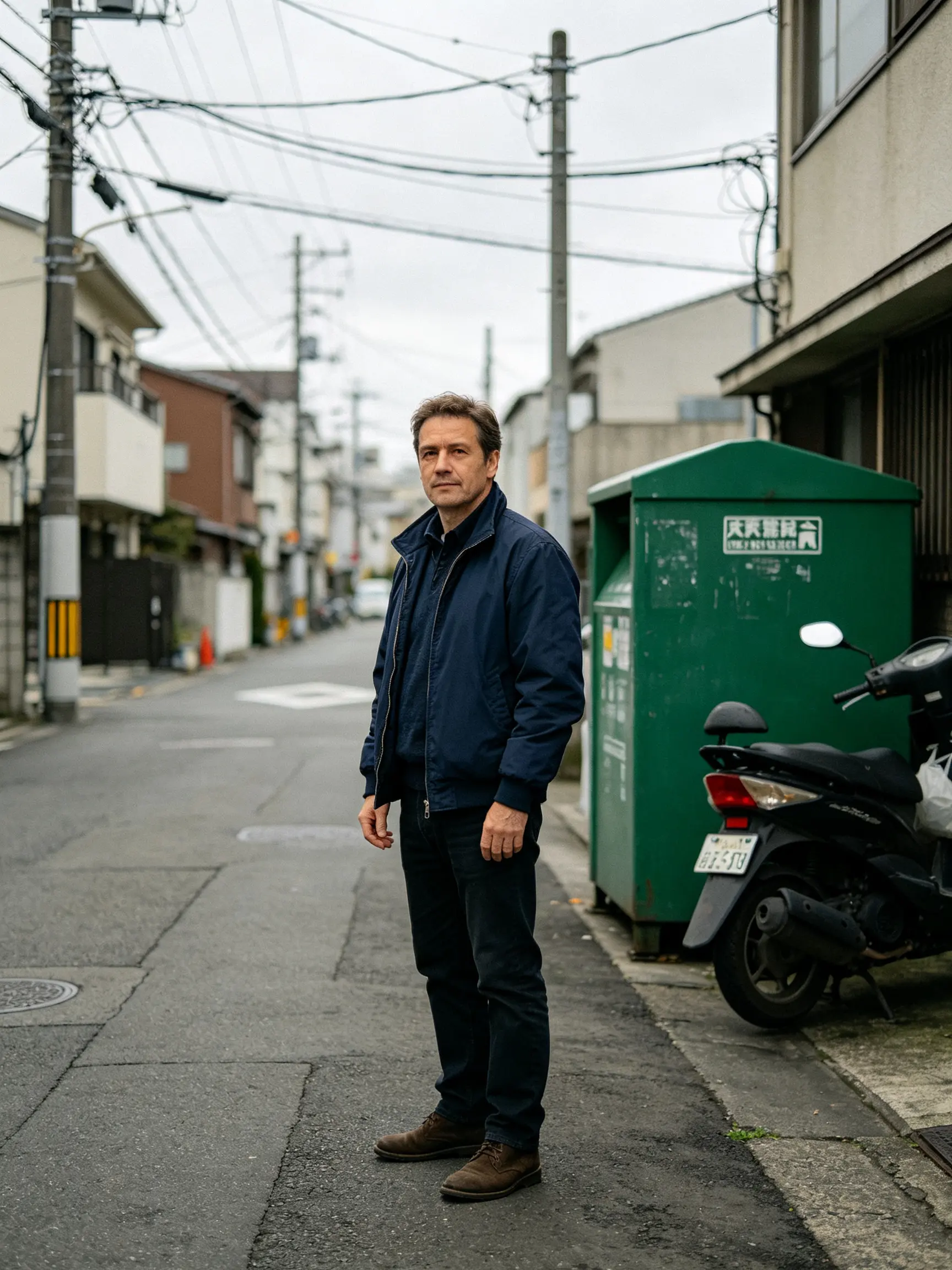 BEFORE
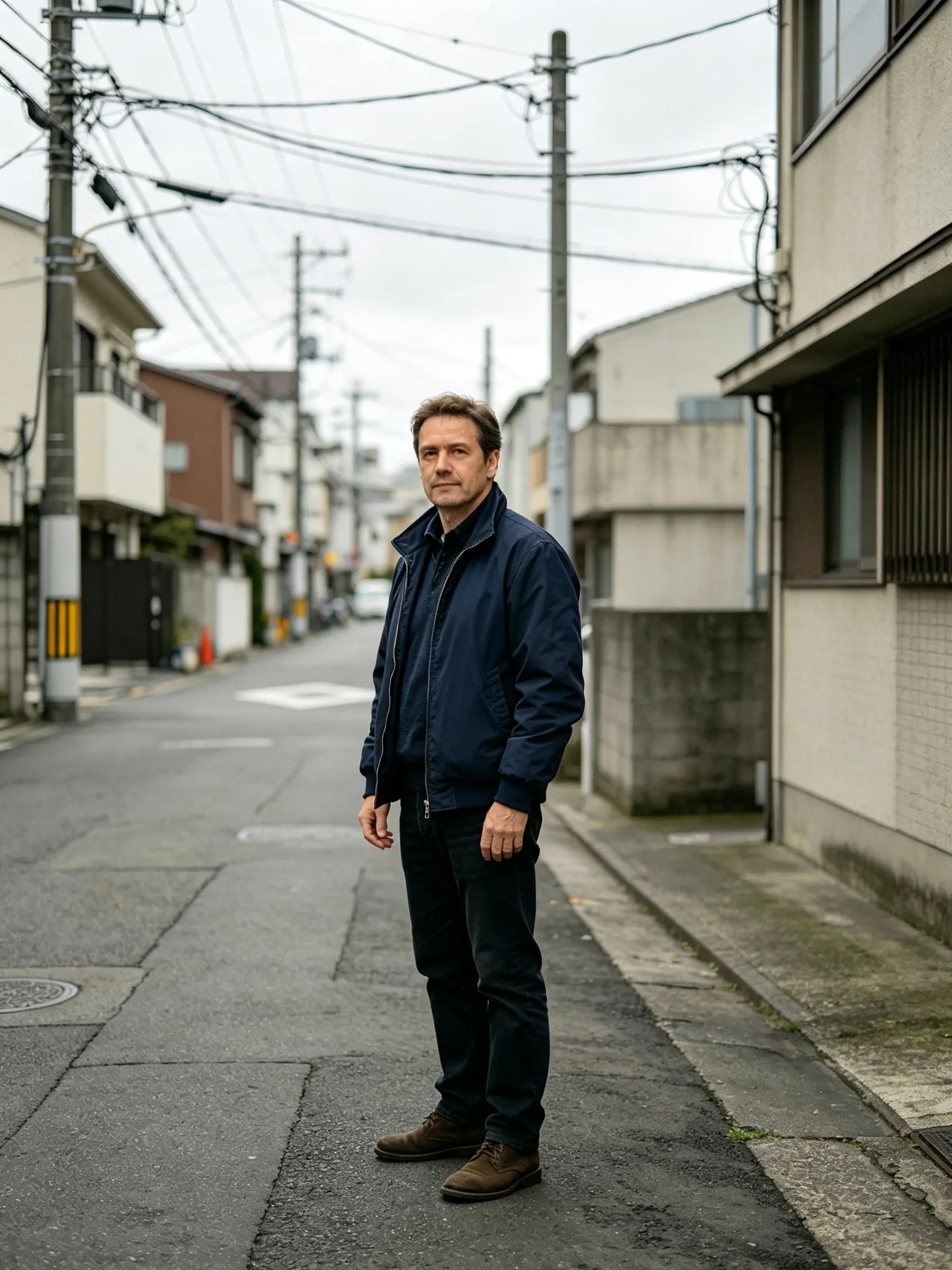 AFTER ✨
What it is
Prompt-driven editing, built for photos of real people.
Describing an edit in words is genuinely the best interface image editing has had in twenty years, and it is why so many people now open a chat window instead of a photo editor. It runs into three walls. A general assistant declines most edits involving identifiable faces, which rules out the majority of real photo work. It regenerates the whole image rather than changing one part, so the background quietly shifts. And it hands back a fixed, modest resolution that is fine on a screen and useless in print. This is the same instruction-driven editing with those three problems addressed: faces are allowed on photos you own, edits are masked to the region you named, and output goes up to print size.
How it works
Edit by prompt in three steps
Upload the photo
JPEG, PNG, WebP or HEIC. The original resolution is kept as the working size rather than downscaled first.
Say what should change
"Make the sky overcast", "remove the bin on the left", "put him in a navy suit", "warm the whole thing up". Plain sentences, not parameter names.
Refine and export
Follow-up instructions build on the current state, so you can adjust in steps. Export at full size when it is right.
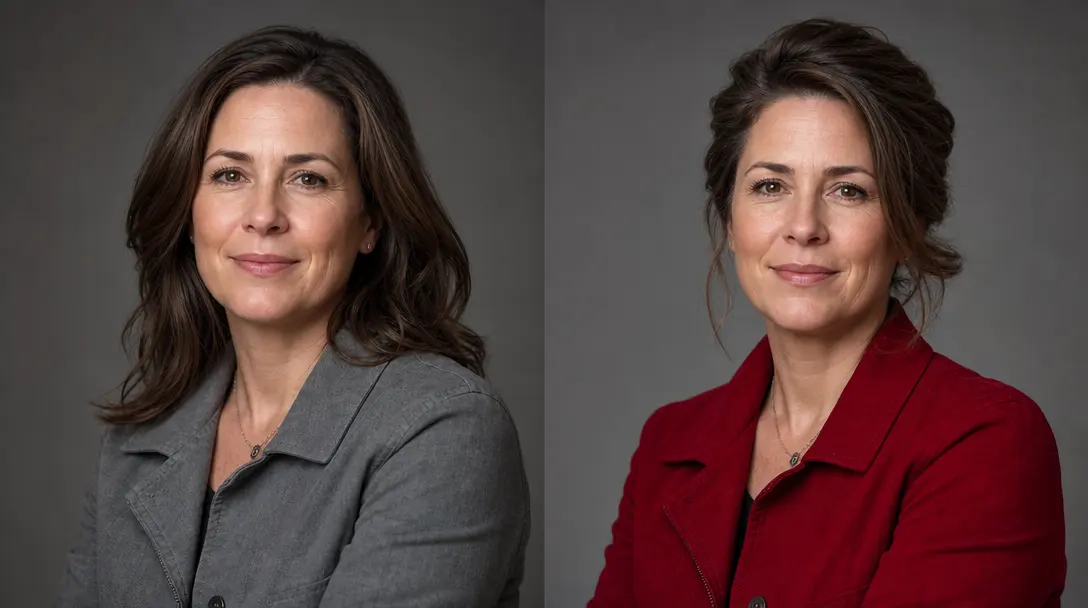
The edits a chat assistant declines
General-purpose assistants refuse most requests that alter a photo of an identifiable person, which is a reasonable default for a chatbot and a dead end for anyone editing their own photos. Here, edits to people are supported on images you own or have permission to use. What stays off the table is the same everywhere: no impersonation, no sexual content, no depicting real people doing things they did not do.
- Portrait retouching and restyling
- Clothing, hair and background changes
- Clear rules, applied consistently
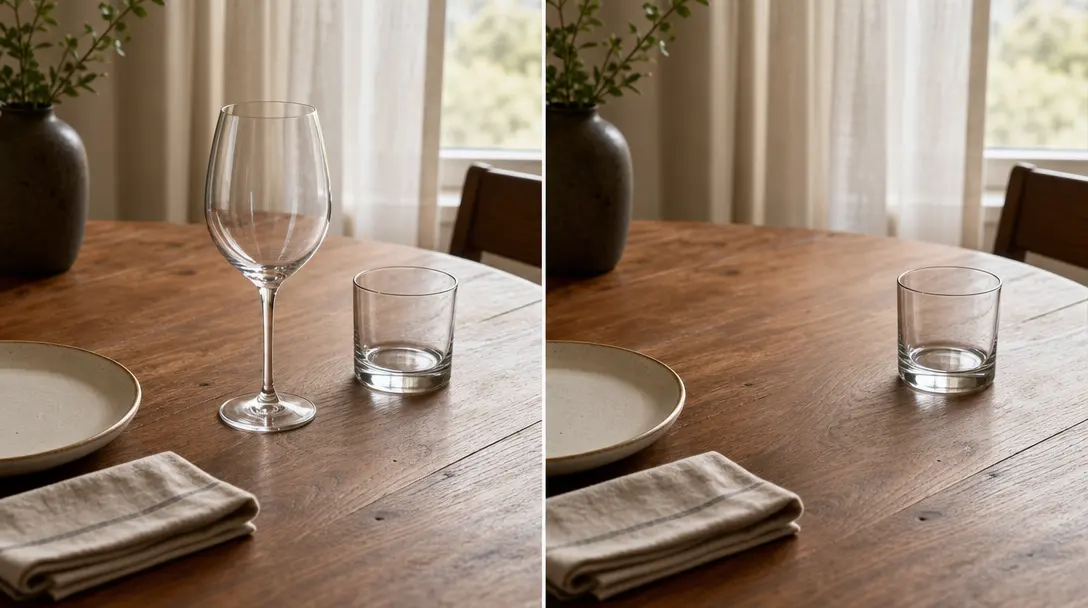
Change one thing, keep the rest
A full regeneration gives you a similar-looking photo rather than your photo with one change. Edits here are masked to the region your instruction refers to and composited back, so the faces, the framing and the untouched background survive exactly as they were, which is what makes multi-step editing possible at all.
- Region-masked, not regenerated
- Composition and framing preserved
- Stack edits without drift
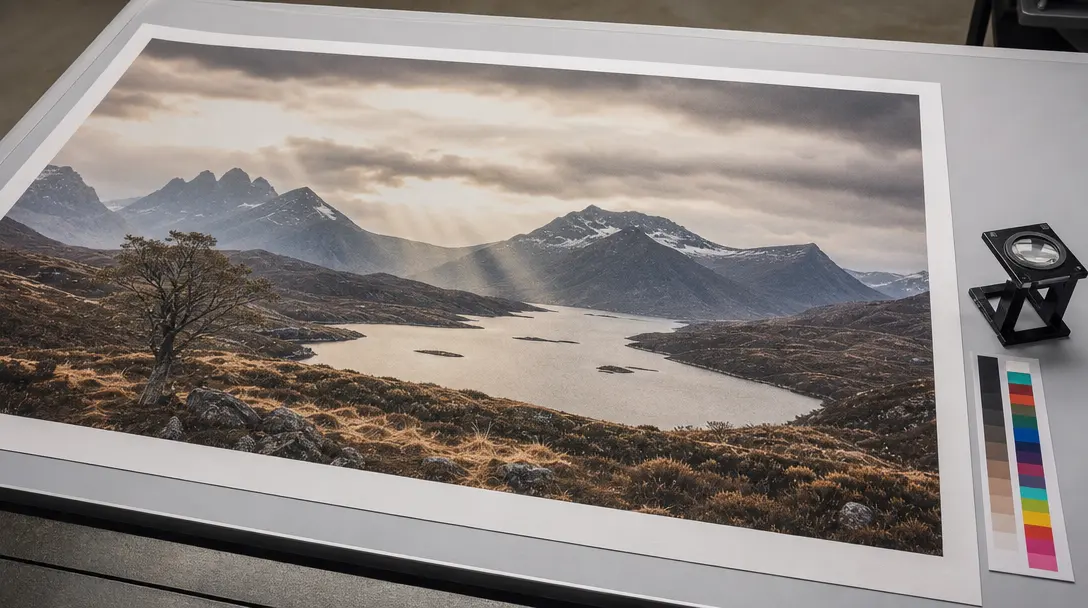
Print size, not a screen thumbnail
A chat assistant hands back an image at a fixed size that suits a message bubble. Photos have other jobs: a print, a poster, a product listing, a page layout. Export here goes up to print resolution, and the photo upscaler takes it further when a job needs more.
- Full-resolution export
- Batch the same edit over many photos
- Straight into the other image tools
Why LazyKiwi
Why not just use the chat window
It will not refuse your own photo
Identifiable faces are supported on images you have the right to edit.
Your photo, edited
Region-masked edits instead of a fresh generation that resembles the original.
Resolution that prints
Full-size export rather than a fixed chat-sized image.
Many photos at once
Apply the same instruction across a folder instead of one message per image.
Purpose-built tools alongside
Background changer, object remover and clothes changer when a prompt is the long way round.
Free to try
A free balance on sign-up, no card, and no watermark on exports.
FAQ
Editing photos with a prompt
Can ChatGPT edit my photos?+
It can make some edits, but it declines most requests that alter a photo of an identifiable person, it regenerates the whole image rather than changing one region, and it returns a fixed modest resolution. For casual, non-portrait edits it is genuinely good; for photo work involving people, composition or print output, those three limits are what send people to a dedicated editor.
Is this the same as the ChatGPT image editor?+
It works the same way: you type the change in plain English and the edited image comes back. It is not ChatGPT and not made by OpenAI. It is a prompt-based image editor built for photos, including the portrait and clothing edits a chat assistant often declines.
Why does ChatGPT refuse to edit a picture of a person?+
Editing photos of identifiable people carries impersonation and consent risks, so general assistants apply a broad default refusal rather than judging each case. A tool built for photo editing can ask instead that you have the right to the image, and then apply narrower rules — no impersonation, no sexual content, no fabricated depictions of real events.
Is this an official ChatGPT or OpenAI product?+
No. LazyKiwi is independent and not affiliated with, endorsed by or connected to OpenAI. This page exists because prompt-driven photo editing is what people are looking for, and we built a version aimed specifically at photographs.
What resolution do I get?+
Exports go up to print resolution rather than a fixed chat-sized image, and the photo upscaler takes it further for large prints.
Can I edit several photos with the same instruction?+
Yes. A batch applies one instruction across a set, which is the usual requirement for product listings, team headshots and event galleries.
Use cases
What people came to a chat window to do
Fix a photo of yourself
Change the background, tidy the outfit, adjust the light — on a picture of an actual person, which is where most assistants stop.
Product and listing shots
Same product, twenty backgrounds, consistent framing. A batch job rather than twenty separate conversations.
Remove what should not be there
A bin, a stranger, a reflection, a logo. Point at it in words and it goes, with the background rebuilt behind it.
More answers
More on prompt-based editing
How should I word an edit?+
Name the thing and the change, and nothing else: "remove the car on the right", "change the jacket to dark green", "make the light look like late afternoon". Long stylistic paragraphs push the model toward regenerating the picture instead of editing it, which is the opposite of what you want.
Why did the background change when I only asked about the shirt?+
That is whole-image regeneration, and it is the main failure mode of editing through a general model. Region-masked editing avoids it by compositing the change back into the original pixels — everything you did not mention is literally untouched.
What edits are off limits here?+
Anything that impersonates a real person, sexual content, content involving minors in any suggestive context, and edits designed to fabricate a real event. These apply regardless of who owns the photo.
When is a dedicated tool faster than a prompt?+
Whenever the job has a name. Removing a background, upscaling, changing hair color or swapping an outfit each have a purpose-built tool that gives more control in fewer steps than describing the same thing in a sentence.
Describe the edit, get the photo
Prompt-driven editing that works on real photographs.
No credit card · Free to try · Results in seconds