
Change the background, keep the subject.
Upload your photo and add the backdrop you want. The AI background changer replaces everything behind your subject — hair, edges and shadows included.
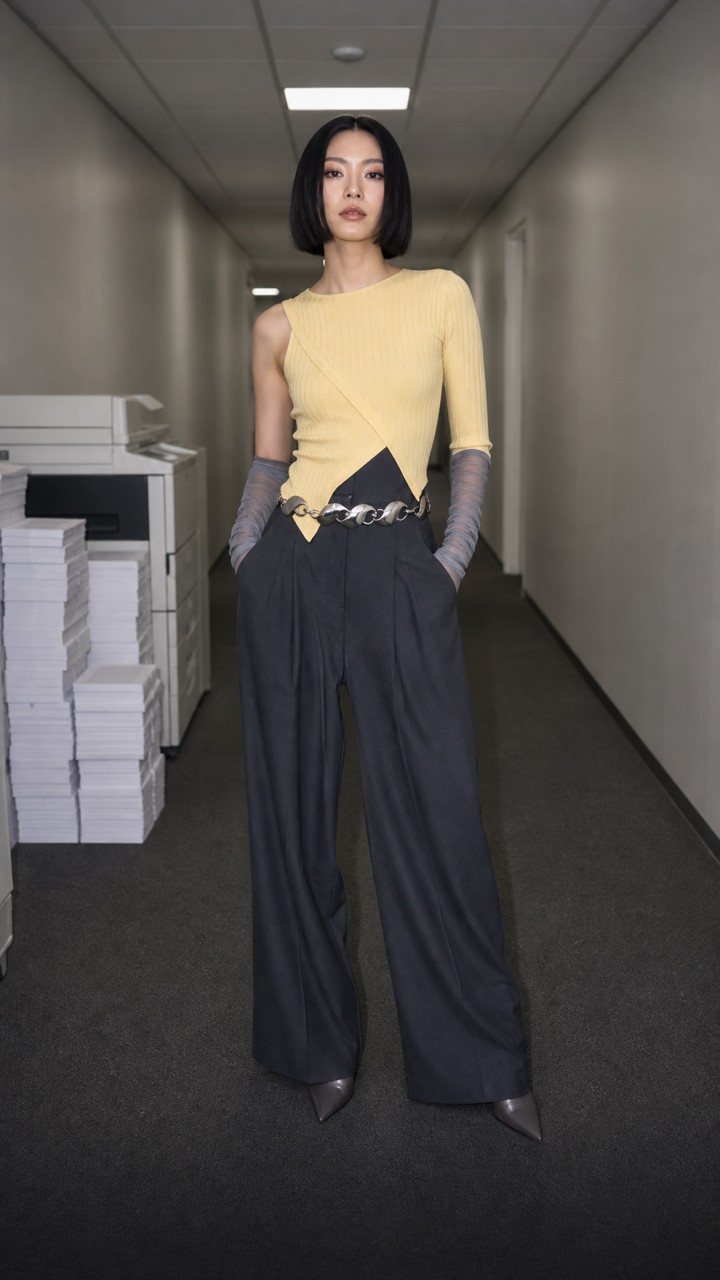 BEFORE
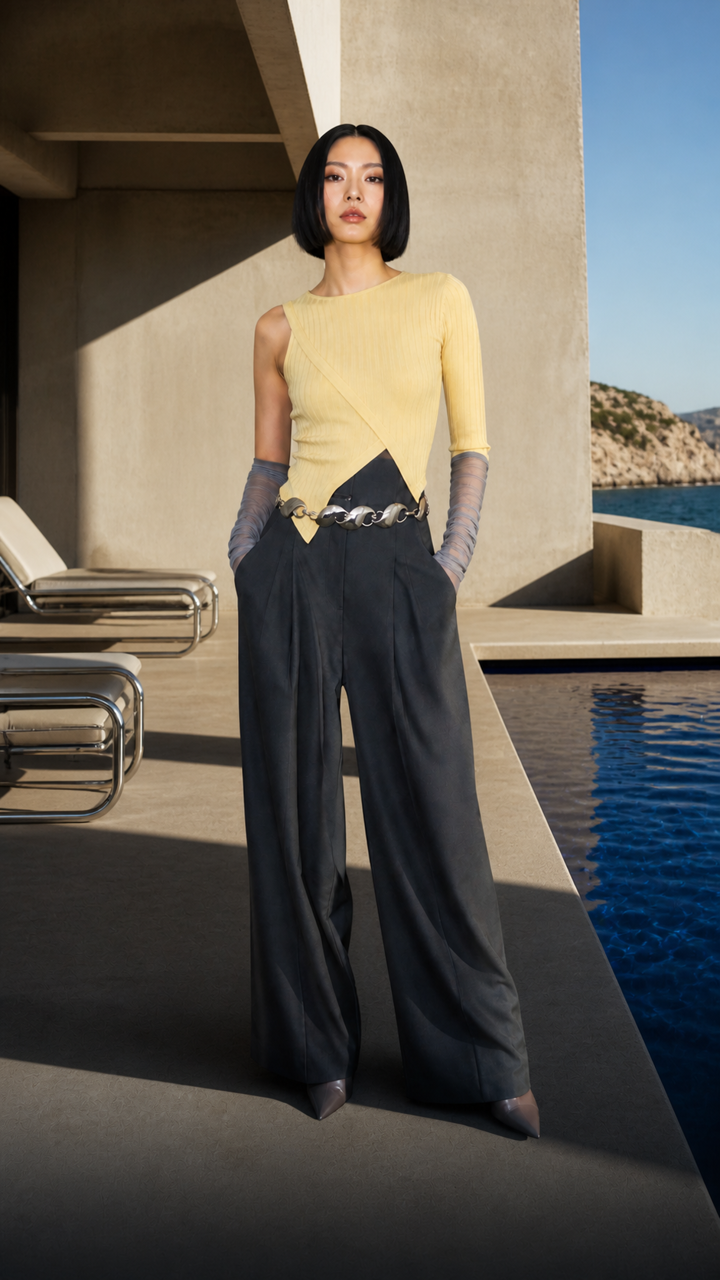 AFTER ✨
What it is
A new backdrop without a new shoot.
LazyKiwi lifts your subject out of its old scene and places it on the background you choose. Hair, edges and shadows are rebuilt to match the new light, so nothing looks pasted on.
How it works
Your result in three steps
Upload your subject photo
One clear shot of the person, pet or product you want to keep.
Add the new background
Upload a background image, or skip it and describe the scene you want behind them.
Generate & download
Check the edges, try another backdrop, then download the result.
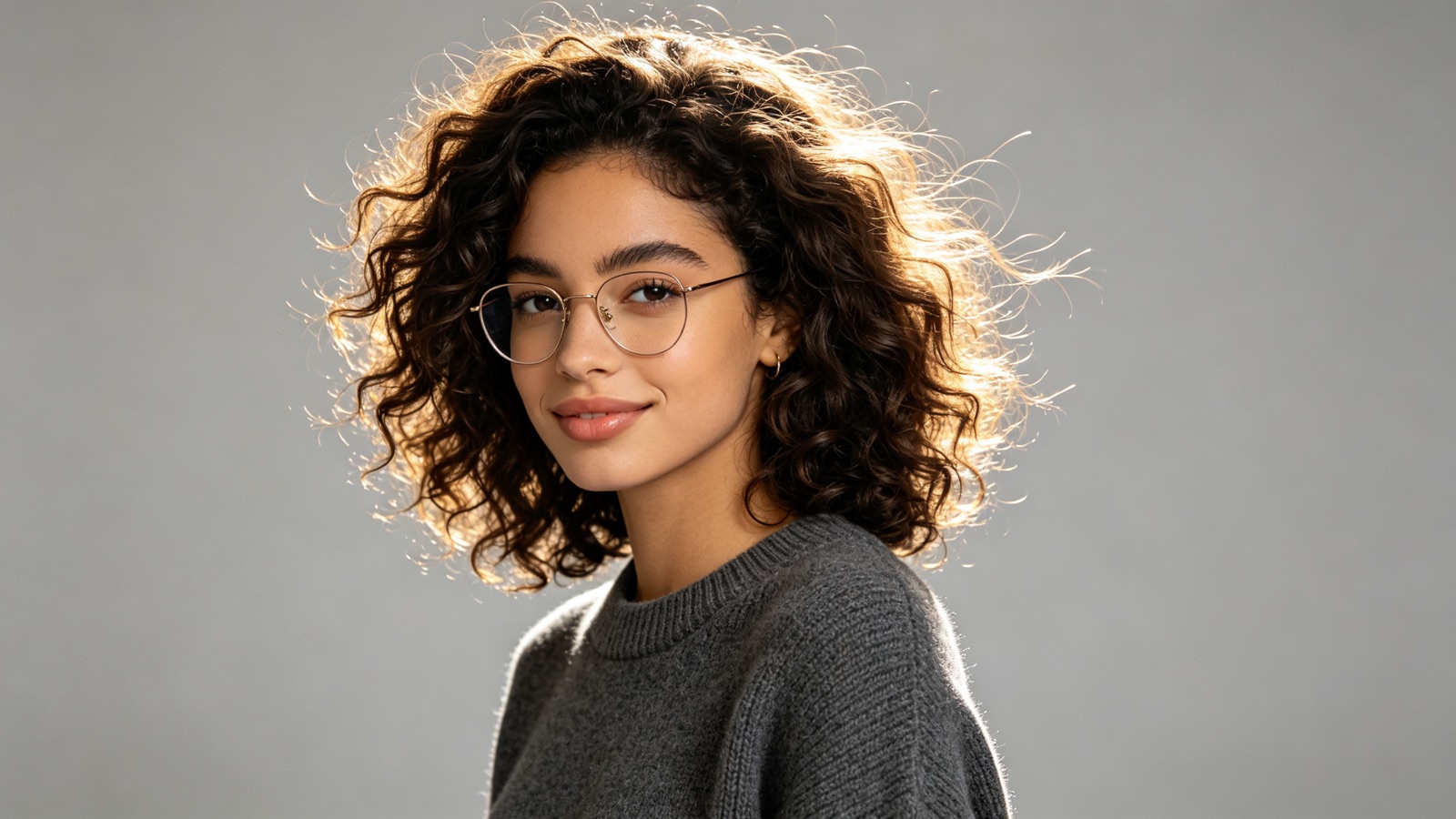
Cutouts that hold up around hair
The cutout follows fine strands, glasses and soft edges instead of chopping a hard outline around your subject.
- Handles hair and fur
- No white halo at the edge
- Subject left unchanged
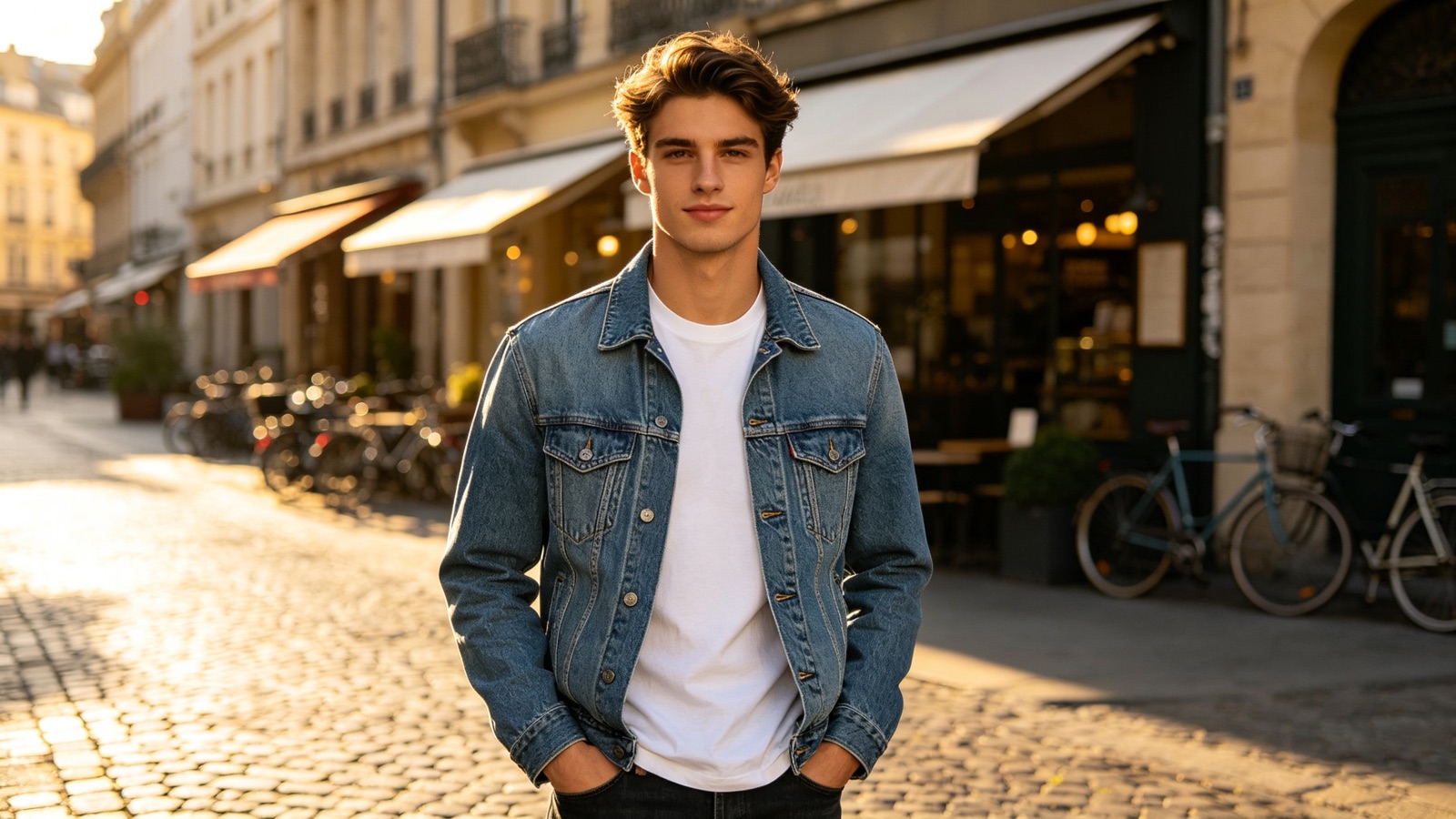
Use the background image you already have
Give it the exact backdrop you need — a studio wall, your brand color, a street, a beach — or describe one and let the AI build it.
- Upload a background photo
- Or describe the scene
- Swap backdrops as often as you like
Backgrounds that fit where they're going
Match the background to its destination: plain white for marketplace listings, soft gray for headshots, a real scene for social posts.
- Plain white for listings
- Neutral gray for headshots
- Lifestyle scenes for social
Turn the new background into a short video
A still is not the only option. In the video workbench's Tools tab, the AI Background Changer video tool takes one or two photos — your subject, plus an optional second photo as the background reference — keeps the subject as it is and returns a short 9:16 clip with the new scene in motion — for example shifting light, moving water or a slow camera drift. Video costs far more credits than a still, and the exact cost is shown before you generate, so settle the backdrop on a photo first and animate the version you like. Animate a photo in the video workbench.
- One or two photos in: subject plus optional background reference
- Subject kept, new scene set in motion
- Short vertical 9:16 clip; costs more credits than a still
Why LazyKiwi
Built for cutouts that hold up
Seconds per swap
A new background renders in seconds, so you can test five backdrops in the time one manual cutout takes.
Private by default
Uploads are processed securely and never sold or shared. What you upload stays yours.
Free to start
Change your first background with no card and no subscription.
No cutting by hand
No lasso tool, no layer masks, no erasing stray pixels at 200% zoom.
The subject stays the subject
Faces, product shapes and the text on packaging come through unchanged.
Try, then try again
Your original file is untouched, so you can generate as many versions as you want.
FAQ
Questions, answered
Is the AI background changer free?+
Yes. Upload a photo and change its background for free before you decide on a plan.
Can I upload my own background image?+
Yes. Add a second image as the backdrop, or leave that slot empty and describe the background you want instead.
What image files can I upload?+
Standard photo formats such as JPG, PNG and WEBP. A sharp, well-lit photo gives the cleanest cutout.
Is my photo safe?+
Photos are sent over an encrypted connection, used only to produce your result, and never sold or shared.
Use cases
Who changes photo backgrounds most
Etsy and Shopify sellers
Put every product on the same clean background so your shop grid reads as one catalogue instead of twelve different kitchens.
Job seekers
Move a good photo of yourself off a cluttered living room and onto a plain studio backdrop before it goes on LinkedIn.
Real-estate agents
Replace a flat gray sky on an exterior shot, or clear the busy view behind an interior photo, before the listing goes live.
More answers
More about changing backgrounds
Does it work on products, not just people?+
Yes. Bottles, clothing, furniture, food and pets all work. Anything with a readable outline can be moved onto a new background.
Will the lighting match the new background?+
Edge light, contrast and contact shadows are adapted to the backdrop you chose. If a result looks off, pick a background shot in similar light and generate again.
Can I get a plain white background?+
Yes — ask for white, black or a solid brand color and you'll get an even, listing-ready backdrop. This tool replaces backgrounds rather than exporting transparency, so choose a solid color when you need a clean base.
How many backgrounds can I try on one photo?+
As many as you like. Each run starts from your original upload, so you can compare a studio gray, an outdoor scene and a brand color side by side.
If I turn the photo into a video, does the subject stay the same?+
That is the aim: the subject is kept and the new scene around them is what moves. Because the video is generated frame by frame, small details can shift slightly in motion, so a sharp, well-lit subject photo gives the steadiest result. Check the clip at full size before you use it.
Can a second photo set the background for the video?+
Yes. The video version accepts one or two photos: the first is your subject, the optional second is a reference for the background you want. Leave the second slot empty and the tool builds a scene for you instead.
How is this different from the video background changer?+
The input is different. This page starts from a photo — as a still, or as a short clip generated from that photo. If you already have footage and want to swap what is behind the person on camera, use the video background changer, which takes a video in and keeps the original performance.
Keep going
Guides for this tool
AI Wedding Photos: 3 Jobs They Do Well
Pre-wedding test shots, save-the-date portraits and album gap-fills: the three jobs AI wedding photos do well, and the uses that cross a line.
OpenChange Background of Photo: 3 Methods Compared
Change background of photo files three ways: white for IDs and listings, a real room for portraits, an invented scene for social. Edge and light rules.
OpenLinkedIn Profile Picture: Specs and Setup Guide
The exact file LinkedIn accepts, how the circular crop changes framing, what to wear, and how to shoot or generate a picture that survives the thumbnail.
OpenHow to Take a Passport Photo at Home (2026)
How to take a passport photo at home with a phone: the measurable rules, a shadow-free lighting setup, the crop, the file limits and the rejection list.
OpenGive your photo a better background.
Upload one photo, pick the backdrop you want, and download a clean result in seconds.
No credit card · Free to try · Results in seconds