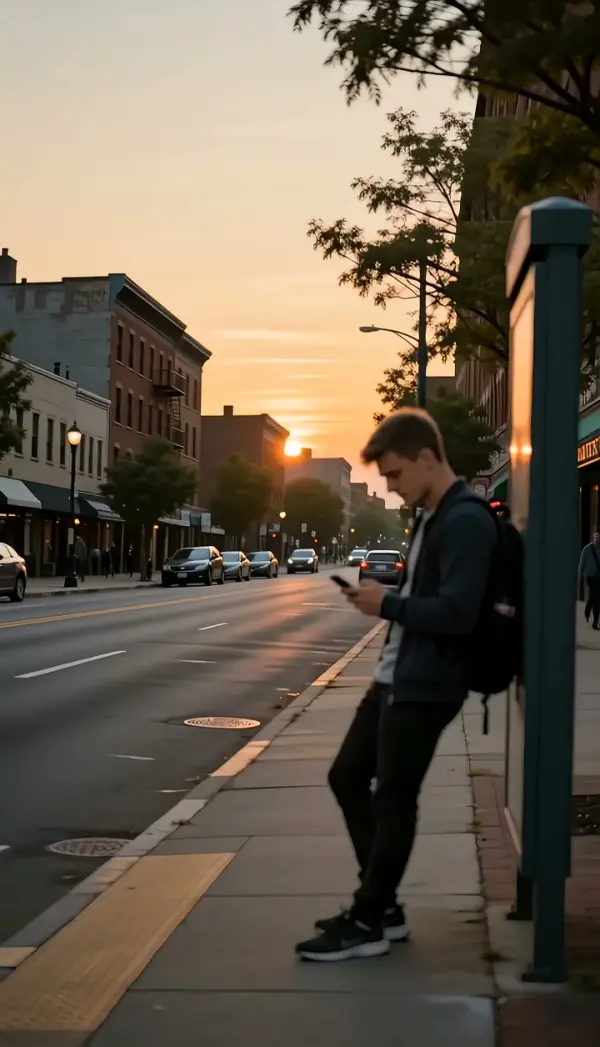
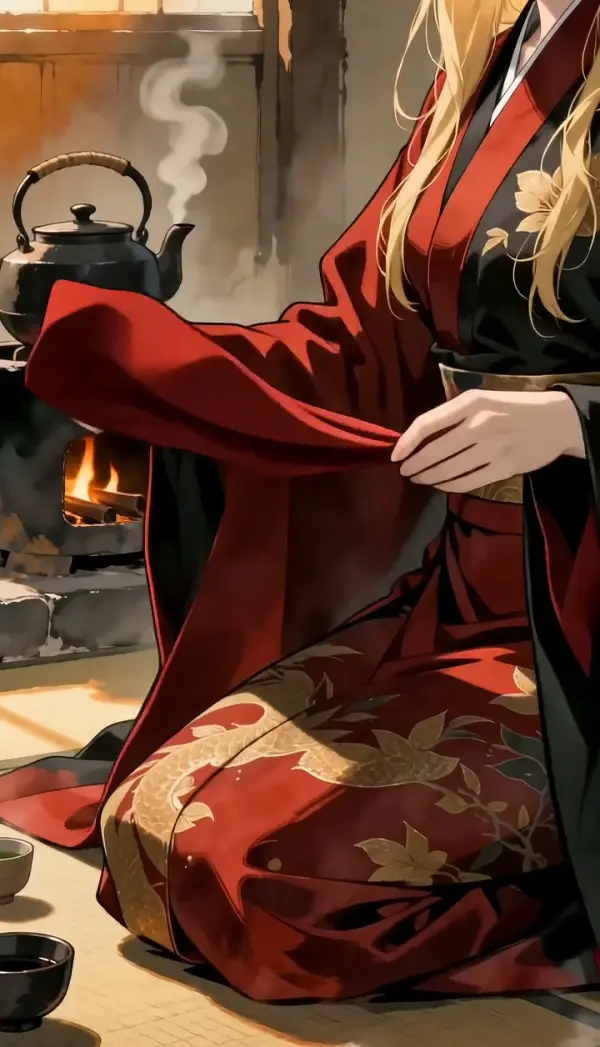
AI Anime Video Generator: Turn Photos Into Anime Video
Turn one portrait into an ai anime video with natural breathing, blinking, and subtle head micro-motion. Create a seamless loop avatar from a person or anime character without manually rigging a Live2D model. Turn your photo or idea into a full anime-style video. Free AI anime video generator, ready in seconds for TikTok, Reels and Shorts. Head to the AI video generator to try it free.
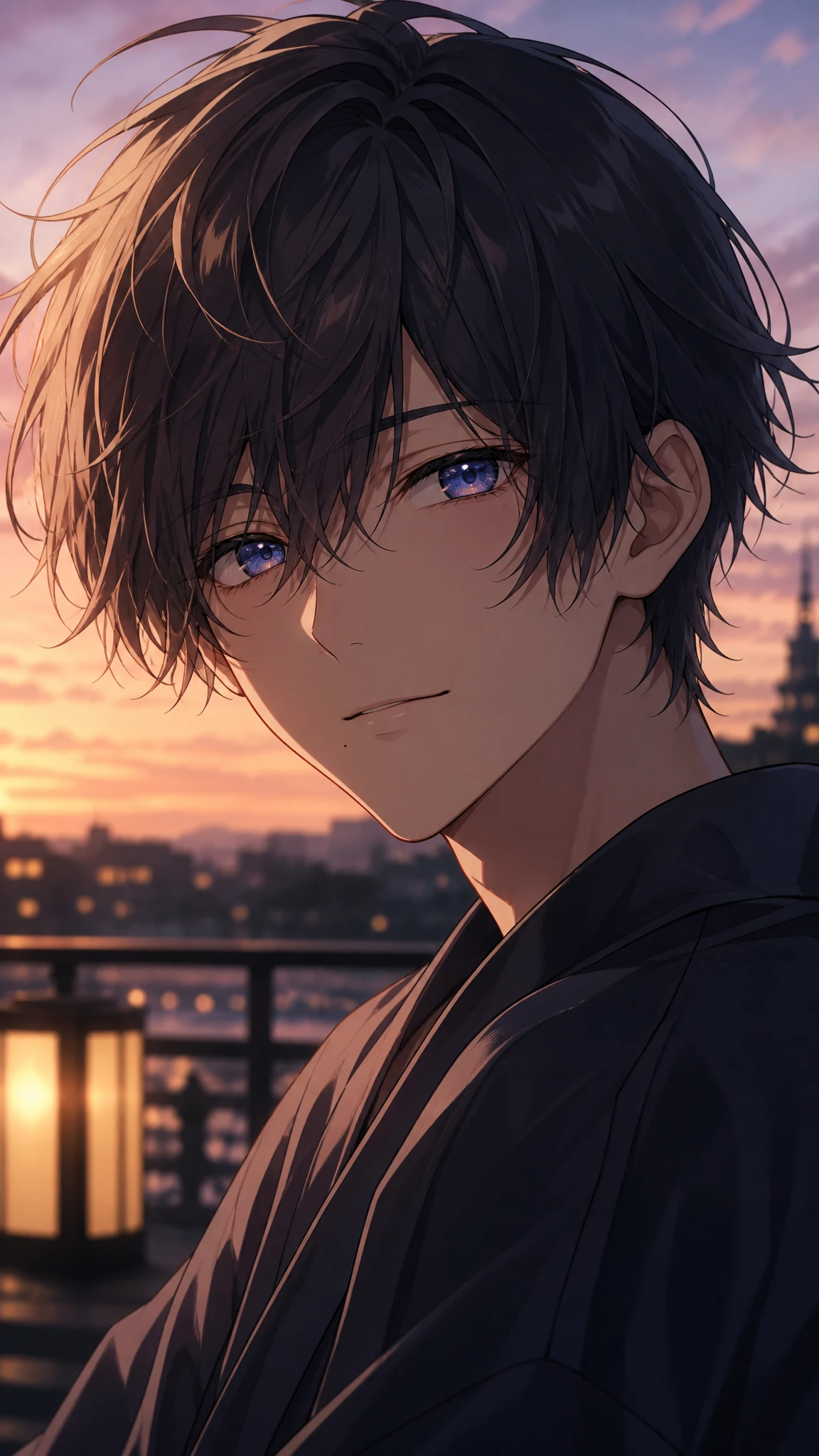
WHAT IT IS
What Makes an AI Anime Video Work
A useful anime video generator adds restrained motion while preserving the character’s face, illustration style, clothing, and background. The result should feel like a living portrait rather than a fully redrawn scene. The anime look reads best with clean detail. For the technique, see our photo-to-anime guide; Convert Pic Into Cartoon pairs nicely alongside.
One clear source portrait
A front-facing or three-quarter portrait gives the photo to anime video process enough facial detail to preserve the eyes, mouth, hair, and overall character identity.
Breathing, blink, and head micro-motion
Small movements create life without changing the pose too dramatically. Gentle breathing, timed blinking, and a slight head sway help the portrait remain recognizable.
Stable character details
An anime video generator AI should keep linework, colors, accessories, facial proportions, and clothing consistent from the first frame through the final frame.
A seamless loop avatar
The ending pose returns naturally toward the opening frame, making the clip practical for avatar GIFs, profile loops, character reactions, and ambient social posts.
CREATOR USE CASES
Application Scenarios
Use subtle anime motion for profile content, character previews, and short looping posts. Each scenario starts with one portrait and emphasizes controlled movement rather than complex scene changes.
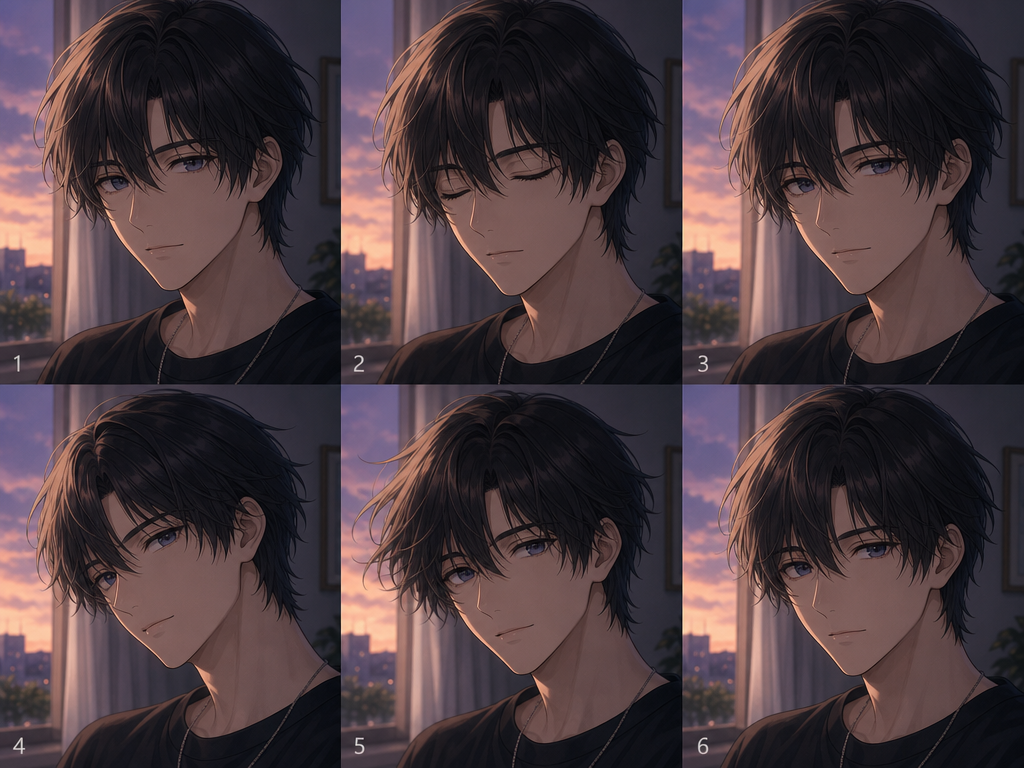
Anime Portrait Breathing Loop
Animate an illustrated portrait with a soft breathing rhythm, one natural blink, and a restrained head tilt. This works well as a seamless loop avatar or profile clip. Creators starting from a new character design can first explore Anime Avatar at /tools/anime-avatar.
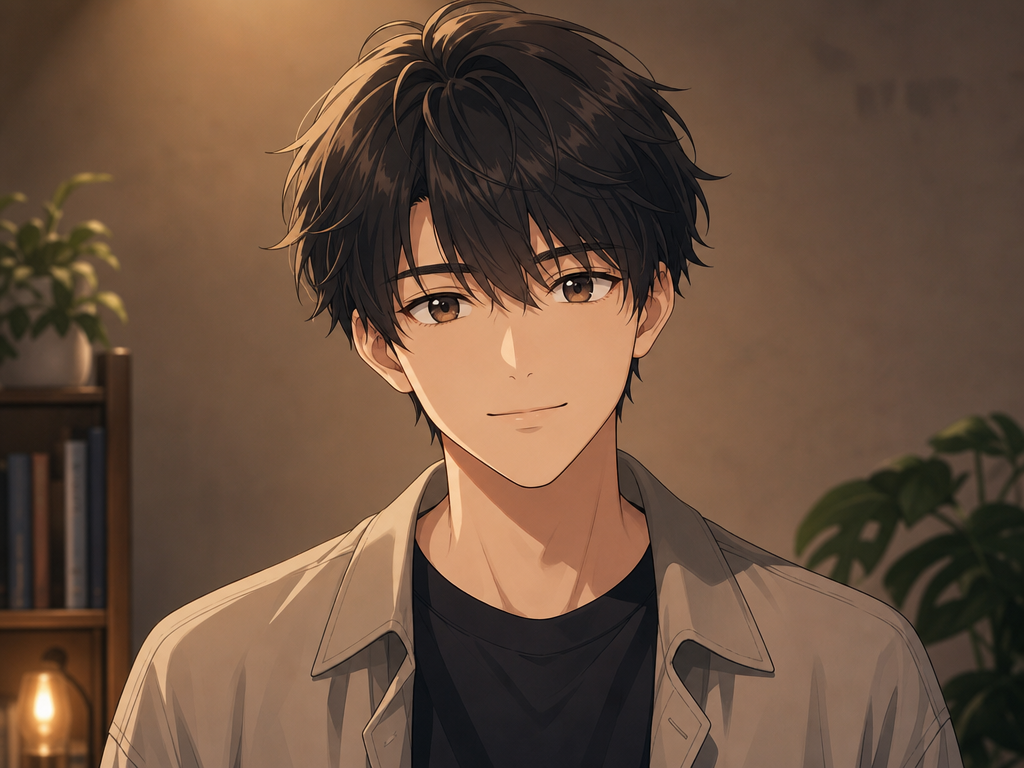
Photo to Anime Avatar Motion
Use the photo to anime video workflow to give a stylized portrait subtle facial and posture movement while preserving the subject’s defining features. For a contrasting transformation concept, see Anime to Real Life at /templates/anime-to-real-life.
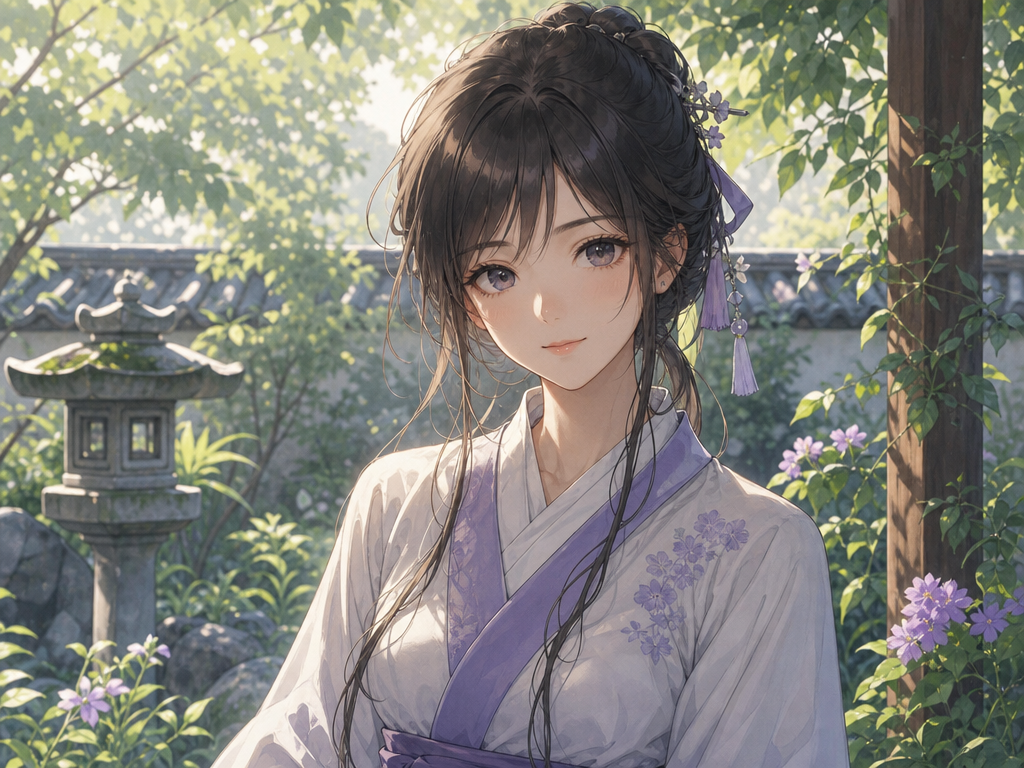
2D Character Blink and Head Sway
Create Live2D-style micro-motion for an original 2D character without building a full rig. The anime video generator AI adds a blink, breathing, and light head sway. For a softer hand-painted visual direction, explore Ghibli Art AI at /templates/ghibli-art-ai.
FAQ
Common questions
What is an AI anime video?+
An ai anime video is a short animated clip created from a still person or anime portrait. The template adds controlled movements such as breathing, blinking, slight head motion, and gentle hair movement while maintaining the original character design.
Is this an AI anime video generator?+
Yes. Upload one portrait, of a person or an anime character, and the AI anime video generator animates it with breathing, blinking and subtle head motion, as a short anime-style clip or seamless loop. It does not write a story or a full episode from text.
Can I turn a photo into an anime video?+
Yes. Upload one clear portrait of a person or anime character to start a photo to anime video. Images with visible eyes, a defined face, and an unobstructed head-and-shoulders pose generally produce the most stable animation.
Is this like Live2D animation?+
It creates Live2D-style micro-motion, including breathing, blinking, and head sway, but it does not require a layered character file or manual rigging. It is designed for fast five-second portrait animation rather than complex interactive model control.
Can the result work as a seamless loop avatar?+
Yes. The motion is designed to remain subtle and settle toward the opening pose, which helps create a seamless loop avatar for profile images, reaction posts, community pages, and short ambient character clips.
What image works best with the anime video generator?+
Use a sharp, well-lit portrait with one visible subject, clear facial features, and limited obstruction around the eyes and hair. A simple background and a front-facing or three-quarter angle help the anime video generator maintain consistent details.
Will the animation preserve my character’s style?+
The template is intended to retain the source portrait’s facial proportions, colors, linework, clothing, and overall visual style. An anime video generator AI performs best when the uploaded character is clearly separated from the background and does not contain heavily cropped features.
What other anime effects can I add?+
An anime video makeover is eye-catching in a feed. Creators often follow it with Detective Conan Filter or Ghibli Art AI.
Other names for AI Anime Video
Creators may use these terms for tools and workflows that animate anime portraits or add subtle motion to 2D characters. Anime video, photo-to-anime clip, anime-yourself video, whatever the tag, it's your photo animated as anime.
Create AI Anime Video From a Frame, Clip, or Template
Upload one portrait and create a short anime character loop with breathing, blinking, and natural head micro-motion.