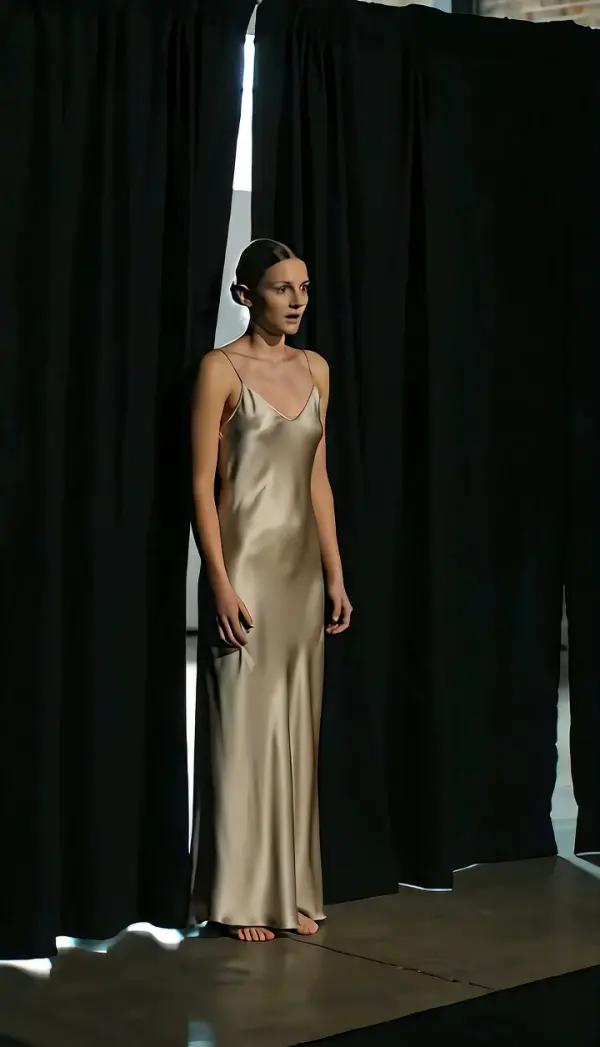
Tilt Down
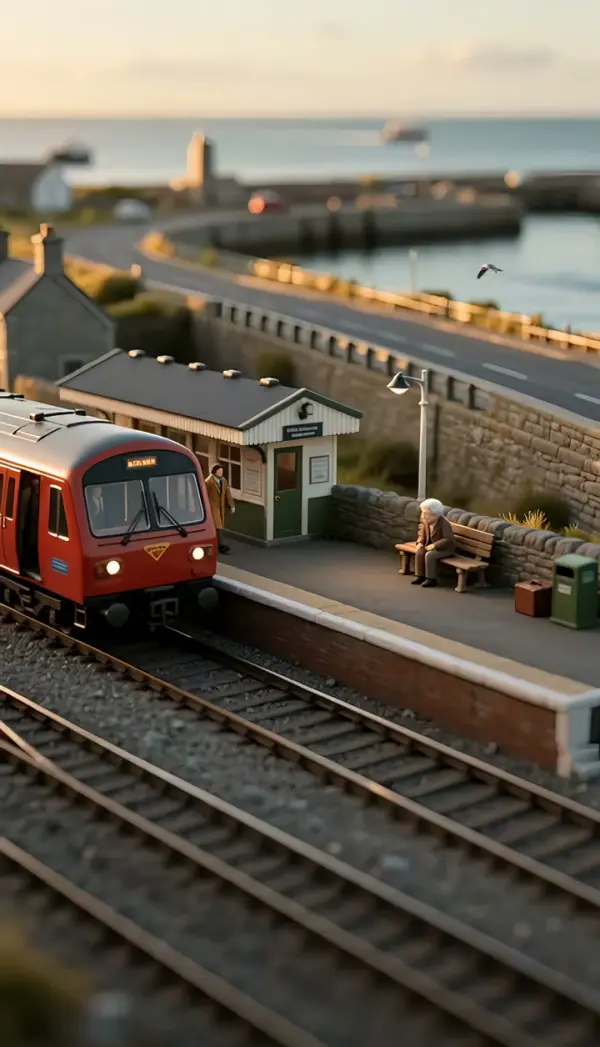
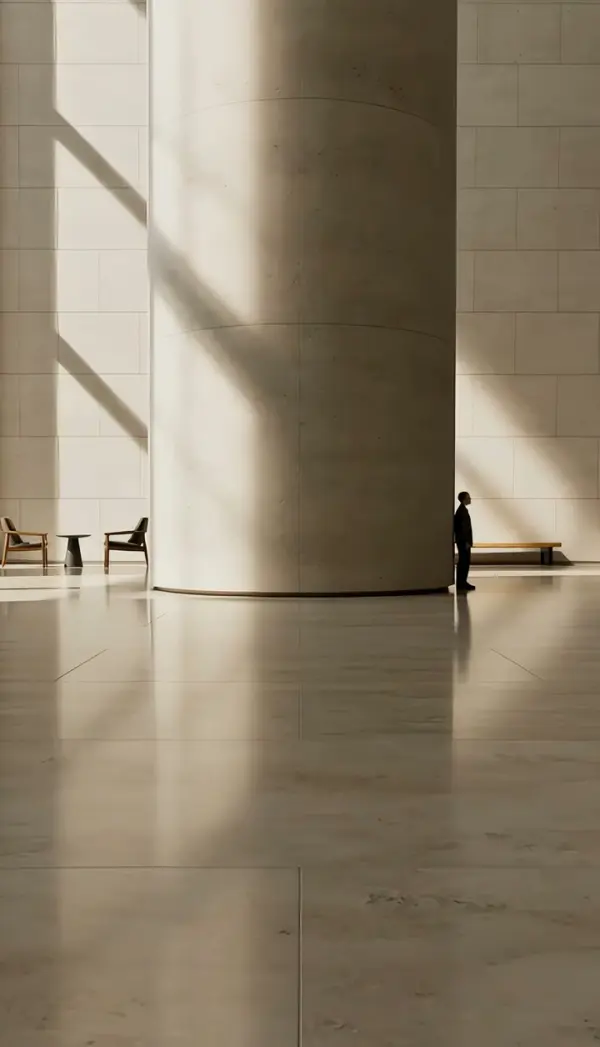
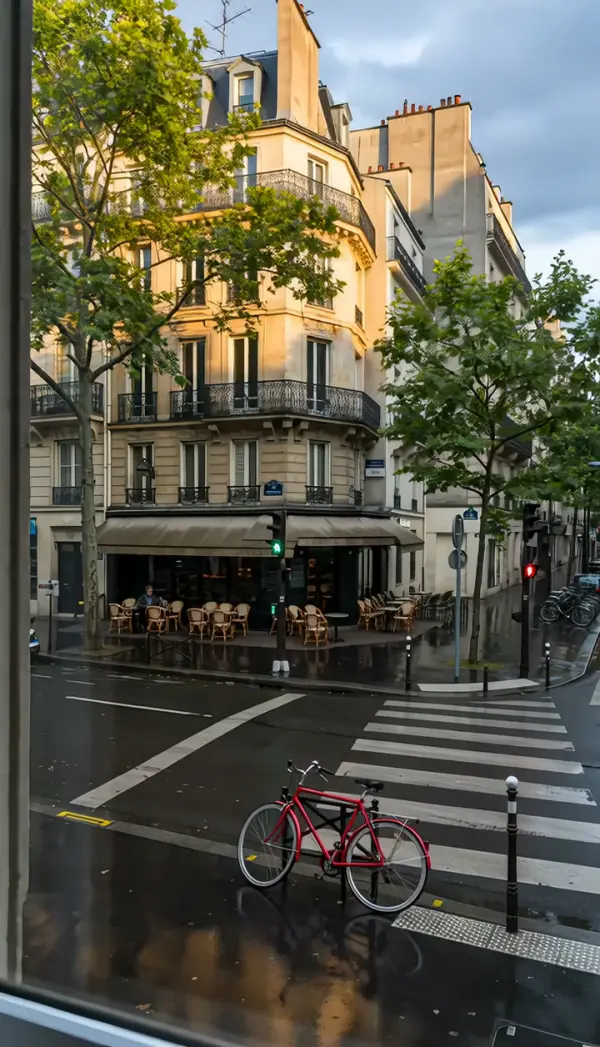
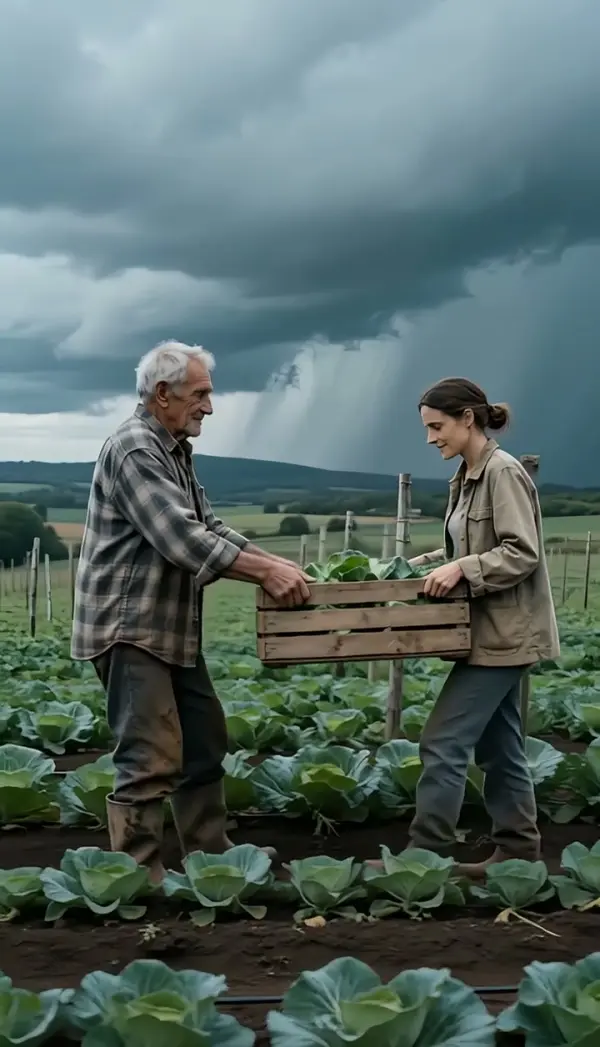
Tilt Down produces a downward tilt shot from one still: the camera pivots downward from a fixed spot, descending along a building, a figure or any vertical line while keeping its structure stable, and settles on the bottom target. Upload a photo, get a short clip, vertical or landscape, no rig required.
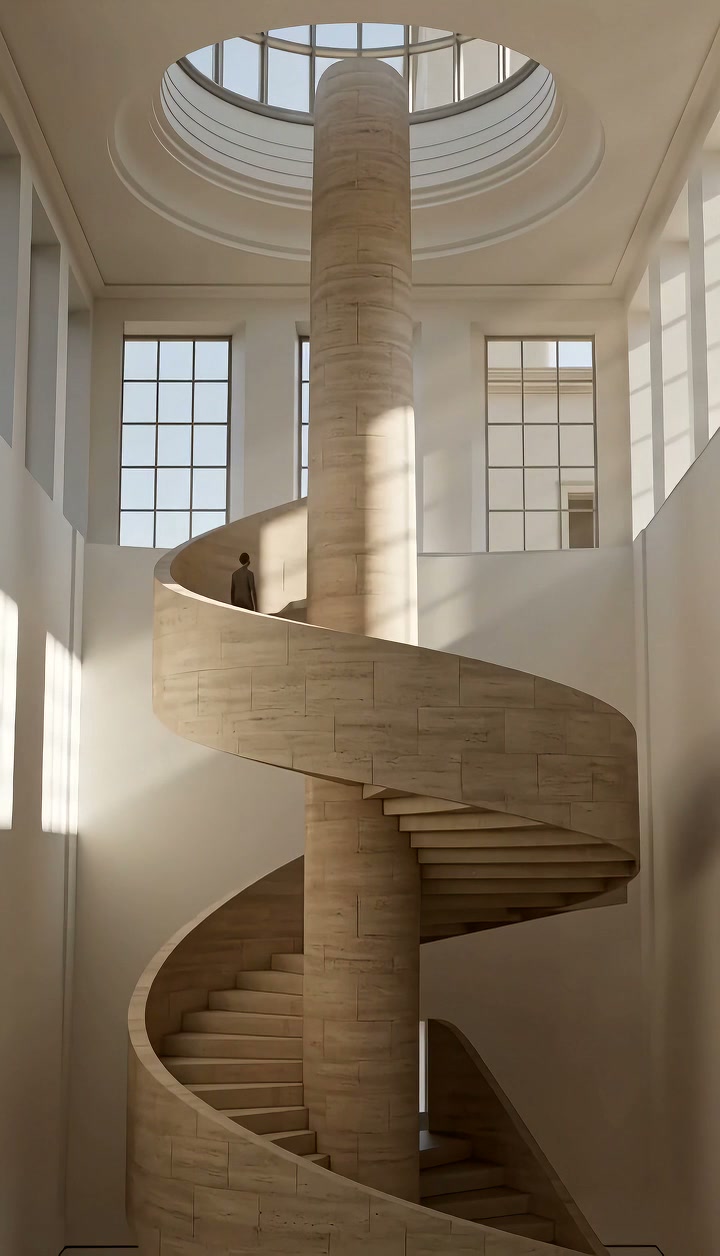
Tilt Down Template
Upload one photo where the interesting part sits low in the frame, such as a person under a sign or a doorway beneath a facade; the camera will descend to it.
WHAT IT IS
What a downward tilt shot is and how the template settles a scene
A tilt down shot is a tilt camera movement in which the camera pivots vertically downward from a fixed position, lowering the view from something high, such as a sky, a sign or a rooftop, to something below it. The template generates that descent from a single uploaded photo. The engine uses the still as the first frame, keeps the camera body planted, and rotates the view downward along a person, a building or another vertical object, holding the subject's structure stable as the frame drops. The clip comes to rest on the bottom target. Directors use the downward tilt to settle into a scene, to move from context to character, or to end on a grounded detail. Output is a short vertical 9:16 or landscape 16:9 clip, produced without a tripod head or footage.
- Downward pivot, fixed spot
- The camera does not sink; it pitches down. Foreground and background drop through the frame together, which reads as a lowering gaze instead of a descending crane.
- Structure held steady
- Buildings keep straight edges and people keep their proportions while the view slides down them. The engine treats the vertical line as a rail rather than a thing to redraw.
- Settles on the bottom
- The move ends on the lowest point of interest: a face under a sign, feet on a stage, a door below a facade. That final frame is calm and sharp.
- From context to subject
- Starting high and coming down shows where we are before showing who is there. A single photo becomes an establishing move with a built-in landing.
USE CASES
Descents that land on the point
Signs to doors, faces to hands, lights to the stage: three downward tilts that finish on what matters.
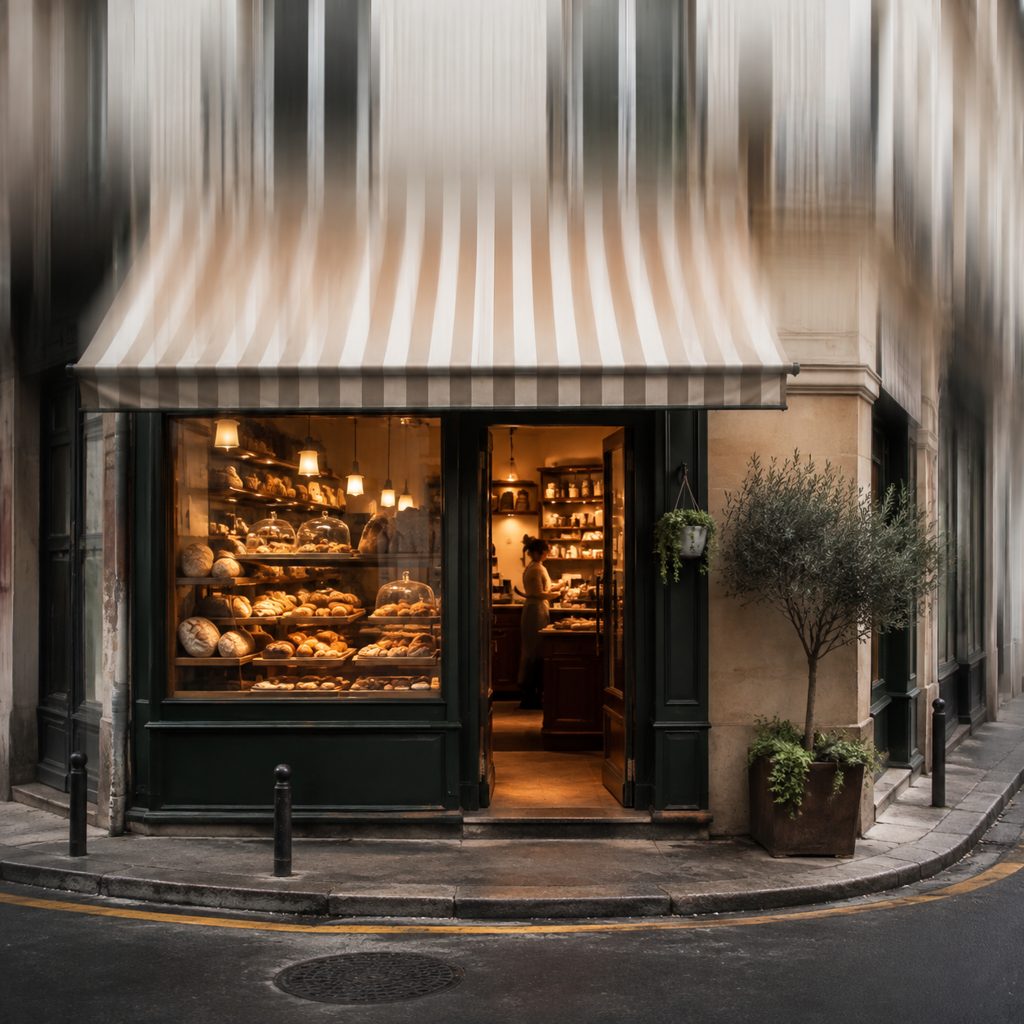
Storefront intro from sign to door
A photo of a small bakery taken from across the street. The downward tilt starts on the painted sign and awning and lowers to the open door and window display. Local business reels in 9:16 use the move as an opener.

Face to hands product reveal
A portrait photo of a maker holding a ceramic bowl at waist height. The move starts on the eyes and descends to the hands and the bowl, so the person introduces the object. Handmade-shop videos and 16:9 brand films use this instead of a cut.

Sky to stage at a concert
A photo from the crowd looking up at stage lights against a night sky. The camera tilts down from the lights through the haze to the performer at the mic. Music promoters use the move for 9:16 event teasers, ending on the artist as the beat drops.
FAQ
Common questions
What is a tilt down shot?+
It is a camera movement in which the camera rotates downward on its horizontal axis while staying in one place, moving the frame from a high point to a lower one. Filmmakers use the downward tilt to descend from a sky, sign or building to a person, to settle a scene after an establishing view, or to end on a grounded detail.
How does LazyKiwi make a downward tilt from a single photo?+
LazyKiwi generates the move as image-to-video. You upload one still, the engine treats that image as the first frame, keeps the camera position fixed, and pivots the view downward along the tall subject while keeping its structure stable. The clip stops on the bottom target.
Downward vs upward tilt: which one should I choose?+
Choose the downward tilt when the story moves from context to subject, from big to small, or toward stillness: arriving, settling, landing on a detail. Choose an upward tilt when you want to build scale or reveal a character with a rising sense of importance. The direction sets the emotional arc of the shot.
What photo works best for a downward camera tilt?+
A photo with height, where the top of the frame holds context and the bottom holds the payoff, works best: a facade above a doorway, a sky above a performer, a face above a held object. Keep verticals reasonably straight and leave the subject's lower half visible.
How long is the clip and where does a tilt camera movement fit?+
Generation produces a short clip in vertical or landscape orientation. Vertical 9:16 suits the downward move on Reels, TikTok and Shorts, where the tall frame gives the descent room. Landscape 16:9 fits YouTube intros and business videos that open on an exterior and settle on a person or storefront.
Can I combine this move with a static shot afterward?+
Yes. Because the clip ends on a steady bottom frame, you can cut straight to a locked-off clip of the same subject, or extend the ending with a Static Shot generation from a photo that matches the landing frame. Place the two clips back to back in CapCut with no transition.
Other names for Tilt Down
Shot lists write tilt down or downward tilt shot; cinematography courses say tilt camera movement, downward camera tilt or downward tilt; social creators search for tilt reveal, sky to subject tilt and downward tilt transition. Tool-specific phrasing such as a tilt effect in CapCut or a tilt camera move in Premiere Pro describes the manual version of the pivot this template generates from one photo.
Settle onto your subject with a downward tilt
Upload one photo, choose the template, generate. Free credits come with every new account.