Static Shot
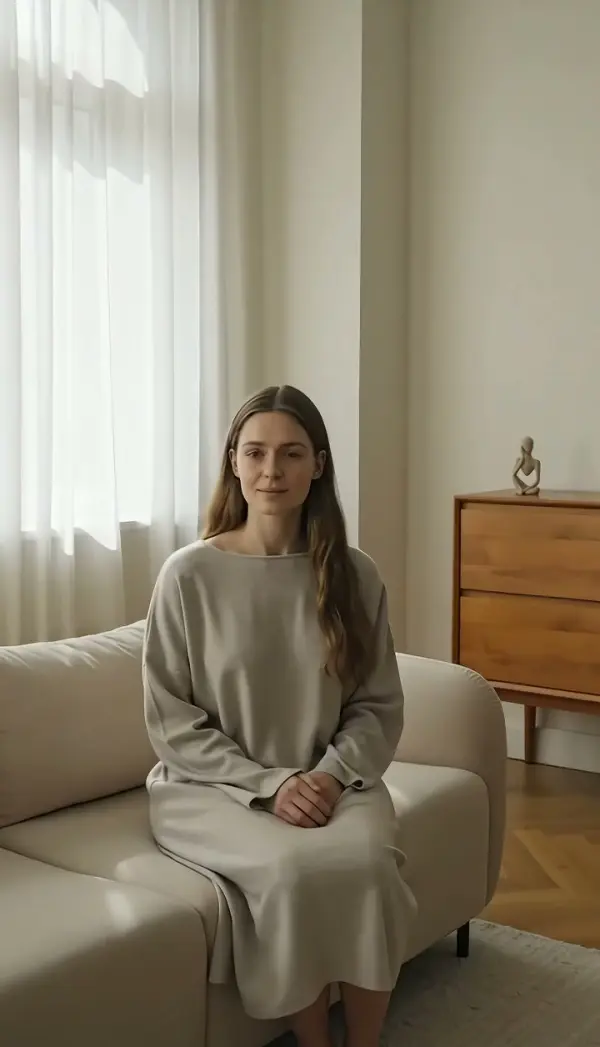
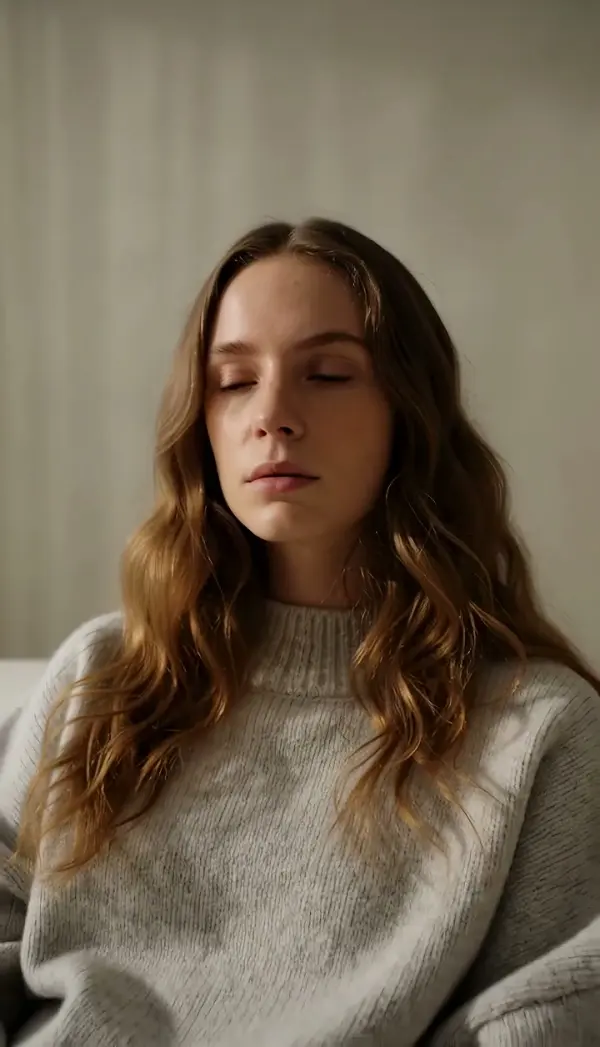
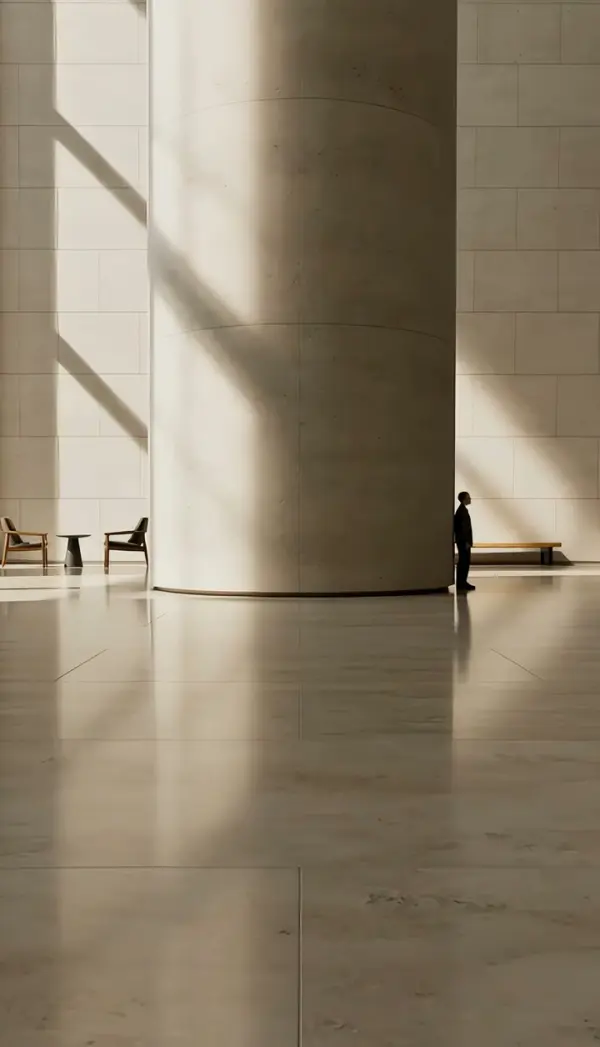
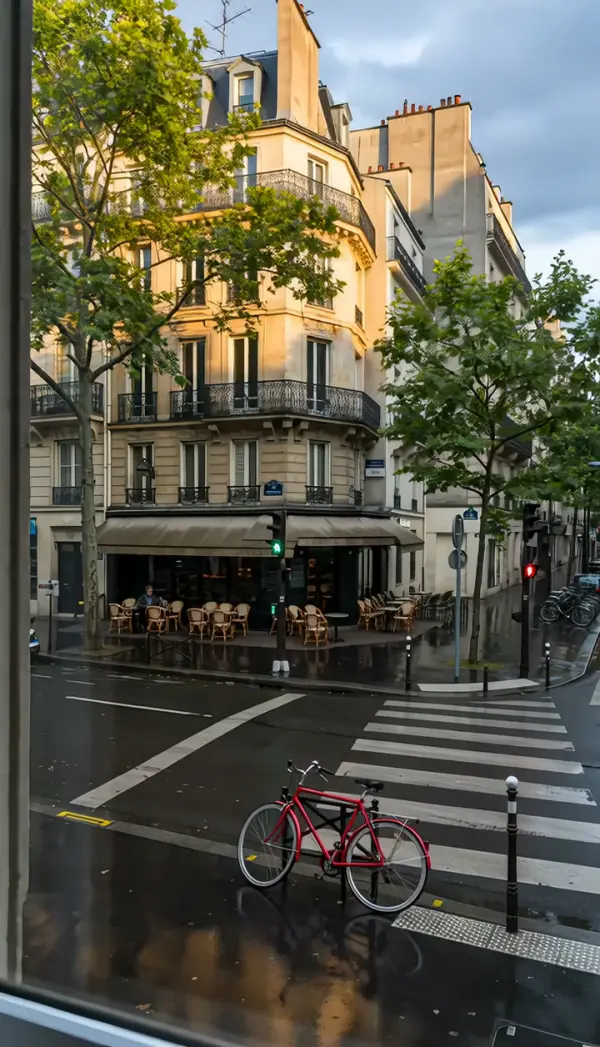
Static Shot turns one photo into a locked-off video: camera position, height, focal length and framing never change, while the person, hair, fabric and background gain natural micro-movement. One uploaded still becomes a short clip, vertical or landscape.
Static Shot Template
Upload one sharp photo with the framing you want to keep; the camera will not move, so compose the still exactly as you want the video framed.
WHAT IT IS
What this shot does when nothing moves but the scene
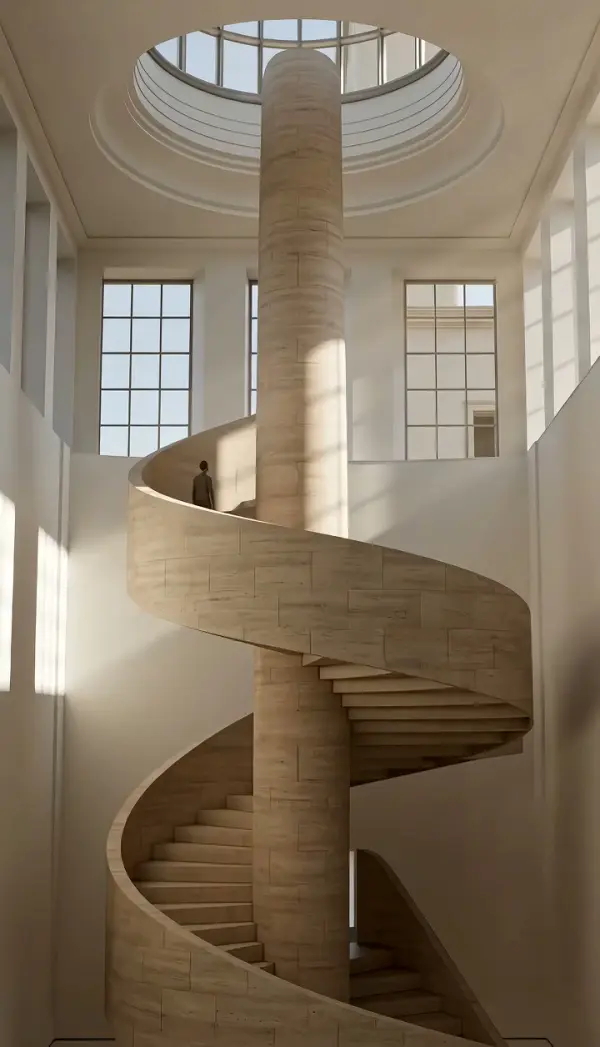
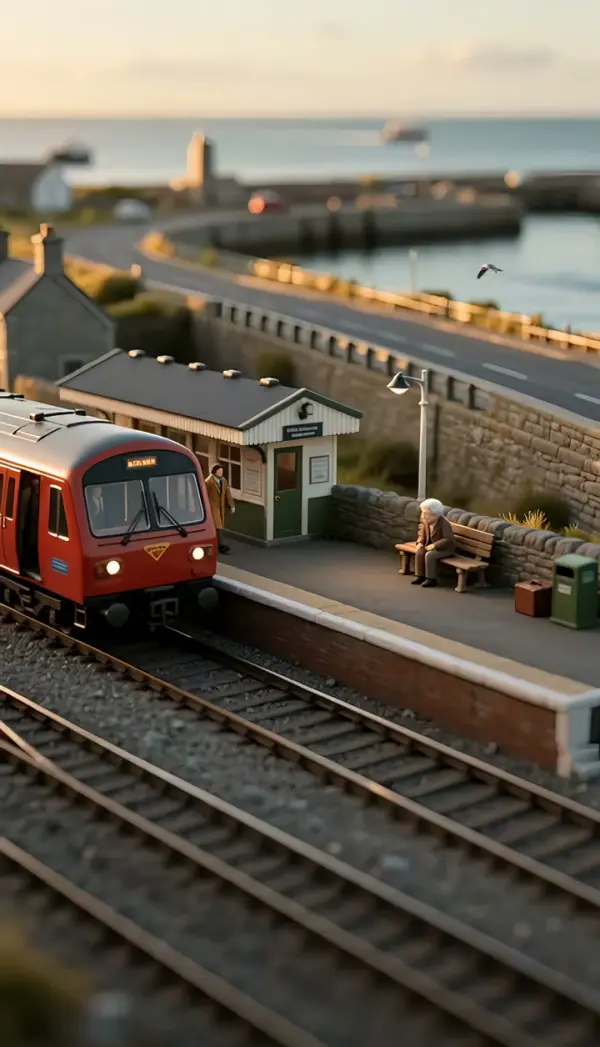
A static shot is a video shot in which the camera stays fixed in place: no pan, no tilt, no zoom and no travel, so all motion comes from what is inside the frame. Cinematographers also call this a locked off shot, because the tripod head is locked and the framing is decided before rolling. LazyKiwi generates the move, or rather the deliberate absence of one, from a single uploaded photo. The engine locks camera position, height, focal length, angle and composition for the full clip and only allows the subject and environment to move naturally: a blink, a breath, hair in a breeze, steam, leaves, water. The last frame stays consistent with the first, so the clip loops cleanly and works as a background plate. Output is a short clip in vertical 9:16 or landscape 16:9 orientation, and you need no camera, tripod or footage.
- Camera fully locked
- Position, height, angle, focal length and framing are frozen for the whole clip. There is no drift or breathing zoom, which is what separates a true static camera shot from a handheld hold.
- Motion lives in the frame
- Only the subject and the environment move: eyes, chest, hair, curtains, smoke, ripples. The engine keeps these micro-movements small so the photo reads as living, not animated.
- Ends where it started
- The final frame matches the first, so a still camera video from this template loops behind titles, sits under a voiceover, or plays on a lobby screen without a visible cut.
- One photo in
- Upload a single still, portrait or landscape. Faces, outfits and backgrounds keep their identity because nothing is reframed; the engine adds time to the picture, not new pixels at the edges.
USE CASES
Where a locked-off frame beats a moving one
Three situations where the camera should hold still and let the picture do the work, from a website header to a documentary plate.

Living portrait for a website hero
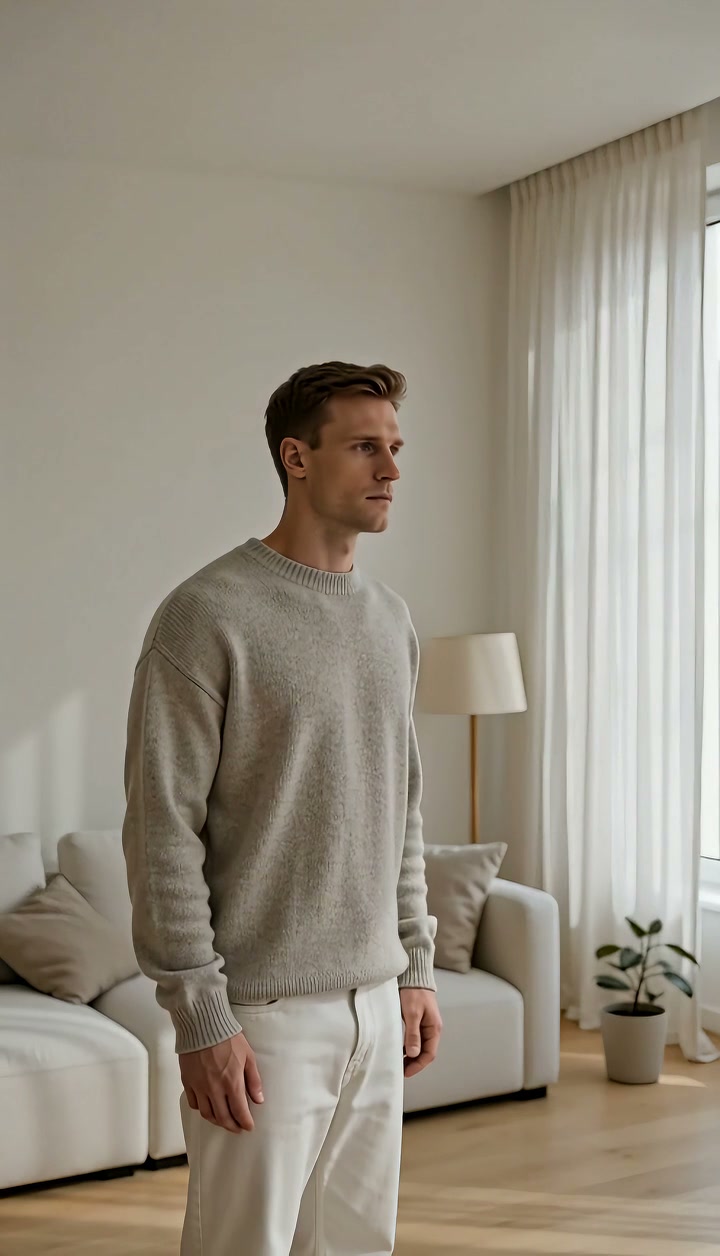
A founder headshot on a plain studio backdrop becomes a short locked-off loop: a slow blink, a breath, one strand of hair moving. Dropped into a 16:9 website header it reads as a live portrait instead of a frozen JPEG.
Product on a table with ambient life
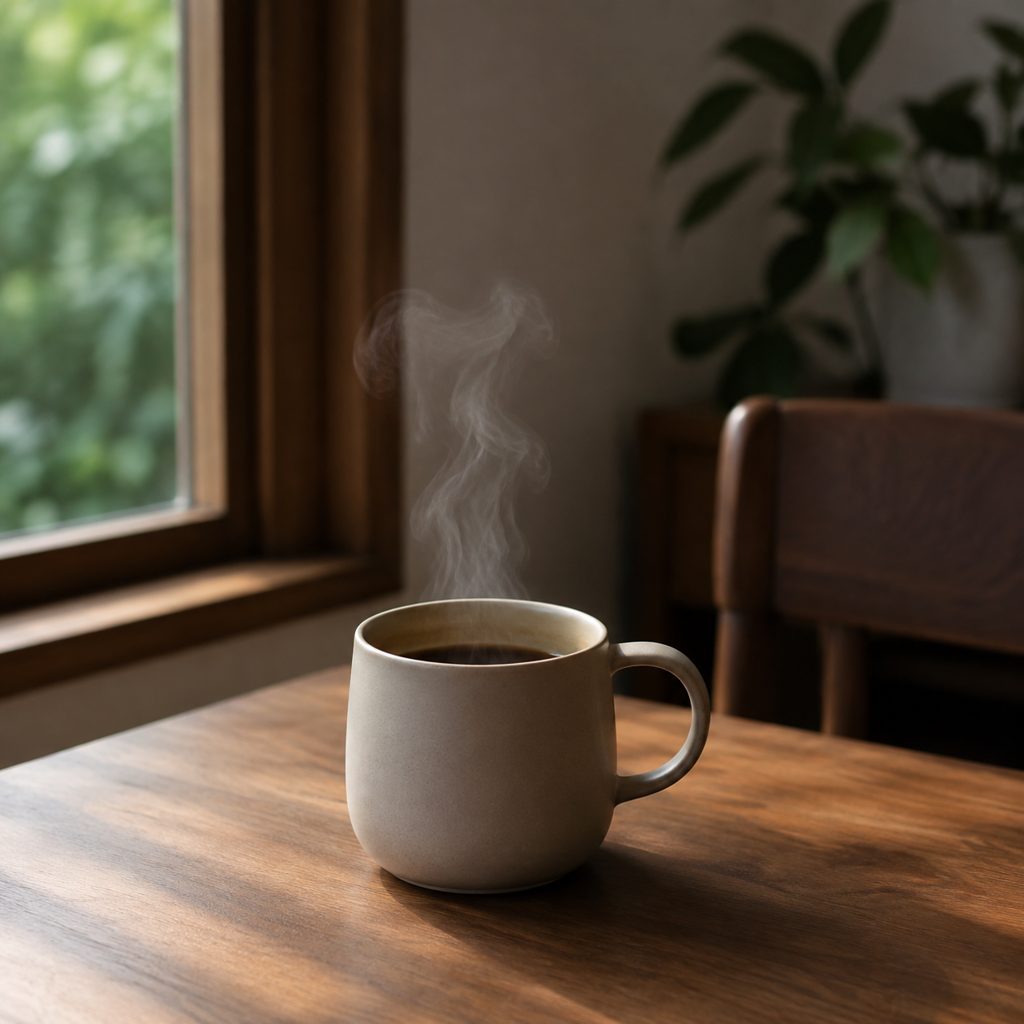
A ceramic mug shot from a 45-degree angle on a wooden table. The camera holds while steam curls and window light flickers on the glaze. Product pages and 9:16 Reels use a clip like this as a quiet hero that keeps the label readable.
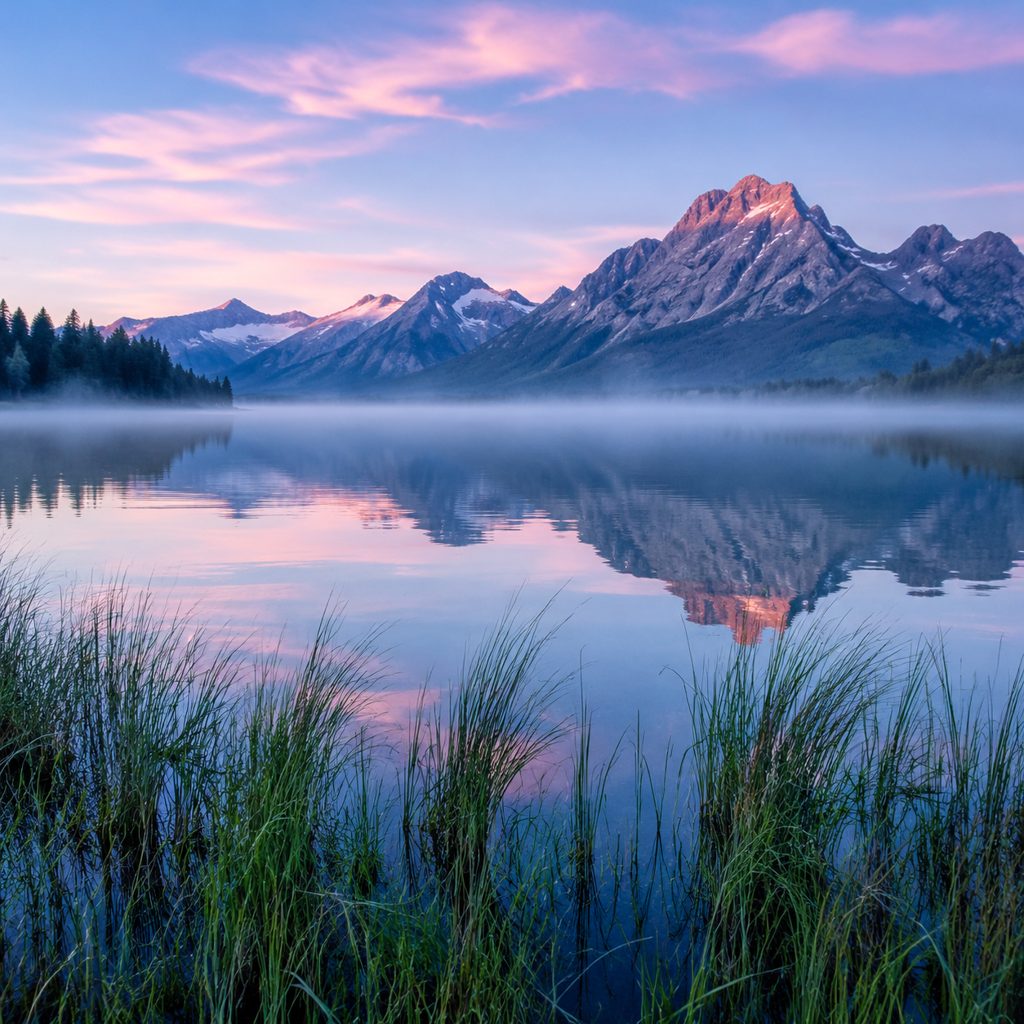
Landscape plate under a voiceover
A lake at dawn with mist and reeds. The framing never changes, but the water ripples and the mist drifts across the far shore. Documentary editors use a static camera shot like this under narration, where any pan would compete with the words.
FAQ
Common questions
What is a static shot in film?+
The term describes a shot filmed from a camera that does not move during the take: no pan, tilt, zoom or dolly. Framing is fixed on a tripod, and the audience watches action happen inside a stable frame. Directors use it for dialogue, observation, comedy timing and moments where movement distracts.
How does LazyKiwi make a locked-off shot from one photo?+
LazyKiwi generates this template as image-to-video from a single uploaded still. The engine treats your photo as the first frame, locks camera position, height, focal length and angle, then animates only natural subject and environment motion for the length of the clip. No rig, tripod or source footage is needed.
Locked-off vs slow zoom in: which should I use for a photo?+
Choose the locked-off version when the photo already has strong composition and you want the viewer to notice small movements: breathing, hair, weather. Choose a slow zoom in when the image needs a sense of progression toward a face or detail. The static version is calmer and loops; the zoom adds direction and ends tighter.
What photo works best for a still camera video?+
A sharp, well-exposed photo with the final framing already decided works best, because the camera will not reframe anything. Include elements that can move naturally: a person, water, foliage, fabric, smoke or steam. Avoid heavy motion blur or crops with cut-off limbs, since the engine keeps the composition exactly as uploaded.
How long is the output and where can I use it?+
The output is a short clip, generated in vertical or landscape orientation to match your photo. A vertical clip suits 9:16 Instagram Reels and TikTok backgrounds behind captions; a landscape version suits 16:9 YouTube intros, website headers and slideshow plates. Because the ending matches the start, the clip can loop.
Can I use a static camera shot as a video background?+
Yes. A static camera shot is one of the most useful backgrounds because the frame never drifts under text. Place the clip on the bottom track of a CapCut or Premiere Pro timeline, add titles or subtitles on top, and loop it if the scene runs longer than the generated length.
Other names for Static Shot
Film crews say static shot or locked off shot, camera operators say static camera shot or fixed camera shot, and social creators search for still camera video, living photo video or cinemagraph style video. Tool-intent phrases such as static video generator, animate a photo without moving the camera, and locked off shot AI point to the same result: a clip where the frame stays put and the scene breathes. Any of these names leads to this template.
Turn one photo into a locked-off video shot
Upload a still, pick the template, generate. Free credits are included at signup.