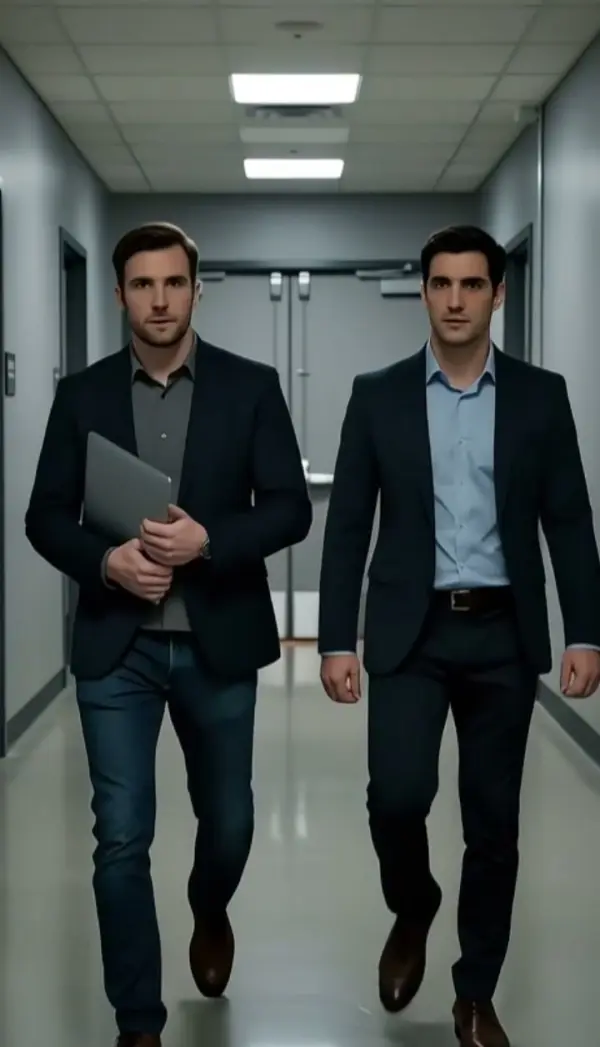
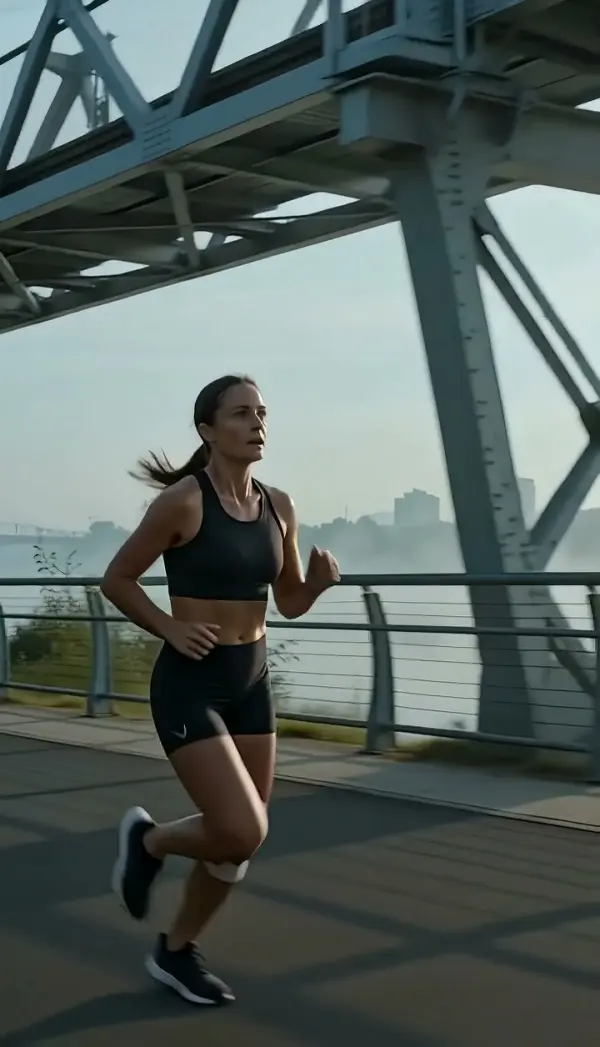
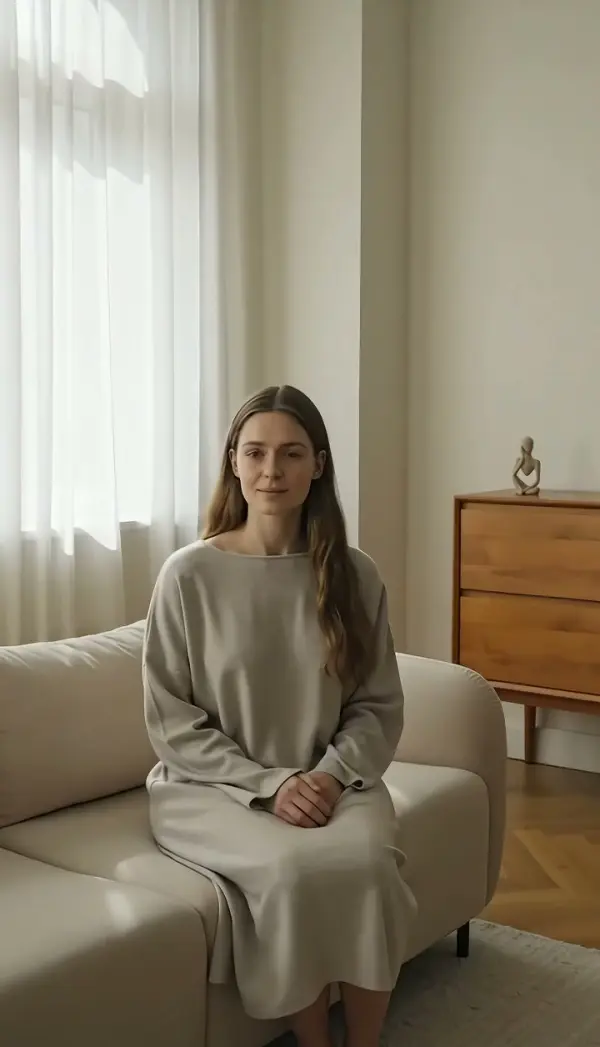
Slider Right (slider Shot)
Slider Right glides the camera a short distance to screen right at a slow, controlled speed, the subtle drift a rail slider gives, so foreground, subject and background separate with fine parallax. Upload one photo and LazyKiwi generates a short clip that lands on a refined new angle.
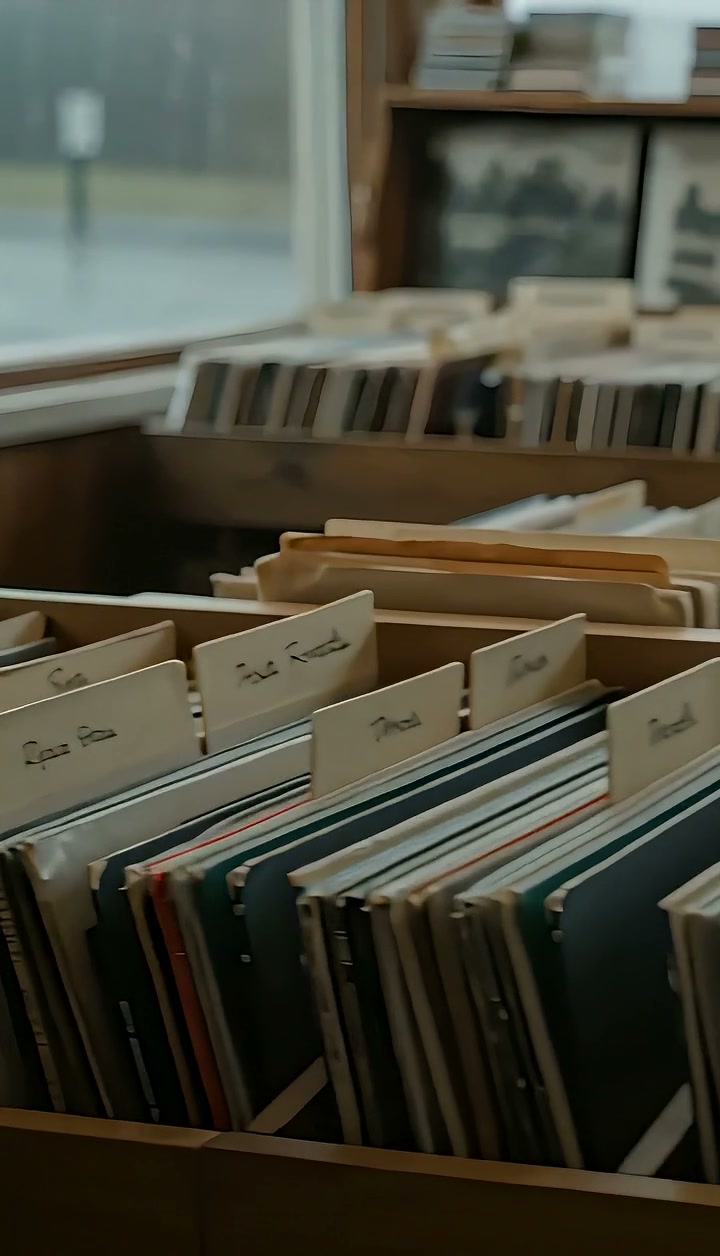
Slider Right Template
Upload one sharp photo with a foreground element within arm's reach of the lens, such as a plant, a cup or a door frame, so the subtle drift has something to slide past.
WHAT IT IS
Slider shot: short, slow lateral travel from one still
Slider Right is a slider shot in which the camera travels a short distance to screen right at a slow, controlled speed while the lens keeps its heading. The distance is small, usually under a meter on a real shoot, and the point is not to relocate the viewpoint but to let a foreground object drift past the lens while the subject holds still and the background barely moves. That gentle layering makes an interview, a product or a portrait feel dimensional instead of pasted onto a backdrop. LazyKiwi produces this slider camera movement from one uploaded photo. The Seedance video model reads your still as the first frame, keeps the subject stable, and eases the camera right until the clip rests on a refined new angle. Output is a short vertical 9:16 or landscape 16:9 clip, made without any rail, motor or operator.
- Short travel, slow speed
- Unlike a truck that crosses a room, this move covers a small distance at a deliberate pace. The restraint is the point: viewers feel depth without noticing a camera move.
- Foreground does the work
- A leaf, a mug, a railing or a door edge close to the lens drifts across the frame while the subject stays put. That difference in speed is the fine parallax the template is built to show.
- Subject held steady
- The engine keeps the person or product in your photo stable in size and position. Faces, fabric and packaging keep their detail while only the camera position and the scene layers shift.
- Rests on a refined angle
- The glide decelerates onto a composition slightly to the right of the original. That polished end frame works as a hold for captions or as a soft cut point in a longer edit.
USE CASES
Small moves that add depth
This is the b-roll move: quiet, dimensional, and safe under voiceover or on-screen text.

Interview b-roll with a plant in the foreground
Upload a seated portrait of a founder with a plant or lamp near the lens edge. The camera eases to the right, the foreground drifts across, and the 16:9 clip gives a talking-head edit a cutaway that feels shot on a rail.

Perfume bottle on a marble counter
Photograph a perfume bottle with a small flower or the counter edge in the near foreground. The slider camera movement glides right, the bloom slides past the lens, and the bottle's facets catch light from a slightly new angle in a 9:16 story ad.
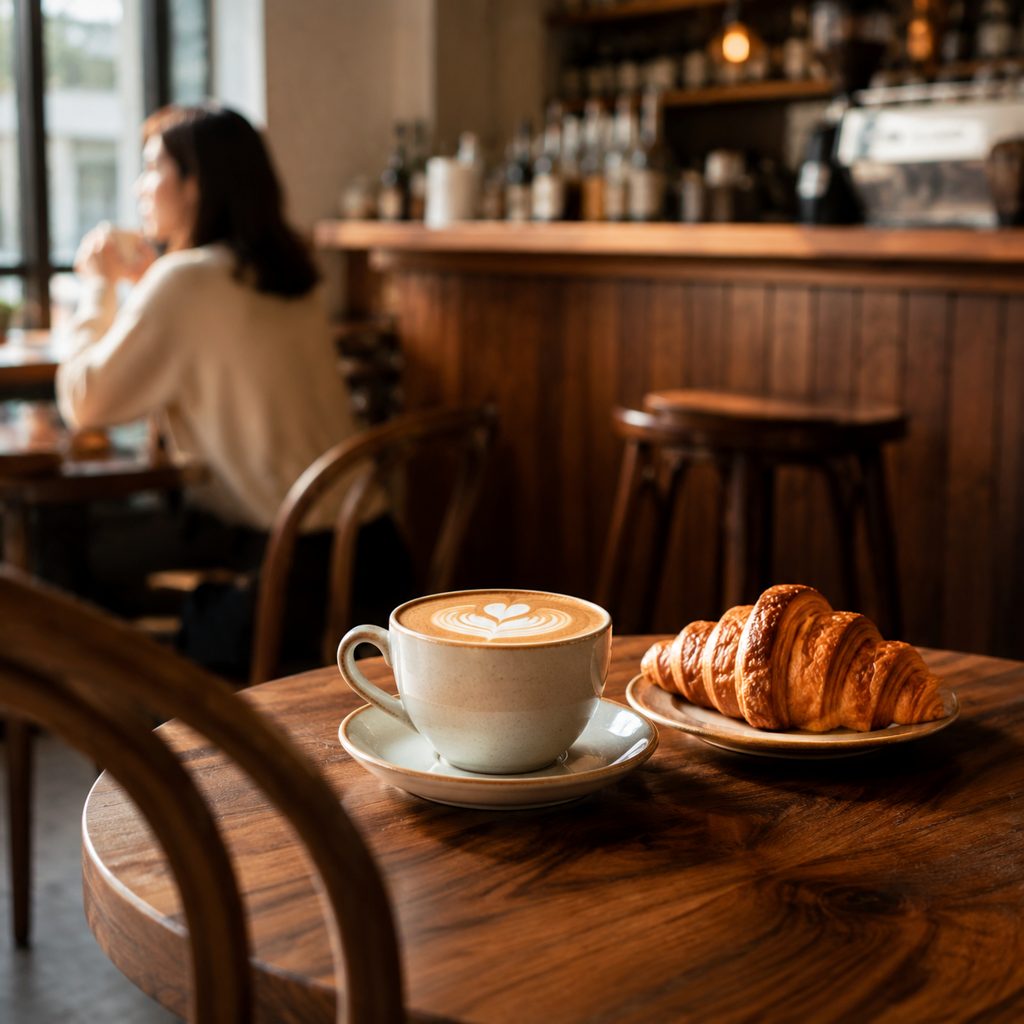
Latte on the cafe table
Take one photo of a latte and pastry with a chair back or menu stand close to the lens. The move drifts past the foreground object and settles on the cup from a fresh angle, a subtle opener for a cafe's Reels feed.
FAQ
Common questions
What is a slider shot?+
A slider shot is a camera move in which the camera travels a short distance sideways on a rail at a slow, controlled speed while the lens keeps its heading. The small travel creates gentle parallax between a foreground object, the subject and the background. Filmmakers use the move to add depth to interviews, products and portraits.
Slider shot vs truck shot: what is the difference?+
Both moves travel the camera sideways with the lens facing forward. A truck shot covers real distance, often at walking pace across a room, and is used to follow action. A slider shot covers a short stretch slowly, aiming for subtle depth rather than relocation. LazyKiwi offers Truck Right for the longer, faster version.
Do I need a physical camera slider to make this move?+
No. The template generates the slider camera movement from one uploaded photo. The Seedance video model treats the still as the first frame, keeps the subject stable, and eases the camera position right at a slow speed with fine parallax. No rail, motorized slider or gimbal is used at any point.
What kind of photo works best for this move?+
Choose a sharp photo with a foreground object close to the lens and the subject a step or two behind it. Plants, cups, chair backs, door frames and railings make the drift visible. Keep the subject a little left of center so the move settles on a balanced frame.
How long is the clip and which aspect ratios are available?+
The template returns a short clip from a single still in vertical 9:16 for Reels, TikTok and Shorts or landscape 16:9 for YouTube and LinkedIn. The move is slow and ends on a steady frame, so the clip also works as a looping background or a hold under captions.
When should I choose slider right rather than slider left?+
Choose it when you want the foreground element to travel from right to left across the frame, revealing a little more space on the right side of the composition. That direction feels like progress in a left-to-right edit. Slider Left reverses the drift and reads as a small step back or a return.
Other names for Slider Right
Rail moves get described in several ways. Slider shot and camera slider are the common names; some crews say slide right, dolly slide or short lateral dolly. Searches for slider camera movement, camera slider video and slider camera move all describe the same short, slow glide. Editors wanting to fake the move look for a camera slider effect in Premiere Pro. This template produces the glide from one uploaded photo, no rail required.
Add a slow rightward glide to any photo
Start with free credits and see the parallax on your own still before spending anything.