Slow Zoom Out
Slow Zoom Out gradually shortens the focal length so the frame widens around your subject, revealing the surroundings while the subject's identity and position stay fixed, and ends on a calm wide composition. Upload one photo and LazyKiwi generates the zoom out video as a short clip, vertical or landscape.
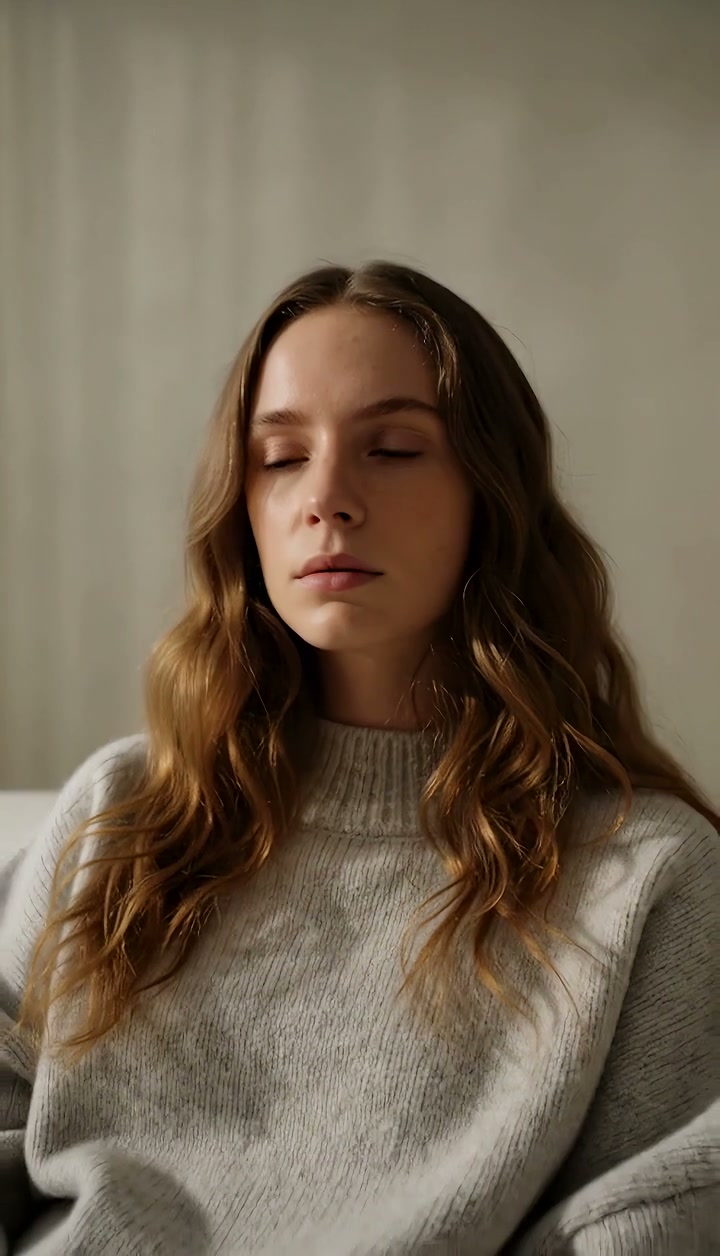
Slow Zoom Out Template
Upload one photo with a clear subject; the engine extends the environment outward from your framing, so a photo with some visible context helps.
WHAT IT IS
What a gentle zoom out is and how the template widens a still
A slow zoom out is a gradual decrease in focal length that widens the field of view around a subject while the camera itself stays put, so the environment appears to grow outward from the edges of the frame. This template generates that zoom out effect from one uploaded photo. The engine uses the still as the first frame, holds the subject's identity and position stable, and eases the focal length wider so the surroundings are disclosed a little at a time. The clip ends on a steady wide composition. Editors use the gentle pull-back for endings, for revealing where someone is, and for a change of mood from intimate to open. Output is a short vertical 9:16 or landscape 16:9 clip, generated without a lens, rig or footage.
- Focal length eases wider
- The zoom is unhurried, closer to a breath out than a reveal gag. Over the clip the framing widens from your photo's crop to a wide shot, with no change in camera position.
- Subject stays anchored
- The person or object keeps the same face, clothing and place in the frame while the world grows around them. The engine will not drift the subject toward an edge.
- Environment extends outward
- Whatever lay beyond your photo's borders is generated in a matching style: more room, more street, more sky. A photo with visible context gives the engine better cues.
- Ends on a steady wide
- The final frame is a stable wide composition, which makes a good ending card, a spot for closing text, or a clean cut point into your next scene.
USE CASES
Gentle pull-backs with a purpose
An outro, a detail placed in its room, and a quiet last shot: three slow widenings from single photos.
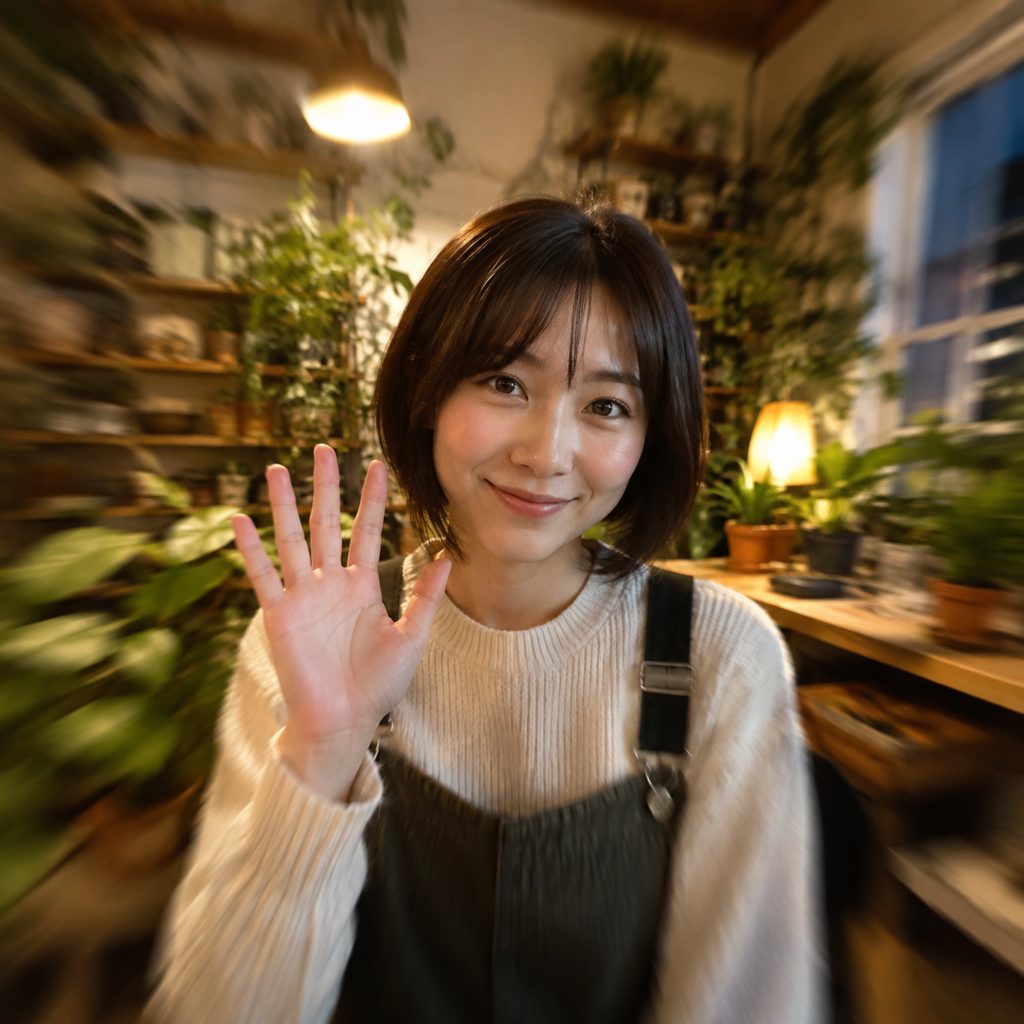
Outro shot for a Reel
A close photo of a creator waving at the camera. The zoom pulls back to show the whole studio, and the closing caption sits on the widened frame. In 9:16 the reveal gives an end screen real motion instead of a frozen still.
From the detail to the room
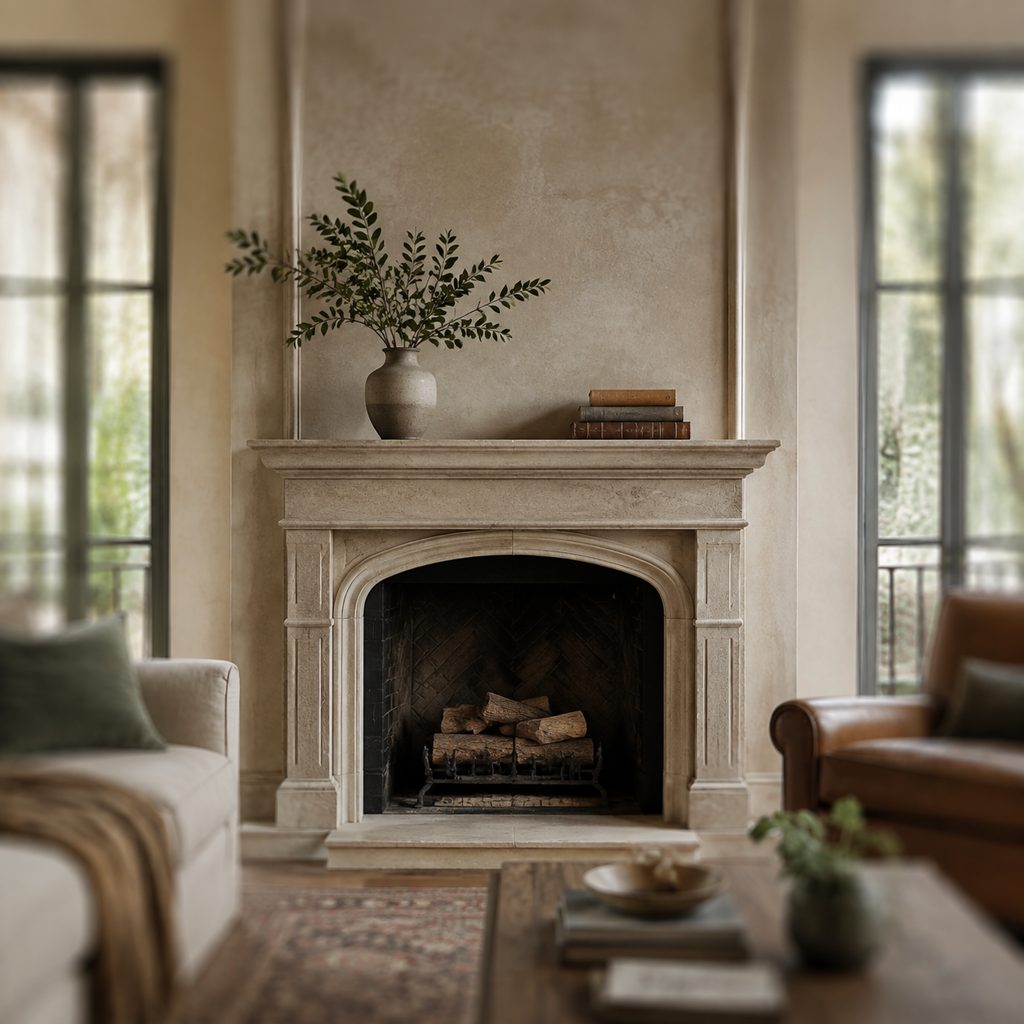
A photo of a fireplace mantel with a vase and books. The zoom out effect widens to reveal the living room, the windows and the view. Property marketers use the move in 16:9 to open a tour on a detail and then place it in the space.
Reflective ending for a short film
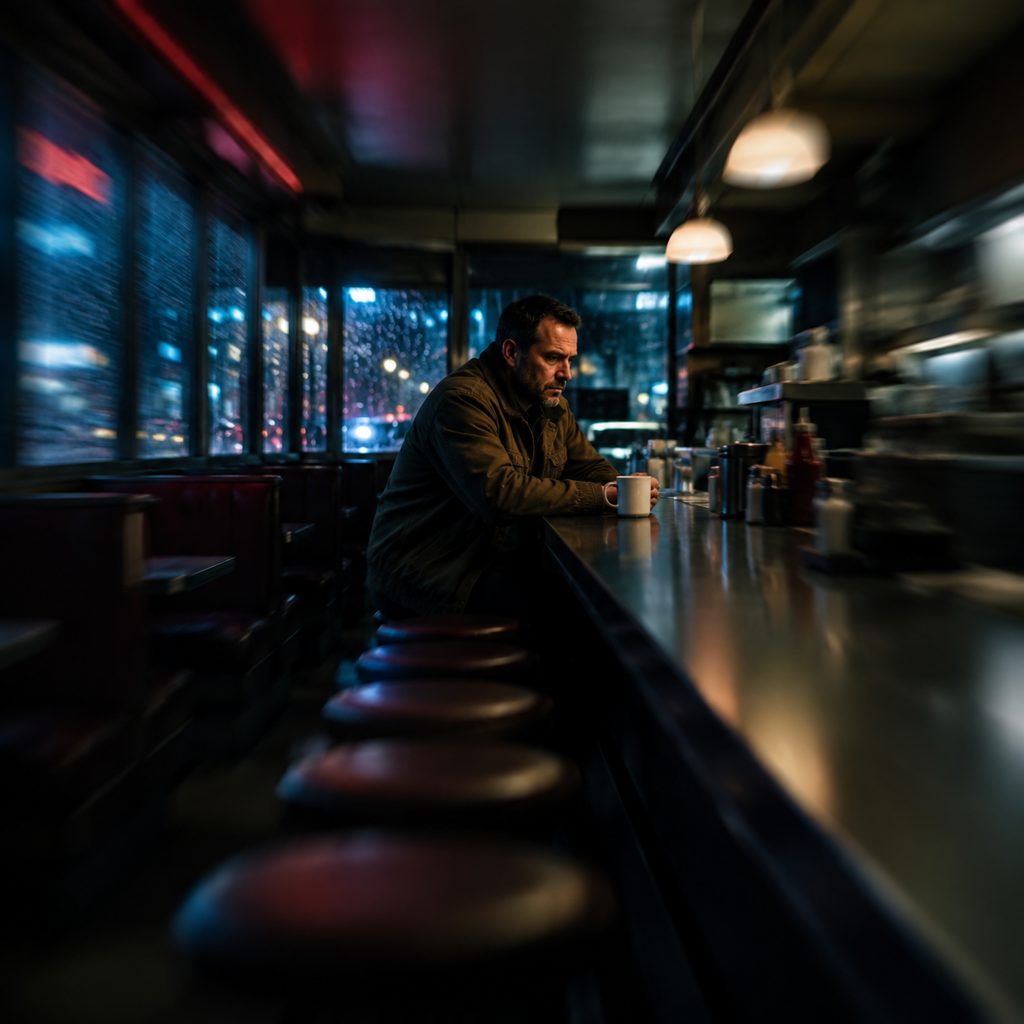
A photo of a man alone at a diner counter. The slow pull-back widens until the empty stools and the rain-streaked windows surround him. Film students use this instead of a fade, letting the widening frame do the emotional work before the credits.
FAQ
Common questions
What is a slow zoom out?+
It is a camera technique in which the lens focal length is gradually shortened so the field of view widens and more of the scene becomes visible, while the camera stays in one place. Filmmakers use the move to reveal context, to end a scene with distance, or to shift the mood from close to open.
How does LazyKiwi produce a gentle zoom out from one photo?+
LazyKiwi generates the move as image-to-video. You upload a single still, the engine uses that image as the first frame, keeps the subject's identity and position fixed, and eases the focal length wider so the surroundings extend outward from the borders. The clip settles on a steady wide frame.
Gentle zoom out vs dolly out: which is right for a photo?+
The slow version widens the view without moving the camera, so every element keeps its place and the image simply reveals more of itself. A dolly out moves the camera backward, which changes perspective and makes foreground objects slide past. For a flat photograph the zoom keeps geometry honest; the dolly adds invented depth.
How is this template different from the Zoom Out template?+
This template fixes the pace: gentle, even and unhurried, ending on a calm wide shot. The general Zoom Out template gives the engine more freedom with speed and emphasis. If your clip runs under narration, slow-tempo music or an ending card, the slow version keeps the reveal from feeling like a jolt.
What photo works best for a zoom out video?+
A sharp photo with a distinct subject and some visible surroundings works best, since the engine extends the environment outward from the edges. Portraits with a room or landscape behind them, product shots on a surface, and street scenes all give good cues. Tight headshots with a blank background offer little to reveal.
How long is the clip and where should I use a zoom out effect?+
Expect a short clip, either vertical or landscape. Vertical 9:16 fits Reels and TikTok outros, where the widening frame leaves room for a call-to-action caption. Landscape 16:9 fits YouTube endings, property tours and short film final shots.
Other names for Slow Zoom Out
Editors say slow zoom out video or slow pull back; tutorial searches use zoom out video, zoom out effect and zoom out video effect; motion designers call the same idea a reverse Ken Burns or a slow scale-down. Software-flavored searches such as a gentle zoom out in CapCut or zoom out effect in Premiere Pro describe hand-keyframed versions of what this template generates from one photo.
Pull back gently from any photo
Upload a still, pick this template, generate. Fresh accounts include free credits.