Flying Camera Transition Scenes
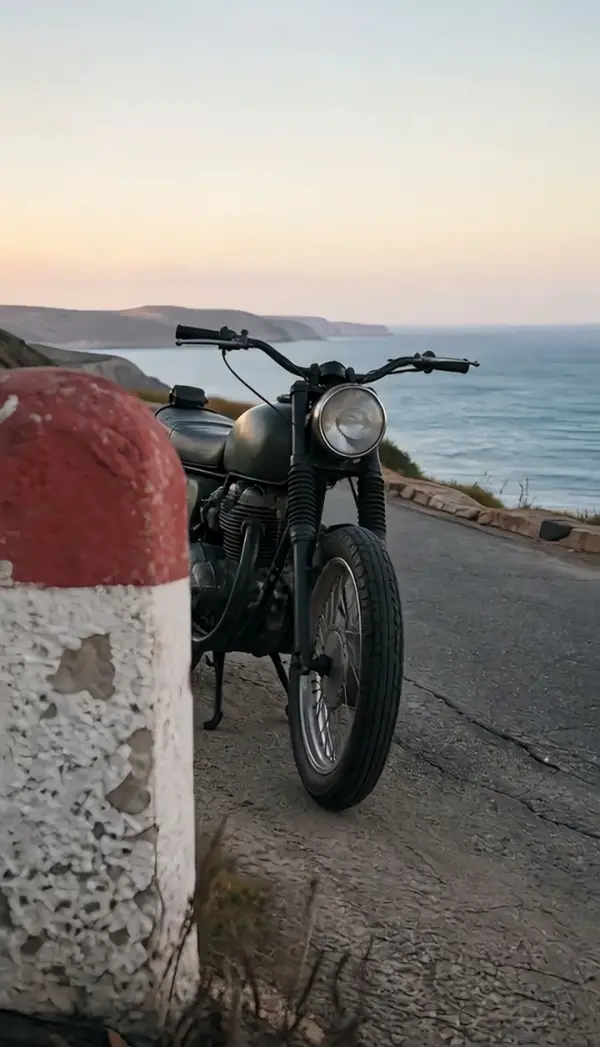
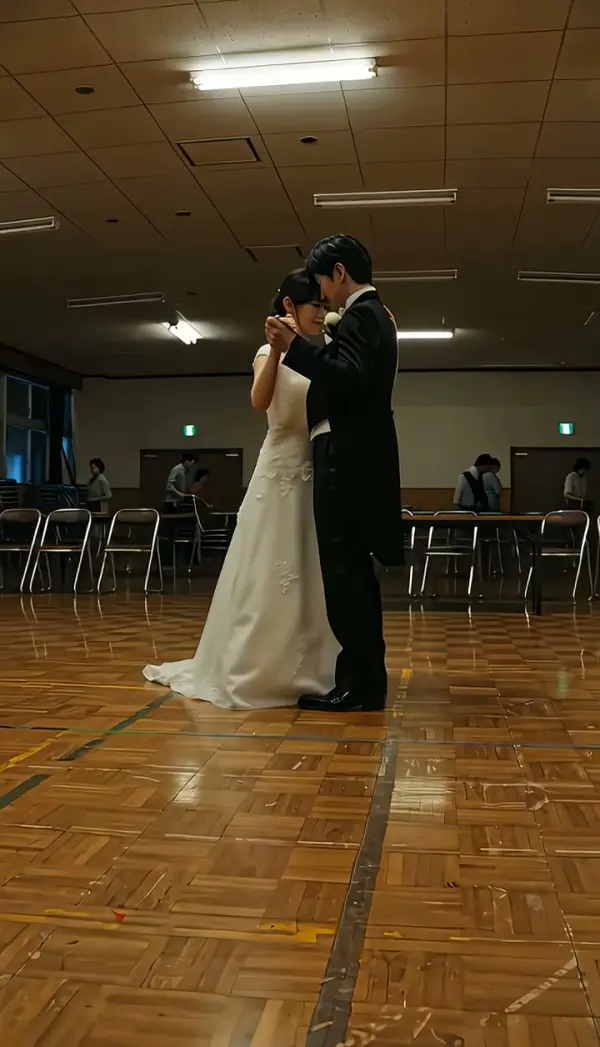
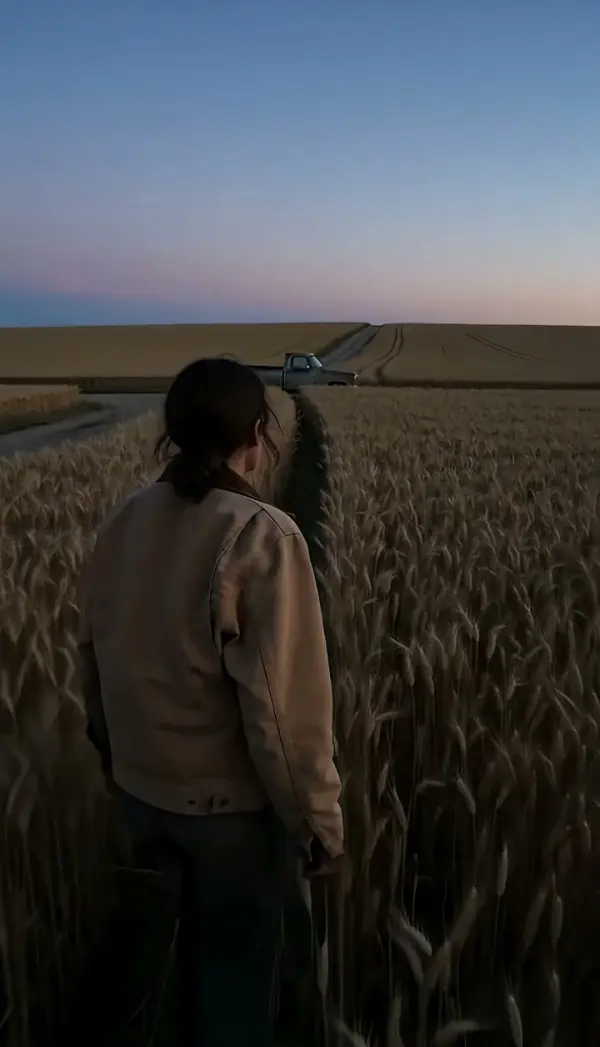
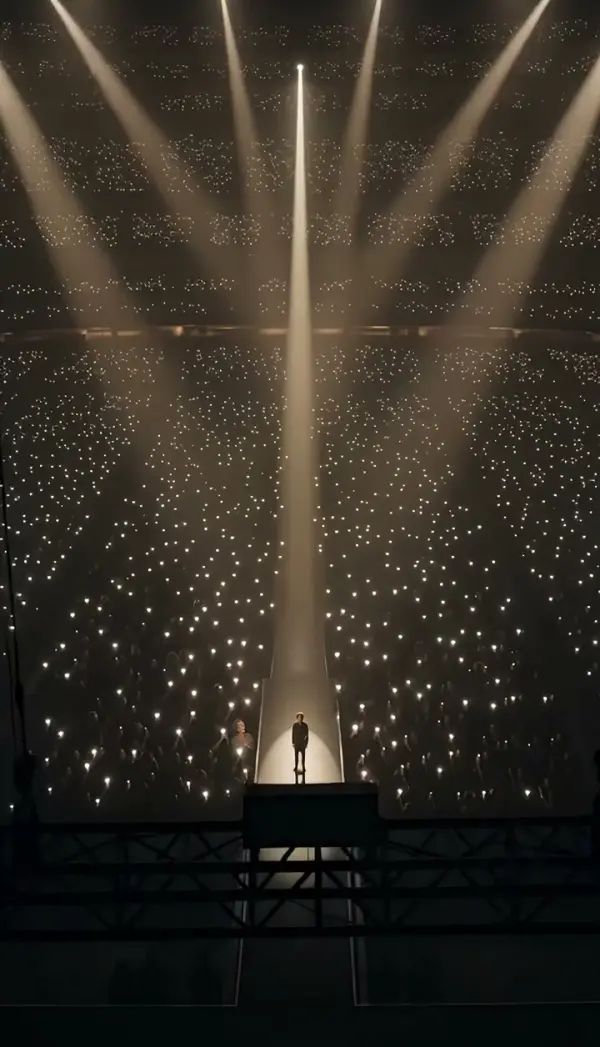
The Flying Cam Transition creates a sweeping camera movement that flies between scenes, ideal for cinematic travel vlogs, product reveals, outfit edits, and action shots. Perfect for TikTok, Reels, Shorts, and ads, it connects clips with a smooth aerial-style motion to add professional energy to your content. Fly the camera through your scene for a seamless swooping transition. Free AI video effect, ready in seconds for TikTok and Reels. Create it in seconds in LazyKiwi AI video generator.
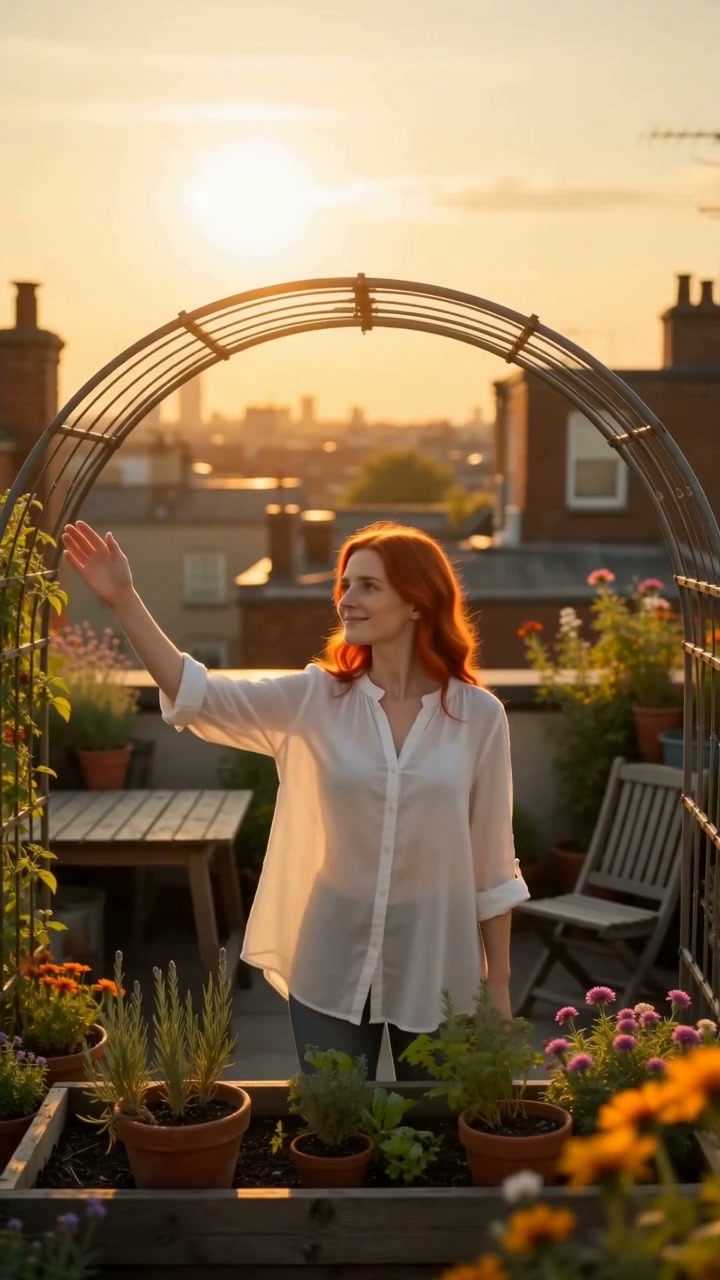
WHAT IT IS
What Makes a Fly-Through Feel Seamless
The Flying Cam Transition simulates a camera soaring forward into a scene, then instantly emerging into the next clip. It relies on strong foreground framing, a speed ramp with motion blur, and a whip-like movement that hides the cut. The result is a fast, energetic stitch that turns two clips into one continuous flight. A fly-through needs seamless motion. It renders cleanly on Veo 3; for more like it, see scroll-stopping effect videos.
Foreground push points
Start with a clip that includes a clear foreground object like a doorway, window, or arch. The camera flies into this element, masking the cut to the next shot.
Anchored central subject
Keep your main subject near the center and avoid drastic movement during the transition. This stabilizes the flight path and prevents the viewer from losing orientation.
Speed ramp with motion blur
A quick acceleration into the foreground, paired with motion blur, creates the illusion of high-speed flight. This visual trickery conceals the edit between two clips.
Seamless social scroll-stopper
The immersive, unbroken movement holds attention on feeds. It’s perfect for brand ads, product reveals, or travel reels where fluid storytelling matters.
CREATOR USE CASES
Application Scenarios
See how creators apply the Flying Cam Transition across different channels and content styles.
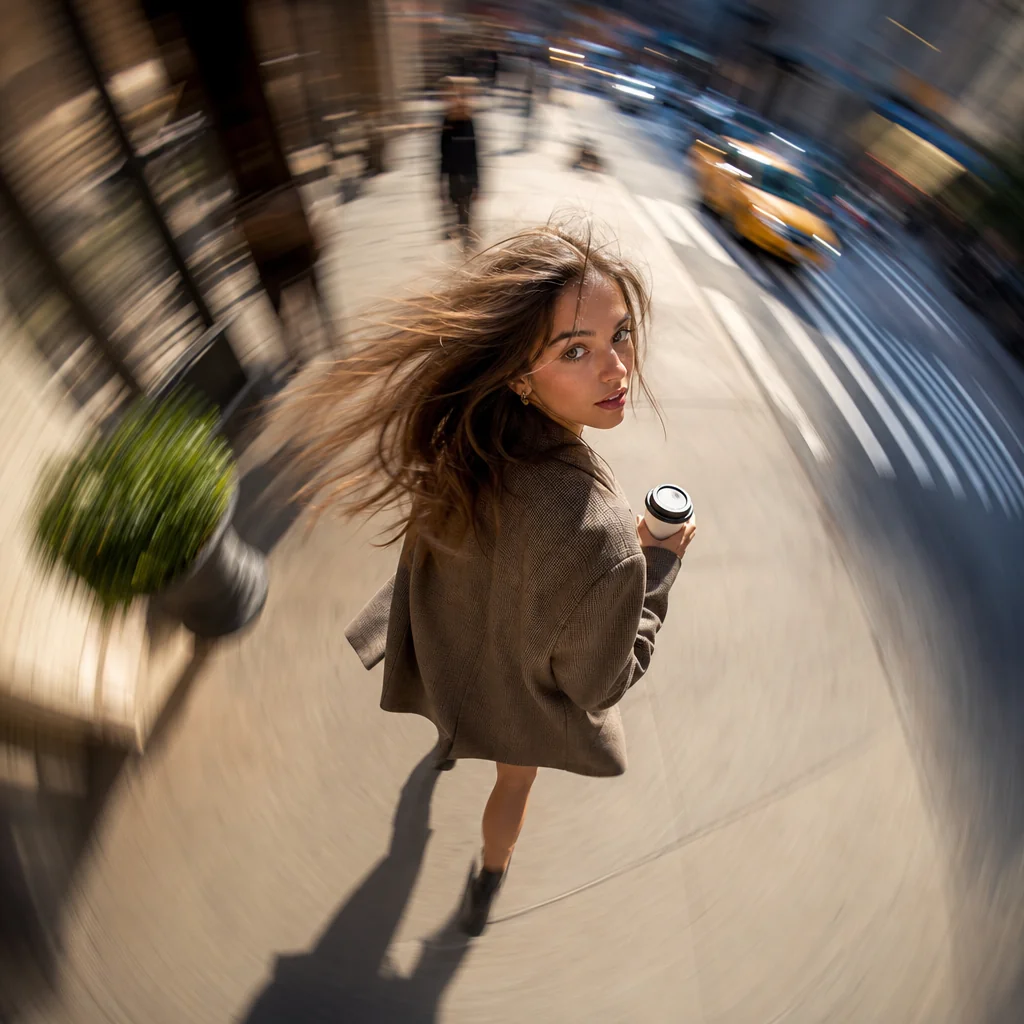
Coffee Run Freeze Frame
A casual street moment snaps into a hook with a sudden flying cam freeze.
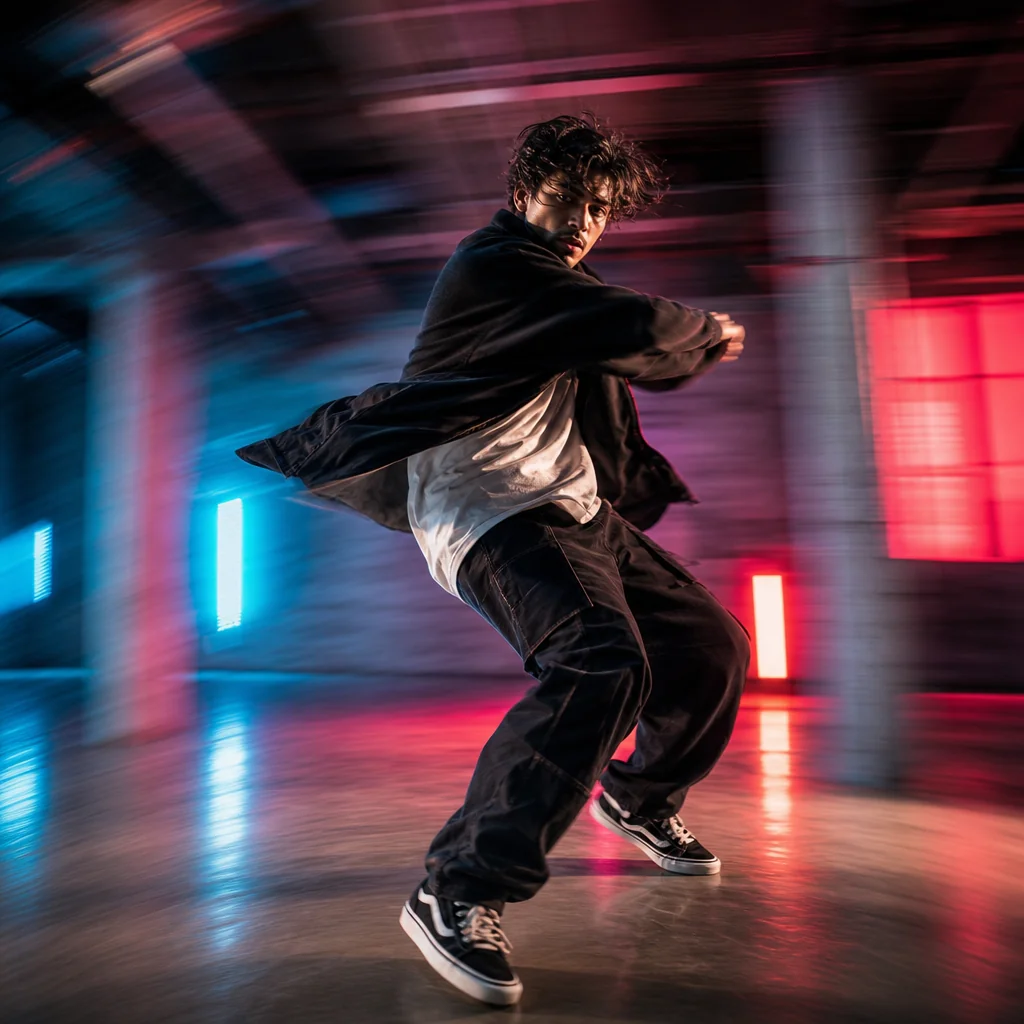
Dance Floor Pulse
A dance move gains visual energy as the flying cam circles the subject mid-motion.
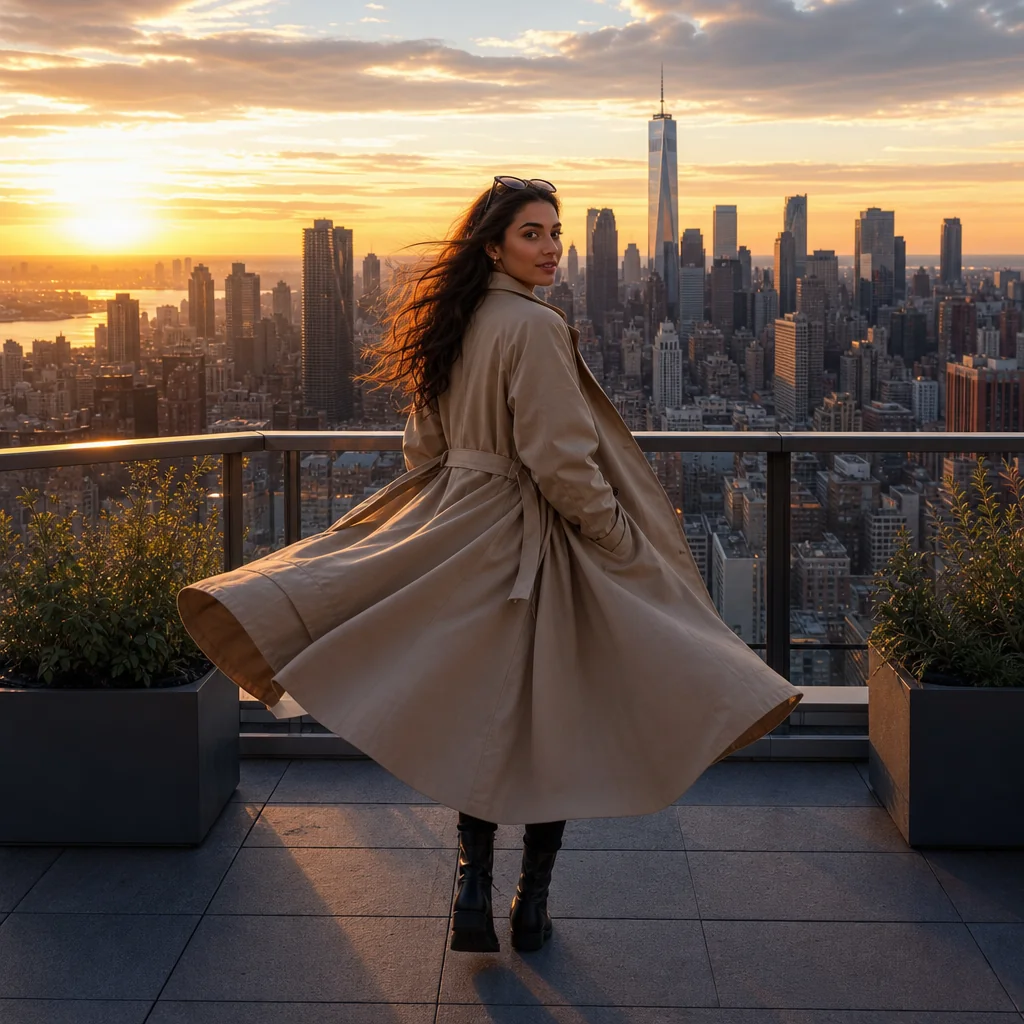
Rooftop Look Edit
A travel outfit shot transforms with the flying cam emphasizing the city backdrop and pose.
FAQ
Common questions
What is the Flying Cam Transition effect?+
The Flying Cam Transition is a video effect that simulates a camera rapidly flying through a scene. It creates a continuous motion blur between two clips, giving the impression of a single, fast-paced aerial movement.
Why is Flying Cam Transition useful for TikTok, Reels, or Shorts?+
This transition keeps viewer attention by creating a fast and smooth visual flow. It helps retain audiences in the first few seconds, which can improve video completion rates and overall engagement on short-form platforms.
Can I create Flying Cam Transition from one uploaded image?+
Yes, you can. Many tools let you animate a still image with a simulated camera push and then apply the transition to another clip, creating the flying effect even without original drone footage.
What kind of image or video works best?+
Clips with a clear focal point and leading lines work well. Wide landscape shots, city horizons, and product images on clean backgrounds give the motion blur tool a distinct path to follow.
Can I use it for product, fashion, travel, or creator content?+
Yes. It is commonly used to spotlight products, transition between fashion looks, reveal travel destinations, or move through creator highlights. The effect adds pace to content changes without complex editing.
What pairs with a fly-through transition?+
A fly-through moves between two scenes without a hard cut. Zoom Eyes and Zoom Out sit well beside it, and more video models has more.
Other names for Flying Cam Transition
Users often refer to the Flying Cam Transition using different terms depending on their creative context or editing style. You might know it as a drone transition, aerial fly-through, or a swooping camera move that glides seamlessly from one scene to another. Whether you search for bird's eye view shift, sky cam glide, or a cinematic flyby effect, LazyKiwi turns these ideas into polished, short-video-ready visuals that match your exact vision. Fly-through, swoop transition, drone-style pass, these all point to the same camera gliding through your scene.
Create a flying camera transition from any clip or template
Start from a prompt, your own media, or a ready-made template.