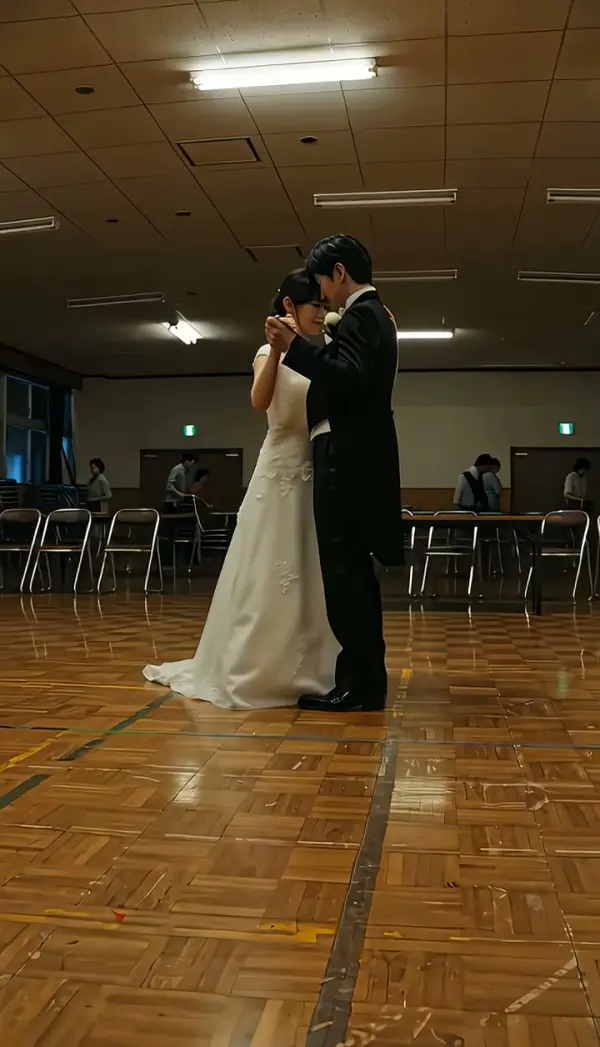
Arc Left
Arc Left carries the camera on a shallow curve toward the left side of the subject at a steady radius and height, holding the subject sharp while the background swings behind them. Upload one photo and LazyKiwi generates a short clip that finishes on a new left-side angle, no curved track required.
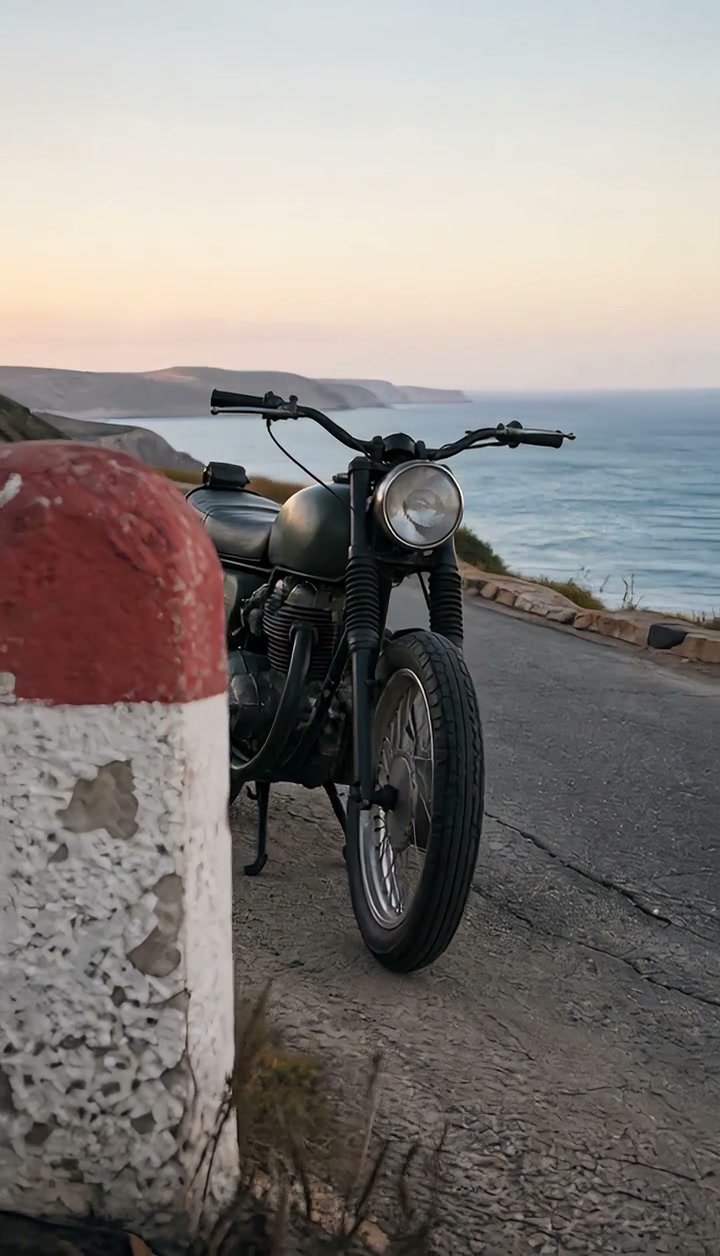
Arc Left Template
Upload a single photo with the subject centered and the left side of the face or object well lit; visible surroundings make the swing more convincing than a plain backdrop.
WHAT IT IS
An arcing shot toward the subject's left side
Arc Left is an arcing shot in which the camera travels a shallow curve toward the left side of the subject while keeping the radius, the camera height and the subject's sharpness steady from first frame to last. The camera does not cross the subject or shrink the framing; the path bends around the subject so the angle changes while the composition holds. Cinematographers use the arc camera move to turn a frontal portrait into a three-quarter view without cutting. LazyKiwi generates the move from one uploaded photo. The Seedance video model reads the still as the first frame, keeps the subject in focus and undistorted, and curves the camera position left until the clip ends on a new left-side angle. The output is a short clip, vertical 9:16 for Reels and TikTok or landscape 16:9 for YouTube, created with no track, gimbal or crew.
- Radius stays fixed
- The engine keeps the camera the same distance from the subject through the whole curve. The subject neither grows nor shrinks, which is what makes an arc read as a move around rather than toward.
- Height held level
- Camera height does not change during the arc shot left, so the eye line stays consistent. The background is the only thing that appears to rotate, sliding in curved parallax behind the subject.
- Left profile revealed
- Traveling toward the subject's left exposes the left cheek, the left shoulder and the left flank of an object. Pick this direction when that side has the better light, the hair part or the detail you want seen.
- Sharp subject throughout
- The generation instruction demands the subject remain clear for the entire curve. Faces, fabric weave and product edges keep their detail while the environment behind them turns.
USE CASES
Angles that open to the left
Pick this direction when the left side of a face or object carries the detail, or when continuity runs right to left.

Headshot that opens to the left
Upload a straight-on headshot against an office background. The camera curves toward the subject's left, the windows and shelving rotate behind, and the clip settles on a three-quarter angle for a LinkedIn intro or a team page in 16:9.
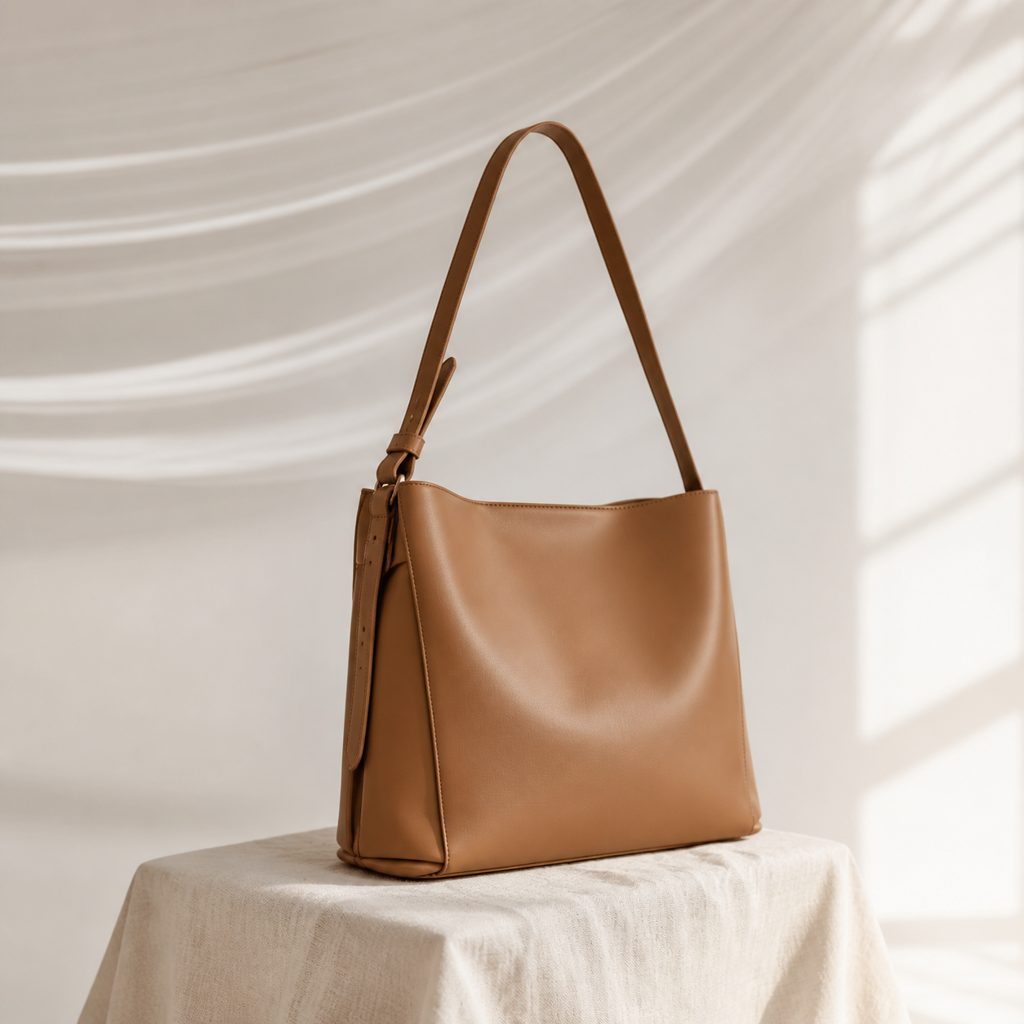
Handbag, left side reveal
Photograph a handbag facing the camera on a stool. The arc camera move swings toward the bag's left, the strap and side gusset come into view, and a 9:16 clip is ready for a product story without a turntable.
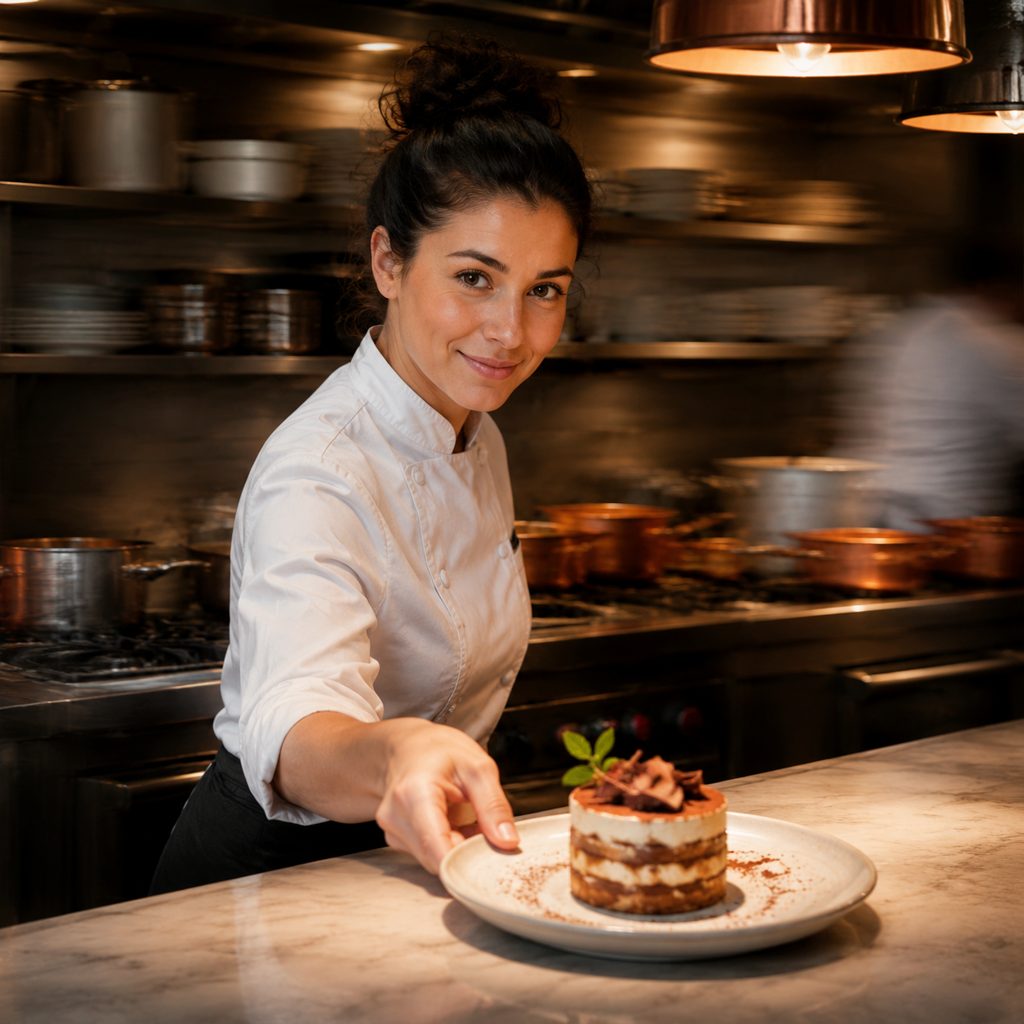
Dish presentation from the chef's left
Take one photo of a plated dessert with the chef standing behind the counter. The camera curves around toward the left, the kitchen shelves rotate, and the last frame shows plate and chef from a new angle for a restaurant reel.
FAQ
Common questions
What is an arc left camera move?+
This is a curved camera travel toward the left side of the subject at a constant radius and height, with the lens staying on the subject the whole time. The subject holds position and size in frame while the background rotates behind them. The move mirrors arc right and is a partial orbit.
How does this move differ from truck left?+
Truck left moves the camera on a straight line, so the subject drifts across the frame and the framing changes. This move bends the path around the subject, holding the subject centered while the viewing angle changes. Use truck left to follow lateral action and the arc to reveal a new side of a stationary subject.
Can the template build an arcing shot from a single photo?+
Yes. The template generates the arcing shot as image-to-video. The Seedance video model reads the uploaded still as the first frame, keeps the radius, camera height and subject clarity stable, curves the camera position toward the subject's left, and ends the clip on a new left-side angle. No curved track, slider or operator is needed.
What photo works best for an arc shot left?+
A sharp, front-facing photo with the subject near the center and an environment with visible structure behind them gives the best arc shot left. Make sure the left side of the face or object is lit and unobstructed, because that is the side the move reveals.
How long is the clip and what formats are available?+
The template returns a short clip from one uploaded still, in vertical 9:16 for Reels, TikTok and Shorts or landscape 16:9 for YouTube, LinkedIn and product pages. The move eases to a stop on the new left-side angle, giving a steady final frame for captions or a cut.
When should I use this move rather than arc right?+
Use it when the left side of the subject is the one to reveal: the side with the better light, the hair part, a product's left panel, or the driver's side of a left-hand-drive car. The move also matches continuity when the previous shot moved right to left. Arc Right handles the opposite case.
Other names for Arc Left
Crew shorthand for this curve varies. Arc shot left and curved dolly left are the direct names; some operators say swing left or partial orbit left. Broader phrases such as arcing shot and arc camera move cover both directions. Searches like arc vs truck and curved camera effect in Premiere Pro describe the same partial circle toward the subject's left, which this template generates from one uploaded photo.
Swing the camera to the left side from one photo
Sign up, collect free credits, and run a test arc on your own portrait.