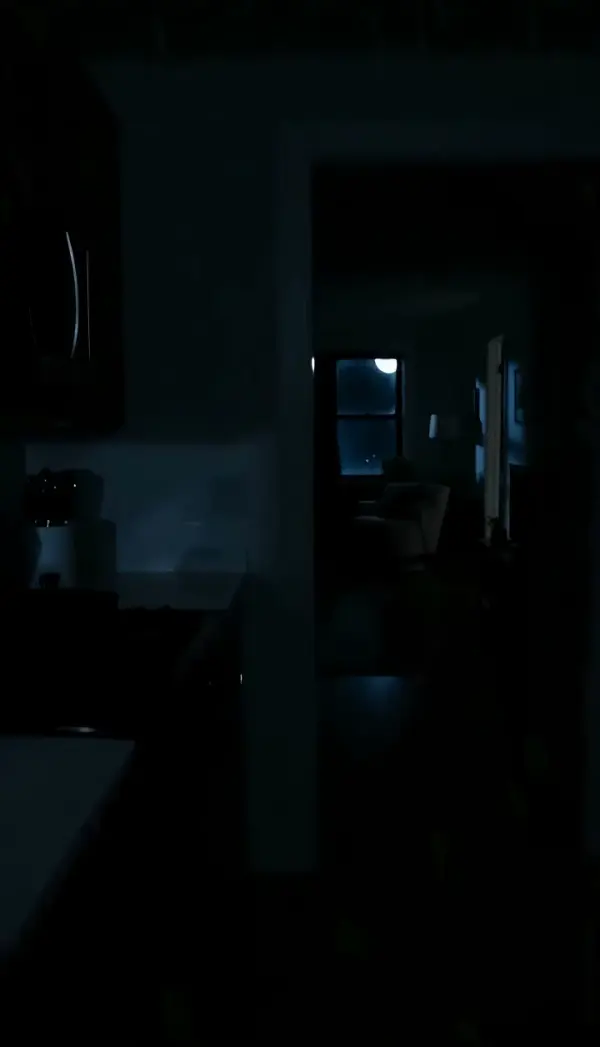
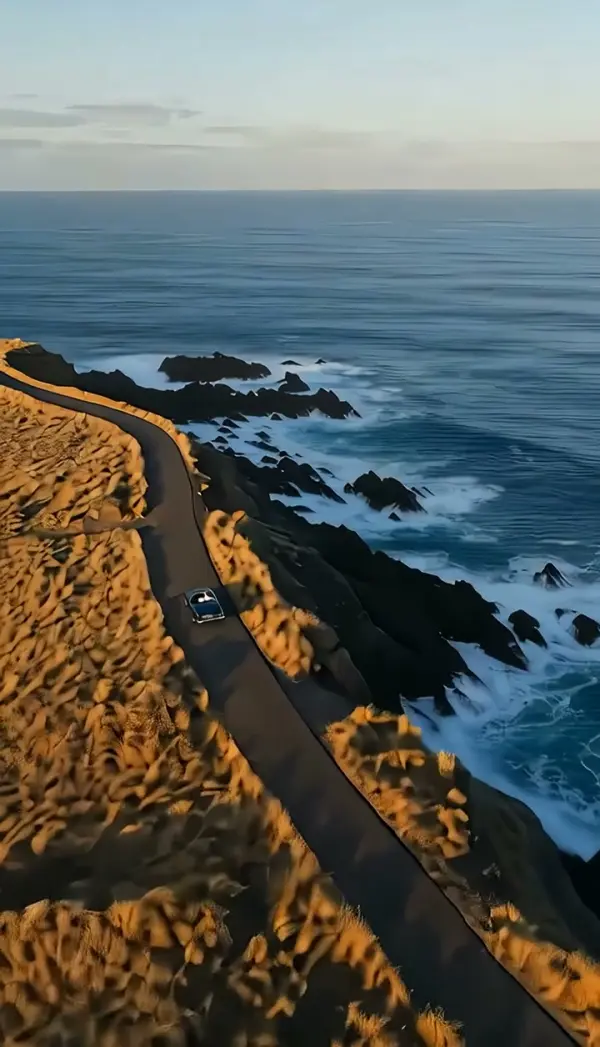
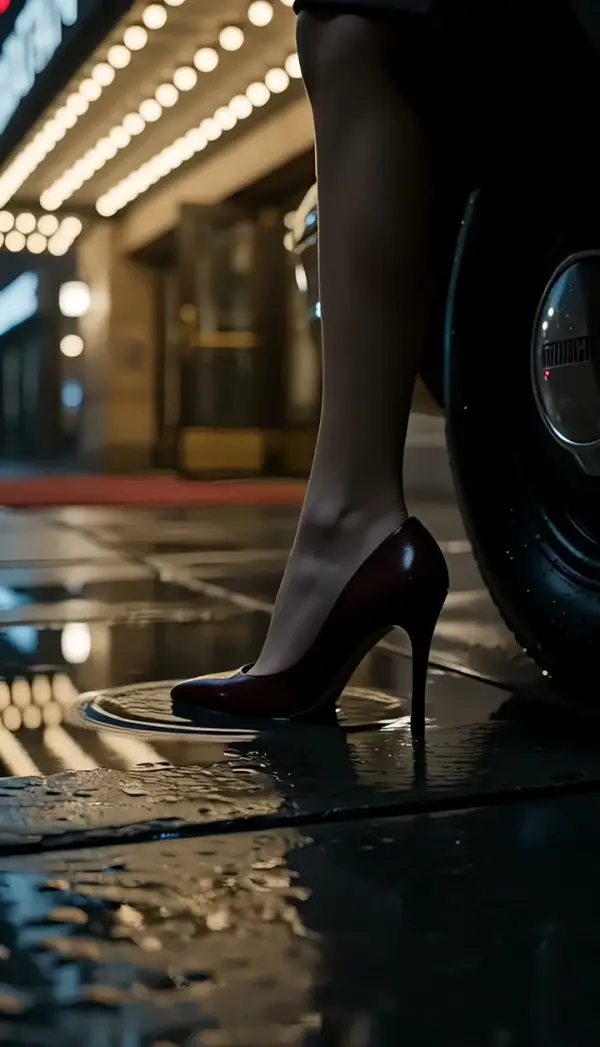
First-Person View (POV)
First-Person View turns one scene photo into a first person view video: the camera sits at human eye height and walks or reaches forward toward the next thing in the room or on the path, with a hand or arm allowed at the frame edge. Upload a single still, get a short POV clip, no chest rig, no head strap.
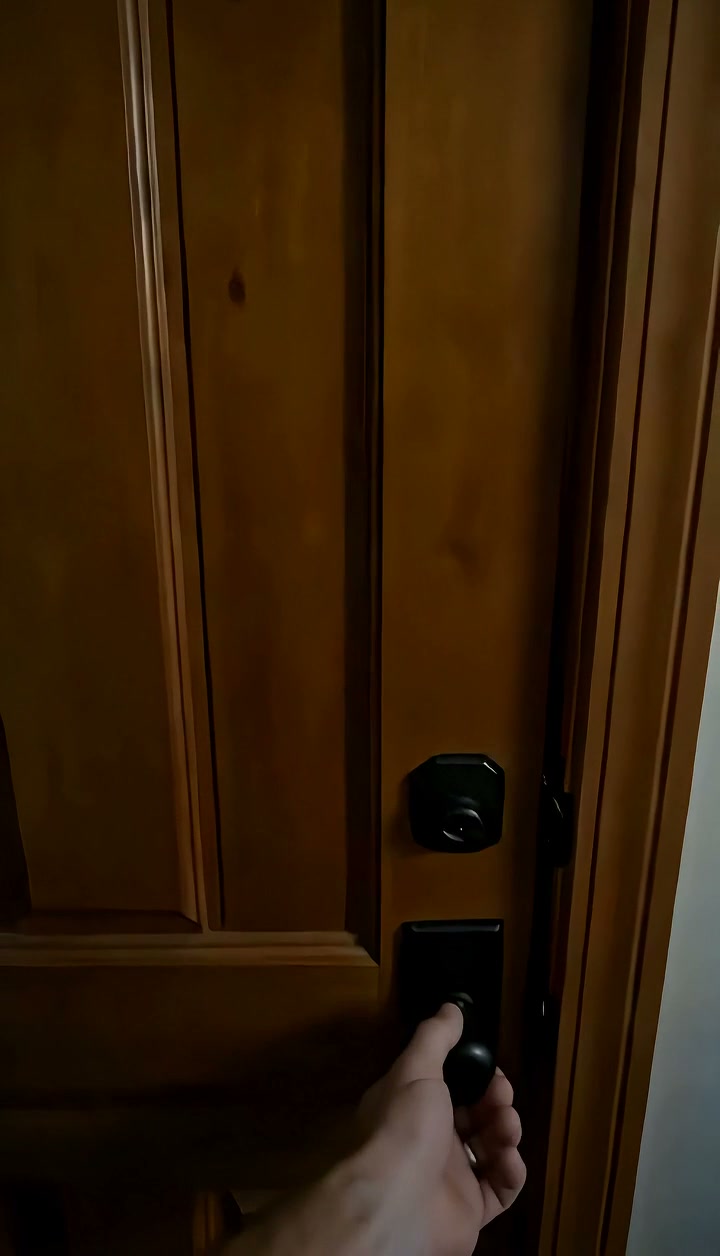
First-Person View (POV) Template
Upload one photo of a scene taken at standing eye height, with something ahead to walk toward: a hallway, path, doorway or counter.
WHAT IT IS
What a first person view video is, and how the template walks into your photo
A first person view video is footage shot as if the camera were the viewer's own eyes: the lens sits at eye height, moves forward at walking pace, and sometimes catches the viewer's hands or arms at the edges of the frame. Games call it first person; filmmakers call it a POV shot. The First-Person View template generates that viewpoint from a single uploaded photo of a scene. The engine places the virtual camera at natural human eye level and moves it forward into the picture, at the speed of a person walking or reaching, toward the next point of action in the scene, a doorway, a counter, a path ahead. Arms or parts of the body may appear at the frame edge as a reference for the viewpoint. The scene keeps its layout and lighting; the viewer's position is what advances. The clip comes out short, in vertical or landscape, rendered on the Seedance video model.
- Eye-height camera
- The lens sits where a standing person's eyes are and stays level. No drone altitude, no ground-hugging angle; the frame reads as a human looking straight ahead into the scene.
- Walking-speed approach
- The camera advances at the pace of a person walking or extending an arm. Distance closes naturally toward the next target in the scene, and nothing rushes past faster than a stride.
- Hands as a reference
- An arm or hand may enter at the bottom or side of the frame, the way it does in a real pov video. The cue tells the viewer whose eyes they are borrowing without a cut to a face.
- One scene photo, no rig
- Head straps, chest mounts and helmet cams all shoot the world; this template starts from one still of it. Upload the photo, pick the template, and the workbench generates the walk-in.
USE CASES
Three places to walk the viewer into
Travel, property and gaming situations where the audience should be inside the scene, not watching it.

Walking into a night market
A photo of a lantern-lit market street becomes a first-person walk toward the nearest stall, steam and signs drifting closer. Travel accounts post the 9:16 clip as a Reel with the city name in the caption.
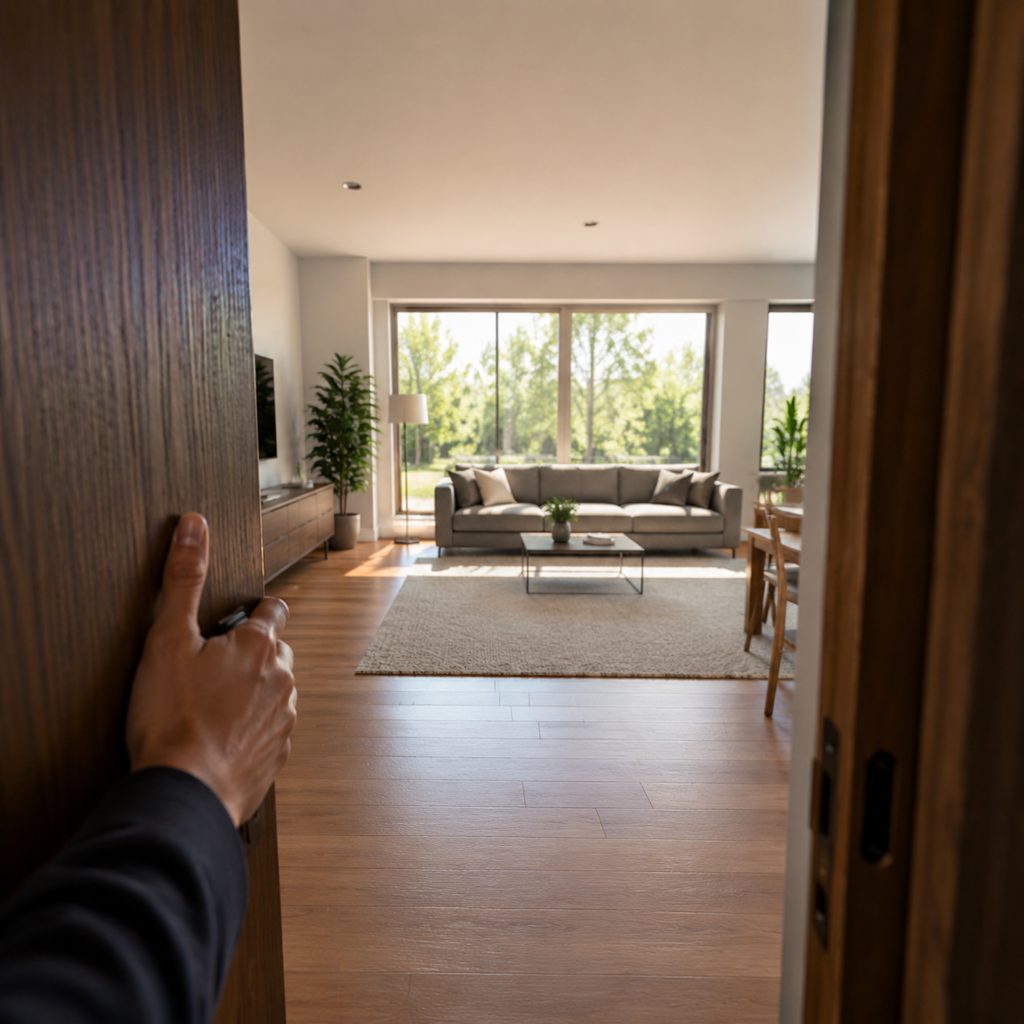
Front door to living room
A listing photo shot from the entryway turns into a POV that steps through the door and toward the sofa and windows. Agents run the 16:9 clip as the first walkthrough beat before the room-by-room tour.
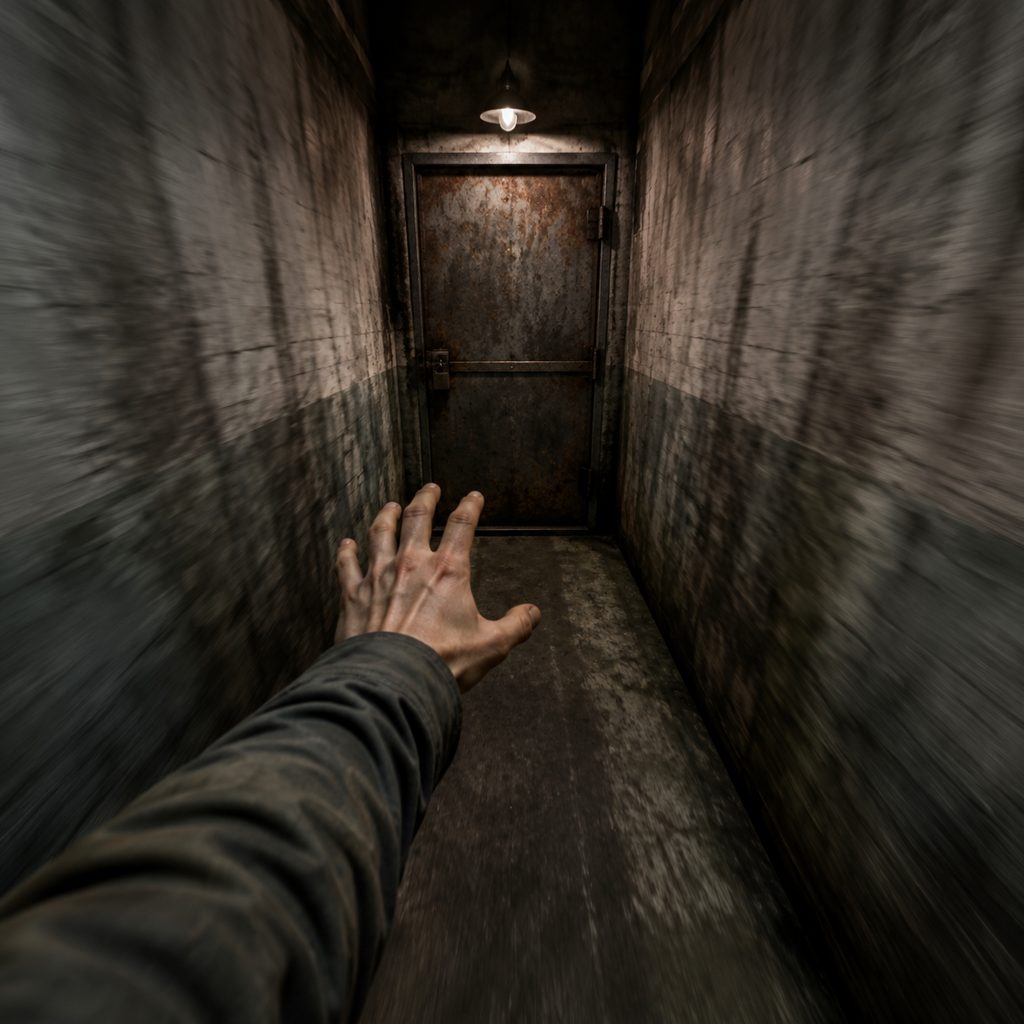
Corridor to the locked door
A frame of a dim concrete corridor becomes a first person view video that advances toward a steel door at the far end, a hand reaching into frame. Game and horror creators use the clip as a TikTok hook.
FAQ
Common questions
What is a first person view video?+
A first person view video is a clip filmed from the position of a person's own eyes: camera at eye height, moving forward as the person moves, sometimes with their hands visible at the edge of frame. The viewpoint puts the audience inside the scene rather than watching it from outside.
POV video vs FPV video: are they the same thing?+
Not quite. A pov video is any footage from a character's or viewer's eye line, usually at walking pace. An fpv video most often means footage from a first-person-view racing drone flown through goggles, which is fast and airborne. The First-Person View template produces the walking, eye-height version.
First-person view vs handheld shot: which template should I use?+
First-Person View moves the camera forward into the scene as if the viewer were walking, and may show hands at the frame edge. Handheld Shot stays in place and adds a human operator's sway and breathing while looking at a subject. One is the viewer's eyes; the other is a person filming.
What photo works best for First-Person View?+
A scene photographed at standing eye height with something to walk toward: a hallway, a path, a doorway, a counter, a table. Depth in the frame gives the engine room to advance. Portraits and close-ups give the viewpoint nowhere to go.
How long is the clip and what format is it?+
First-Person View produces a short clip from one uploaded photo, in vertical or landscape output set in the workbench. The forward movement is continuous at walking or reaching speed and ends nearer the target in the scene, so the last frame can cut to a close-up or a reaction.
Where do first person view clips work on social?+
Travel Reels and TikToks in 9:16 that walk the viewer into a place, real-estate walkthrough intros in 16:9, restaurant pages that approach the counter, and gaming or horror channels that need a corridor hook before the jump scare.
Do I need a head strap or chest mount to shoot a POV?+
No. The template generates the first-person move from a single uploaded scene photo with image-to-video generation, so there is no head strap, chest harness or action camera to wear. Upload the still, pick First-Person View, generate, and download.
Other names for First-Person View (POV)
This viewpoint has a name in every medium. First person view and first-person view come from games; POV shot and pov video are the film and social terms; fpv video usually means drone goggles but gets searched for the same look; walkthrough shot and eye-level walk-in show up on real-estate shot lists. Some searches ask for a pov video generator or a first person view video maker. This template produces the eye-height, forward-walking version from one photo.
Walk the viewer into your scene from one photo
Free credits on signup. No head strap, no chest mount, no rig.