Orbit Counterclockwise
Orbit Counterclockwise circles the camera around the subject in a counterclockwise direction at a fixed radius, keeping the subject centered and their proportions stable while the background scrolls in continuous rotating parallax. Upload one photo and LazyKiwi returns a short clip that ends on a steady frame.
Orbit Counterclockwise Template
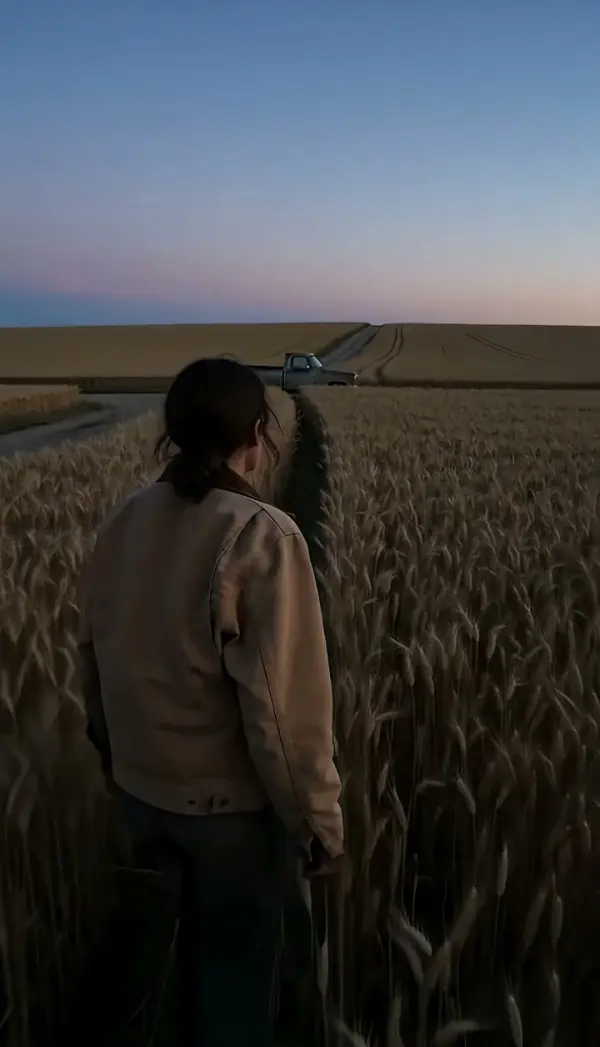
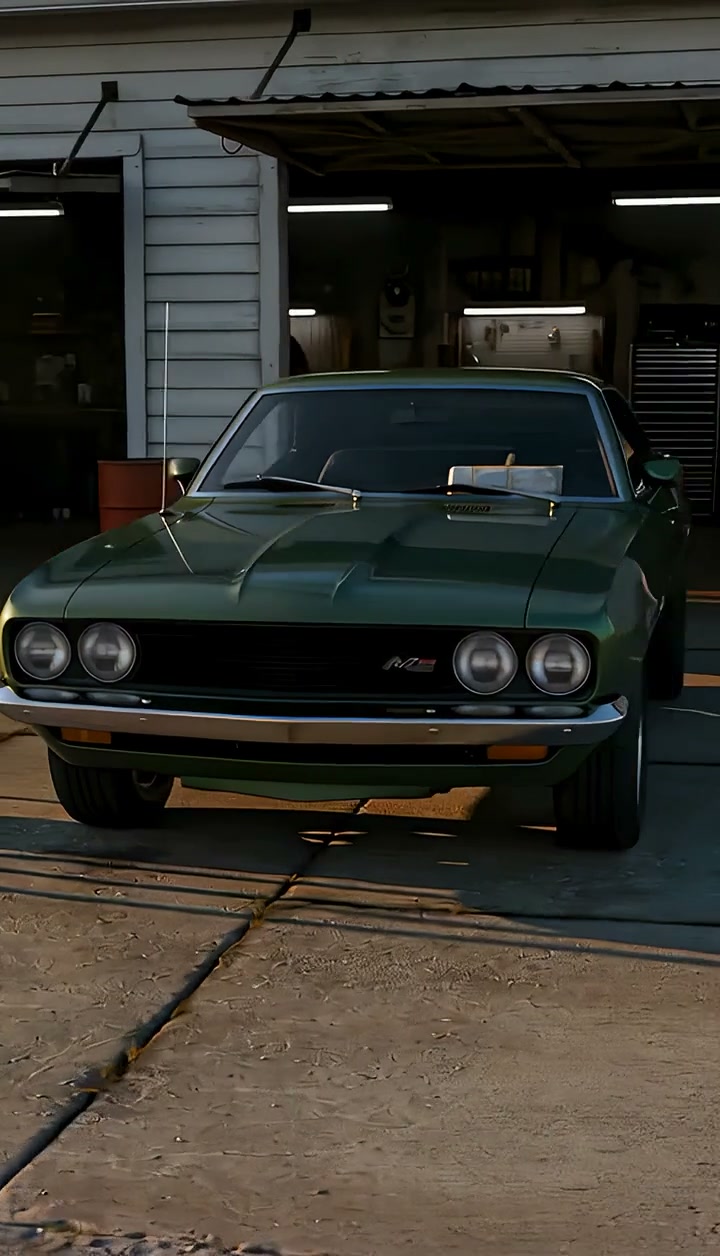
Upload one photo of a centered subject with room on every side of the frame; full-length figures, products on a table and vehicles in open space give the cleanest circle.
WHAT IT IS
Orbit camera movement, counterclockwise, from one uploaded still
Orbit Counterclockwise is an orbit camera movement in which the camera circles the subject counterclockwise at a fixed radius, keeping the subject centered and at a stable size while the background forms continuous rotating parallax. Viewed from above, the camera travels counterclockwise, so the scenery behind the subject scrolls from screen right to screen left. The move mirrors Orbit Clockwise, and the choice between the two is mostly about continuity: matching a turntable, a previous cut or the direction a subject just turned. LazyKiwi generates this rotating camera shot from one uploaded photo. The Seedance video model reads the still as the first frame, keeps proportions locked, moves the camera position around the subject, and brings the camera to a steady stop at the end rather than cutting mid-motion. The output is a short vertical 9:16 or landscape 16:9 clip, produced with no circular track, gimbal or crew.
- Counterclockwise from above
- Picture the scene from the ceiling: the camera travels counterclockwise around the subject. On screen that means the background passes from right to left behind them, the opposite of the clockwise template.
- Proportions stay constant
- The engine keeps the subject the same size and shape through the entire orbit around subject. No stretching, no shrinking, no drift toward an edge, which matters most for faces and product silhouettes.
- Continuous background parallax
- Near objects sweep past faster than far ones as the camera circles, giving the rotating parallax that separates a real orbit from a subject spinning on a turntable in front of a still backdrop.
- Steady finish
- The instruction ends the clip with the camera at rest rather than in motion. That stable last frame is a clean handoff to the next shot or a place to hold a title.
USE CASES
When the ring should run the other way
Counterclockwise is the continuity choice: match a turntable, mirror a previous orbit, or send the background right to left.
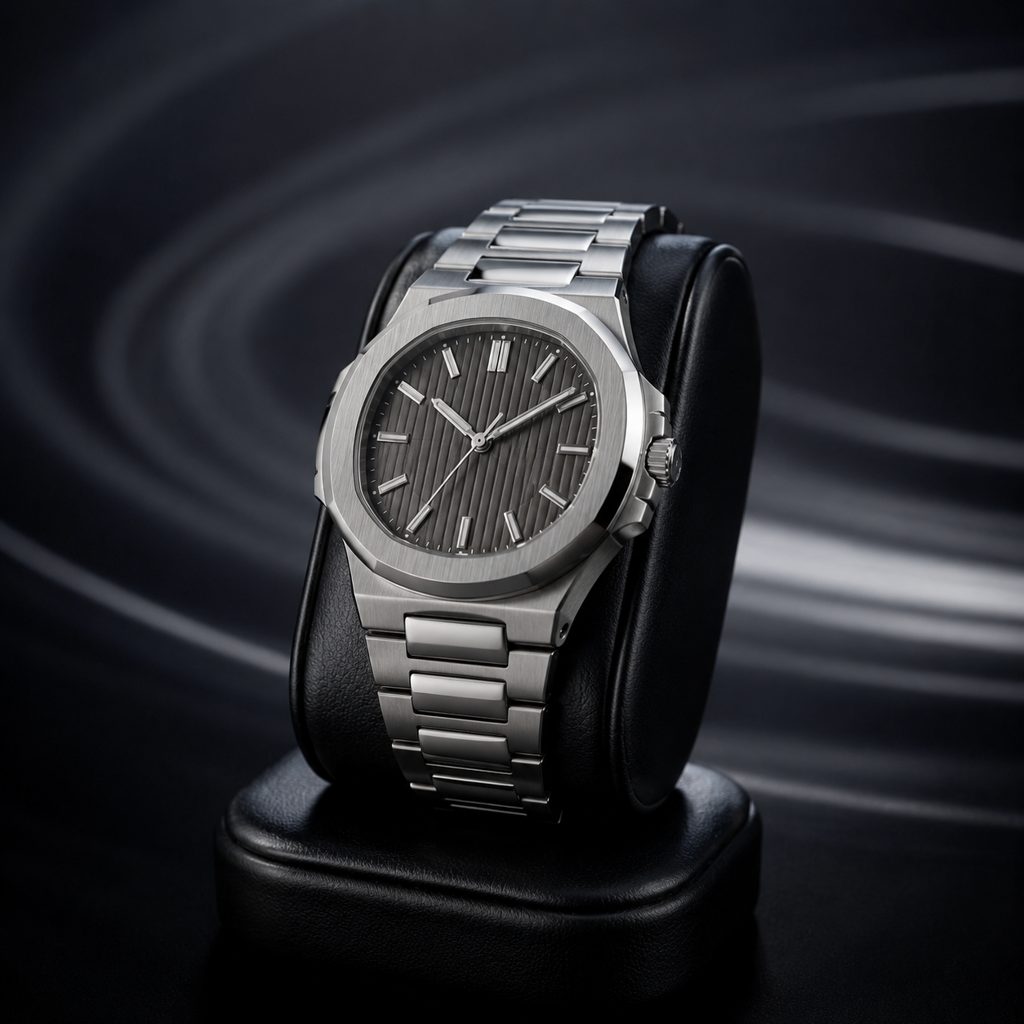
Match the turntable direction
Upload a photo of a watch on a stand. The camera circles the piece so the background passes right to left, matching a display turntable that spins the same way, and the 16:9 clip cuts cleanly against your existing product footage.
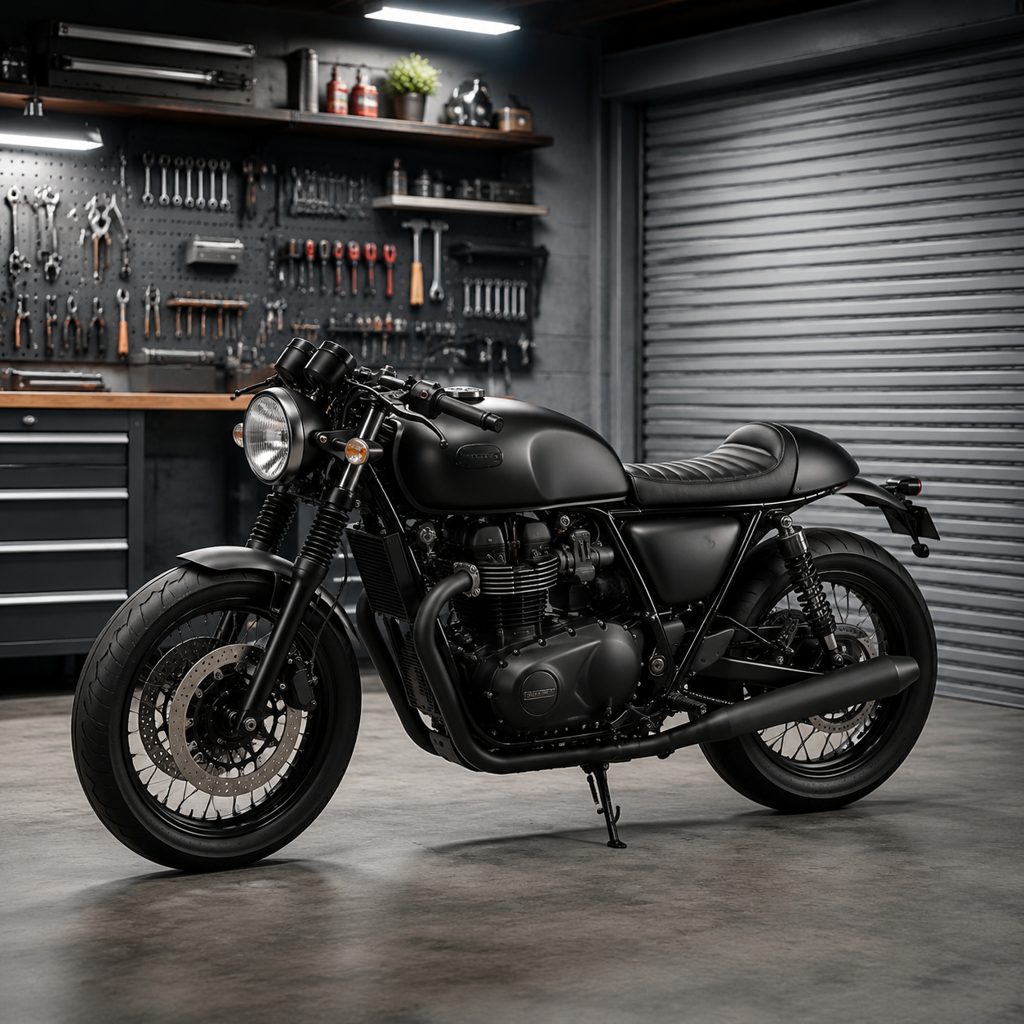
Motorcycle in the garage
Photograph a motorcycle parked in the middle of a garage. The camera circles counterclockwise, tool walls and the roll-up door sweep behind, and the far side of the bike comes into view in a 9:16 clip for a sale listing or a build reel.

Athlete frozen mid-pose
Take one photo of a basketball player holding a shooting pose on an outdoor court. The rotating camera shot circles the player counterclockwise, the fence and hoop pass behind, and the pose stays locked, a highlight opener that needs no crew.
FAQ
Common questions
What is an orbit camera movement?+
An orbit camera movement is a move in which the camera travels around a subject on a circular path at a fixed radius, keeping the subject centered while the background rotates behind them. The direction can be clockwise or counterclockwise as seen from above, and the path can run a half or a full circle.
How is orbit counterclockwise different from orbit clockwise?+
The two templates run the same fixed-radius circle in opposite directions. This template moves the camera counterclockwise as seen from above, so the background scrolls from screen right to screen left. Orbit clockwise sends the background the other way. Choose the direction that matches your turntable footage or the previous cut.
How does the template make the move from one photo?+
The template starts from the uploaded still as frame one. The Seedance video model keeps the subject centered and proportions stable, moves the camera position counterclockwise around the subject at a fixed radius, renders continuous rotating parallax in the background, and brings the camera to a steady stop at the end. No circular track or rig is involved.
What photo works best for an orbit around subject?+
A sharp photo with the subject centered, fully visible and set apart from the background gives the best orbit around subject. Leave space on every side so the circle has room. Products on stands, vehicles in open areas and full-length figures work best. Subjects touching the frame edge tend to lose parts of the silhouette.
How long is the rotating camera shot and what formats can I choose?+
The rotating camera shot is a short clip generated from one still. Vertical 9:16 suits Reels, TikTok and Shorts; landscape 16:9 suits YouTube, product pages and vehicle listings. The camera ends at rest, so the final frame can be frozen for a caption or cut straight to another angle.
When should I use the counterclockwise orbit rather than an arc?+
Use the counterclockwise orbit when you need a continuous circle that reveals every side of the subject. Use an arc when a partial swing to a new angle is enough. Continuous orbits suit product listings and hero reveals; arcs suit portrait intros and dialogue coverage where a quarter turn is plenty.
Other names for Orbit Counterclockwise
Names for the counterclockwise circle come from several trades. Counterclockwise orbit and anticlockwise orbit are the direction-specific terms; camera orbit, orbit camera movement and rotating camera shot describe the family; gimbal tutorials say circle shot or ring shot. Product teams sometimes request a reverse turntable video or an orbit around subject. Whatever the phrase, this template renders the same fixed-radius circle from one uploaded photo.
Orbit the camera counterclockwise from a single photo
Sign up for free credits and generate a counterclockwise orbit before you spend anything.