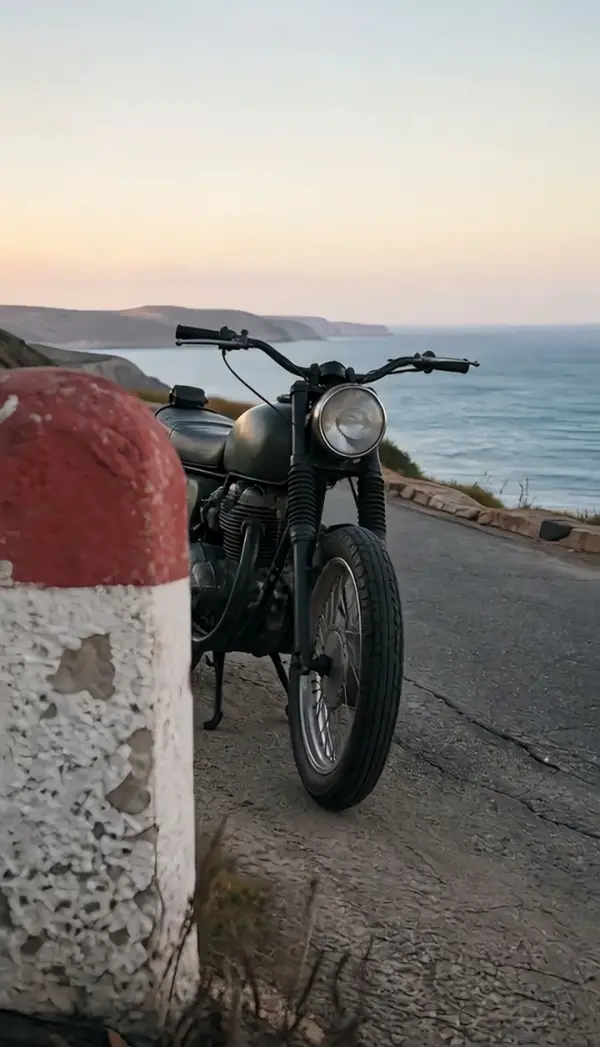
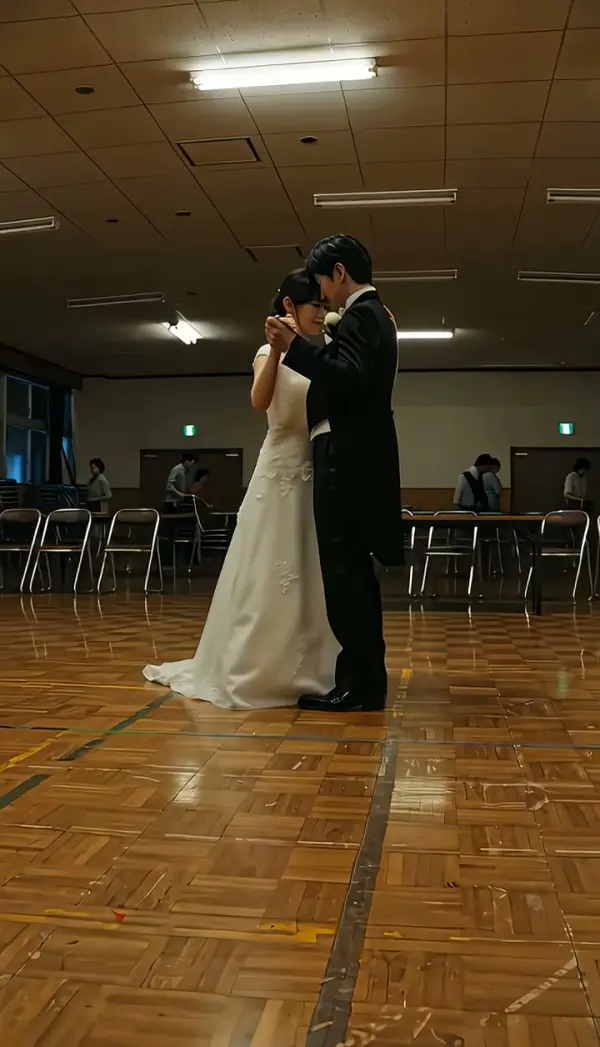
Orbit Clockwise (Orbit Shot)
Orbit Clockwise circles the camera around the subject in a clockwise direction at a fixed radius, keeping the person or product centered while identity, pose and clothing stay stable and the background rotates behind them. Upload one photo and LazyKiwi generates a half or full circle as a short clip.

Orbit Clockwise Template
Upload one photo with the subject centered and fully in frame, ideally with surroundings on all sides; full-body shots and products on a plain surface both work.
WHAT IT IS
Orbit shot: a clockwise camera orbit built from a single still
Orbit Clockwise is an orbit shot in which the camera circles the subject in a clockwise direction at a fixed radius, keeping the subject centered while the background rotates behind them. Where an arc stops after a partial curve, a camera orbit keeps going: the engine can complete a half circle or a full circle depending on the clip. On set the move needs a circular dolly track or a gimbal operator walking a precise ring, and the subject must hold still through the whole take. LazyKiwi renders the circle from one uploaded photo. The Seedance video model uses the still as the first frame, keeps identity, pose and clothing stable, and sweeps the camera position clockwise around the subject, generating the unseen sides of the scene as the angle changes. The output is a short vertical 9:16 or landscape 16:9 clip, an orbit video effect made with no track, rig or crew.
- Fixed radius, centered subject
- The camera stays the same distance from the subject and keeps the subject in the middle of the frame. Identity, pose and outfit are locked, so the face at the end matches the face you uploaded.
- Clockwise, viewed from above
- Seen from overhead, the camera travels clockwise around the subject, which means the background scrolls from screen left to screen right behind them. Match the direction to your turntable or previous cut.
- Half circle or full circle
- The engine can stop at 180 degrees, showing the far side of the subject, or complete a full circle and return near the starting angle. The background rotates continuously either way.
- Sides you never photographed
- Your photo shows one angle. The template synthesizes the remaining views as the camera orbit progresses, so a single frontal shot yields profile and rear angles without a second photo.
USE CASES
Subjects worth circling
Products, poses and objects with interesting sides all benefit from a full ring, and clockwise keeps the background moving in reading direction.
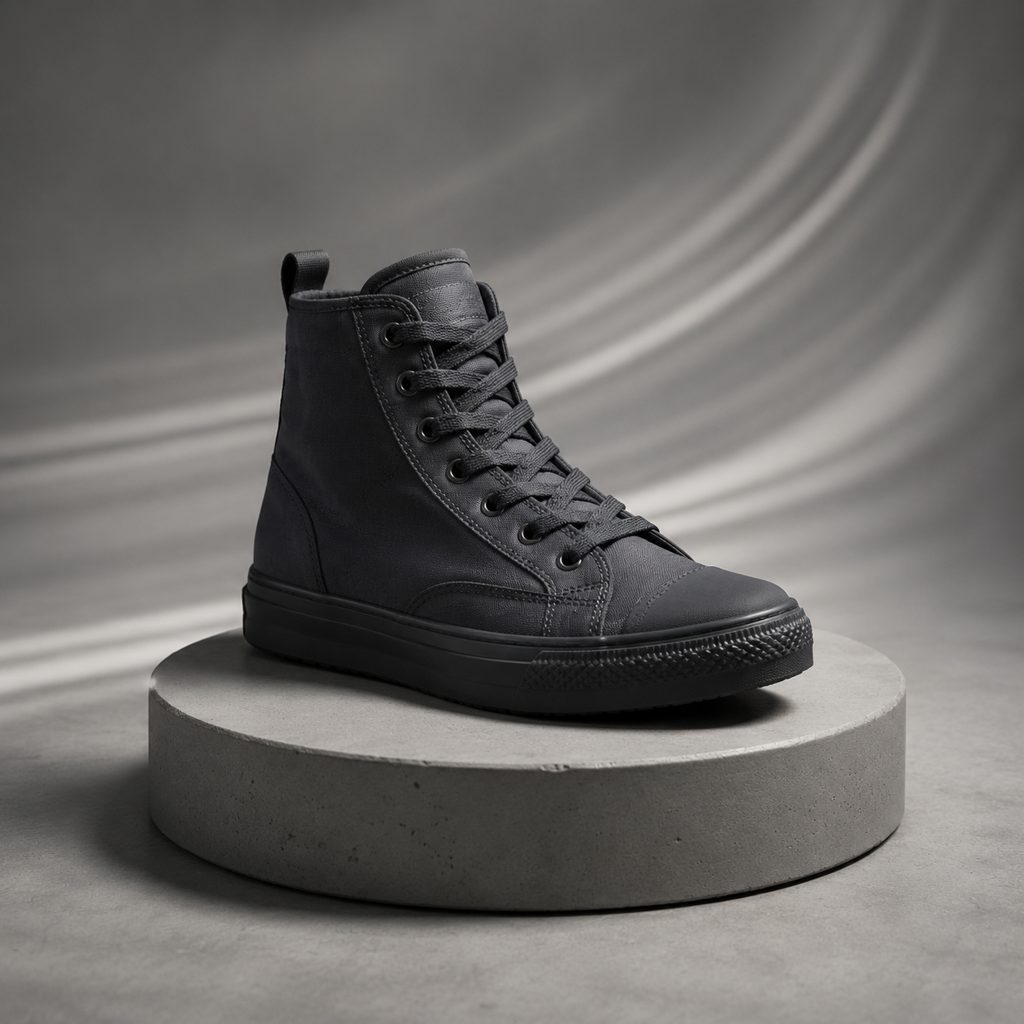
Sneaker turntable without the turntable
Upload a photo of a sneaker on a plain plinth. Orbit Clockwise circles the shoe at a fixed radius, revealing the medial side, heel tab and outsole in turn, and the 16:9 clip drops into a product page as a hero loop.
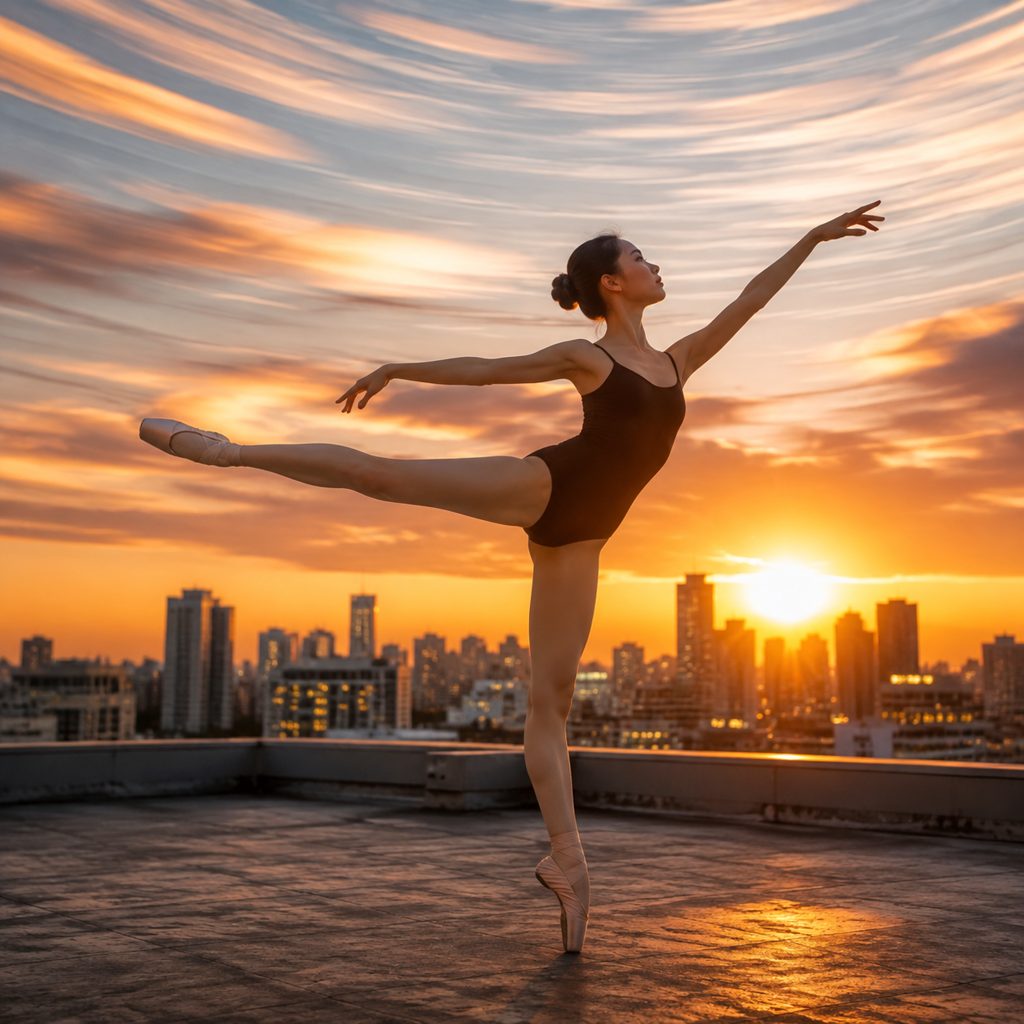
Hero moment for a dancer
Photograph a dancer frozen in a pose on a rooftop or stage. The orbit shot circles clockwise, the skyline or rig lights sweep behind, and the pose holds still through the whole ring, a 9:16 opener for a performance reel.
Walk around the sculpture
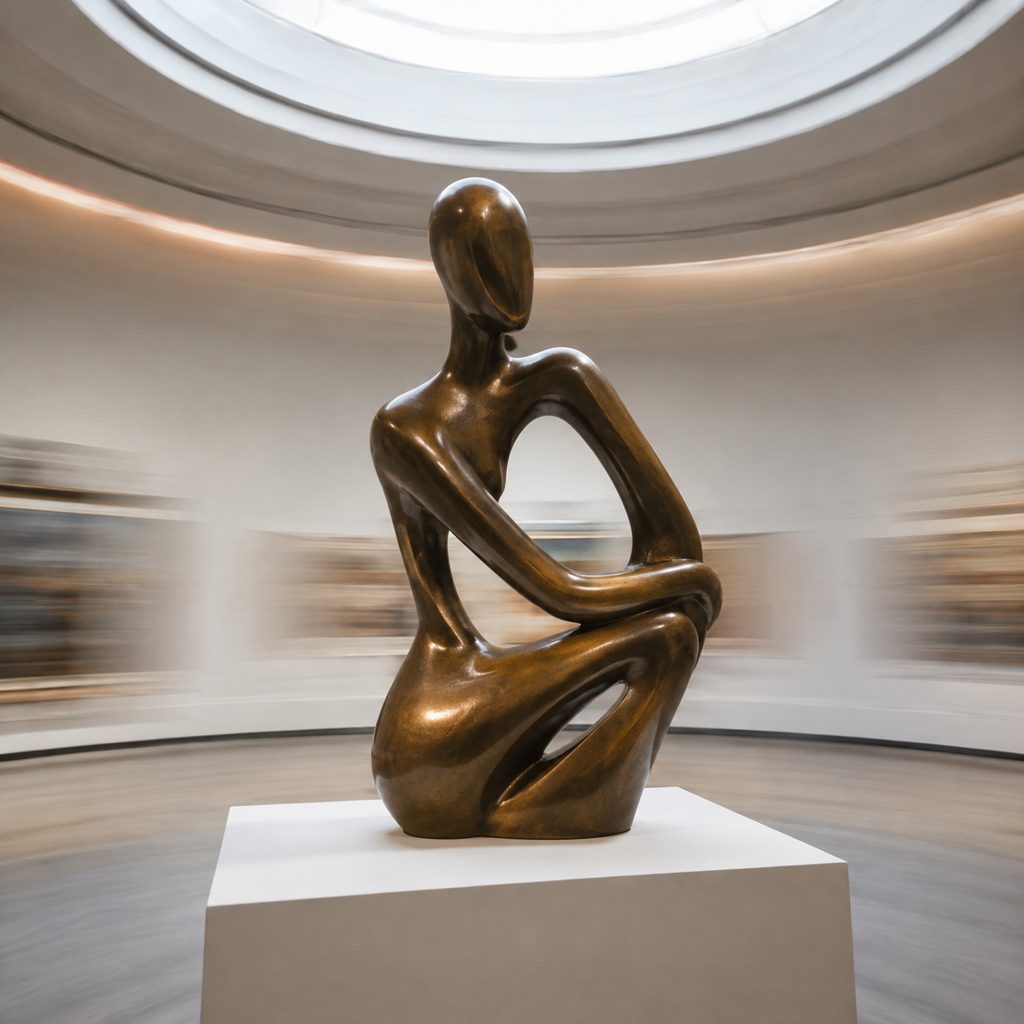
Take one photo of a sculpture or model in a museum or classroom. The camera orbit circles clockwise, the plinth stays centered, and the far side of the piece comes into view, a short clip for a lesson slide or a gallery post.
FAQ
Common questions
What is an orbit shot?+
An orbit shot is a camera move in which the camera circles around a subject at a fixed radius while keeping the subject centered in frame, so the background rotates behind them. An orbit shot can run a half circle or a full circle; a partial curve that stops early is called an arc shot.
Orbit shot vs arc shot: which template should I pick?+
Pick an arc when you want to shift from one angle to another and stop, for example from a frontal view to a three-quarter view. Pick Orbit Clockwise when you want the camera to keep circling for a half or full turn, revealing every side of the subject. LazyKiwi offers Arc Right and Arc Left as the partial versions.
How does LazyKiwi create a camera orbit from a single photo?+
Your uploaded photo is the first frame of the clip. The Seedance video model keeps identity, pose and clothing stable, holds the subject centered, and moves the camera position clockwise around them at a fixed radius while the background rotates. Sides of the subject not visible in the photo are synthesized as the camera orbit progresses.
What photo works best for an orbit video effect?+
A sharp photo with the subject centered, fully in frame and separated from the background gives the best orbit video effect. Full-body shots, products on a plinth and objects on a plain surface work well. Busy backgrounds are fine as long as the subject is distinct. Avoid tight crops that cut off the subject's edges.
How long is the clip and can I get a full 360 orbit video?+
The template returns a short clip from one still in vertical 9:16 for Reels and TikTok or landscape 16:9 for YouTube and Shopify. The engine can complete either a half circle or a full circle, so a full turn gives you a 360 orbit video that returns close to the starting angle.
Why choose clockwise instead of counterclockwise?+
Clockwise means the background moves from screen left to screen right behind the subject. Choose clockwise to match a product turntable that spins the same way, to continue the direction of the previous cut, or to move with the reading direction of a left-to-right edit. Orbit Counterclockwise reverses all of that.
Other names for Orbit Clockwise
Circling moves have collected many labels. Orbit shot, camera orbit and orbit clockwise are the direct names; gimbal shooters say circle shot, ring shot or roundy-round, and product teams often ask for a turntable video even when the camera, not the object, does the moving. Searches like orbit video effect, orbit shot camera and 360 orbit video all describe the same fixed-radius circle around a centered subject, which the Orbit Clockwise template generates from one uploaded photo.
Circle the camera around any subject from one photo
Free credits on signup are enough to render a first clockwise orbit and judge the result.