Fast Zoom Out
Fast Zoom Out shortens the focal length in a quick burst, so a close framing snaps out to show the wider environment while the subject stays sharp, recognizable and in place, then holds on the wide frame. Upload one photo and LazyKiwi generates the quick zoom out as a short clip, vertical or landscape.

Fast Zoom Out Template
Upload one sharp photo with the subject in the middle and, ideally, some visible surroundings; the engine builds the wider scene outward from those cues.
WHAT IT IS
What a quick pull-back is and how the template reveals the wider scene
A fast zoom out is a rapid decrease in focal length that snaps the view from a close framing to a wide one, revealing the surroundings in a short burst while the camera stays fixed in place. The template builds it from one uploaded photo. The engine treats your still as the first frame, keeps the subject sharp and recognizable, and pulls the framing wide quickly so a much larger portion of the environment becomes visible. The background is not repainted and the subject does not drift while the frame expands. The clip ends steady on the wide composition. Editors use the quick pull-back as a reveal gag, a zoom out transition into the next scene, or a way to show scale after a detail. Output is a short vertical 9:16 or landscape 16:9 clip, produced with no camera or footage.
- Close to wide, fast
- The framing expands quickly rather than easing out. That speed turns a reveal into a punchline or a transition beat, timed to a sound cue in your edit.
- Subject sharp, no drift
- The person or object stays recognizable and holds position while the frame widens. The engine prevents the sideways slide and drift that cheap scale-down effects produce.
- Background stays true
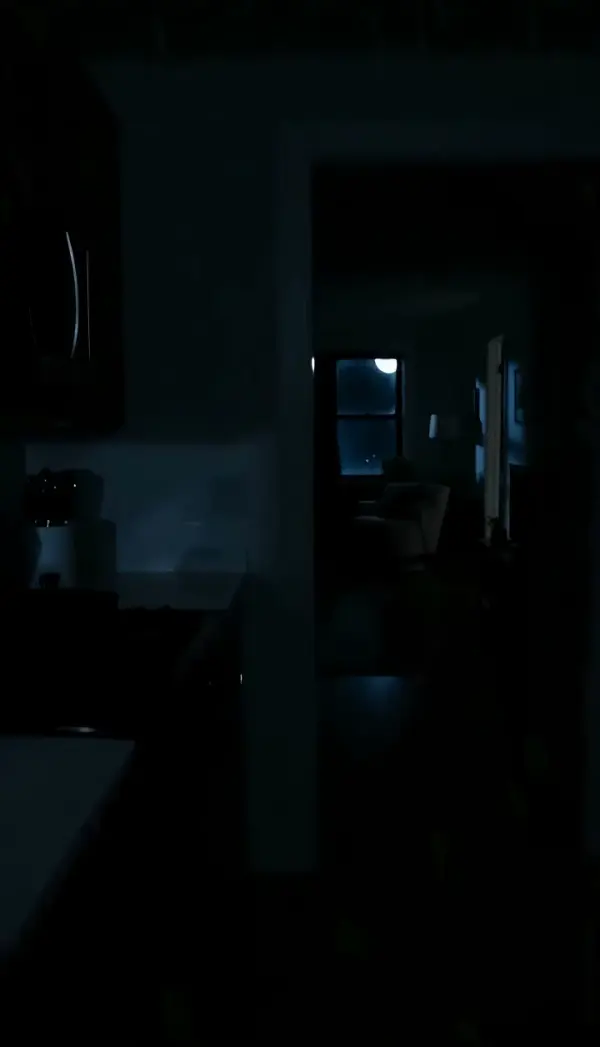
- The surroundings extend outward from your photo in a matching style instead of being replaced by new ones. A kitchen stays that kitchen, just more of it.
- Steady wide ending
- The clip locks on the wide frame as soon as the zoom completes, giving you a clean hold for a caption or a cut into the next shot.
USE CASES
Reveals that snap wide
Who is watching, how big the place is, and where the story goes next: three fast pull-backs from single stills.

Reveal who is watching
A close photo of someone singing into a hairbrush. The zoom snaps wide to show a room full of relatives staring. Comedy creators build the joke in 9:16 by cutting to the widened frame exactly when the music stops.

Scale reveal at a stadium
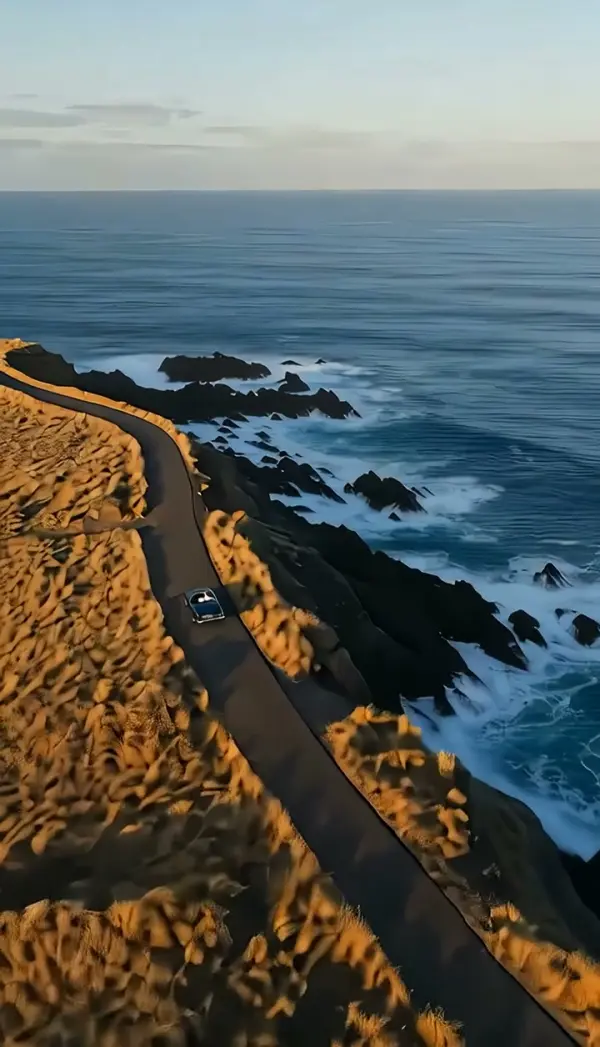
A photo of a single fan with a painted face. The quick zoom out expands to the whole stand, thousands of seats and the pitch below. Sports accounts use the move as a 16:9 opener, syncing the wide frame to the crowd roar.
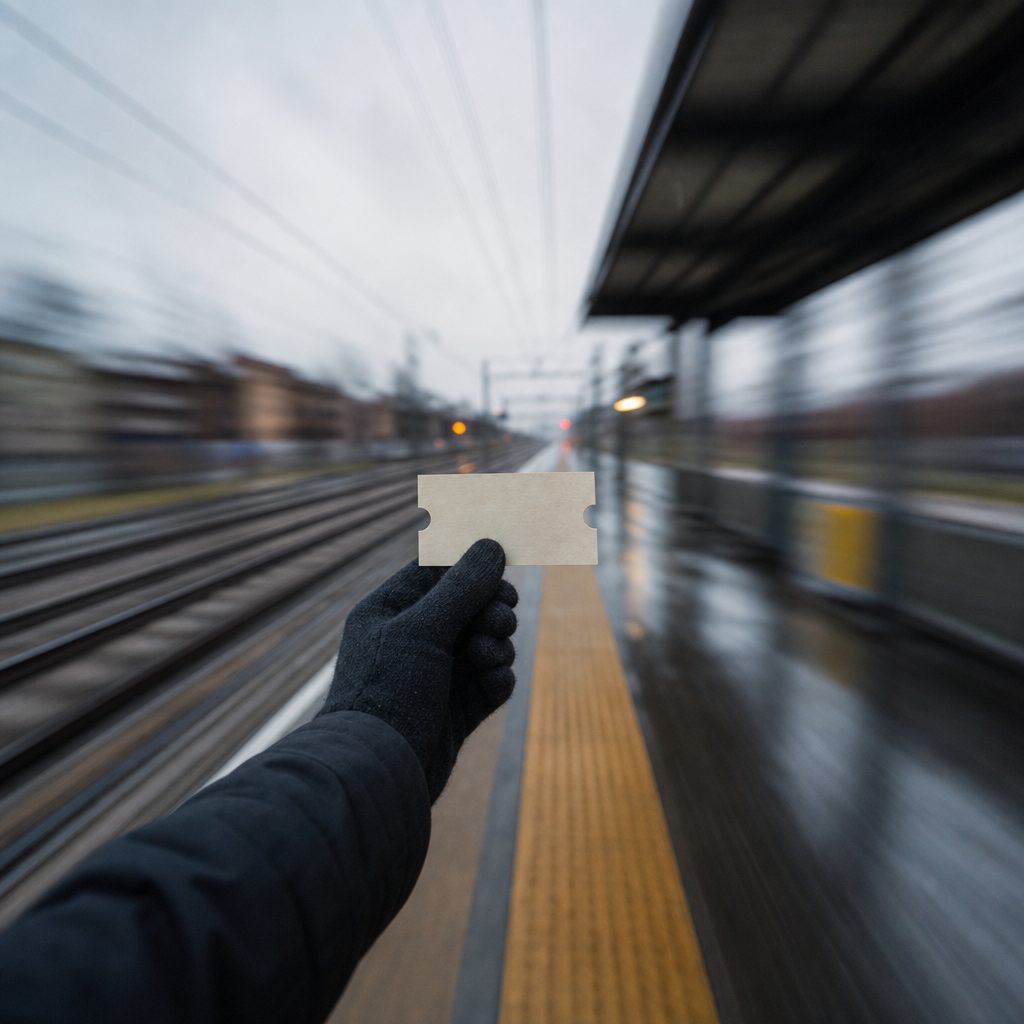
Transition out of a scene
A photo of a hand holding a train ticket. The zoom out transition pulls back fast to the whole platform, and the editor cuts on the wide frame to the next location. Short-film editors use the rapid widening as a substitute for a fade-out.
FAQ
Common questions
What is a fast zoom out?+
It is a rapid shortening of the lens focal length that snaps the frame from a close view to a wide one, revealing the surroundings in a short burst while the camera stays in place. Editors use the move for comedic reveals, for showing scale after a detail, and as a transition beat.
How does LazyKiwi generate a quick zoom out from one photo?+
LazyKiwi produces the quick zoom out as image-to-video from a single uploaded still. The engine uses your photo as the first frame, keeps the subject sharp and fixed in place, widens the framing rapidly to show more of the environment, avoids repainting the background, and ends steady on the wide shot.
Fast vs crash zoom out: which one should I use?+
The fast version widens quickly and stops cleanly, with no shake. A crash zoom out adds an impact jolt and a burst of blur so the pull-back feels violent and handheld. Choose the fast version for reveals and transitions that need to stay tidy, and the crash version when the joke needs a physical hit.
What photo works best for a zoom out effect video?+
A sharp photo with the subject centered and some environment already visible works best, because the engine extends outward from those cues. A person in a room, a fan in a crowd, an object on a surface all give strong results. Isolated subjects on plain backgrounds leave the engine guessing about the wider scene.
How long is the clip and where does a zoom out transition fit?+
Generated clips are short and come out vertical or landscape. Vertical 9:16 suits TikTok, Reels and Shorts reveals, where the widened frame becomes the punchline. Landscape 16:9 works for YouTube openers and scene changes. Cut on the steady final frame.
Can I reverse the clip to get a fast zoom in instead?+
You can reverse the clip in CapCut or Premiere Pro, but the result starts wide and ends on your original framing. The Fast Zoom In template is the better tool for that direction, since the engine keeps the face undistorted as the frame tightens.
Other names for Fast Zoom Out
Searches include fast zoom out, quick zoom out and zoom out transition from editors; zoom out effect video, quick zoom out effect and zoom out reveal effect from tutorial searches; reveal zoom or pull-back punchline from meme editors. Software-specific phrasing such as a quick pull-back in CapCut or quick zoom out in Premiere Pro describes hand-keyframed versions of the clip this template generates from one photo.
Reveal the whole scene in one quick zoom
Upload a still, pick the quick pull-back, generate. A new account comes with free credits.