Fast Zoom In
Fast Zoom In races the focal length toward your subject, jumping from a medium or wide framing to a close-up in a fraction of the clip while keeping the face centered and undistorted, then holds still. Upload one photo and LazyKiwi generates the fast zoom effect as a short clip, vertical or landscape.
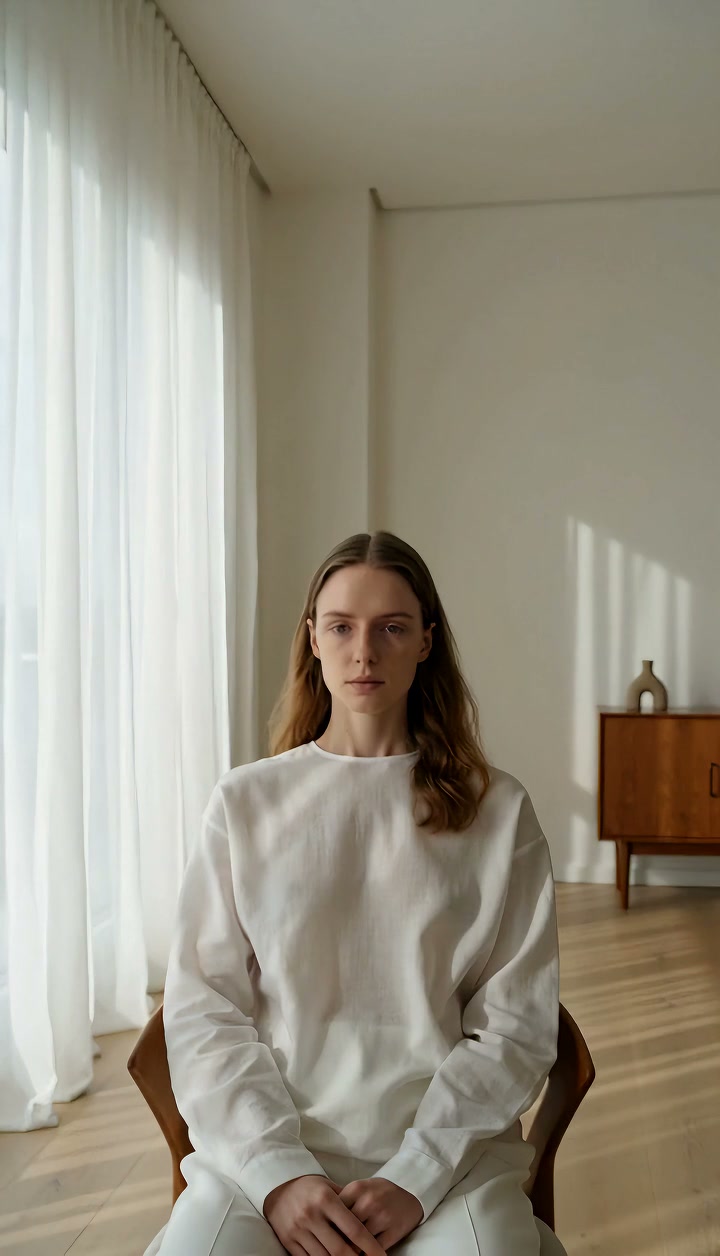
Fast Zoom In Template
Upload one sharp photo with the subject's face or the key object near the center; the zoom drives straight at that point.
WHAT IT IS
What a quick punch-in is and how the template builds it from a still
A fast zoom in is a rapid increase in focal length that drives the frame from a medium or wide view to a close-up within a fraction of a second, used to punctuate a reaction, a punchline or a sudden detail. This template generates the quick zoom in from one uploaded photo. The engine treats your still as the first frame, zooms quickly toward the subject while keeping the face or object centered and free of distortion, covers the distance from medium-wide to close in one burst, then stabilizes immediately so the close-up holds without wobble. Because it is a zoom, the camera never moves and no parallax appears; the picture simply magnifies fast. Output is a short vertical 9:16 or landscape 16:9 clip, generated with no camera or footage.
- Medium-wide to close, fast
- The framing jumps in over a short burst rather than easing. That speed is what makes the move read as a reaction beat instead of a slow, thoughtful push.
- Face stays undistorted
- The engine keeps the subject centered and avoids stretching or warping features as the frame tightens, so the close-up looks like a real lens, not a scaled image.
- Instant hold at the end
- The clip locks the moment the zoom finishes. No overshoot, no settle. That clean stop is where a caption, a sound effect or a cut lands.
- No shake, by design
- Unlike a crash zoom, this template leaves out the impact jolt. Use it for comedy and emphasis where you want punch without the handheld feel of a slammed lens.
USE CASES
Punch-ins that land on a beat
Reaction shots, product callouts and sketch punchlines, each a single photo driven to a close-up.

Reaction beat for a meme edit
A photo of a friend mid side-eye. The zoom slams to the eyes right on a sound cue, and the clip holds so the caption can land. Meme accounts on TikTok run this in 9:16, stacking three or four zooms on different faces in one edit.
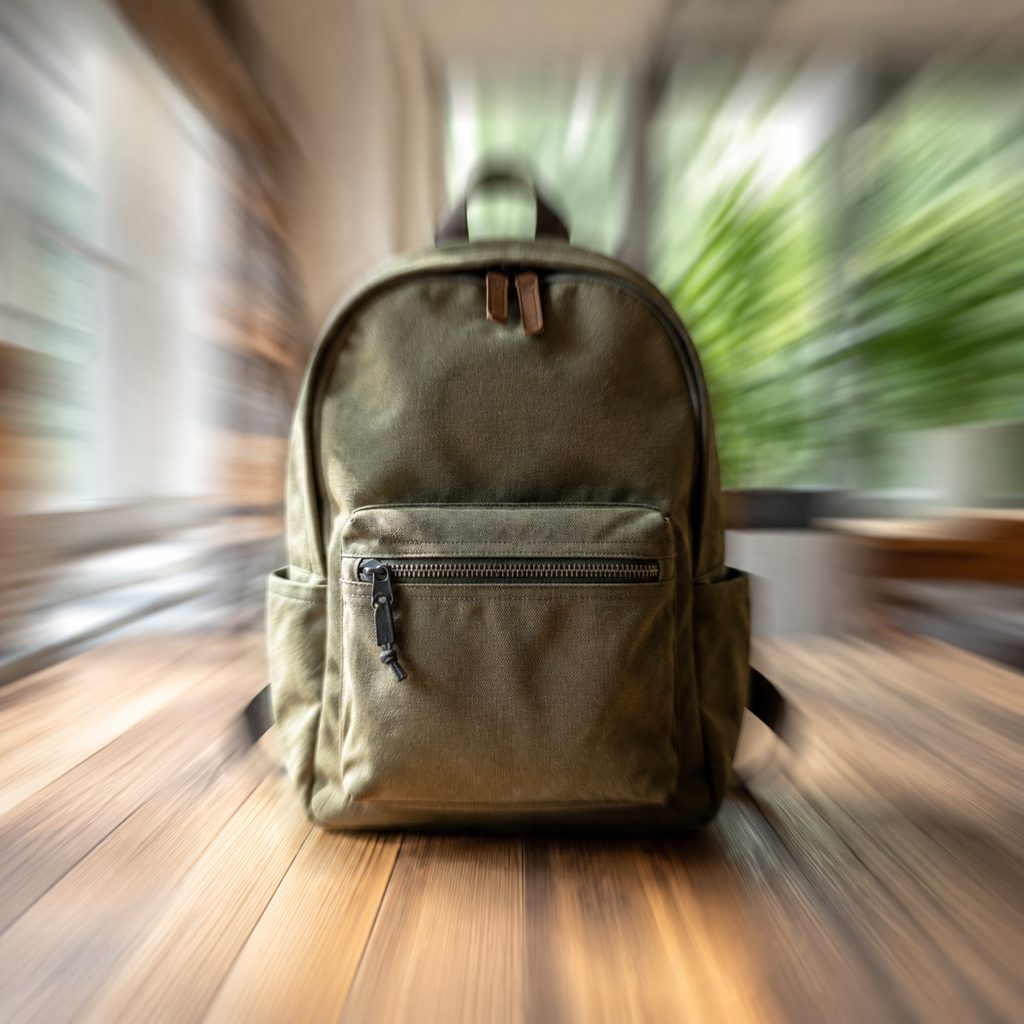
Feature callout in a product video
A photo of a backpack on a table. The quick zoom in jumps from the full bag to the waterproof zipper, and the clip holds on the detail while a label points at it. Shop videos in 16:9 use this instead of cutting to a separate macro shot.
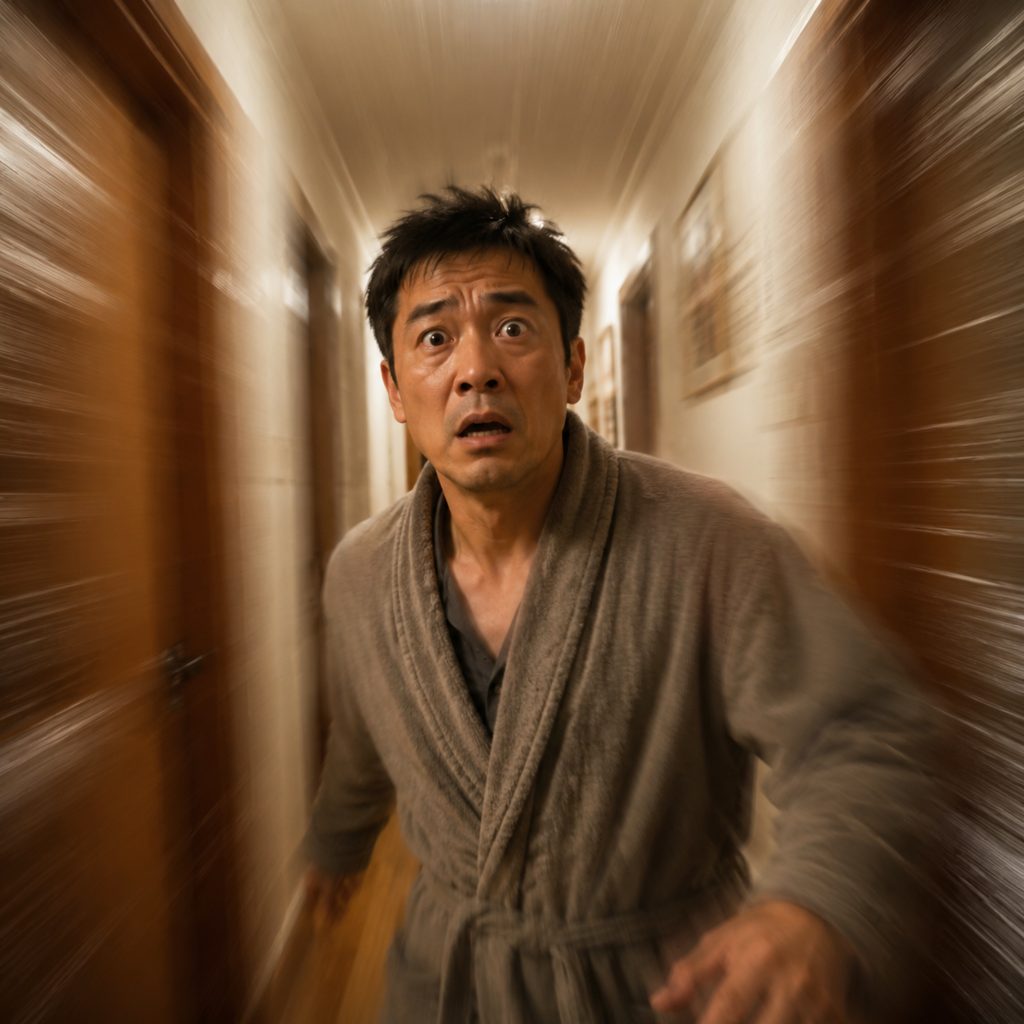
Punchline emphasis in a sketch
A photo of a character realizing they left the stove on. The fast zoom effect hits their face on the beat of the realization, and the hold lets the audience read the panic. Sketch channels time it to a record scratch or a bass hit.
FAQ
Common questions
What is a fast zoom in?+
It is a rapid change of focal length that drives the frame from a wider view to a close-up in a short burst, with the camera staying in place. Editors use the move to punctuate reactions, punchlines and sudden details, timing the zoom to a sound effect or a beat.
How does LazyKiwi make a quick zoom in from a photo?+
LazyKiwi generates the quick zoom in as image-to-video from a single uploaded still. The engine uses the photo as the first frame, zooms rapidly toward the subject while keeping the face or object centered and undistorted, jumps from medium-wide to close, and then holds steady.
Fast zoom vs snap zoom: what is the difference?+
The fast version is quick and clean: the frame tightens rapidly and stops with no shake. A snap zoom, sometimes called a crash zoom, adds an impact jolt and a brief blur for a more violent, handheld feel. Use the fast version for meme timing and the snap version when the hit should feel physical.
What photo works for a zoom in effect video?+
A sharp photo with the face or key object near the center and enough resolution to survive magnification works best. Expressive faces, product details and single objects on plain surfaces are strong choices. Off-center subjects work less well, because the zoom drives straight toward the middle of the frame.
How long is the output and where does a fast zoom effect fit?+
The template outputs a short clip in vertical or landscape orientation. Vertical 9:16 is the home of the fast zoom effect on TikTok, Reels and Shorts, where reaction and meme edits live. Landscape 16:9 suits YouTube sketches and product videos. Cut the clip to the zoom plus a beat of hold.
How do I sync the zoom to a sound effect in CapCut or Premiere Pro?+
Place the generated clip on the timeline, find the frame where the zoom finishes, and align that frame with the transient of your sound effect: a bass hit, a record scratch or a boom. The caption can sit on the steady end frame.
Other names for Fast Zoom In
Editors say fast zoom in, fast zoom effect, quick zoom in and zoom in effect video; meme editors say punch zoom, zoom in meme effect or reaction zoom; tutorial phrasing includes zoom in video effect and fast zoom transition. Software-specific queries such as fast zoom effect in CapCut or quick zoom in Premiere Pro describe hand-keyframed versions of the clip this template generates from one photo.
Punch in on any photo with a fast zoom
Upload one image, pick this template, generate. Free credits are waiting on a new account.