Tender Drama Burst: The Gun Pointing Meme That Never Fires
Tender Drama Burst is a gun pointing meme with a soft ending. Upload one photo of a person or a pet and the subject, in a fixed close-up, holds a small pink toy gun, raises it slowly and half-aims at the camera. Then the doubt sets in: the arm trembles, the eyes dart away and come back, the finger hovers and stops.

Tender Drama Burst Template
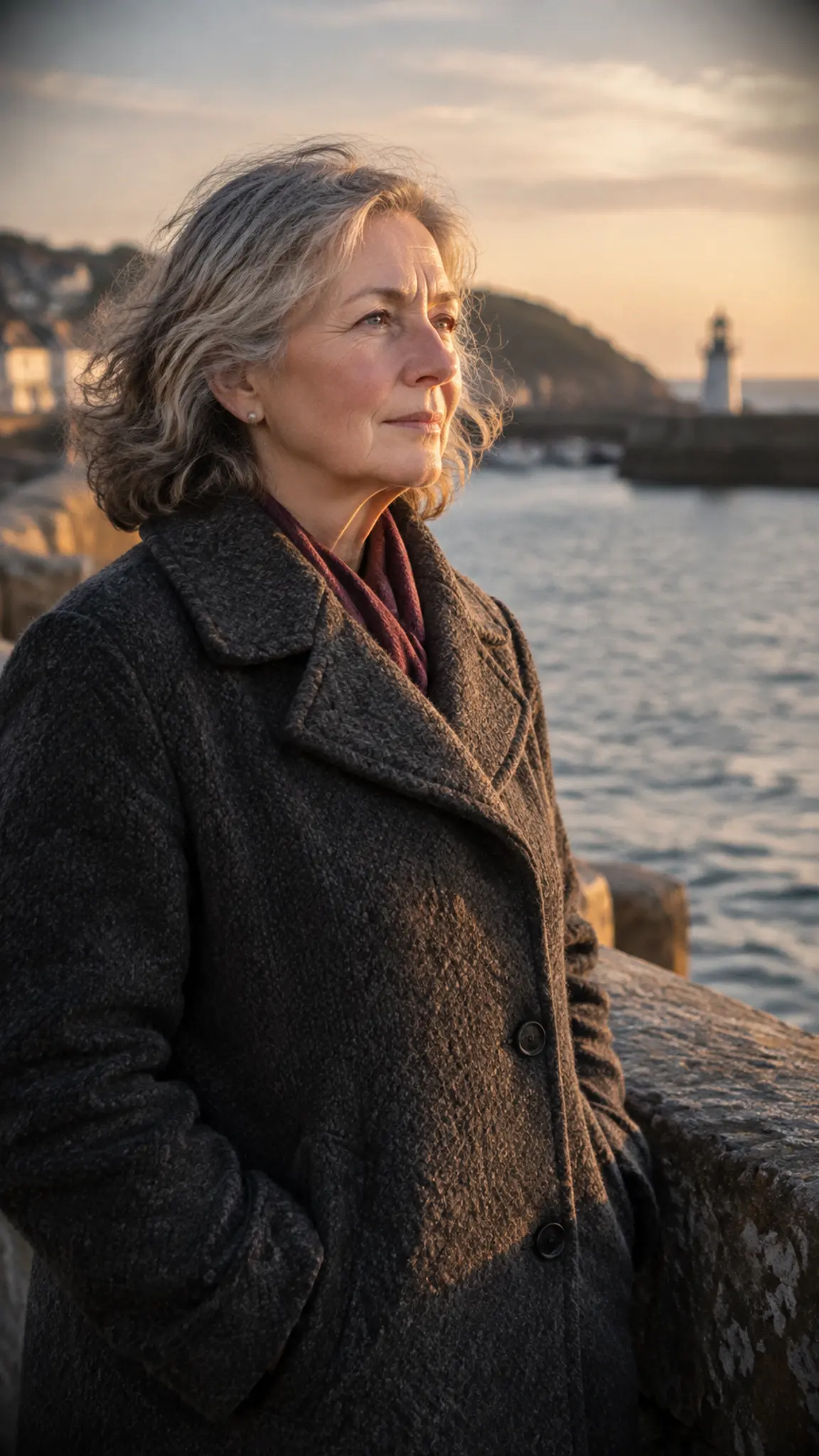
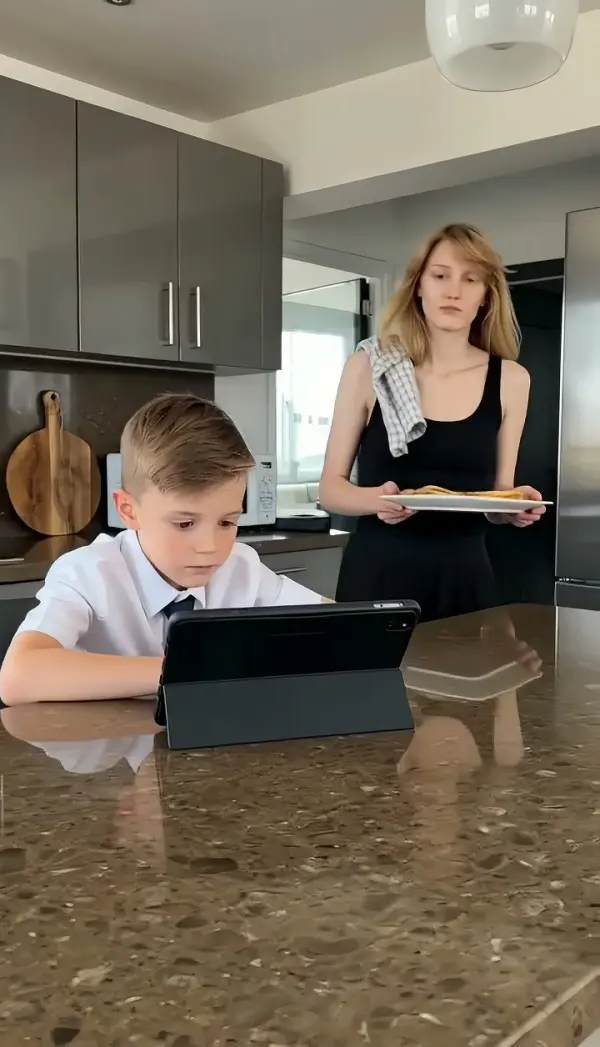
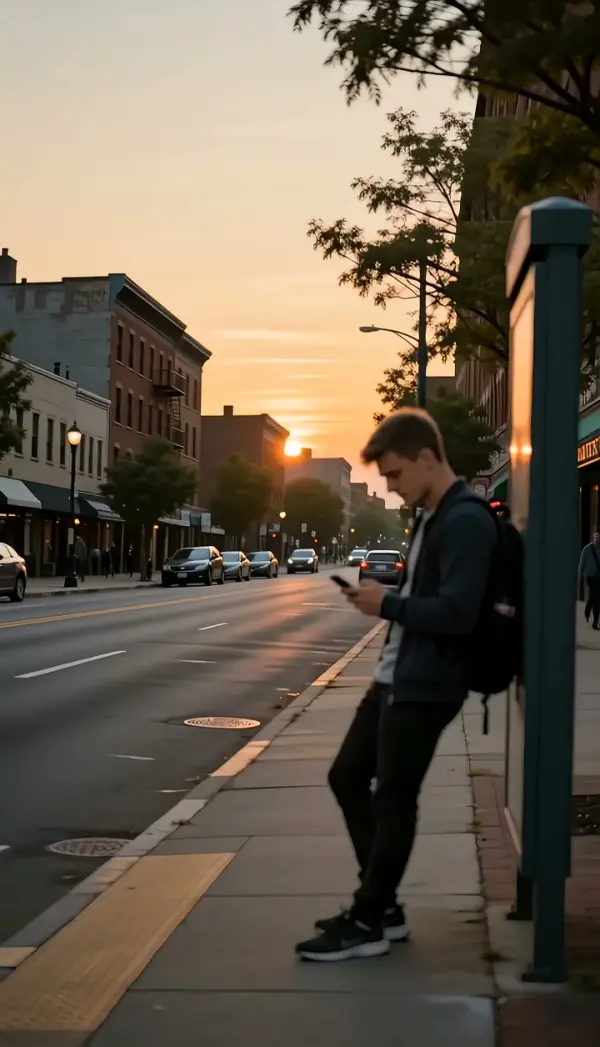
Upload one photo of a person or a pet facing the camera, framed close on the face and chest, with an expression that can turn from tense to soft.
WHAT IT IS
What the gun pointing meme is, and how Tender Drama Burst turns it wholesome
The gun pointing meme is a reaction format in which a character aims a gun at the viewer, usually as a joke threat or an overreaction to something minor. Tender Drama Burst keeps the setup and changes the ending. The subject from your photo, a person or a pet, holds a small pink toy gun in both hands or both front paws, raises it slowly and manages only a half-aim at the lens. Then the performance turns inward: the expression goes hesitant and pained, the arm and the toy tremble, the finger moves toward the trigger and stops, the eyes look away and come back to the camera. Finally the subject gives up. The finger or paw leaves the trigger area, the toy is lowered, the shoulders relax, a breath goes out and the face softens into relief. No shot, no muzzle flash, no bullet, no impact. The camera holds a fixed close-up throughout so the micro-expressions carry the clip. Identity, outfit or fur, and background are preserved from the upload, and the 5-second 9:16 clip is generated on the Seedance model.
- A toy gun, and only a toy gun
- The prop is a small pink toy. It is written that way so the clip reads as a soft meme rather than a threat, and it never discharges. There is no flash, no projectile and no hit.
- The struggle is the content
- Raise, half-aim, tremble, glance away, glance back, hover, stop. The template spends most of its five seconds on hesitation, which is the part of the meme people rewatch.
- The soft ending
- The toy comes down, the shoulders drop and the expression turns relieved. Ending on release rather than a bang is what makes the clip shareable in a group chat.
- Fixed close-up on a person or a pet
- No camera movement, so every micro-expression is legible. Dogs and cats work as well as people: paws hold the toy, ears and eyes do the acting.
USE CASES
Three photos with a decision to make
Meme, pet and couple uses where the subject almost, but not quite, goes through with it.

Reply meme for the group chat
A selfie becomes the answer to 'you finished the leftovers?': the pink toy gun goes up, the hesitation plays, the toy comes down. A meme video generator moment from one photo rather than a stock clip.

The dog who could not do it
A close-up of a dog or cat turns into a pet drama: front paws around the toy, ears back, a long look away, then the toy dropped and a relieved sigh. Pet accounts caption it with the vet, the bath or the vacuum cleaner.

Couple and roommate skits
Photograph your partner or roommate and let the template act out the moment they almost 'retaliate' for a stolen fry. The tender ending keeps it affectionate, which is what makes it land as a couple post.
FAQ
Common questions
What is the gun pointing meme?+
It is a reaction format where a character points a gun at the camera as an exaggerated response to something minor, often captioned with the offense. Tender Drama Burst recreates the setup with a pink toy and flips the ending: the subject cannot go through with it and lowers the toy in relief.
Does the gun ever fire?+
No, never. The template is written so that there is no shot, no muzzle flash, no bullet and no impact of any kind. The toy is raised, trembles, is half-aimed and is lowered. The clip is about the hesitation and the release, not a bang.
Is this violent or safe to post?+
The prop is a small pink toy gun and the story is about not using it. The tone is tender and comic, with no aggression, no injury and no threat carried out. Most people post it as a soft meme or a pet skit; check your platform's rules as you would for any meme that shows a toy.
Can I use a photo of my pet?+
Yes. Dogs, cats and other pets photographed close to the camera work well. The toy sits in the front paws, the ears and eyes carry the hesitation, and fur color and background stay as in the photo.
What photo works best?+
One subject, person or pet, facing the camera, framed close on the face and upper body, with hands or front paws visible. A neutral or slightly serious expression gives the template the best starting point for the tense-to-soft change.
What does the template output and what does it cost?+
A 5-second vertical 9:16 clip from one photo, generated on the Seedance model. New users get their first 5-second template video free; after that generations use credits from your balance.
Other names for Tender Drama Burst
This template is found through meme searches more than its name. Gun pointing meme and pov gun meme describe the setup; toy gun meme narrows it to the harmless prop; meme video generator and ai video meme generator describe wanting the format made from your own photo. All of those lead here, to the version that never fires.
Make a gun pointing meme that ends in relief
One photo, one pink toy, nothing fired.