Model Switch Up: The Mannequin-to-real-person Transition, From One Photo
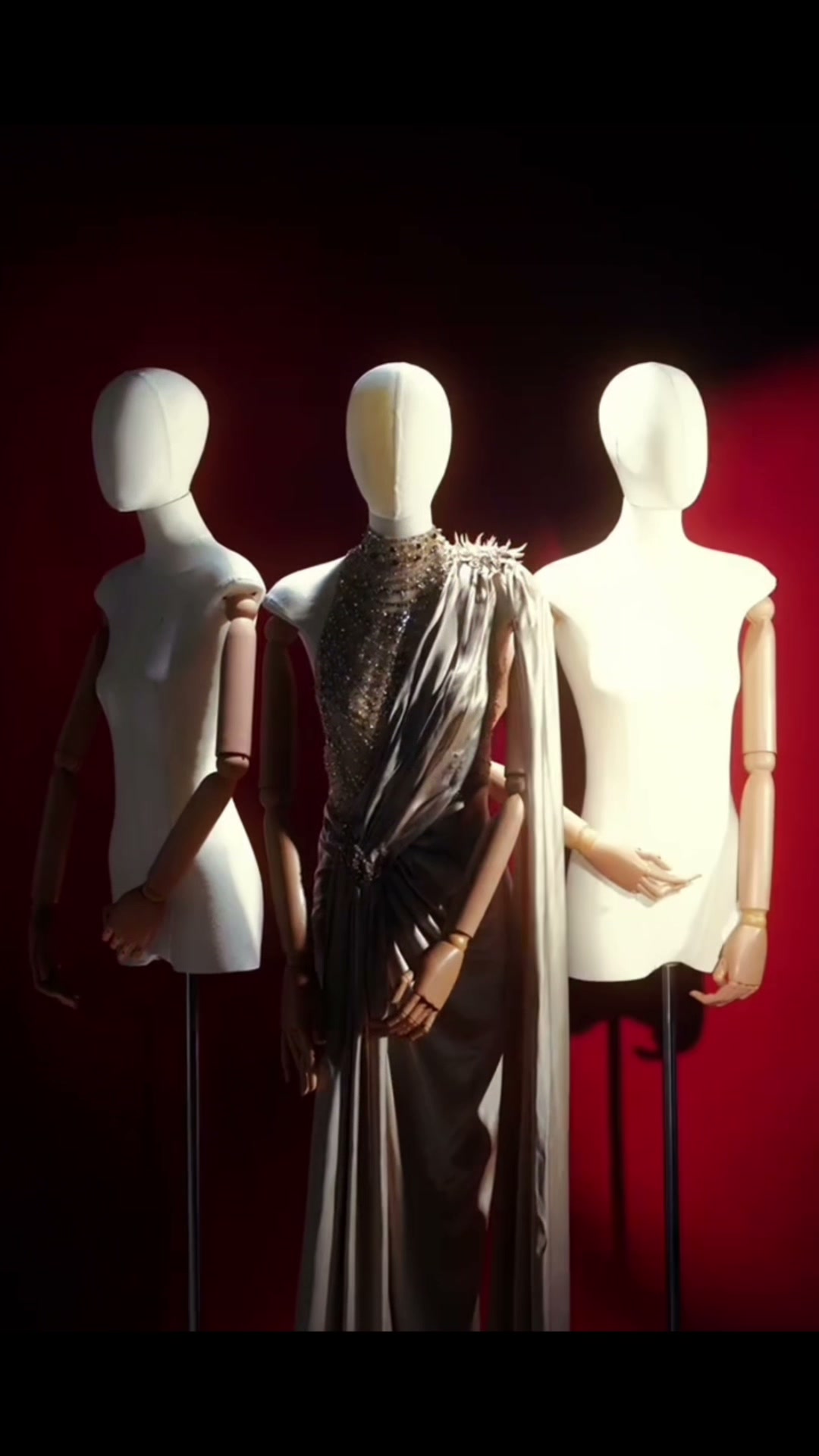
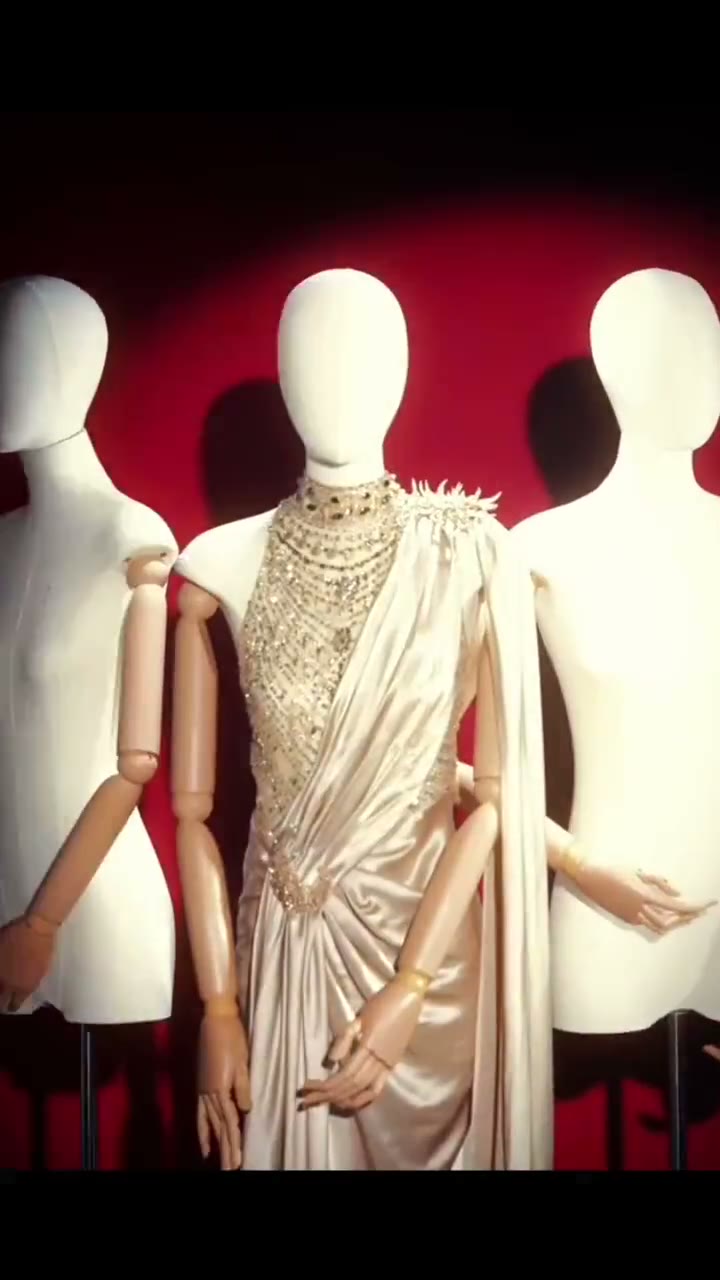
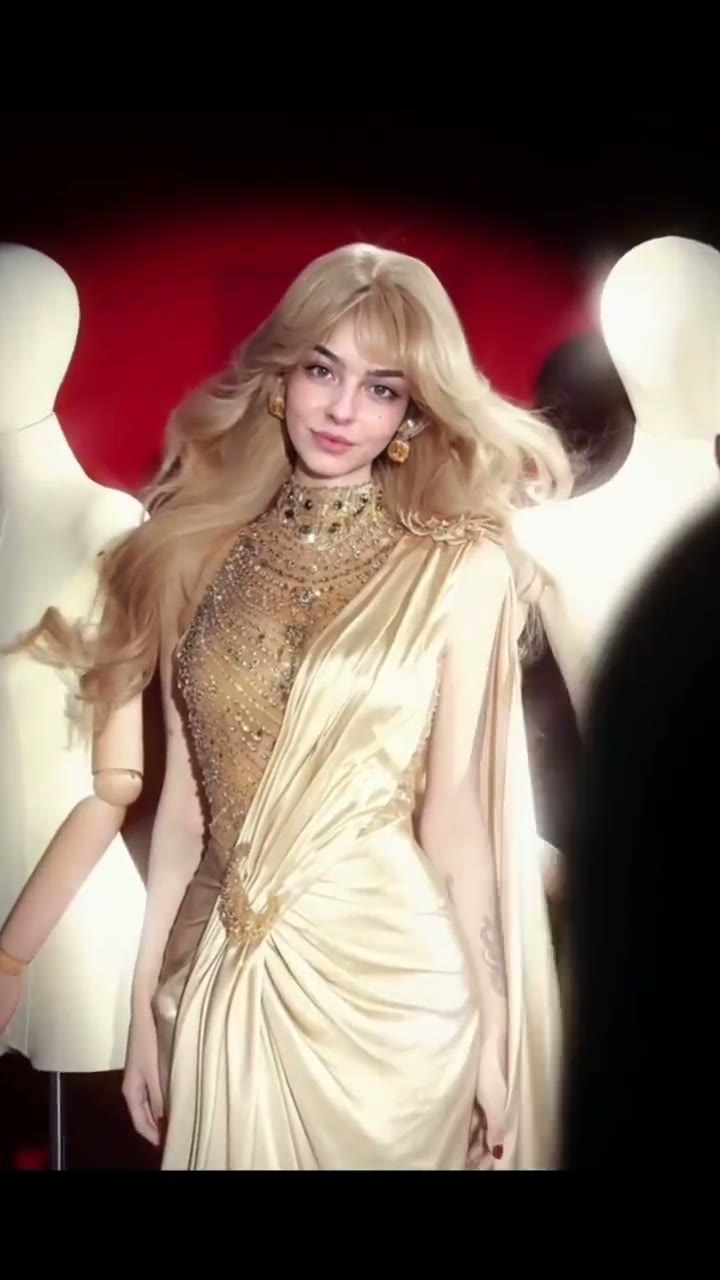
A fashion-ad shot on a deep red set: a mannequin wears a champagne-gold gown, a black-clad figure walks past the lens out of focus, and when they clear the frame the mannequin is you, in the same gown, standing where it stood. One photo supplies your face; the template supplies the set, the dress and the reveal.
Model Switch Up Template
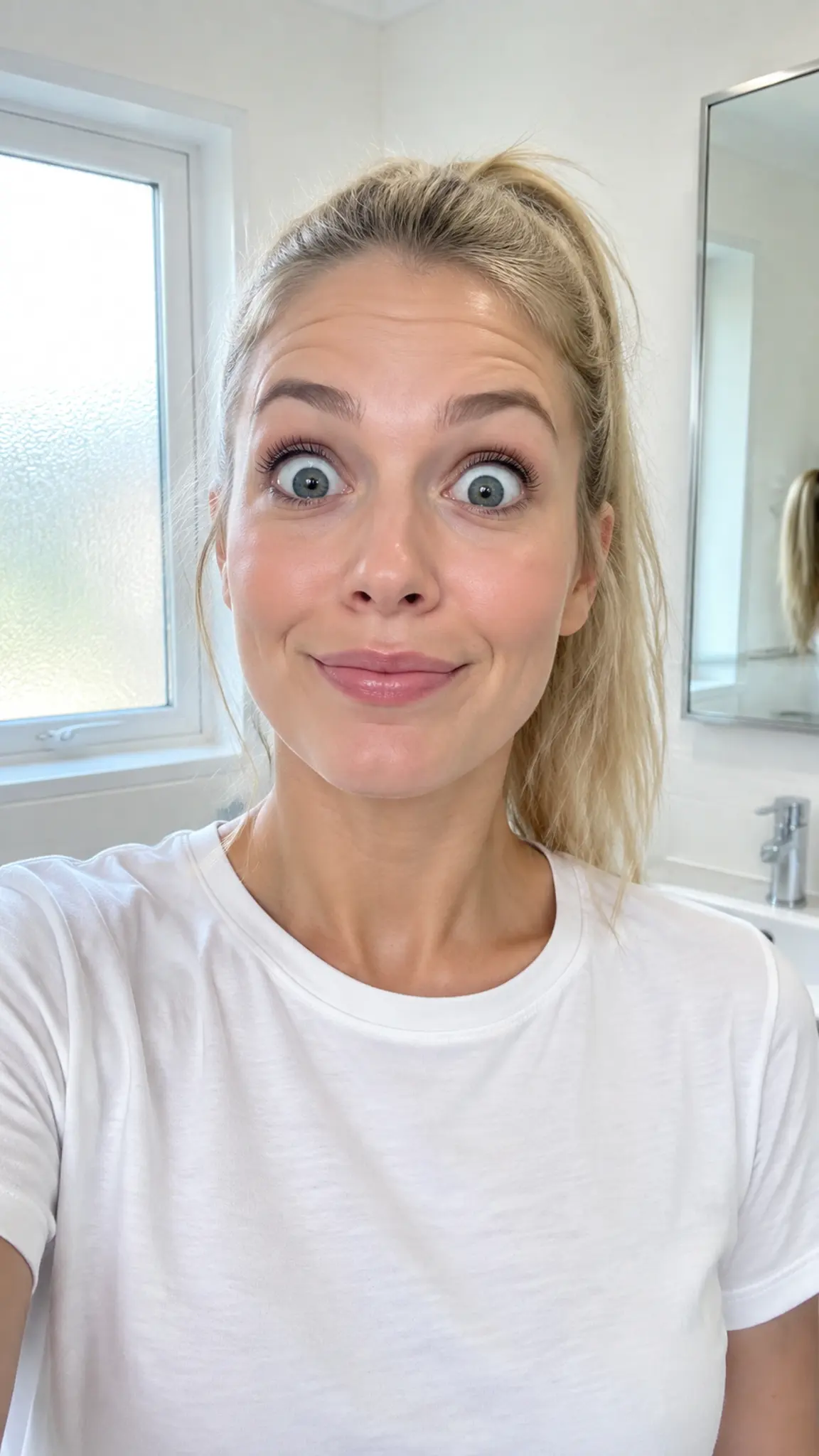
Upload one clear, front-facing photo of the person; only the face, hairstyle and hair colour are used. Clothes, pose and background in the photo are ignored, because the gown and the set come from the template.
WHAT IT IS
How the Model Switch Up transition hides the swap
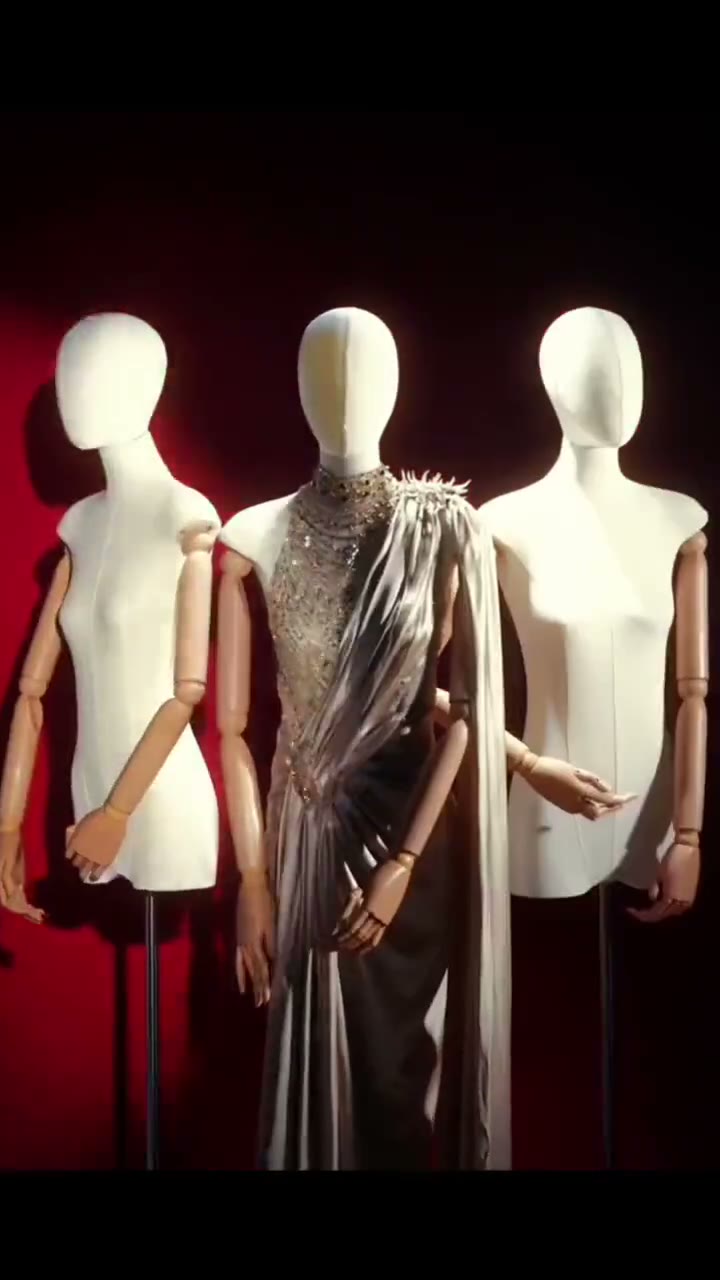
Model Switch Up is a hidden-swap transition: a fixed fashion-ad shot in which a mannequin is replaced by a real person behind a passing foreground figure, so the viewer only notices the change after the figure has gone. The shot is always the same. Deep red backdrop, warm high-contrast spotlight, a central mannequin in a champagne-gold gown with a beaded high collar and an asymmetric drape, two white mannequins behind it, and a slow push-in. About a third of a second in, someone dressed in black walks across the foreground, close to the lens and heavily out of focus. While their body covers the centre of the frame, the mannequin becomes the person from your photo. There is no flash, dissolve, particle burst or morph; the swap is hidden by the occlusion. When the walker exits, you are standing in the mannequin's exact spot, in the same gown, with real arms and hands, holding its pose, breathing, and giving the camera a small confident smile as the push-in settles at a waist-up framing. The uploaded photo contributes identity only: face, hairstyle and hair colour. Your own clothes never appear, the pose is the mannequin's and the background is the set. That makes it different from a two-photo transition such as AI Then vs Now, where you supply both ends; here the ends are fixed and you supply the person.
- A fixed opening, not a generated one
- The mannequin sequence is a locked reference clip that ships with the template. It is not regenerated per user, which is why the set, gown, lighting and camera speed look identical in every result.
- Occlusion hides the swap
- The black-clad walker is deliberately out of focus and never looks at the camera. Their body masks the centre of the frame for under two seconds, and the replacement happens only while it is covered.
- Identity in, wardrobe from the template
- Only face, hair and hair colour transfer from the upload. The gown, beading, drape, pose and arm positions continue from the mannequin, so a selfie in a hoodie still ends in the champagne-gold dress.
- Real arms, real hands
- After the reveal the figure must have complete human arms and fingers in the mannequin's pose, with no plastic joints left behind. Hands are where this template is hardest, so a clear, front-facing photo helps.
CREATOR USE CASES
Application Scenarios
Three ways a fixed fashion set and one uploaded face are put to work.
Fashion-label teaser
A boutique posts the clip as a launch tease: the gown on the form, a passer-by, and the founder wearing it. One photo of the founder is all the shoot requires.
Prom or wedding reveal
Someone who has not been photographed in a gown gets a cinematic reveal in one. Post it as the before-you-see-me clip, with the real dress photos following.
Creator transition hook
Editors who chain transitions use it as the opener: mannequin to real person in the first few seconds, then a cut to their own footage of the outfit or the event.
FAQ
Common questions
What is Model Switch Up?+
A mannequin-to-real-person transition. The clip opens on a fixed fashion set with a mannequin in a champagne-gold gown; a blurred passer-by crosses the foreground and, while they cover the centre, the mannequin is swapped for the person in your photo, wearing the same gown and standing in the same spot.
Will I be wearing my own clothes?+
No. The photo is used for face, hairstyle and hair colour only. The gown, the pose, the arm positions, the red set and the lighting all continue from the mannequin sequence. If you want your own outfit animated, start from a template that builds on your photo, such as Strike a Pose.
Why does it cost more than other templates?+
The template runs a fixed reference video plus your photo through the model together and has to keep the gown, the set and your identity consistent across the swap, which is more work than a single-image clip. It is priced at about 1.8 times a standard five-second template; the exact credit amount is shown in the workbench before you generate.
What photo works best?+
A front-facing, well-lit photo where the face is sharp and not covered by sunglasses, a hat or a hand. Because only the face and hair are used, the background and clothing do not matter. Group photos will not work; the template expects one person.
Can I change the dress, the set or the walker?+
No. Those elements are the transition itself and are fixed so the hidden swap stays clean. What you control is who appears after the reveal. The output is a vertical 9:16 clip of about five seconds.
Is it a flash or dissolve transition?+
Neither. There is no flash frame, dissolve, particle effect or visible morph; the swap is hidden behind the walker. That is what makes it read as an in-camera trick rather than an edit, and it is why the passer-by is kept so close to the lens and out of focus.
Other names for Model Switch Up
Editors describe this shot in several ways. Transition names are outfit change transition, ai video transition and mannequin transition; effect names are mannequin to real person, mannequin comes to life and runway transition video. A few search hidden swap or occlusion transition, which is the technique underneath. This page covers all of them with one fixed set and one uploaded face.
Take the mannequin's place
One face photo in, a hidden-swap fashion transition out. Check the credit cost in the workbench before you generate.