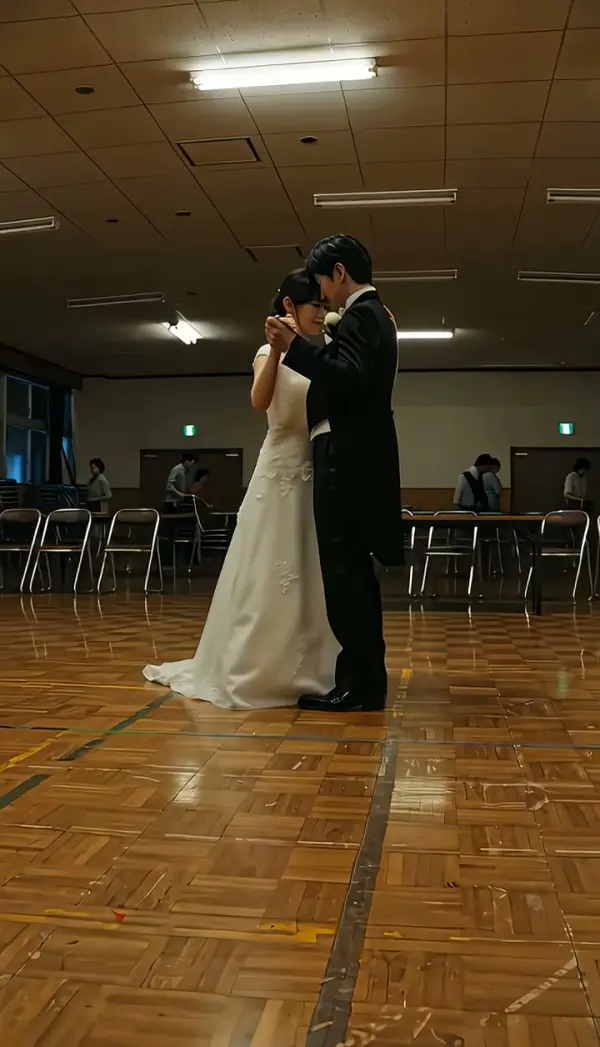
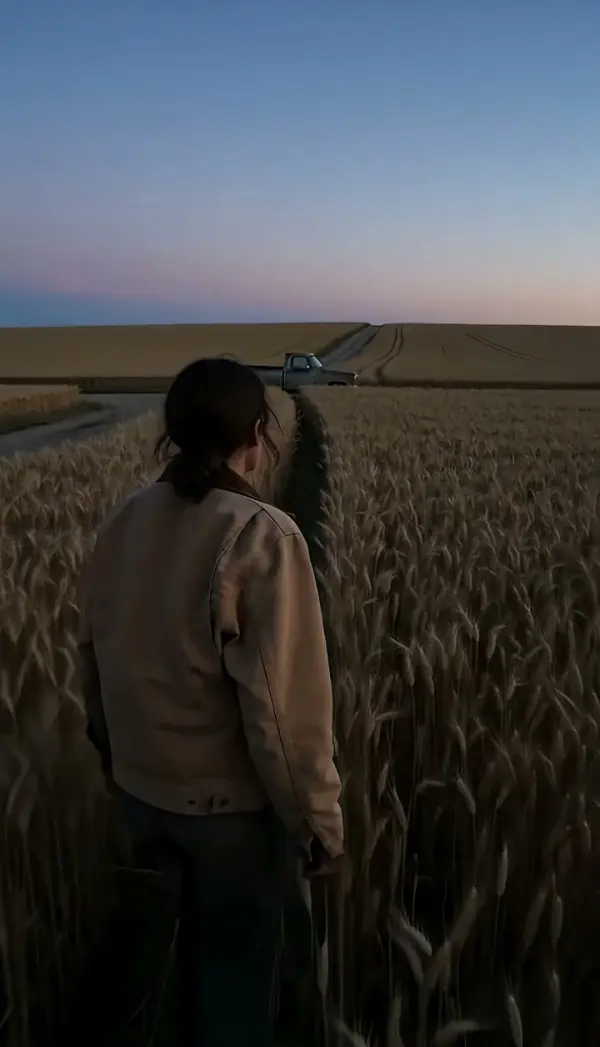
Eat Camera
The Eat Camera effect creates a dynamic illusion where the subject appears to consume the camera, producing a playful and immersive zoom transition. This effect works well for TikTok, Reels, Shorts, product reveals, outfit edits, action shots, and social media ads.
WHAT IT IS
What makes a Eat Camera video work?
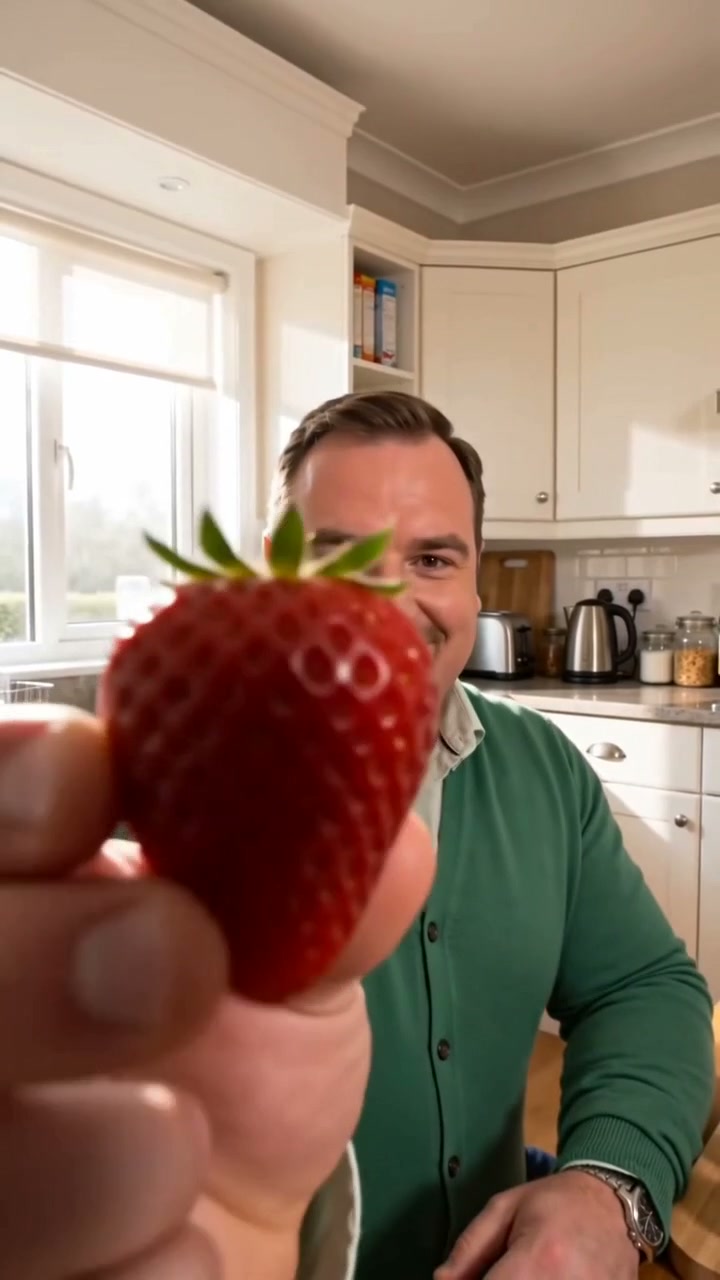
The Eat Camera effect creates a comedic illusion of the camera being swallowed by the subject. It relies on a centered, open-mouthed subject, a forced zoom into the mouth, and a quick distortion that mimics being ingested. The result is an instantly shareable, attention-grabbing clip perfect for viral short-form content.
Close-up, open mouth
Use a front-facing shot where the subject’s mouth is wide open and centered. Good lighting and minimal background clutter keep the focus on the swallowing illusion.
Expressive bite and lunge
The subject should quickly move their head forward or pretend to bite, enhancing the shock value. A wide-eyed, playful expression makes the effect more engaging.
Warped zoom into mouth
The effect triggers a rapid zoom into the mouth with a barrel distortion and brief dark frame, simulating the camera entering the throat.
Attention-grabbing intro
The surprising visual catches viewers in the first second, boosting retention. It's a versatile meme format that fits comedy, reactions, or product reveals.
CREATOR USE CASES
Application Scenarios
See real examples of Eat Camera used in lifestyle, motion, and travel content.

Coffee Run Freeze
Turn a simple walk to the café into a scroll-stopping short-video hook.
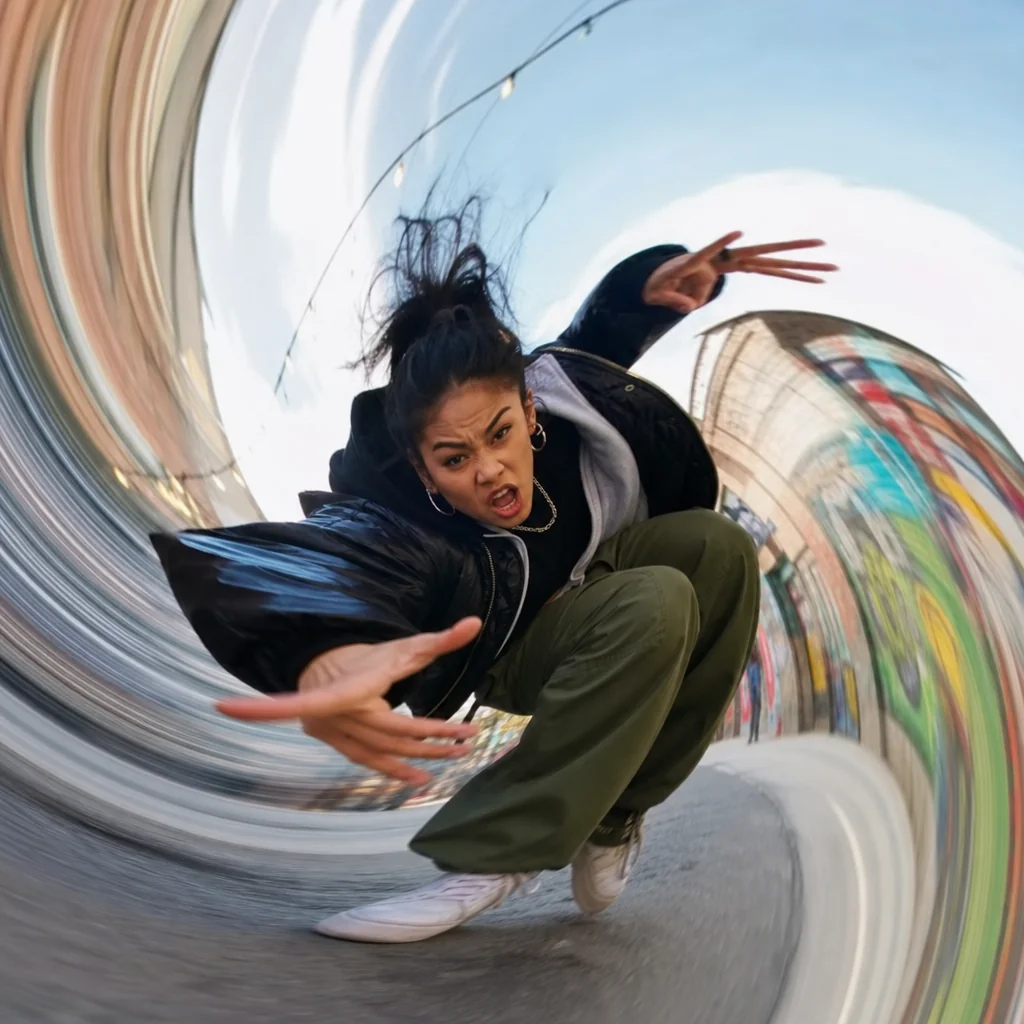
Dance Move Surge
Adds visual energy to dance clips by funneling motion into the lens.
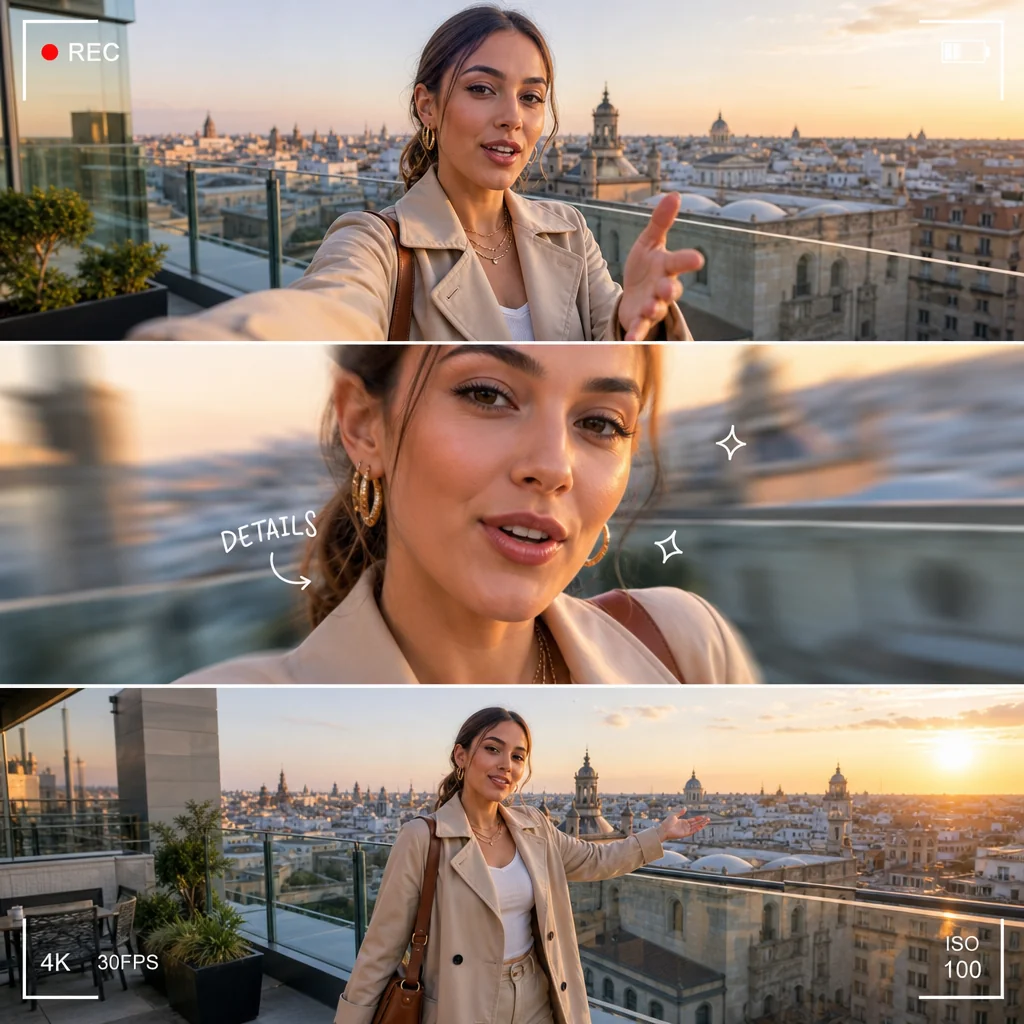
City View Pose
Makes your outfit and location pop with a dramatic camera interaction.
FAQ
Common questions
What is the Eat Camera effect?+
The Eat Camera effect makes it look like the camera physically moves into a person's mouth, or the subject appears to swallow the camera. It creates a surreal, close-up transition that feels like the viewer is being pulled inside.
Why is Eat Camera useful for TikTok, Reels, or Shorts?+
Short-form audiences respond to unexpected visual hooks. The Eat Camera effect grabs attention in the first second, stops the scroll, and encourages rewatches, which helps boost reach on TikTok, Reels, and YouTube Shorts.
Can I create Eat Camera from one uploaded image?+
Yes. You can upload a single photo and apply the effect. The tool generates a motion sequence that simulates the camera moving into the subject based on that one frame.
What kind of image or video works best?+
Images with a clear, forward-facing subject and a visible mouth area work best. Good lighting and minimal background clutter help the effect track the motion accurately.
Can I use it for product, fashion, travel, or creator content?+
Absolutely. The effect fits many content types — use it to reveal a product, transition between outfits, zoom into a travel scene, or create a signature hook for your creator profile.
Other names for Eat Camera
When searching for the 'Eat Camera' effect, you might encounter a variety of different names or phrases. People often describe it as a camera swallowing filter, a lens being munched, or a fun camera-eating transition. LazyKiwi helps turn these creative ideas into polished, short-video-ready visuals that immediately stand out on any feed.
Make the Camera Get Eaten in Your Videos
Start from a text prompt, an uploaded clip, or a ready-made template.