AI Wedding Video Generator
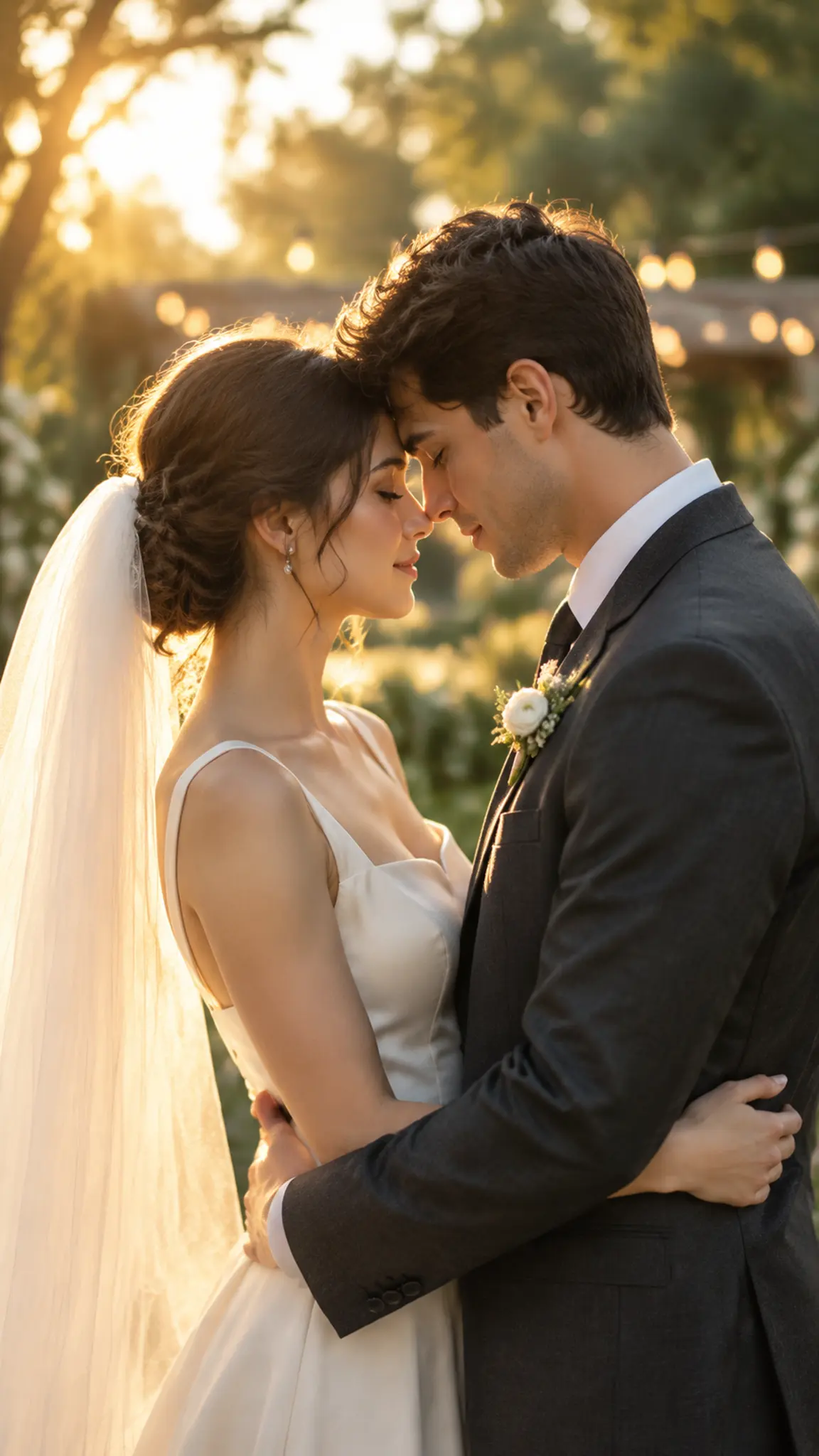
This AI wedding video generator turns one photograph of a couple into a short cinematic clip: a first look, a vow exchange, a proposal on one knee, or the walk back down the aisle. Both faces are held from the upload, which is the hard part of any two-person shot.
AI Wedding Video Generator Template
Upload one photo containing both people, faces unobstructed and at a similar size in frame. Group shots crop badly, cut down to the couple before uploading.
WHAT IT IS
Two faces held through one moving shot
Holding one face across a generated clip is routine; holding two is where most couple videos fall apart, because the model borrows features from one person to fix the other. This template locks both identities from the single upload and keeps them apart: face shape, hairline, skin tone and build stay assigned to the right person throughout. Around that, it generates what a wedding videographer would actually shoot, a slow push toward a first look, a handheld drift around a vow exchange, a backlit walk with the dress catching air, or a proposal beat with one person kneeling. Rings and hands deserve a warning: fingers at close range are still the weakest thing generative video does, so the template keeps ring moments at medium distance rather than in macro, and you should too. The template does not edit real wedding footage, it makes new footage from a photograph. If you want the still-image equivalents, vintage bridal editorial covers the fashion-shoot look and AI couple photo builds a couple frame from two separate photos.
- Both identities pinned
- Face shape, hairline, skin tone and build stay assigned to the correct person for the length of the clip, which is the specific failure two-person generation is prone to.
- Videographer camera moves
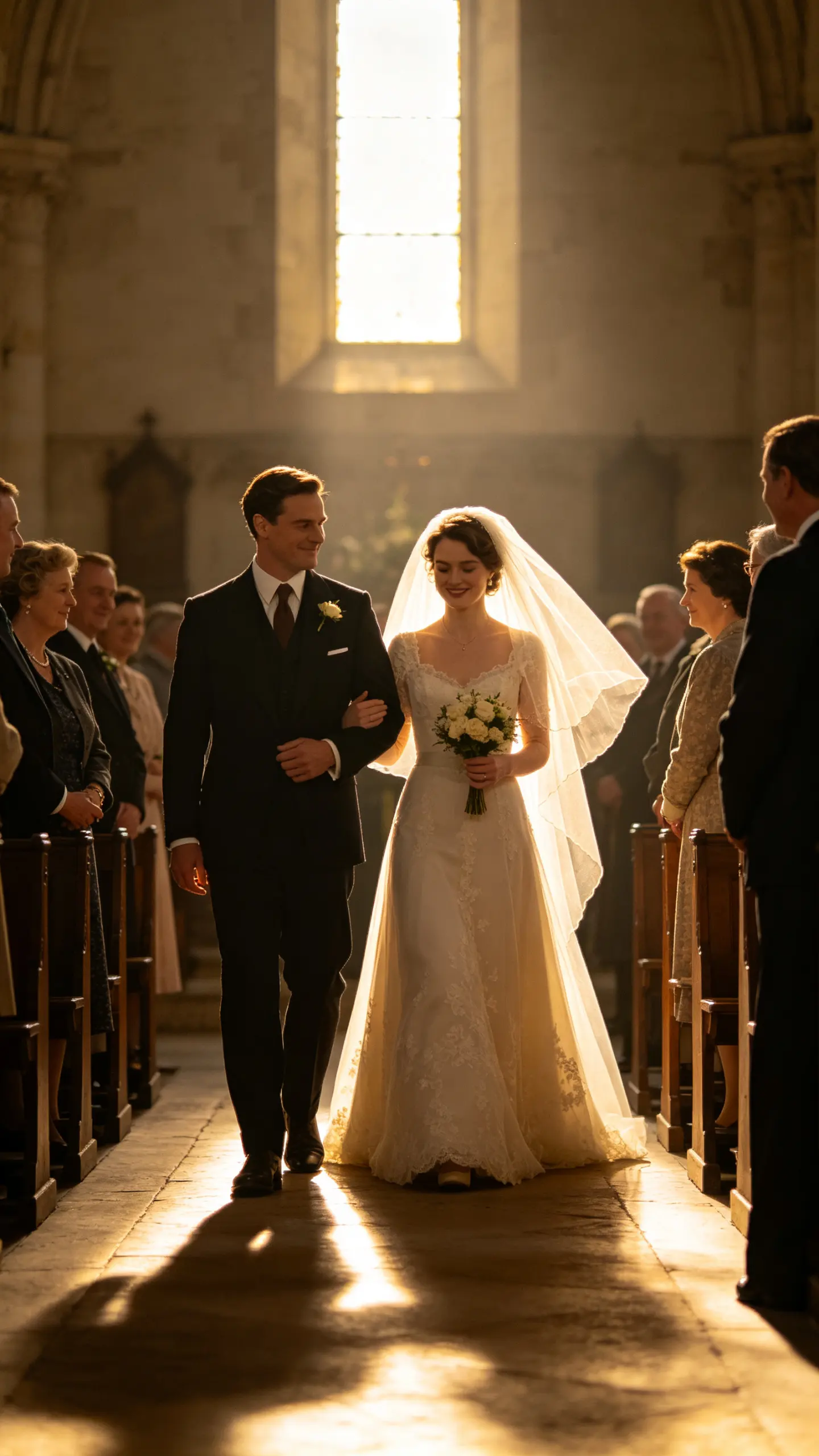
- A slow push for the first look, a handheld orbit for vows, a backlit pull-back for the aisle. The camera behaves like someone holding a gimbal at a real ceremony rather than a drifting AI lens.
- Proposal, ceremony or reception
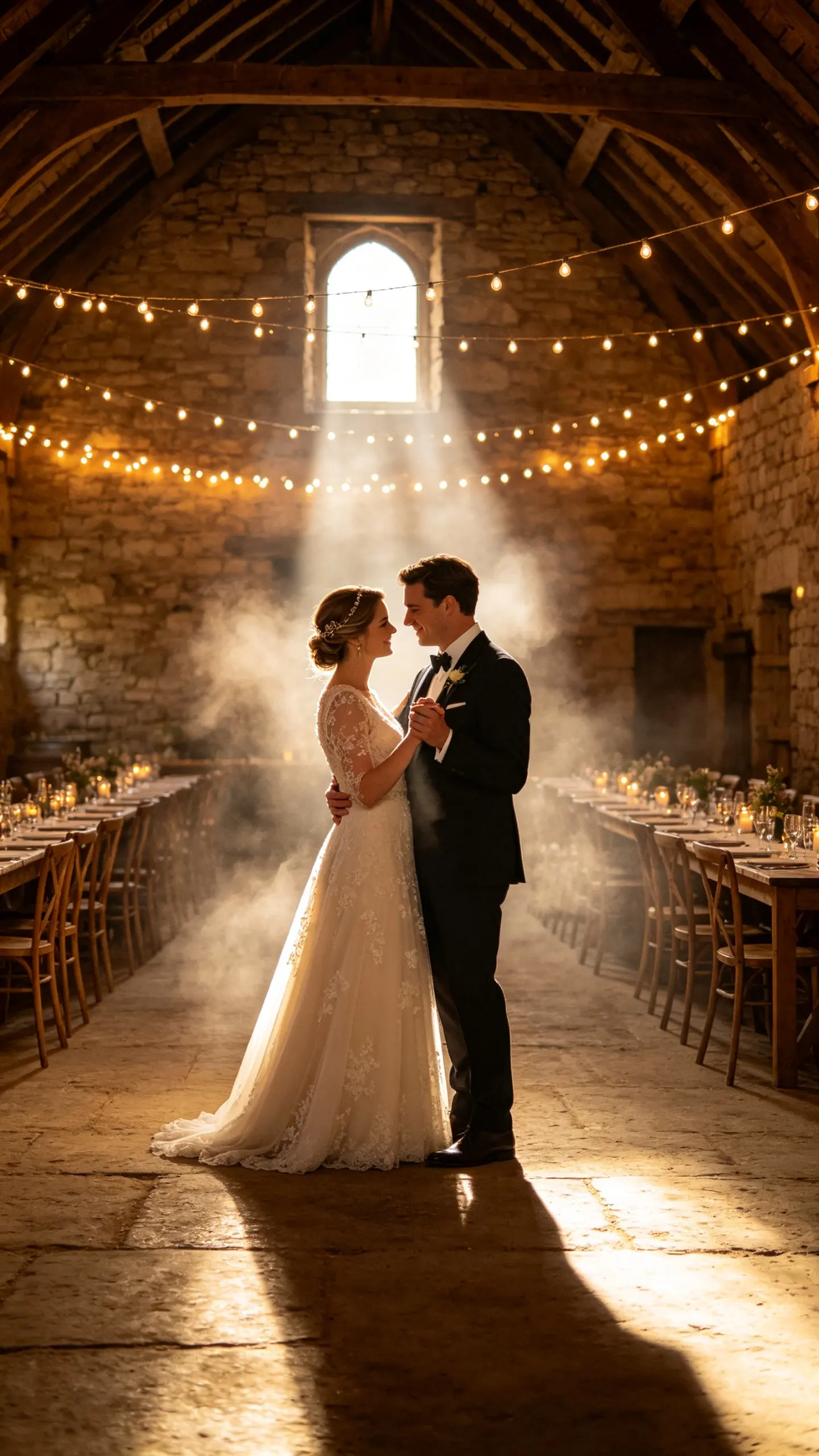
- The same upload runs as an engagement proposal on one knee, a ceremony moment or a first dance under warm light. Scene, wardrobe formality and time of day change with the beat you pick.
- Rings stay at a distance
- Close macro on hands and rings is where generated video still breaks fingers. The shots are composed at medium distance so the gesture reads without the model having to draw eight knuckles.
USE CASES
Where a generated wedding clip is the only clip
Three situations where the footage was never filmed in the first place.
The proposal nobody recorded
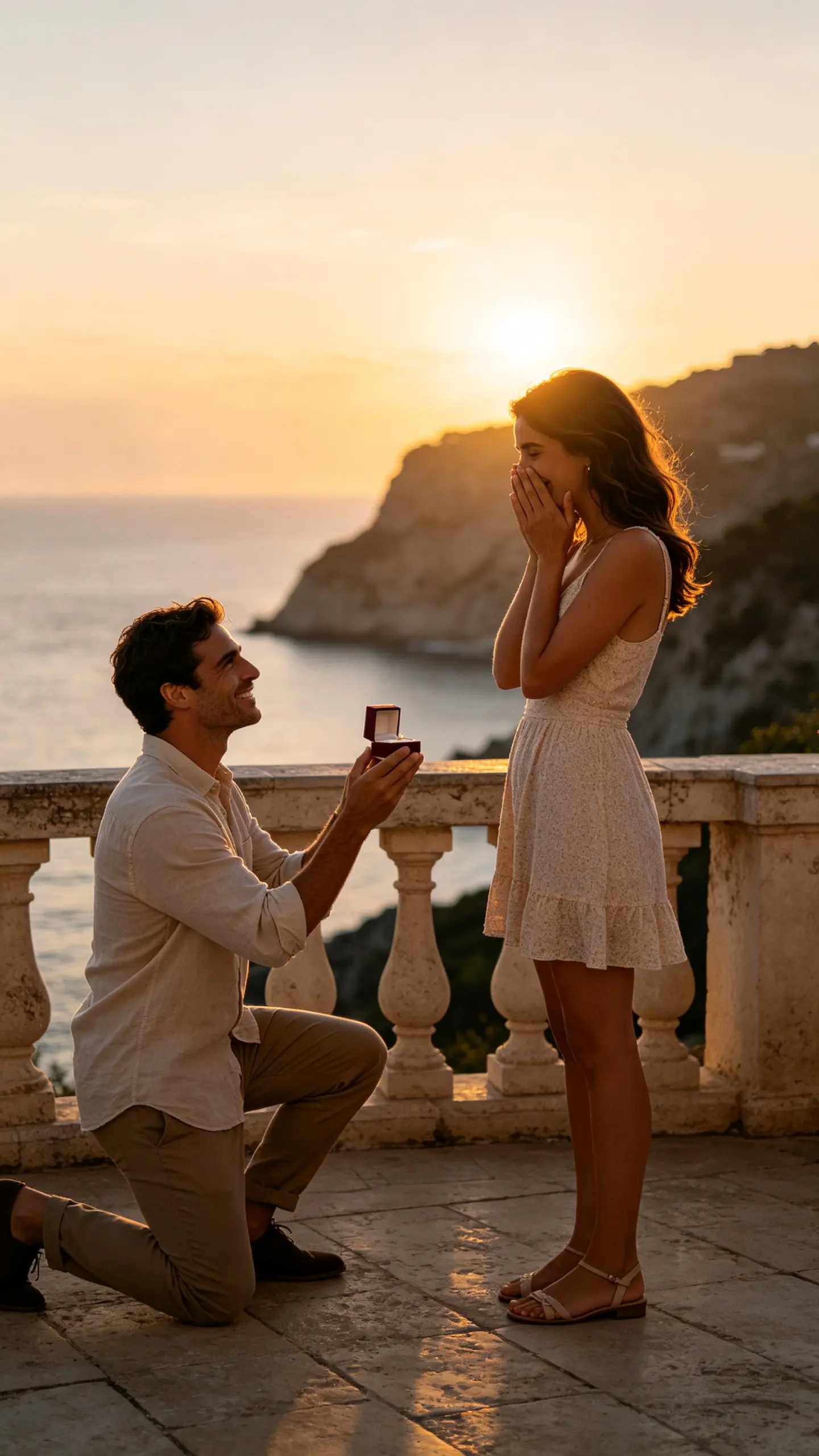
Most proposals happen with no camera running, and the couple is left with one phone photo taken afterwards. That photo becomes a short clip of the moment on one knee, which is the version that gets sent to parents and posted with the announcement.
A couple who booked a photographer, not a videographer
Wedding video is often the first line cut from a budget, and a year later the couple has 800 photographs and no moving footage. One frame from the album becomes a few seconds of movement for an anniversary post.
A venue or planner pitching a date
A venue selling next season needs a clip that shows the space with a couple in it before any wedding has happened there. A photograph of the location and a stand-in couple produces the moving frame that a still gallery cannot.
FAQ
Common questions
What is an AI wedding video generator?+
It is an image-to-video tool that generates new wedding footage from a photograph of a couple, rather than editing footage you already have. You upload one image with both people in it and choose a beat, first look, vows, proposal, first dance, and the model produces a short cinematic clip around them.
Can I make an AI proposal video?+
Yes, and it is the most common request here, because proposals are almost never filmed. Upload a photo of the two of you and pick the proposal beat; the clip shows the kneel, the reaction and the embrace at medium distance. Keep the ring itself out of macro range, hands at close focus are still the least reliable part of generated video.
What photo should I upload?+
One photo containing both faces, unobstructed, at roughly the same size in frame, in even light. Sunglasses, a bouquet across a face, a strong side profile or a wide group shot all reduce accuracy. Crop tightly to the couple first, the model spends its attention on whatever fills the frame.
Can it edit our real wedding footage?+
No. This template generates new video from a still; it does not cut, color or stabilize a videographer footage. If you have real clips and want to change what is in them, that is a different job, a video-to-video or object-removal tool rather than this one.
How long is the clip and what formats can I export?+
Image-to-video models here run roughly 3 to 10 seconds at 720p or 1080p, in 16:9, 9:16 or 1:1. For a save-the-date or an announcement post, generate two or three separate beats and cut them together in an editor; a single long take gives the model more room to drift both faces.
Can I use photos of other people, or of a celebrity couple?+
Use photos of yourselves, or of people who have agreed to it. Do not upload public figures, and do not generate a wedding or proposal involving someone who has not consented, a fabricated engagement is the kind of clip that causes real harm when it circulates without context.
Other names for the AI wedding video generator
The searches split by moment. Some are looking for the wedding itself (AI wedding video, wedding video maker, dream wedding generator) and some for the engagement, as in AI proposal video or proposal video generator. A third group describes the input rather than the occasion: photo to wedding video, turn our wedding photos into a video. They all resolve to the same request, which is a few seconds of movement built from a frame that was only ever a photograph.
Turn one wedding photo into moving footage
First look, vows, proposal or the aisle walk, all from a single image.