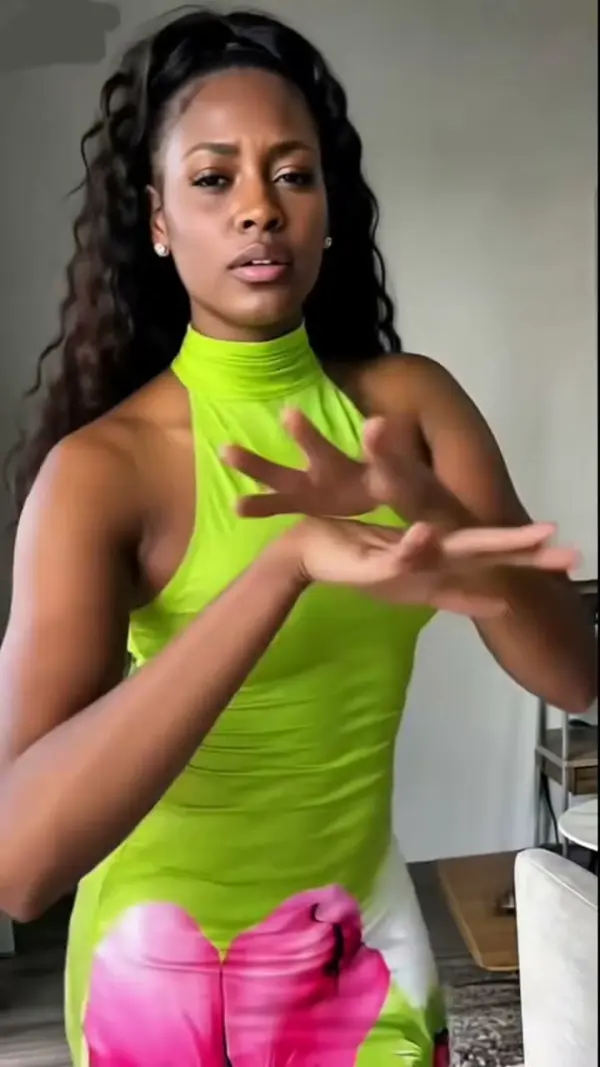
AI Pet To Human Generator
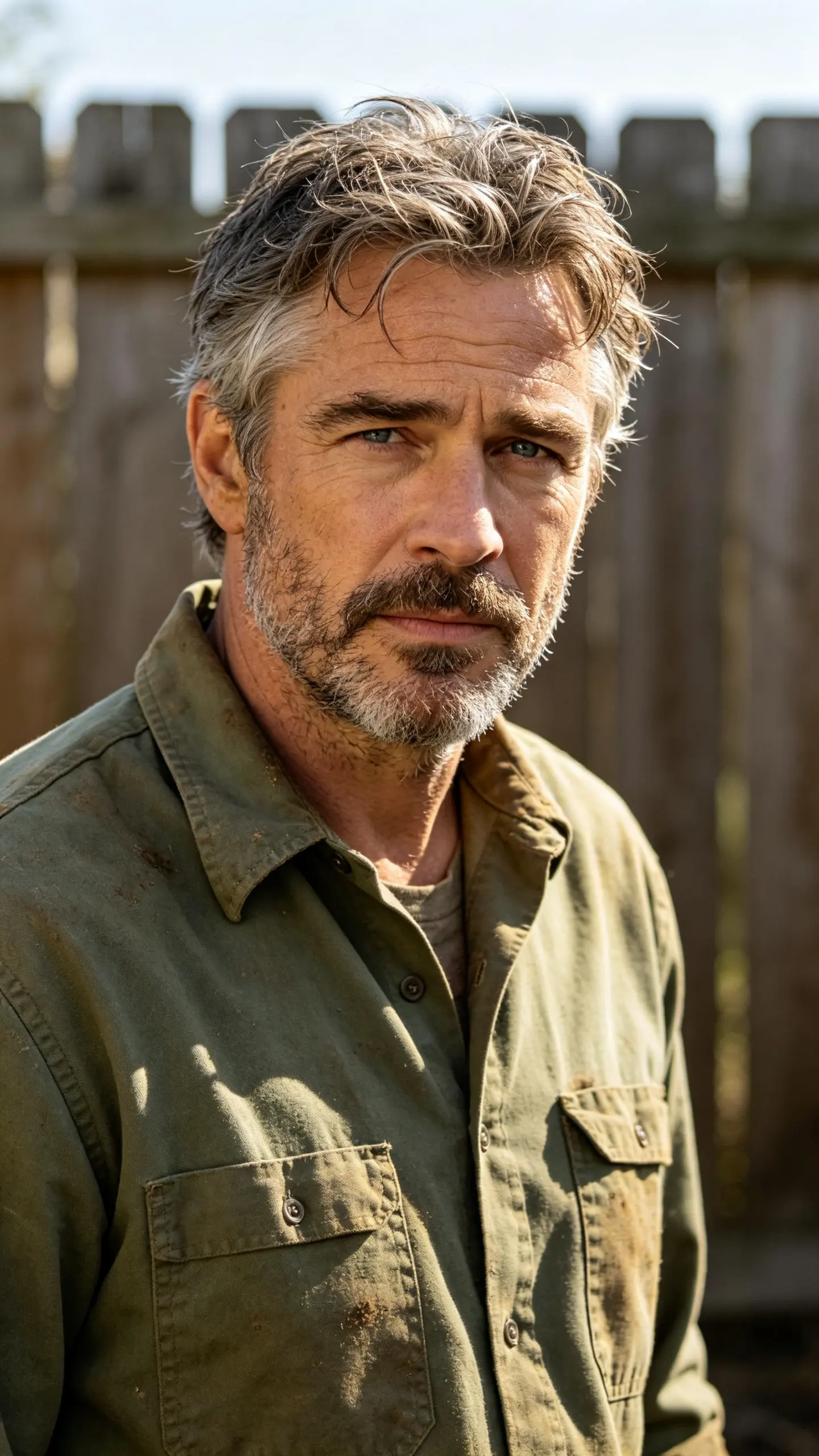
Upload one photo of your dog or cat and this AI pet to human generator builds the person that animal would be, then animates them for a few seconds. Coat color becomes hair, ear set and muzzle steer the face, and eye color carries across unchanged. It is a resemblance, not a measurement.
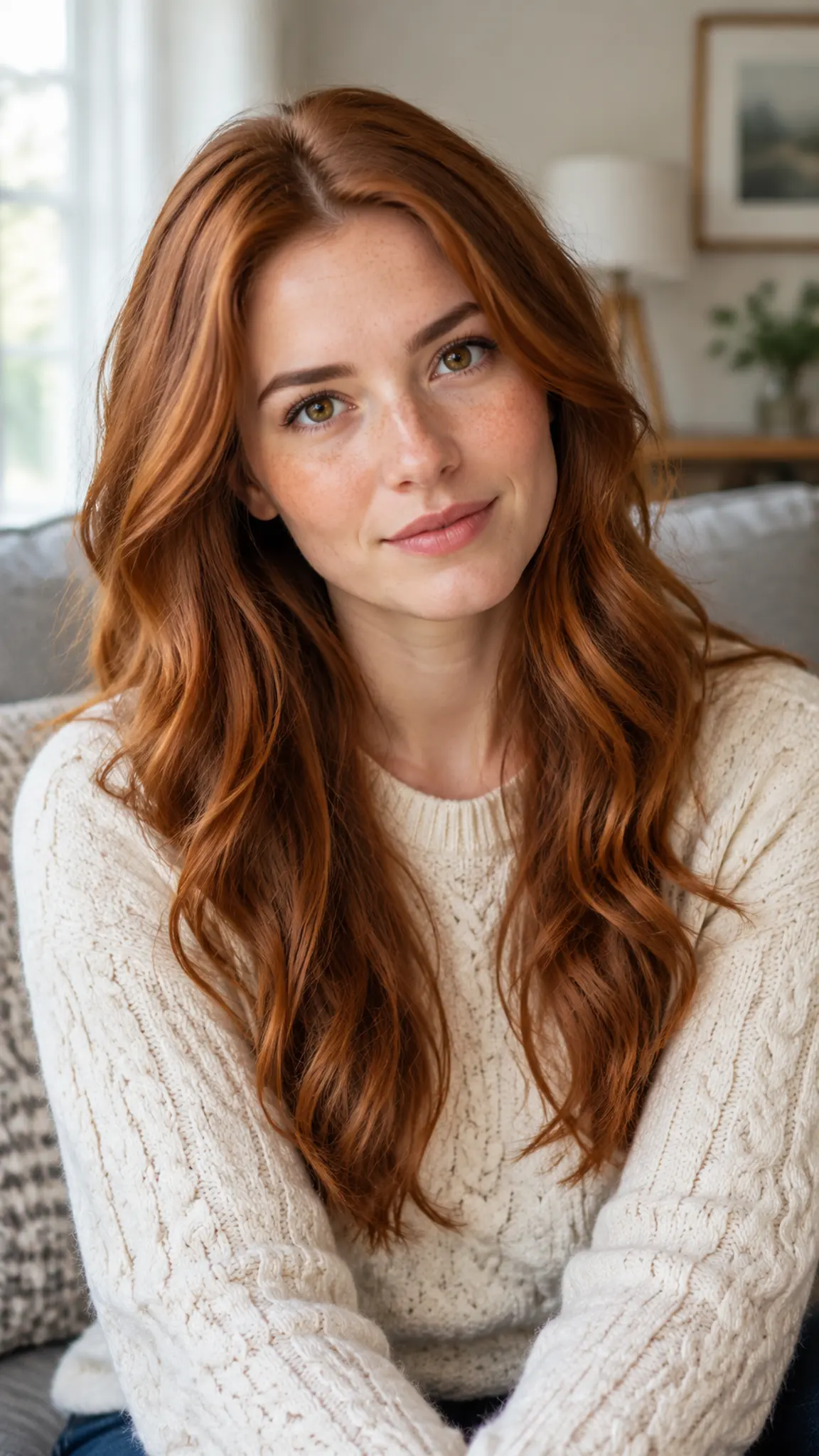
AI Pet to Human Generator Template
Upload one photo of a single pet, taken at eye level with the face in focus and catchlights visible in the eyes. Photos shot from above, or with two pets in frame, produce muddled results.
WHAT IT IS
How a coat becomes a haircut
The reason some pet-to-human results feel right and most feel arbitrary is whether the translation follows rules. This template works from a fixed set: coat color maps to hair color, coat length and texture map to hairstyle, ear set and carriage map to hair volume and framing around the face, muzzle length and skull width map to face shape, and eye color transfers directly because it is the one trait an owner checks first. Build and posture come from the breed group, a sighthound reads tall and narrow, a bulldog broad and low, a long-haired cat languid, and wardrobe follows the same logic rather than the owner taste. Two steps run behind the page: an image pass that makes the human portrait, then an image-to-video pass that gives it a few seconds of life, which is what stops it looking like a stock headshot. For the same pet kept as a pet, AI pet photo does studio-grade portraits and abstract pet painting does the painterly version; cozy pet pajama selfie is the one where you both appear.
- Traits mapped, not guessed
- Coat color to hair, coat texture to hairstyle, ear set to volume, muzzle to face shape, eye color carried across. The rules are why the result is recognizable as your animal rather than a random person.
- Build follows breed group
- A sighthound becomes tall and narrow, a bulldog broad and grounded, a Maine Coon large and unhurried. Posture and wardrobe follow from that, which is where most of the personality lands.
- Two passes, one upload
- An image pass builds the human portrait and a video pass animates it, so you get a blink and a head turn rather than a still. The intermediate portrait is worth keeping as a frame in its own right.
- It also runs backwards
- Human to pet uses the same mapping in reverse and is a common follow-up search. Expect it to be less accurate: a person has far more distinguishing features than a coat and an ear set can carry.
USE CASES
Where pet-to-human gets posted
Three audiences that reliably watch this one to the end.
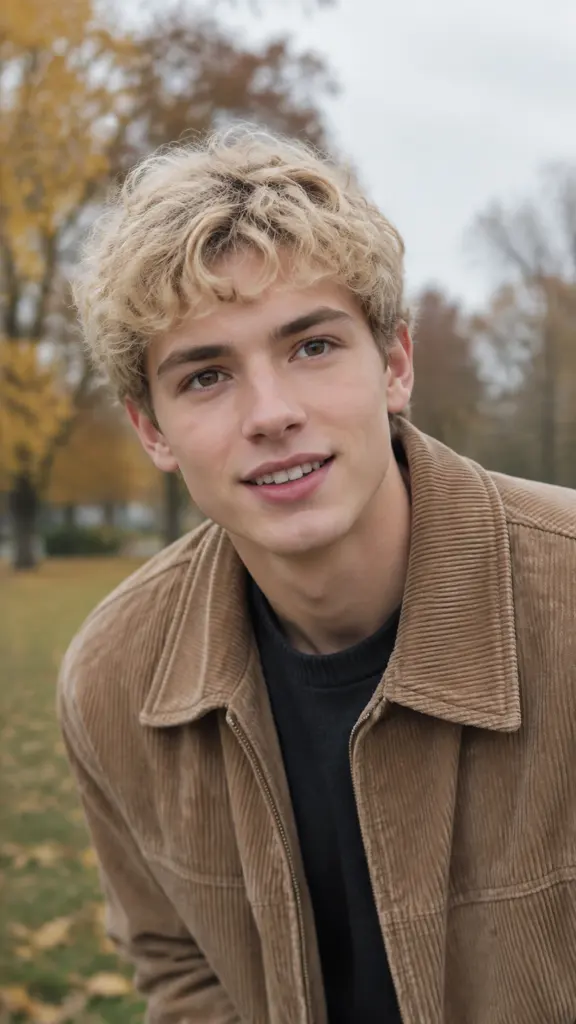
A pet account with a recurring bit
An account built around one dog runs the human version as a monthly post: the same mapping, a different setting each time. Comments do the work, because everyone who follows the dog has an opinion about whether the face is right.
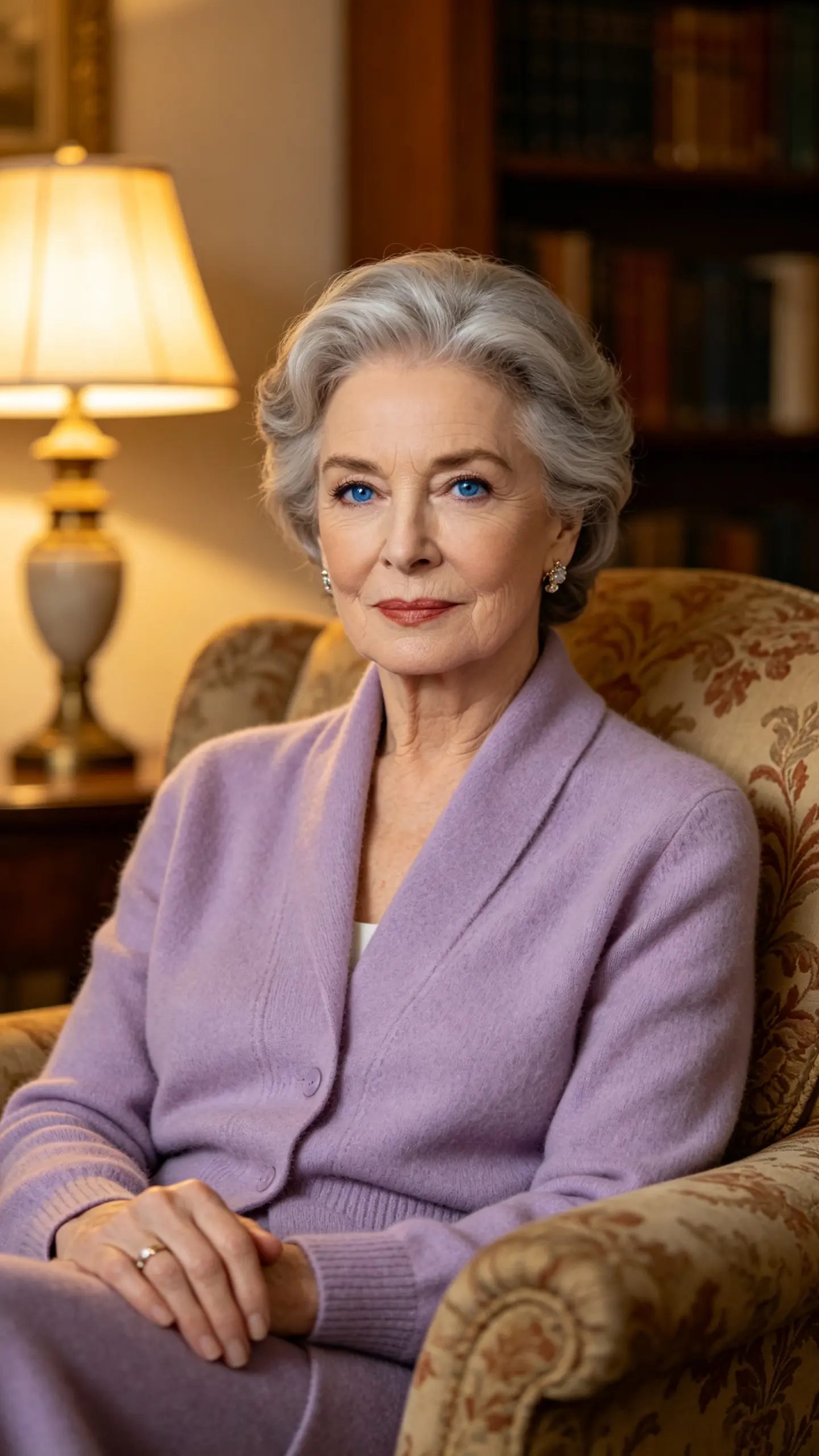
A birthday gift for the owner
A partner or friend uploads a photo from the owner camera roll and gets a clip to send on a gotcha day or a birthday. It works as a gift because it is specific: the hair color is the coat, and the person receiving it can tell immediately which of their animals it is.
A rescue or grooming business post
Shelters and groomers use it as a hook on a listing or a service post, the human version first, the actual animal second. It stops the scroll long enough for the adoption details underneath to be read.
FAQ
Common questions
What is an AI pet to human generator?+
It is a tool that reads a photo of a dog or cat and produces the human version of that animal, then animates it into a short video. Coat color, coat texture, ear set, muzzle shape and eye color are translated into hair, face shape and build, so the person is derived from the animal rather than invented freely.
How accurate is it?+
There is no ground truth to be accurate against, and that is worth saying plainly. What the template can promise is consistency: run the same photo twice and the hair color, eye color and face width land in the same place, because they are mapped from measurable traits. Whether that person is the right person is a matter of opinion, which is exactly why the format works in comments.
What photo of my pet works best?+
One animal, photographed at eye level, face in focus, with catchlights in the eyes and the ears visible. Overhead phone shots flatten the muzzle and lose the ear set, which are the two traits doing most of the work. Flat-faced breeds such as pugs and Persians, and solid black coats shot in low light, give the model the least to read.
Can it turn a human into a pet instead?+
Yes, the reverse direction runs from a portrait, and it is a common follow-up. Be aware it is weaker: a coat and an ear set cannot carry the number of distinguishing features a human face has, so the resulting animal tends to look like a good breed match rather than like you specifically.
Does it work with two pets in one photo?+
Not well. The model blends traits from both animals into one person instead of producing two. Crop each pet into its own image and run them separately, then cut the two clips together if you want a pair.
How long is the video and what can I export?+
The video pass produces a short clip, typically 3 to 10 seconds depending on the model, at 720p or 1080p in 16:9, 9:16 or 1:1. The still human portrait generated in the first pass is also usable on its own if you only need an image.
Other names for pet to human
Owners rarely search the tool name. They search the question, as in what would my dog look like as a human or what if my cat were a person, or the direction, as in dog to human AI, cat to human filter, or pet to person. The reverse trip, human to pet, sits in the same family and runs on the same mapping. Every one of those phrasings is asking for a portrait that keeps the coat color, the eyes and the ears, which is what this template is built to hold on to.
See who your dog would be
One photo of the animal, one human portrait, a few seconds of video.