AI Outfit Reel
An AI outfit reel is a short fashion clip in which the look changes on every cut while the person, the framing and the light stay put. You upload one selfie, generate each outfit as its own shot, and cut them together so the change lands on the beat instead of drifting between three unrelated videos.
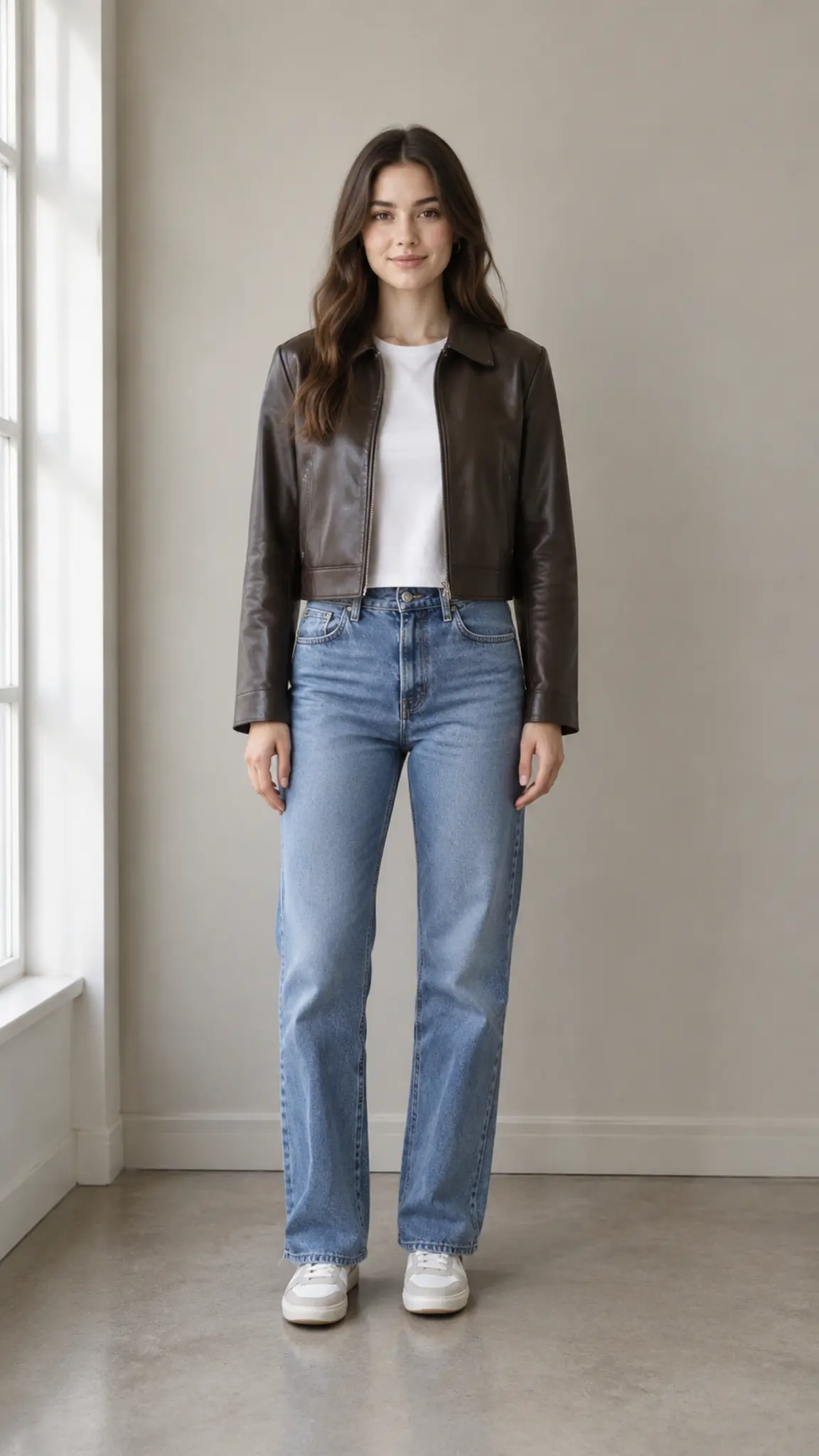
AI Outfit Reel Template
Upload one full-body or knee-up selfie in even light, standing square to the camera. Keep the same photo for every look in the reel so the cuts match.
WHAT IT IS
Why outfit reels cut well or cut badly
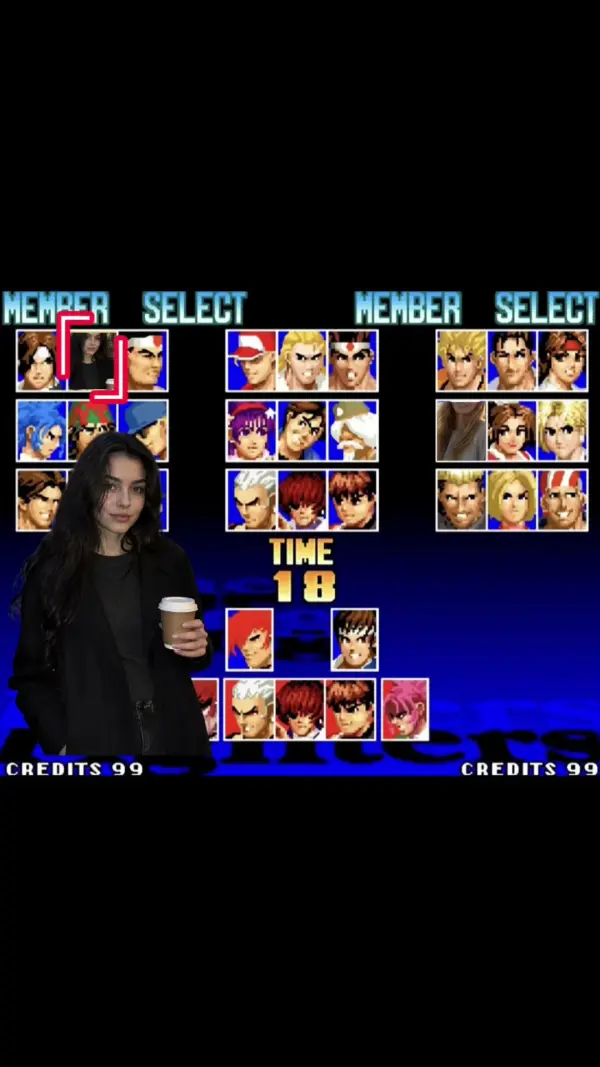
An outfit reel works when only one variable changes. Same person, same distance from the lens, same wall, same light, and then the clothes are different: that is why the eye reads a wardrobe change rather than three separate clips stitched together. Most reels fail on the boring things, which are focal length and floor line drifting between shots, so the body appears to jump position at every cut. Generating the looks from a single upload keeps those constant, and the template holds pose family too, so each shot lands in a similar stance and the cuts fall where the beat does. There is a limit worth stating plainly: the model produces clothing that matches a description, not a specific garment. Prints shift, stitching invents itself, and any logo becomes an approximation, which means this is a styling and direction tool rather than a way to show a buyer an actual product. When the exact garment matters, put it on your photo first with the AI clothes changer and generate the reel from that result. The cutting itself happens in your editor, since the shots come out as separate clips with no music, and beat detection is not part of this template. For adjacent formats, retro desktop outfit showcase frames looks as a desktop gallery and clothes falling is the transition effect people use between them.
- One variable changes
- Person, distance, background and light are held from the upload, so only the outfit moves. That constraint is the whole reason a reel reads as one piece of content rather than a folder of clips.
- Pose family, not identical poses
- Each shot lands in a related stance, close enough that the cuts feel intentional and different enough that the reel is not a slideshow. Small hand and weight changes carry the variation.
- Styling, not product photography
- Clothing is generated to a description, so prints, stitching and any branding are approximations. Use it to test a direction, and use real product images when someone is going to buy the item.
- Shots out, edit yours
- Each look exports as its own short clip with no music and no captions. You place the cuts on the track you have rights to, which is also how you control the pace.
USE CASES
Who posts outfit reels
Three routes into fashion content that do not involve a rail of clothes and a tripod.
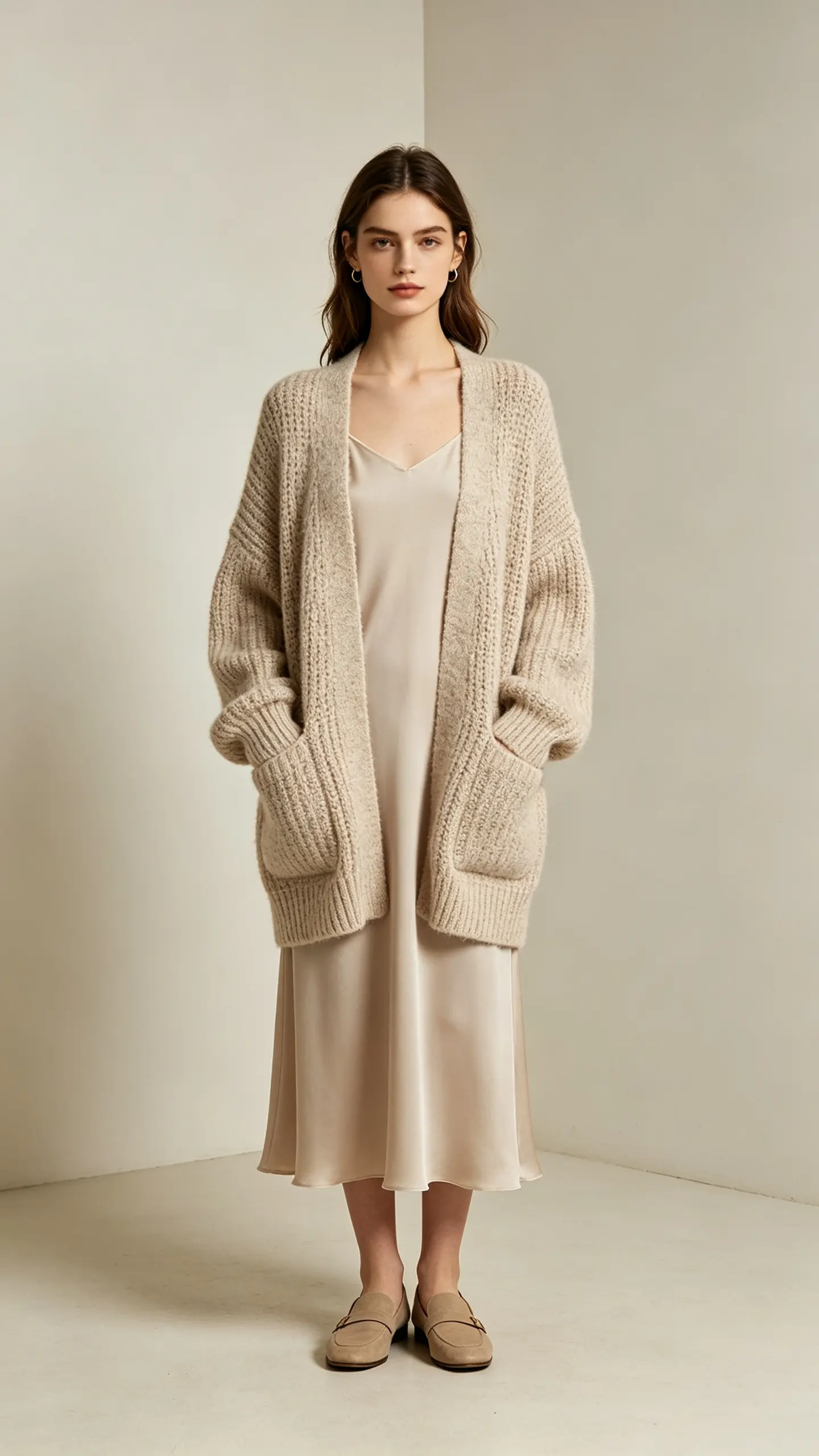
A week of outfits in one sitting
A creator who posts daily generates five looks from the same selfie, then cuts them into one reel and keeps the rest as individual posts. The wardrobe never has to exist, and the grid stays visually consistent because every shot shares a background.
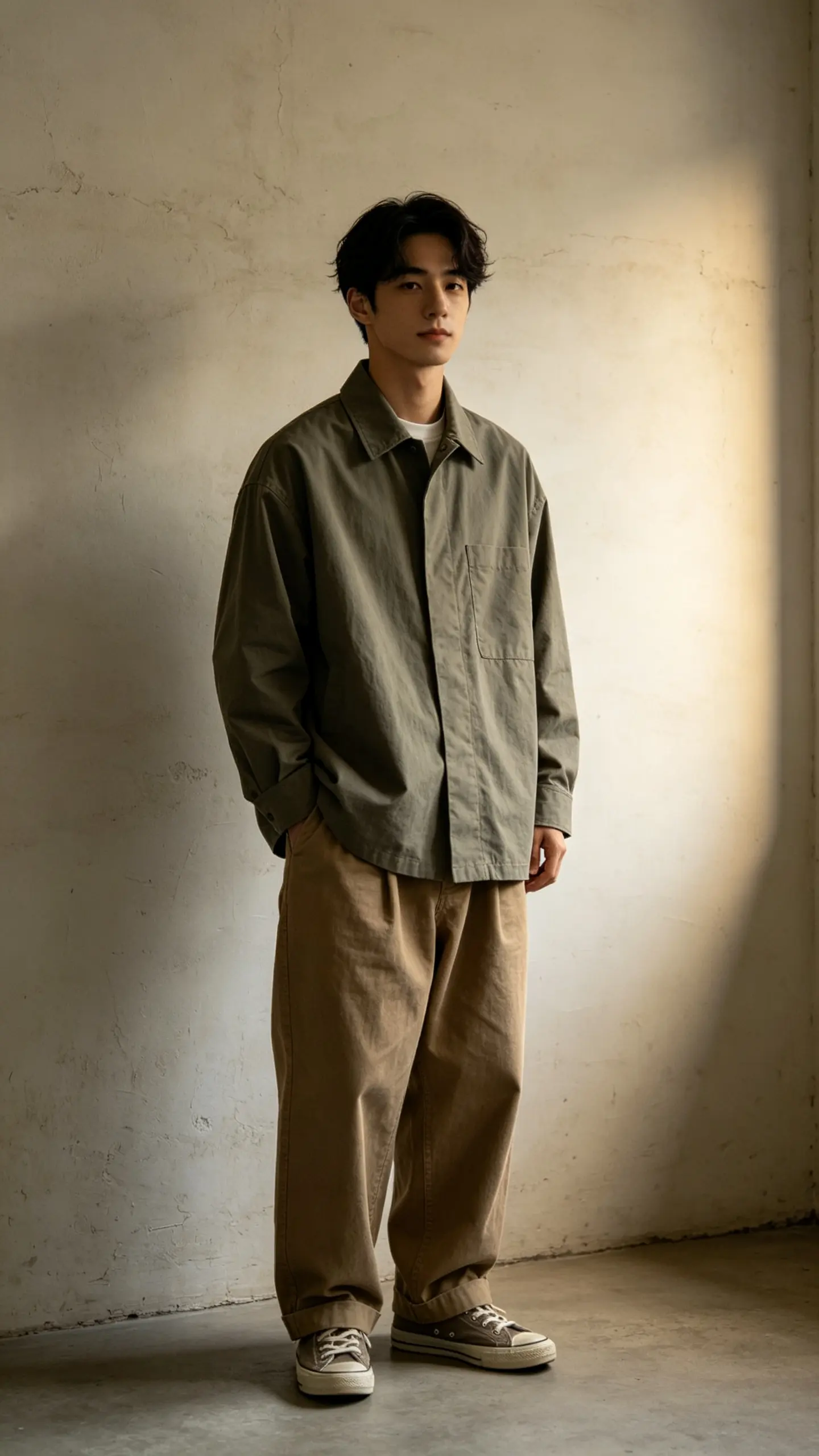
A lookbook teaser for a small label
A label with sample garments and no shoot budget uses generated looks to test how a capsule reads on video before committing to a photographer. The output is a direction document that moves, which is easier to sign off than a mood board.
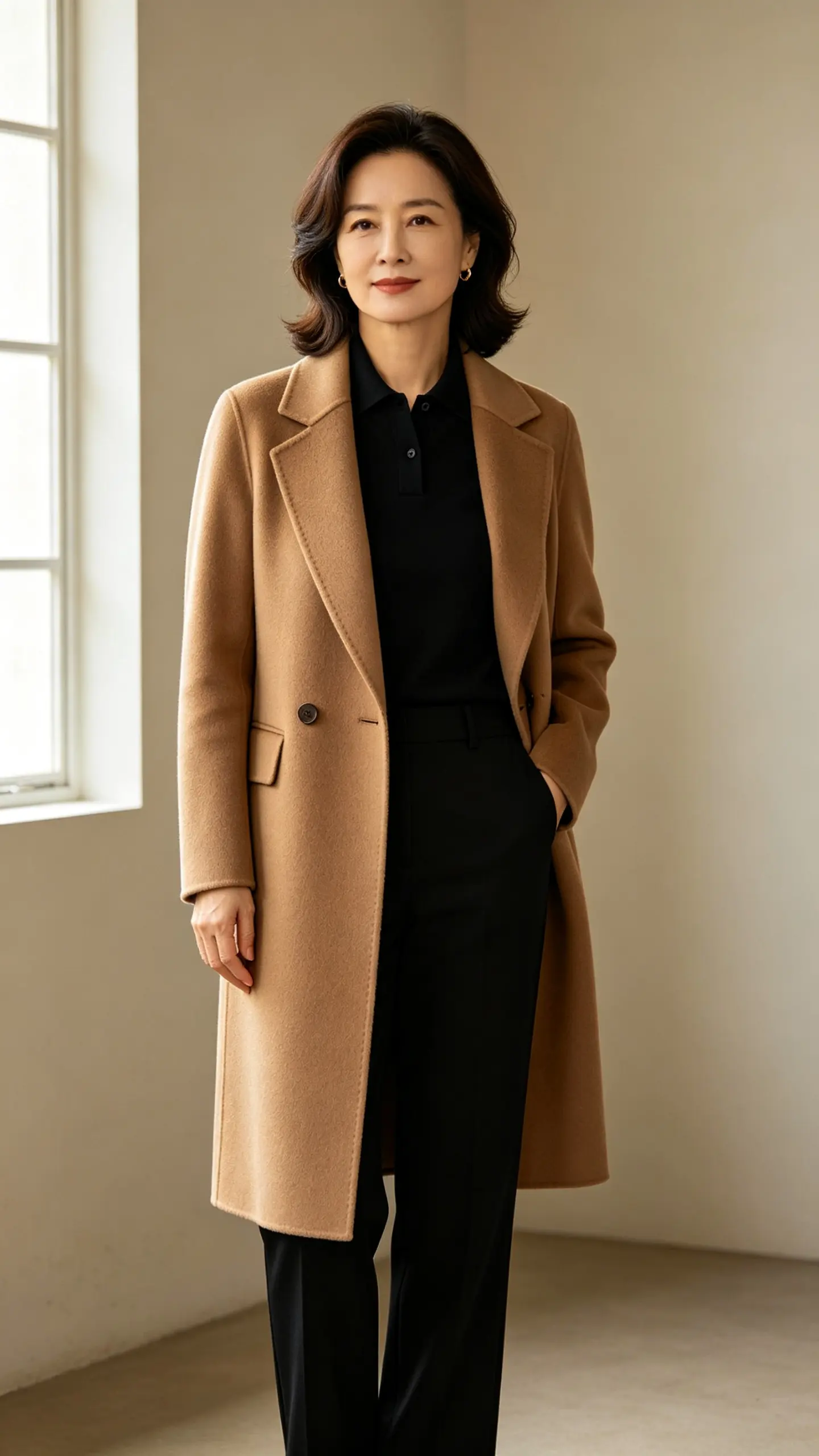
A styling preview for a client
Personal stylists send clients a moving preview of a proposed direction instead of a collage of shop screenshots. Because the same photo drives every shot, the client sees the looks on themselves rather than on a model with a different build.
FAQ
Common questions
What is an AI outfit reel?+
It is a short fashion video in which the outfit changes between cuts while the person and the setting stay the same. Each look is generated as its own clip from one uploaded photo, and the clips are cut together into a reel for a vertical feed.
How do I make an outfit reel from one photo?+
Upload one full-body selfie, generate a clip for each look you want, then cut them together in your editor and place the cuts on the beat of your track. Keeping the same source photo for every look is what makes the framing and light match across the reel.
Will it show the exact clothes I own or sell?+
No. The model generates clothing that matches a description, so prints, stitching and branding are approximations rather than reproductions of a specific item. For an accurate garment, apply it to your photo first with the AI clothes changer, then generate the reel from that image.
Does it cut to the music automatically?+
No. The template produces the shots, not the edit, and there is no beat detection or included soundtrack. That is deliberate, because music rights belong to whoever posts the reel, and the cut timing is the part creators want to control themselves.
How many looks should a reel have?+
Three to five. Below three it is not a reel, and past five the viewer stops registering individual outfits. Each shot only needs about a second on screen, so a five-look reel runs six or seven seconds once you allow a beat at the start.
What selfie works best for this?+
A full-body or knee-up photo taken square to the camera in even light, with the whole silhouette visible and a plain background. Angled shots and cropped frames are the usual reason a reel jumps at the cut, because the model has to reinvent the missing part of the body for every look.
Other names for an AI outfit reel
Fashion creators describe this in outcome terms: outfit reel, outfit change video, lookbook video, fit check. Tool searches arrive as AI outfit video, AI fashion video generator or AI outfit changer video. A few are looking for the transition specifically, which is the cut or the spin that carries one look into the next. They all describe a short clip where the person stays constant and the clothes do the work.
Turn one selfie into a week of outfits
Generate each look, keep the framing, cut them to your own track.