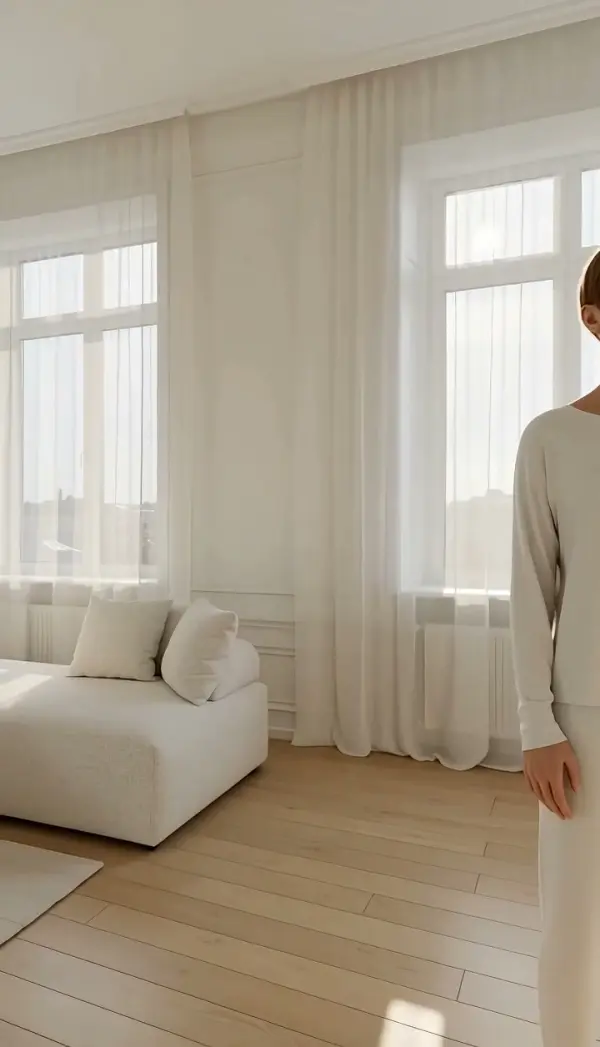
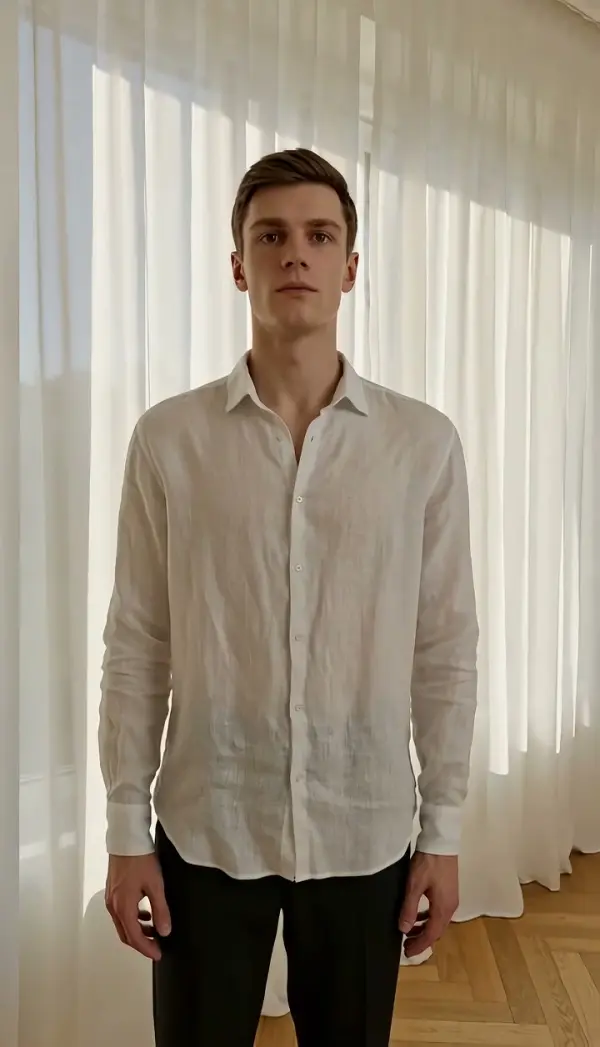
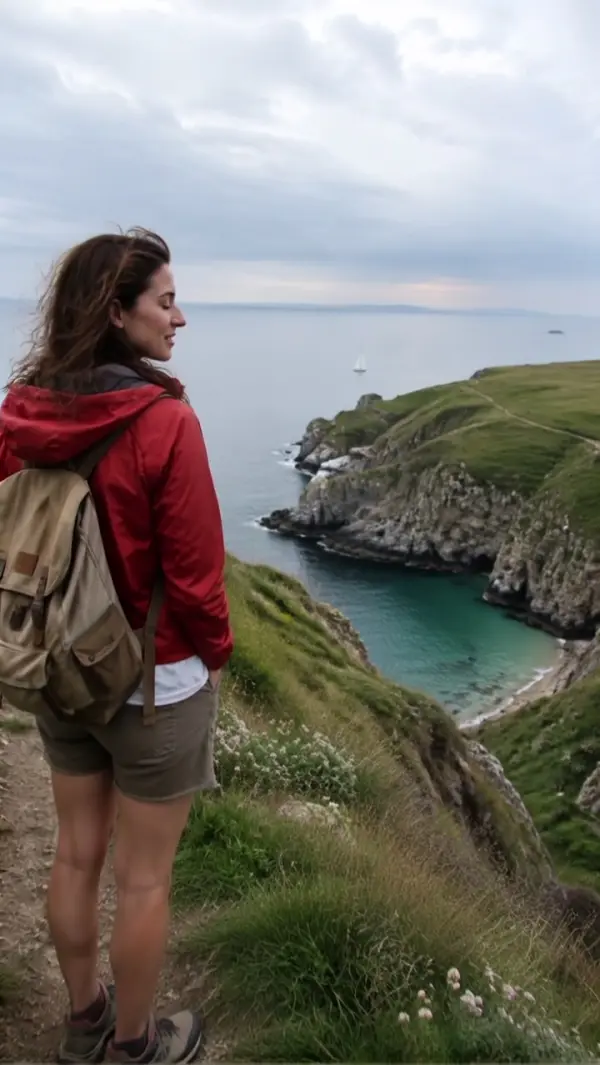
Walk-and-talk Reverse Tracking
Walk-and-Talk Reverse Tracking sets the subject walking toward the lens while the camera retreats ahead of them at the same speed, holding the face and upper body steady as the background streams away behind. Upload one photo and LazyKiwi generates the backward tracking move as a short clip.
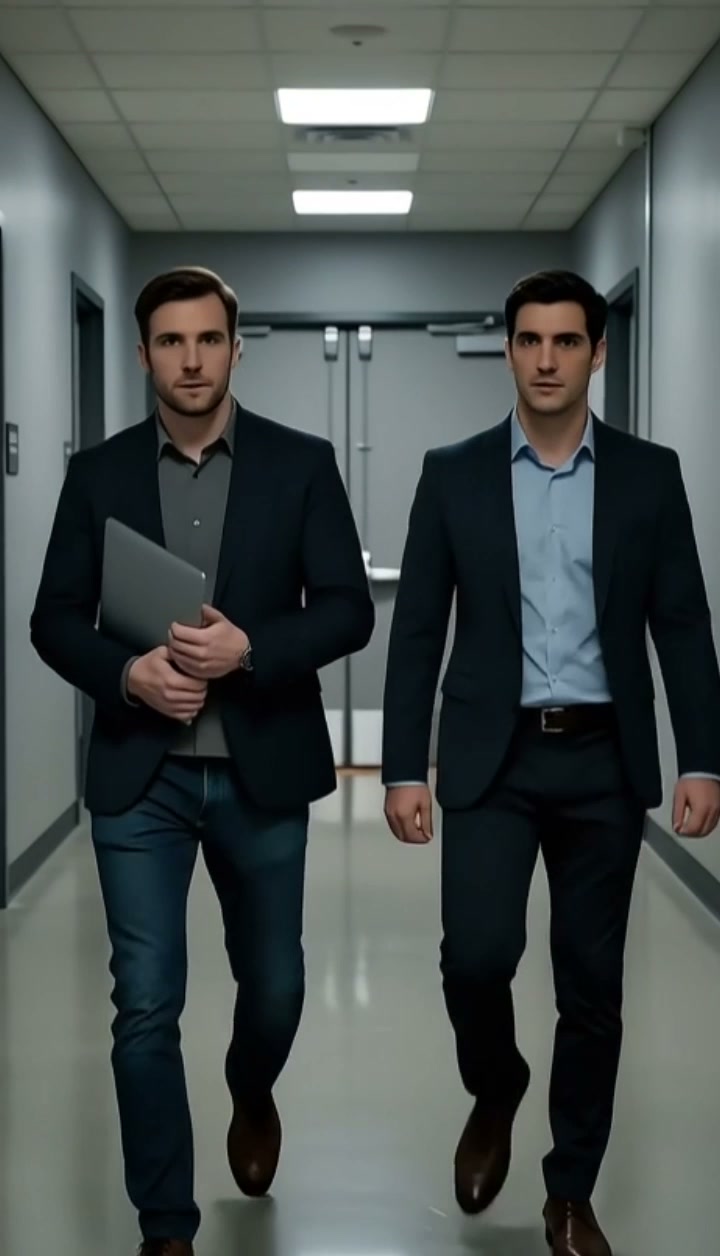
Walk-and-Talk Reverse Tracking Template
Upload one photo of a person facing the camera with a walkway, street or corridor stretching out behind them; waist-up or full-body framing both work.
WHAT IT IS
Walk and talk shot: reverse tracking with the subject facing the lens
Walk-and-Talk Reverse Tracking is a walk and talk shot in which the subject walks forward toward the camera while the camera moves backward ahead of them at the same speed, keeping the face and upper body steady as the background recedes behind. The framing is the one television dramas use for hallway conversations: characters advance, the operator walks backward on a dolly or Steadicam, and the audience reads the faces while the setting scrolls past. The reverse tracking shot keeps energy in a scene that would otherwise be two people standing still. LazyKiwi builds the take from one uploaded photo. The Seedance video model reads the still as the first frame, sets the subject walking naturally toward the lens, retreats the camera in sync, and holds face and torso stable while the environment moves continuously behind. The result is a short clip, vertical 9:16 for Reels and TikTok or landscape 16:9 for YouTube, with no dolly or operator walking backward.
- Camera backs away, subject advances
- The camera travels in reverse along the subject's line at the subject's pace. Distance between lens and face stays constant, so the person never grows or shrinks in frame during the reverse tracking.
- Face and torso held steady
- The engine locks the face and upper body as the stable region of the frame. Expression, hair and clothing keep their detail, which is what lets a viewer follow a line of dialogue or a caption.
- Background flows behind
- Corridor walls, storefronts, trees or office desks slide away behind the subject at walking speed. The receding motion carries the sense of forward progress that a static talking head lacks.
- No operator walking backward
- Reverse tracking usually needs a dolly grip or a Steadicam operator guided backward by a spotter. The template synthesizes the entire walk and talk move from one photo, no spotter required.
USE CASES
Talking to camera on the move
Founder updates, tours and vlog intros all read as more alive when the speaker is walking and the setting keeps changing.
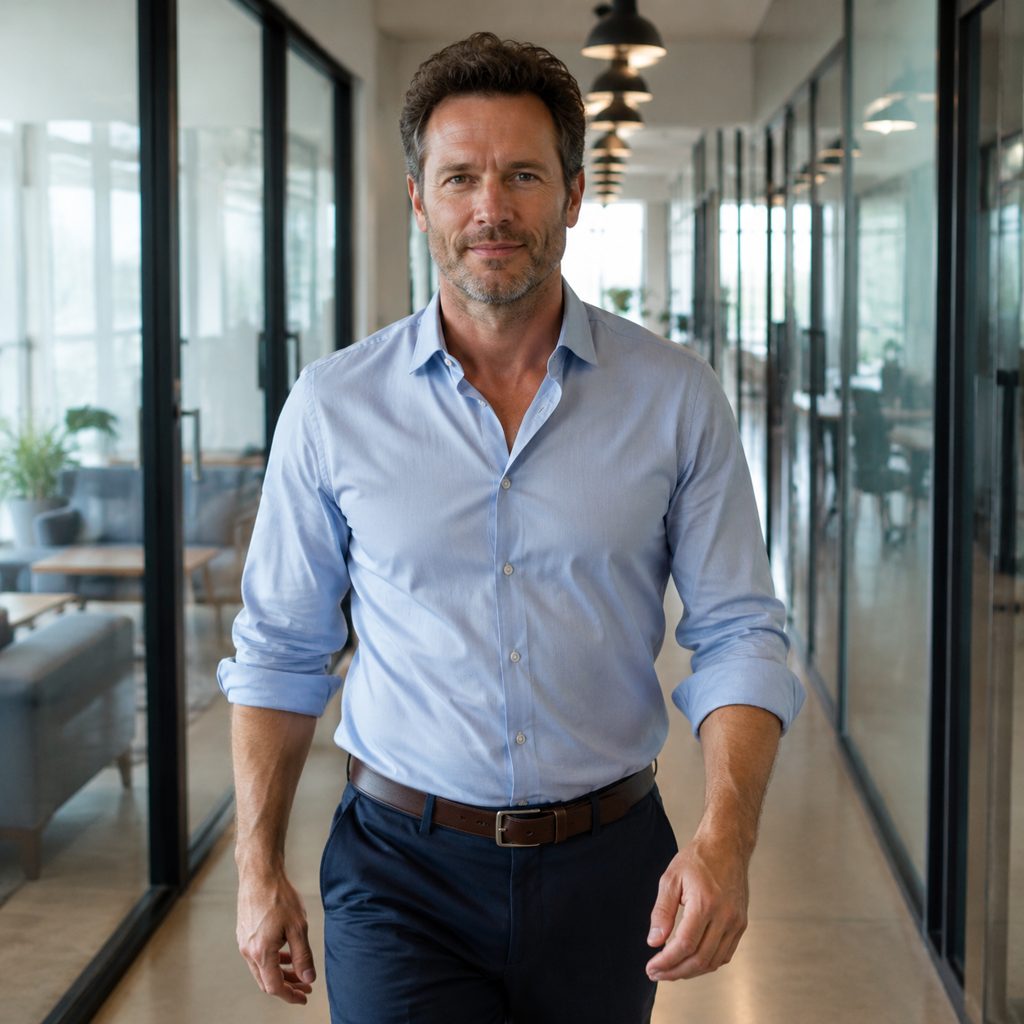
Founder update in the hallway
Upload a waist-up photo of a founder facing the camera in an office corridor. The walk and talk shot has them stride toward the lens while the camera backs away, glass offices passing behind, a 16:9 clip ready for a voiceover company update.
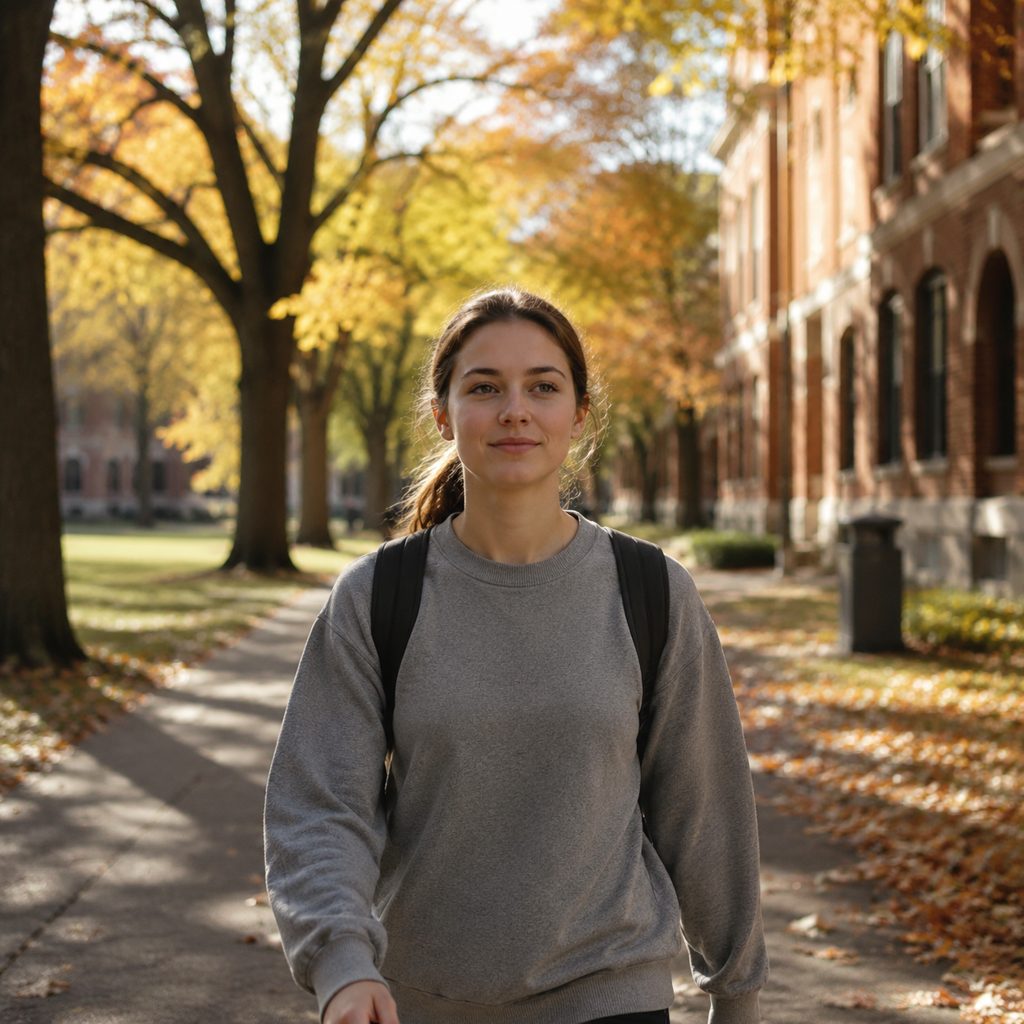
Campus tour host
Photograph a student guide facing the camera on a tree-lined campus path. Reverse tracking backs the camera down the path as the guide walks forward, buildings and trees receding, and the 9:16 clip fits a recruitment reel with captions on the steady torso.
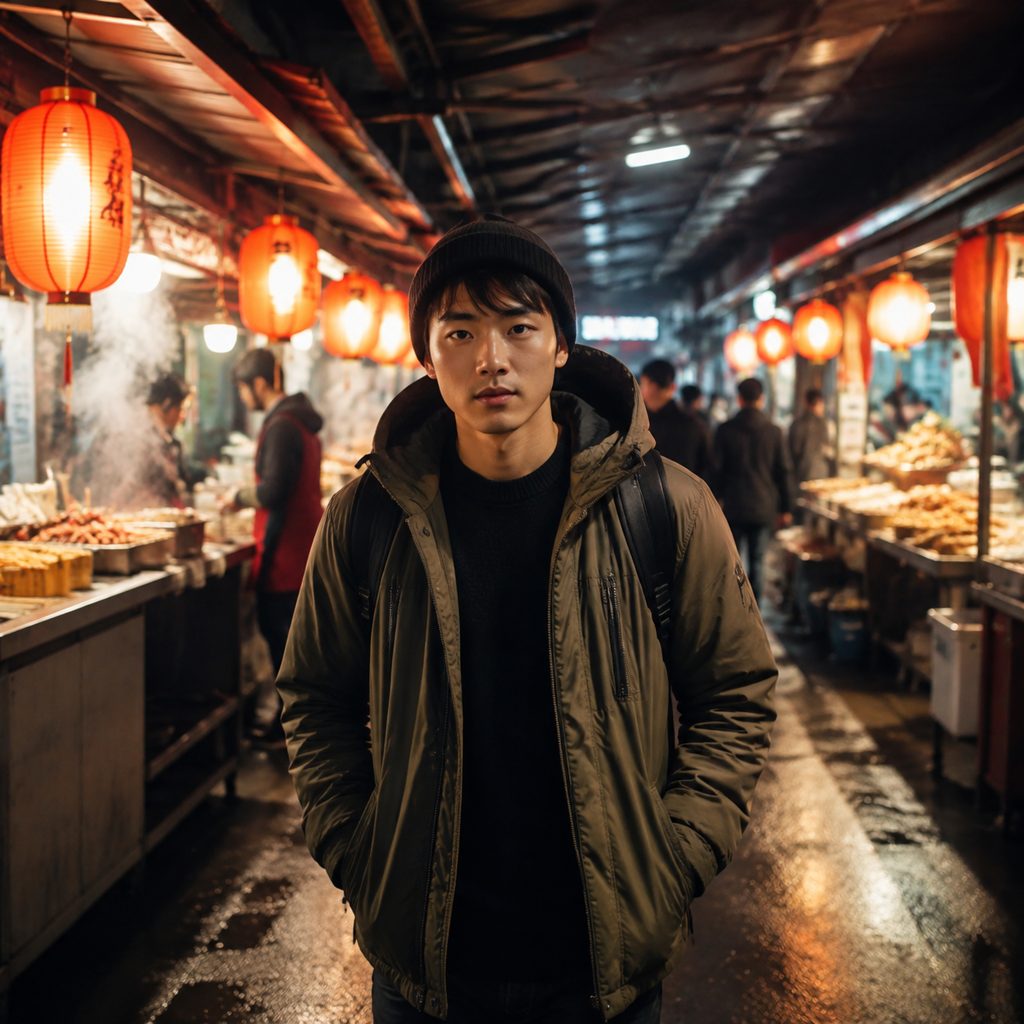
Market walk for a food vlog
Take one photo of a vlogger facing the lens in a covered food market. The camera retreats as they walk forward, stalls and lanterns stream behind them, and the face stays steady enough for on-screen subtitles in a walk and talk intro.
FAQ
Common questions
What is a walk and talk shot?+
A walk and talk shot is a moving take in which one or more subjects walk toward the camera while delivering dialogue, and the camera travels backward ahead of them at the same speed. The technique keeps faces readable and the scene energetic. The camera move underneath a walk and talk is called a reverse tracking shot.
Reverse tracking shot vs tracking shot: what changes?+
A standard tracking shot moves the camera alongside or behind a subject traveling in the same direction. A reverse tracking shot moves the camera backward while the subject walks toward the lens, so the subject faces the audience the entire time. LazyKiwi offers Tracking Shot and Side Tracking for the other configurations.
How does LazyKiwi build the reverse tracking move from one photo?+
The template uses the uploaded photo as the first frame. The Seedance video model sets the subject walking naturally toward the camera, moves the camera backward at the same speed ahead of them, keeps the face and upper body steady, and renders the background moving continuously behind. No dolly, Steadicam or backward-walking operator is involved.
What photo works best for a walk and talk?+
A sharp photo of a person facing the camera with a clear route stretching out behind them gives the best walk and talk. Corridors, streets, paths and market aisles provide the receding detail that sells the motion. Photos taken from behind or in profile will not produce the facing-the-lens result.
How long is the clip and what format do I get?+
The template returns a short clip built from a single still. Vertical 9:16 suits Reels, TikTok and Shorts; landscape 16:9 suits YouTube intros and LinkedIn company updates. Because the face and torso stay steady, subtitles and lower-third captions can be placed without tracking them across the frame.
Can I add real dialogue or a voiceover to the clip?+
The template generates the walking picture, not audio. Record a voiceover or dialogue track separately and lay the clip under it in your editor. The steady face region suits narration, and the receding background keeps the frame alive under a long spoken passage.
Other names for Walk-and-Talk Reverse Tracking
This moving-conversation setup answers to several names. Walk and talk shot and walking talking shot describe the scene; reverse tracking shot, reverse tracking and backward dolly describe the camera move under it; some crews say lead shot, front follow or retreating camera. Searches like walk and talk example, walk and talk camera movement and reverse tracking in Premiere Pro all describe a subject advancing while the camera backs away at matching speed, which this template produces from one uploaded photo.
Walk toward the lens from one still photo
New accounts start with free credits, enough for a first walk and talk render.