
Turn Photos Into Colorful Fuse-Bead Patterns
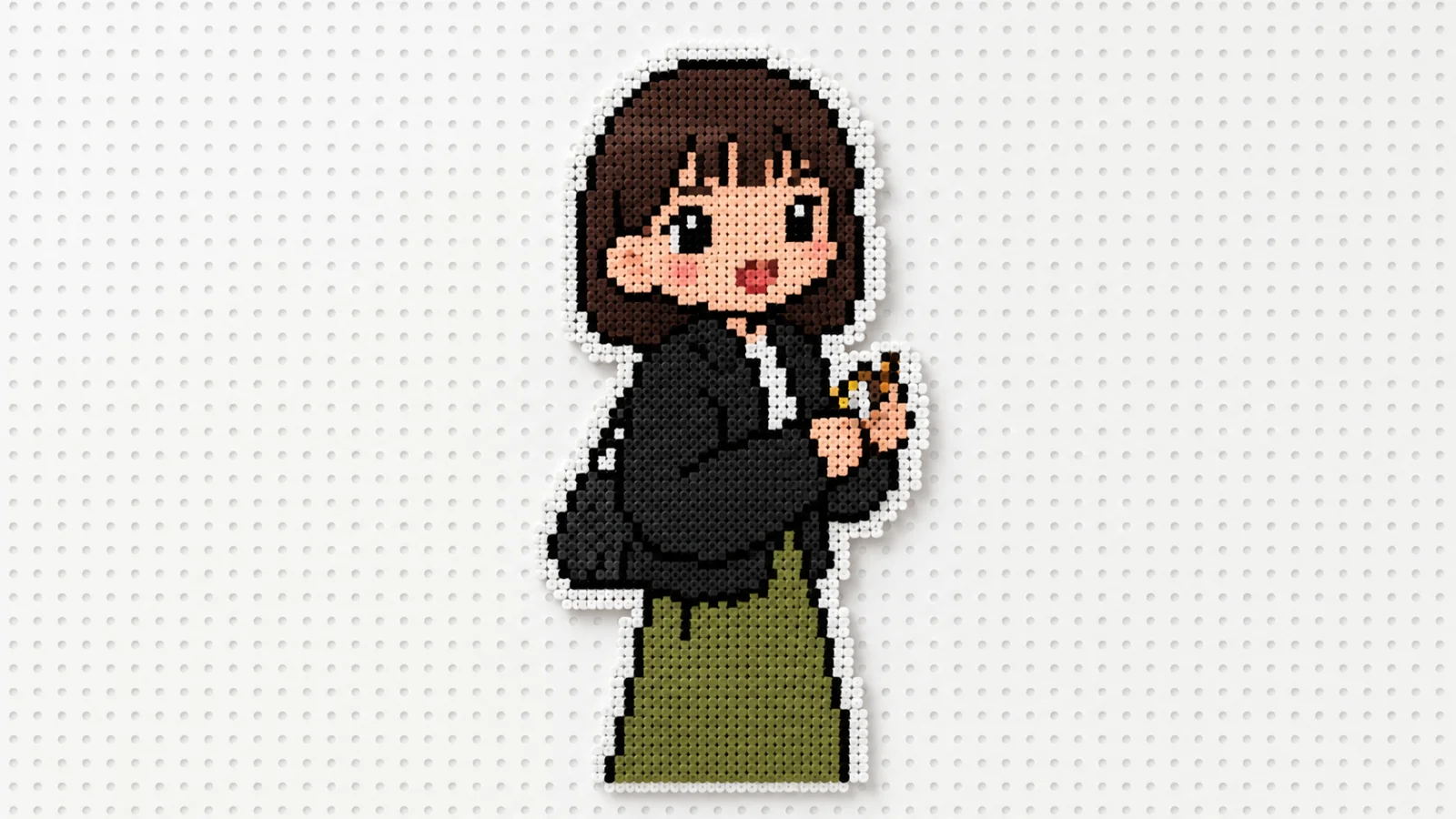
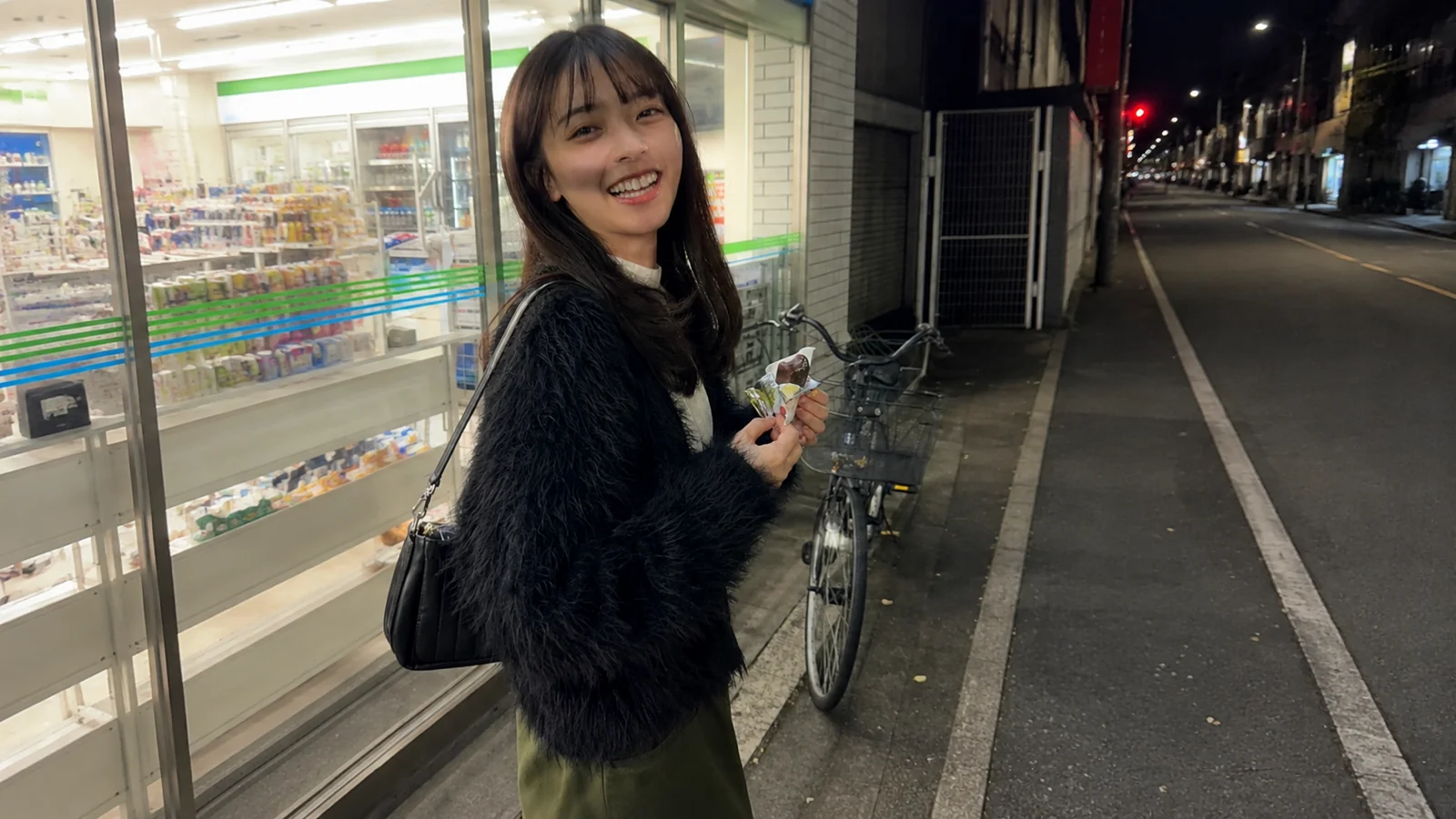
Transform your photos into a playful Perler bead mosaic. This filter turns any image into a pixelated bead art style, perfect for social posts, product reveals, outfit edits, action shots, and social ads. Turn your photo into colorful fuse-bead pixel art. Free AI photo filter, ready in seconds. Make yours in LazyKiwi AI image generator, no sign-up needed.
WHAT IT IS
How the Fuse-Bead Pixel Look Works
The Perler Bead Filter turns photos into a mosaic of colorful plastic beads, replicating the fuse bead craft. It simplifies detail into a grid of flat circles with a limited palette, relying on strong contrast and clean silhouettes to create a vibrant, handcrafted appearance that feels both nostalgic and visually striking. The beaded pixels want crisp edges. Try AI Figurine Landscape next, or read AI stickers for extra tips.
High-contrast source images
Photos with clear separation between subject and background produce the most recognizable bead mosaics. Sharp edges help the filter define distinct color regions.
Clear subject silhouettes
Centered subjects with simple outlines translate best. Avoid cluttered scenes; the bead effect shines when faces or objects have well-defined shapes.
Grid-based bead texture
The filter overlays a fine circular grid that simulates individual beads, flattening gradients into solid color blocks for an authentic craft feel.
Nostalgic feed-stopping look
The handmade aesthetic evokes childhood crafts, making it highly shareable. It grabs attention on social platforms and product promotions.
CREATOR USE CASES
Application Scenarios
Real examples of how creators use the Perler Bead Filter across different content channels.
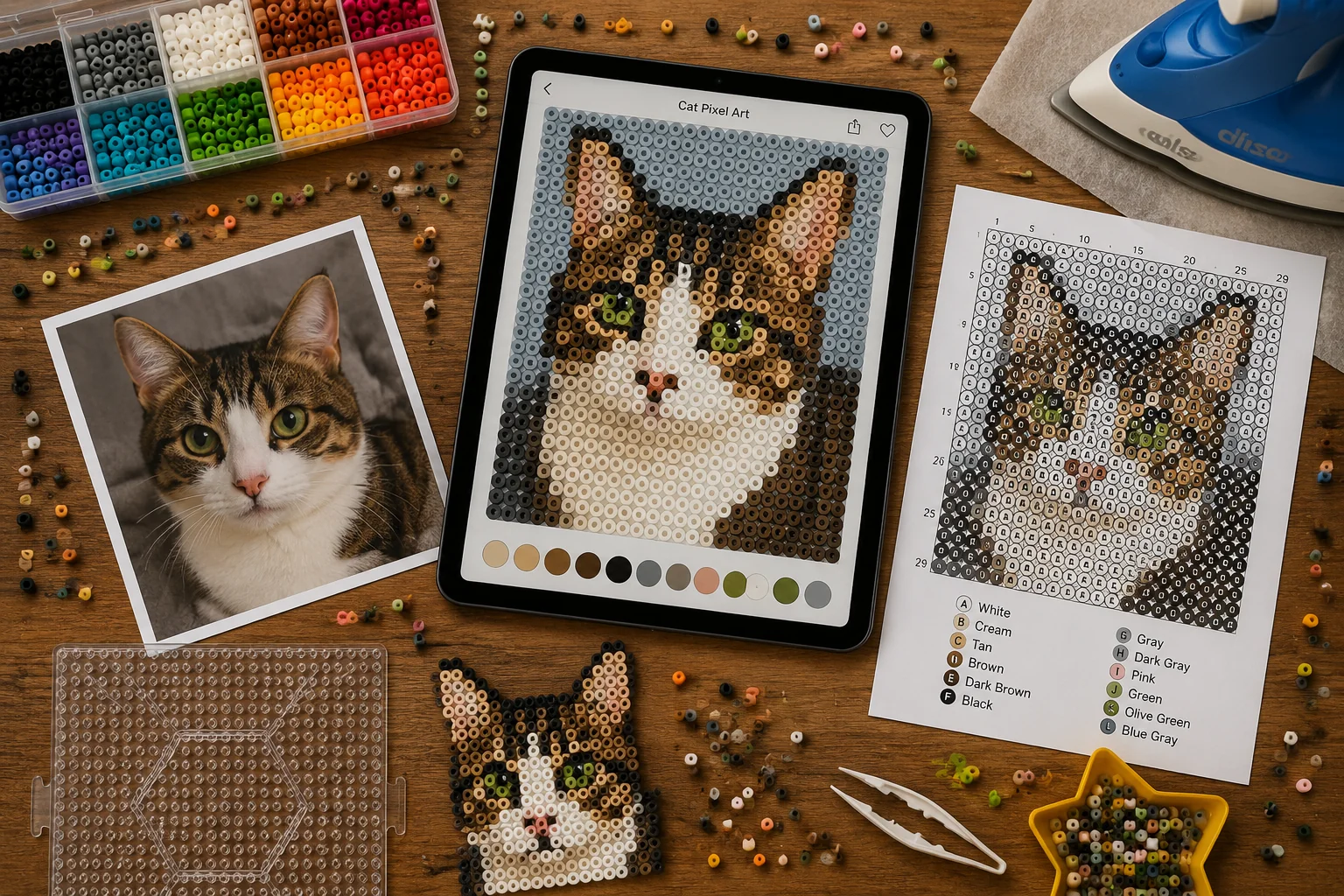
DIY Pattern Previews
Craft bloggers preview perler bead designs from personal photos before starting their projects.
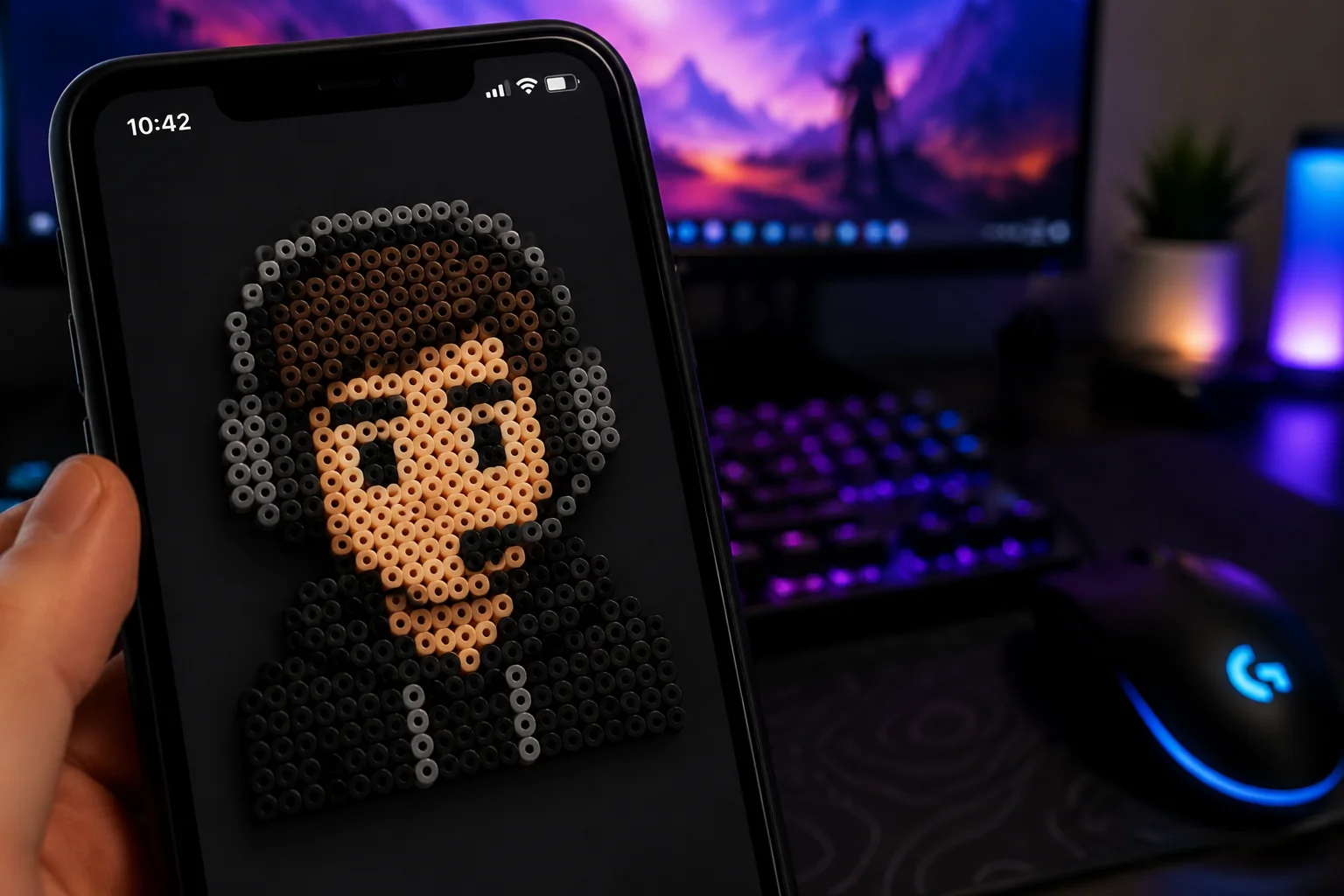
Retro Game Avatars
Gamers and streamers create nostalgic pixel-art profile pictures for social media and forums.
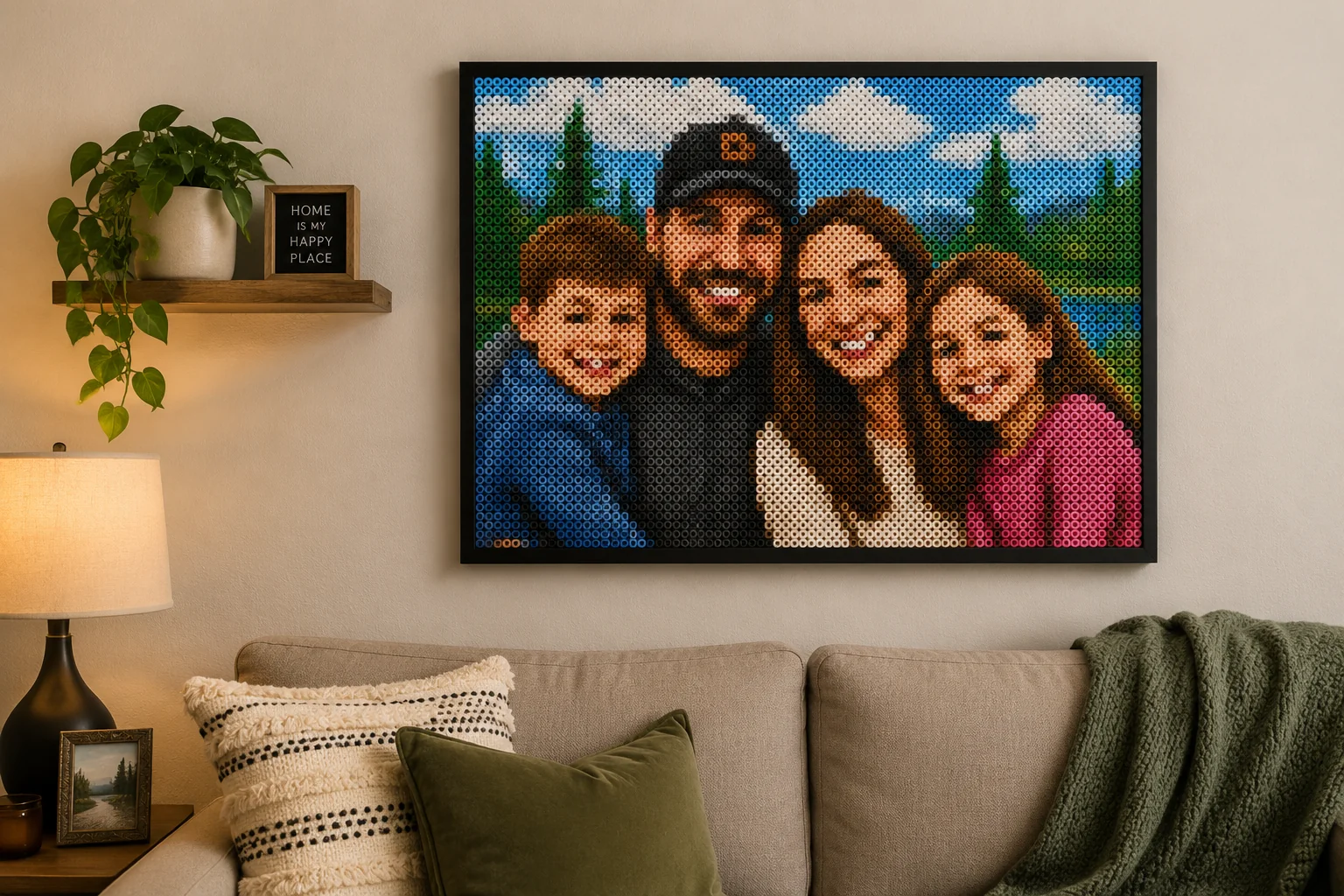
Personalized Keepsake Designs
Family portraits are converted into perler bead art for custom gifts and framed home decor.
FAQ
Common questions
What is the Perler Bead Filter effect?+
The Perler Bead Filter transforms your photos into a pixelated, bead-art style that mimics the look of classic perler bead crafts. It uses color reduction and grid-based rendering to turn any image into a playful, craft-inspired visual.
Why is the Perler Bead Filter useful for social media posts?+
The distinct pixel-bead look grabs attention quickly in social feeds. It adds a handmade, creative twist to posts, thumbnails, and product shots, helping content stand out without relying on heavy effects.
Can I create a Perler Bead Filter from just one uploaded image?+
Yes, you can apply the Perler Bead Filter to a single uploaded image. The tool processes it instantly, giving you a downloadable bead-art version without the need for multiple files.
What kind of image works best with this filter?+
Images with clear subjects, good contrast, and minimal fine details tend to produce the most recognizable bead-art results. Portraits, flat lay shots, and images with simple backgrounds often work well.
Can I use the Perler Bead Filter for product, fashion, travel, or creator content?+
Definitely. The filter works across many content types—give product shots a crafty handmade feel, add a playful touch to fashion or travel photos, or create unique thumbnails and social graphics for creator channels.
What pairs with the fuse-bead look?+
The beaded pixels fit a craft or retro-gaming vibe. Mix it with AI Plush Doll, or switch to Playing Card Background.
Other names for Perler Bead Filter
Users often search for this creative effect using terms like bead art filter, hama bead maker, or pixel bead converter. Whether you call it a fuse bead photo effect or a perler bead mosaic generator, the result is a fun, retro pixelated look. LazyKiwi makes it easy to turn these ideas into share-ready images that stand out on social media. Perler beads, fuse-bead art, pixel-bead effect, they all point to the same beaded pixel look.
Transform a frame, photo, or template into a perler bead image
Start with a prompt, uploaded media, or a template and get a bead-style result in seconds.


