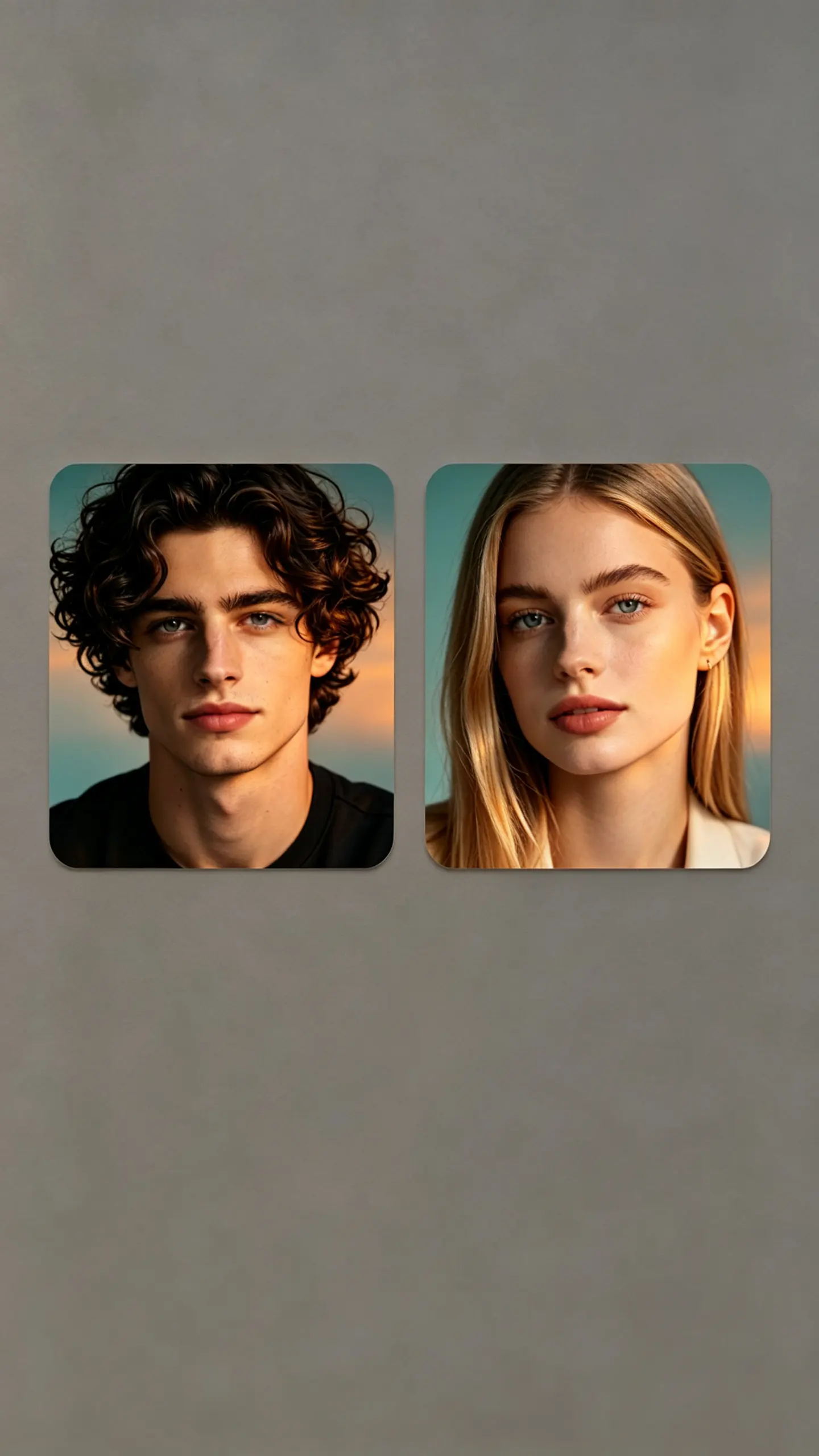
Fuzzy Plush Texture Photo Filter
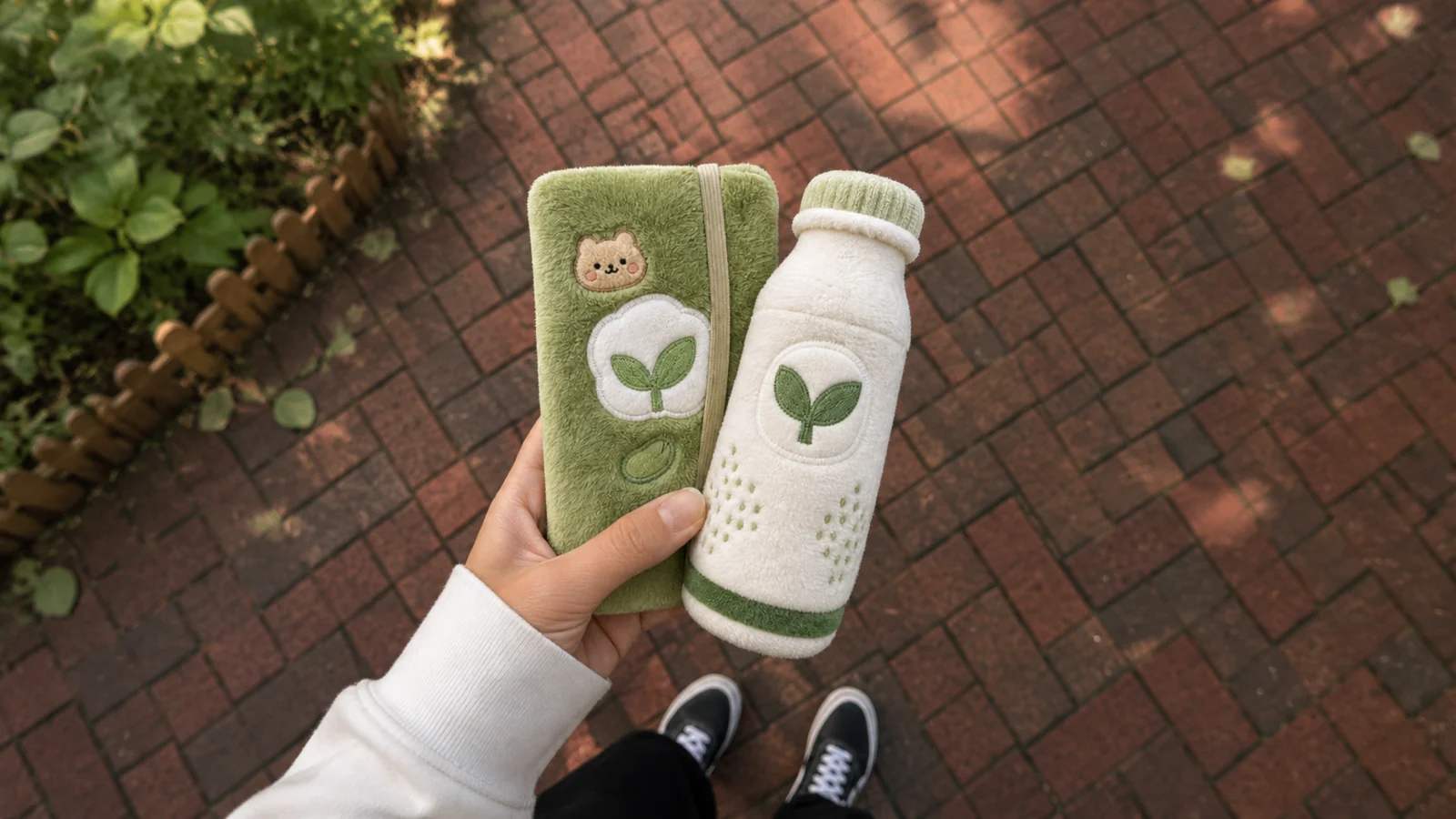
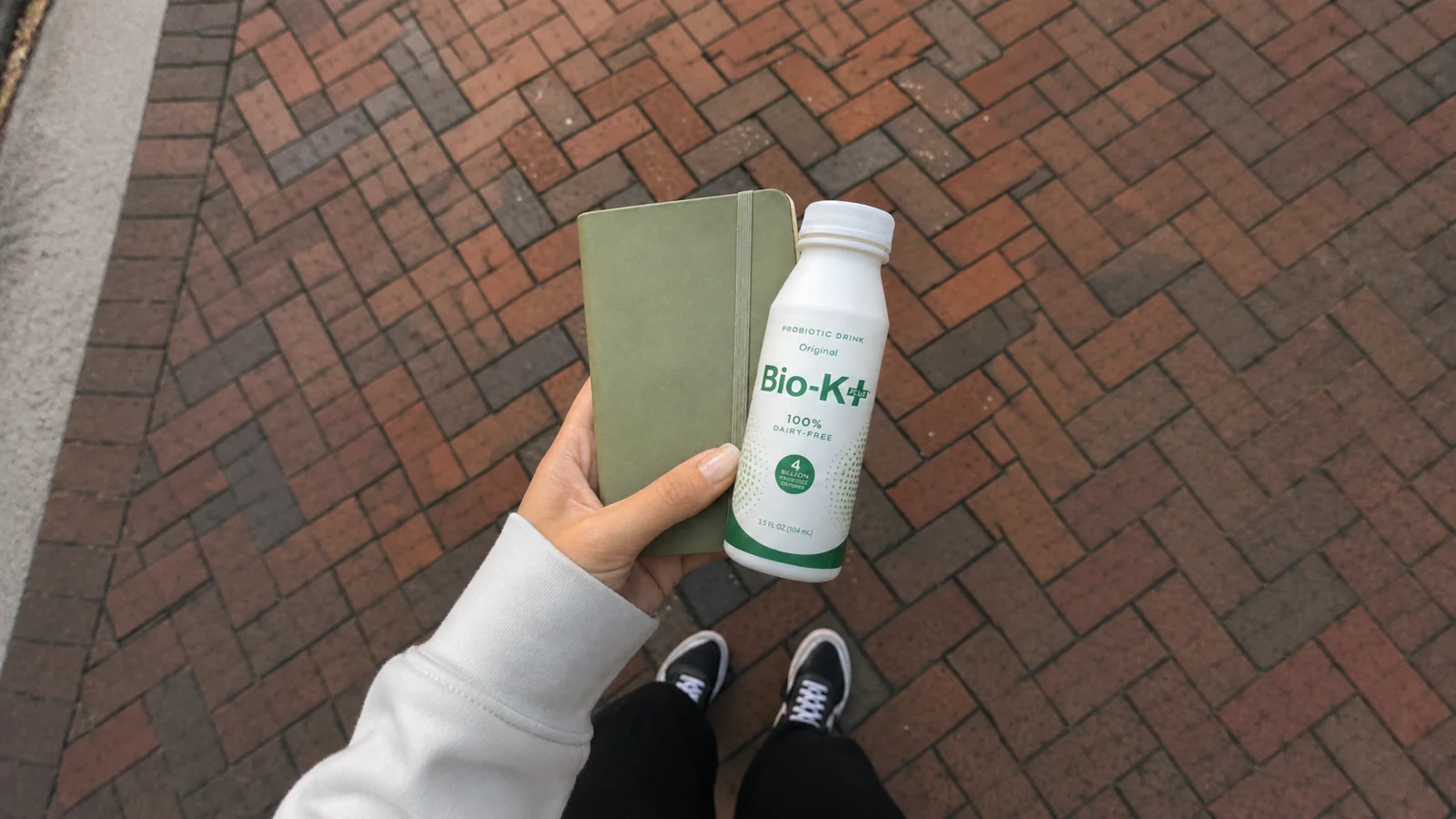
Transforms people or objects into a soft, plush toy-like texture with a cozy, tactile feel. Ideal for product reveals, outfit edits, and playful social content that stands out. Turn your subject into soft, fuzzy plush-textured art. Free AI photo filter, ready in seconds. Make yours in LazyKiwi AI image generator.
WHAT IT IS
What Gives the Plush Texture Its Softness
The Plush Texture Filter reimagines your subject with a dense, fuzzy surface that mimics stuffed animals. It works by layering soft fiber-like textures over contours, adding rounded edges and a gentle color bloom. The result is a tactile, comforting look that turns any face, pet, or object into a huggable toy-like character, perfect for feel-good content. The fuzzy surface reads best in detail. Read AI stickers first, then branch into AI Action Figure Generator.
Clear, well-lit subject
Start with a high-contrast shot where the subject is sharply defined. Soft, even lighting prevents harsh shadows, creating a smooth base for the plush texture to fluff out.
Keep poses gentle and simple
Motion blur can smear the fuzzy overlay. A steady pose or slight smile maintains the plush illusion, letting the texture fibers cling naturally to the subject’s contours.
Layered fiber mapping with bloom
The filter applies a multi-pass fiber texture that follows facial landmarks, then adds a soft glow or bloom effect. This creates depth and a velvety, tactile finish that grabs attention.
Perfect for cozy, shareable content
Plush textures evoke nostalgia and comfort, making viewers stop scrolling. This effect humanizes products, softens pet photos, and creates thumb-stopping ads that feel warm and approachable.
CREATOR USE CASES
Application Scenarios
See how the Plush Texture Filter is applied in real creative workflows across social media and commercial projects.
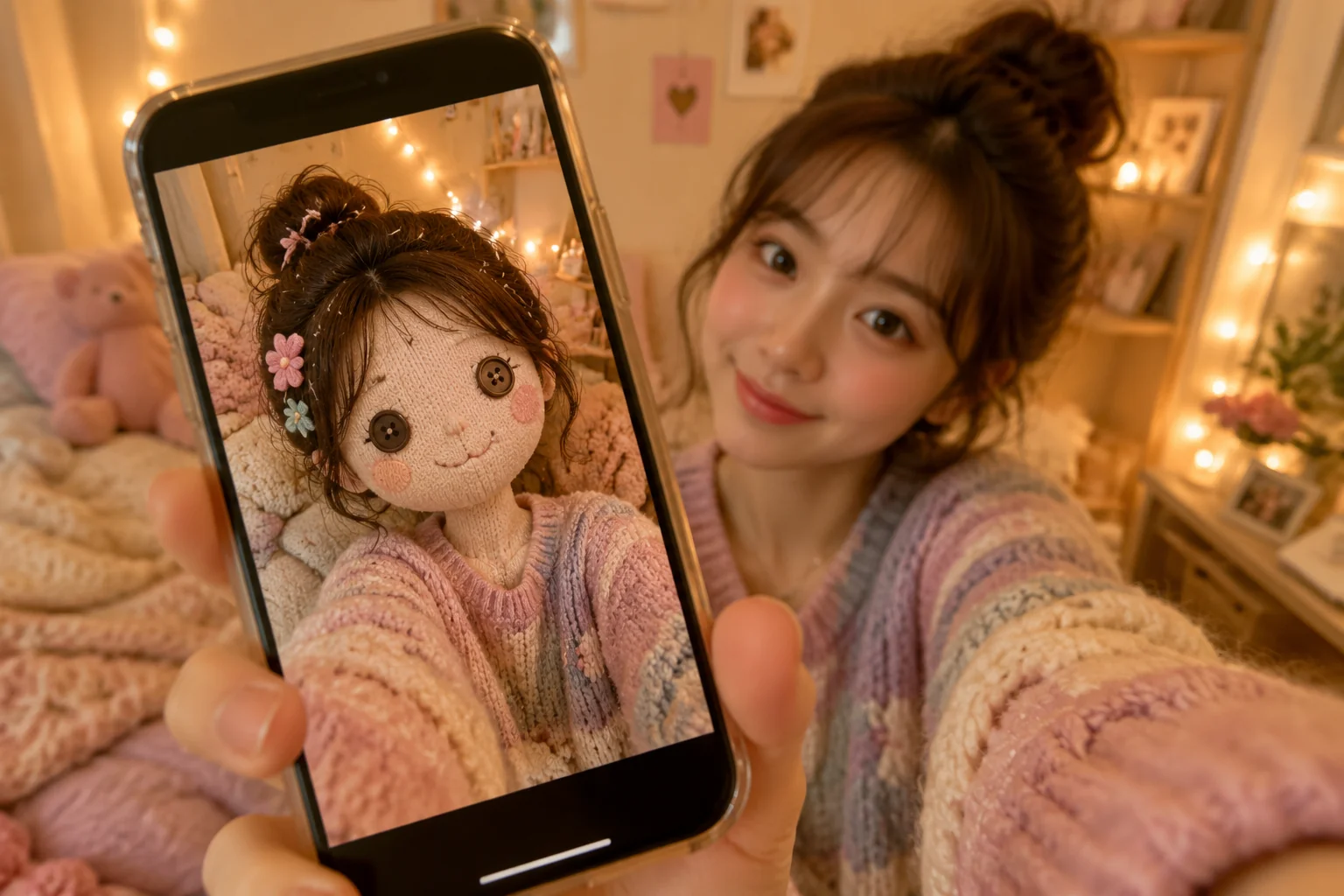
Cozy Selfie Posts
Lifestyle creators transform everyday portraits into soft, toy-like versions for warmer feeds.
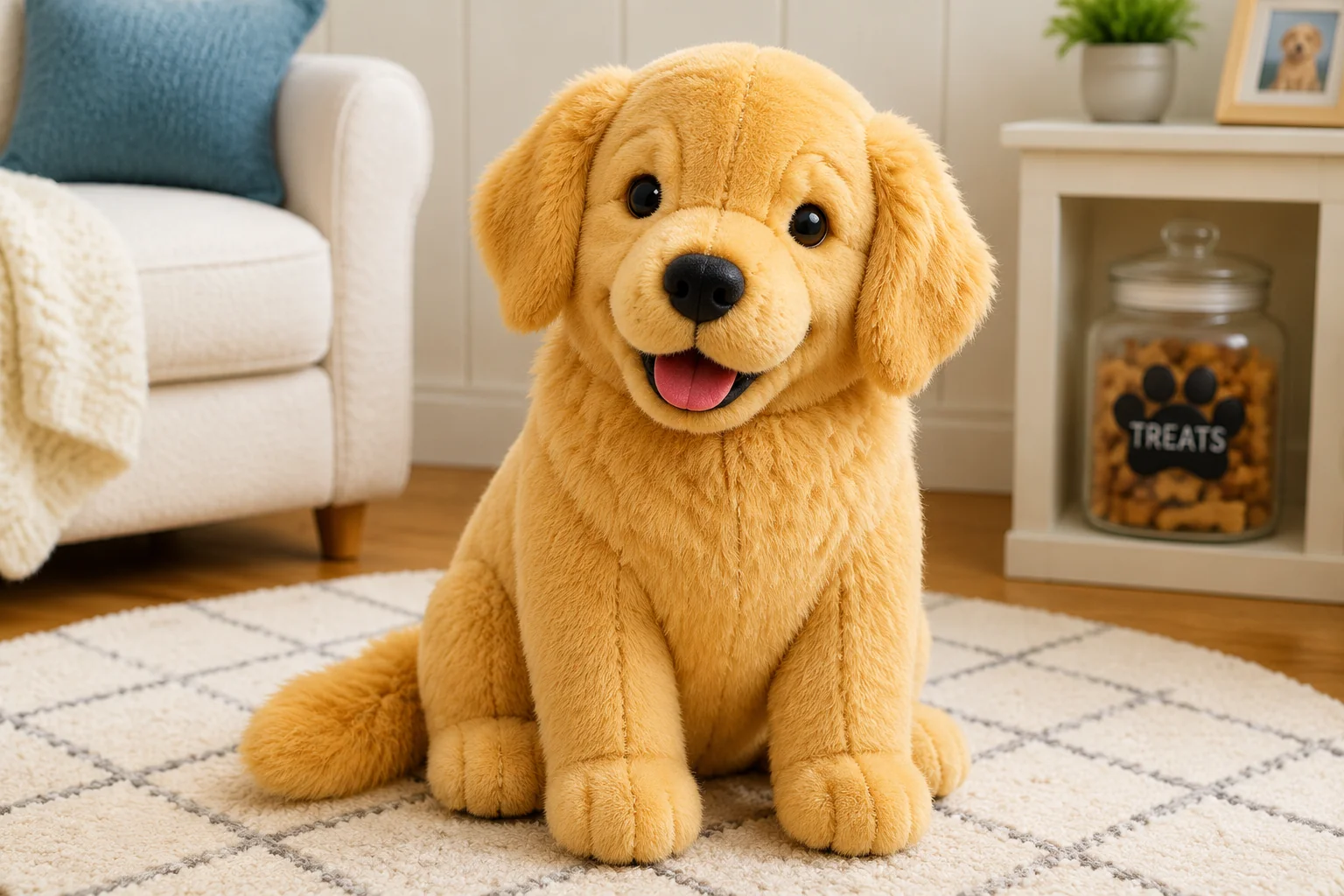
Plush Pet Content
Pet influencers turn their cats and dogs into living stuffed animals for higher engagement.
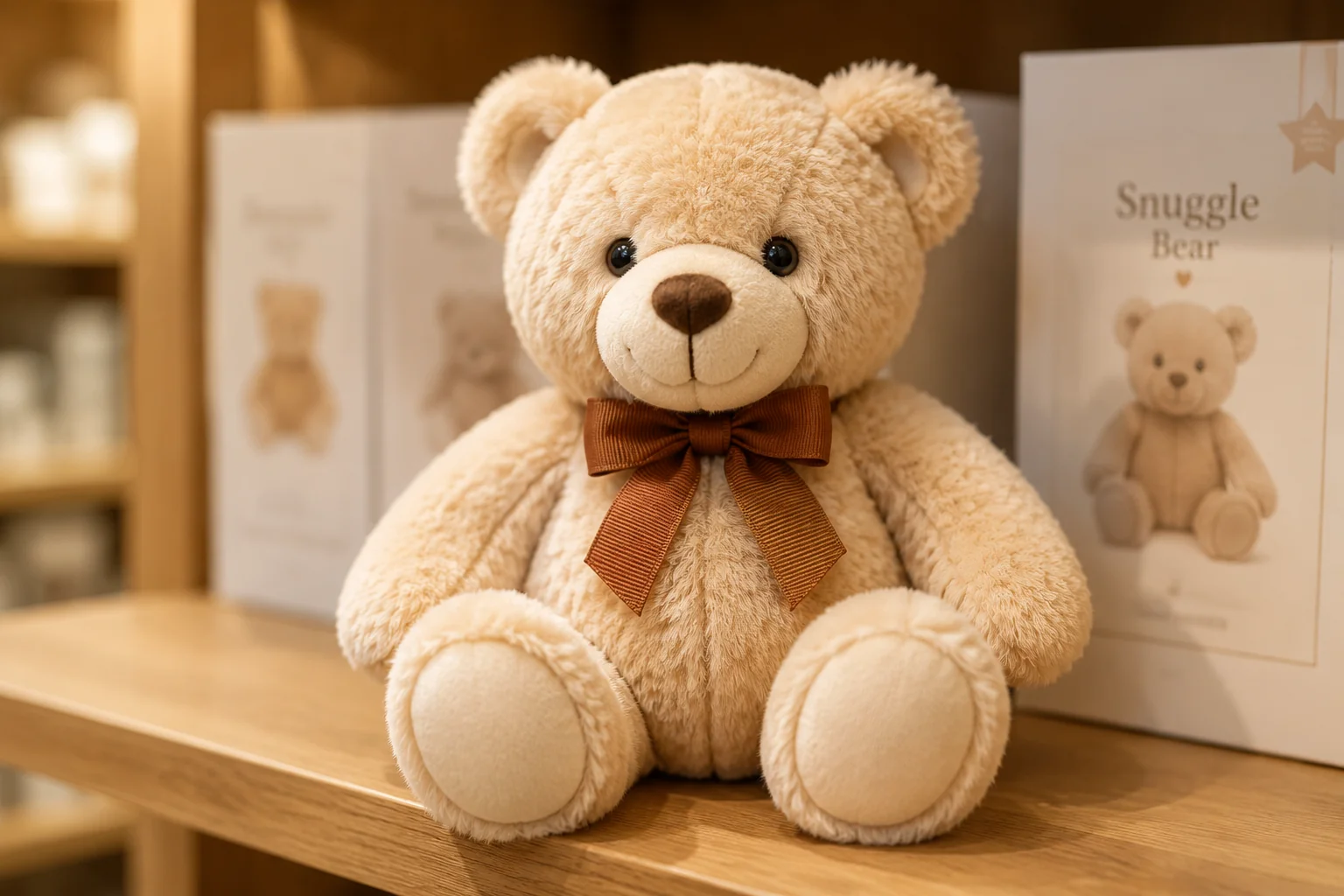
Plush Toy Promos
Toy brands showcase product mockups by rendering samples as hyper-soft plush versions in real settings.
FAQ
Common questions
What is the Plush Texture Filter?+
The Plush Texture Filter is an image effect that transforms people or objects into a soft, cuddly plush toy look, making them appear like stuffed animals with a fuzzy, fabric-like texture.
Why is the Plush Texture Filter popular on social media?+
Its playful and cozy visual style instantly grabs attention in fast-scrolling feeds, helping posts gain more likes and shares.
Can I create the Plush Texture Filter from a single uploaded image?+
Yes, you only need to upload one clear photo. The tool processes it and applies the plush effect automatically, with no extra shots required.
What type of images work best with the Plush Texture Filter?+
Well-lit photos where the subject has a clear outline and visible details work best. Blurry or very dark images may result in less defined plush textures.
Can I use the Plush Texture Filter for product, fashion, or travel content?+
Absolutely. It adds a unique, cute aesthetic to product showcases, outfit posts, travel snapshots, or any creator content, helping it stand out on social media.
What goes with the plush texture?+
The fuzzy surface makes a cozy, tactile portrait. Fans of this also reach for AI Figurine Landscape or AI Plush Doll.
Other names for Plush Texture Filter
Users may describe the Plush Texture Filter as a soft toy look, fluffy filter, or cuddly plush effect. LazyKiwi helps turn these creative ideas into share-ready images, making it easy to give your content a huggable, plush aesthetic. Plush texture, fuzzy filter, soft-toy skin, the name varies but the fuzzy plush surface stays the same.
Turn any image into a soft plush finish
Use a prompt, upload your photo, or pick a template to apply the plush texture effect in seconds.