
Turn Shots Into Moving Collage
Create an ai photo collage that brings three photos into one animated frame. The middle image also serves as the background, helping pet portraits, family photos, and product shots feel like one coordinated composition. Turn your best shots into a moving AI photo collage. Free video effect, ready in seconds for a shareable TikTok and Reels post. Open the AI image generator to get started.
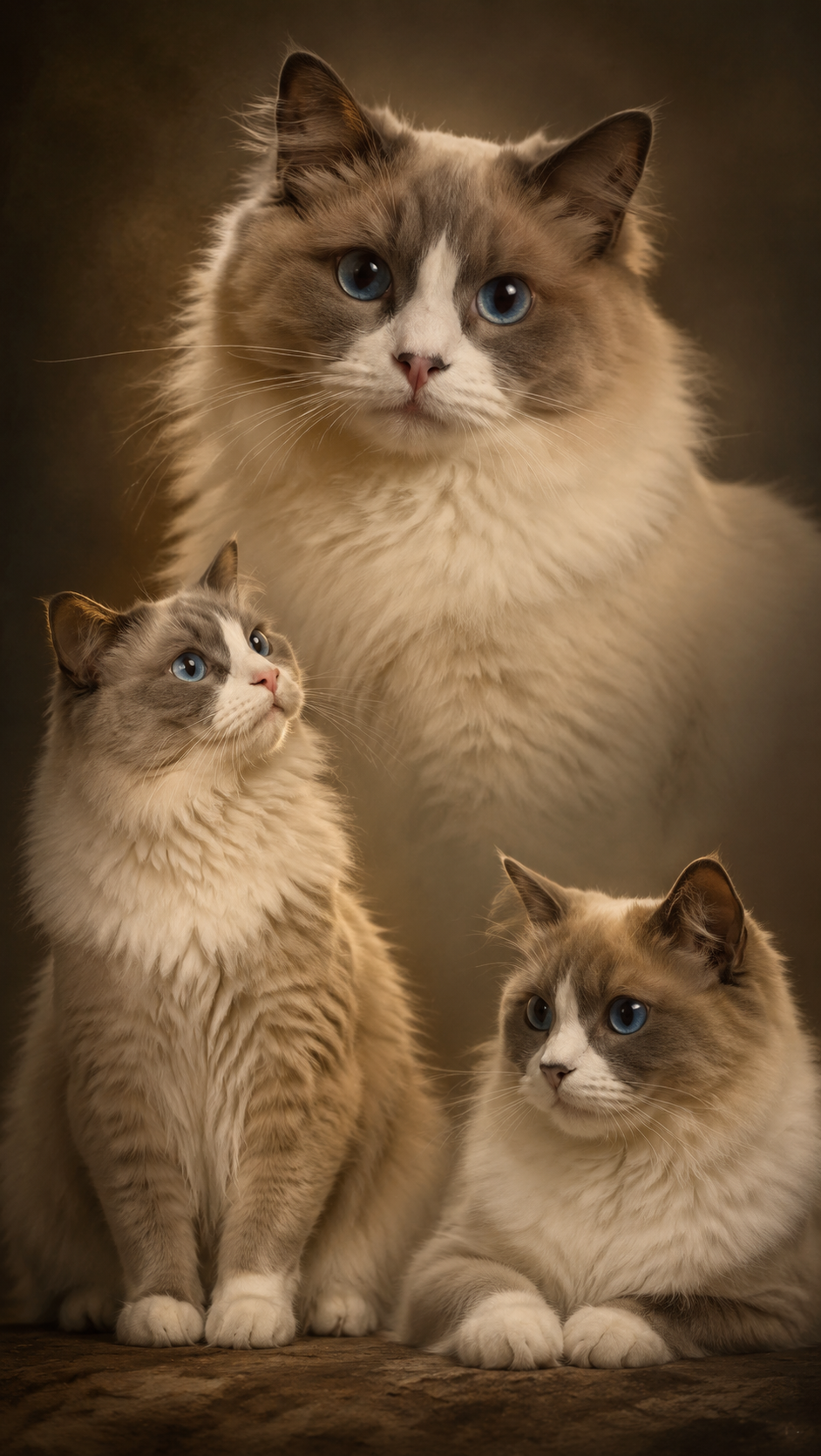
AI Photo Collage Template
Upload 3 images (image 2 also serves as the middle panel / background).
WHAT IT IS
What Makes a Moving Collage Flow
This ai photo collage maker turns three uploads into a unified, gently animated layout. The core composition is three photos one frame, with the middle image as background. It works especially well for pets, people, and products when the subjects have clear outlines and compatible lighting. A clean collage wants consistent detail. one photo, a week of content breaks it down, and it also runs well on Seedream 5.
A clear three-image structure
The ai collage generator assigns each upload a defined role: one image on the left, one in the center, and one on the right. This keeps the final composition readable while preserving the details that make each photo distinct.
A center image that unifies the frame
Using the middle image as background creates visual continuity behind all three panels. Choose a center photo with enough surrounding space so the expanded backdrop does not compete with faces, pets, or featured products.
Consistent subject framing
A photo collage maker ai workflow performs best when subjects are similarly cropped and photographed from compatible angles. Close portraits, seated pets, and centered product shots usually produce the most balanced multi-photo layout.
Subtle motion between poses
Gentle movement gives the collage a video-ready finish without distracting from the source photos. Small head turns, eye movement, posture shifts, or camera drift help the three-image composition feel connected.
CREATOR USE CASES
Application Scenarios
Use the template for pet portraits, family memories, or product storytelling. Each scenario combines three source images while allowing the central upload to establish the visual background.
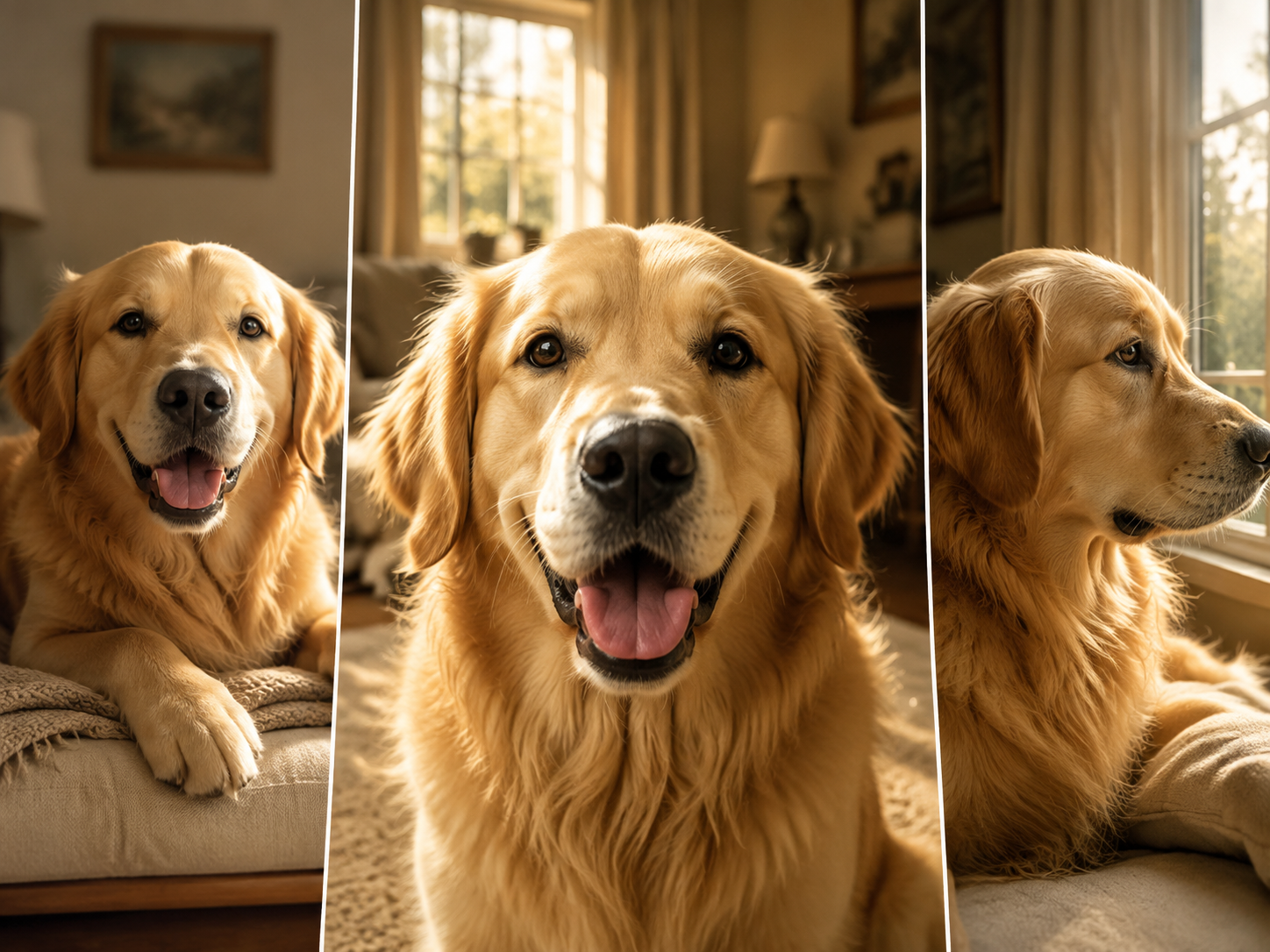
Three-Photo Pet Collage
Combine three expressions, poses, or different pets in a single animated portrait. The center image anchors the scene while the side panels add personality and variety. For placing multiple subjects into a shared composition instead, explore AI Group Photo at /templates/ai-group-photo.
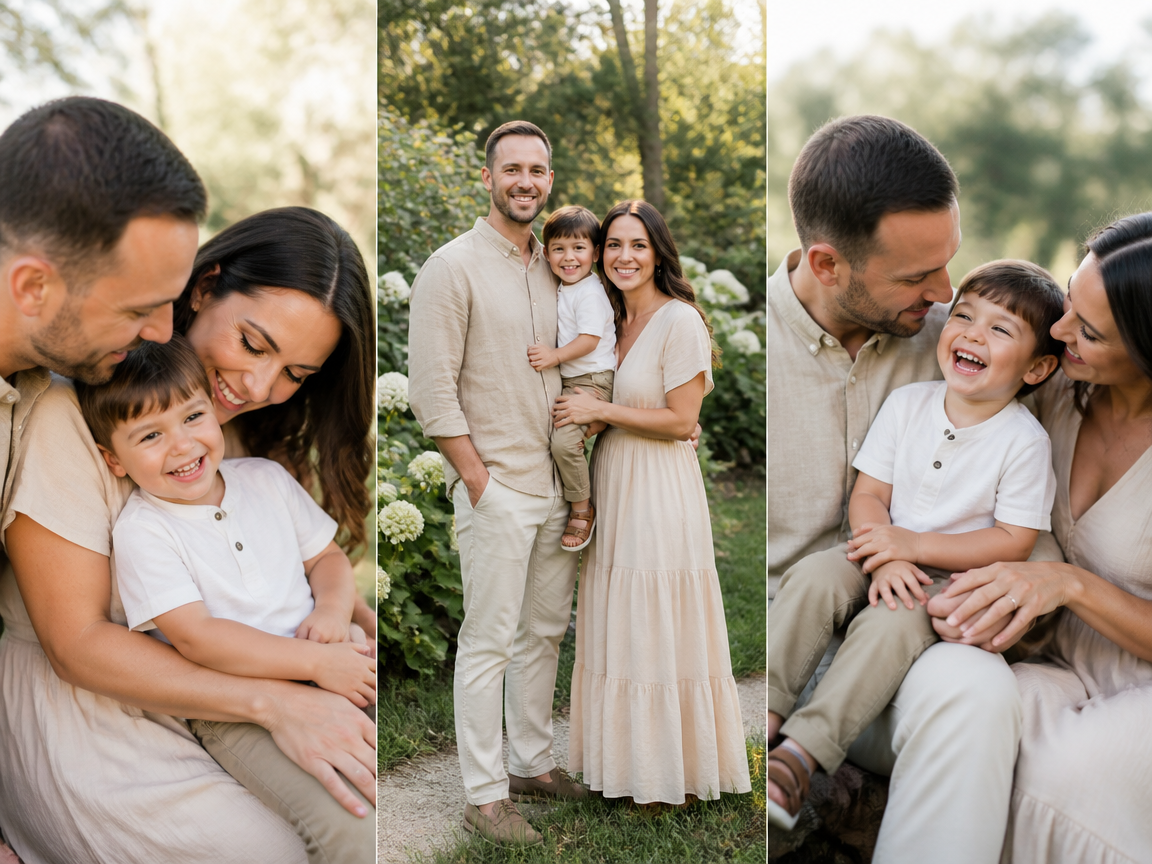
Family Multi-Photo Layout
Place three family portraits, milestone photos, or individual poses into one coordinated frame. Similar lighting and crop levels help the layout feel cohesive. To create more noticeable posture variations before building the collage, use AI Pose Changer at /templates/ai-pose-generator.
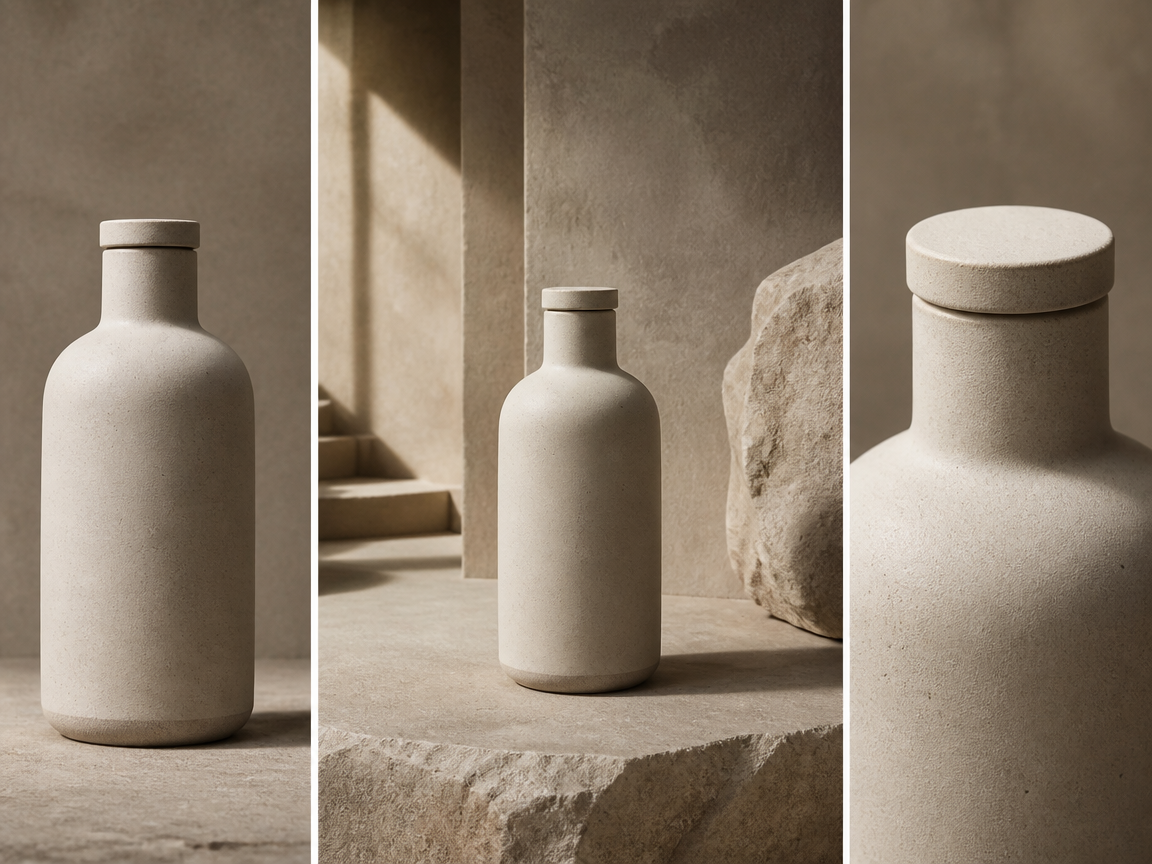
Product Collage Grid
Show a product from three angles, compare color variants, or combine a hero shot with detail views. Use the strongest image in the middle so its setting becomes the background and gives the product collage grid a consistent visual identity.
FAQ
Common questions
What is an AI photo collage?+
An AI photo collage combines multiple uploaded images into a coordinated visual layout. This template places three photos in one frame, uses the second photo as both the middle panel and background, and adds subtle motion for a short collage video.
How many photos do I need?+
You need exactly three images. Upload them in your preferred left-to-right order, remembering that image 2 becomes the central panel and provides the expanded background for the complete composition.
Can I make a pet collage with AI?+
Yes. Pets are the default subject and work well when their faces and bodies are clearly visible. You can use three poses of one pet, photos of three different pets, or a mix of close-up and full-body images.
Can I use photos of people or products?+
Yes. The ai collage generator supports pets, people, and products. For people, use portraits with similar framing and lighting. For products, choose clean images with consistent angles, scale, and background colors.
Which photo should I upload in the middle?+
Choose the strongest and most spacious image for the middle position because it also becomes the background. A centered subject, uncluttered setting, and clear separation between the subject and surroundings usually produce the cleanest result.
How can I get a more consistent collage?+
Use images with similar orientation, lighting, crop, and resolution. Keep important faces or products away from the edges, avoid heavily obstructed subjects, and select a middle image whose colors complement the two side photos.
What goes with a moving collage?+
A collage is a neat way to tell a story in one clip. It pairs nicely with Flying Hotpot Feast, or try Horror Movie Filter for contrast.
Other Names for AI Photo Collage
Creators may use these names when searching for tools that combine several images into one AI-generated collage layout or short video. Photo collage, moving montage, memory grid, whatever you call it, your shots become a moving collage.
Create AI Photo Collage From a Frame, Clip, or Template
Upload three pet, people, or product images and turn them into a coordinated collage video with the middle photo serving as the visual background.


