
Merge A Perfect Group Photo
Use the AI group photo generator to bring people from separate solo images into one natural-looking scene. Create a friends reunion, combine two people in one frame, or build an AI family portrait from individual photos without arranging a real group shoot. Merge everyone into one perfect AI group photo in motion. Free video effect, ready in seconds for a shareable TikTok and Reels post. Make yours in the AI image generator, no sign-up needed.
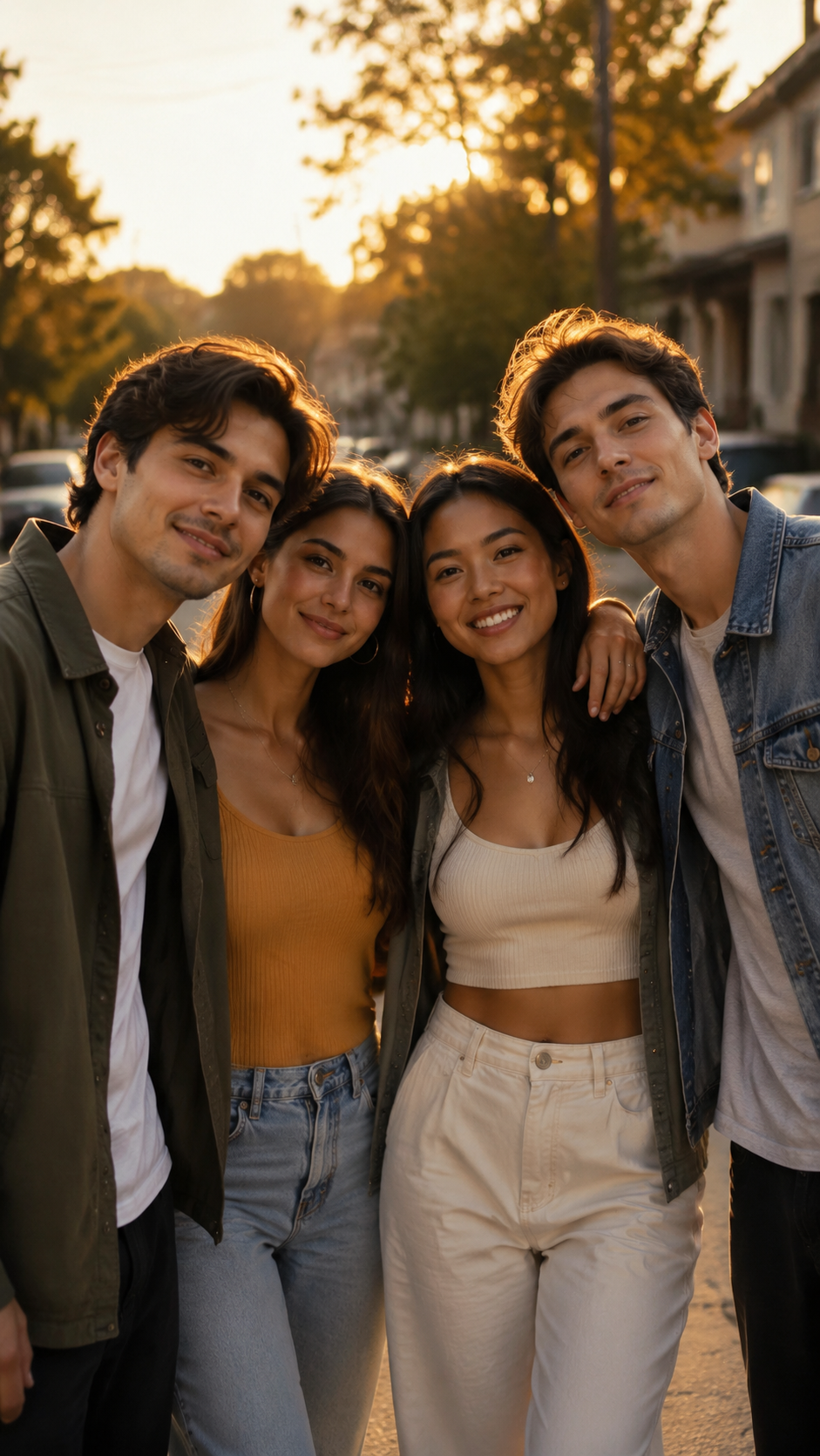
AI Group Photo Template
Upload 2 photos (you + friend; later segments can reuse the same photo).
WHAT IT IS
What Makes a Merged Group Photo Seamless
An AI group photo generator combines separate portraits into a shared composition, then adds restrained motion so the result feels like a brief moment captured together. Individual solo photos are enough, whether you are making AI generated group photos of friends or an AI family portrait from individual photos. A merged group needs consistent detail. AI profile-picture tips covers the idea in depth, and Stadium Fan Portrait makes a good follow-up.
Clear individual portraits
Use front-facing or lightly angled photos with visible facial features. Consistent image quality helps the group photo AI generator preserve each person's identity when placing solo photos into a group.
Believable shared framing
Matching scale, eye level, lighting, and perspective makes separate people look as though they occupied the same space. This is essential for family portraits, friendship photos, and reunion scenes.
Natural subject placement
Balanced spacing and small overlaps help AI generated group photos feel connected rather than assembled. The composition should leave every face readable while keeping body positions comfortable.
Subtle pose motion
A short change in posture, expression, or gaze gives the final video life without distorting faces. The best AI group photo generator workflow favors controlled movement over dramatic camera effects.
CREATOR USE CASES
Application Scenarios
Turn separate portraits into practical keepsakes, social posts, and short video moments. This group photo AI generator is designed for creators who have individual images but no real group shot.
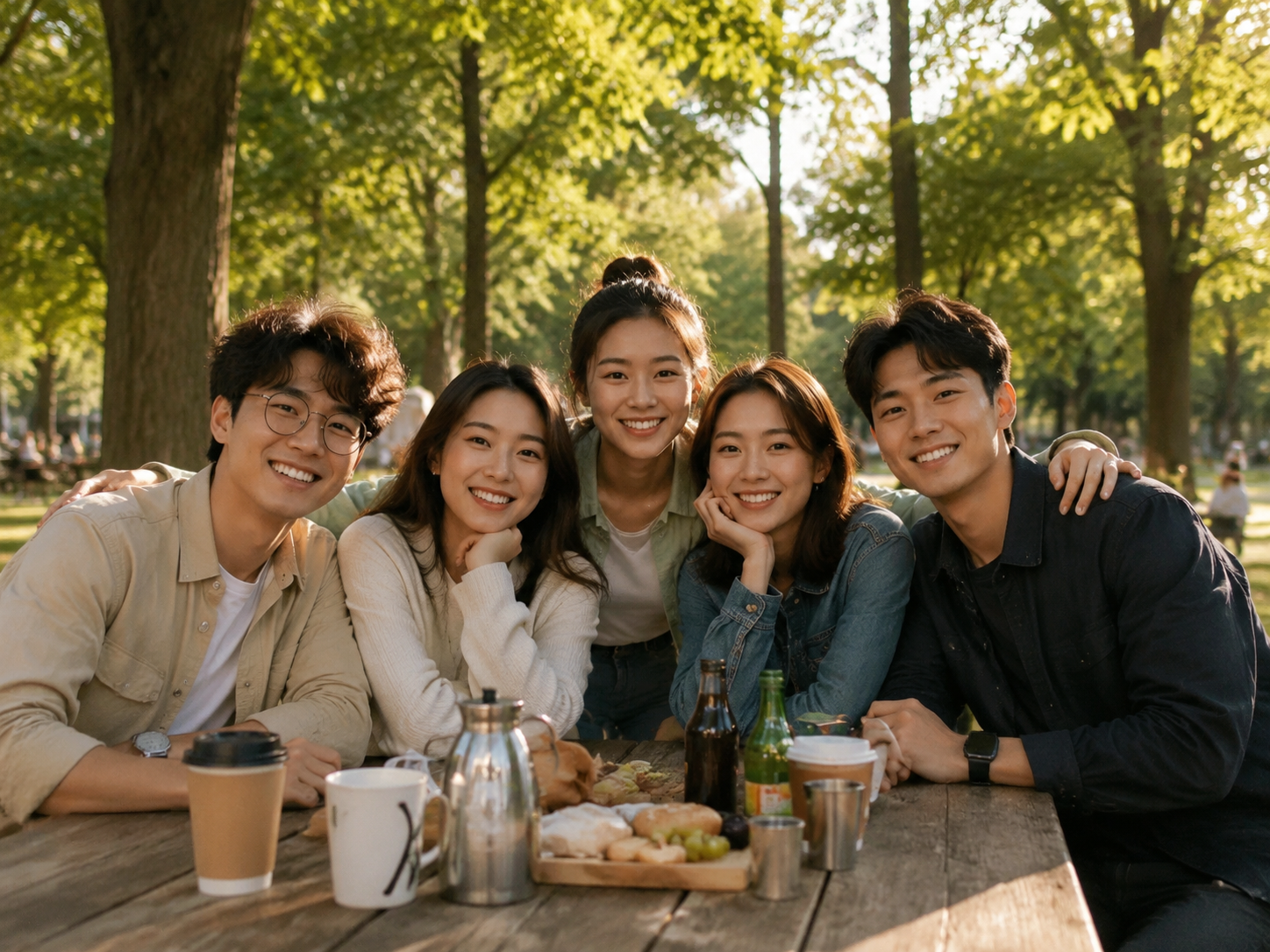
Friends Reunion Group Photo
Bring friends from different cities, years, or photo sessions into one reunion scene. Use the result as a nostalgic post, invitation visual, or short memory clip. For a two-person variation, try AI Couple Photo at /templates/ai-couple-photo.
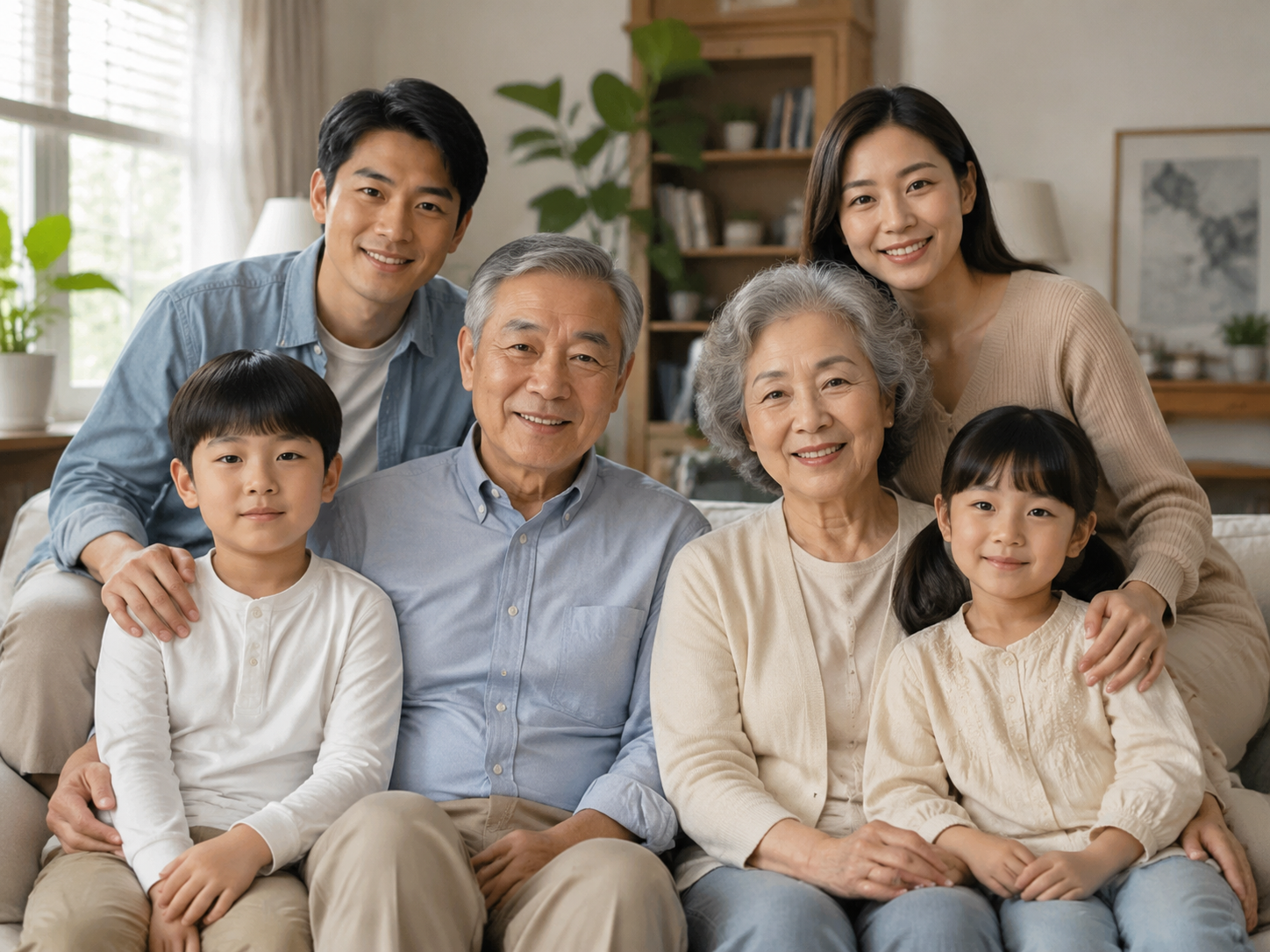
AI Family Portrait From Separate Shots
Create an AI family portrait from individual photos when relatives cannot attend the same shoot. Combine parents, children, grandparents, or siblings into a balanced frame while preserving recognizable faces and natural family spacing.
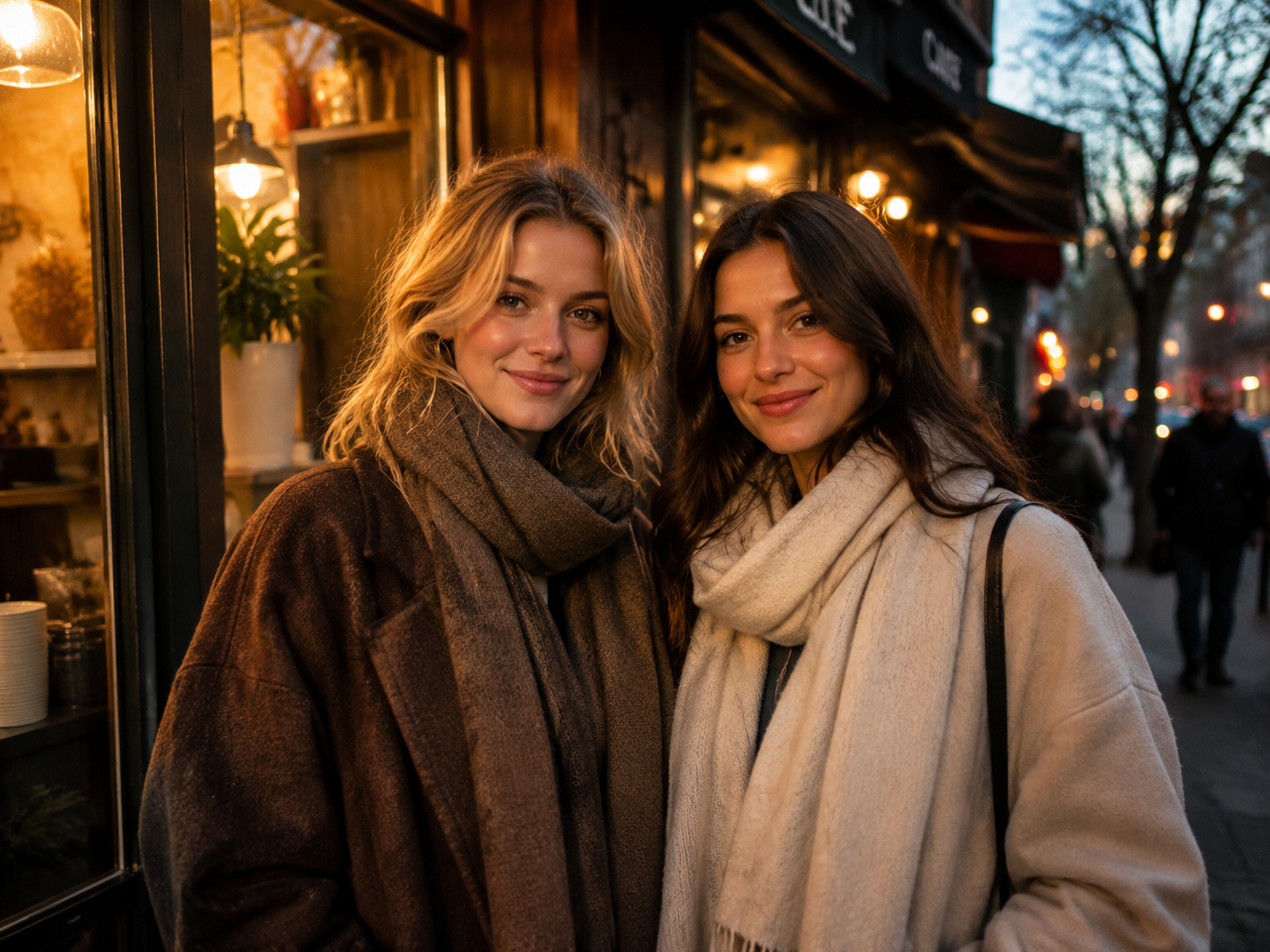
Put Two People Together in One Frame
Combine two solo portraits for a friendship post, imagined meetup, collaborative concept, or fan-style scene. Creators exploring playful encounter formats can also view Selfies with Celebrities at /templates/selfies-with-celebrities.
FAQ
Common questions
What is an AI group photo generator?+
An AI group photo generator combines people from separate source images into one shared scene. It can align scale, lighting, placement, and pose, then turn the finished frame into a short group video with subtle movement.
Can I make a family portrait from individual photos?+
Yes. An AI family portrait from individual photos can be created from separate images of parents, children, siblings, or grandparents. For the most consistent result, choose clear portraits with similar camera angles, visible faces, and minimal obstructions.
Do I need a real group photo?+
No. Solo photos are enough to create AI generated group photos. Upload clear individual portraits, and the template can place those people together in one frame without requiring everyone to attend the same photo shoot.
How do I get the most natural-looking result?+
Choose sharp photos with similar head angles, neutral expressions, and even lighting. Avoid heavily filtered images, covered faces, extreme close-ups, and large differences in resolution. Natural source photos give the group photo AI generator better identity and composition references.
Is this a free AI group photo generator?+
You can use the available creation options to test the free AI group photo generator workflow. Access limits, exports, or generation credits may depend on the current plan shown when you create.
Can I create a two-person photo instead of a large group?+
Yes. Upload two individual portraits to put both people together in one frame. For a relationship-focused composition, explore AI Couple Photo at /templates/ai-couple-photo. For an imagined fan encounter, see Selfies with Celebrities at /templates/selfies-with-celebrities.
What pairs with a group photo?+
One clean group shot beats juggling separate photos. Try Vintage Bridal Editorial next, and Wet Flash Closeup when you want a change.
Other names for AI group photo tools
Creators may use these terms when looking for tools that combine separate portraits into one group scene. Group photo, merge-people effect, everyone-in-one shot, whatever you type, it's one clean group image.
Create AI Group Photo From a Frame, Clip, or Template
Upload separate portraits and turn them into a shared family, friendship, or reunion scene with natural framing and subtle motion.


