Grok Imagine Video, xAI's video model, in seven aspect ratios
The Grok video generator with the widest ratio set in LazyKiwi, 21:9 to 4:5.
Grok Imagine Video is xAI's video generation model, the engine behind Grok Imagine in the Grok app, and the Grok AI video option in the LazyKiwi workbench. It runs text-to-video and image-to-video at 480p or 720p in seven aspect ratios (16:9, 9:16, 1:1, 4:3, 3:4, 4:5 and 21:9), from one second to 60, with a 4,000-character prompt field. Specs: up to 480p or 720p.
- Provider
- xAI
- Duration
- 1s to 60s
- Aspect ratios
- 7 (21:9 to 4:5)
- Resolution
- 480p / 720p
How it works
Use Grok Imagine Video in three steps
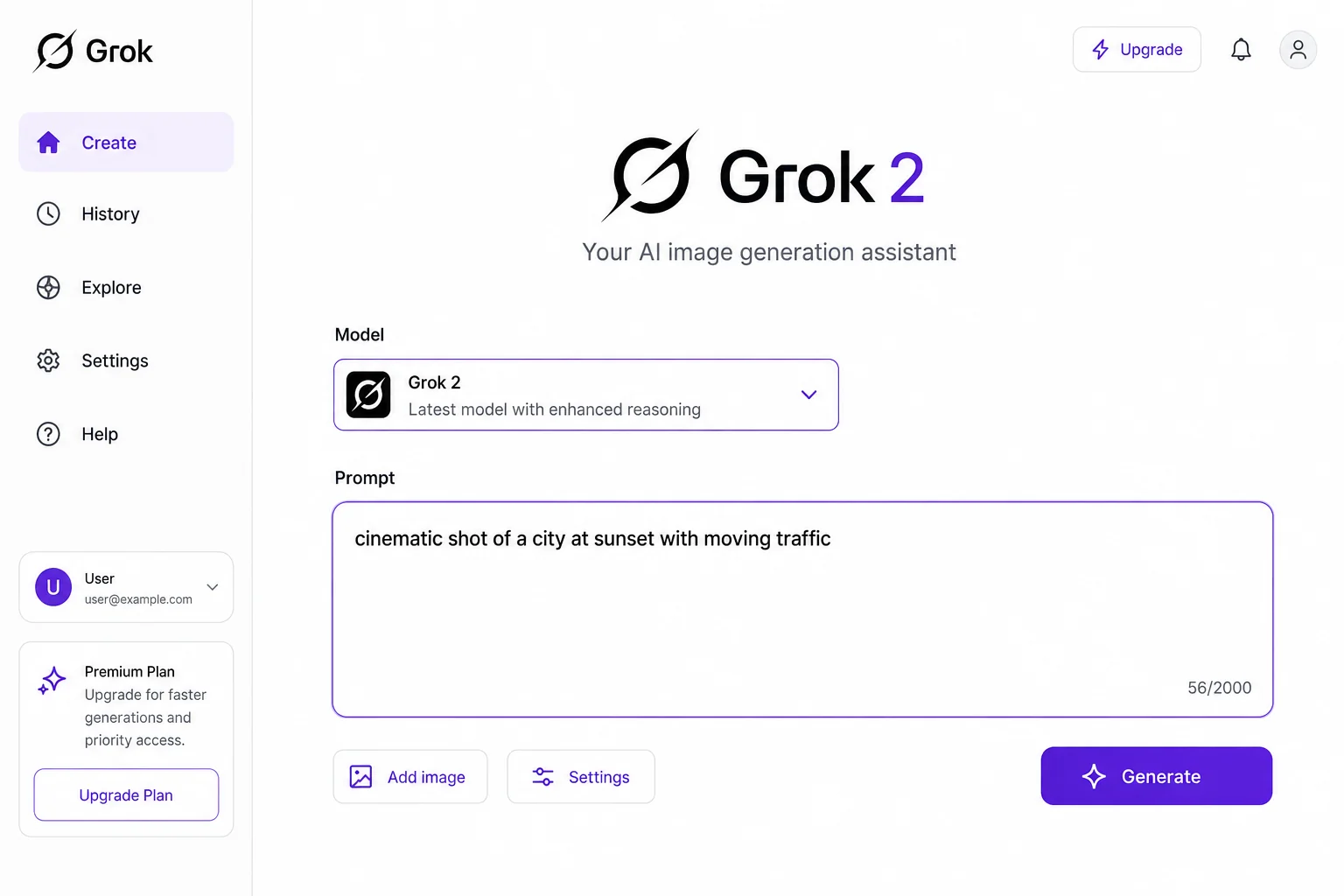
Pick Grok Imagine Video in the LazyKiwi video workbench and generate on the page.
 1
1Choose the model
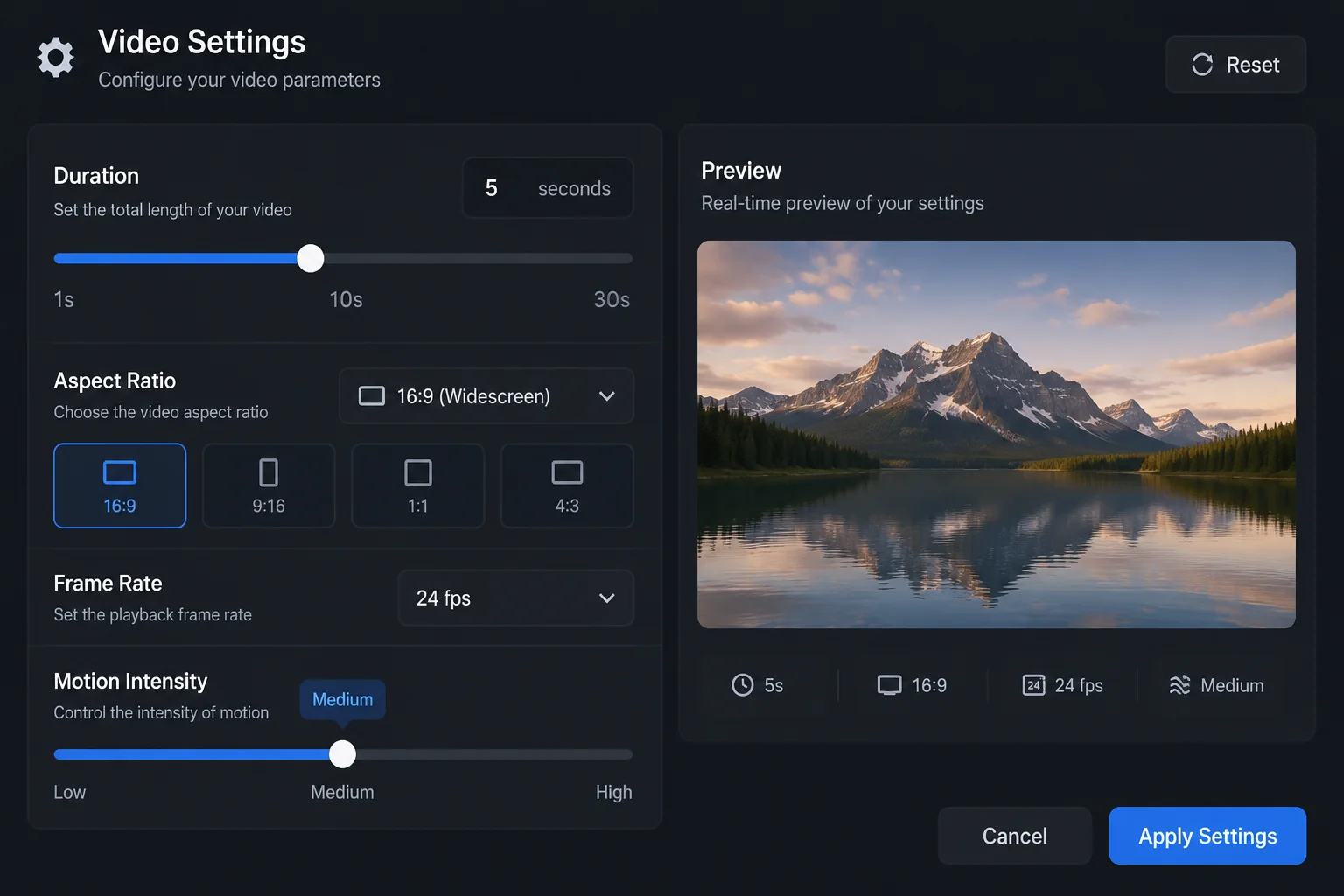
Select Grok Imagine Video in the model list. The workbench loads seven aspect ratios, nine durations from 1s to 60s, and 480p or 720p output.
 2
2Set the shot
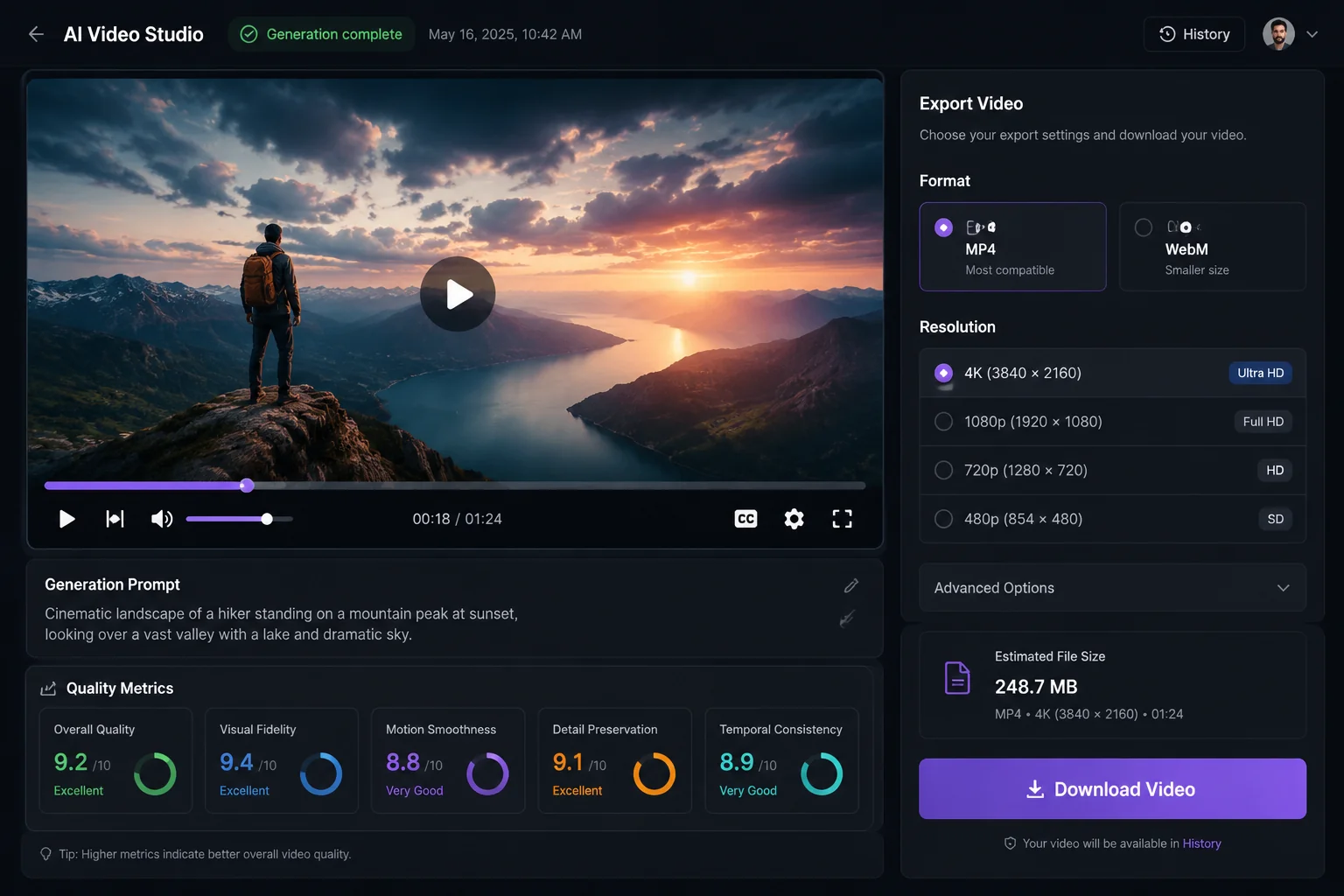
Write the prompt (up to 4,000 characters) and pick the frame. Leave it text-only or add one image to animate. Grok is the only workbench model with 4:5.
 3
3Generate and download
Grok bills a flat 50 credits per second at either resolution: a 5-second clip is 250 credits, and 720p costs the same as 480p. Preview, then download the MP4.
Why Grok Imagine Video
What Grok Imagine Video is built for
The pick when one clip has to ship in several crops, or a prompt needs cheap iteration first.
Framing
Seven aspect ratios, including 4:5
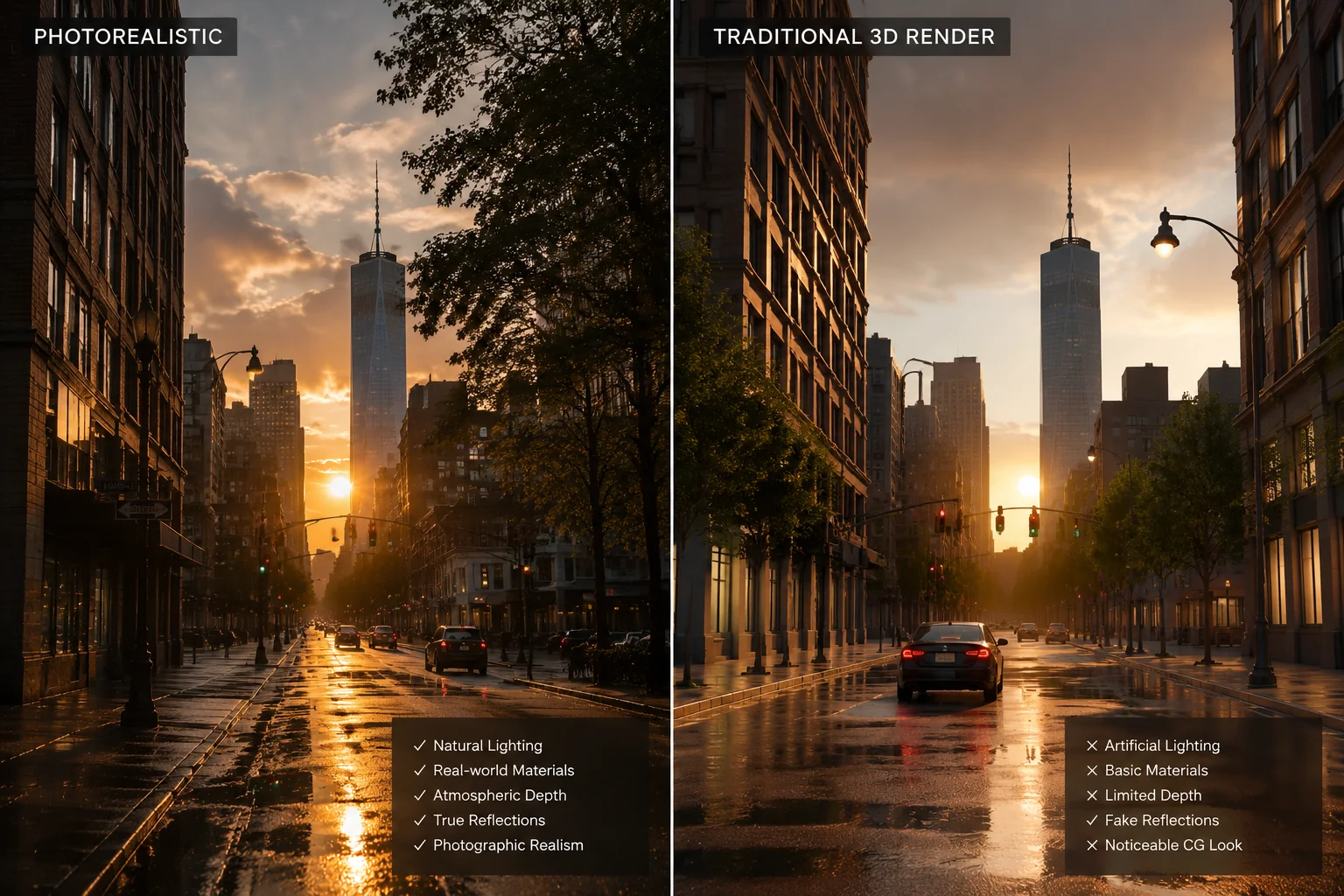
Most video models stop at 16:9, 9:16 and 1:1. Grok adds 4:3 and 3:4 for feed posts, 4:5 for the portrait crop Instagram and LinkedIn favor, and 21:9 for a letterboxed hero shot. One prompt, re-run per format, no re-edit.
- 16:9, 9:16, 1:1, 4:3, 3:4, 4:5, 21:9
- Only workbench model with 4:5
- One crop per platform
Duration
One second to one minute
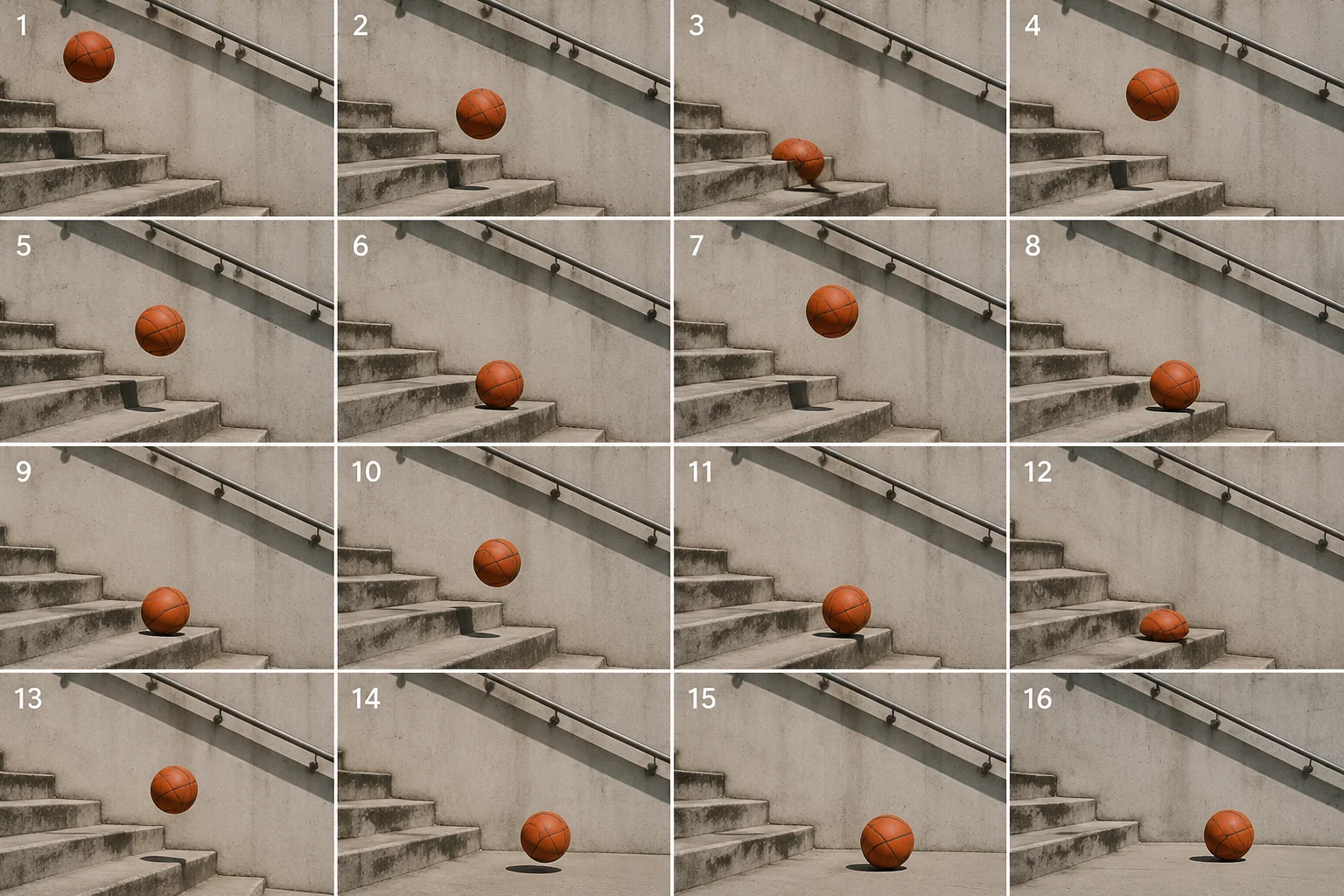
Nine presets run from 1s to 60s. The 1s and 3s presets suit stingers and reaction beats; 30s, 45s and 60s cover a full spoken script. Credits scale at a fixed 50 per second.
- 1s, 3s, 5s, 8s, 10s, 15s, 30s, 45s, 60s
- 50 credits per second
- Same range in image-to-video
Price
Same credits at 480p and 720p
At 50 credits per second, Grok sits at the low end of the workbench price list, level with Veo 3.1 Lite at 720p and well under Kling or Seedance 2.5, and 720p costs no more than 480p. Iterate here, then move the final prompt to a 1080p or 2K model if needed.
- 50 credits per second, both resolutions
- 5s = 250, 10s = 500, 15s = 750
- Draft here, finish elsewhere if needed
Model
xAI's Grok Imagine under the hood
Grok Imagine is xAI's image and video family, offered in the Grok app and through the xAI API as grok-imagine-video. xAI's docs list text-to-video, image-to-video, video editing and an audio track on by default; LazyKiwi exposes the two generation modes at 480p and 720p, with no separate audio control.
- xAI Grok Imagine family
- Text and image inputs in LazyKiwi
- No audio toggle in LazyKiwi
Sample directions
Ideas to try with Grok Imagine Video
Directions to try in LazyKiwi, then refine to match your brand.
Vertical 4:5 feed clip from a still
21:9 letterboxed opener
60-second narrated explainer
Specs
Grok Imagine Video at a glance
Capabilities as exposed through the LazyKiwi workbench. Upstream limits may differ.
- Provider
- xAI
- Type
- Video generation
- Modes
- Text→video, image→video
- Duration
- 1s to 60s, nine presets
- Resolution
- 480p or 720p
- Aspect ratios
- 16:9, 9:16, 1:1, 4:3, 3:4, 4:5, 21:9
- Prompt limit
- 4,000 characters
- Credits
- 50 / s at 480p or 720p
- Best for
- Multi-format social cuts, prompt testing
When to use it
Grok Imagine Video vs other LazyKiwi video models
Grok for ratio range and cheap iteration, Seedance 2.5 for keyframes and exact lengths, Veo 3.1 Lite for 1080p.
| Model | Strength | Best for | Speed |
|---|---|---|---|
| Grok Imagine Video | Seven aspect ratios, 50 credits per second | Feed formats such as 4:5, quick prompt iteration | Standard |
| Seedance 2.5 | Every second from 4s to 30s, start & end frames | Keyframe transitions and exact lengths | Standard |
| Veo 3.1 Lite | 1080p output at 16:9 or 9:16 | When the deliverable must be full HD | Standard |
Use cases
What creators build with Grok Imagine Video
Where ratio range and flat pricing earn their keep.
Portrait feed posts
4:5 clips for Instagram and LinkedIn without a crop.
Letterboxed openers
21:9 hero shots for a landing page or trailer.
Stingers and transitions
1s and 3s beats between longer scenes.
Photo to motion
Animate one still in whichever ratio the platform needs.
FAQ
Grok Imagine Video FAQ
What is Grok Imagine Video?
Grok Imagine Video is xAI's video generation model, the family behind the Grok Imagine feature in the Grok app. In LazyKiwi it runs text-to-video and image-to-video at 480p or 720p, in seven aspect ratios from 21:9 to 4:5, with clips from 1 to 60 seconds.
Is Grok Imagine Video the same as the Grok chatbot?
No. Grok is xAI's conversational assistant; Grok Imagine is xAI's image and video generation family, and this page covers the video model only. In LazyKiwi you write a prompt, optionally add an image, choose a ratio and duration, and receive an MP4.
Which aspect ratios does Grok support in LazyKiwi?
Seven: 16:9, 9:16, 1:1, 4:3, 3:4, 4:5 and 21:9, the widest set in the LazyKiwi workbench. 4:5 is only on Grok; 21:9 is shared with Seedance 2.5 and MiniMax H3. Resolution is 480p or 720p regardless of ratio.
How much does Grok Imagine Video cost?
50 credits per second at either resolution: a 5-second clip is 250 credits, 10 seconds is 500 and 60 seconds is 3,000. 720p costs the same as 480p. New LazyKiwi accounts start with free credits, and the charge is shown before you generate.
Can Grok Imagine Video do image to video?
Yes. Upload one image and Grok animates it with the same durations, ratios and resolutions as text mode; the prompt then describes the motion rather than the scene. Start-and-end-frame mode is not offered on Grok; use Kling v3 Omni or Seedance 2.5 when both endpoints are fixed.
Try Grok Imagine Video in LazyKiwi
xAI's Grok video generator alongside your other video and image models.
More models
Other video models in the same workbench.