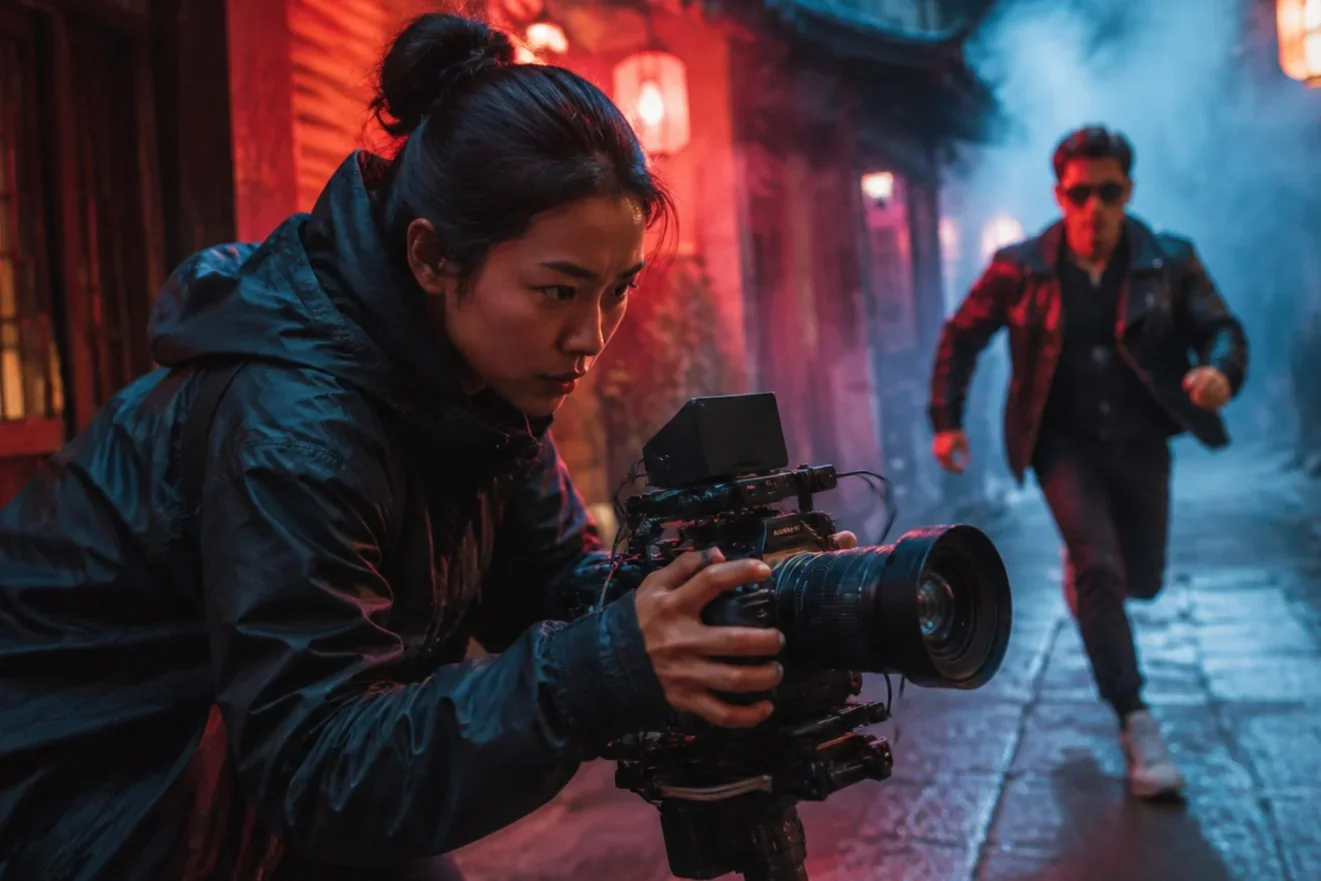
Wan AI video generator, running Wan 2.7 image-to-video
Alibaba's Tongyi Wanxiang video model in LazyKiwi: one still or a keyframe pair in, 720p or 1080p out.
Wan 2.7 is the current release of Wan, the video model family from Alibaba's Tongyi Wanxiang lab. LazyKiwi runs it as Wan 2.7 I2V, so every job starts from an image: one still for image-to-video, or a start and end frame for a transition between two shots. Durations run 2 to 60 seconds for single-image runs and 2 to 15 for keyframe pairs, output is 720p or 1080p with 1080p the default, and the clip inherits the uploaded image's aspect ratio. Specs: up to 720p or 1080p, 1080p default.
- Provider
- Alibaba Tongyi Wanxiang
- Modes
- Image → Video, Start & End
- Duration
- 2s – 60s
- Resolution
- 720p / 1080p
How it works
Use Wan 2.7 in three steps
Open the LazyKiwi video workbench, pick Wan 2.7 I2V, upload one or two images, and generate.
 1
1Choose the input
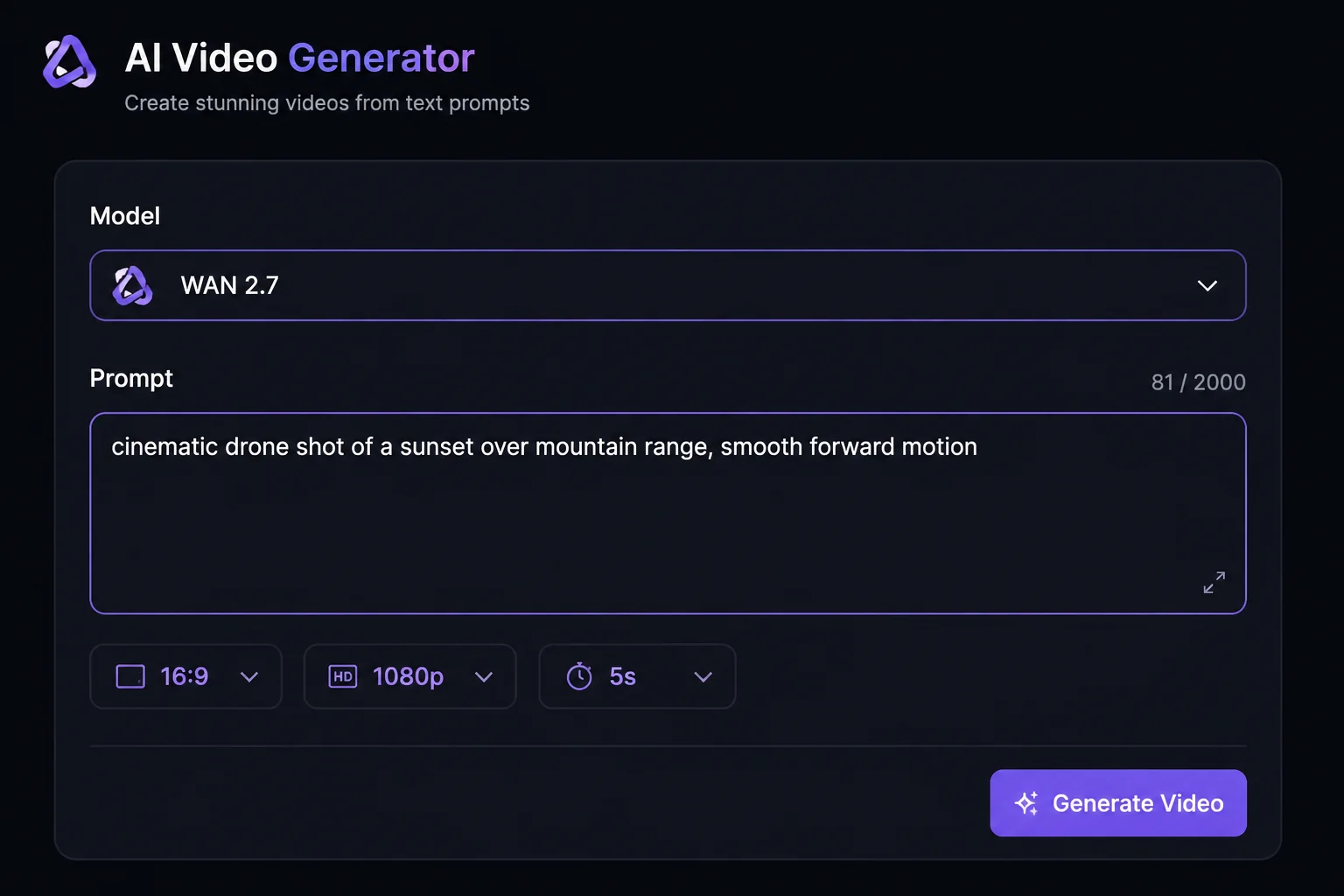
Select Wan 2.7 I2V in the model list, then choose image-to-video, which animates one still, or start and end frames, which builds the motion between two stills. A prompt alone is not accepted.
 2
2Write the brief and set the length
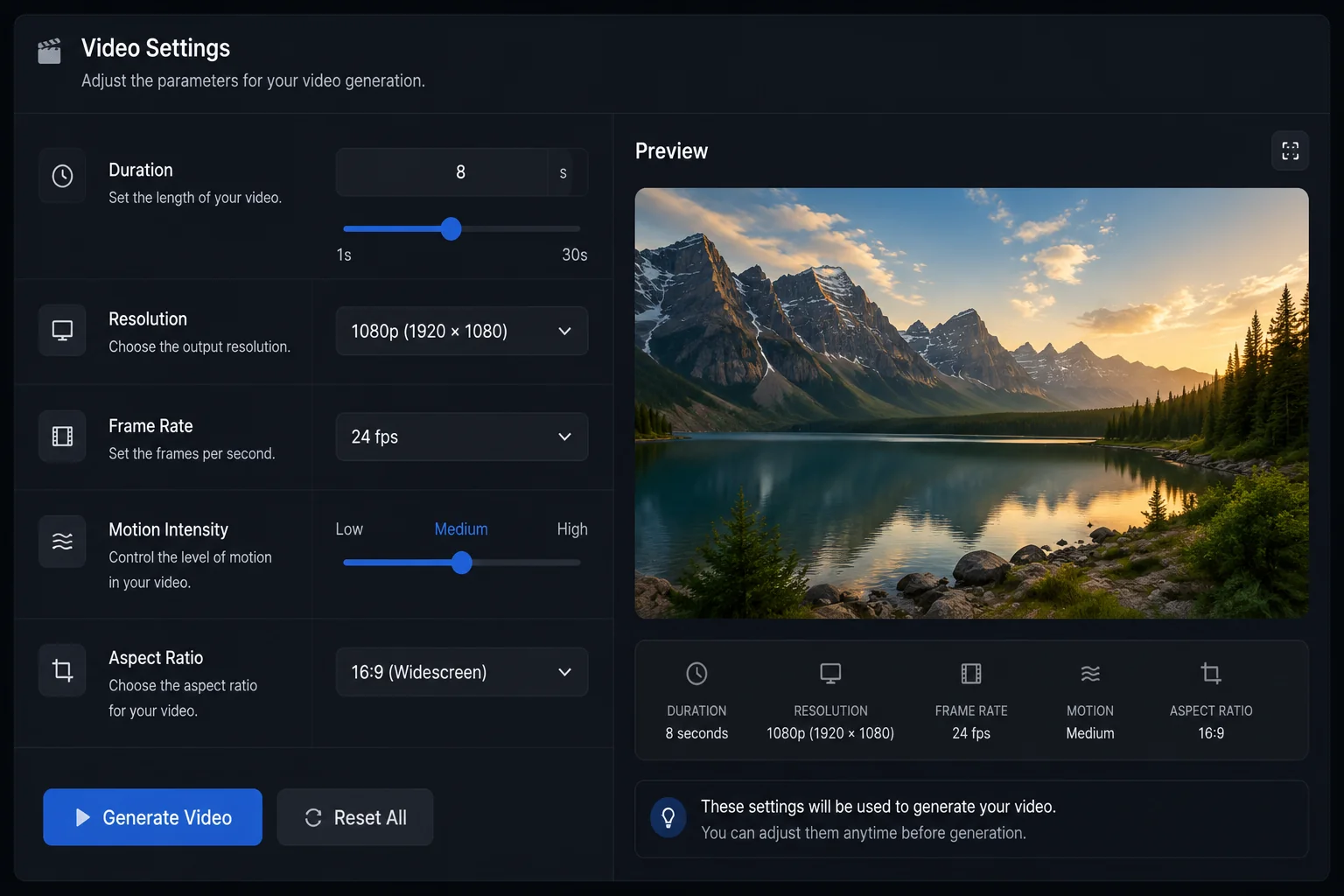
Describe the motion, camera and pace in up to 5,000 characters. Pick a duration from 2s to 60s for a single image, or 2s to 15s for a keyframe pair. Choose 720p or 1080p; 1080p is preselected.
 3
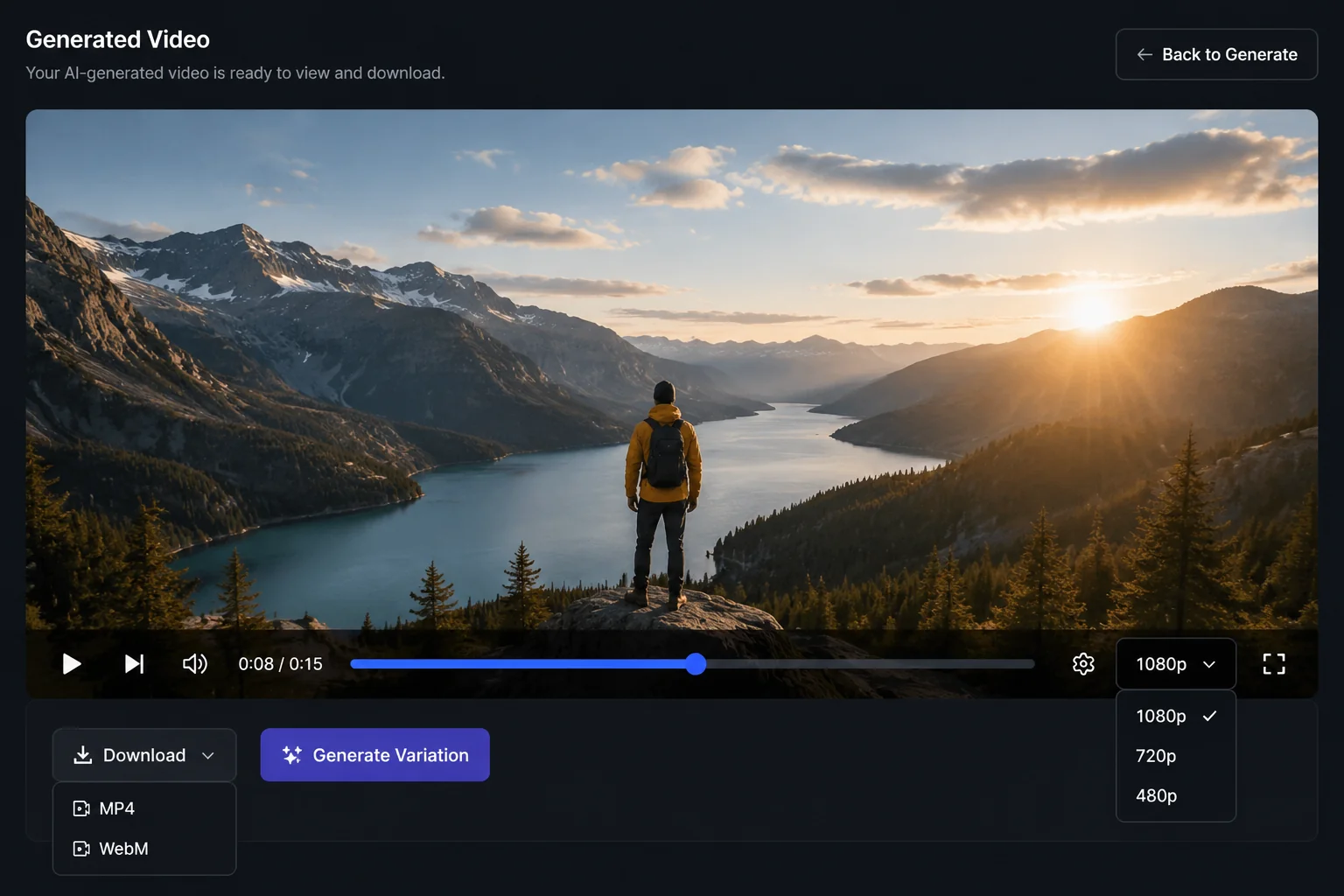
3Generate and download
At the current 37% sale price a 5-second clip costs 473 credits at 720p or 1,197 at 1080p; the figure updates as you change settings. Preview in the player and download the MP4.
Why Wan 2.7
What Wan 2.7 is built for
Wan 2.7 has the widest duration range of any image-driven model in LazyKiwi. Here is what the workbench exposes.
Inputs
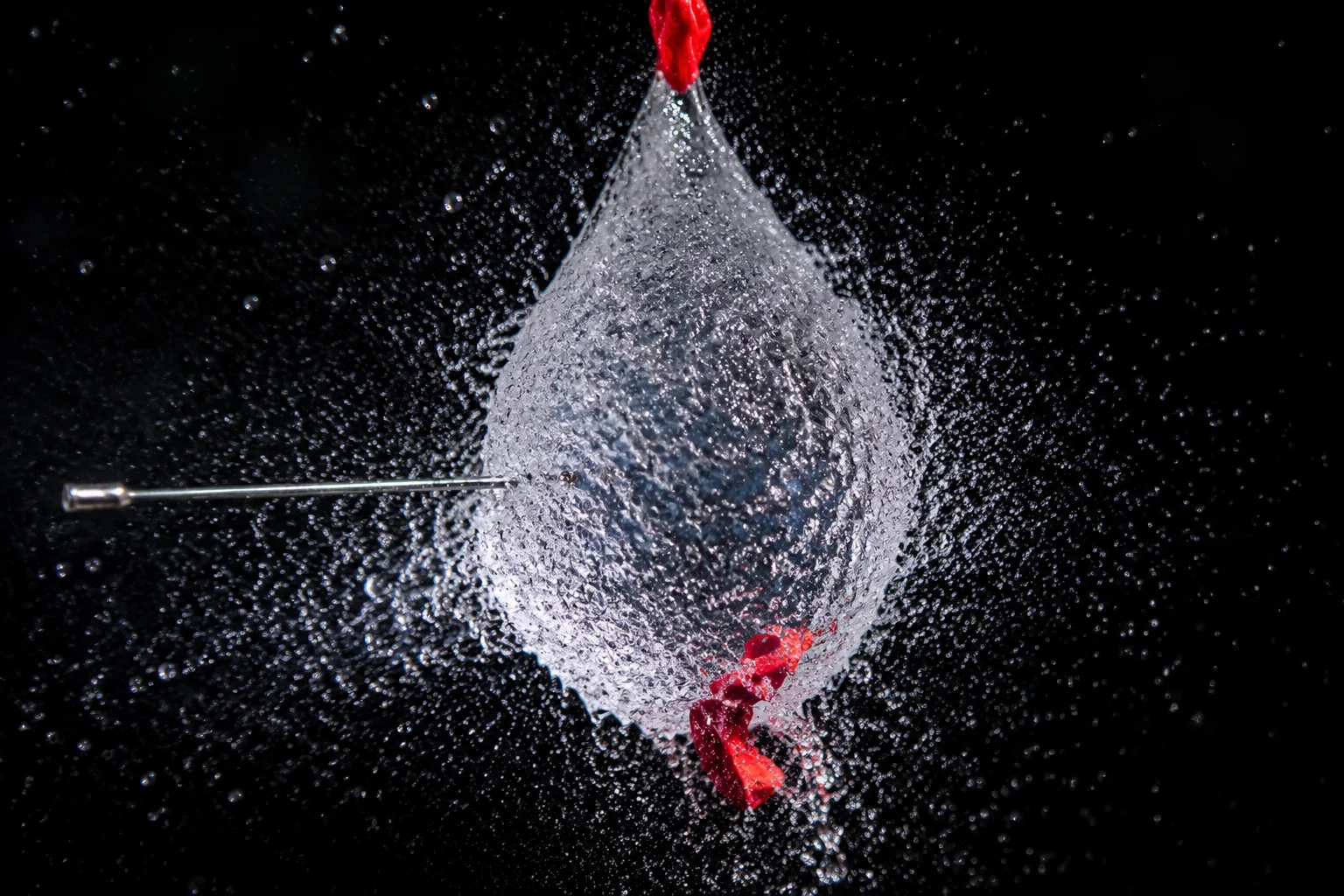
One still, or a start and end pair
Image-to-video animates a single upload and keeps its composition. Start and end frames take two uploads and generate the movement between them: a before-and-after, a product turning to a second angle, or a scene change that must land on a specific final frame.
- Image → video from one still
- Start & end frames from two stills
- Text-only runs not supported
Duration
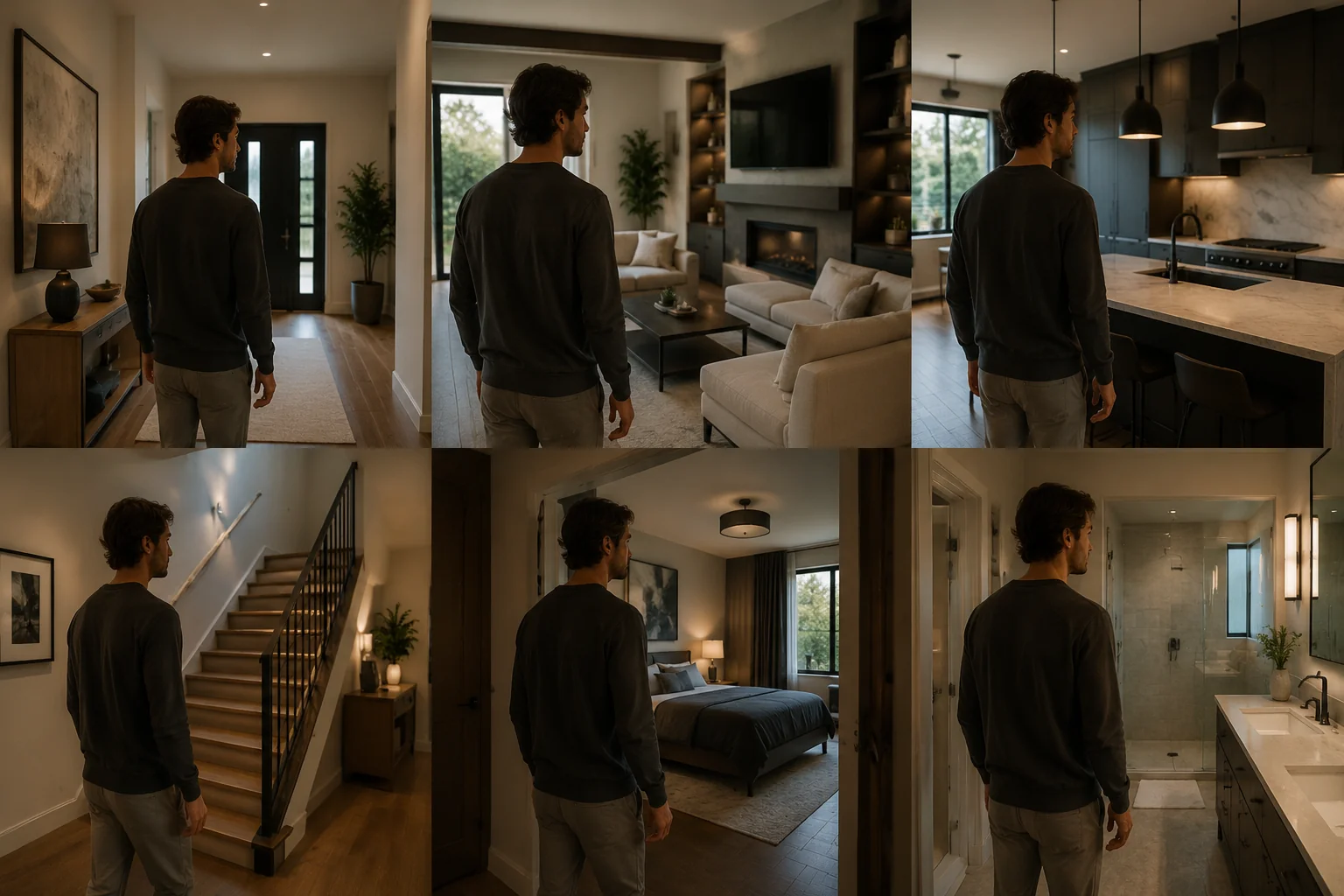
Two seconds to sixty
Nine durations for single-image runs: 2s, 4s, 5s, 8s, 10s, 15s, 30s, 45s and 60s. The 2-second option is rare among video models and suits a single beat in a montage. Keyframe pairs use the first six steps, topping out at 15 seconds.
- 2s to 60s for image-to-video
- 2s to 15s for start & end frames
- Credits scale with length
Output
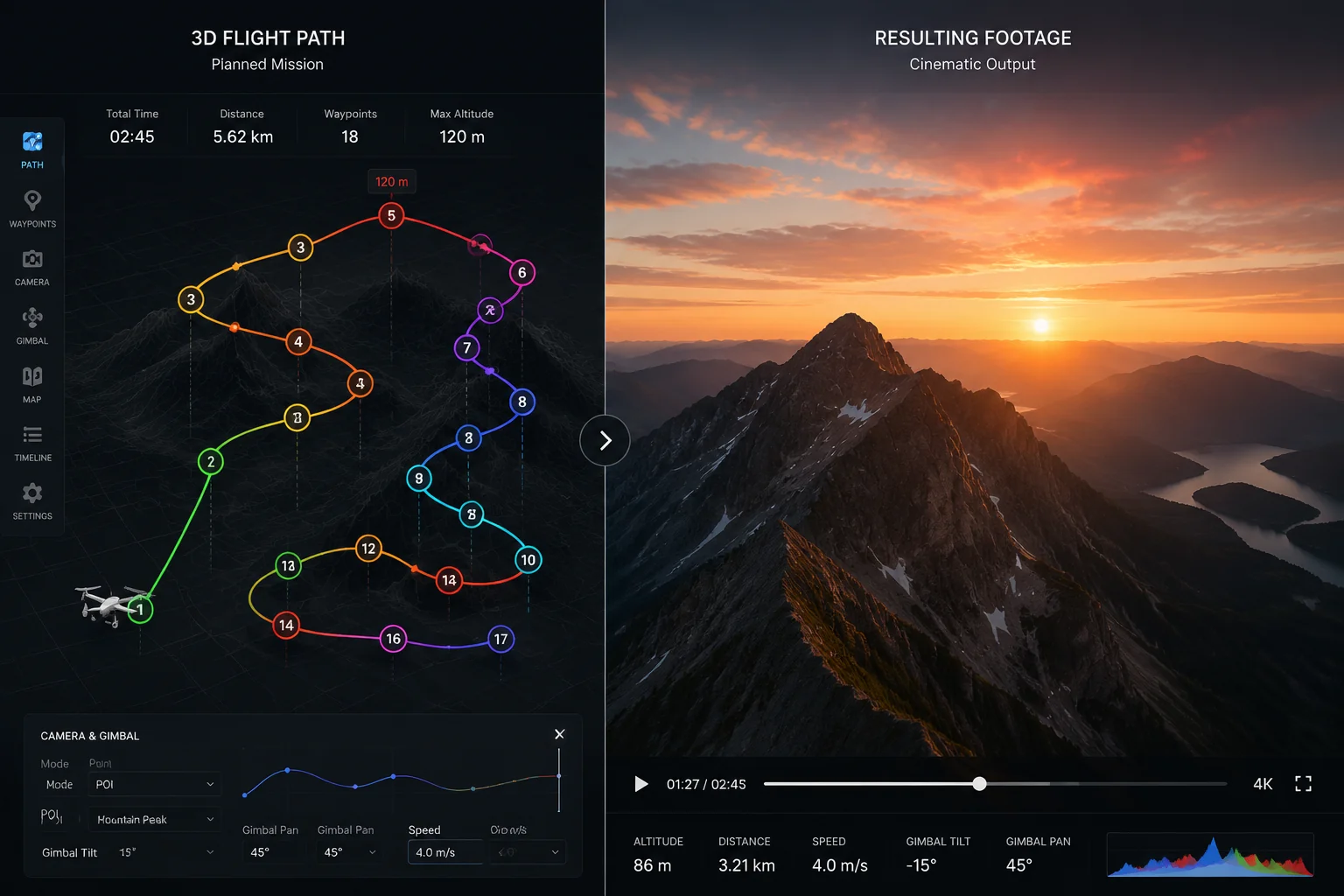
1080p by default
Wan 2.7 preselects 1080p, so the first render is at delivery resolution. Drop to 720p to test motion or wording at a lower credit cost, then re-run the same brief at 1080p once the movement is right.
- 720p or 1080p
- 1080p preselected
- Same brief at either size

Prompt headroom
5,000 characters of direction
The prompt field takes 5,000 characters: enough for a shot list, a note on what must stay fixed from the source, and a negative block. On image-to-video the model has to be told what not to alter.
- 5,000-character prompt limit
- Room for a shot list plus negatives
- Same field in both modes
Sample outputs
Made with Wan 2.7 in LazyKiwi
Every clip started from an uploaded still; bring your own.
Apartment glow-up
Cozy room reveal
Movie night makeover
Specs
Wan 2.7 at a glance
Capabilities as exposed through the LazyKiwi workbench. Upstream limits may differ.
- Provider
- Alibaba Tongyi Wanxiang
- Type
- Video generation
- Modes
- Image→video, start & end frames
- Duration
- 2s to 60s (image→video), 2s to 15s (start & end)
- Resolution
- 720p or 1080p, 1080p default
- Aspect ratio
- Follows the uploaded image
- Prompt limit
- 5,000 characters
- Credits
- 473 / 5s at 720p · 1,197 / 5s at 1080p (37% off)
- Best for
- Keyframe transitions, 1080p image-to-video, 2-second beats
When to use it
Wan 2.7 vs other LazyKiwi video models
Pick Wan 2.7 for 1080p and keyframe pairs, Wan 2.2 for the cheapest test, Hailuo 2.3 Fast for speed.
| Model | Strength | Best for | Speed |
|---|---|---|---|
| Wan 2.7 I2V | Start and end frames, 1080p, 2s to 60s | Keyframe transitions and finished 1080p renders | Standard |
| Wan 2.2 | Promo pricing, 480p, up to 3 seconds | A cheap check that a still animates | Fast |
| Hailuo 2.3 Fast | Fast single-image runs at 768p or 1080p | Quick portrait or product motion from one photo | Fast |
Use cases
What creators build with Wan 2.7
Where keyframe mode and the wide duration range earn their keep.
Keyframe transitions
Give a first and last frame; the model builds the move between them.
Product turns
Turn a packshot into a slow rotate or push-in at 1080p.
Portrait motion
Add movement to a headshot or fashion still without changing the crop.
Montage beats
Generate 2-second and 4-second hits from stills for a fast edit.
FAQ
Wan 2.7 FAQ
What is Wan 2.7?
Wan 2.7 is the current version of Wan, the video model family from Alibaba's Tongyi Wanxiang lab. LazyKiwi runs it as Wan 2.7 I2V: give it one image or a start and end frame pair and it returns a 720p or 1080p clip in the source image's ratio.
What is Wan AI, and which Wan versions does LazyKiwi run?
Wan AI is Alibaba's Tongyi Wanxiang family of video models. LazyKiwi runs Wan 2.7 on this page for image-to-video and start-and-end frames, and the earlier Wan 2.2 on its own model page, both in the same video generator.
Does Wan 2.7 in LazyKiwi support text-to-video?
No. Every run needs at least one uploaded image: a single still for image-to-video or two stills for a start-and-end-frame transition. The 5,000-character prompt steers motion and camera but cannot replace the image. For text-to-video, pick HappyHorse 1.0 or Seedance 2.5.
How is Wan 2.7 different from Wan 2.2?
Both are Alibaba Wan models that start from an image. Wan 2.2 in LazyKiwi is capped at 480p and 3 seconds on promo pricing, the cheapest way to test a still. Wan 2.7 adds start and end frames, 1080p output, and durations from 2 to 60 seconds.
Which aspect ratios does Wan 2.7 output?
There is no aspect ratio picker for Wan 2.7 in LazyKiwi. The clip takes the shape of the image you upload: a 9:16 still gives a vertical clip, a 16:9 still a wide one. For start and end frames, crop both images to the same ratio first.
How much does Wan 2.7 cost per clip?
Wan 2.7 is currently 37% off its list price in LazyKiwi. A 5-second clip costs 473 credits at 720p or 1,197 at 1080p, and a 10-second clip 945 or 2,363. The exact cost for any duration and quality is shown before you generate.
Try Wan 2.7 in LazyKiwi
Bring a still or a keyframe pair and generate a 720p or 1080p clip with Alibaba's Wan 2.7.
More models
Other models available in the same workbench.