
Claymation: How It Is Made and How to Fake It
What clay animation actually involves, why the schedule is so long, and the two routes to that look today: build it in plasticine or generate the surface.
 Daniel Okafor 9 min read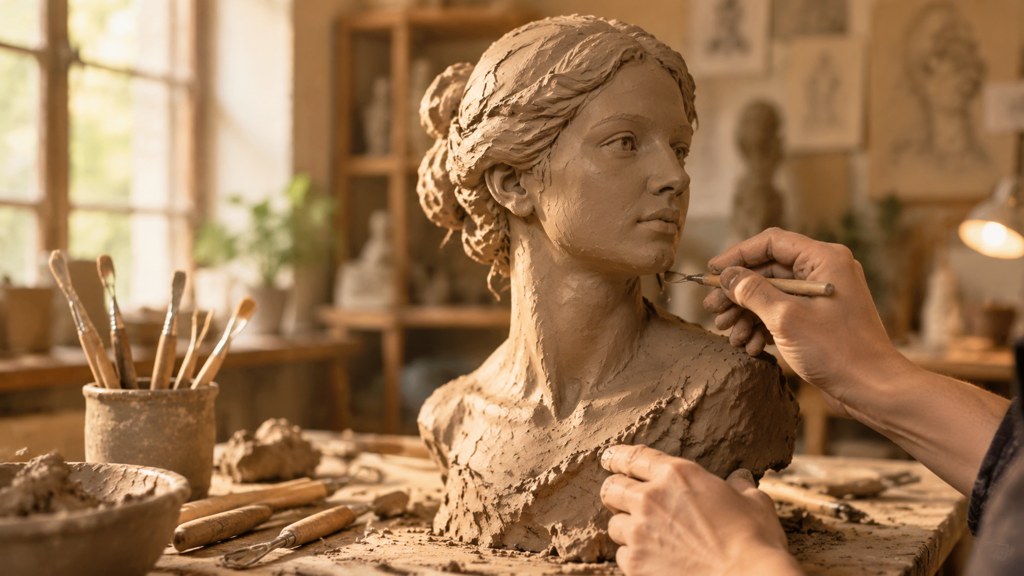
Clay animation is stop motion with a deformable subject. A figure is sculpted around a wire skeleton, placed on a set, photographed, nudged a fraction and photographed again, and the deformability is the whole point: a mouth can be pressed into a new shape between frames rather than swapped for a spare part. That is also why it is slow. Below: the physical process, what the schedule really looks like, a home version that will not defeat you, and the generated shortcut, with its limits stated. Pages cited were read on 7 September 2026.
What is claymation and how is it different from stop motion?
It is a subset, not a rival. Stop motion is the umbrella: any technique that photographs a physical thing one frame at a time. The clay version narrows that to figures made of a malleable material. Wikipedia's article describes each animated piece, character or background, as deformable and usually made of plasticine clay, and notes that the term itself is a trademark associated with Will Vinton.
- Puppet animation uses rigid figures with replaceable parts, so expressions come from a library of swapped faces.
- Clay figures are reshaped in place, so a smile is pressed into the same head that just frowned.
- Cut-out animation moves flat shapes on a plane and needs no armature at all.
- Object animation moves things that already exist, which is where most beginners actually start.
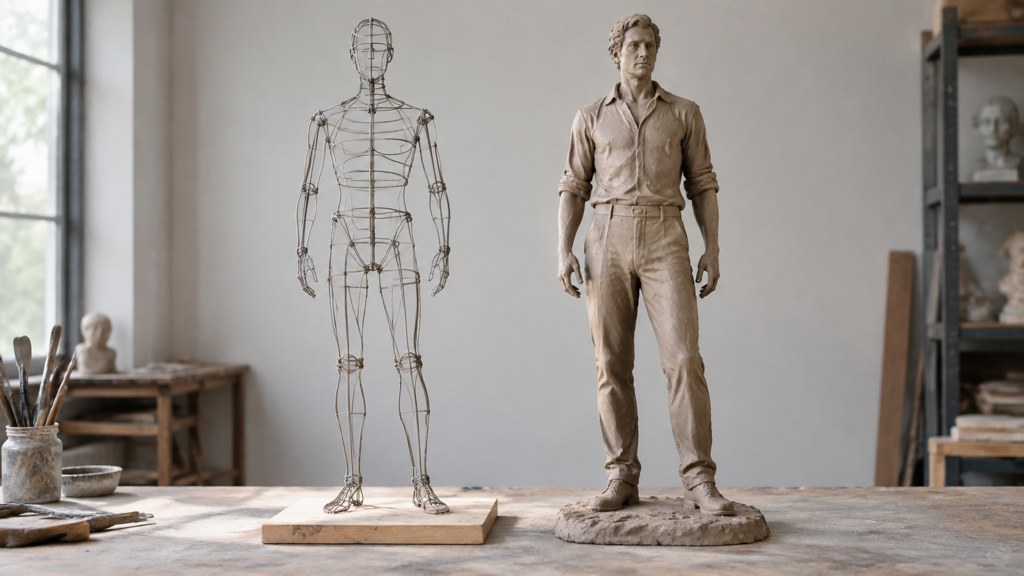
The distinction matters for planning. Reshaping is expressive but fragile; the material warms in your fingers and sags under lights, so a shot that takes too long changes shape while you work on it.
How is claymation actually made?
The sequence is the same in a bedroom and in a studio, and understanding how claymation is made mostly means understanding how much of it is preparation.
- 1
Build the armature
A wire skeleton gives the figure joints that hold a pose. Without one, legs sink and arms droop between frames.
- 2
Sculpt over it
Plasticine goes on in layers. Keep spare heads and hands: you will damage one.
- 3
Dress the set
Everything gets fixed down. Anything loose will move when you reach in, and the camera will see it.
- 4
Light it and lock the camera
Fixed lamps, manual exposure, manual focus. Warm lights soften clay, so keep the set as cool as the look allows.
- 5
Animate
One photograph, one small change, repeat. Mouth shapes are pressed in for each sound if there is dialogue.
- 6
Fix in post
Rig removal, dust, deflicker and grade. Support wires holding a jump are painted out at this stage.
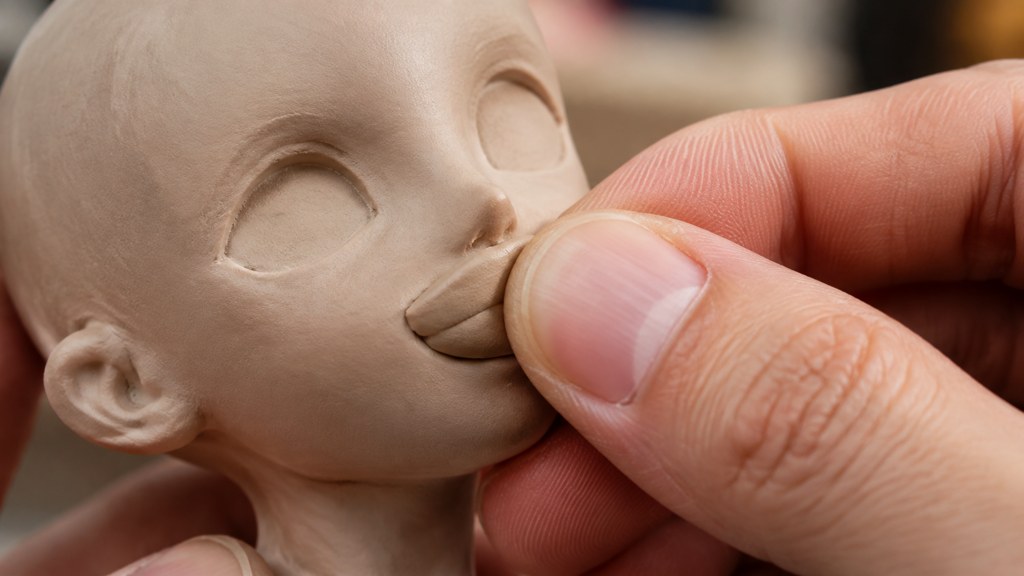
Fingerprints are part of the aesthetic rather than a mistake. The surface records the hand that touched it, which is exactly the quality generated imitations struggle to fake convincingly.
How long does a claymation film take to produce?
Start from the arithmetic rather than from a studio anecdote. At 24 frames a second with every pose held across two of them, filling one second on screen costs a dozen exposures. A three-minute short is therefore around 2,160 individual poses, each preceded by a physical adjustment, and a feature is two orders of magnitude worse.
I am not quoting a seconds-per-day rate here, because the published figures differ by studio, by shot and by decade, and most of the numbers circulating online have lost their source. What is verifiable is the scale of the commitment the technique rewards: Aardman in Bristol has built film, television, games, commercials and licensing businesses on it, and per Wikipedia its director Nick Park took six Academy Award nominations and four wins across Creature Comforts, The Wrong Trousers, A Close Shave and The Curse of the Were-Rabbit.
There is no mystery in the schedule. It is a dozen exposures for every second, times however long you want an audience sitting there.
— Daniel Okafor, Video Workflows Editor
How do you make a claymation-style short at home?
Scale the ambition down until it fits one afternoon. The people who finish are the ones who picked a subject that cannot fall over.
- Fifteen seconds maximum for a first attempt, which is about 180 photographs on twos.
- One character, one camera position, one action. No walk cycles yet.
- A shoebox set with a paper backdrop taped at the seam.
- A pair of lamps clamped where they will stay, everything else switched off, daylight curtained out.
- A tripod-mounted phone with white balance, focus and exposure all pinned manually, plus an app that ghosts the last frame under the live view.
Sculpt cold, animate cool
Chill the figure for a few minutes before a long shot. Warm plasticine slumps under lamps, and a face that sags across 200 frames cannot be fixed afterwards.
If the physical build is the part you do not want, the paper animation tool is a genuinely stepped alternative: its page puts the output at 8 frames a second, with each sheet torn and placed individually instead of tweened between keyframes. Same discipline, cheaper material.
How do you make a clay look with AI instead of clay?
Two honest routes, and neither is the same craft. The first restyles a photo you already have; the second describes the look to a video model from scratch. General-purpose generators can attempt it too: Runway sells a single cloud workspace for generating and editing video, images and audio, Pika opens its composer on a 5s default with Pika 2.5 preselected, and Luma now leads with Ray3.2 and treats motion transfer and relighting as directable jobs. None of them ships a dedicated preset for this material, which is why a template beats a prompt here.
- 1
Restyle a portrait into a soft-toy surface
The plush texture filter takes one upload and rebuilds the subject with a dense fuzzy surface, rounded edges and a colour bloom, per its template page. It is the nearest one-click approximation of a hand-made material.
- 2
Describe the material to a video model
In the video generator, name the material and the cadence together: modelling clay with visible tool marks, held poses, a slight stutter between movements. Asking only for 'clay' gets you a smooth plastic render.
- 3
Pick a model that holds a locked frame
Seedance 2.5 is worth trying first for this, because a miniature set wants a camera that stays put rather than one that invents a drift.
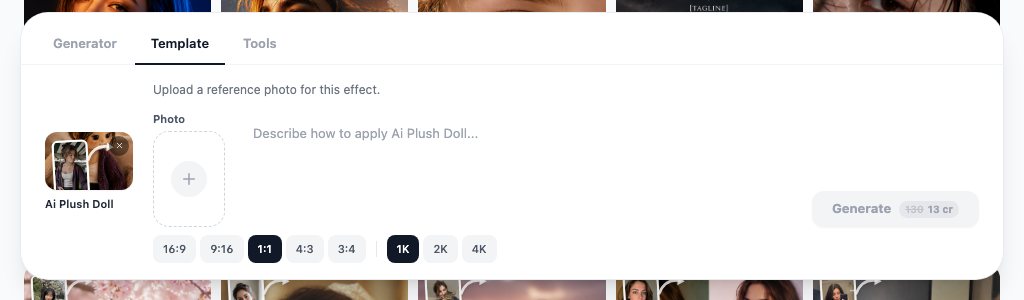
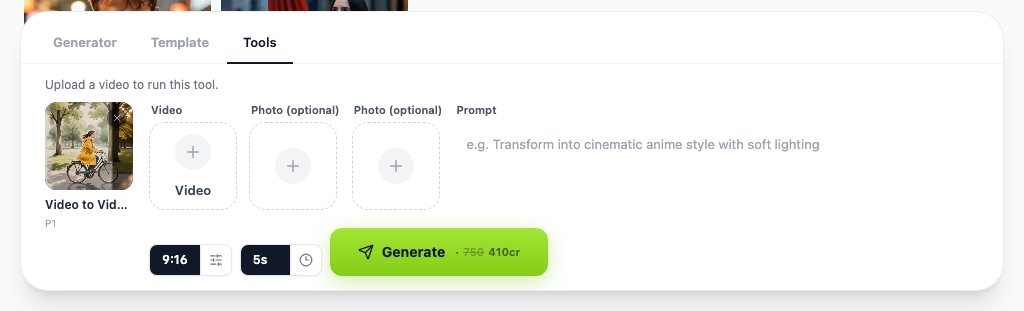
Video-to-video is the third option when you already shot the action and want the surface changed. It keeps your timing and reskins what is there, which is a different job from generating a performance.
What is claymation style in games and illustration?
Outside film, the phrase describes a surface rather than a process. Games and illustration borrow the look without photographing anything physical.
- Games sculpt or scan real models, then light the digital version with the soft, slightly waxy falloff clay has.
- Illustration fakes it with rounded silhouettes, visible thumb marks and a shallow depth of field that mimics a macro lens on a tiny set.
- Advertising uses it as a signal of craft and warmth, which is why it keeps returning in food and toy campaigns.
- The tell in every case is imperfection: perfectly even surfaces read as plastic, not clay.
For the historical version of the look, museum and archive programming beats a trend roundup. Both the BFI and MoMA hold and screen animation, and their programmes are where the influential work actually surfaces.
Which claymation films are worth studying?
Watch for technique rather than for plot. Four things are worth noticing in any of them.
- How much the camera moves, which in this medium is usually very little and always deliberately.
- How dialogue is handled, because mouth shapes are the most labour-intensive part of the whole craft.
- Where the material shows: fingerprints, seams, the slight wobble of a surface that was touched.
- How long a single shot runs before a cut, which tells you how much shooting time the studio could afford.
The Academy record above is a reasonable starting shortlist, and Aardman's own site lists its current work if you want to see where the technique sits commercially now. Trade coverage such as No Film School is useful for production write-ups once you know what to look for.
Real clay vs generated clay: what is the trade-off?
This is the comparison people actually want, so here it is without hedging.
| Dimension | Physical build | Generated look |
|---|---|---|
| Time for 15 seconds | An afternoon at best, a weekend realistically | Minutes, including re-runs |
| Cost | Materials, lamps, your time | Metered in credits per render |
| Consistency | Perfect, because it is one object | The weak point: surface drifts between shots |
| Texture credibility | Real fingerprints and real light | Convincing in stills, weaker in motion |
| Revisions | Reshoot the shot | Change the wording and run again |
| Best for | Craft videos, brand work, anything where the making is the story | Concepts, pitches, social posts on a deadline |

LazyKiwi's workbench figures for August 2026 put 22 of 39 external video jobs at 9:16, which tells you where these clips end up. A vertical crop hides a multitude of set-building sins, and it also means a physical build only needs to look right from one angle.
What makes a fake clay look wrong?
Understanding how claymation works physically is what lets you spot a bad imitation, because every tell is a physical property that went missing.
- Surfaces that are too even. Real material carries tool marks and a slightly uneven sheen.
- Light that behaves like plastic: sharp speculars instead of the soft, slightly translucent falloff clay has.
- Motion that is too smooth. Physical animation has micro-jitter because a hand placed every pose.
- Detail that is too fine. Tiny fingers and thin props are hard to sculpt, so real work simplifies them.
- Surface drift between shots, which is the giveaway generated sequences almost never solve.
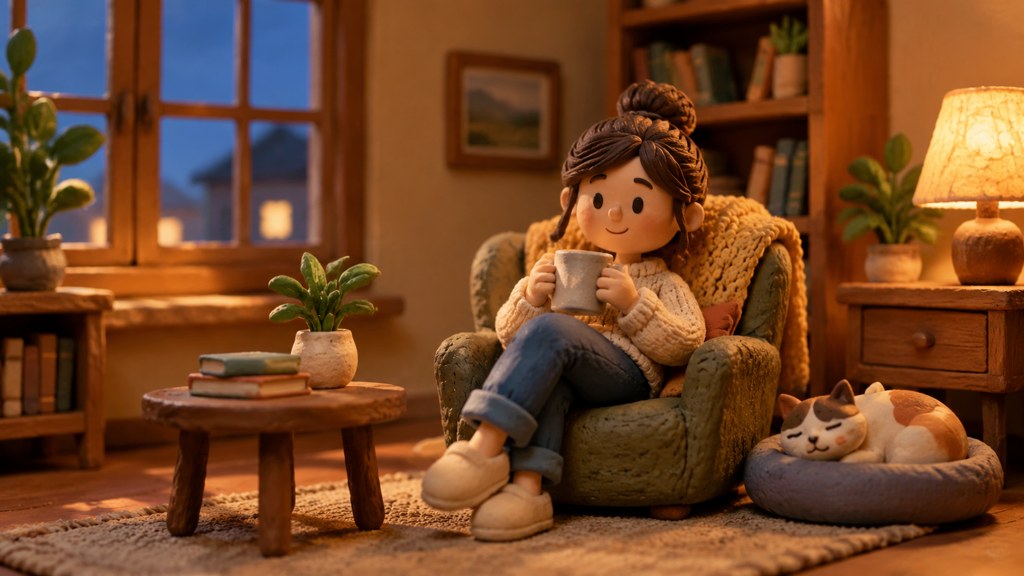
The practical fix for a generated attempt is to add back what the model removed: ask for tool marks and uneven surfaces, keep the camera locked, and accept a slight stutter instead of smoothing it out. Anyone searching how to make claymation for a client deadline is usually better served by a short physical build of one hero shot and generated coverage around it.
Key takeaways
- Clay animation is stop motion with a deformable subject sculpted around a wire armature and reshaped between frames.
- The schedule is arithmetic: 12 photographs per second of screen time on a two-frame hold, or 2,160 for a three-minute short.
- Keep a first attempt to fifteen seconds, one character and one camera position.
- Generated routes restyle a photo or describe the material to a video model; both are convincing in stills and weaker in motion.
- Surface drift between shots is the tell that separates a real build from an imitation.
Video Workflows Editor
Daniel Okafor
I run the same clip through every video model we ship and write down what actually changes: motion, timing, cost, and where each one falls apart.
FAQ
Common questions
Is clay animation the same as stop motion?
It is one kind of stop motion. Stop motion covers any technique that photographs a physical subject a frame at a time, including puppets, cut-outs and everyday objects. The clay variant narrows that to figures made of a malleable material that gets reshaped in place between frames.
What clay should I use?
Non-hardening modelling clay, usually plasticine, because it has to stay workable for the whole shoot. Air-drying clay sets while you animate, which ends the scene. Build over a wire armature so limbs hold a pose instead of sagging under the lights.
Can a video model generate a convincing clay look?
In stills, often yes. In motion it is harder, because the surface drifts between shots and the movement comes out too smooth. Naming tool marks, uneven surfaces and held poses in the prompt gets you closer than asking for the material by name alone.
How long should my first attempt be?
Fifteen seconds. On a two-frame hold that is roughly 180 photographs, which is finishable in an afternoon and long enough to teach you about drift, flicker and move size. Longer first projects are usually abandoned somewhere around frame 300.
Why do professional clay films look so smooth?
Because the poses were planned, the moves were eased at the start and end, and the rig never shifted. Studios also shoot with locked cameras, controlled light and post passes for deflicker and rig removal, none of which is exotic; it is just done consistently.
Try the clay look before you buy plasticine
Name the material and the cadence in a single prompt, then judge the render against what a physical build would cost you.
Related reading

How to Make a Music Video on a Small Budget
Treatment, shot list, generation and edit: a repeatable pipeline for a music video made with AI clips, timed to the track.
8 min read
How to Make a Stop Motion Video From Scratch
Frame rate and hold, the home rig, lighting that will not flicker, and where AI simulation helps or gets in the way.
9 min read
Animated Logo Ideas: 12 Reveals That Work
Twelve animated logo patterns sorted by build time, what each says about a brand, and the export settings every platform expects.
8 min read
AI Animation Generator: Animate Illustrations Into Clips
Turn a drawing or still into motion with an AI animation generator: image-to-video steps, text and anime routes, free tiers checked today and fixes.
10 min read