
How to Make AI Cat Videos People Actually Watch (2026 Guide)
Make AI cat videos from one photo with models that keep paws and eyes honest, run the dance templates, keep one cat across a series and test free.
 Daniel Okafor 9 min read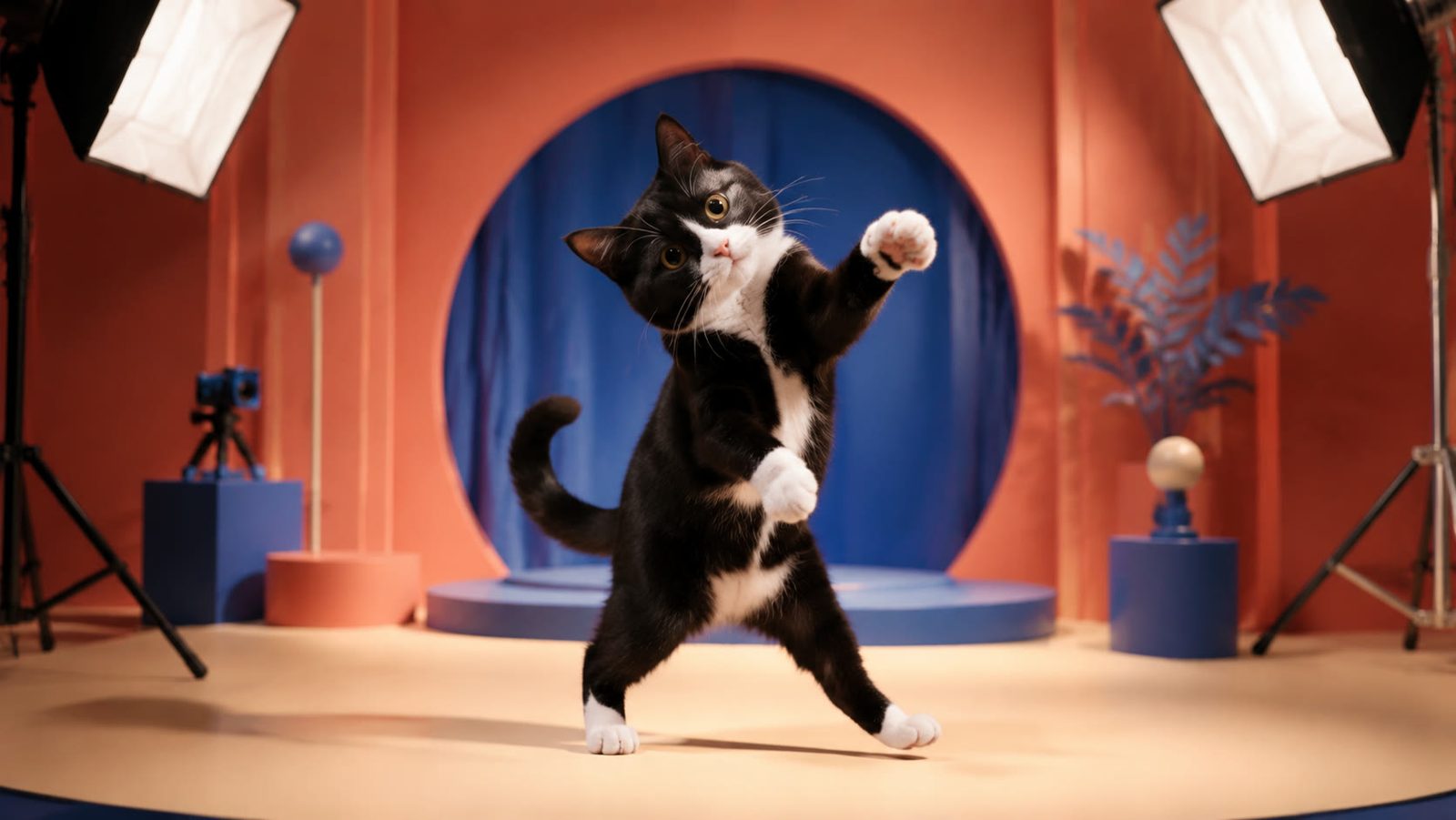
AI cat videos are short clips in which an animated or generated cat does something no real cat would hold still for: a dance routine, a bedtime selfie in pajamas, a dramatic reaction to an empty bowl. They work because everyone already knows the character, so the clip needs no setup and the viewer decides in a blink. If you want to know how to make AI cat videos from a single photo, this guide walks through the LazyKiwi workbench as it looks in September 2026: the image-to-video models, the dance templates, prompt recipes that keep the anatomy honest, and a system for keeping the same cat across a series.
Why do AI cat videos work on short-form platforms?
Cats were the internet's first recurring characters, and generative video simply gave them new jobs. The story-account wave, in which a chubby orange cat lives through small tragedies to a meowed pop ballad, is documented by Know Your Meme (2024), which traces most of those TikTok accounts to launches in January 2024. The dancing-kitten wave that followed has its own entry at Know Your Meme (2025), filed under TikTok as the origin.
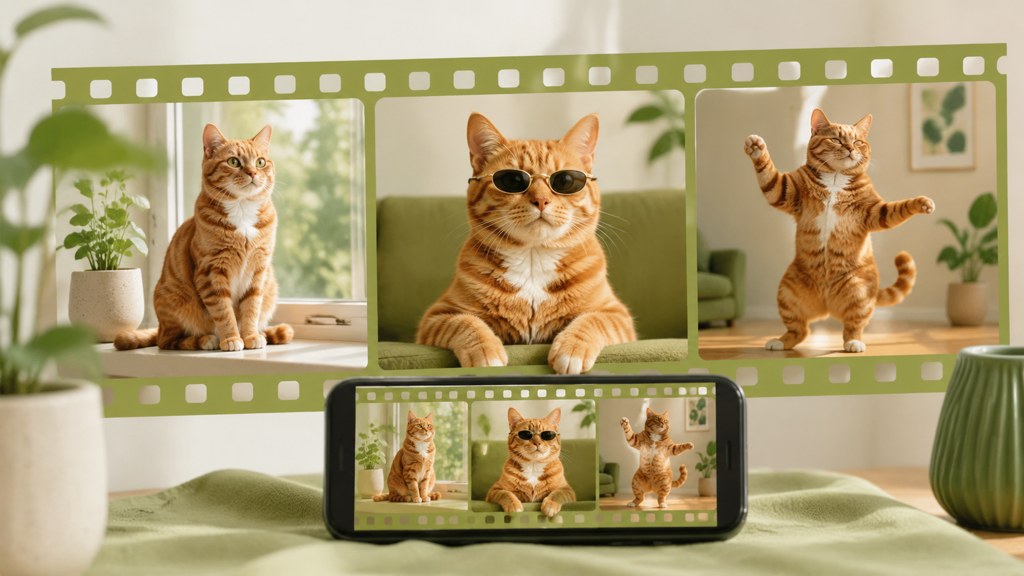
The mechanics are simple. A cat is a character the viewer already understands, so the clip can skip introductions and spend its first second on the action. One character, one action, one payoff is the entire structure, and the most-shared clips rarely break it. A cat that attempts a human task, reacts to an object or performs a small routine reads instantly at feed size.
It is also a repeatable format. The same cat can run a bakery on Monday and audition for a band on Thursday, and the audience treats the change of setting as an episode rather than a new account. That is why series consistency, covered later, matters more for pet content than for almost any other niche. A seasonal setting is an easy episode change, and our Halloween photo ideas post covers costume, pumpkin and low-light decor shots you can borrow for the scene.
Do AI-generated cat clips need a label?
TikTok's synthetic-media rule asks creators to label AI content that shows realistic images, audio or video, and the current toggle is explained on its AI-generated content help page (2026). YouTube's disclosure policy applies when AI meaningfully alters or generates content that looks realistic, and it states that disclosing does not limit a video's audience or its ability to earn, per YouTube Help (2026). Meta attaches an AI info label from industry-standard signals or self-disclosure, per Meta Newsroom (2024). A photoreal cat doing a routine looks realistic, so I label every clip; it costs nothing and removes the argument in the comments.
Start with a still
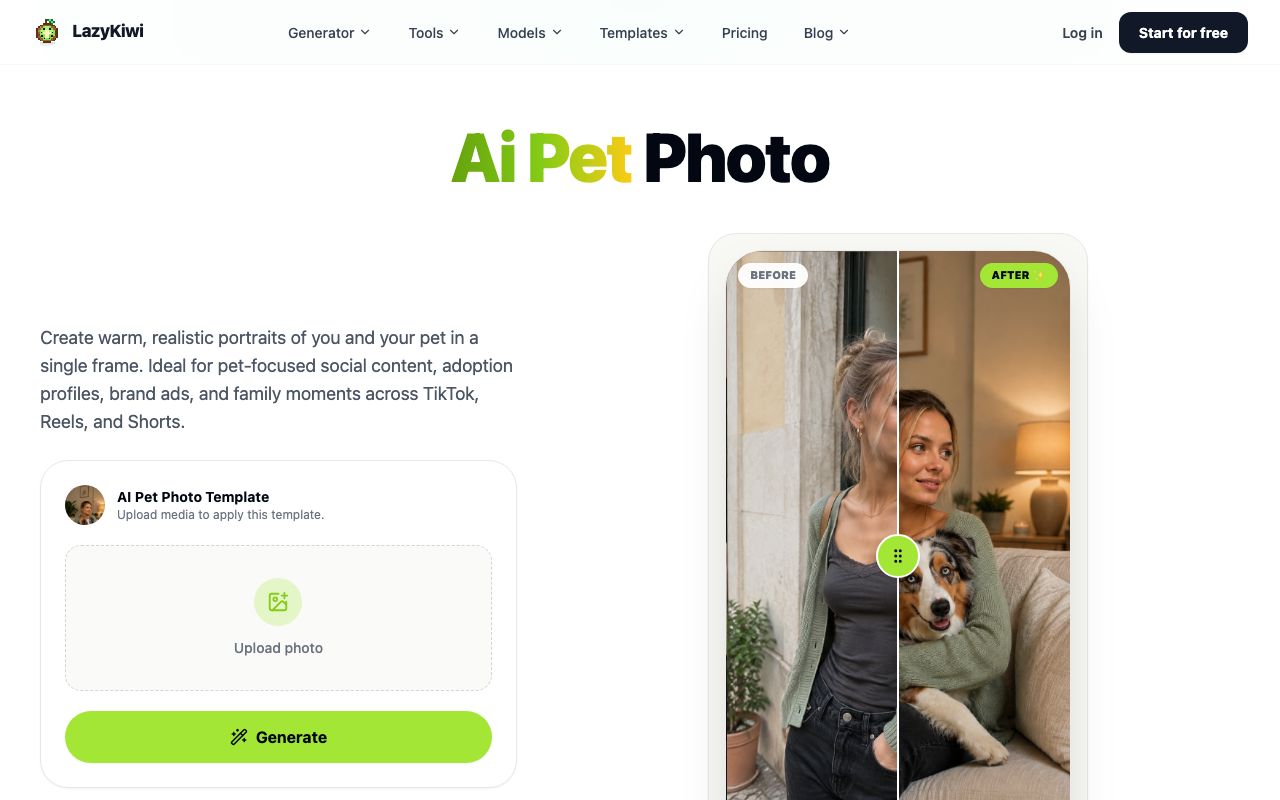
If your only cat photo is blurry or cropped, build a clean still first. The AI pet photo template blends you and your pet into one portrait, and that portrait becomes a much better first frame for animation than a phone snapshot.
How to make an AI cat video step by step
The route below is image-to-video: one photo of a cat, one motion prompt, one short vertical clip. The AI video generator page lists four ways to start, text, image, start-and-end frames and templates, and image is the one that keeps your actual cat recognisable.
- 1
Choose the photo, not the idea, first
A front-facing cat with both eyes visible, even light and a plain background animates cleanly. If the only usable shot is small, run it through the AI photo upscaler first; the tool page says it enlarges up to 4x and reconstructs fur and edge detail rather than stretching pixels.
- 2
Pick the model
For a first clip I use Kling v3 Omni. Its model page lists text, image and start-and-end-frame input, clips from 3 to 60 seconds, 720p or 1080p output in 16:9, 9:16 or 1:1, and prompts up to 2,500 characters, which is more than any cat routine needs.
- 3
Write a motion prompt, not a scene prompt
The photo already holds the appearance. Spend the prompt on one action, one camera instruction and one list of things that must not change: the markings, the eye colour, the number of paws.
- 4
Set the frame before you spend
Switch the ratio chip to 9:16 for feeds and choose the shortest duration that fits the action. The credit price on the Generate button updates as you change the chips.
- 5
Generate and audit the paws
Scrub the result at half speed. Check both front paws, the tail base and the eyes in every second; those are where the anatomy drifts first. Regenerate with a tighter negative list if anything slips.
- 6
Add sound after, not before
Cut the clip to the beat in your editor. Check the music terms first: Epidemic Sound states that downloading and publishing its tracks needs a subscription or a single-track licence, per Epidemic Sound (2026), which is why most pet accounts stick to in-app sounds.
- 7
Label and post natively
Turn on the AI label in the upload flow, write a caption that names the joke, and upload the vertical file directly to each app rather than cross-posting a watermarked export.
Which model should you pick for a cat clip?
Three routes cover almost every cat clip I make. The specs come from the LazyKiwi model and template pages on 2026-09-05.
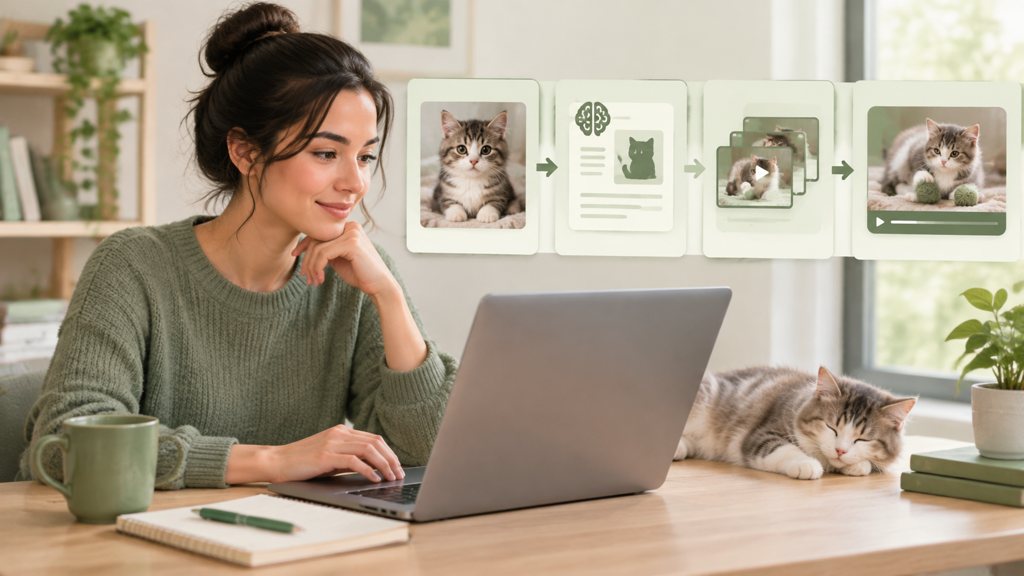
| Route | Input | Length and output | Best for |
|---|---|---|---|
| [Kling v3 Omni](/models/kling-v3-omni) | Text, one image, or start and end frames | 3 to 60 s; 720p or 1080p; 16:9, 9:16, 1:1 | Controlled single actions, reactions, series episodes |
| [Hailuo 2.3 Fast](/models/hailuo) | One image only; keeps the photo's frame shape | 6 to 60 s; 768p or 1080p | Quick animation of a still, cheapest first test |
| [Bun Shake Dance template](/templates/ai-bun-shake-dance) | One waist-up or full-view photo with front paws visible | 15-second 9:16 clip | The dance trend without writing a prompt |
How to make an AI cat dance video
The AI cat dance is the sub-trend with its own search demand, and it is also the one where a template beats a prompt. The Bun Shake Dance page describes a fixed routine, crossed hands, rolling arms, two shoulder bounces, a torso sway, bun-scooping gestures and a hand-forward finish, rendered as a 15-second 9:16 clip from one photo. The page says pets are accepted when the front paws are visible and that animals are never given human arms, which is exactly the failure a free-form dance prompt tends to produce.
What makes a cat dance clip work or break?
| Works | Breaks |
|---|---|
| A cat sitting upright, facing the lens, front paws in frame | A cat lying down or photographed from above |
| Plain wall or sofa behind the cat | Busy patterns that the routine has to move against |
| One cat per photo | Two animals, or a person holding the cat |
| The template's fixed routine | A prompt asking for a full choreography in one shot |
When I skip the template and prompt a dance in the generator, I limit the routine to two named movements and keep the camera still. Three movements or a camera move on top and the paws start trading places. The prompt below is the version that survived a dozen renders.
The ginger cat in the photo sits upright on the sofa and does two slow paw waves with its right front paw, then a small head bob to the beat. Static camera, medium shot, same fur pattern and green eyes throughout, four paws only, no human arms, no extra tail.
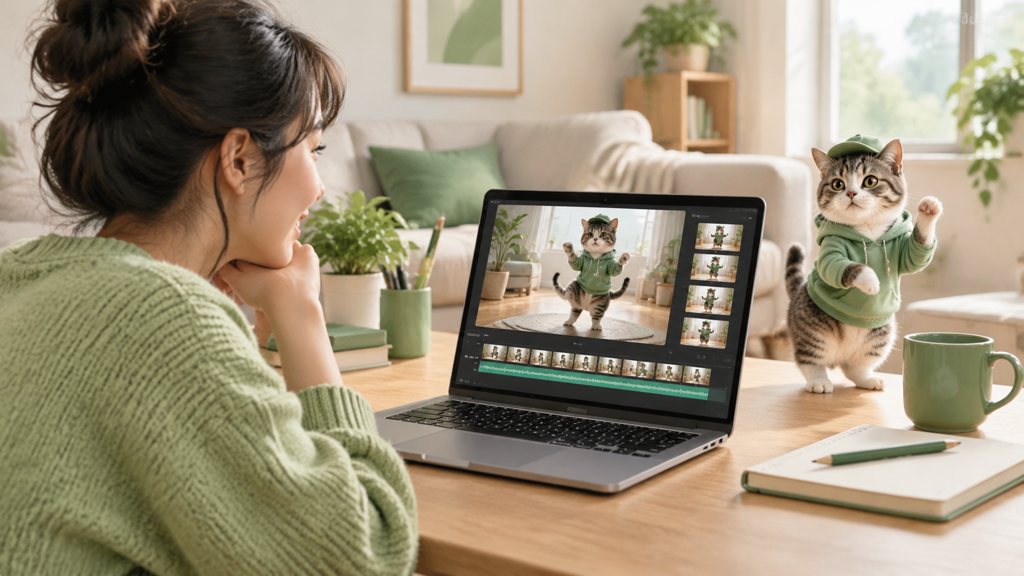
The Know Your Meme entry on dancing kittens notes the uncanny look those clips share. Some of that is the appeal, but audiences tire of it fast, so the goal is a routine that looks like a cat moving, not a person in a cat suit.
What prompts make cat AI videos look natural?
Natural cat AI videos borrow behaviours a cat really has. The ASPCA's cat-care pages list scratching as something cats do to stretch, mark territory and play, per ASPCA (2026), and that kind of specific, observed behaviour animates far better than an invented gesture. Describe the stretch, the slow blink, the tail flick, the kneading, and let the joke come from the setting.
The grey tabby in the photo licks its left front paw twice and wipes it over one ear, then looks straight at the camera. Static camera, eye-level, soft window light, fur markings unchanged, no extra limbs.
The cat crouches, wiggles its hindquarters once and jumps up onto the kitchen counter, landing on all four paws. Single fixed camera, medium-wide shot, no slow motion, tail stays one tail.
The cat stares at an empty food bowl, ears rotate back, pupils widen, and it slowly turns its head to the camera. Close-up, static camera, whiskers and eye colour exactly as in the photo, no mouth movement.
Which camera cues help and which hurt?
A static camera is the default because motion in the frame and motion of the frame compete for the model's attention. When you do want movement, name a single film move: a slow push-in draws the viewer toward the subject, and a tilt reveals, as StudioBinder (2026) lays out in its camera-movement glossary. Avoid combining a move with a jump; that is the surest way to get a fifth paw.
- Always state the paw count and the number of tails; the model treats silence as permission.
- Lock the eye colour and any distinctive marking in words, even though the photo shows them.
- Say no mouth movement unless the cat is meant to speak; lip motion on a cat reads as human.
- Keep the duration short; drift compounds with every extra second.
How to keep the same cat across a series
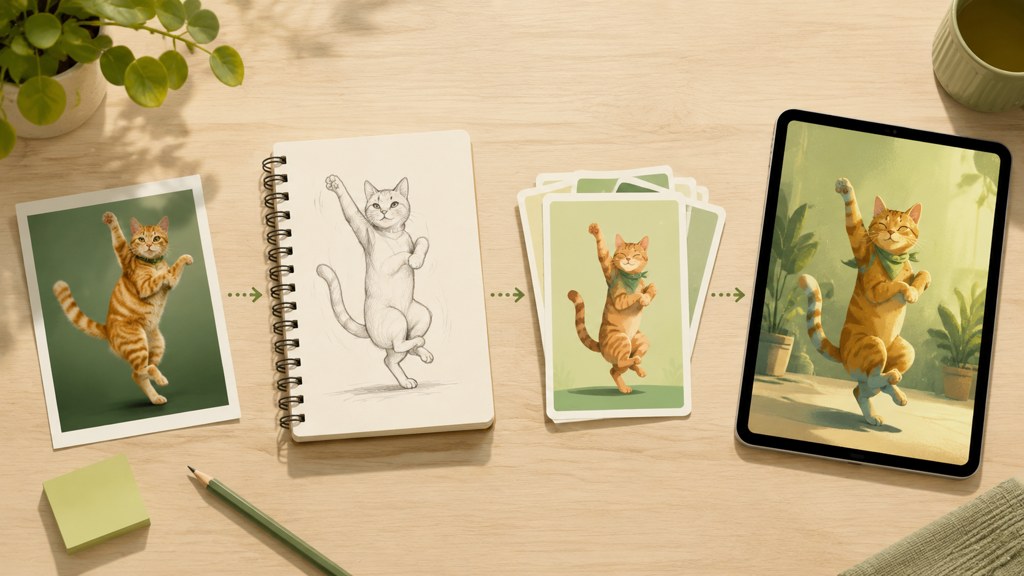
A series lives or dies on whether episode six looks like episode one. Three mechanisms in the workbench hold identity: reusing the same reference photo, using start-and-end frames, and choosing templates that lock the animal's features by design.
- 1
Build a master still
Generate two or three clean portraits of the cat with image templates before you animate anything. The cozy pet pajama selfie page states that breed, coat colour, markings and face are taken from the upload and held through the clip, which is the behaviour you want from every asset in the series.
- 2
Reuse the reference, never the output
Feed the same master still into each new episode. Animating last week's render introduces the previous clip's drift as this week's starting point.
- 3
Bridge scenes with start and end frames
The Kling v3 Omni page lists frame-to-frame clips from 3 to 15 seconds; use the master still as the start frame and a second template still as the end frame to move the cat between settings without a cut.
- 4
Keep a character sheet in the prompt
One reusable line, such as ginger cat, white chest patch, green eyes, blue collar, four paws, pasted at the start of every prompt. Change the action, never the sheet.
The Twilight Cat Portrait page describes taking one photo of a person holding a cat and returning the pair on a balcony after sunset with the cat's markings kept, which makes it a good source for the owner character in a story series, while the pajama selfie covers the cat alone.
Is there a free AI cat video generator?
Every route in this guide runs on the LazyKiwi free plan. The pricing page describes it as the default for every new account and lists 40 credits per month that refresh monthly, without asking for a card. Each render deducts credits, and the price sits on the Generate button so nothing is spent blind.
| Tool | Free access (checked 2026-09-05) | Cat-specific strengths | Note |
|---|---|---|---|
| LazyKiwi | Default free plan: 40 credits every month, no card | Pet templates, dance template, image-to-video with several models | Credit price shown before each render |
| Kling AI | Plans listed on its own site, per [Kling AI (2026)](https://klingai.com/) | Image-to-video from the same model family | Free allowance changes; check the page |
| Hailuo AI | Plans listed on its own site, per [Hailuo AI (2026)](https://hailuoai.video/) | Fast image animation | Image-only workflows |
| CapCut | Free online editor, no card, per [CapCut (2026)](https://www.capcut.com/) | Editing, captions and pet templates | Editing tool rather than a video model |
What does one cat clip cost in credits?
It depends on the model, the duration and the resolution, which is why the answer is on the button rather than in this article. The cheapest way to test a prompt is the shortest duration at the lowest resolution chip, then a single re-render of the winner at the setting you will publish. Hailuo's shortest clip is six seconds and Kling's is three, according to the model pages linked above, so a Kling test at 3 seconds is the smallest unit of experimentation in the workbench.
What mistakes make AI cat videos look creepy?
The uncanny cat is almost always a prompt problem, not a model problem. These are the six faults I see in comment sections, ranked by how often they appear.
- 1
Anatomy drift
A fifth paw or a tail that forks mid-clip. Fix: state the count in the prompt and keep clips under ten seconds.
- 2
Wrong eye shape
Round human pupils on a cat. Fix: name the eye colour and ask for vertical pupils in bright scenes.
- 3
Human-like motion
Shoulders that roll like a dancer's. Fix: use the dance template, which keeps animal limbs, or limit the routine to two named movements.
- 4
Over-long clips
Every extra second gives drift a chance. Fix: generate short, cut shorter, loop in the editor.
- 5
Talking mouths
Lip-synced cats fall into the valley immediately. Fix: add the voice as narration and keep the cat's mouth still.
- 6
Mismatched sound
Realistic paws with cartoon sound effects. Fix: pick one register, real or cartoon, and hold it across the series.
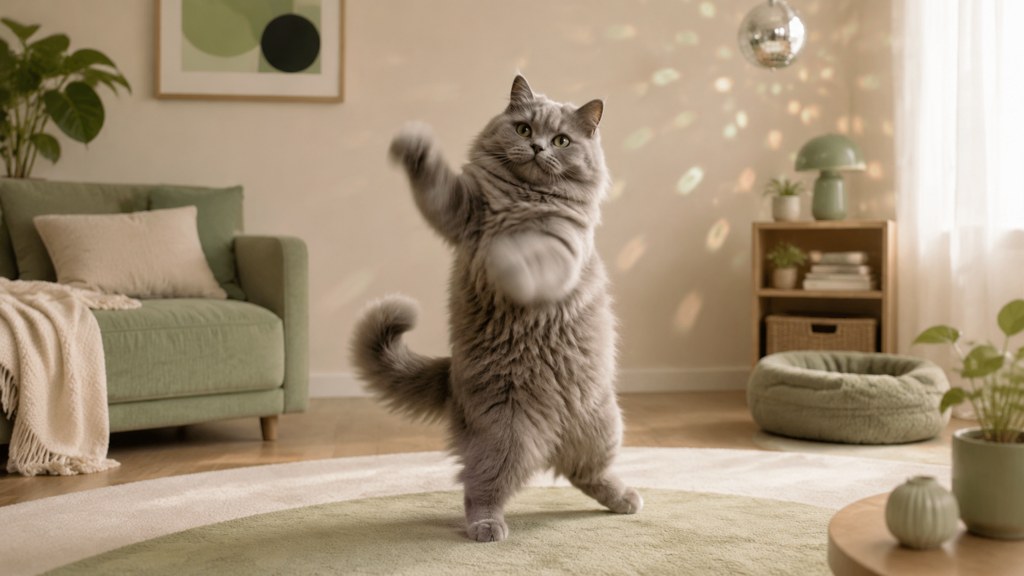
Fix the first three and the comments switch from is this AI to where can I get one. That switch is the whole game for pet accounts.
Key takeaways
- Start from one front-facing photo and animate it with Kling v3 Omni or Hailuo 2.3 Fast; upscale small photos up to 4x first.
- For the dance trend, use the Bun Shake Dance template, which returns a 15-second 9:16 clip and keeps animal limbs.
- Write motion prompts with one action, a static camera and a stated paw count; eye colour and markings go in every prompt.
- Hold a series together with a master still, start-and-end frames and a one-line character sheet.
- Free plan: 40 monthly credits, no card needed; prototype at the shortest length and lowest resolution, then re-render only the keeper.
Video Workflows Editor
Daniel Okafor
I run the same clip through every video model we ship and write down what actually changes: motion, timing, cost, and where each one falls apart.
FAQ
Common questions
How are people making the viral cat clips?
Most story and dance accounts start from a still image of a consistent cat character, animate it with an image-to-video model, and add a trending sound in an editor. The Know Your Meme entries on AI cat stories and dancing kittens both trace the wave to TikTok, and the workflow in this guide reproduces it from one photo in the LazyKiwi workbench.
What is the best AI cat video generator?
For control, Kling v3 Omni: image input, 3 to 60 second clips, 720p or 1080p, and start-and-end frames for scene changes. For speed and cheap tests, Hailuo 2.3 Fast, which animates one image and keeps its frame shape. For the dance trend specifically, the Bun Shake Dance template beats both because it never gives the cat human arms.
Can I use my own cat's photo?
Yes, and it is the best starting point. Choose a sharp, front-facing shot with both eyes visible and a plain background, upscale it if it is small, and describe the markings in the prompt even though the model can see them. Templates such as the cozy pet pajama selfie are built to keep breed, coat and face from the upload.
Are AI-generated cat clips allowed on TikTok?
Yes. TikTok allows AI content and asks creators to label realistic AI images, audio and video using the toggle described on its AI-generated content help page. YouTube and Meta have similar disclosure labels. A photoreal cat performing a routine looks realistic, so label it; disclosure does not limit reach on YouTube according to its policy page.
How long should a cat clip be?
As short as the joke allows. Anatomy drift grows with every second, so I generate the shortest duration that contains the action, usually 3 to 6 seconds depending on the model, and loop or cut it in the editor. The Bun Shake Dance template is the exception at a fixed 15 seconds, because its routine is scripted and stable.
Animate one photo of your cat
Open image-to-video, drop in a front-facing photo, paste a two-line motion prompt and check the paws before you post.
Keep reading
AI Video Effects That Stop the Scroll: A 2026 Hook Guide
Which AI video effects stop the scroll, how to add one to a photo or clip in minutes, and what the free tiers really cover, checked on official pages.
10 min read
How to Make an AI Video From a Photo Without Weird Motion
Learn how to make an AI video from a photo using controlled movement, practical prompts, and settings that help keep faces, products, and backgrounds consistent.
8 min read
How to Make an AI Baby Meme People Will Share
Create an ai baby meme with a clear scenario, expressive visuals, and a caption that lands before the trend moves on.
8 min read
AI GIF Generator: Turn Short Videos Into Reaction Memes
Use an AI GIF generator to convert short clips or simple prompts into polished reaction GIFs, memes, social replies, and looping animations.
8 min read
How to Make an AI Movie Trailer That Feels Cinematic
Turn an idea, pet, product, or personal story into a dramatic AI movie trailer by combining a clear concept, text-to-video clips, visual effects, music, and tight editing.
8 min read