
Free AI Art Generator
Describe a scene in a sentence and get a finished piece of art in the style you name: watercolor, oil, pixel art, woodblock, ink and more. Change one word to try a new medium, keep the one you love and download it for prints, wallpapers or posts.
Results
One sentence in, a finished artwork out
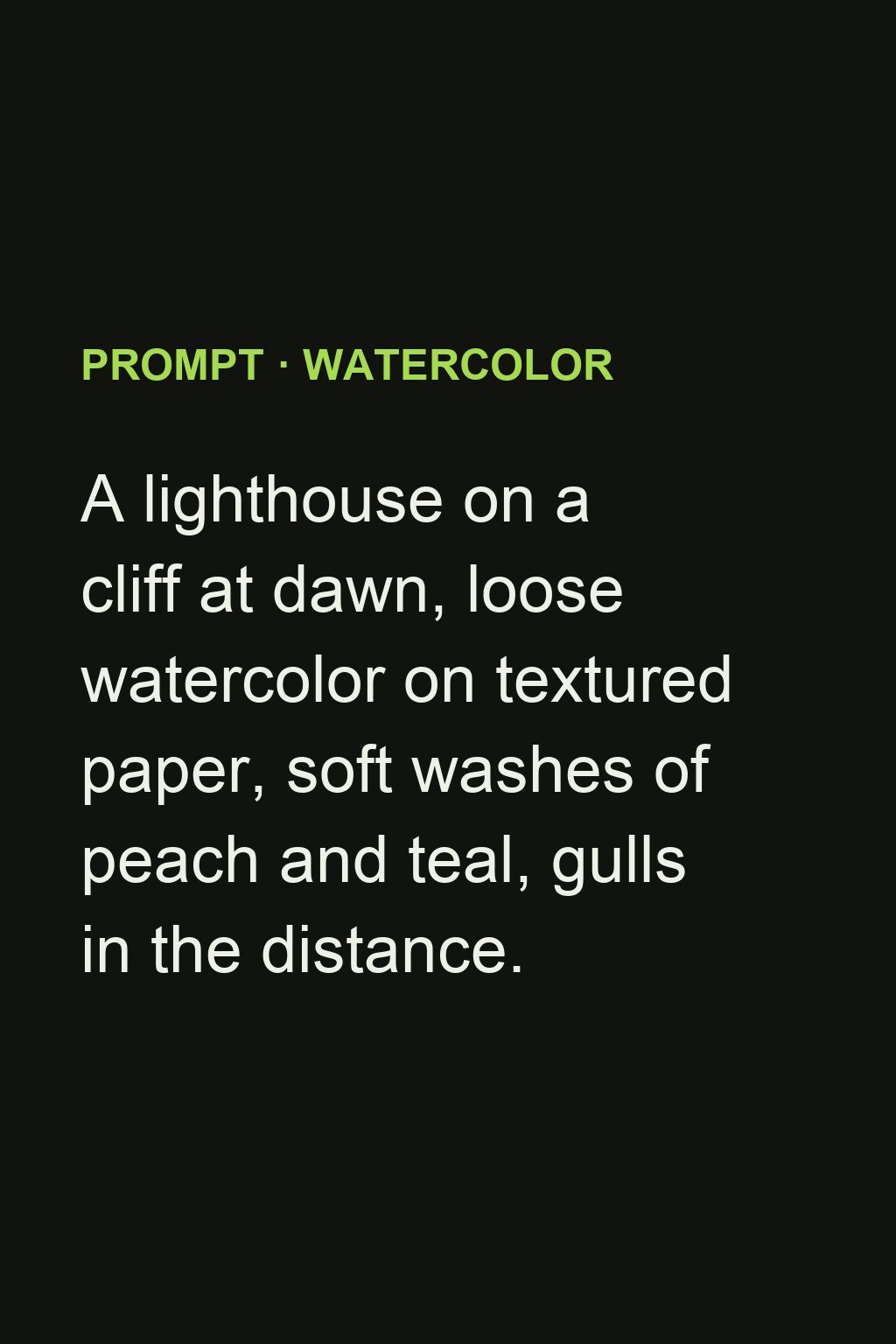
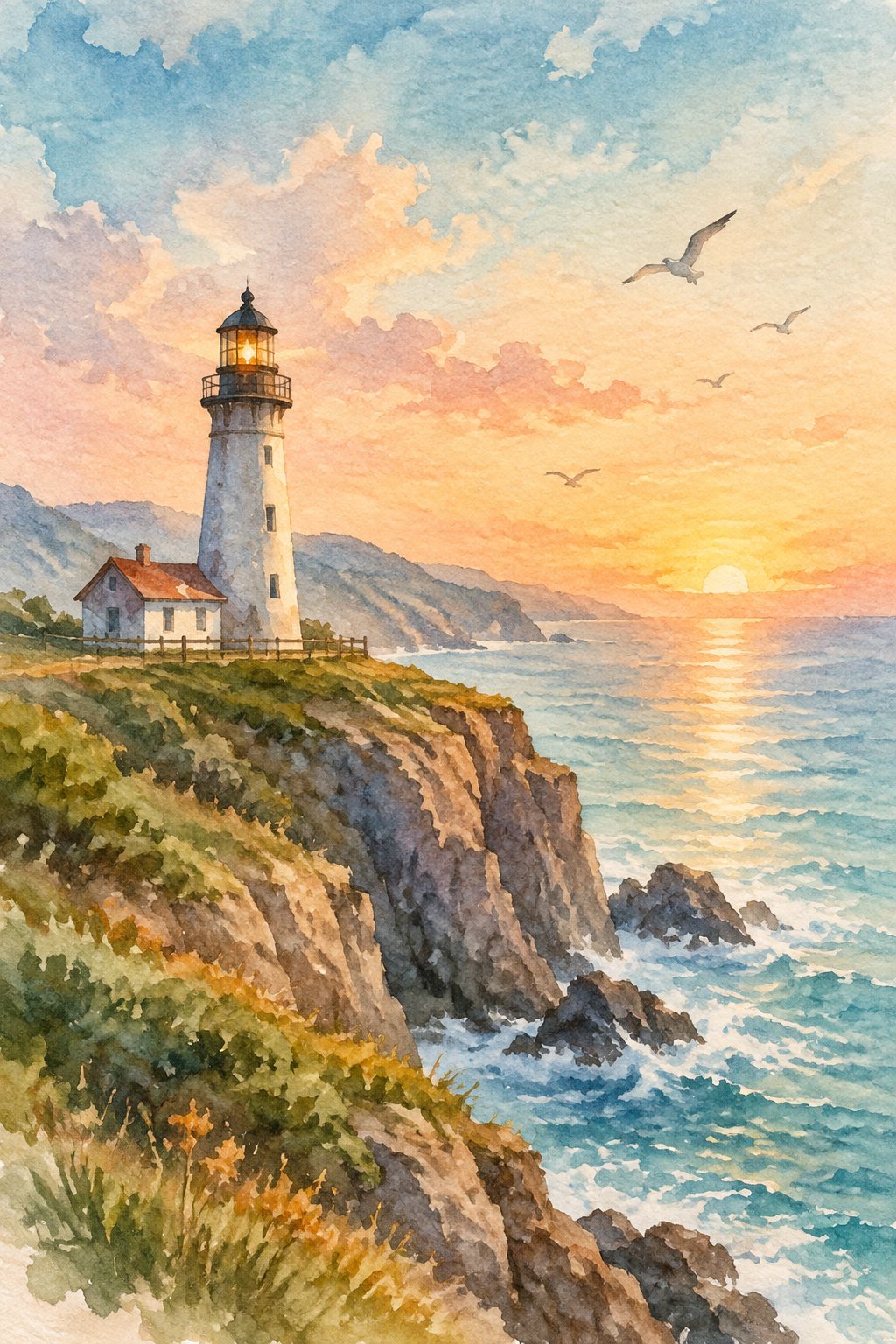
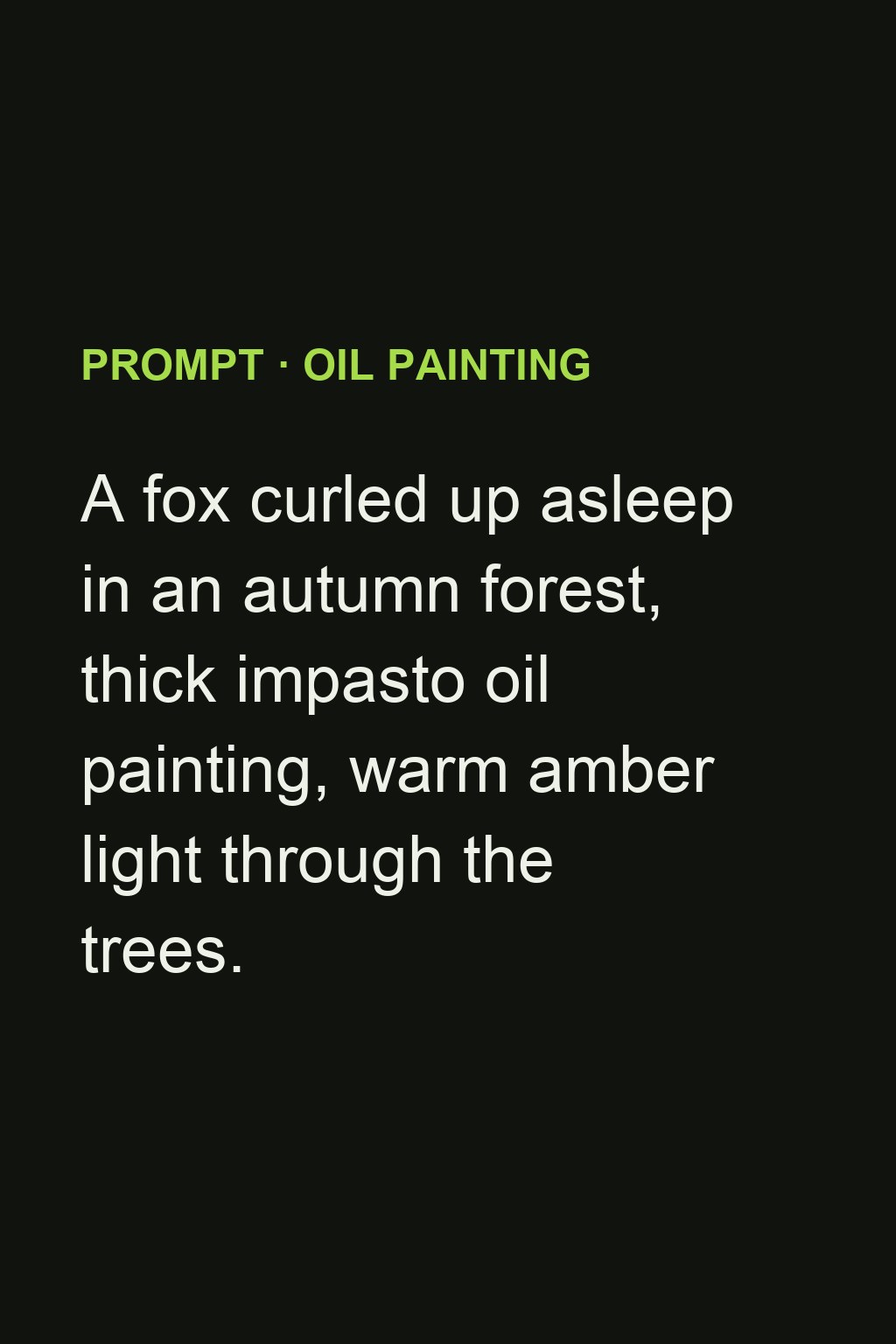
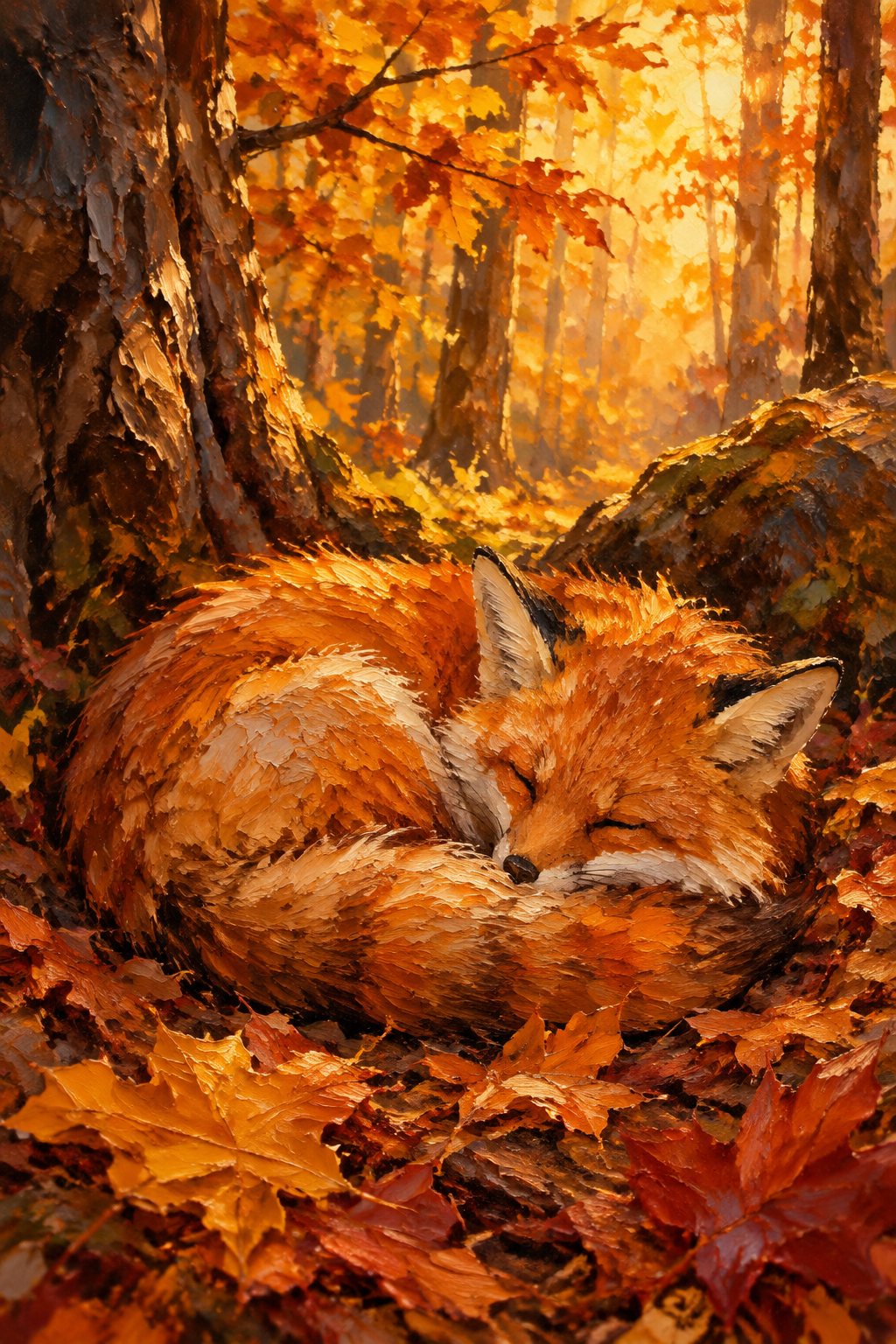
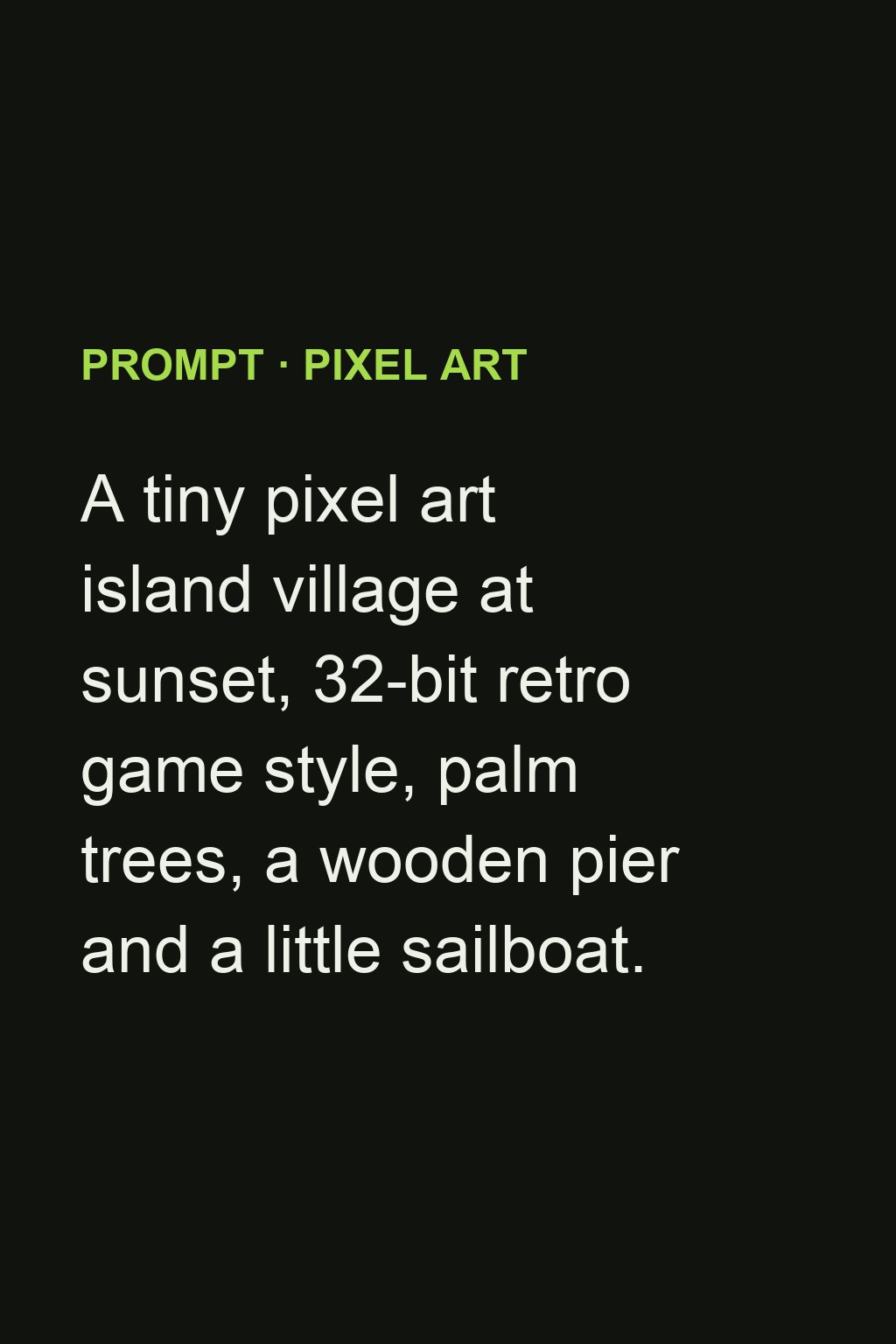
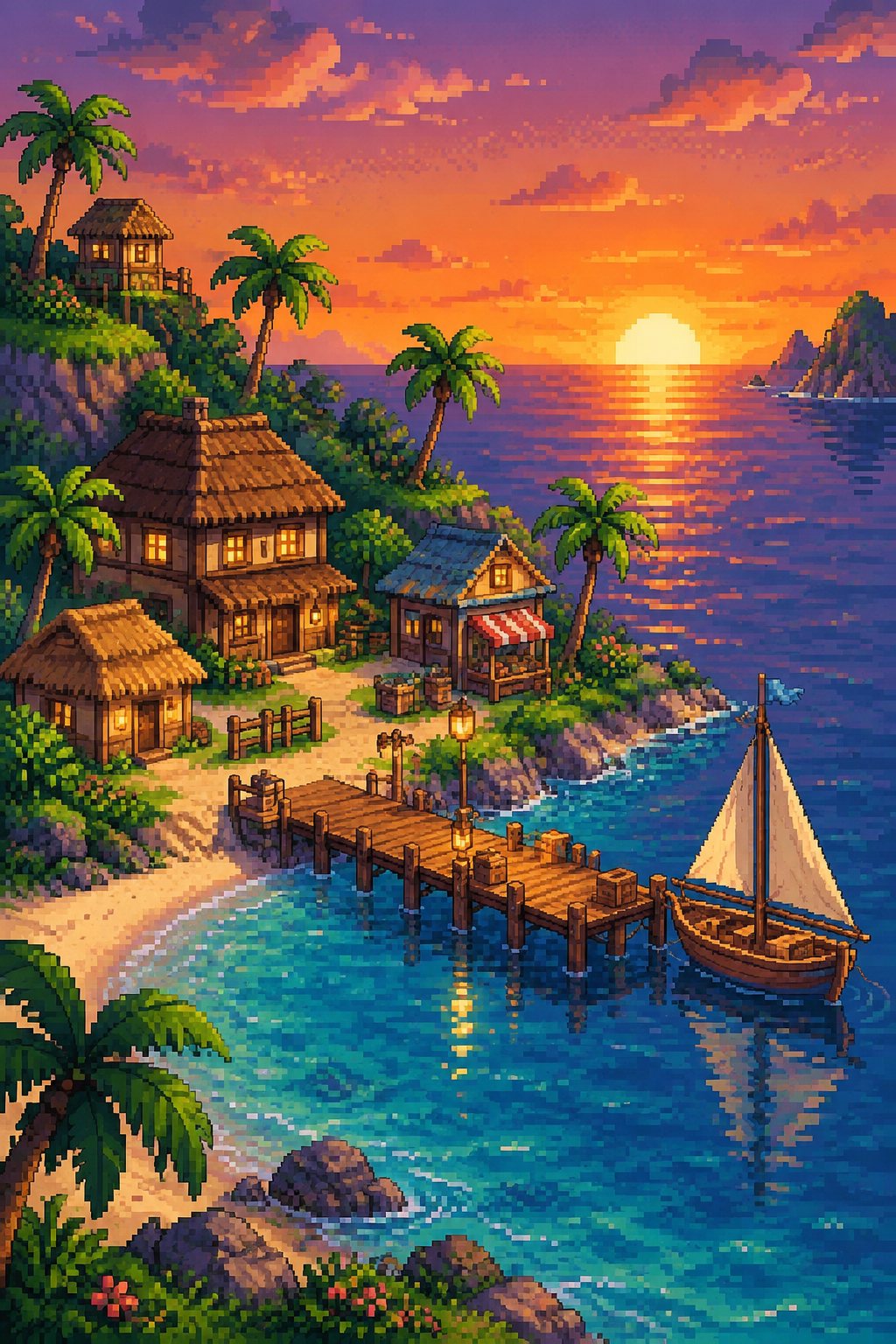
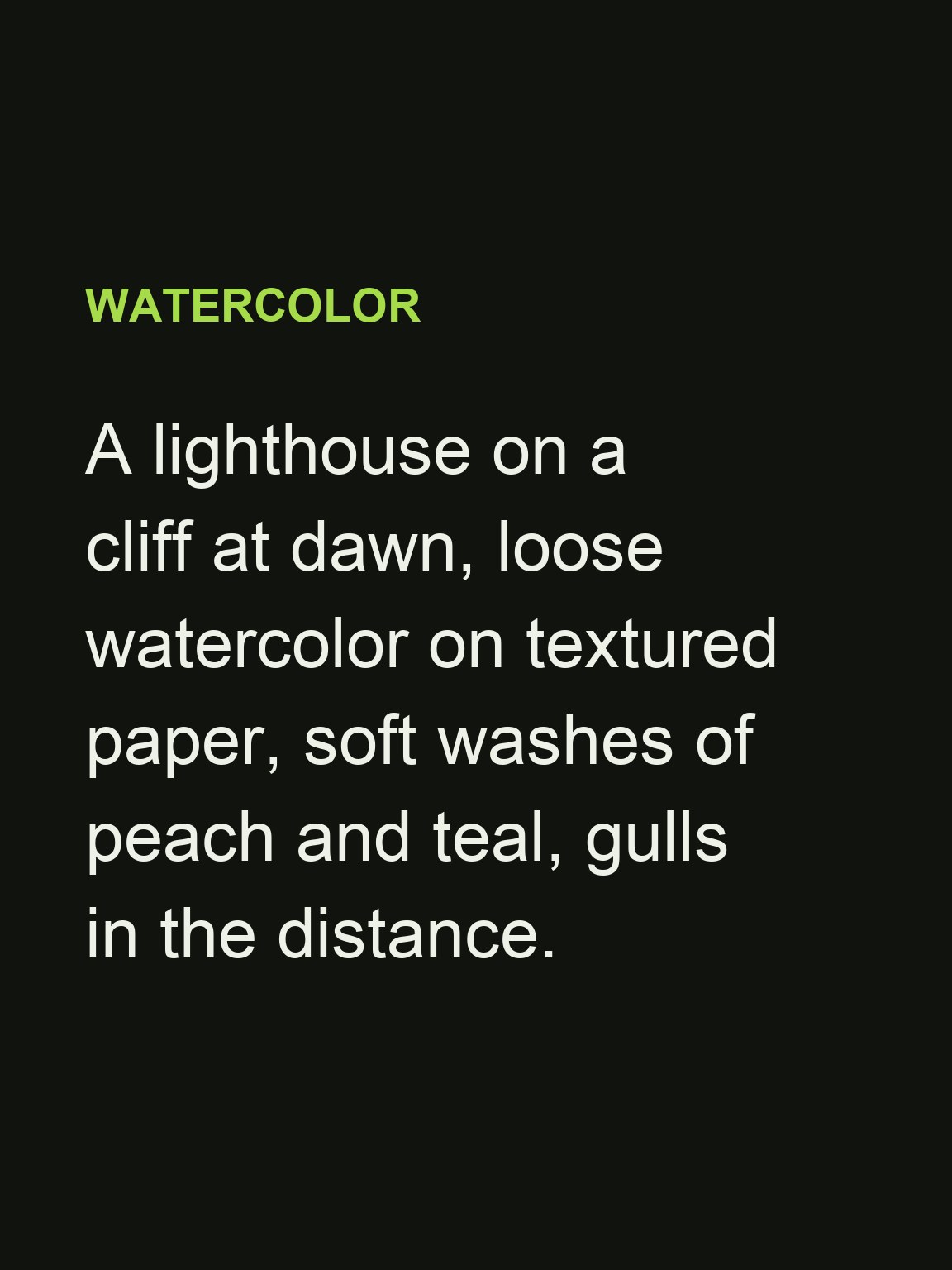
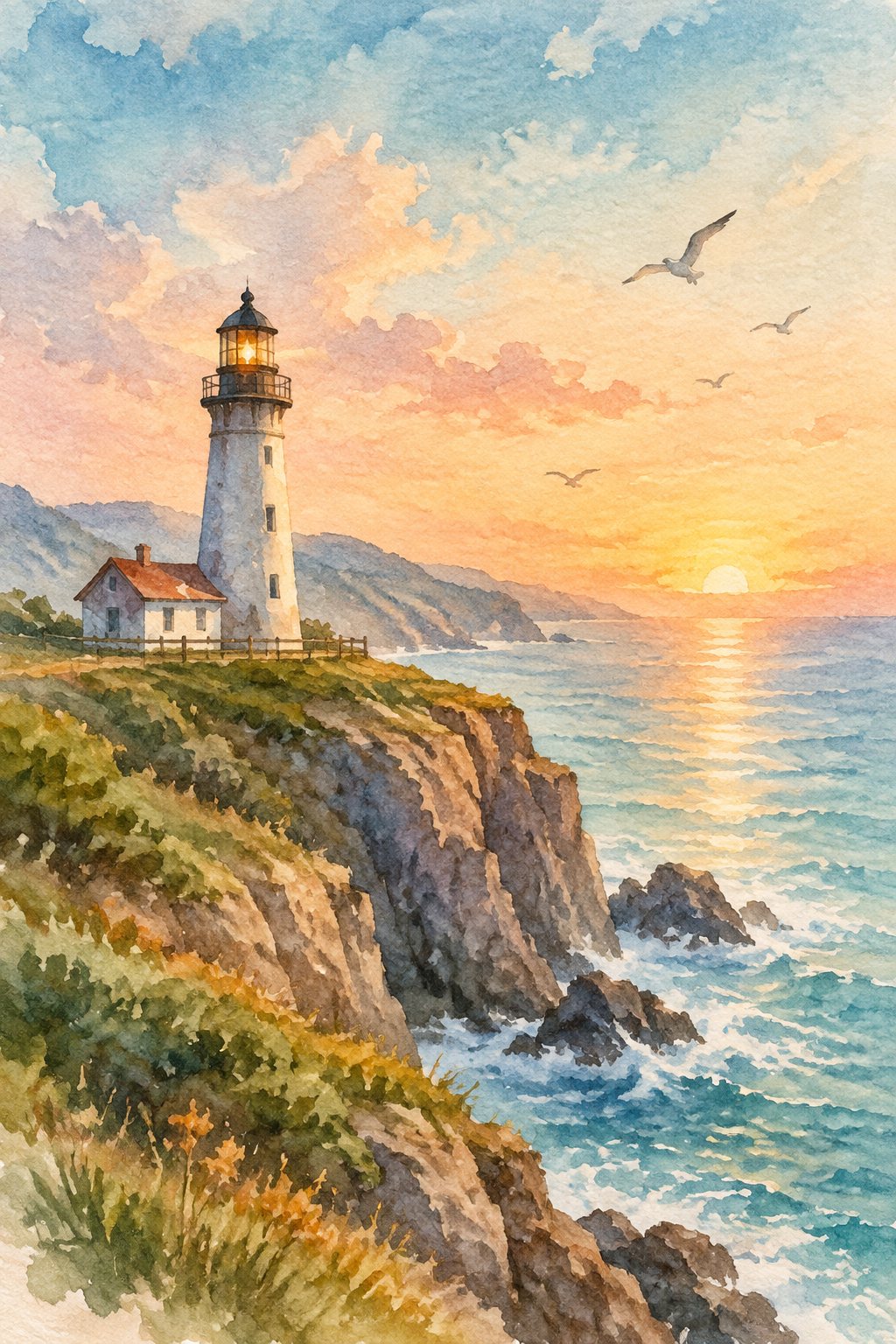
Left: the prompt exactly as typed. Right: the image that came back. Six media from the same text box.
 Prompt
 Art
Art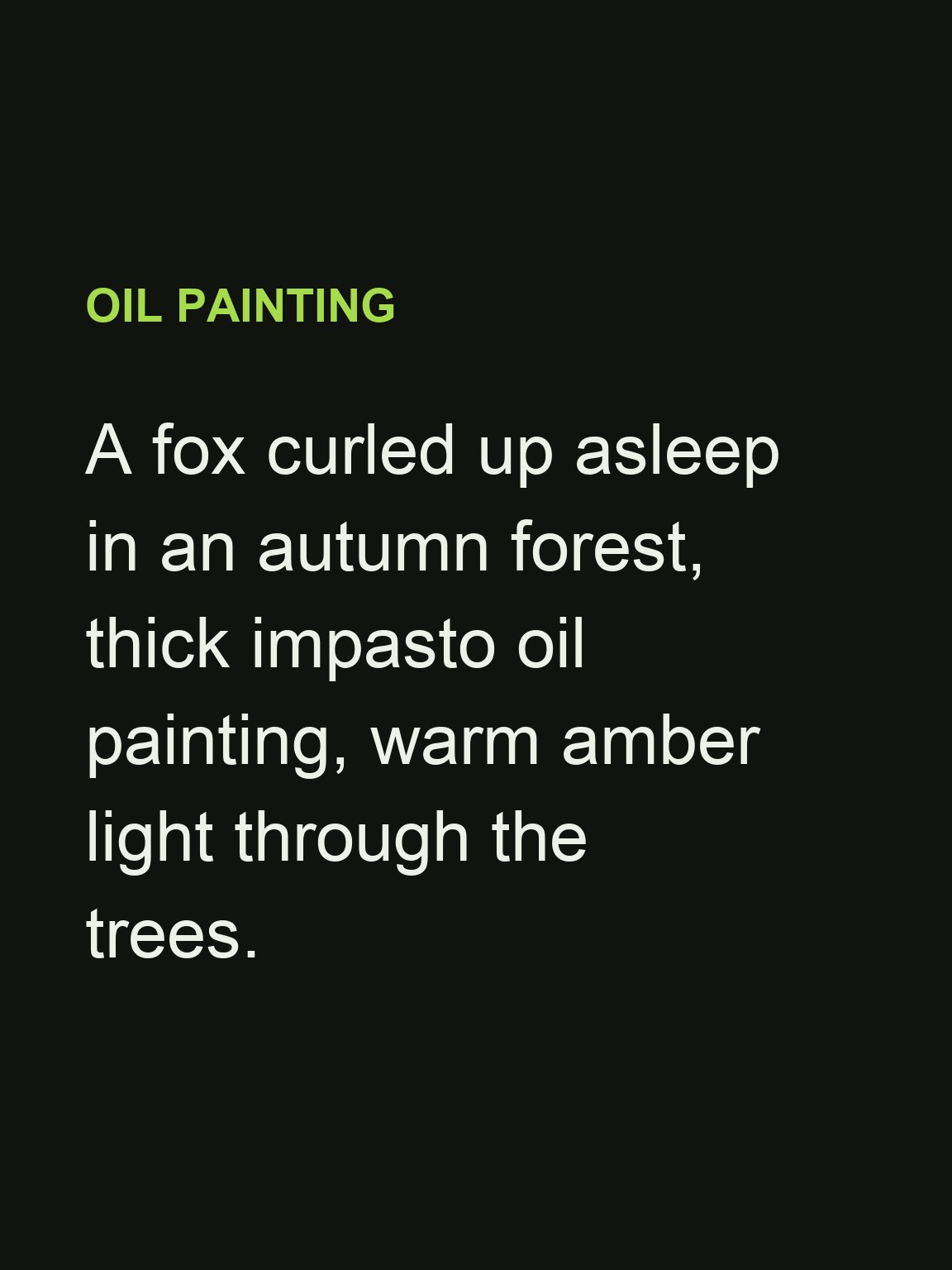 Prompt
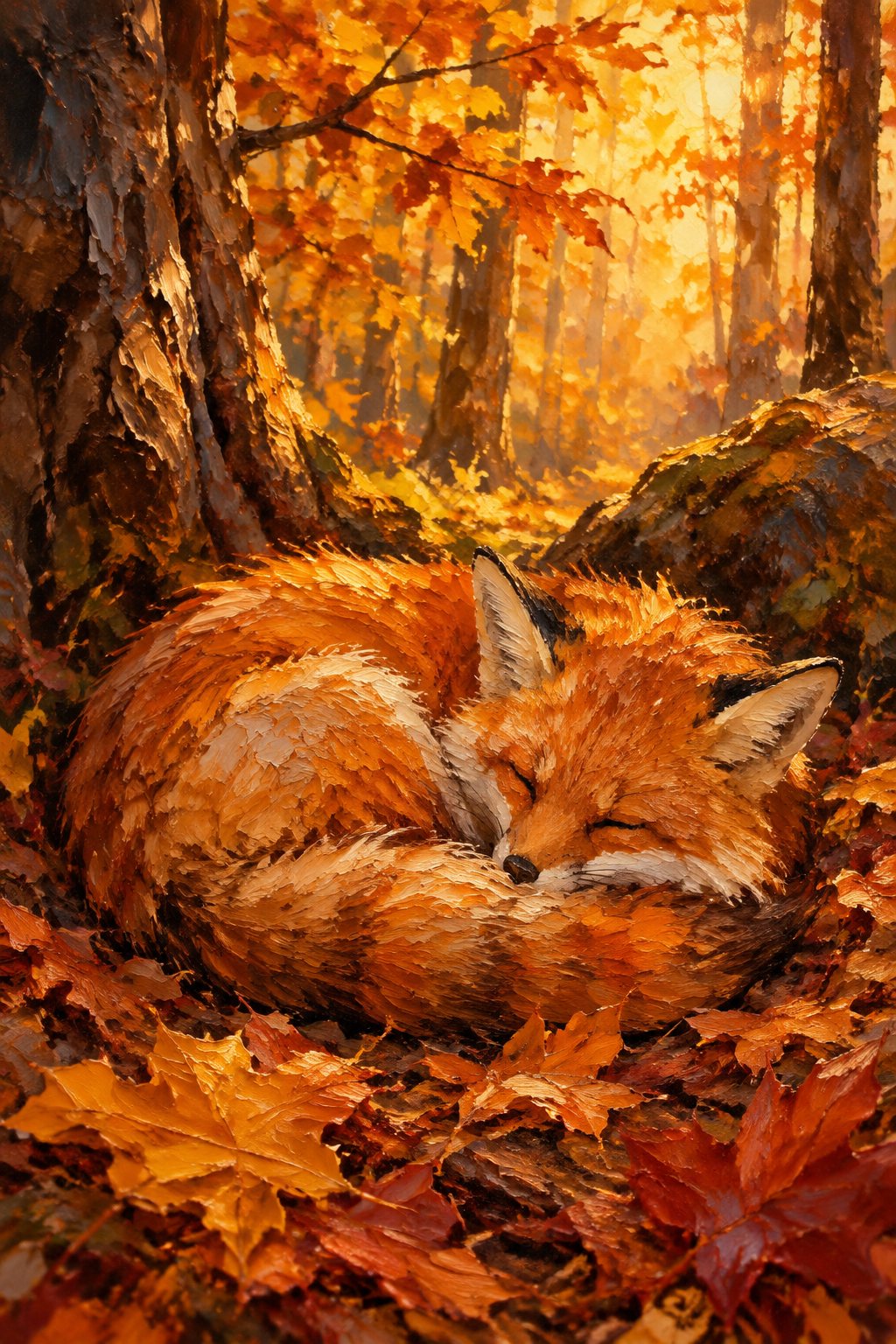 Art
Art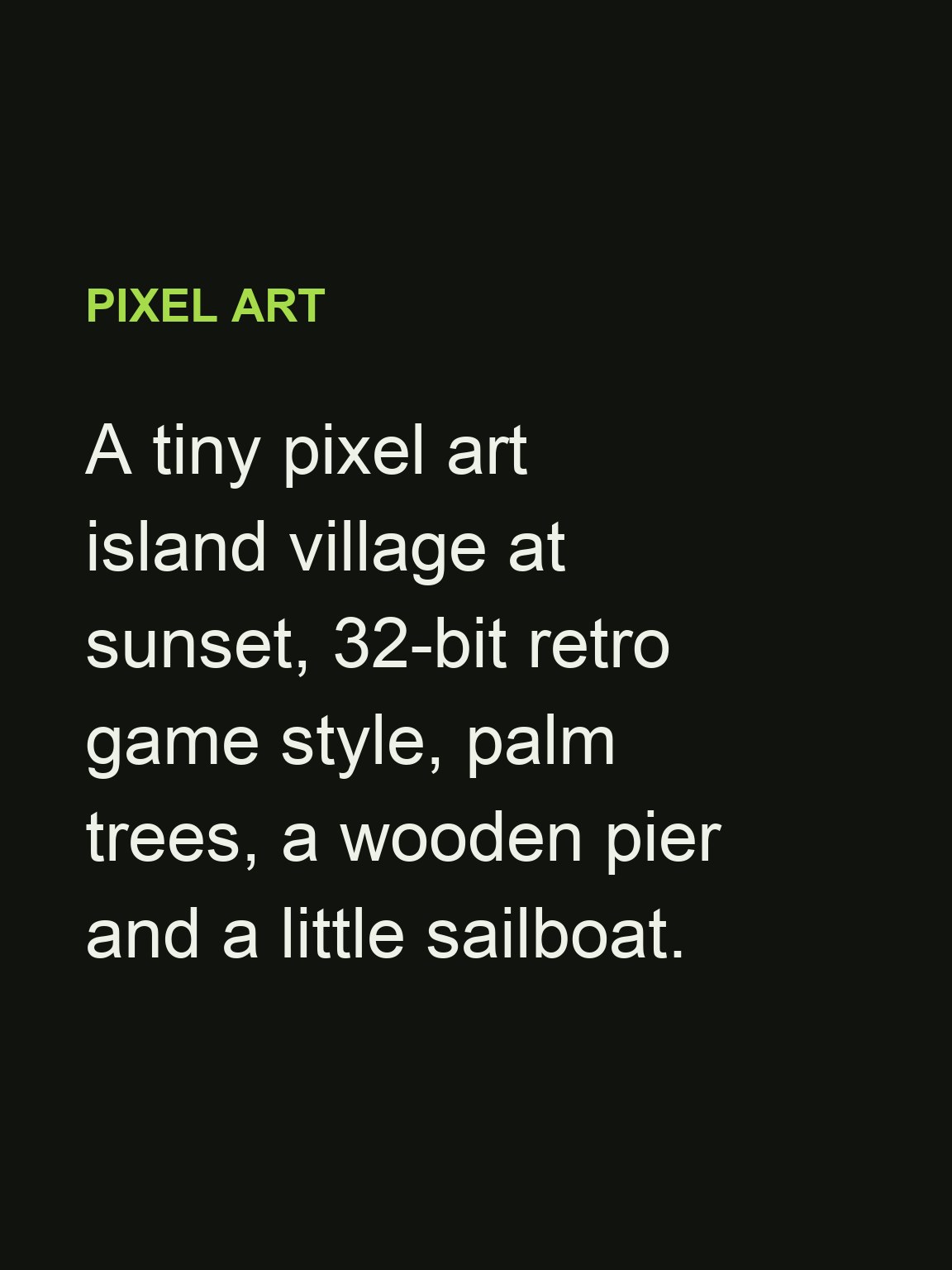 Prompt
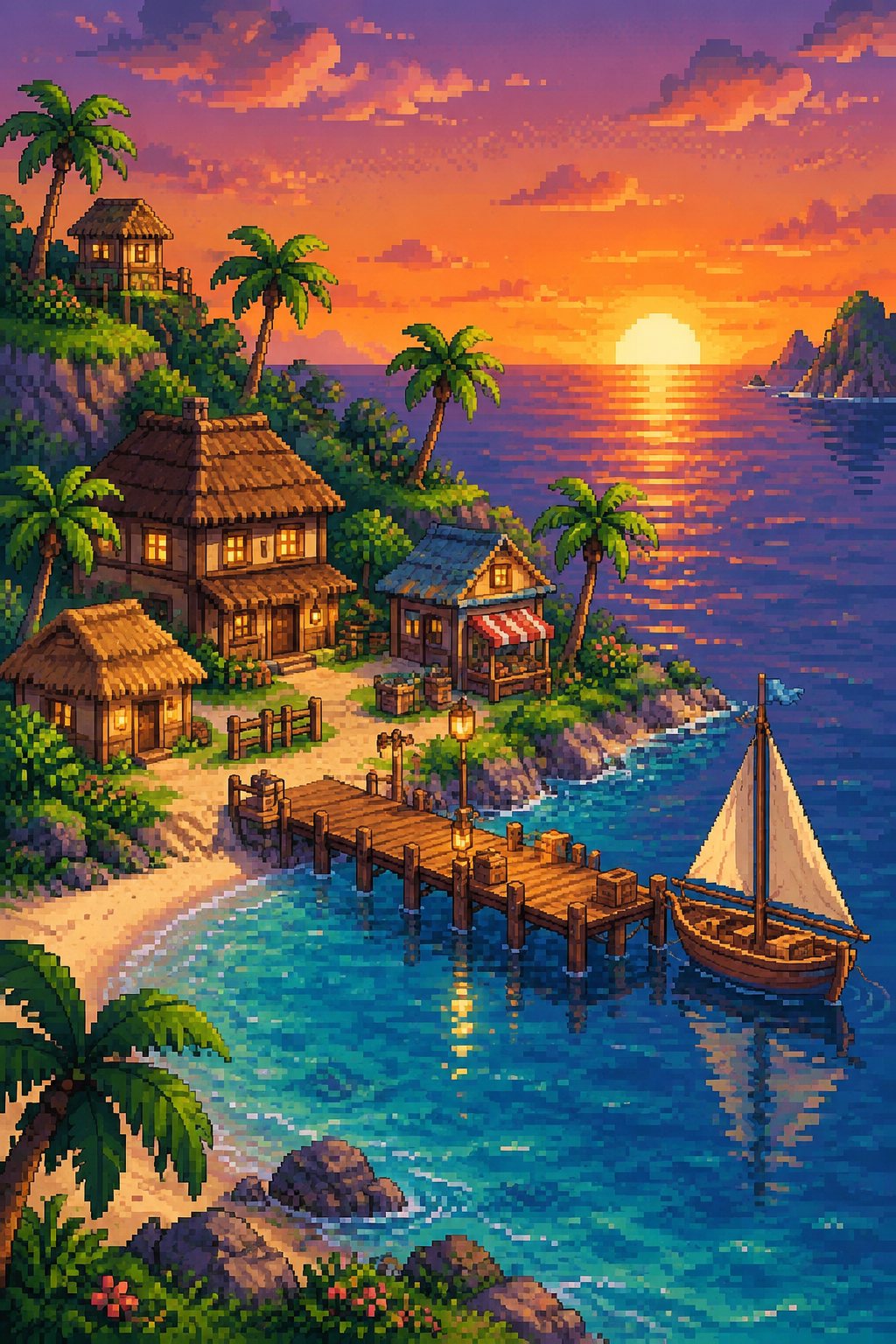 Art
Art Prompt
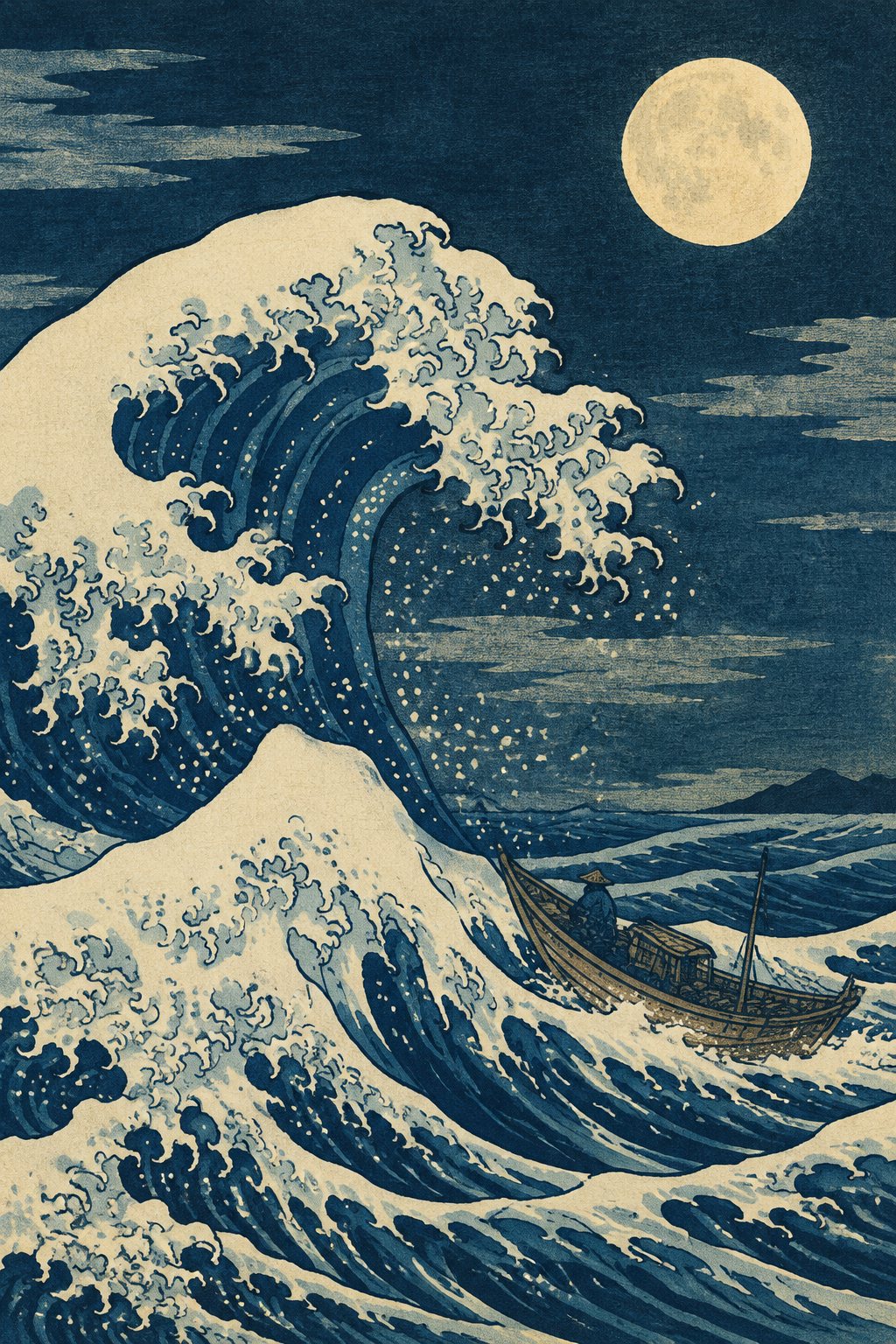 Art
Art Prompt
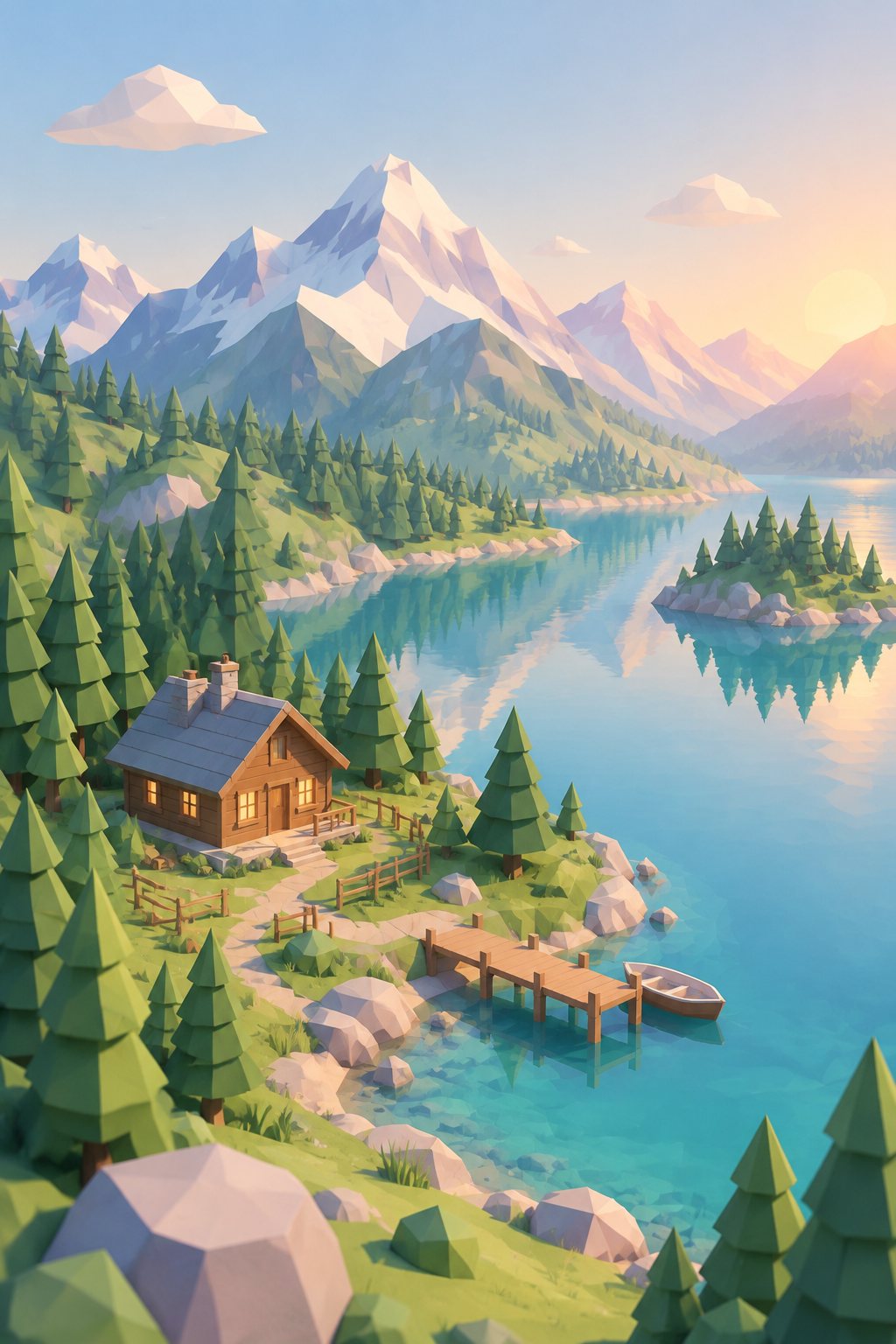 Art
Art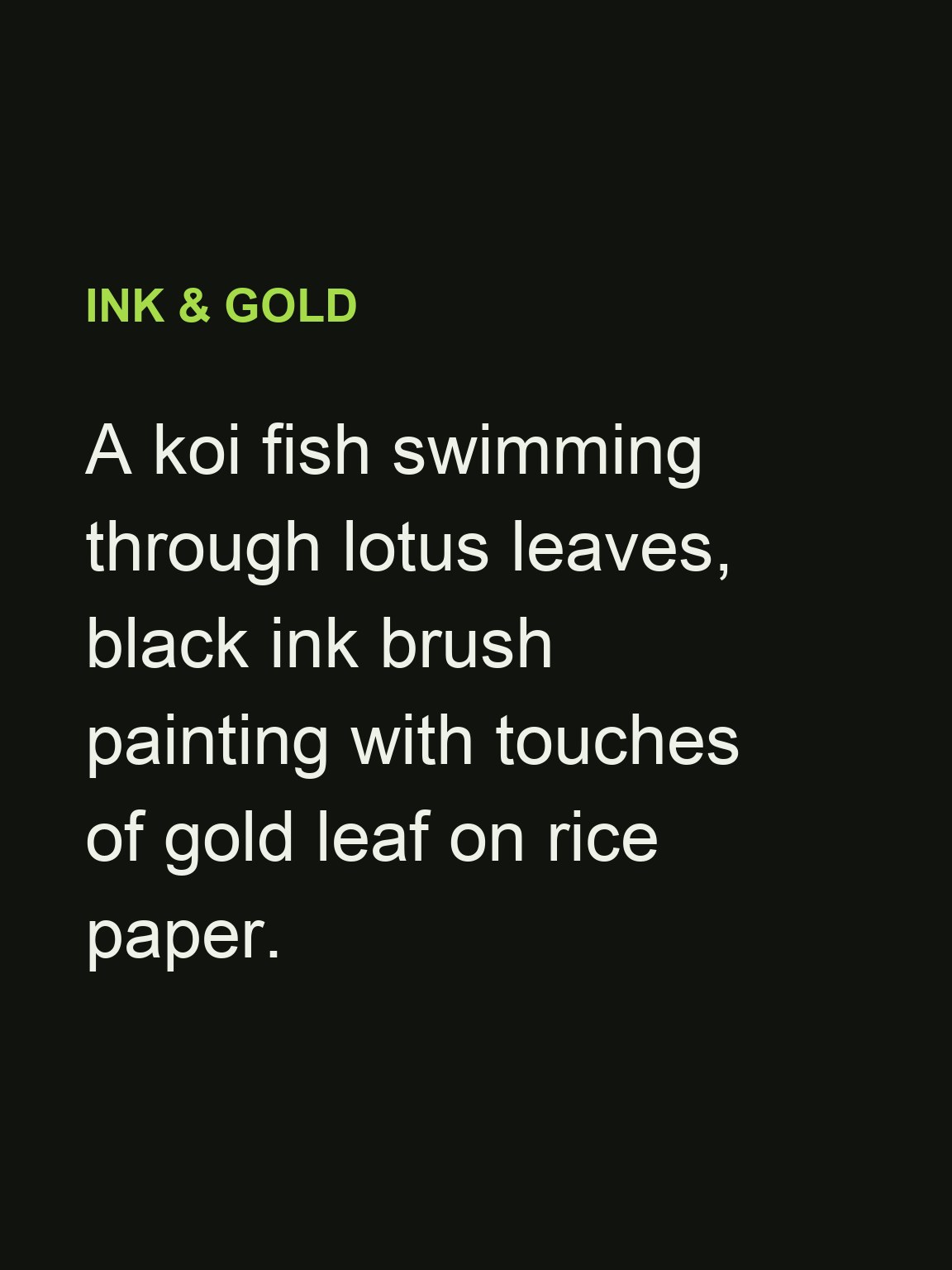 Prompt
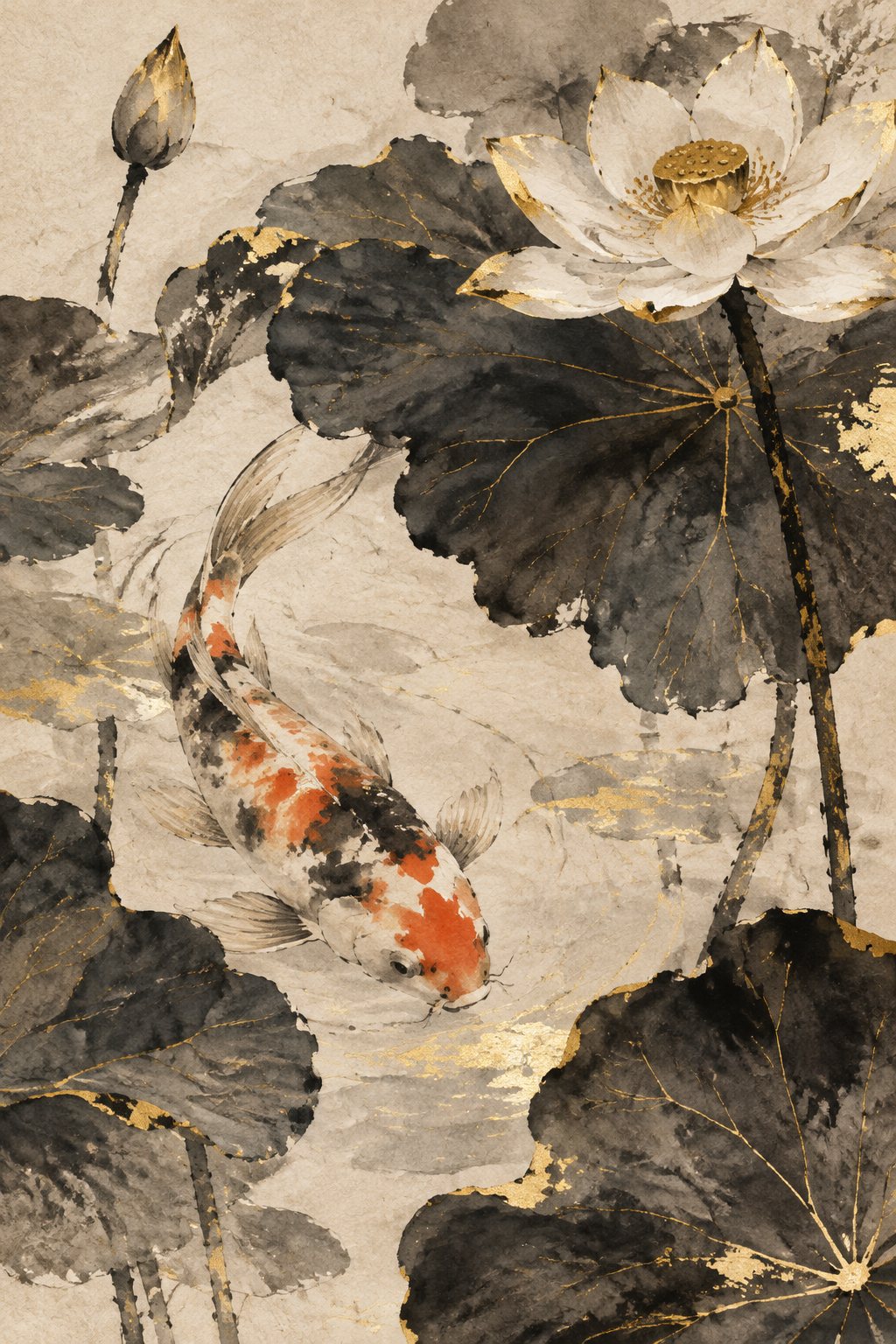 Art
ArtSpecs
AI art generator specs
- Input
A sentence
the subject, the setting and the medium, e.g. "a fox asleep in an autumn forest, impasto oil painting"
- Styles
Any medium you can name
watercolor, oil, gouache, pixel art, woodblock, ink wash, low-poly 3D, line art, collage
- Output
Square, portrait or landscape
1:1, 3:4, 4:3, 9:16 or 16:9, downloadable in high resolution
- Keep going
Reference images
add one to steer the composition or the palette, or edit the result with the AI Photo Editor
How to make AI art in 3 steps
A subject, a medium, a mood. Iterate by changing one of the three.
Prompt
A lighthouse on a cliff at dawn, loose watercolor on textured paper, soft washes of peach and teal, gulls in the distance.
Step 1
Describe the picture
Say what is in it, where it is and the medium. Light and colour words ("dawn", "peach and teal") do a lot of the work.
Step 2
Generate and compare
Pick a frame shape, generate, and look at the result at full size. Not right yet? Change the medium or the light and run it again.
Step 3
Download or refine
Download the piece in high resolution, or open it in the AI Photo Editor to change one detail without starting over.
Name the medium, get the texture
Paper grain in watercolor, ridges of paint in impasto, crisp pixels in pixel art. The medium word in your prompt decides how the whole image is built, not just a filter on top.
- Watercolor, oil, gouache, ink
- Pixel art and low-poly 3D
- Woodblock, linocut, collage
Retro game scenes from a sentence
Ask for "pixel art" or "32-bit game style" and get a clean pixel scene for wallpapers, game mock-ups or stream overlays. To turn a photo into pixel art instead, use the AI Pixel Art Generator.
- 8-bit to 32-bit looks
- Clean, readable pixels
- Photo to pixel art template
Sized for where it is going
Portrait for phone wallpapers and posters, landscape for desktops and banners, square for posts and album covers. Choose the frame before you generate so the composition is built for it.
- 1:1, 3:4, 4:3
- 9:16 and 16:9
- High-resolution download
Original pieces from your own words
Every image is generated fresh from your prompt. Describe your own subjects and moods rather than another artist's name, and you get a piece that is yours to use under LazyKiwi's terms.
- Generated from scratch
- No stock or template art
- Commercial use under our terms
FAQ
AI art generator FAQ
Is the AI art generator free?+
Signing up is free and comes with free credits to try it. Each run shows its price on the Generate button before anything is charged.
What styles can it make?+
Any medium you can describe: watercolor, oil, gouache, ink wash, pencil, pixel art, woodblock print, low-poly 3D, paper collage and more. Put the medium in the prompt, e.g. "loose watercolor on textured paper".
How do I write a good AI art prompt?+
Subject, setting, medium, light. "A lighthouse on a cliff at dawn, loose watercolor, peach and teal" beats "a nice beach painting". Change one part at a time to see what it does.
Can I make pixel art?+
Yes. Ask for "pixel art" or a "16-bit / 32-bit game style" scene. If you want your own photo turned into pixel art, use the AI Pixel Art Generator template; the pixel art guide has more tips.
Can I use the art commercially?+
Images you generate are yours to use under LazyKiwi's terms, including prints and products. Do not prompt for other people's characters, logos or a living artist's name.
Can I start from my own picture?+
Yes. Add a reference image in the generator to steer the composition or palette, or use Image to Image to restyle a photo.
What sizes can I download?+
Square, portrait or landscape (1:1, 3:4, 4:3, 9:16, 16:9) in high resolution, good for wallpapers, posters and posts.
Can I edit one part of the picture afterwards?+
Yes. Open the result in the AI Photo Editor and describe the change, e.g. "make the sky stormy", instead of regenerating the whole piece.
More ways to make images
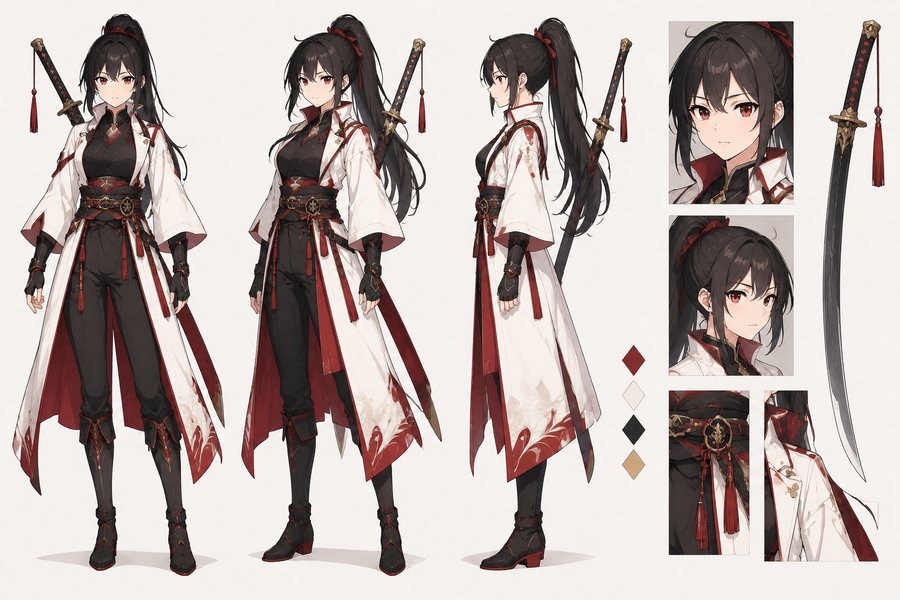
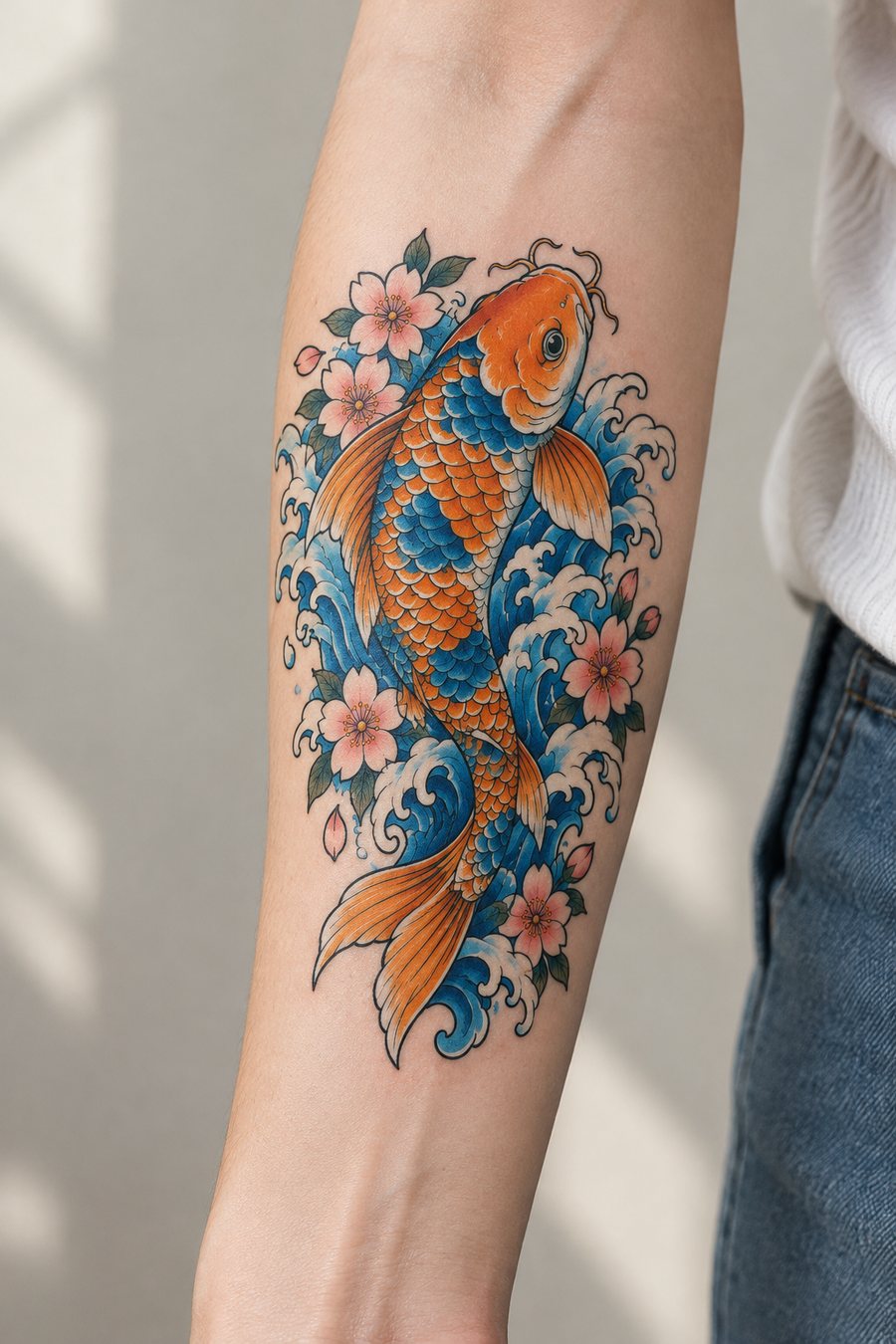
An idea in. A finished piece out.
Describe it, name the medium, download the one you love.
Free to try · Price shown before you generate · Original art from your own prompt