
Image to image AI: keep the photo, change everything else.
Upload a picture, write what it should become — "hand-painted anime film still", "same sneaker on a mossy rock" — and the AI redraws it while holding on to the person, pose and composition you started with.
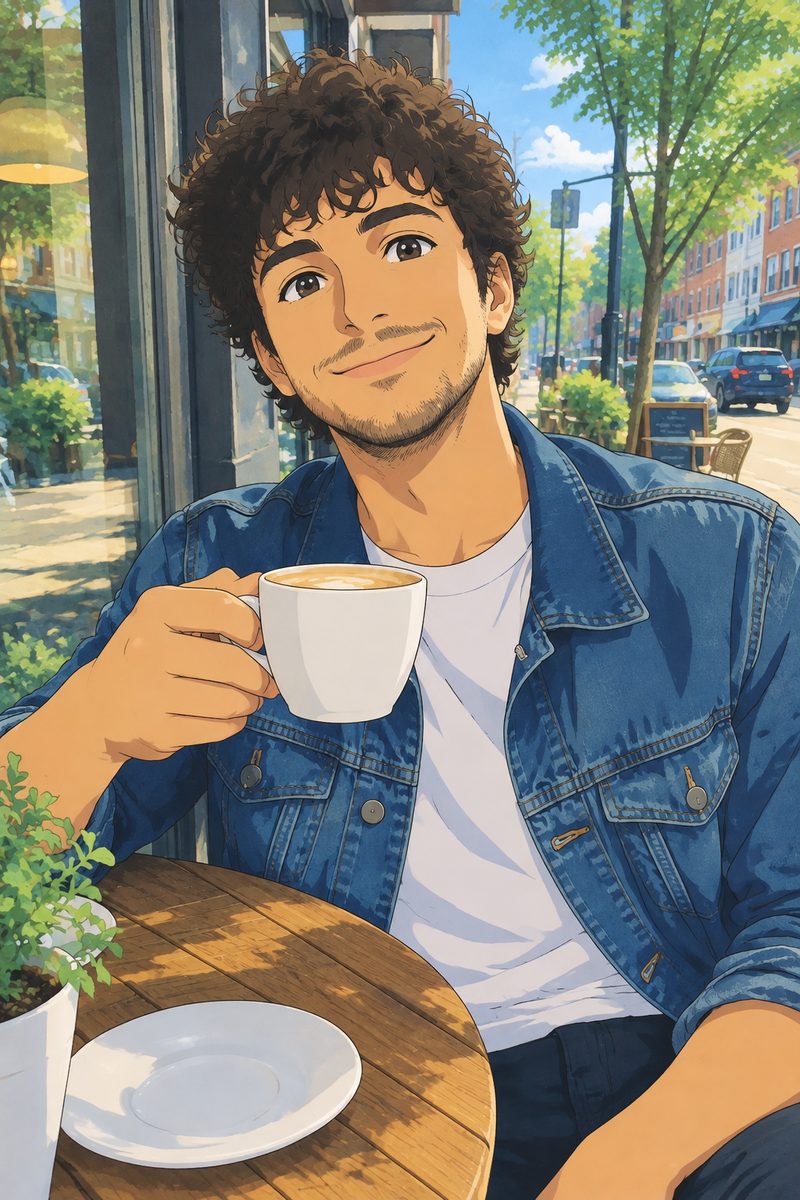
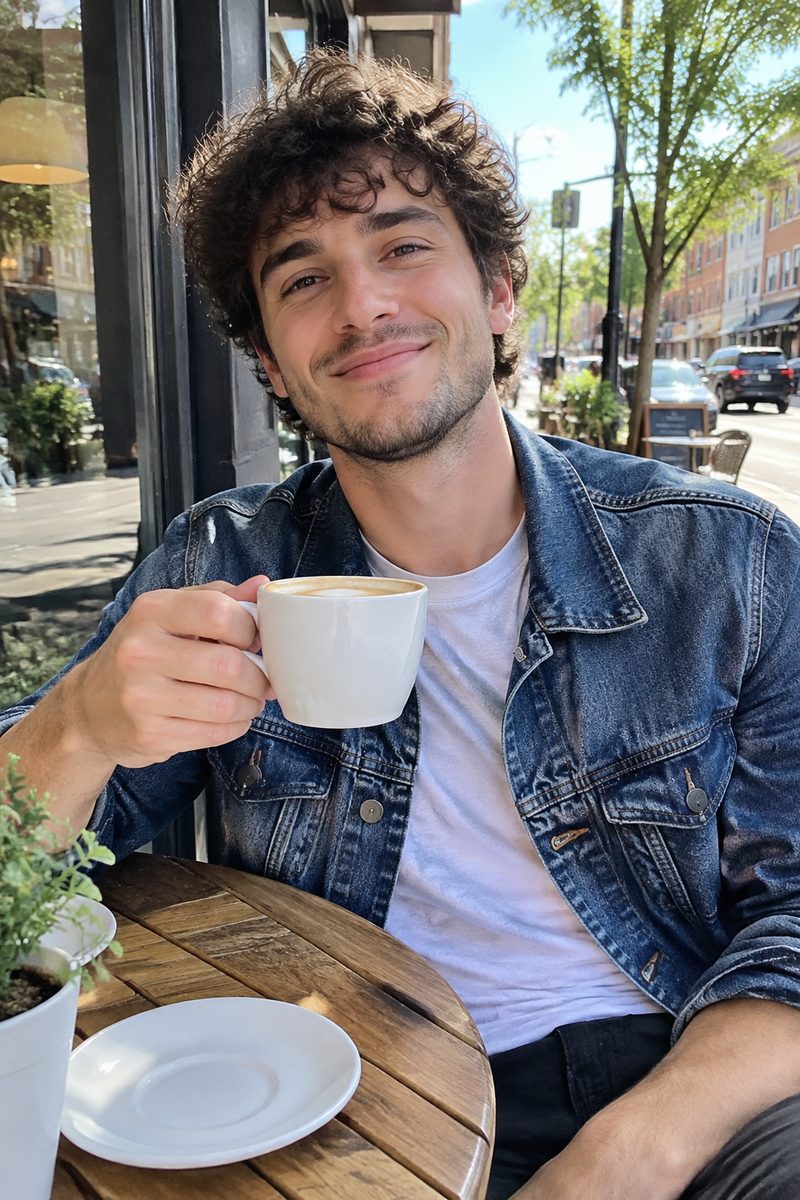
What it is
Your photo is the starting point, not a suggestion.
Text-to-image starts from noise, so you get a stranger in roughly the pose you asked for. Image to image starts from your upload: the layout, the face and the subject come from the photo, and your prompt decides the style, the setting and the details. Need it to look like a painting? Ask. Need the same product in a new scene? Ask. Starting from nothing instead? Use the AI image generator.
How it works
From one photo to a new image
Upload a reference image
A selfie, a product shot, a sketch or a screenshot. Add a second or third image if you want them combined.
Describe the change
Say what to keep and what to change: "keep his face and the cafe, redraw as a watercolor".
Generate and compare
Check it against the original, adjust one phrase and run it again until it is right.
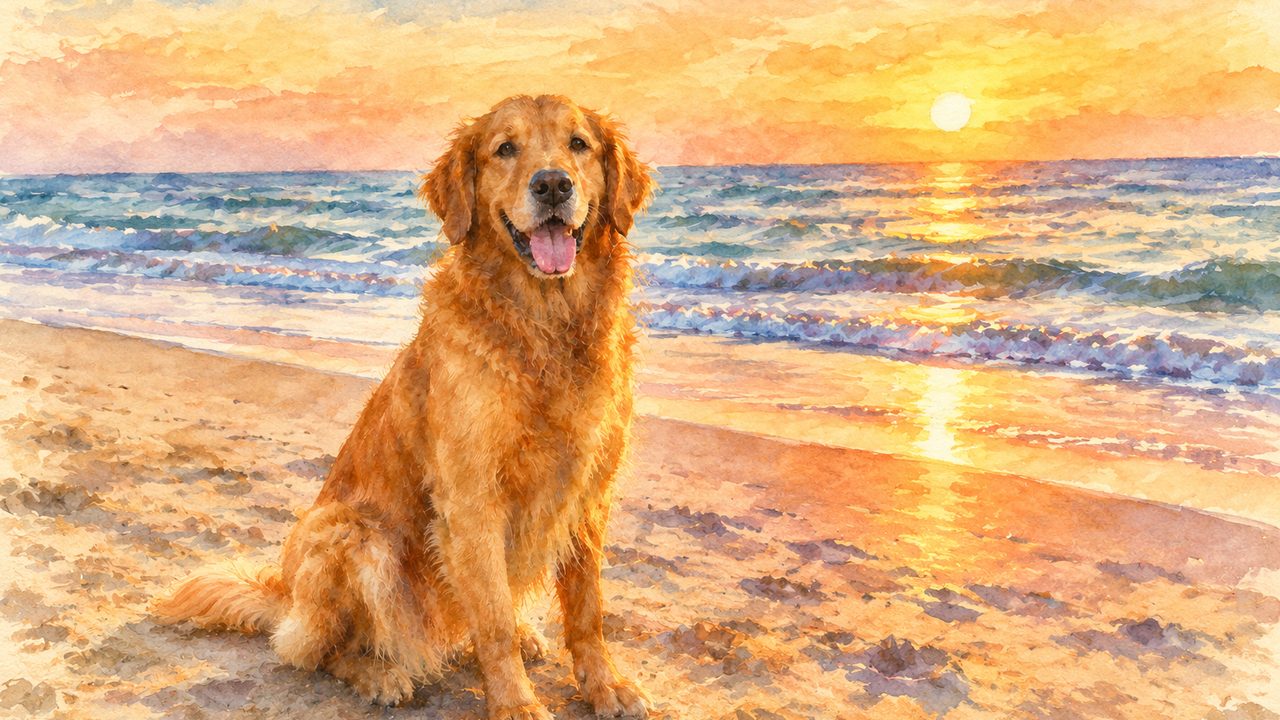
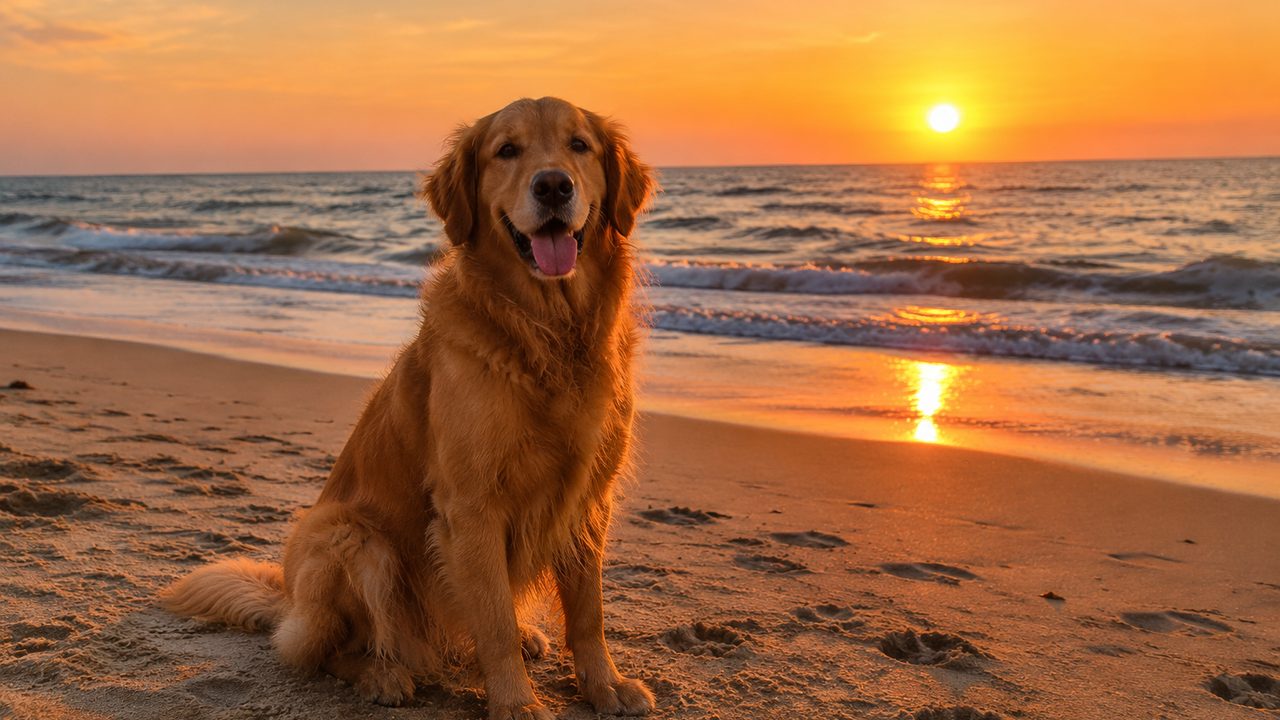
Style transfer
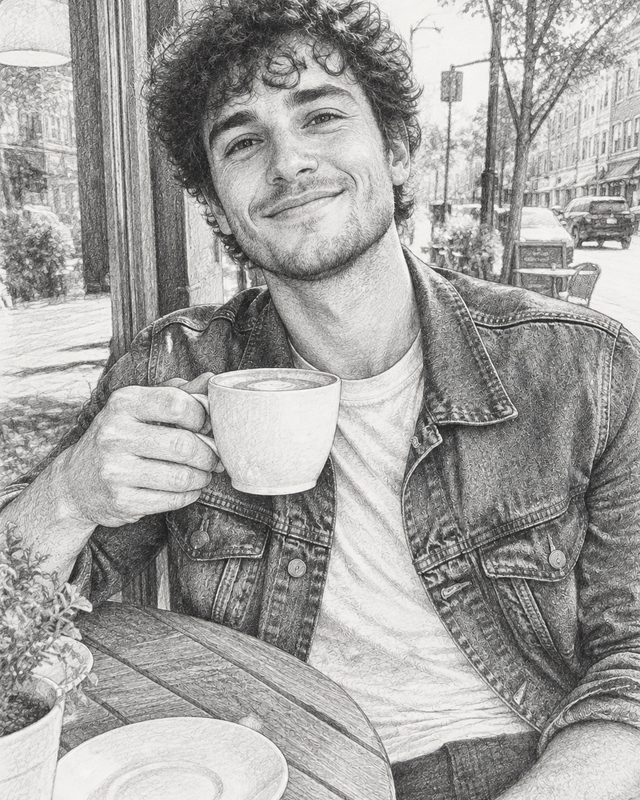
Turn a photo into a painting, anime still or 3D render
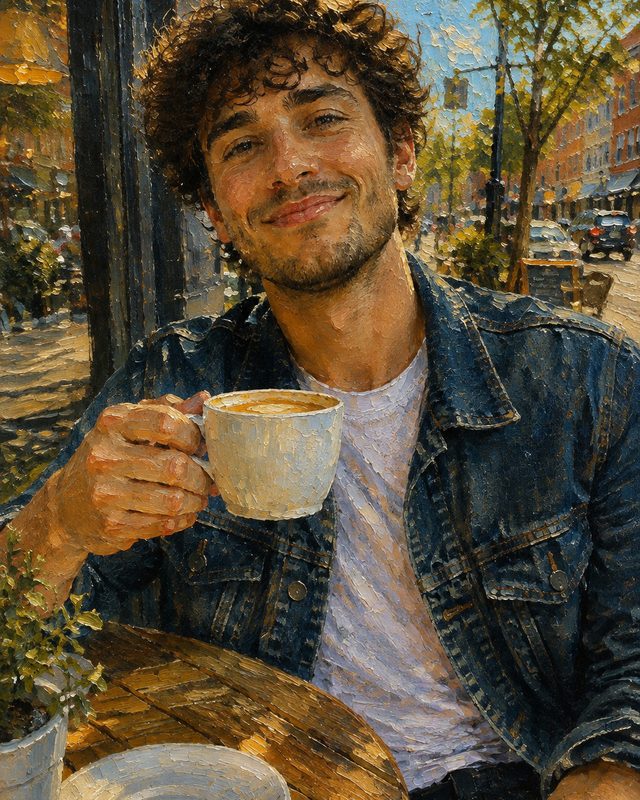
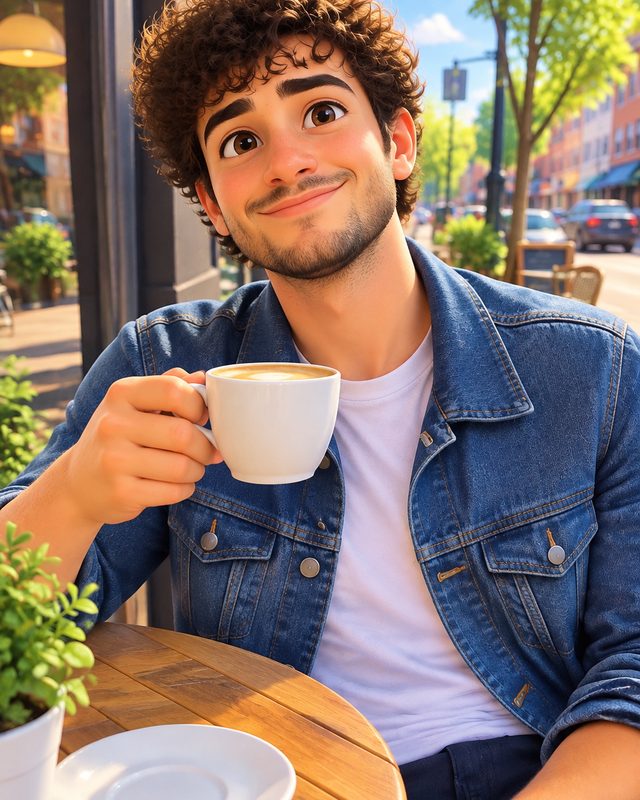
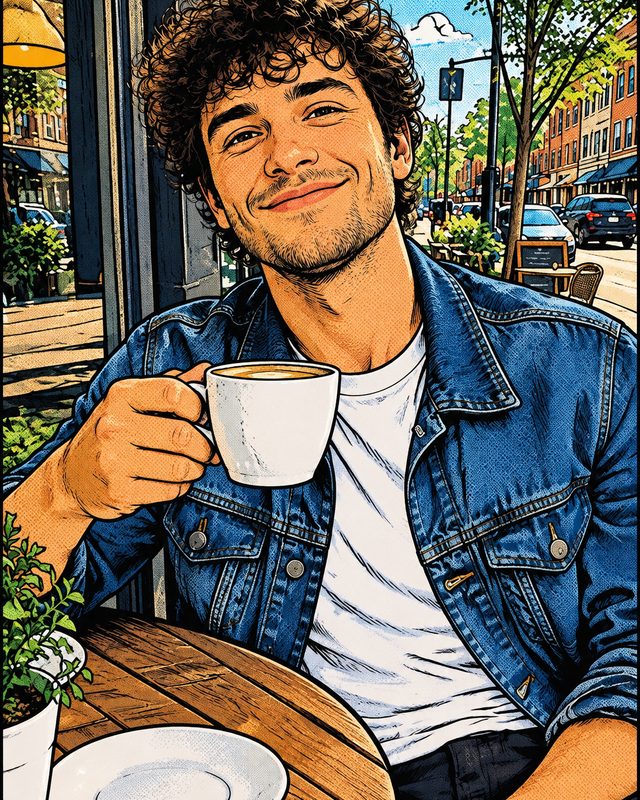
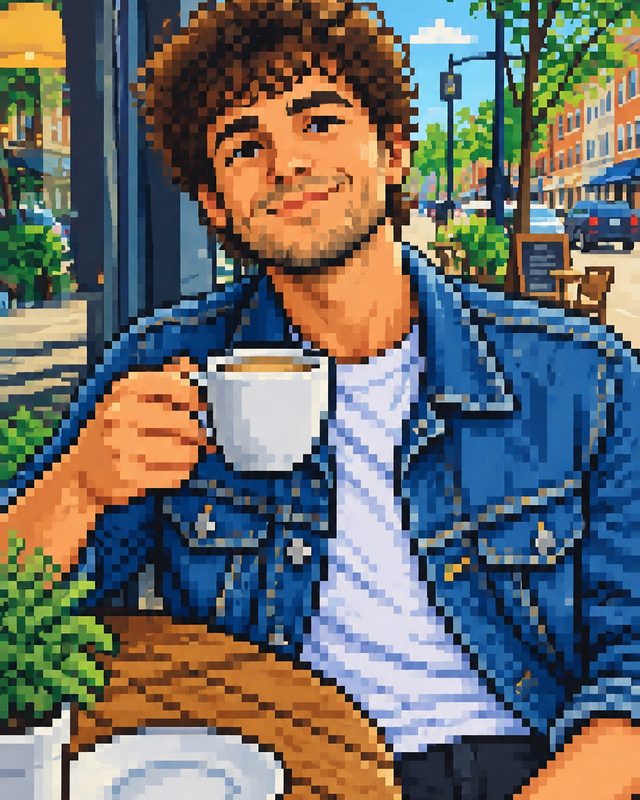
Watercolor, oil, anime film, comic ink, 3D cartoon, pixel art — the style changes, the dog on the beach is still your dog on your beach.
- Painting and illustration styles
- Anime and cartoon looks
- 3D cartoon and pixel art
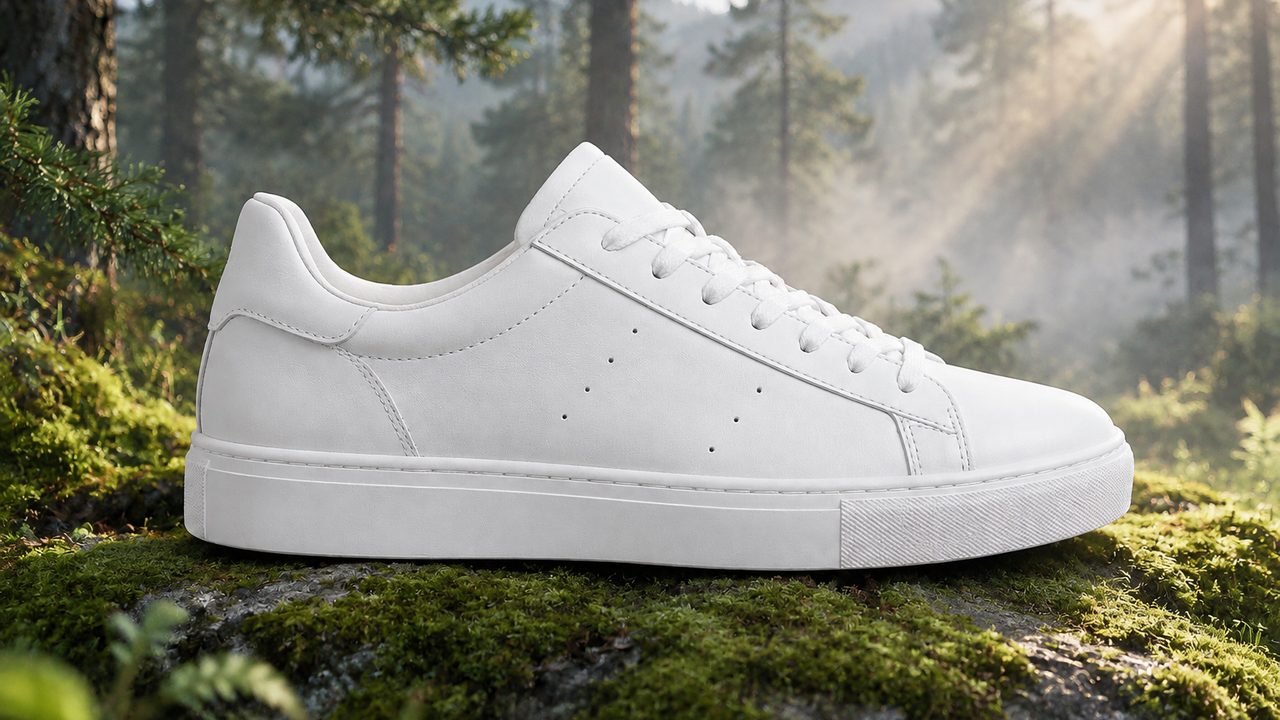
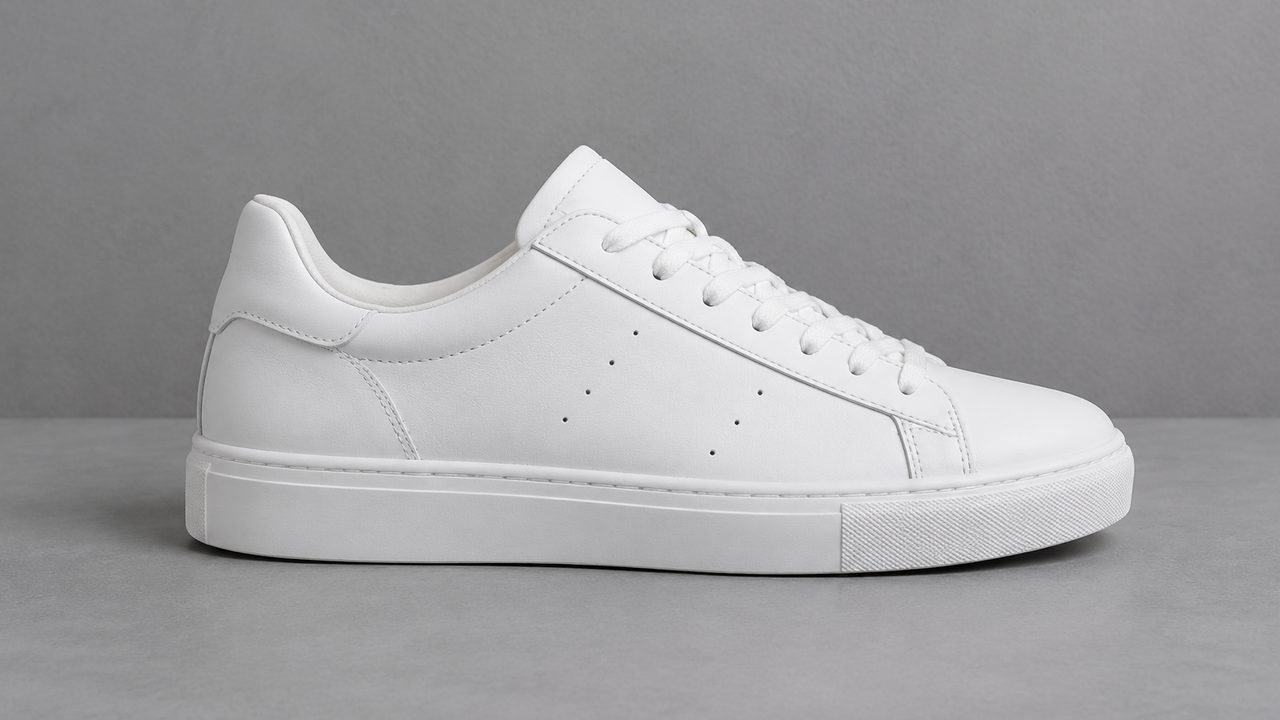
Restyle the scene
Same subject, new background
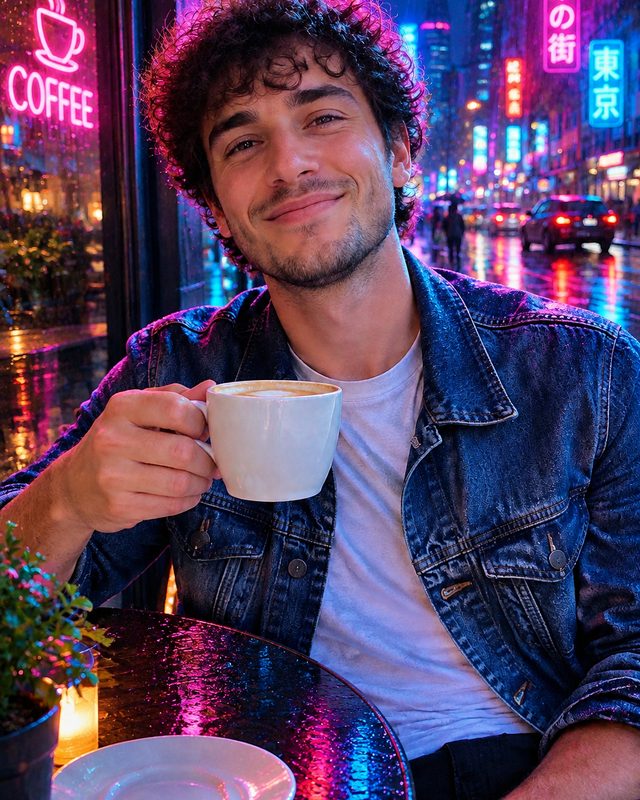
Keep a product, a pet or a person exactly as shot and move them somewhere else. Useful for listings, ads and mock-ups when a reshoot is not an option.
- Subject kept intact
- Lighting matched to the new scene
- No masking or cut-outs
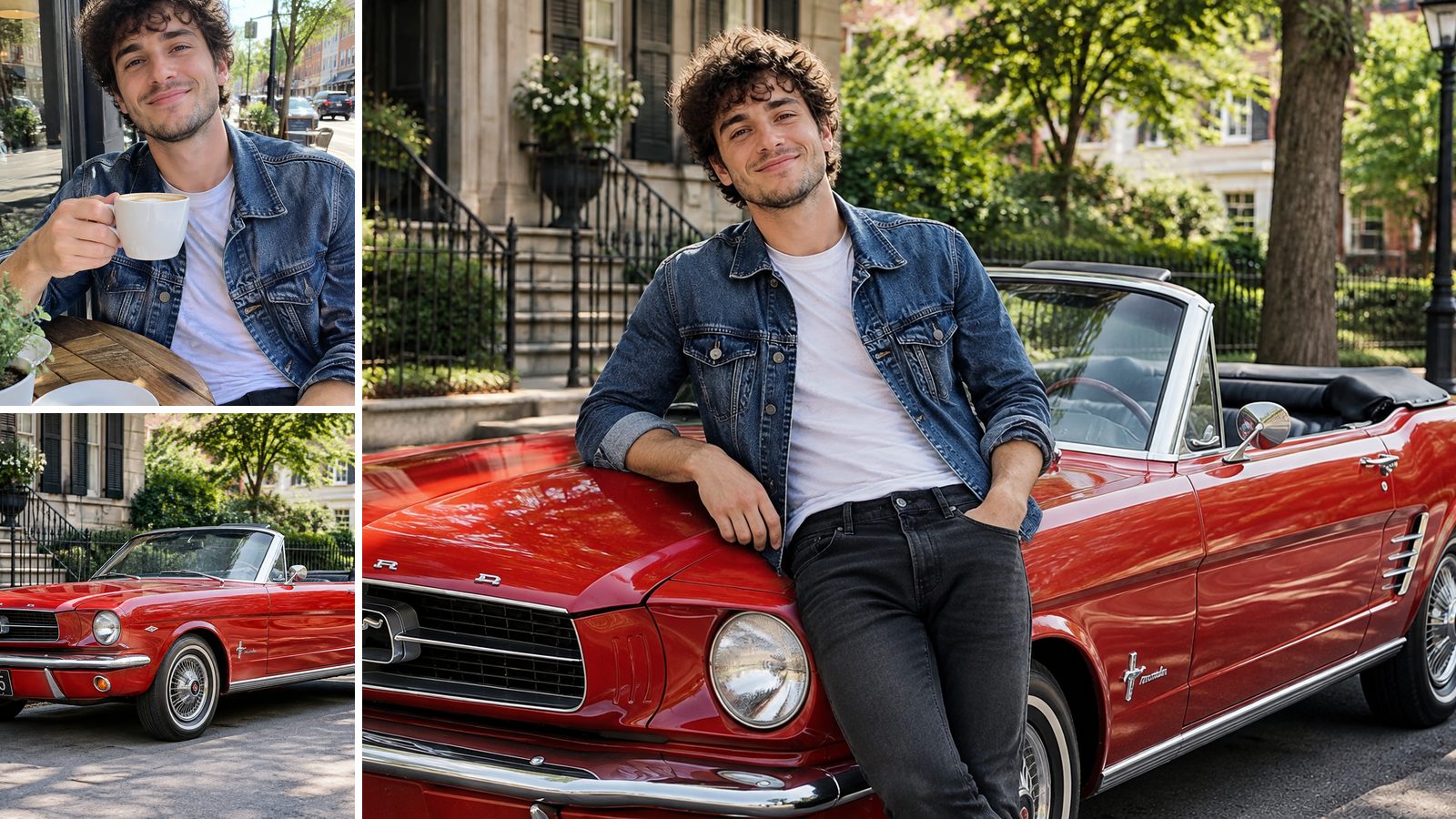
Combine images
Merge two or more photos into one picture
Upload a person and a car, a model and a jacket, a room and a sofa. Tell the AI how they meet and it builds one scene from all of them. For a dedicated two-photo merge, try the AI image combiner.
- Multiple reference uploads
- One coherent scene
- Prompt decides how they interact
Examples
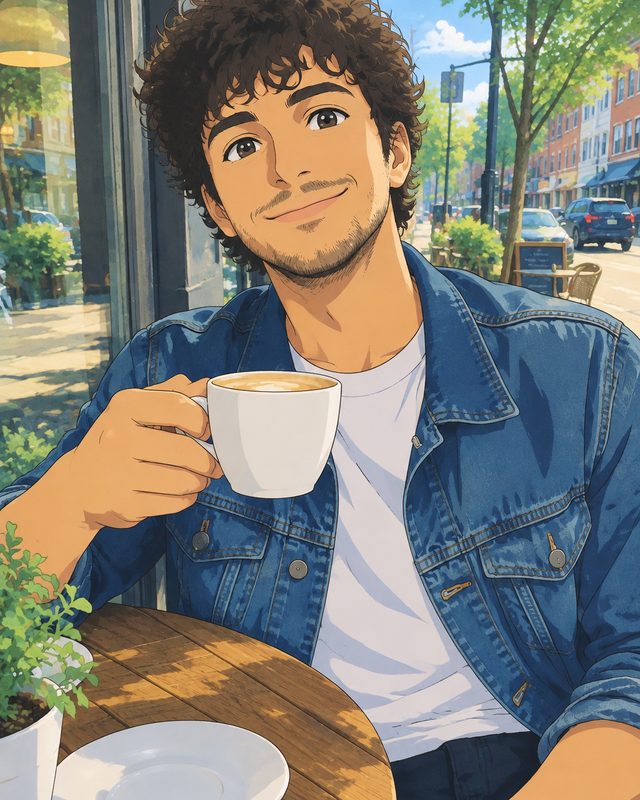
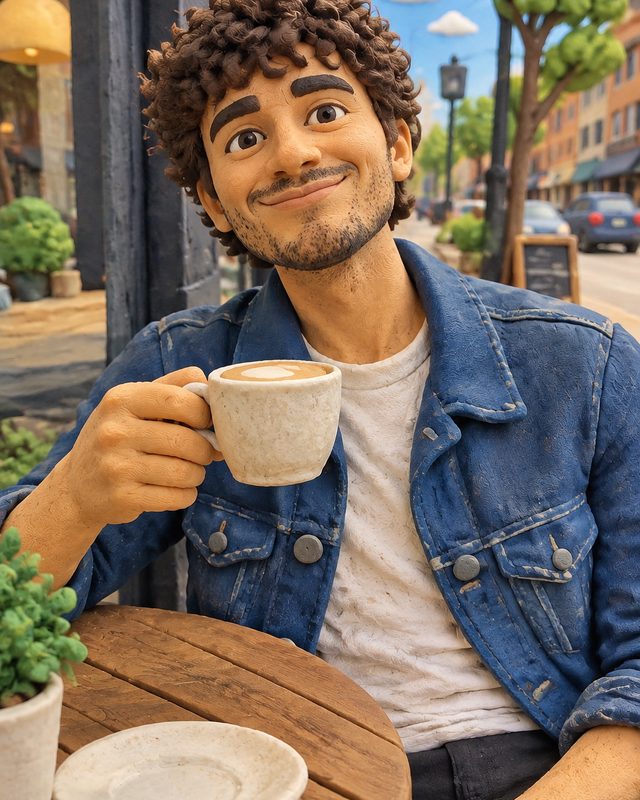
One photo, eight directions
Every result below started from the same cafe snapshot.
Why LazyKiwi
Why use image to image here
Free to start
New accounts get free credits, so you can test a few prompts before paying anything.
Holds on to faces
The model reads your reference first, so the person still looks like themselves after a style change.
Plain-English prompts
No ComfyUI graph, no denoise slider. Write what you want changed.
Several models
Switch image models in the same workbench when one style suits a model better.
Rerun cheaply
Change one phrase and generate again — iterate until it matches the picture in your head.
Private uploads
Your photos are used to make your image, not shown in a public gallery.
FAQ
Image to image questions
What does image to image mean?+
It means the AI generates a new picture using an existing image as the starting point. Your upload fixes the subject and layout; your prompt decides the style, scene and details. Text-to-image, by contrast, starts from a prompt alone.
Is this image to image AI free?+
You can start for free: new accounts get free credits, and each image to image run spends a few of them. Paid plans add more credits and faster queues.
How do I write a good image to image prompt?+
Say what to keep, then what to change, then the style. For example: "Keep the same man, pose and cafe table. Redraw as a hand-painted anime film still with soft afternoon light." Naming what must stay is what stops the face from drifting.
Can ChatGPT, Gemini or Grok do image to image?+
Yes — all three accept an uploaded image and a prompt. The difference here is control: several models in one place, multiple reference images, and a workbench built for re-running the same photo with small prompt changes.
Can I combine several images into one?+
Yes. Upload more than one reference and describe how they come together — "put the person from image 1 next to the car from image 2 on a 1960s street".
Will the result look like the original person?+
Usually, if you ask for it. Mention "same face" or "same person" in the prompt. Heavy styles like pixel art or claymation simplify features on purpose, so expect a likeness rather than a photo match.
Can I use the images commercially?+
Images you generate from photos you own can be used in your projects. Do not upload photos of other people without their permission, or brand assets you have no right to use.
Keep going
Related tools
Upload a photo and tell it what to become.
Keep the subject, change the style, scene or details — free to start.
No credit card · Free to try · Results in seconds