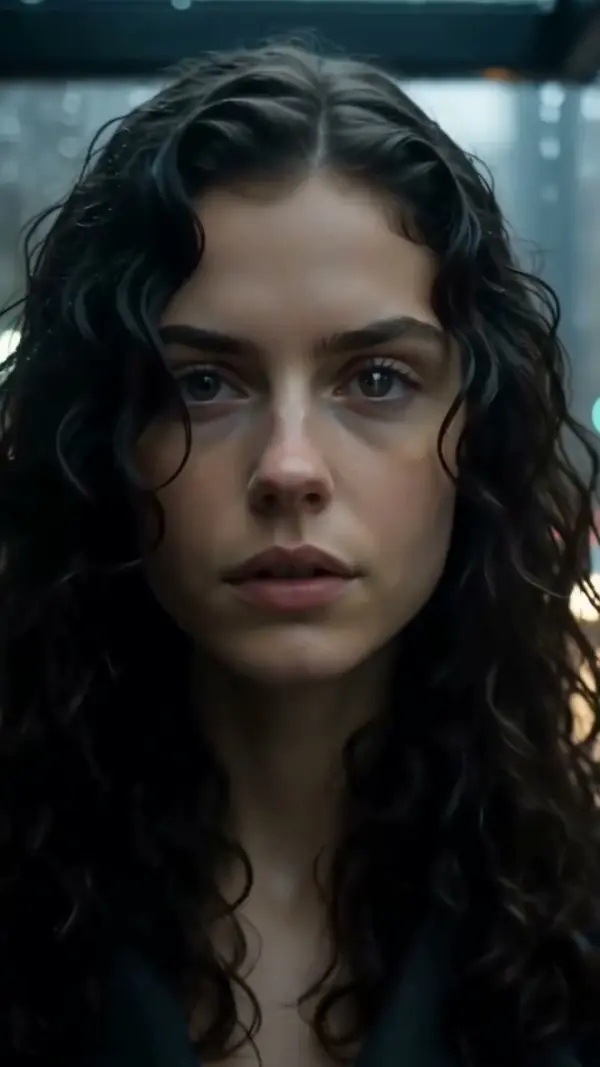
Whip Pan Right
Whip Pan Right builds a whip pan transition from one photo: the camera snaps from your subject to a target on the right, with a brief motion blur in the middle and sharp frames at both ends. LazyKiwi generates it as a short clip, vertical or landscape, ready to cut on the blur.
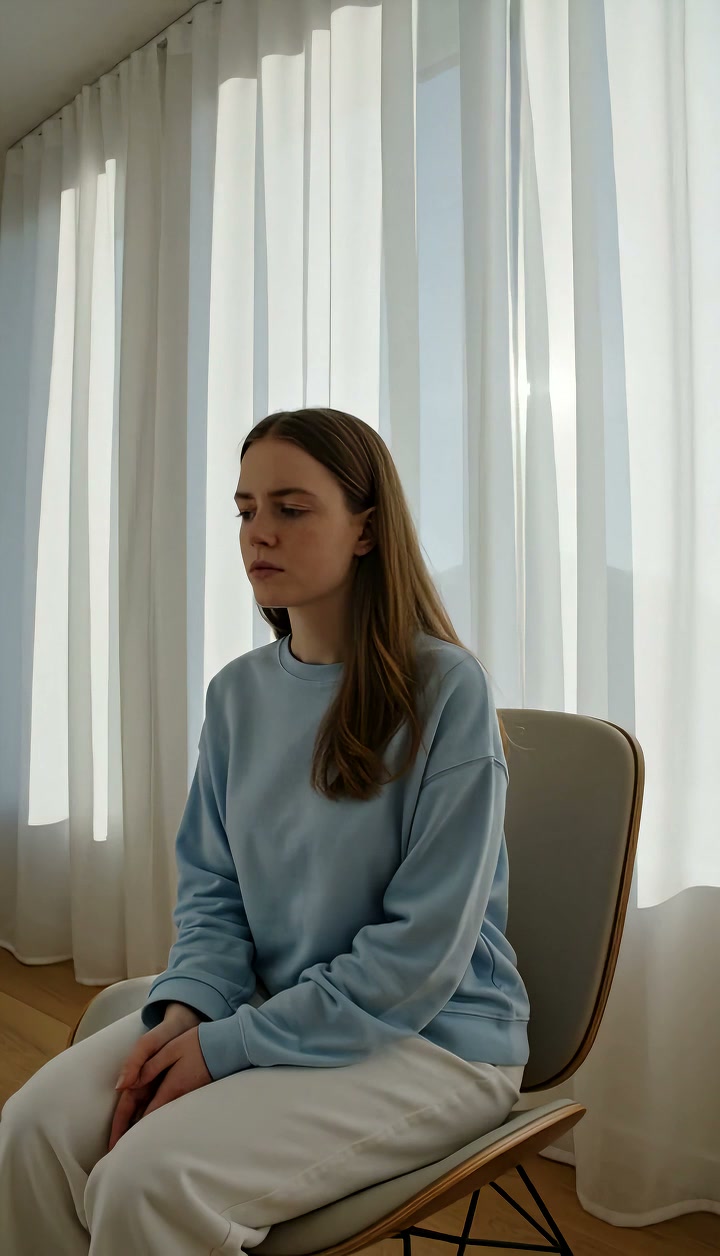
Whip Pan Right Template
Upload one sharp photo of your starting subject; the whip will exit to the right, so a simple background makes the blur cleaner.
WHAT IT IS
What a whip pan transition is and how this template makes one
A whip pan transition is an extremely fast horizontal pan in which the camera swings so quickly that the middle of the move dissolves into motion blur, and editors hide a cut inside that blur to join two shots; Whip Pan Right performs the swing toward the right. LazyKiwi generates the whip pan effect from one uploaded photo: the engine treats your still as the sharp starting frame, whips the camera rightward with a brief, natural blur through the middle, then locks quickly onto the new subject or scene on the right so the final frame is fully readable. Both ends must stay crisp; only the middle smears. Output is a short vertical 9:16 or landscape 16:9 clip, generated without a fluid head or any footage of your own.
- Sharp in, blur, sharp out
- The starting frame is clean, the middle third streaks horizontally, and the landing frame is crisp again. That three-part shape is what lets a swish pan cut invisibly between two shots.
- Rightward swing
- The camera rotates hard to the right on a fixed axis, so streaks run right-to-left across the frame. Matching that direction in your next clip keeps the transition believable.
- Lands on a new target
- The clip does not just blur and stop; the engine locks onto a fresh subject or setting on the right side, extended from your photo, and holds it steady for the cut.
- One photo per side
- Each generation starts from a single still. Generate a whip from your outgoing shot, another from your incoming shot, and cut them together at the blur in any editor.
USE CASES
Cuts that hide inside a rightward blur
Outfit swaps, location jumps and hype intros, each built from two stills whipped in the same direction.
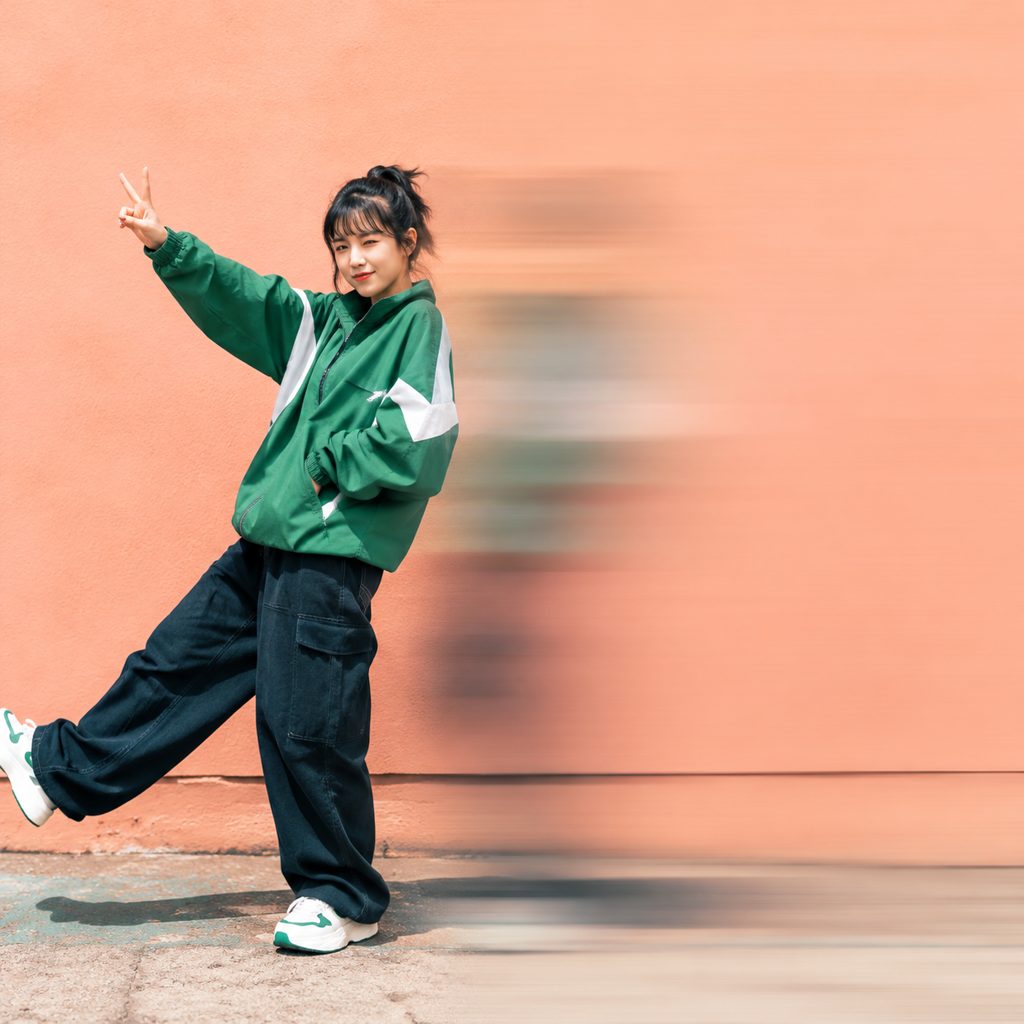
Outfit change on the beat
A photo of a creator in a streetwear look on a plain wall. The rightward whip blurs out to the side; the next clip, from a second-outfit photo, whips the same way. Cut on the blur for a 9:16 Reels outfit swap synced to a drum hit.
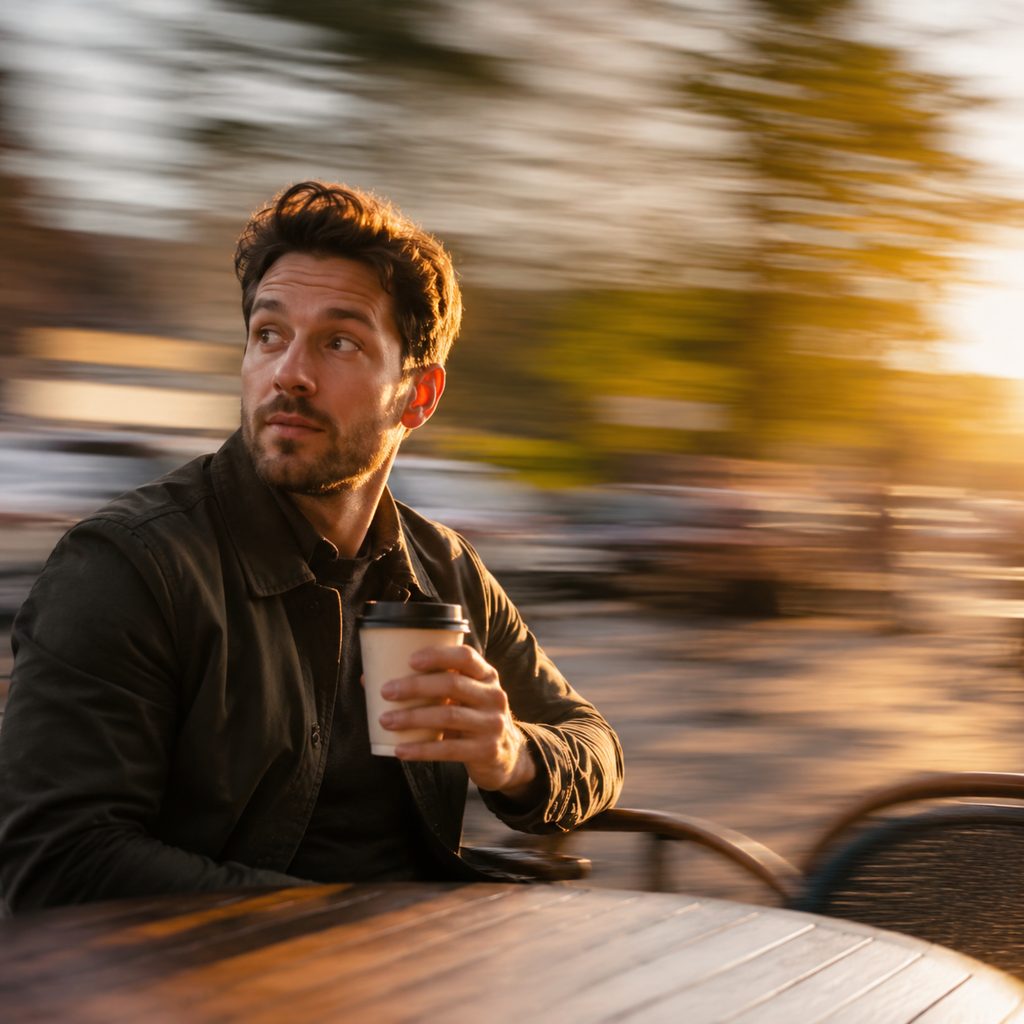
Vlog location jump
A morning coffee shot whips right and lands on a mountain overlook from an afternoon photo. Travel vloggers use the move to compress hours into a single beat, and the 16:9 YouTube version keeps the horizon level through the blur.
Sports hype cut
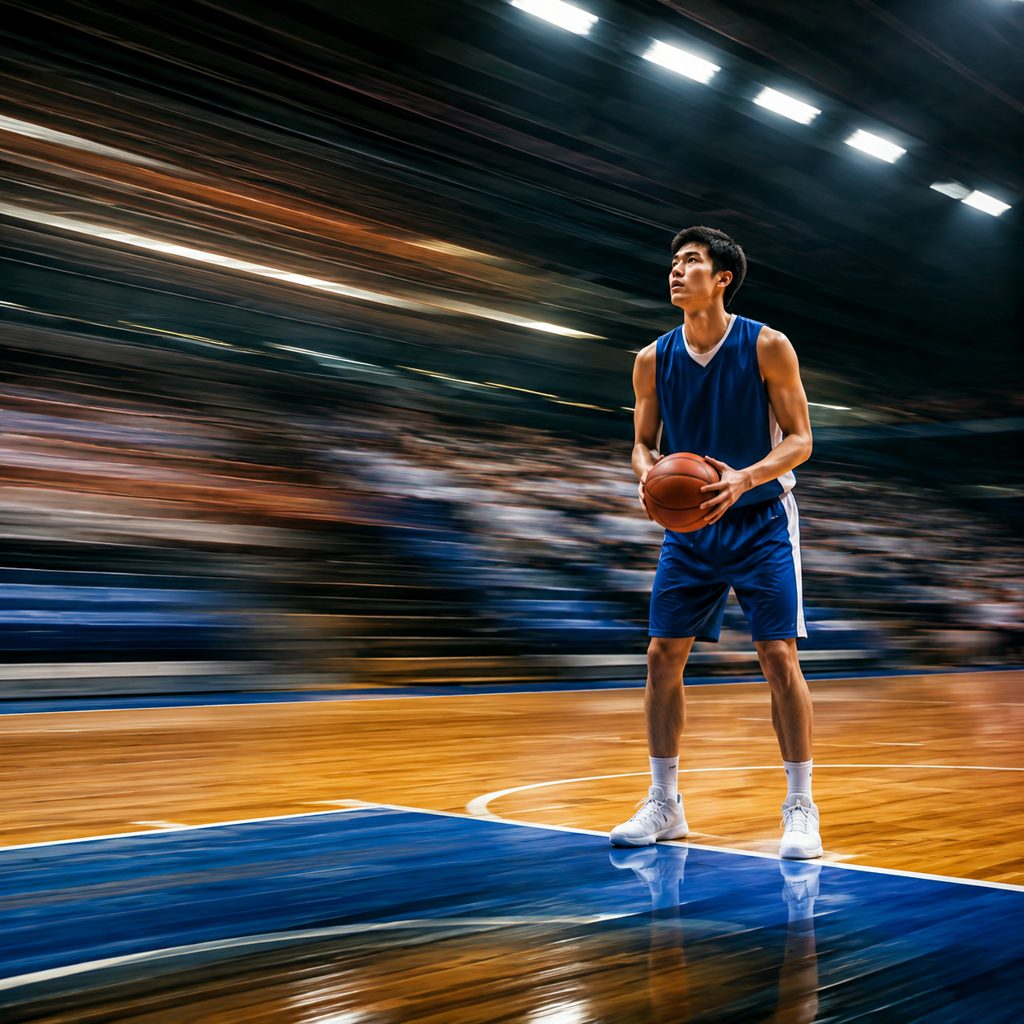
A basketball player photographed at the free-throw line. The camera whips right into a blur, hiding a cut to a photo of the crowd. Editors stack two or three whips in a row for a highlight intro, each one a separate generation from a separate still.
FAQ
Common questions
What is a whip pan transition?+
A whip pan transition is an edit where two shots are joined inside the motion blur of a very fast pan. The outgoing shot whips in one direction, the incoming shot whips in the same direction, and the cut sits at the point where both are blurred. The eye reads one continuous swing instead of two separate shots.
How does LazyKiwi make a whip pan right from one photo?+
LazyKiwi generates the move as image-to-video. You upload a single still, the engine uses that image as the sharp first frame, whips the camera rapidly toward the right with a short natural blur in the middle, and then locks onto the new subject or scene on the right side.
Fixed-direction whip vs the general Whip Pan template: which do I pick?+
Pick the rightward version when you need the direction fixed so it matches an incoming clip or the direction your subject is moving. The general Whip Pan template leaves direction to the engine. For a two-shot transition, both halves must whip the same way, so a fixed-direction template is the safer choice.
How do I cut a swish pan transition in CapCut or Premiere Pro?+
Generate a whip from your outgoing photo and a second whip from your incoming photo. Place them back to back, find the frame in each where blur is strongest, and cut there. Add a short cross-dissolve of two to four frames if the streaks do not line up exactly.
What photo works best for a whip pan effect?+
A sharp photo with a distinct subject and an uncluttered background gives the cleanest blur. Strong vertical elements such as poles, doorframes or a standing person read well as streaks. Avoid images that are already motion-blurred or heavily grained, since the engine must produce crisp start and end frames from what you upload.
What length and format do I get, and where does it work?+
Each generation is a short clip in vertical or landscape orientation. Vertical 9:16 is the natural home for Reels, TikTok and Shorts transitions, where whip pans are a house style for outfit and location changes. Landscape 16:9 suits YouTube vlog cuts and sports intros. Trim to the frames you need.
Other names for Whip Pan Right
Older crews say swish pan, zip pan or flash pan; modern tutorial searches favor whip pan transition, whip pan effect and whip pan right. Related tool phrases include whip transition effect, whip pan preset, whip pan in CapCut and whip pan in Premiere Pro. All of them describe the fast rightward swing with a blurred middle that this template generates from a single still.
Cut a whip pan transition from two photos
Upload a still, choose the rightward whip, generate. New accounts get free credits.