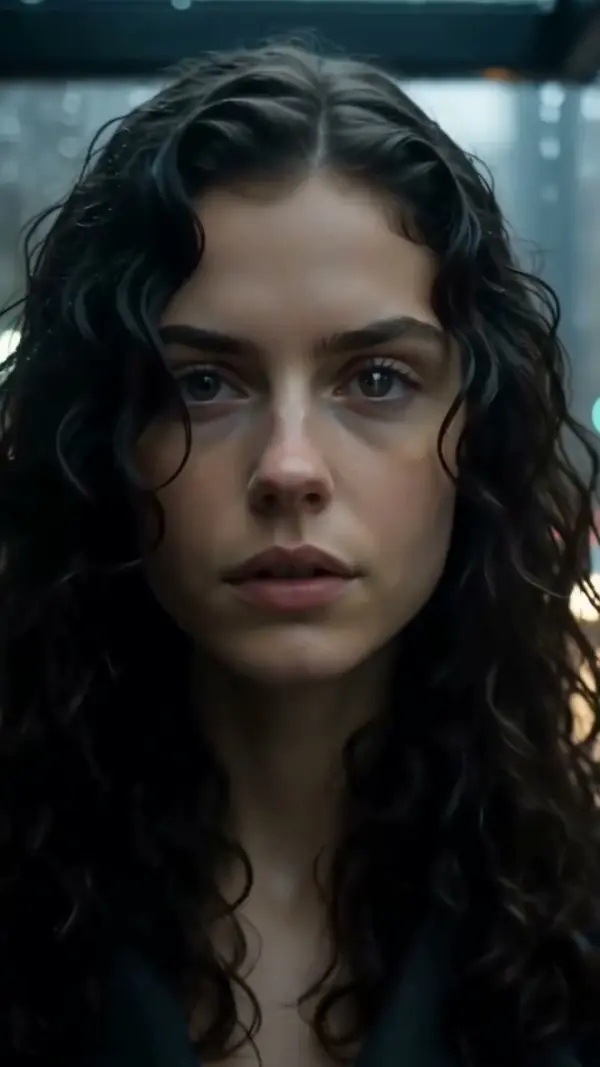
Whip Pan Left
Whip Pan Left throws the camera hard to the left, with a short burst of motion blur in the middle and a readable frame at each end, stopping on a new subject or scene on the left. Upload one photo and LazyKiwi generates the fast pan transition as a short clip, vertical or landscape.

Whip Pan Left Template
Upload one crisp photo of the subject you are leaving; the swing goes left, so keep clutter off that edge for a cleaner landing frame.
WHAT IT IS
What this leftward whip is, and when the transition fits
Whip Pan Left is a fast pan transition in which the camera swings sharply toward the left, blurring the middle of the move so an editor can hide a cut inside the streaks. LazyKiwi generates the move from one uploaded photo. The engine starts on your still as a sharp frame, throws the view leftward with a brief motion blur, keeps the head and tail compositions readable, and stops accurately on the new subject or scene on the left. Direction is the whole point: a leftward whip reads as a return, a rewind or a callback, and it must match the whip in the clip you cut to. Output is a short vertical 9:16 or landscape 16:9 clip, produced without any rig or source video.
- Leftward, on a fixed axis
- The camera rotates counterclockwise from a single pivot. Streaks run left to right across the frame, opposite to a rightward whip, which is how editors tell the two apart in a timeline.
- Short blur, readable ends
- The middle of the clip carries a brisk horizontal smear, but the first and last frames are sharp enough to cut on. That balance separates a usable whip transition from a smudge.
- Stops on the new target
- The engine does not coast. The view locks onto the new subject or setting on the left, built out from your photo, so the landing composition is a clean frame.
- Pairs with any second clip
- Match the landing frame to a clip that also whips left, or to a static shot, and the cut hides inside the blur. Generate each side from its own still.
USE CASES
Leftward whips for callbacks, rewinds and returns
Three edits where the direction of the swing carries meaning, built from single photos.
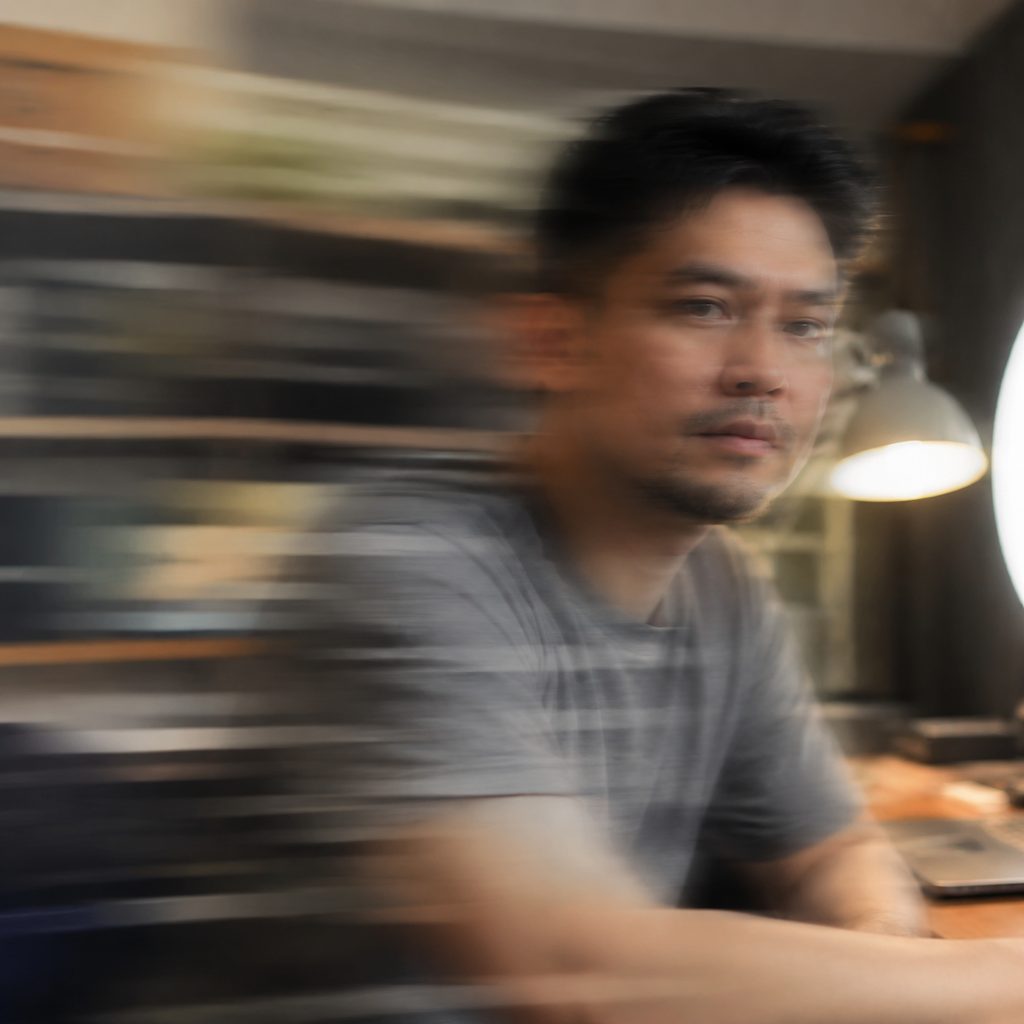
Callback to the earlier scene
A talking-head photo whips left and lands on a product photo shown earlier in the video. The leftward direction signals going back, which is why explainer editors reserve it for callbacks and recaps. Vertical 9:16 keeps the streaks tight and punchy.
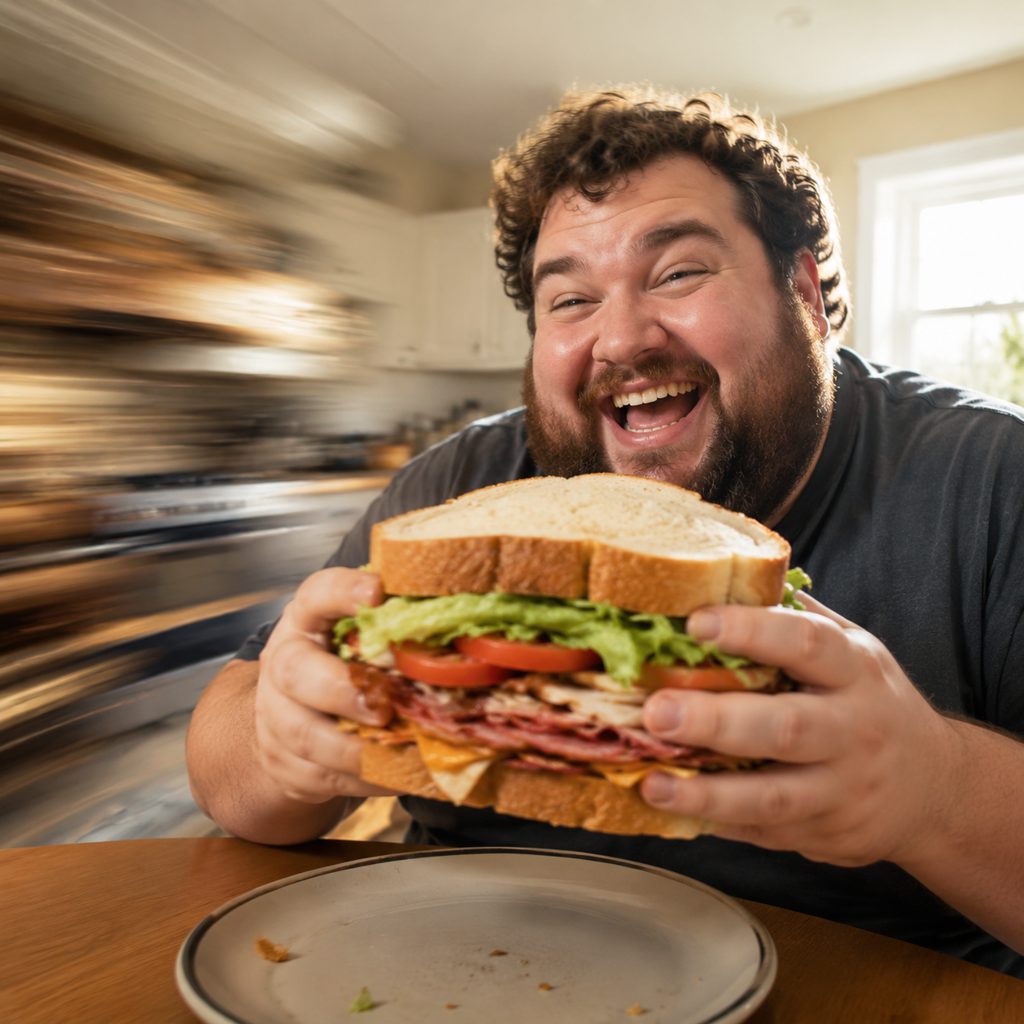
Rewind gag in a comedy edit
A photo of someone about to bite a giant sandwich. The leftward whip cuts to a photo of the empty plate, then a second leftward whip returns to their guilty face. Stacking two quick pan transitions in the same direction sells the rewind joke in a 16:9 sketch.

Return-to-home beat in a travel recap
The last photo of a trip, a departures board at an airport, whips left and lands on a photo of the front door at home. The direction reads as heading back, and the whip compresses a twelve-hour flight into half a second.
FAQ
Common questions
What is a whip pan left?+
The move is a very fast horizontal camera rotation toward the left side of the frame, so quick that the middle of the move turns into motion blur. Filmmakers use the blur to hide a cut to another shot or to jolt attention from one subject to another. The frames at both ends stay sharp.
How does LazyKiwi generate a leftward whip from one photo?+
LazyKiwi produces the leftward whip as image-to-video from a single uploaded still. The engine keeps your photo as the sharp opening frame, whips the camera leftward with a short burst of blur, preserves a readable landing composition, and stops on the new subject or scene at the left. There is no gimbal, fluid head or footage involved.
Leftward whip vs rightward whip: which one do I need?+
Use the leftward whip when the story moves backward, returns to something shown earlier, or when the next clip also travels left. Use a rightward whip for forward progress and reveals. The rule that matters most is consistency: both sides of a whip transition must move the same way or the cut will feel broken.
How do I build a fast pan transition from two photos?+
Generate a leftward whip from the outgoing photo and another from the incoming photo. In CapCut or Premiere Pro, place them back to back and trim each so the cut lands where the blur is heaviest. Add a whoosh sound effect and, if the streaks disagree, a two-frame dissolve.
What kind of photo makes the cleanest whip transition?+
A sharp, evenly lit photo with a clear subject and a background that has vertical structure, such as doorways, trees or shelving, produces readable streaks. Photos that are already blurred, extremely dark or heavily compressed give muddy results, because the engine needs clean detail for the sharp frames.
How long is the output and which platforms suit a quick pan transition?+
The output is a short clip that comes out vertical or landscape. TikTok, Reels and Shorts in 9:16 are where quick pan transitions live. In 16:9, YouTube sketch comedy and travel recaps use the leftward version for rewind and homecoming beats.
Other names for Whip Pan Left
Editors type whip transition, fast pan transition or quick pan transition; camera operators say whip left or swish left; tutorial phrasing includes whip pan transition effect, leftward whip pan and how to whip pan to the left. Software-specific versions such as a left whip in CapCut or whip pan left preset for Premiere Pro describe hand-built equivalents of the clip this template generates from a single photo.
Whip the camera left from any photo
Upload one still, run the leftward whip, generate. Free credits on signup.