
Two photos, one heartfelt hug
The viral AI Hug effect, now a single click in LazyKiwi.
Drop in two photos and the AI Hug effect animates them into a warm, believable embrace. Reunite loved ones across distance, bring an old photo back to life, and make the kind of clip people save and pass along.


- Input
- Two photos
- Output
- 5–10s hug clip
- Aspect
- 9:16 · 1:1 · 16:9
- Time
- Roughly two minutes
How it works
Make a hug video in three steps
There's no editing and no keyframing. Add two photos and the effect handles the motion.
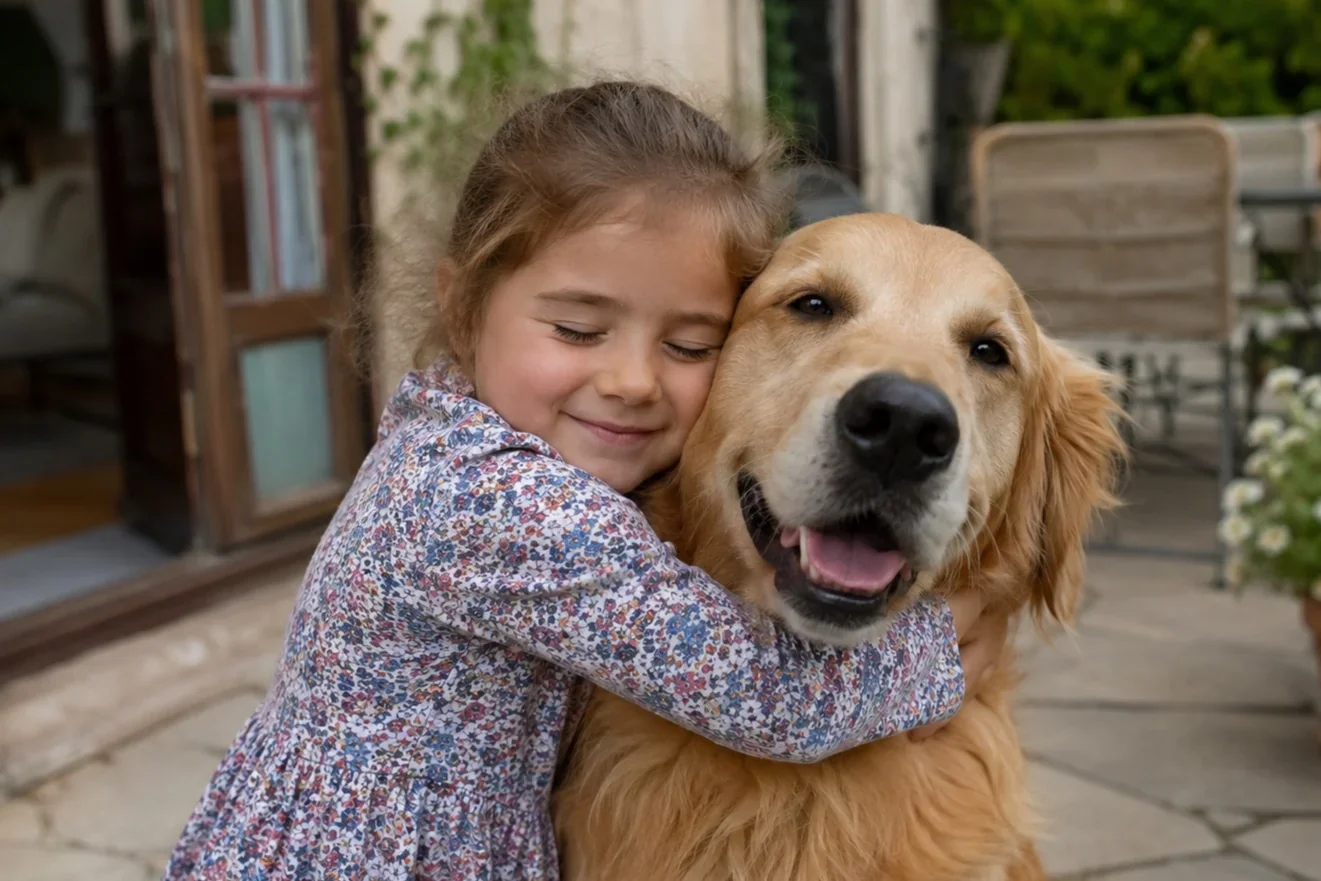 1
1Upload two photos
Pick two clear photos of the people (or pets) you want to see hug. Front-facing shots give the effect the most to work with.
 2
2Pick the hug style
Set the embrace, whether that's gentle, a joyful reunion, or a slow cinematic hold, then choose your aspect ratio and length.
 3
3Generate and share
Preview the clip, nudge the motion until it feels right, and export for TikTok, Reels, Shorts, or a private send.
Why it works
What makes a great AI Hug
Faces stay recognizable and the motion reads as real, so the moment lands as genuine rather than uncanny.

Identity-safe
Faces stay recognizable
The people you upload stay themselves through every frame of the motion, with no melting and no swapped features.
- Stable facial identity
- Natural skin and hair
- Consistent across frames
Natural motion
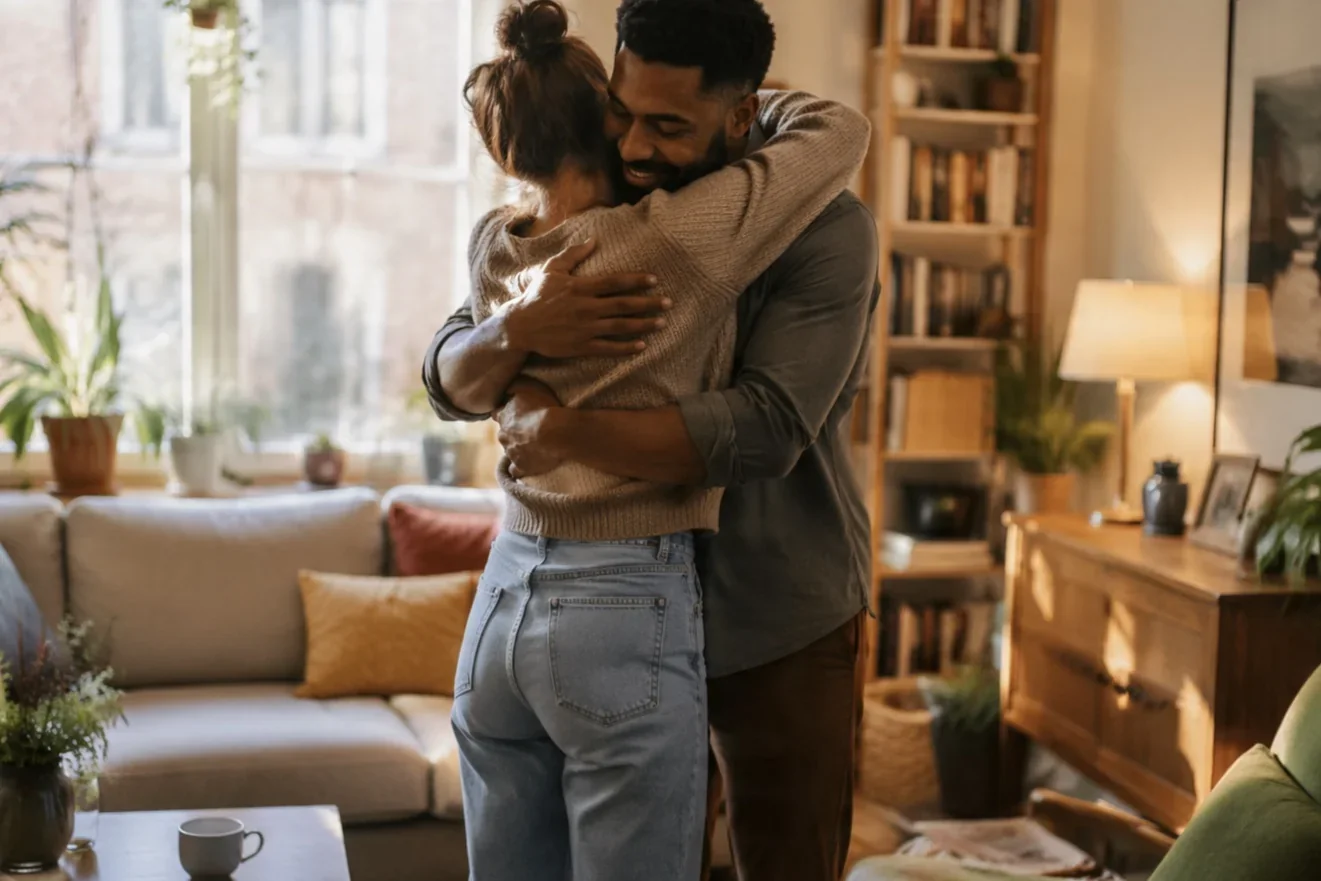
A hug that moves like a hug
Arms, posture, and weight shift the way they would in person, so the embrace reads as a real moment instead of a stiff morph.
- Believable body motion
- Soft, human timing
- Gentle camera drift

Emotional tone
Built for the feels
Warm lighting and unhurried pacing are tuned for the kind of moment viewers stop on, watch, and save.
- Warm, cinematic light
- Reunion-ready pacing
- Save-and-share moments
Any pairing
People, pets, and memories
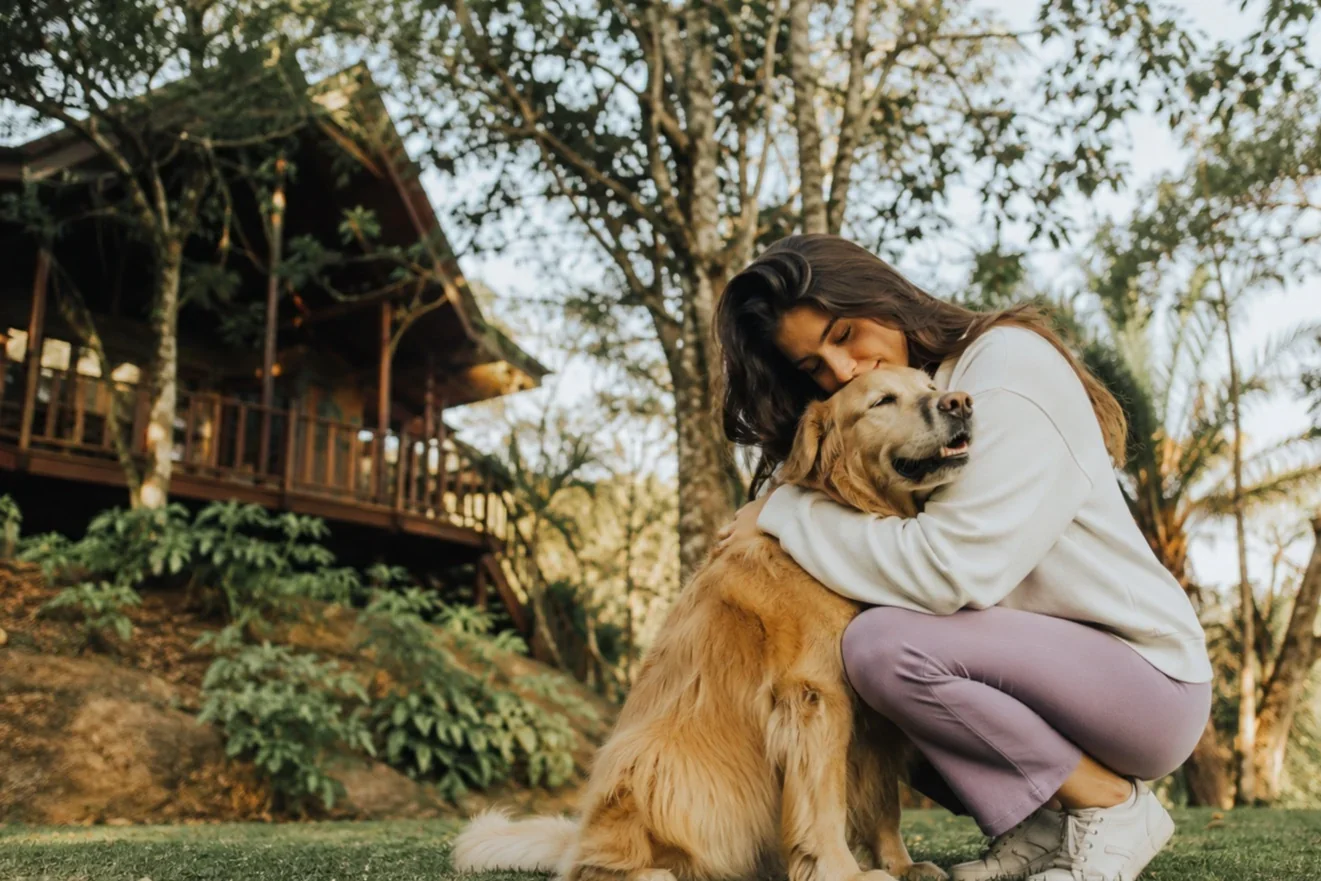
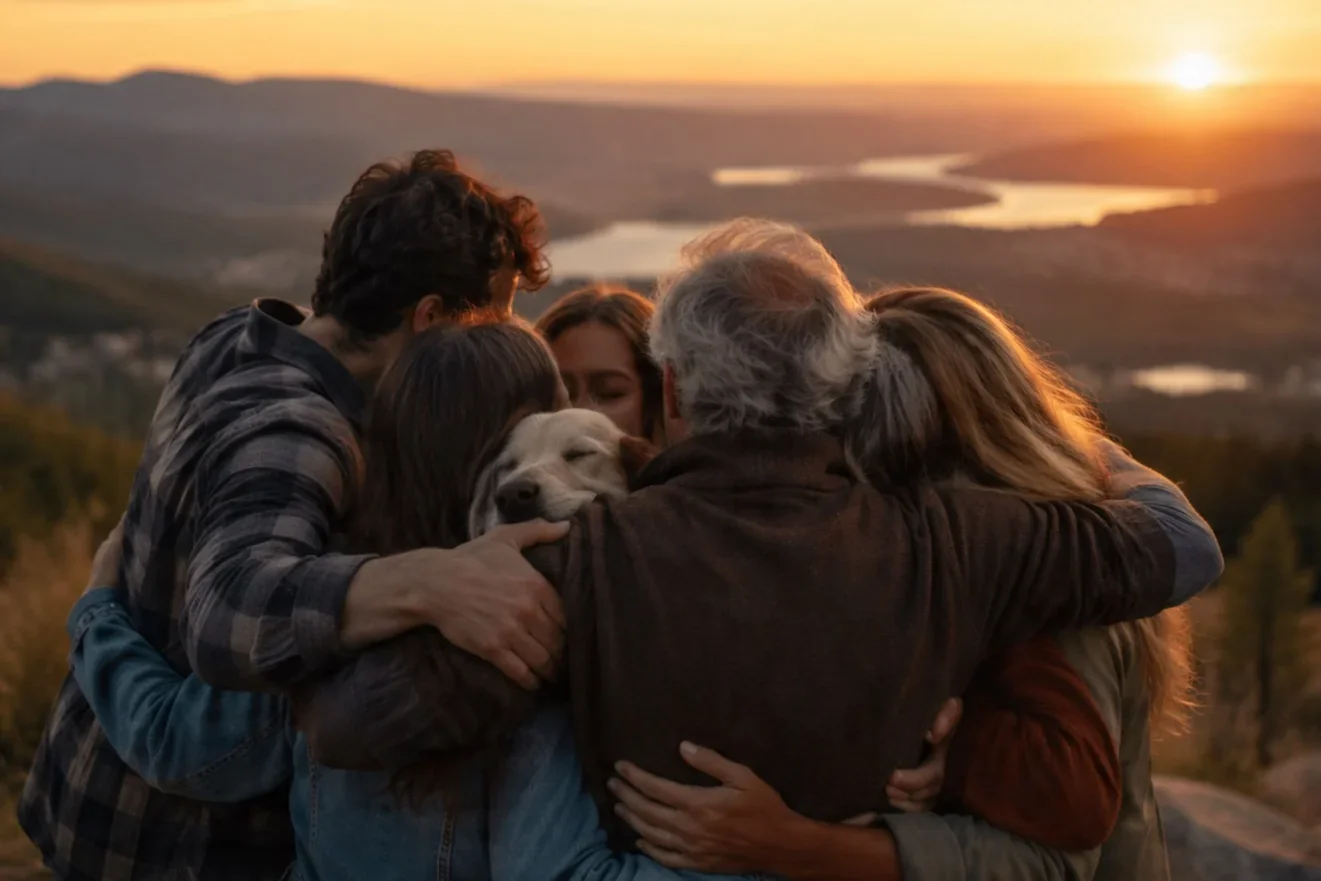
Family, partners, friends, pets, or one old photo paired with a new one all animate into a single shared hug.
- Reunite distant loved ones
- Animate old photos
- Mix eras in one clip
Examples
Made with AI Hug in LazyKiwi
Real creator moments, each one built from two photos and refined in the workbench.

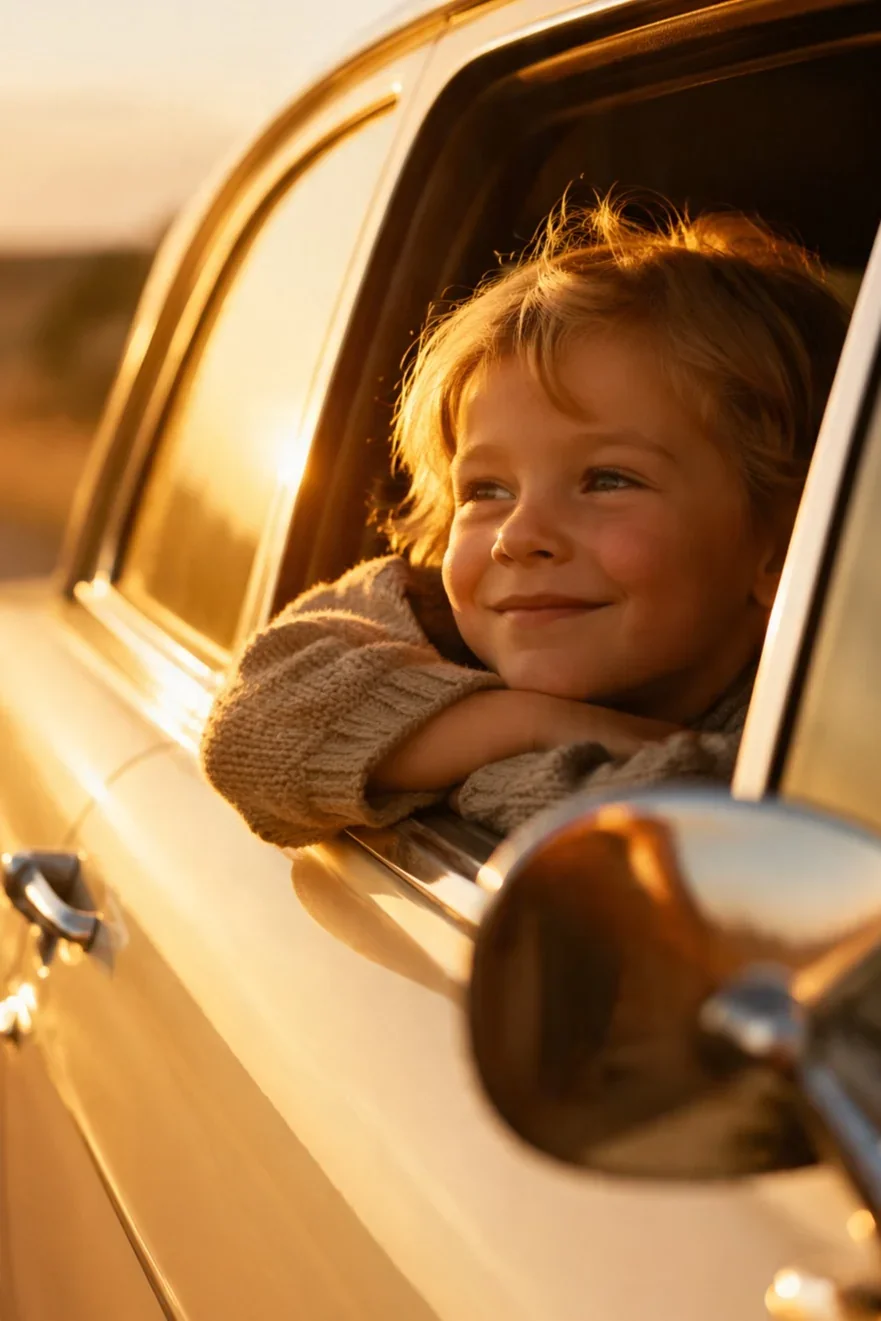
Long-distance reunion
Family throwback

Partners' anniversary

Pet and owner moment
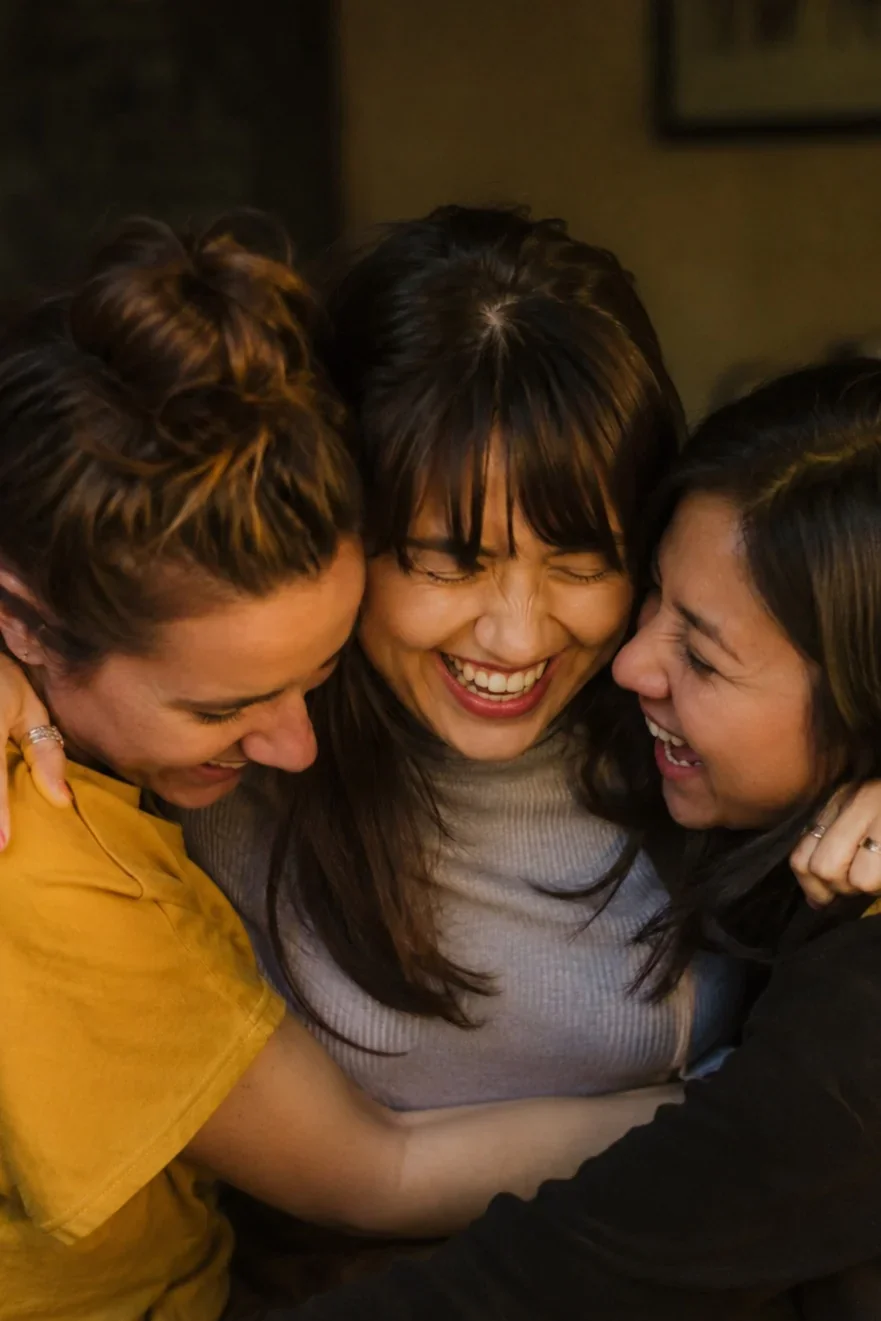
Friends across cities
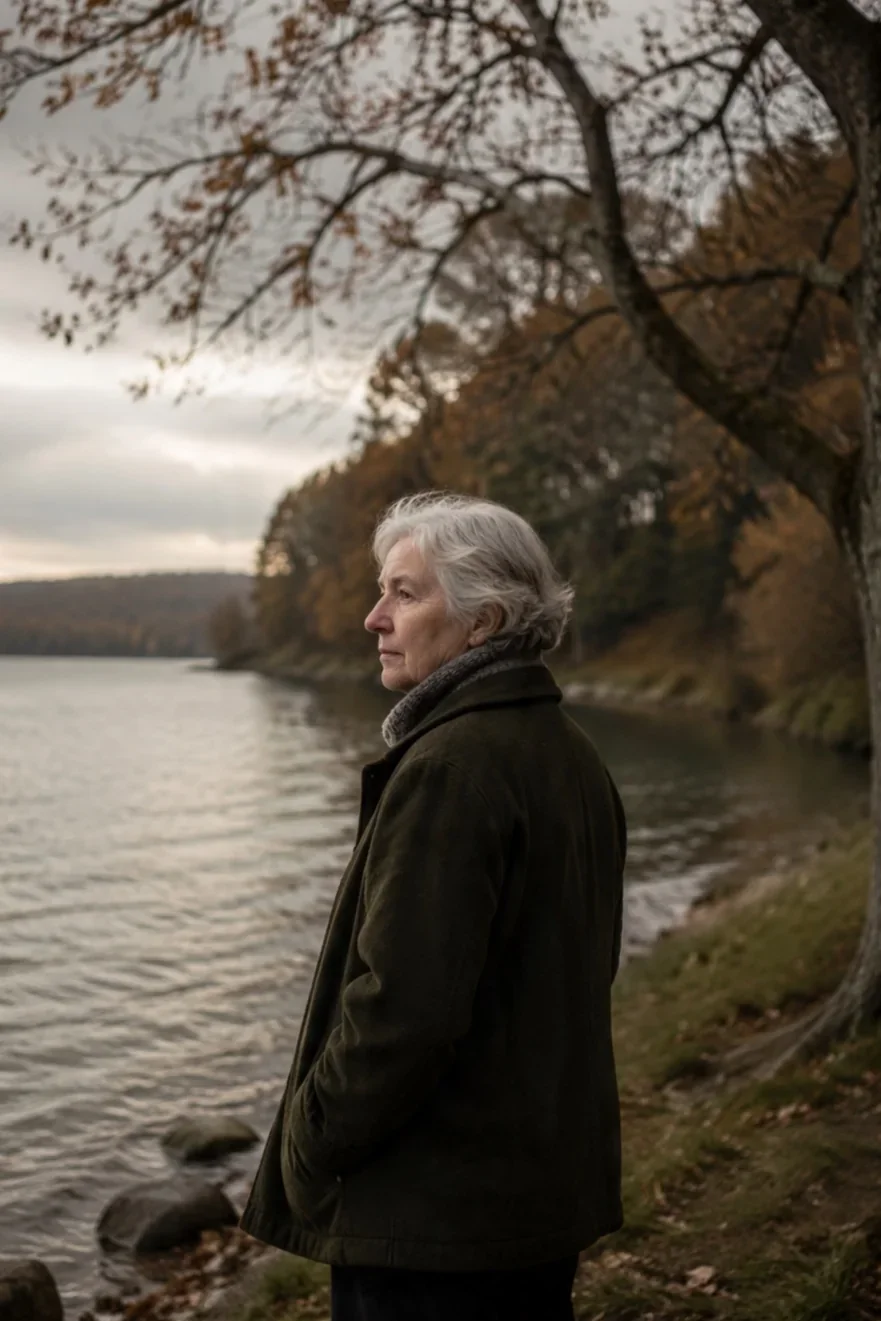
In memory of
Use cases
What creators make with AI Hug
One effect covers a lot of emotional short-form ground.
Reunion reels
Give a long-distance relationship a shared on-screen hug that viewers actually root for.
Memory tributes
Animate an old photo into a gentle embrace for a tribute clip that means something.
Emotional edits
Set the hug to a track and you've got a beat-matched clip people tend to save.
Brand moments
Lean on warmth and reunion storytelling for campaigns that connect instead of just selling.
FAQ
Common questions
What is the AI Hug effect?
AI Hug is a video effect that takes two photos and animates the people in them into a natural-looking hug. Inside LazyKiwi you upload two images, choose a style, and generate a short clip in a couple of minutes.
What photos work best for AI Hug?
Reach for clear, front-facing photos with visible faces and shoulders. Good lighting and an uncluttered background help the effect hold identities sharp and keep the motion natural.
Can I make a hug with someone who has passed away?
Yes. Many people use AI Hug for tribute and memory clips, animating an old photo into a gentle embrace. Treat it as a stylized keepsake rather than a real recording, and use it with care.
Can I use AI Hug for free?
You can try AI Hug inside LazyKiwi. How many generations you get depends on your plan and the current queue. Open the workbench to see what's available on your account.
What can I do with the finished clip?
Export at 9:16, 1:1, or 16:9 and post it natively to TikTok, Reels, and Shorts, or keep it as a private share. Shorter, emotional clips tend to earn the most saves and re-shares.
Two photos, one hug worth sharing.
Upload two images, choose a style, and generate a warm, natural hug clip without ever leaving LazyKiwi.
More video effects
Explore other one-click effects in the LazyKiwi workbench. Same tool, different look.
From the blog
Make Scroll-Stopping AI Effect Videos
Use AI effects to build a hook people can't scroll past.
8 min read
Text-to-Video Prompts That Actually Look Good
The prompt structure that gets clean, cinematic results.
6 min read
Turn One Photo Into a Week of Short-Form Content
A batching workflow to multiply one image into many posts.
5 min readOther names
People search for this effect in many ways. LazyKiwi groups these intents under one page.