
Free AI headshot generator: studio headshots from a few selfies
Professional, LinkedIn-ready portraits without a photographer or a studio booking.
Upload a handful of selfies and the AI Headshot effect returns polished, studio-lit portraits that still look like you. Set the background, wardrobe, and crop, then download a set ready for LinkedIn, resumes, and team pages.
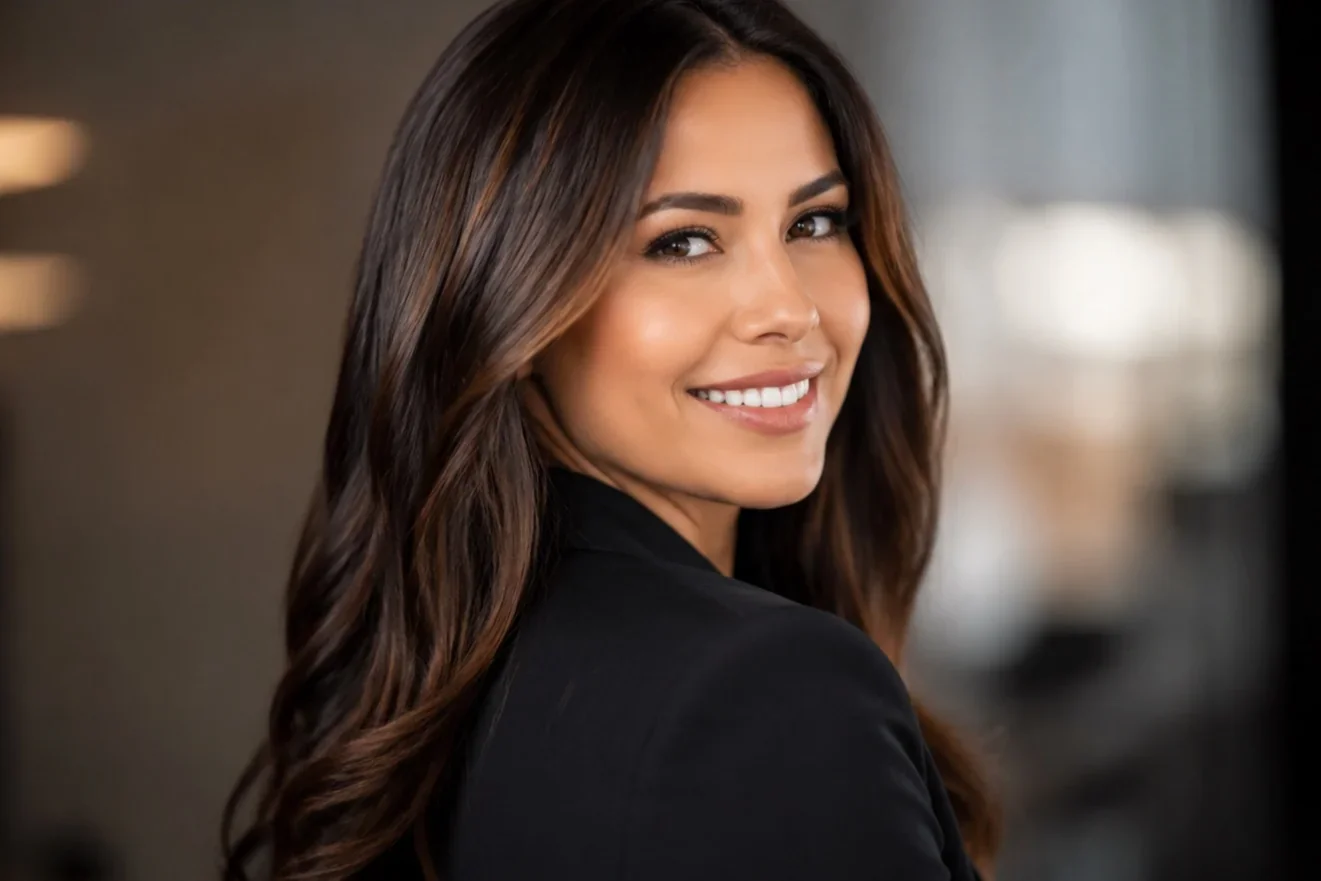
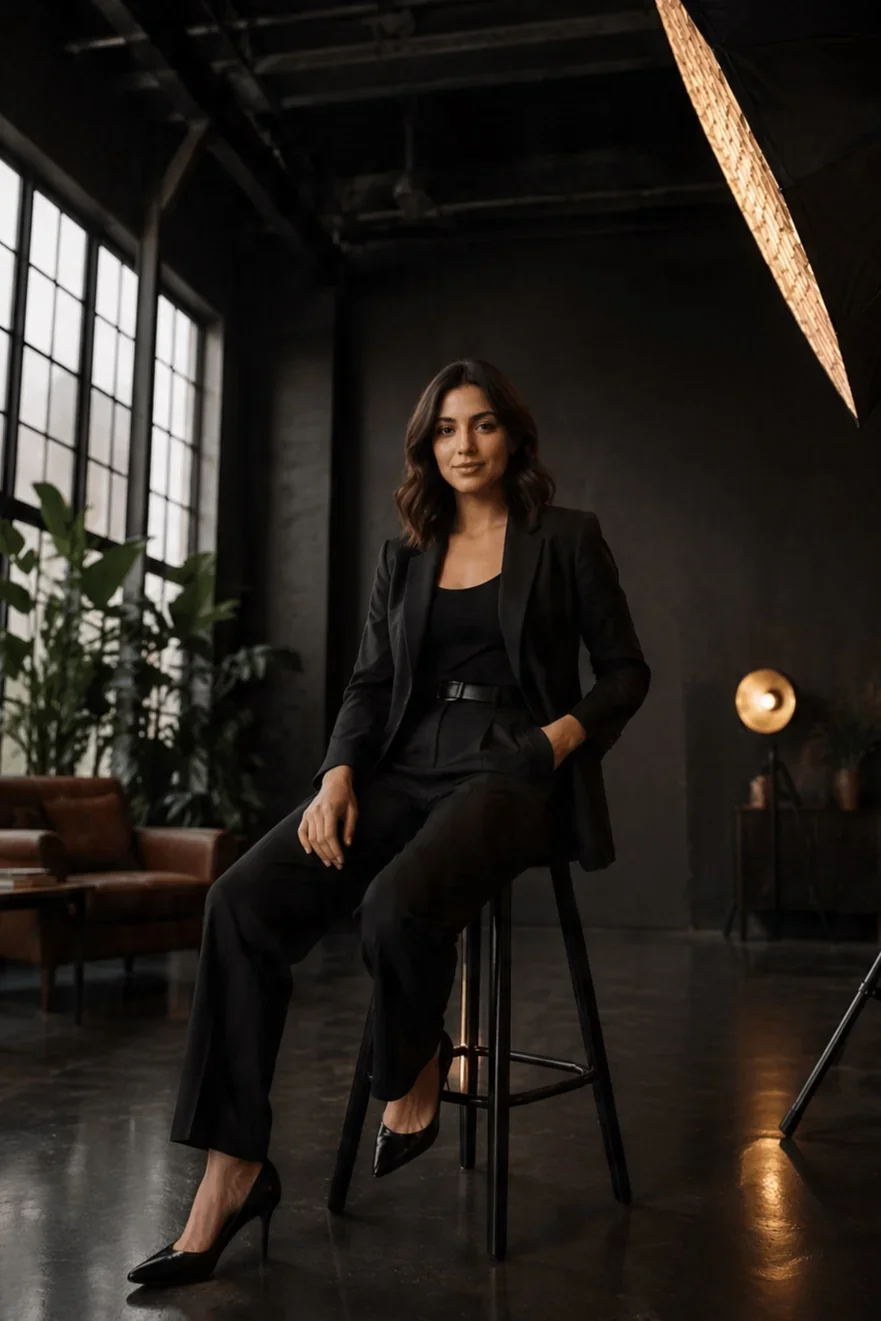
- Input
- 3–8 selfies
- Output
- Studio portraits
- Resolution
- Up to 4K
- Time
- Minutes, not days
How it works
Get pro headshots in three steps
There's no shoot to book and no lighting to learn. Upload selfies, then choose your look.
 1
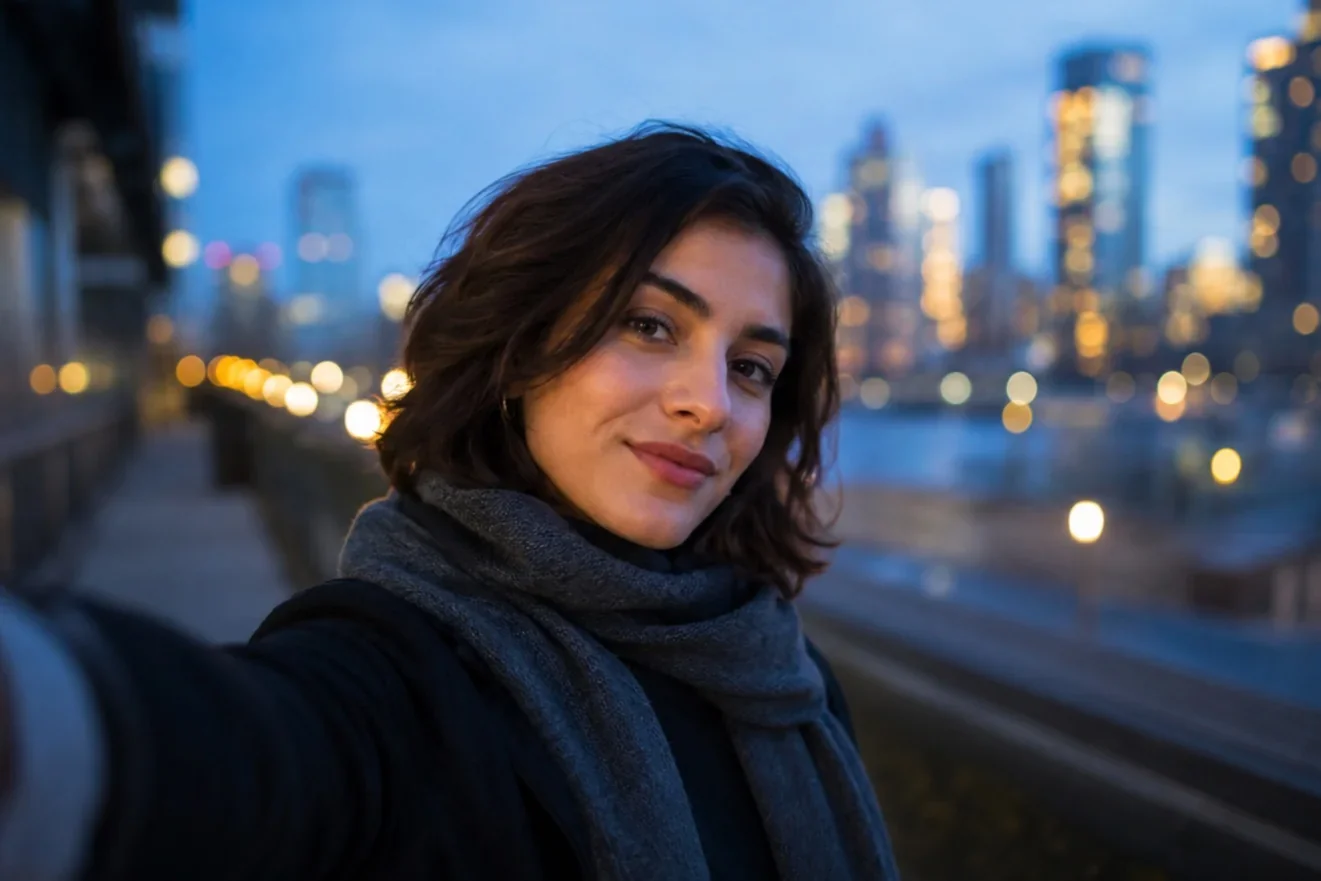
1Upload a few selfies
Add 3 to 8 clear photos from different angles. A mix of expressions and lighting gives you the most flexible results.
 2
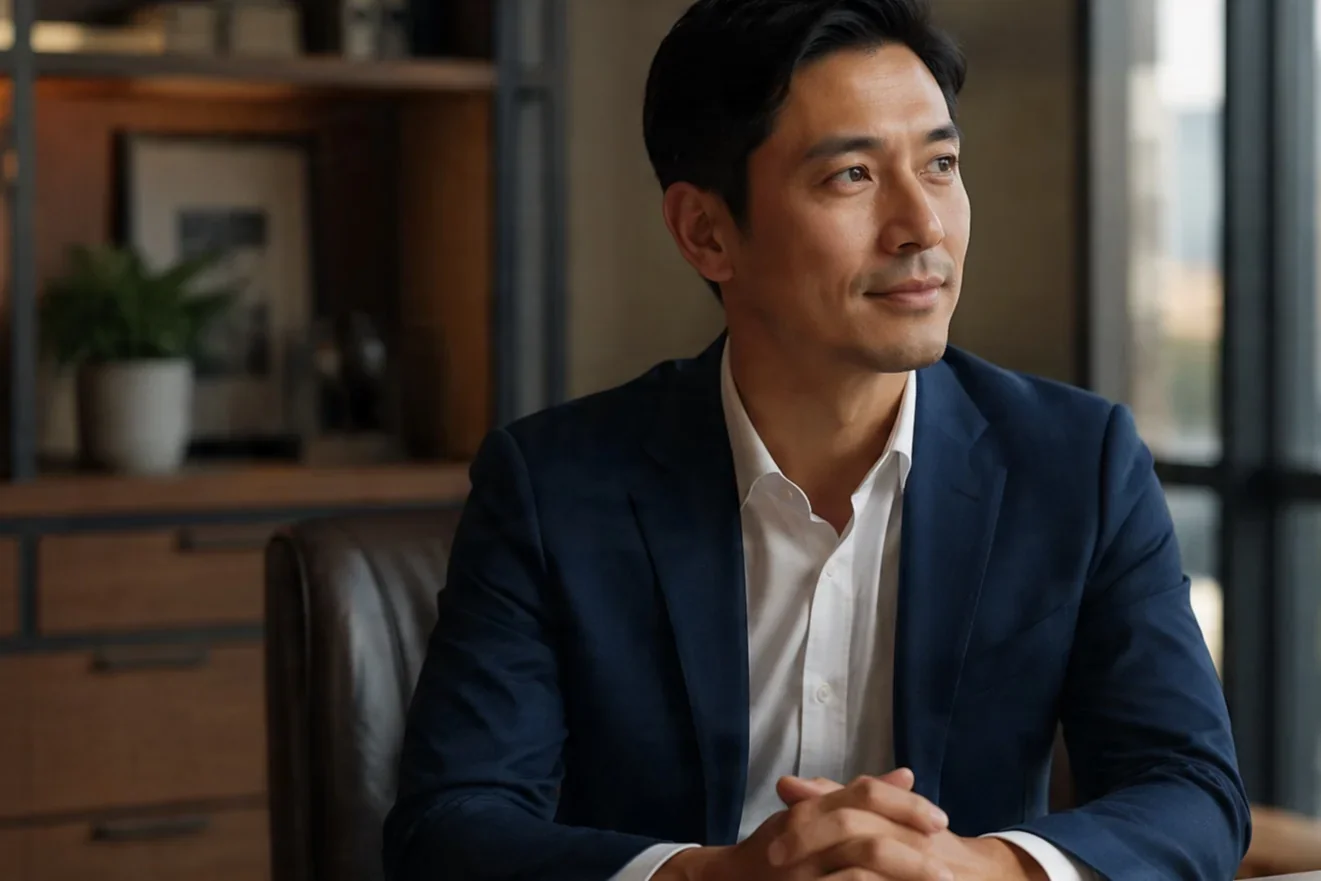
2Pick your style
Set background, wardrobe, lighting, and crop, from corporate to creative to outdoor to classic studio.
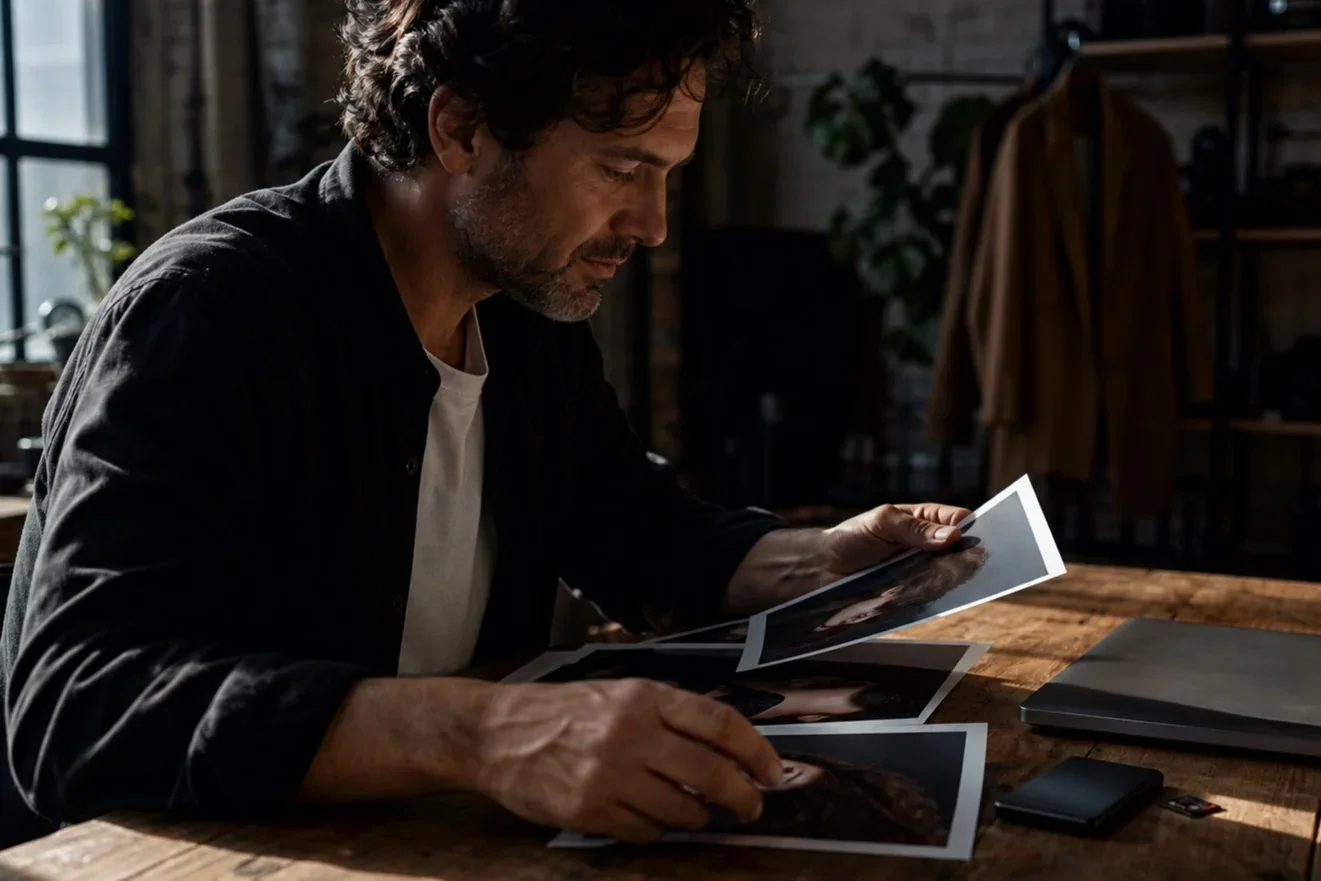 3
3Download your set
You get a batch of polished portraits. Pick the favorites and download the high-resolution files ready to use.
Why it works
What makes a great AI Headshot
The effect upgrades the lighting, framing, and finish while protecting the one thing that matters most, which is that it still looks like you.
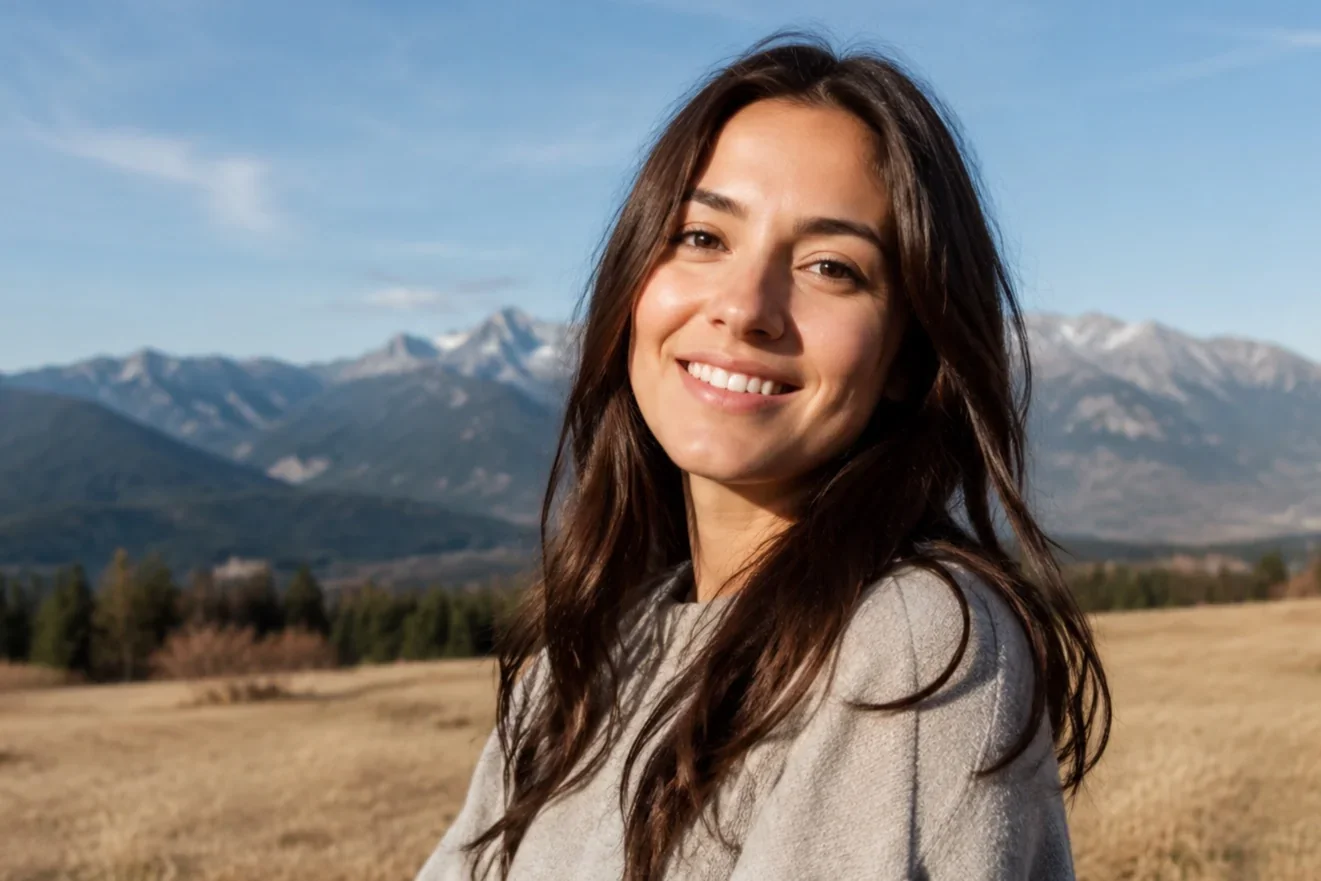
True to you
Your real face, kept
Your likeness stays accurate, so the result reads as a genuine photo of you on a better day in better light.
- Accurate facial likeness
- Natural skin texture
- No 'plastic AI' look
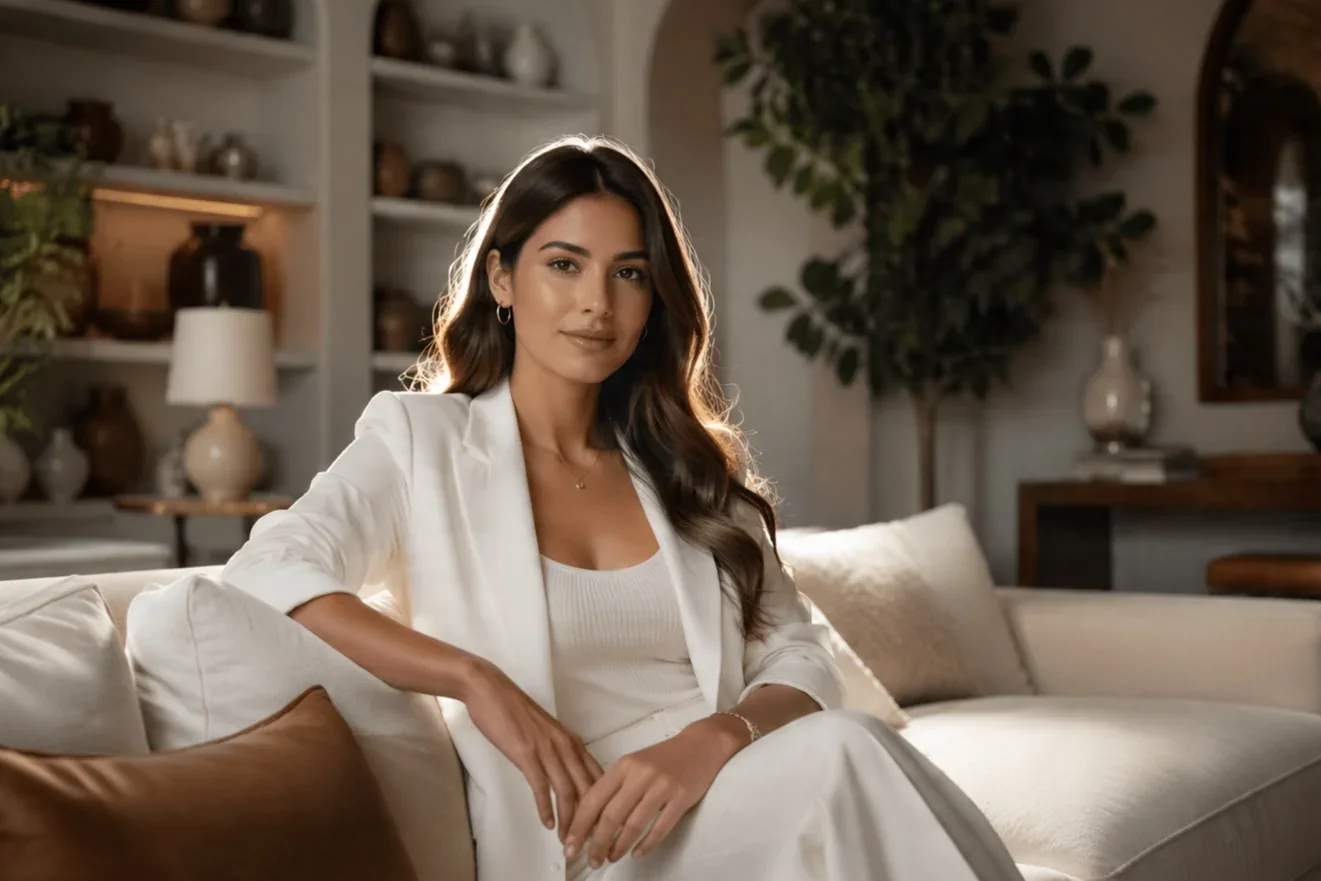
Studio lighting
Lit like a real shoot
Soft key light, clean catchlights, and balanced tones give every portrait a photographed, professional finish.
- Soft, flattering light
- Clean color and contrast
- Sharp, in-focus eyes
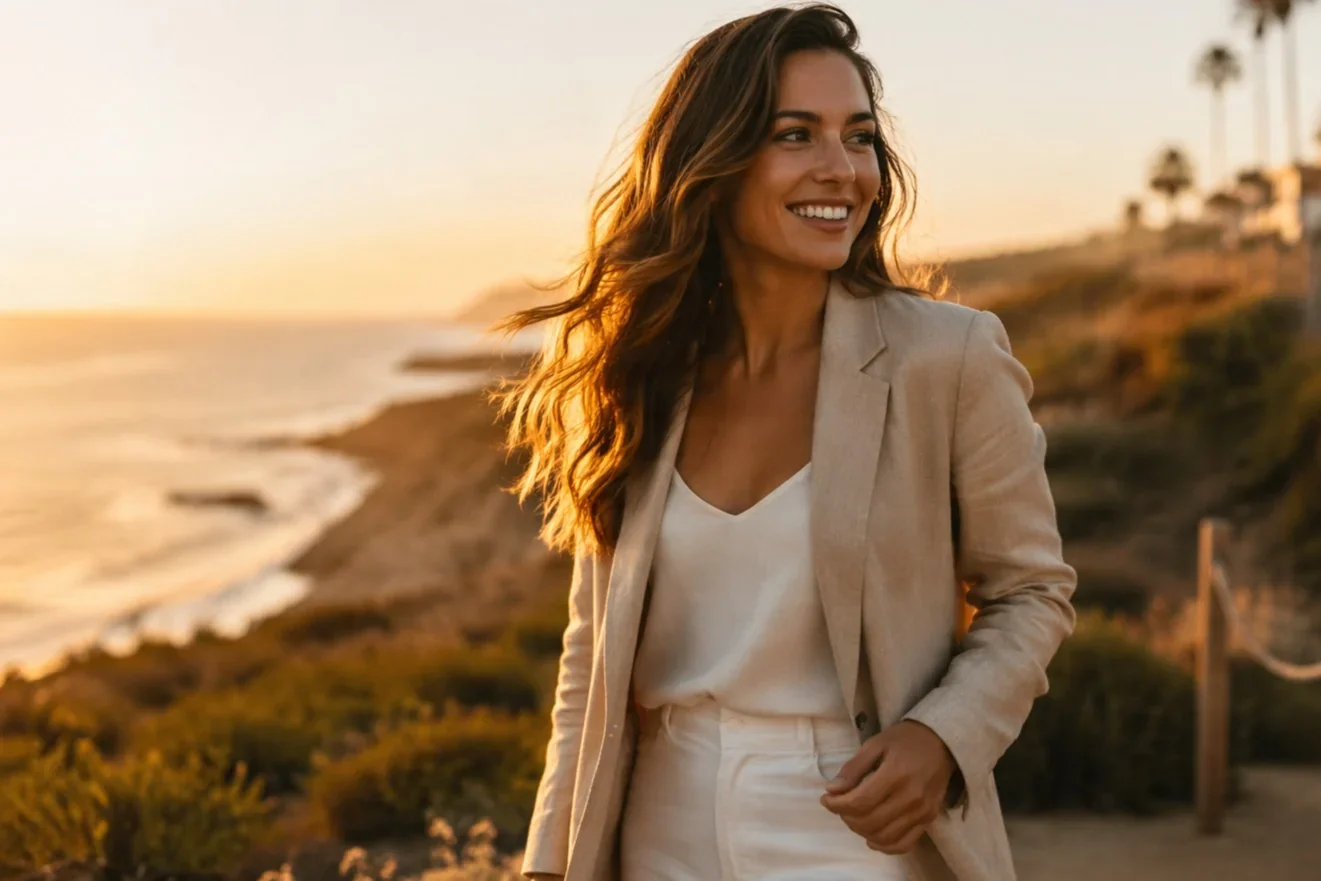
Any setting
Backgrounds and wardrobe
Drop yourself into an office, a neutral studio, an outdoor scene, or a branded backdrop, with wardrobe to match the context.
- Corporate to creative looks
- Neutral or branded backdrops
- Consistent across the set
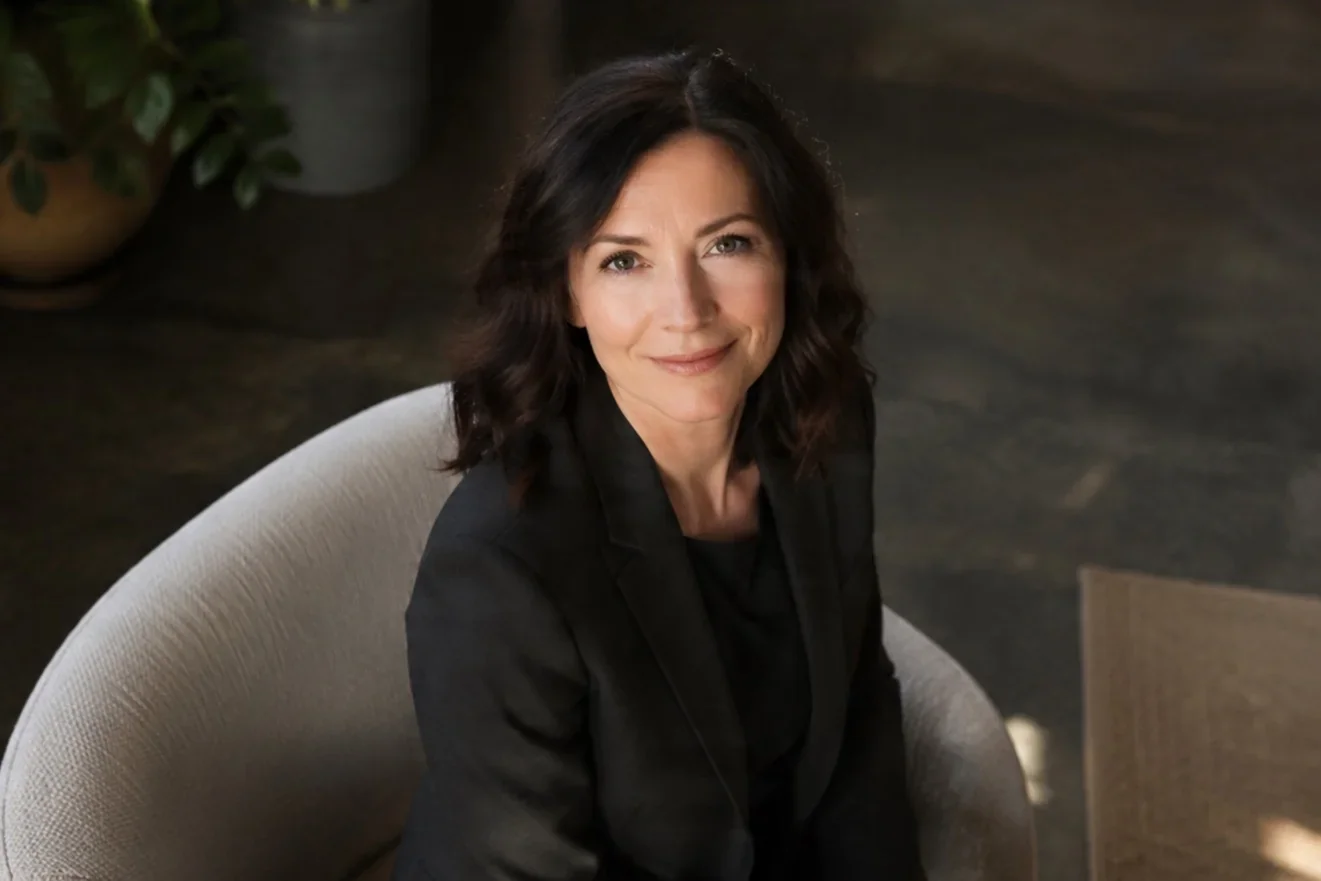
Built for use
Ready for every profile
The crops and ratios you actually need are covered, from LinkedIn and resume to team page, speaker bio, and avatars.
- LinkedIn and resume crops
- Square avatars
- High-res downloads
Examples
Made with AI Headshot in LazyKiwi
Studio-style portraits built from everyday selfies, shown across a range of styles and settings.
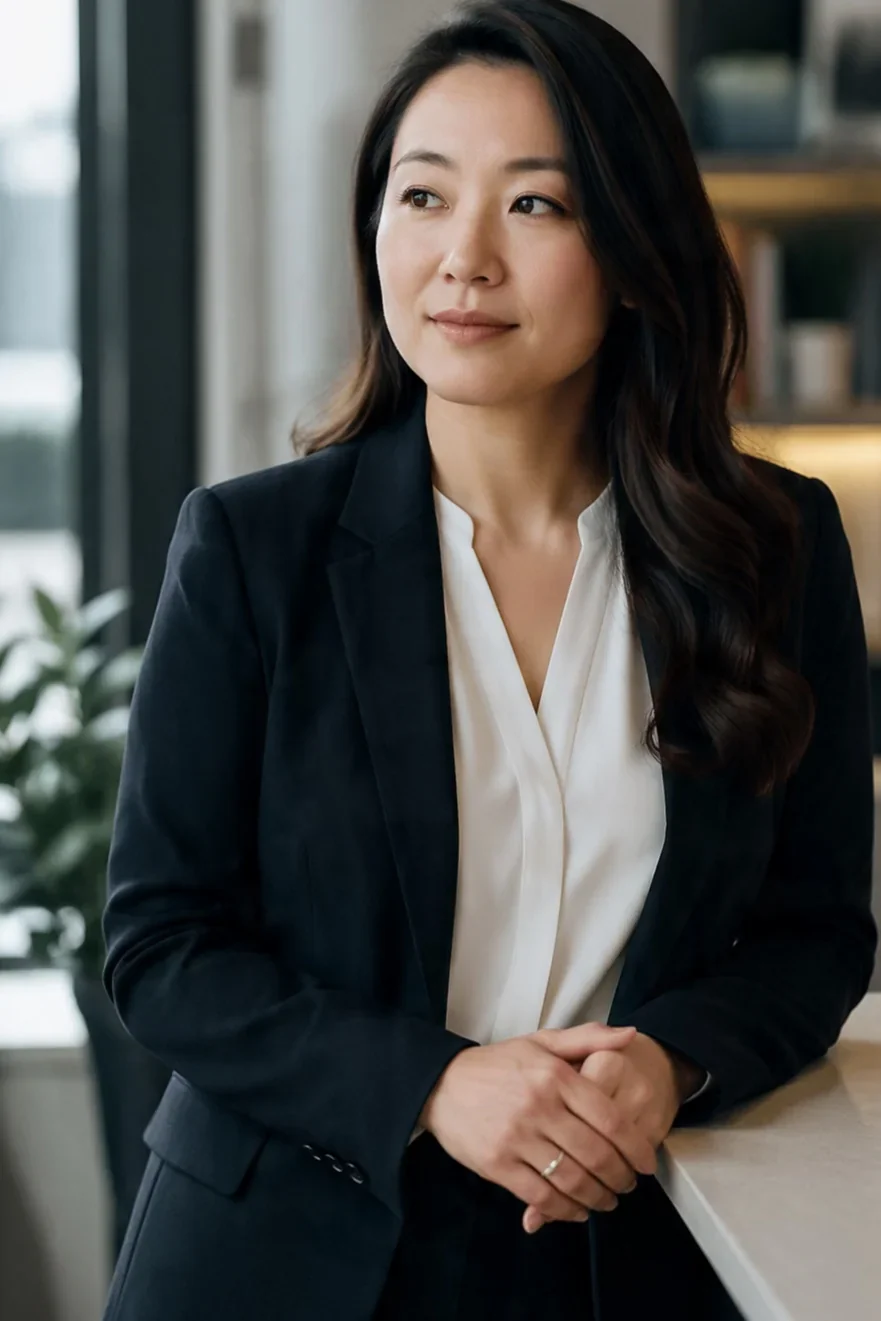
Corporate classic
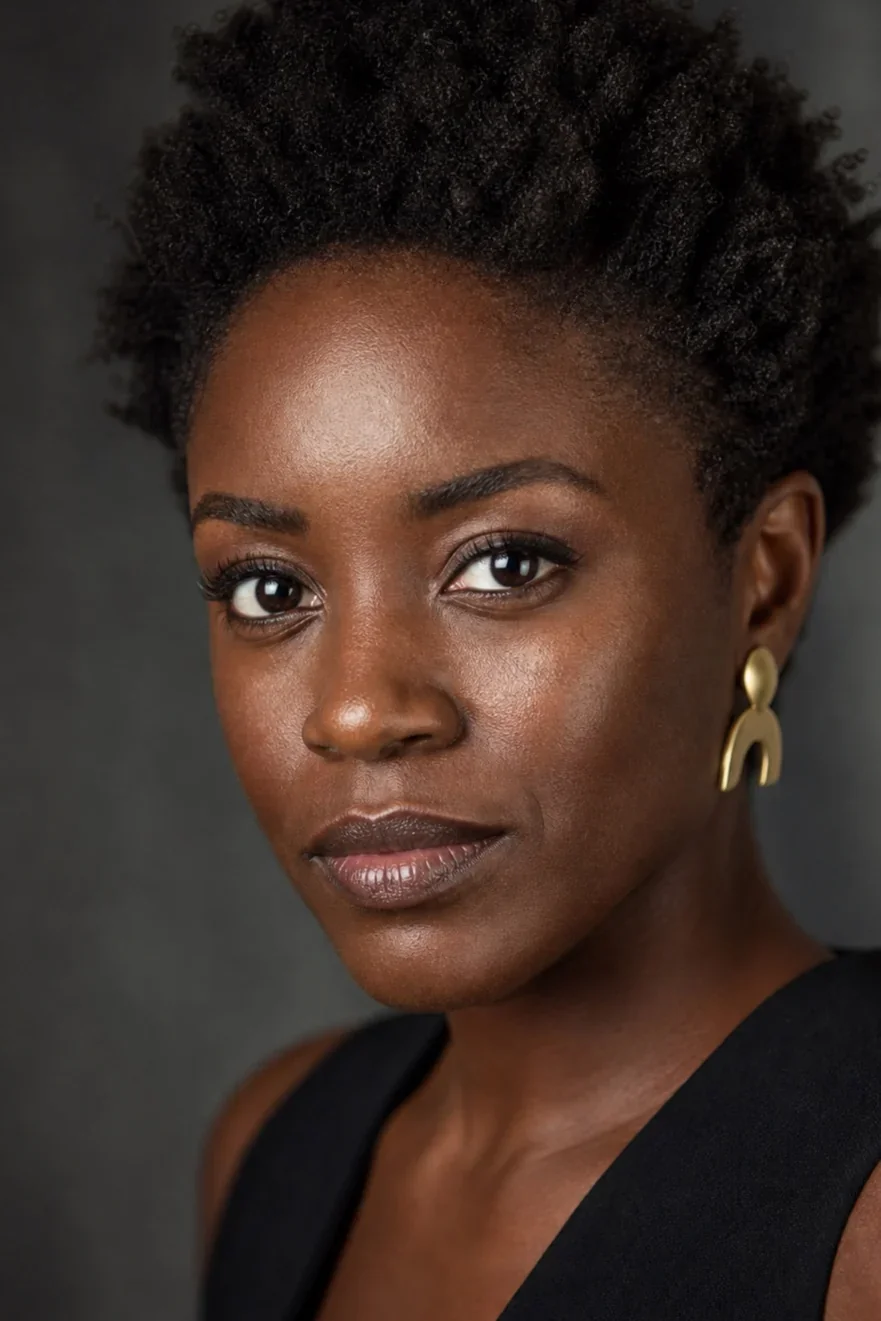
Creative studio
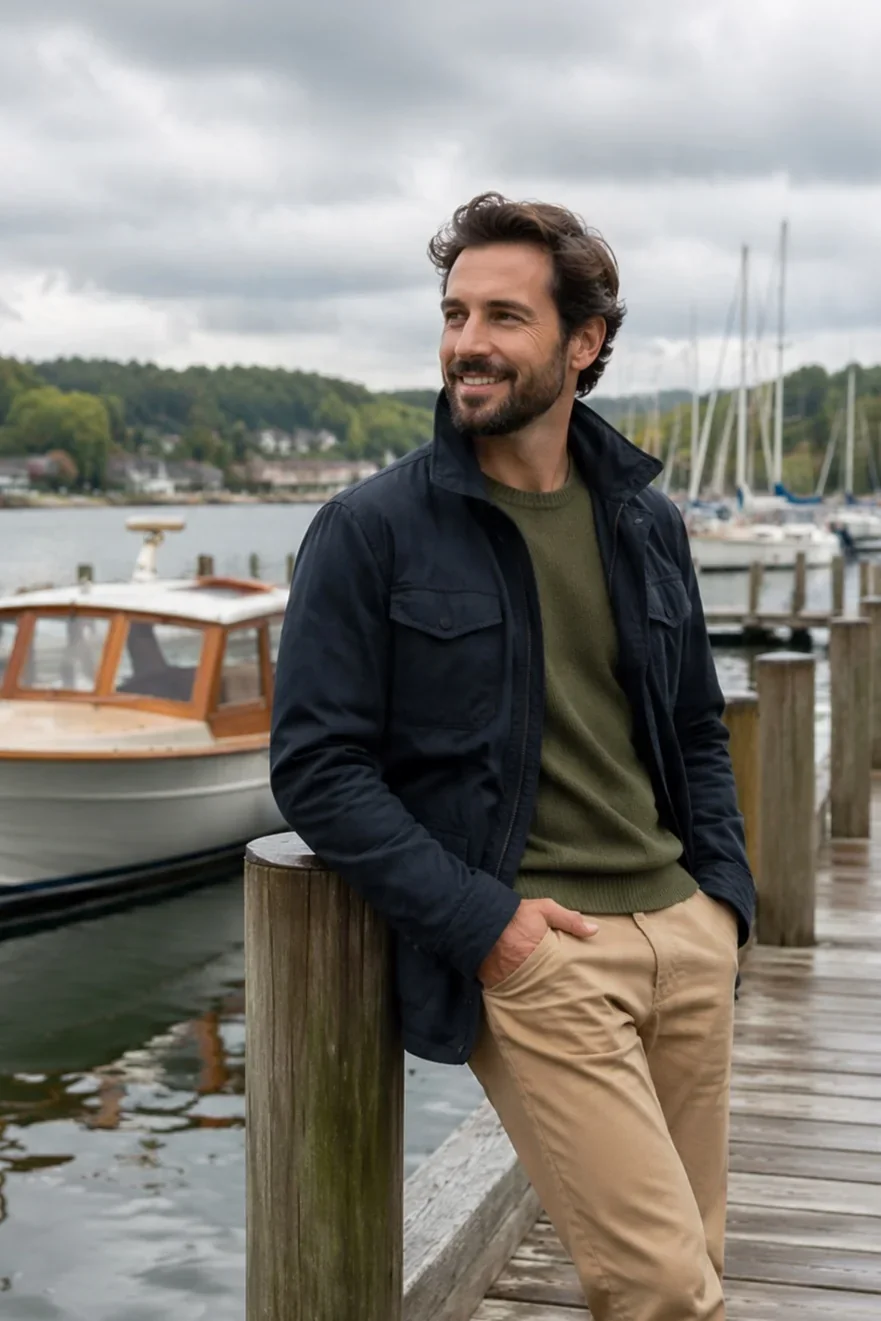
Outdoor natural light
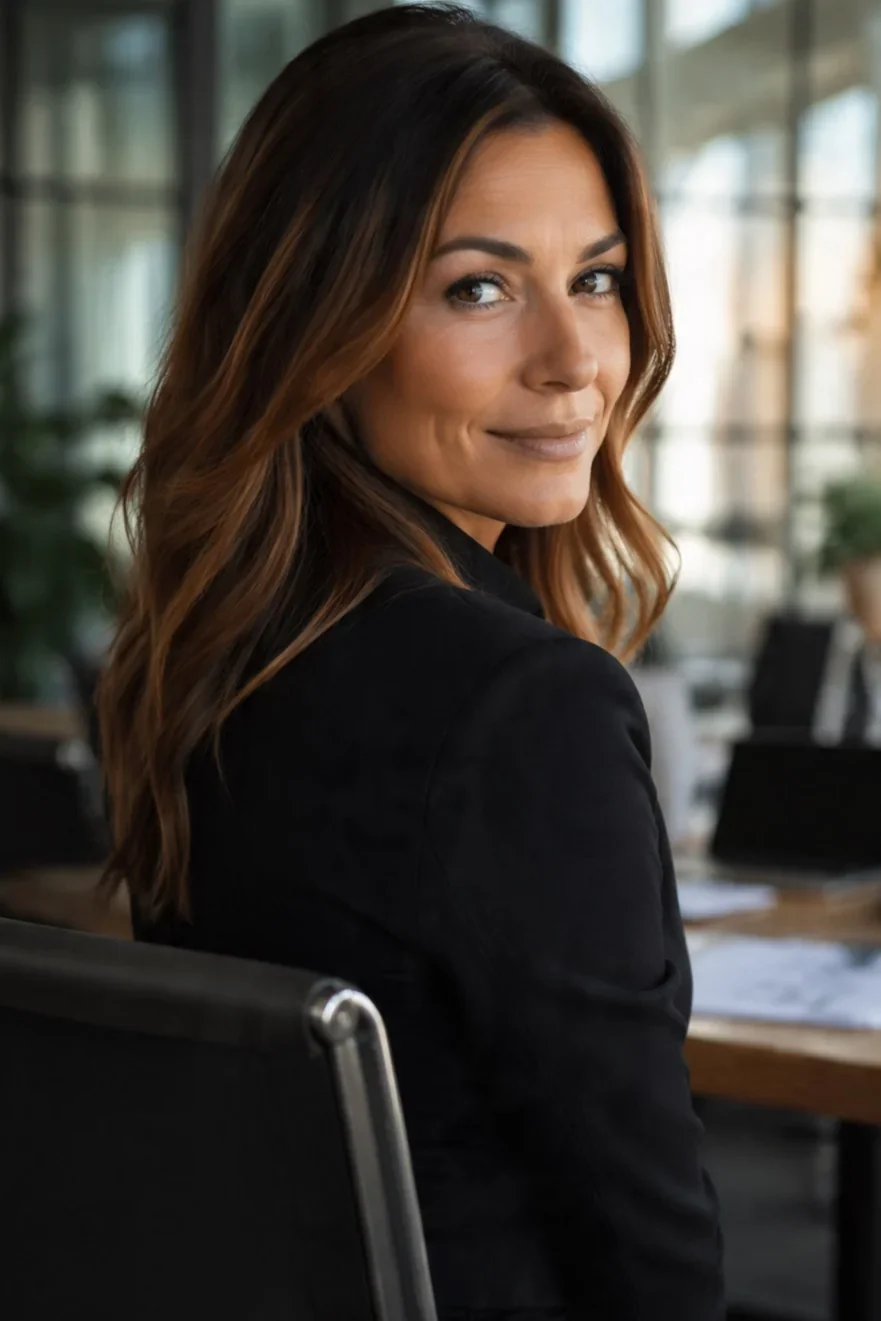
Founder portrait
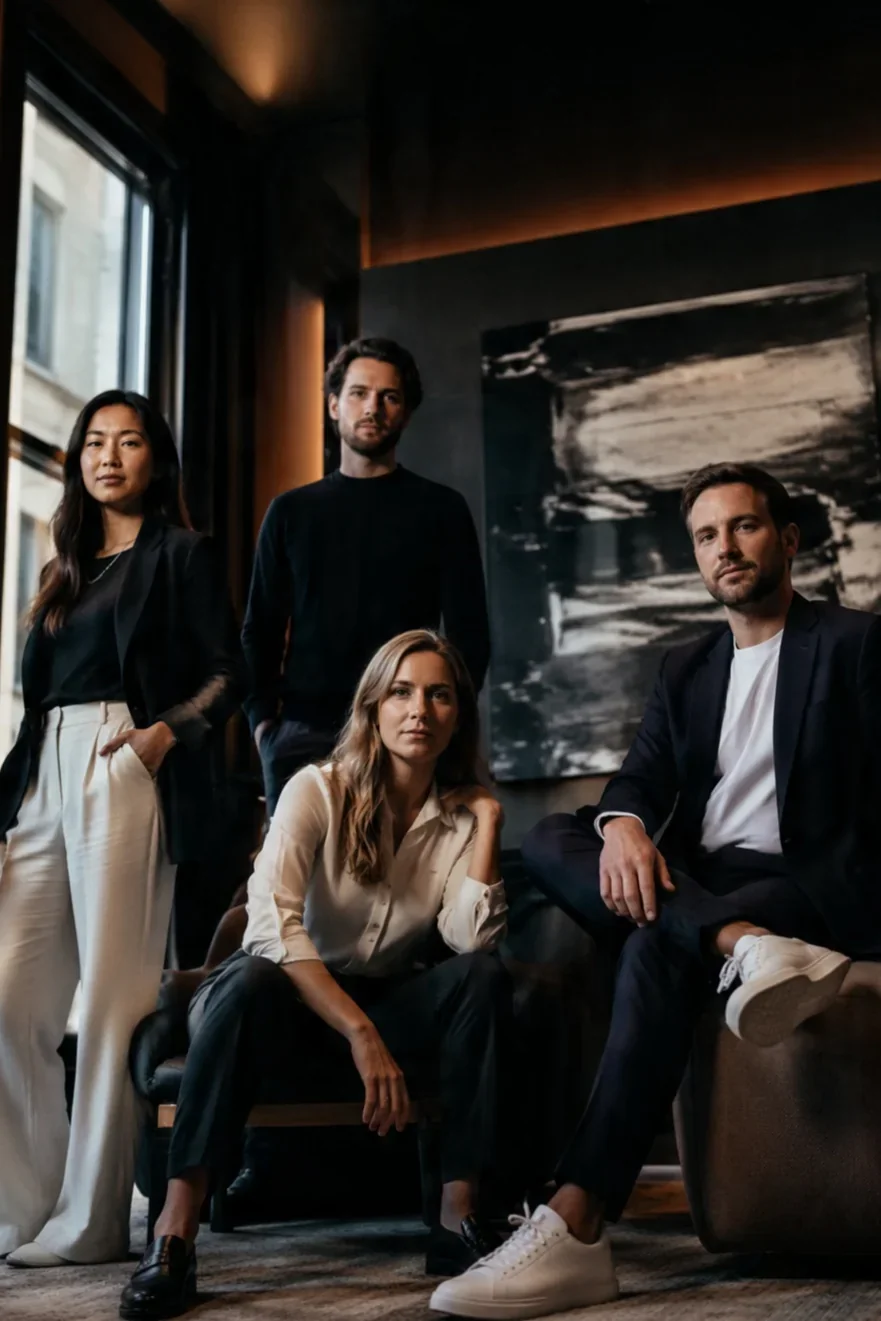
Team page set
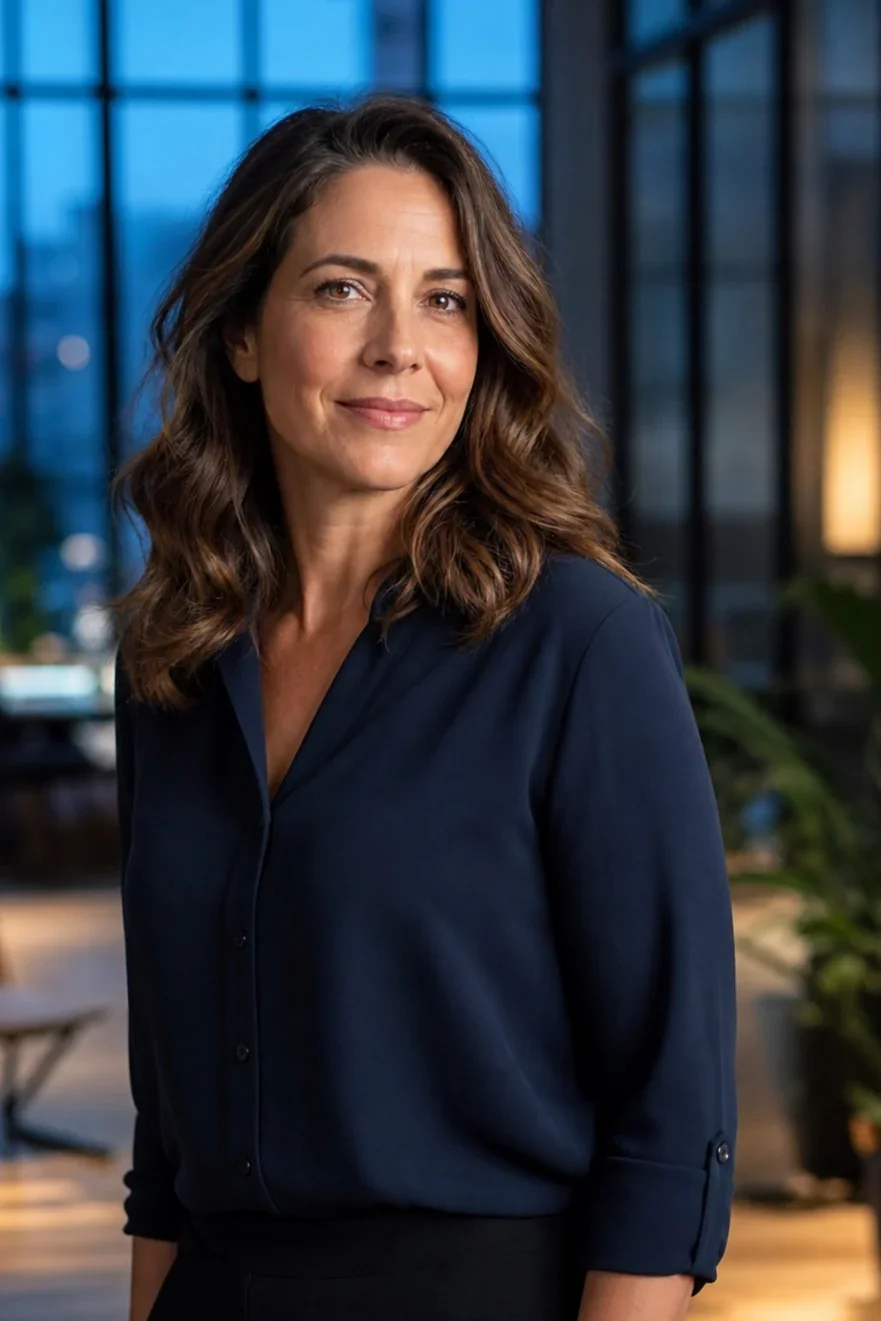
Speaker bio shot
Use cases
Who AI Headshot is for
One effect handles just about every professional profile that needs a good photo.
LinkedIn and resumes
Refresh your profile with a consistent, professional portrait that still reads as you.
Founders and creators
Pull together on-brand founder shots for your site, press kit, and product pages.
Team pages
Give an entire team matching, polished headshots without booking a single shoot.
Speakers and bios
Deliver sharp speaker and author photos in the exact crops events ask for.
FAQ
Common questions
What is the AI Headshot effect?
AI Headshot turns a few ordinary selfies into professional, studio-quality portraits. Inside LazyKiwi you upload your photos, pick a background and style, and download a polished set in a few minutes.
Is this a free AI headshot generator?
You can start free: new accounts get credits to try the AI headshot generator on your own selfies before choosing a plan. The cost of each run is shown in the workbench before you generate.
How many photos do I need to upload?
Three to eight clear selfies do the job. Variety helps a lot, so different angles, expressions, and lighting give the effect more to work with and lead to more flexible, accurate results.
Does the AI Headshot generator still look like me?
Yes. The effect is tuned to preserve your real likeness and skin texture while upgrading the lighting, framing, and finish, so the portrait reads as a genuine photo of you.
Can I choose the background and outfit?
You can pick from corporate, creative, outdoor, and studio backgrounds, with wardrobe options to match each one. The full set stays consistent so it looks like a single shoot.
What can I use the headshots for?
Use them for LinkedIn, resumes, team and about pages, speaker bios, press kits, and avatars. You get the standard crops plus high-resolution downloads ready to drop in anywhere.
Studio headshots, straight from your selfies.
Upload a few photos, choose your style, and download professional portraits that still look like you, all inside LazyKiwi.
More effects
Explore other one-click effects in the LazyKiwi workbench. Same tool, different look.
From the blog
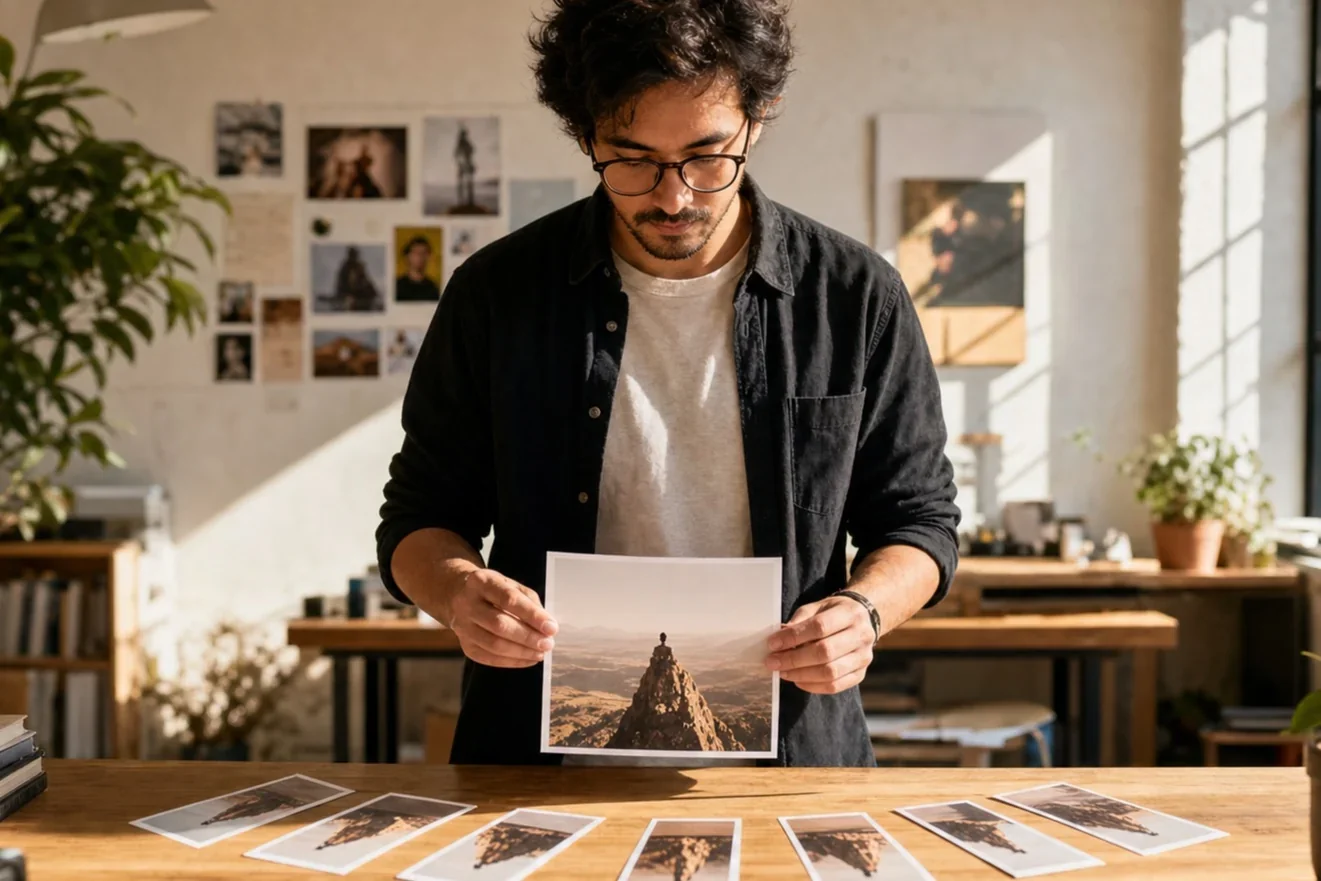
Turn One Photo Into a Week of Short-Form Content
A batching workflow to multiply one image into many posts.
5 min read
Text-to-Video Prompts That Actually Look Good
The prompt structure that gets clean, cinematic results.
6 min read
Make Scroll-Stopping AI Effect Videos
Use AI effects to build a hook people can't scroll past.
8 min readOther names
People search for this effect in many ways. LazyKiwi groups these intents under one page.