
Magnific AI Review: Upscaler, Pricing and Free Alternatives
Magnific AI in 2026 is the whole former Freepik platform. What its upscaler does, what the plans cost, whether any of it is free, and seven alternatives.
 Noah Berger 10 min read
Magnific started life as a standalone upscaler that made AI images look sharper than their source, got bought by Freepik, and in April 2026 became the name of the entire Freepik platform. So a Magnific AI review in October 2026 has to answer two questions at once: how good is the upscaler the brand was built on, and what are you actually buying when you subscribe today. This review is built from pages on magnific.com, Wikipedia and the competing vendors' pricing pages, all read on 15 October 2026. We did not run a head-to-head upscaling test, so there are no sharpness scores here. What there is: every plan price, every stated limit, the free-tier facts, and seven tools to compare against, with LazyKiwi's own upscaler first because it is ours.
What is Magnific AI in 2026?
Three dates explain the name. Magnific was founded in Spain as an AI image upscaler and "enhancer" with sliders for creativity and resemblance, and it was acquired by Freepik in May 2024, per Wikipedia. Freepik itself dates to 2010, started as a search engine for graphic resources, and grew into a stock library plus an AI suite. On 28 April 2026, again per Wikipedia, Freepik relaunched under the Magnific name, "bringing its stock library, generative tools and the upscaling service under a single brand".
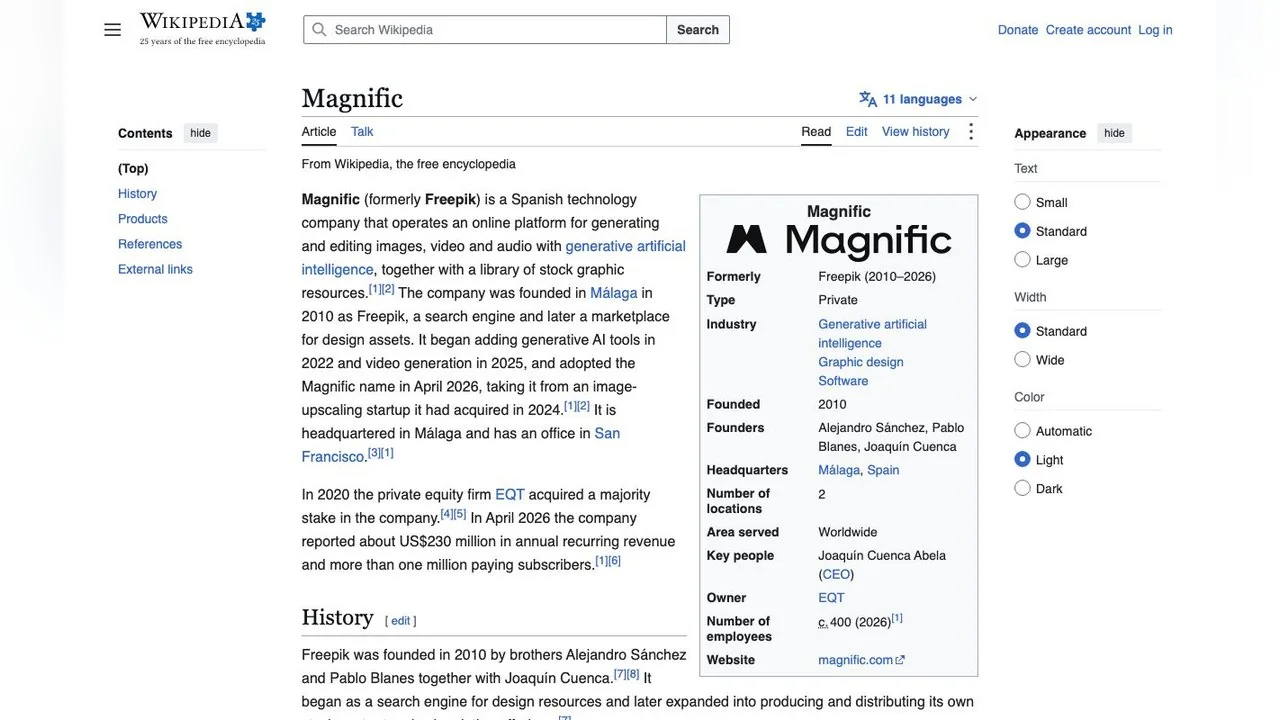
Magnific's own transition page is blunt about what changed: "Same company, same team, same platform. Nothing has been replaced or shut down." Logins, subscriptions, downloads, licences, API keys and the mobile app all carry over, and both api.freepik.com and api.magnific.com stay live. The home page title now reads "Magnific (formerly Freepik) | The AI Creative Platform".
So when someone searches "magnific ai" today they may mean one of three things: the original creative upscaler, the AI suite Freepik built, or the 250-million-asset stock library. The subscription covers all three. This review takes them in that order.
Magnific upscaler review: Classic, Creative and the Magnific models
The image upscaler page is the clearest statement of what the product does. Its headline claim is upscaling "up to 16x clarity" while keeping "your original structure, composition, and lighting intact", with contextual textures and detail added by AI, and bulk processing of up to 20 images at once. Three model families are described:
- Classic: the quick option "to sharpen compressed, low-res images", pitched at everyday fixes.
- Magnific Creative: the original Magnific behaviour, with a Creativity slider that adds texture or invented variation and a Resemblance slider that pulls the result back toward the source. The page recommends it for stylised content and concept work.
- Magnific Upscaler proper: described as upscaling "up to 10K" with every parameter exposed, and marked "Only for Premium+ users".
Two practical details from the page's FAQ: bulk upscaling allows up to 20 images per batch, "2 for free users"; and accepted formats are JPG, JPEG, WEBP and PNG. On credits, the FAQ says Premium+ and Pro subscribers use the upscaler without spending credits "except with Magnific models", and that hovering over the Upscale button shows the exact credit cost before you run. The pricing page lists Magnific Precision at 90 credits per 2K image.
What this review cannot tell you is how the output compares with Topaz or an open-source model on your photos, because we did not run that test. What the pages do establish is the shape of the product: a fast classic path that is cheap or free of credits on paid plans, and a creative path that invents detail on purpose and costs credits. If you upscale product photos or faces where invented detail is a defect, the Creative slider is the thing to keep near zero.
Is Magnific AI free?
Two of Magnific's own pages give slightly different answers. The pricing page read on 15 October 2026 lists three individual plans, Premium, Premium+ and Pro Starter, and no free plan card, and it offers a 30-day refund guarantee rather than a trial. The upscaler page, on the other hand, carries the title "Free AI Image Upscaler" and its FAQ refers to "free users" who can bulk-process two images at a time.
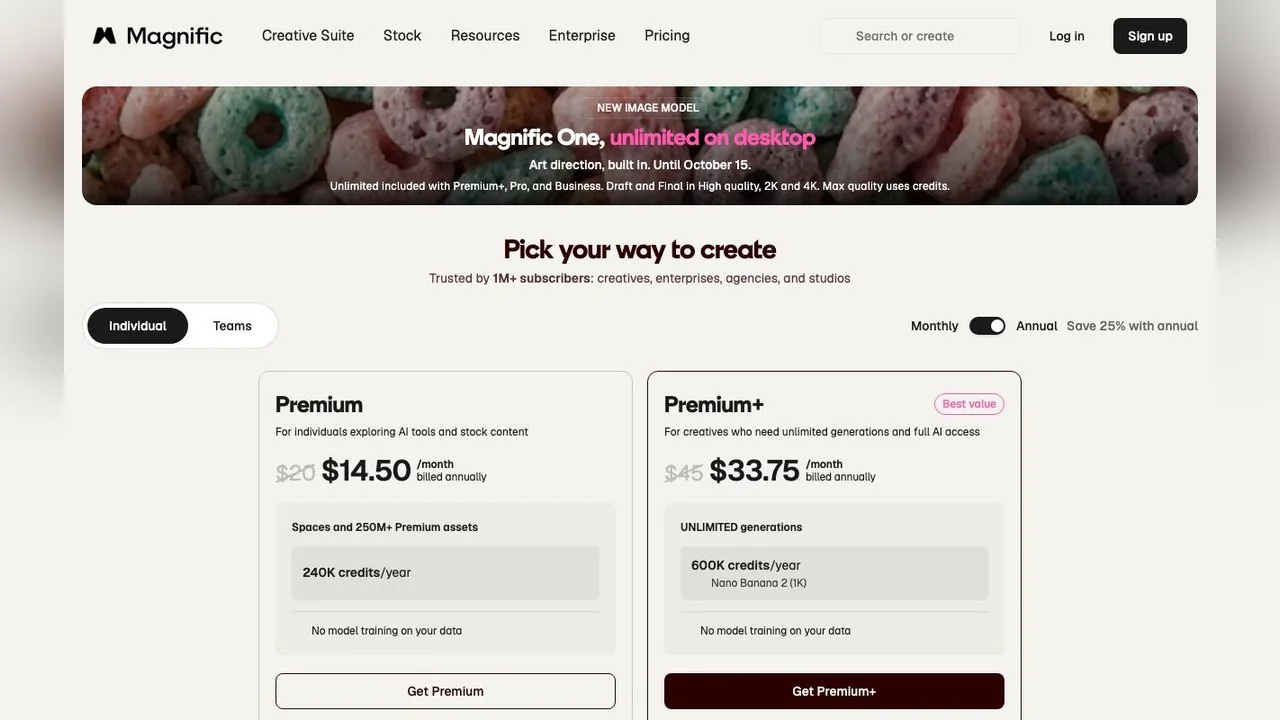
Reading both together: a free account exists, inherited from Freepik's free tier, and it can open the upscaler with limits, but Magnific does not advertise a free plan on its pricing page and the premium models (the Magnific-branded upscaler, Magnific One at top quality) are gated to paid tiers. If you came here for "magnific ai free", the practical answer is: you can sign up and try the Classic path in small batches; the thing the brand is famous for needs Premium+.
Magnific pricing in October 2026
Individual plans, with the annual toggle on (the page shows 25% off for annual) and monthly prices in brackets, as listed on 15 October 2026:
| Plan | Price a month, billed annually | Credits | Notes from the plan card |
|---|---|---|---|
| Premium | $14.50 ($20 monthly) | 240,000 a year | Image, video and audio models; Spaces; Magnific image and video upscalers; commercial AI licence; API access; 250M+ stock assets |
| Premium+ | $33.75 ($45 monthly) | 600,000 a year | Everything in Premium plus Topaz upscalers, music rights, and flat-rate generation on a set of models including Nano Banana 2 at 1K |
| Pro Starter | $82.50 ($110 monthly) | 1.5M to 4M a year | Everything in Premium+ with larger credit tiers for Nano Banana 2 at 2K and Nano Banana Pro |
Three things in the small print matter more than the headline prices. Credits are issued per year and "valid for 1 year, no monthly resets", which is friendlier than the use-it-or-lose-it monthly pools most rivals run. Prices exclude VAT. And the plan cards promise "No model training on your data" on every tier, which the upscaler FAQ repeats.
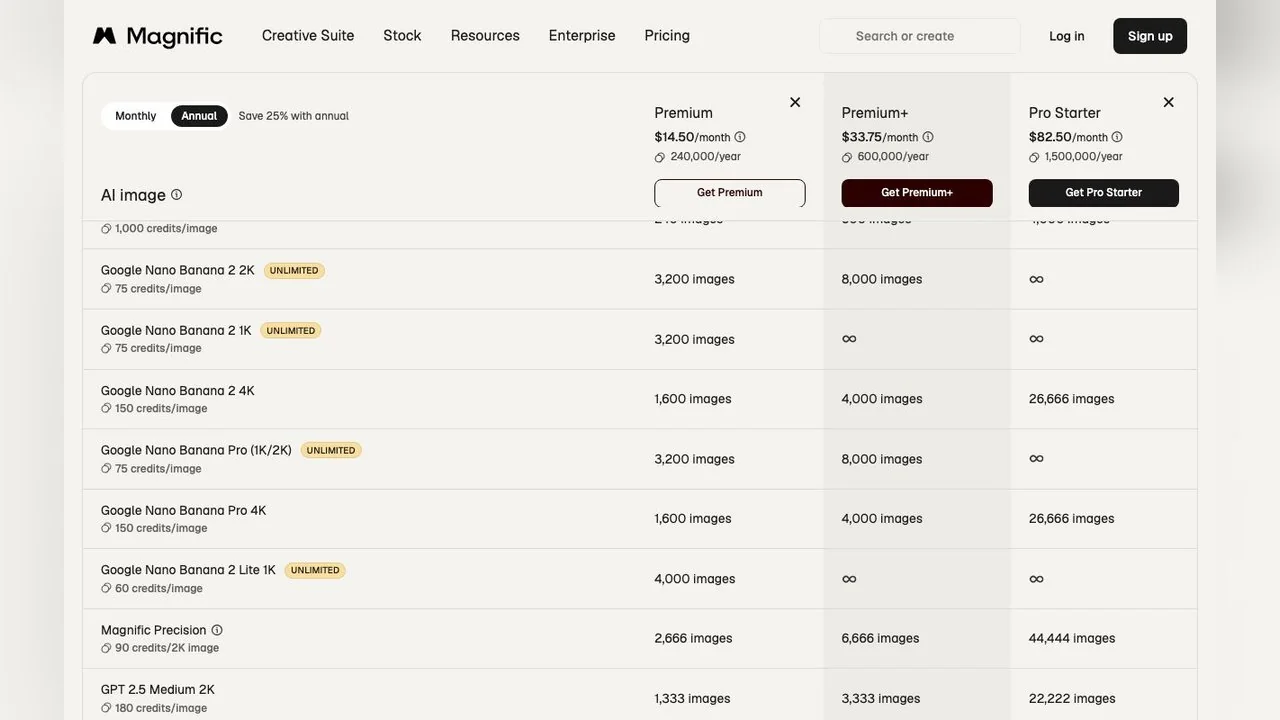
The comparison table converts credits into output. On Premium, 240,000 credits buy about 2,666 Magnific Precision upscales at 2K, or 1,333 Magnific One images at High 2K (180 credits each), or 136 Seedance 2.5 videos at 720p (1,760 credits per 4 seconds). The same table marks several image models as flat-rate on Premium+ and above, shown as an infinity sign, which is where the "magnific pricing" value sits if you generate hundreds of images a month.
A Magnific One promotion (flat-rate on desktop for Premium+, Pro and Business) was dated "Until October 15" on the day we read the page. Expect that banner to be gone or replaced by the time you visit.
What else is in the Magnific suite?
The upscaler is one tool among roughly thirty on the Creative Suite menu. From the site navigation on 15 October 2026:
- Image: generator, editor, upscaler, extender, background remover, Relight and Change Camera.
- Video: generator, project editor, upscaler ("up to Ultra HD 4K"), clip editor, Speak and Video Relight.
- Audio: text to speech, sound effects and music generation.
- 3D: scenes, image-to-3D model generator and image-to-360.
- Workspaces and ecosystem: Spaces (a node-based canvas), Designer, MCP for Claude and ChatGPT, a Photoshop plugin, a Figma plugin, a desktop app, a mobile app and an API.
- Models: Magnific One (its own image model, released October 2026 with a Brand Kit feature, per Wikipedia), plus third-party models such as Seedream 5, Seedance 2.5 and Nano Banana Pro.
That breadth is the real difference between Magnific and a pure upscaler. If you only need to enlarge photos, you are paying for a stock library and a video suite you may never open. If you already pay for stock, the AI tools come with it.
Magnific AI alternatives compared
Seven tools that do the upscaling job, with what each costs as read from its own page on 15 October 2026. LazyKiwi is listed first because it is ours; the rest are in rough order of price.
| Tool | Type | Free tier (15 Oct 2026) | Paid entry | Max scale or size stated |
|---|---|---|---|---|
| LazyKiwi AI Photo Upscaler | Browser, credits | Free credits on sign-up, no card | Shown before each run | Up to 4x |
| Upscayl | Desktop, open source | Entirely free (Linux, macOS, Windows) | Optional Upscayl Cloud | Up to 16x, with a Double Upscayl pass |
| Bigjpg | Browser | 20 images a month, 5 MB, 4x | $6 for 2 months (500 images a month) | 16x on paid, 50 MB uploads |
| Let's Enhance | Browser, credits | 10 credits on sign-up, watermark, up to 8 MP | Starter $9 a month billed annually ($12 monthly), 100 credits | Up to 512 MP on Max |
| Pixelcut | Browser and app | Limited upscale, no watermark on export | Pro $8 a month billed yearly ($10 monthly), 600 credits | Not stated on the pricing page |
| Krea | Browser, units | 100 units a day; upscaling limited to 2K | Pro $21 a month yearly, $35 monthly, 20,000 units | Up to 22K via paid upscalers incl. Topaz |
| Topaz Gigapixel | Desktop and plugin | Not shown on the product page | Personal $19 a month on annual commitment or $149 a year; Pro $499 a year | Up to 16x |
Magnific's own line for comparison: Premium at $14.50 a month billed annually, 240,000 credits a year, Classic and Creative upscaling up to 16x, with the 10K Magnific-branded upscaler on Premium+ at $33.75.
Free and open-source: Upscayl and Bigjpg
Upscayl is the one genuinely free pick. It is open source, runs locally on Linux, macOS and Windows, offers several upscale models and a Double Upscayl option that runs the image through twice, and the site's promise is "Download once, forever yours". The trade-off is that it runs on your own machine, there is no creative slider, and the cloud version with batch processing and face enhancement is a separate paid product.

Bigjpg is the browser equivalent for small jobs: free accounts get 20 images a month at up to 4x with a 5 MB upload limit, and paid plans start at $6 for two months with 16x enlargement, 50 MB uploads and parallel processing. It has two styles, art and photo, and a noise-reduction setting. It is a neural upscaler, not a generative one, which is exactly what you want when the source must not be reinterpreted.
Desktop and plugin: Topaz Gigapixel
Topaz Gigapixel is the tool professionals usually name as the Magnific upscaler alternative, and it is a different animal: a desktop application for Mac and Windows, also available as a Photoshop and Lightroom Classic plugin. The product page lists a model line-up including Wonder 2 and 3, Standard, High Fidelity, Low Res, Text & Shapes, Art & CG, Recover, Redefine and Face Recovery, with Wonder 1 run in the cloud, and upscaling up to 16x.
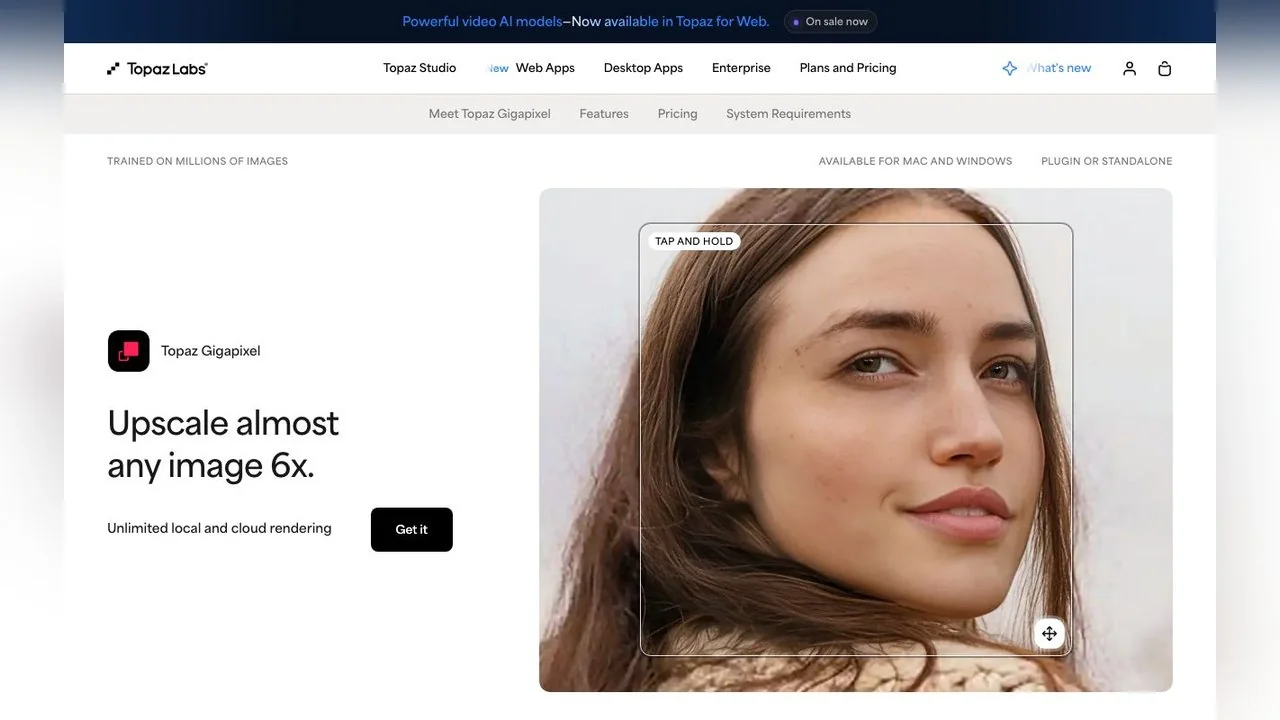
Pricing on the page is subscription-based: Personal at $29 a month, $19 a month on an annual commitment, or $149 a year; Pro at $54 a month on annual commitment or $499 a year; also bundled in Topaz Studio at $399 a year. No free trial is described on the page we read. Topaz processes locally, so large batches do not consume credits, and that is the main economic argument against Magnific for high-volume work.
Online credit tools: Let's Enhance, Pixelcut and Krea
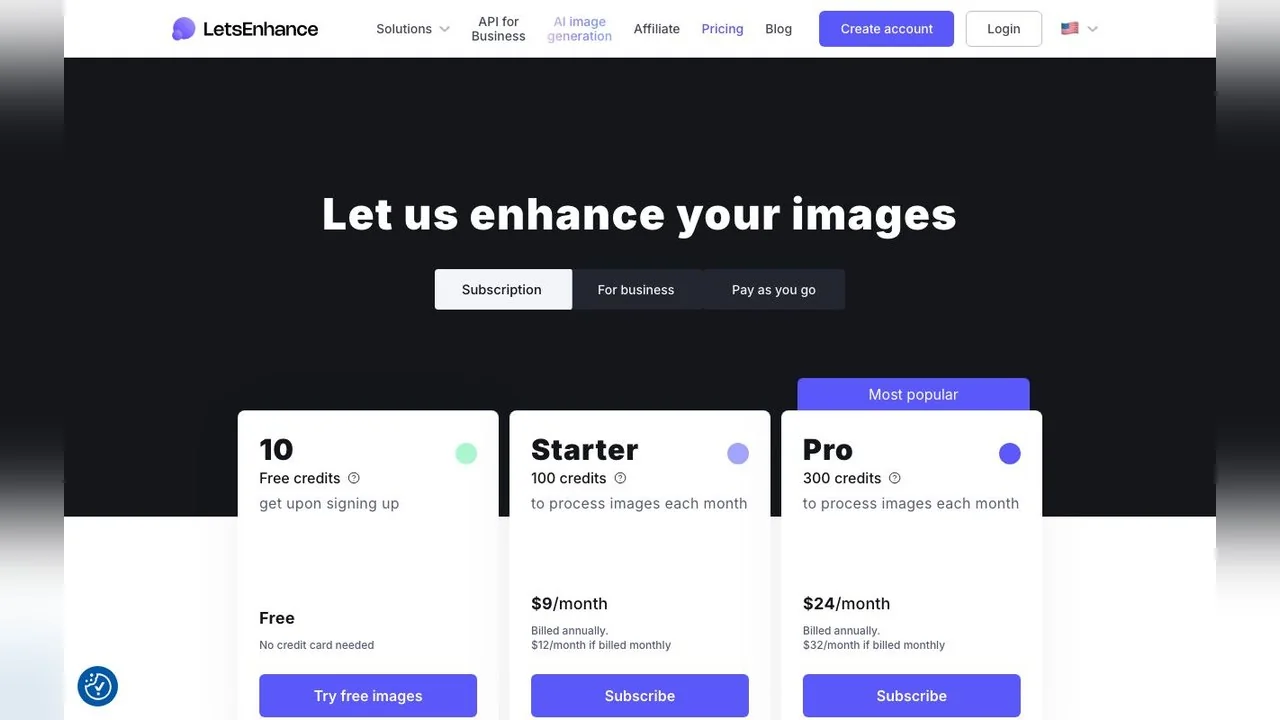
Let's Enhance is the closest in shape to Magnific's own upscaler: browser-based, one credit per image, ten free credits on sign-up with a watermark and an 8-megapixel ceiling. Starter is $9 a month billed annually ($12 monthly) for 100 credits and upscaling to 256 MP; Pro is $24 ($32) for 300 credits and 350 MP; Max is $34 ($45) for 500 credits and 512 MP. Unused credits accumulate, up to 600 on Starter.
Pixelcut bundles upscaling with background removal and generative fill for product photos. Its free plan lists limited upscale and background removal with watermark-free export; Pro is $10 a month ($8 billed yearly) with 600 AI credits, a commercial licence and upscaling without a stated cap; Business is $30 ($24) with 3,600 credits.
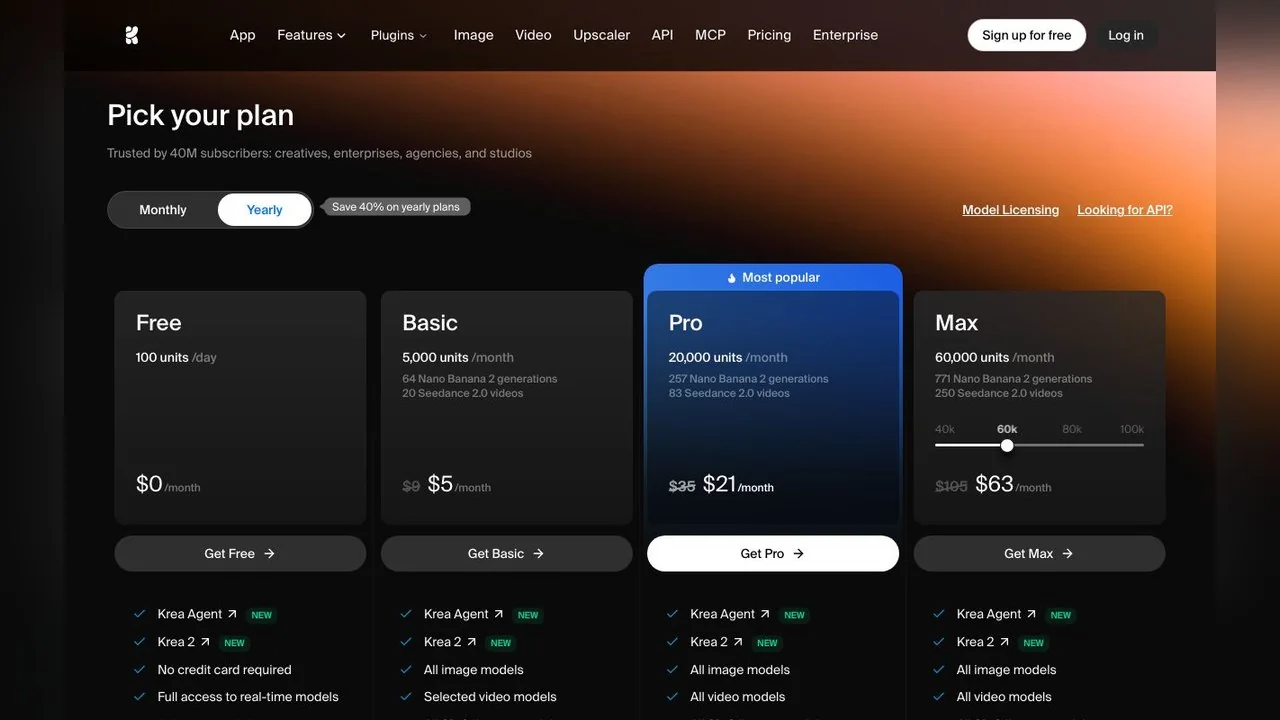
Krea is the suite-sized alternative. Its free plan gives 100 compute units a day and upscaling limited to 2K; Pro, $21 a month on the yearly plan or $35 monthly, brings paid upscalers, including a Topaz model, with outputs up to 22K, plus every image and video model the service hosts. If you want Magnific's breadth (image, video, 3D, training) rather than its stock library, Krea is the direct comparison.
When to use LazyKiwi instead of Magnific
LazyKiwi is a credit-based browser workbench, not a stock library, so the comparison is only with Magnific's AI tools. The AI Photo Upscaler enlarges a photo or graphic up to 4x, reconstructing faces, edges and textures rather than stretching pixels, and it is free to try without a card. That 4x ceiling is lower than Magnific's 16x figure, and it is the honest limit for a single pass; for print-size work beyond that, a desktop tool like Gigapixel or Upscayl is the better fit.
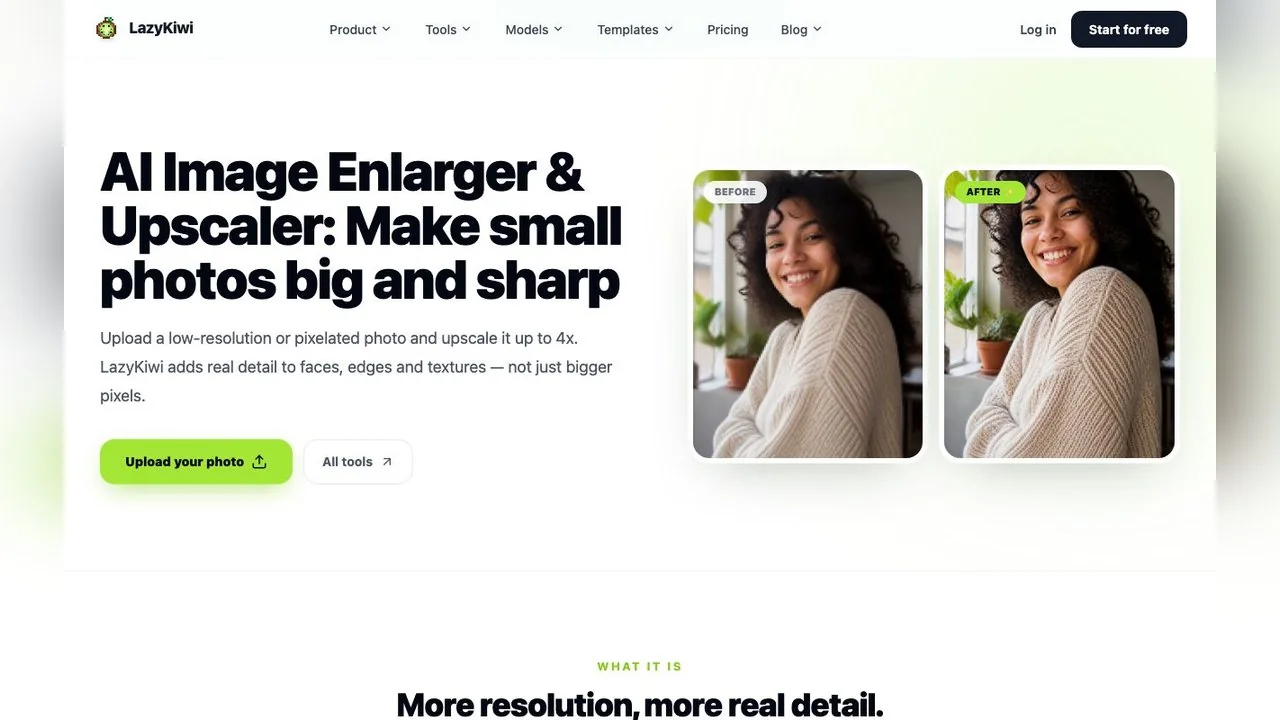
Where LazyKiwi earns its place is the jobs around upscaling. Photo Restoration repairs scratches, tears and fading and recovers soft faces in old scans, and the separate AI Photo Colorizer adds colour to black-and-white prints. For edits that Magnific would route to its image editor, the image generator runs Nano Banana, which edits a photo from a plain-language instruction at up to 4K. For footage, the AI Video Enhancer does the video upscaling job without a subscription.
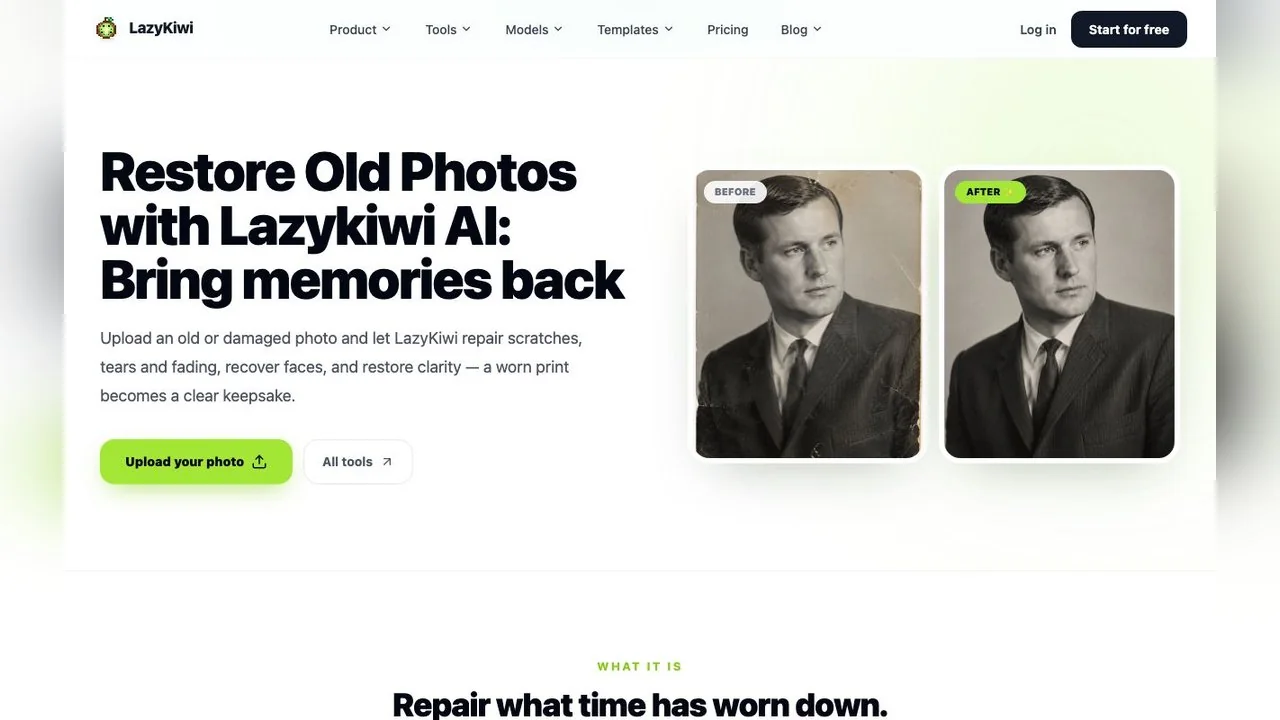
Pick Magnific if you already live in the Freepik stock library, need the Creative slider's invented detail, or want one subscription for image, video, audio and 3D. Pick LazyKiwi if you want to upscale, restore or edit a handful of photos now, see the cost before each run, and pay nothing to find out whether the result is good enough.
Key takeaways
- Magnific is now the whole former Freepik platform: Freepik bought the Magnific upscaler in May 2024 and relaunched under the Magnific name on 28 April 2026.
- The upscaler page claims up to 16x clarity with Classic and Creative models; the 10K Magnific-branded upscaler is marked Premium+ only.
- Plans on 15 October 2026: Premium $14.50, Premium+ $33.75 and Pro Starter $82.50 a month billed annually, with credits issued per year and no monthly reset.
- There is no free plan on the pricing page, but the upscaler page refers to free users with a two-image batch limit; the famous models need a paid tier.
- Free alternatives exist: Upscayl (open source, local) and Bigjpg (20 images a month). LazyKiwi's upscaler goes to 4x and can be tried with sign-up credits.
Models & Research Editor
Noah Berger
Noah Berger tracks generative models and the rules around them for LazyKiwi. He works from primary sources, dates every claim, and updates a post when the model or the policy behind it changes.
FAQ
Common questions
Is Magnific the same as Freepik?
Yes. Freepik acquired the Magnific upscaler in May 2024 and on 28 April 2026 relaunched the whole platform under the Magnific name. Magnific's transition page says the company, team, logins, subscriptions, downloads and API keys are unchanged, and both api.freepik.com and api.magnific.com keep working.
Is Magnific AI free to use?
Partly. The pricing page on 15 October 2026 listed only paid plans and a 30-day refund guarantee, while the upscaler page is titled Free AI Image Upscaler and its FAQ mentions free users limited to two images per batch. The Magnific-branded 10K upscaler is marked Premium+ only, so the signature feature is paid.
How much does Magnific cost?
With annual billing on 15 October 2026: Premium $14.50 a month (240,000 credits a year), Premium+ $33.75 (600,000) and Pro Starter $82.50 (1.5 to 4 million). Monthly billing is $20, $45 and $110. Credits last a year with no monthly reset, prices exclude VAT, and there is a 30-day refund guarantee.
How far can the Magnific upscaler enlarge an image?
The upscaler page states up to 16x clarity with the Classic and Magnific models, and a Magnific Upscaler mode up to 10K resolution for Premium+ subscribers. Bulk runs take up to 20 images at once, or two on a free account, in JPG, JPEG, WEBP or PNG.
What is the best free Magnific AI alternative?
For a fully free tool, Upscayl: open source, runs on your own computer, up to 16x. For a quick browser job, Bigjpg gives 20 free images a month at 4x. For photos that also need repair or colour, LazyKiwi's Photo Upscaler, Photo Restoration and Photo Colorizer can be tried with free sign-up credits, with the cost shown before each run.
Upscale a photo without a subscription
Upload a small or blurry image, enlarge it up to 4x with reconstructed detail, and see the cost before you run it. Free credits on sign-up, no card.
Related reading

Unblur Image: Fixes That Work by Blur Type
Shake, missed focus and compression each need a different repair. Diagnose the blur before you unblur images, then use the tool that can undo that kind.
9 min read
How to Restore Old Photos: Full 2026 Workflow
Scan, repair, colorize and enlarge a damaged print in one pass. The order that matters, what each step can and cannot fix, and where free tiers stop.
9 min read
Best AI Photo Editing Apps in 2026, Tested
Nine of the best AI photo editing apps run against the same two files: retouch a face, clean a scene, batch a set, export without a watermark.
10 min read
Best AI Video Upscaler in 2026: Free and Paid Tools Compared
Six AI video upscaler options with prices verified today, free routes and output limits, plus the LazyKiwi enhancer steps and the signs of over-upscaling.
10 min read