
Sharpen video that came out soft.
Old phone footage, a clip compressed to death by a messaging app, a screen recording at the wrong resolution. The model reconstructs edge and texture detail at up to 4x rather than sharpening the mush that is already there.
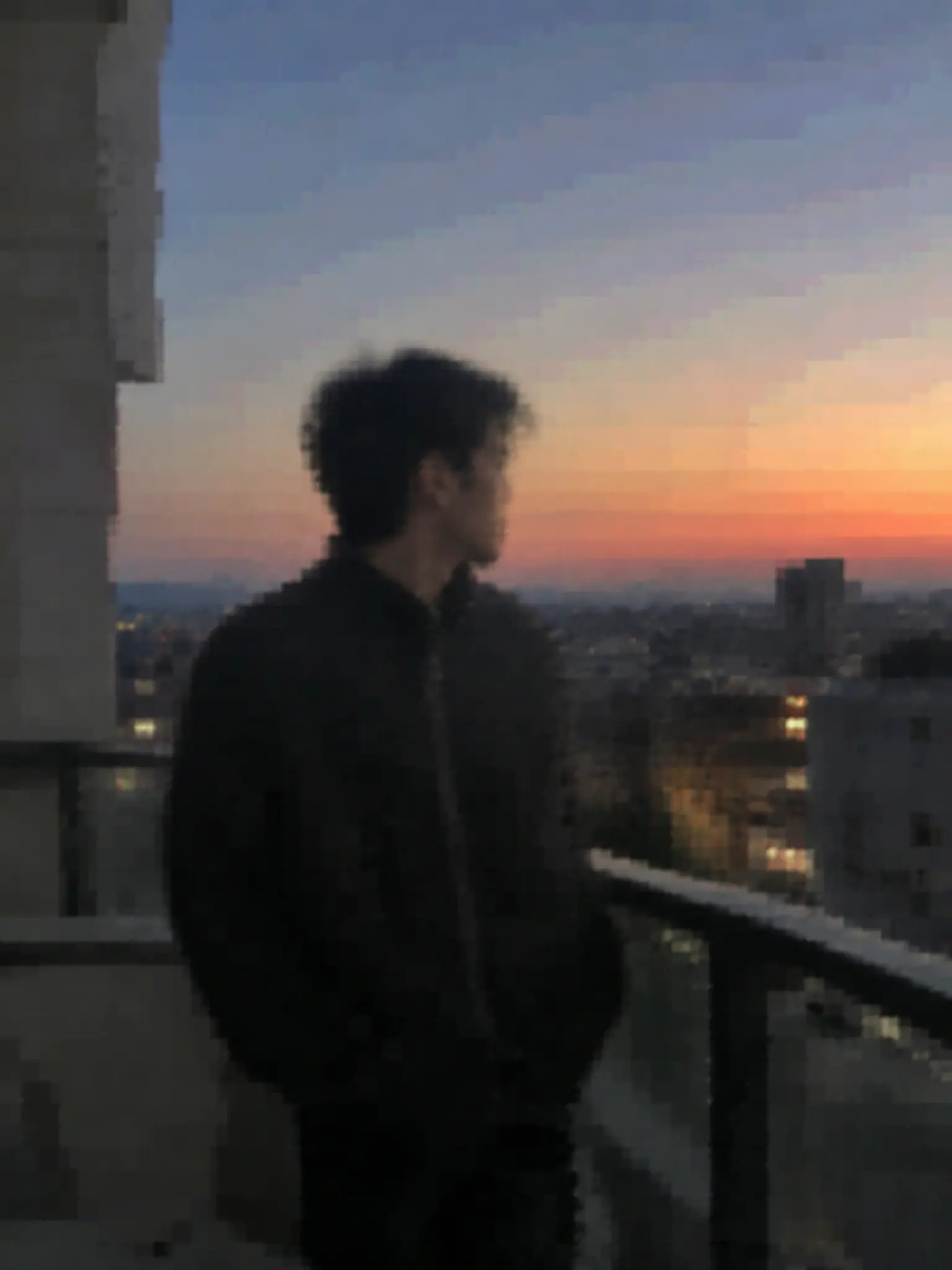 BEFORE
 AFTER ✨
What it is
Reconstruction, not a sharpen filter.
A sharpen slider raises local contrast: soft edges get a bright rim, noise gets louder, and the footage looks crunchier without containing any more information than it did. Super-resolution is a different operation. The model has been trained on millions of pairs of degraded and clean frames, so it predicts what the missing detail most likely was — the weave in a jacket, the letters on a sign, the line where a cheek meets hair — and draws it back in. On genuinely low-resolution footage that is the only thing that works, because there is nothing in the file left to sharpen.
How it works
Unblur a video in three steps
Upload the clip
MP4 or MOV. Lower-resolution sources gain the most — a 480p clip has far more headroom than a soft 1080p one.
Choose the scale
2x for a clip that is close but soft, 4x for footage that is genuinely small. Higher is not automatically better; 4x on an already sharp clip invents detail.
Download and compare
Play the result next to the original at full size. Faces and text are where you will see the difference, and where you should check it.
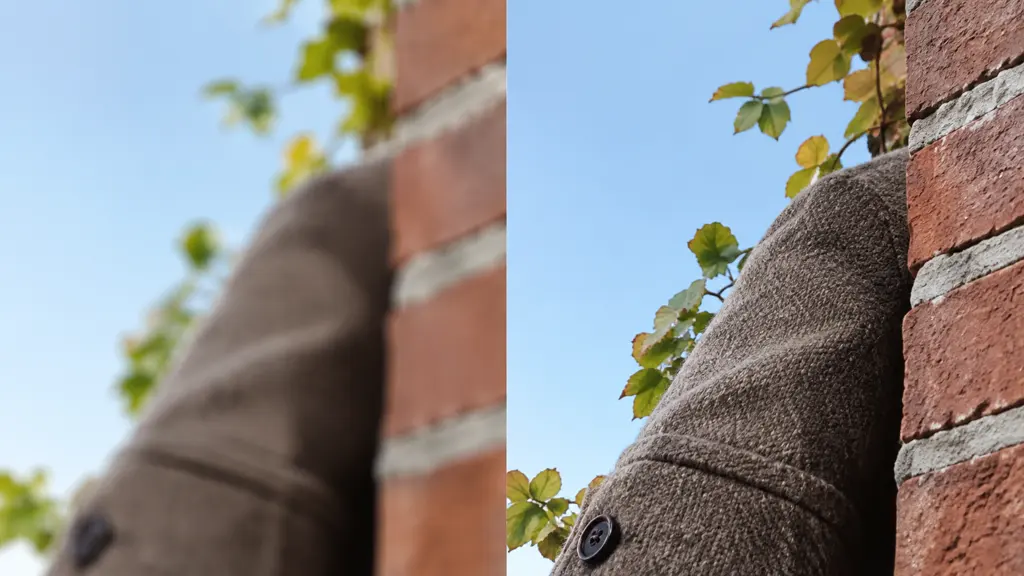
Edges and texture, not just contrast
Hair, fabric weave, brickwork, foliage and small text are the first things compression throws away and the first things this puts back. The model works on structure rather than on a global filter, so flat areas such as sky stay smooth instead of gaining the halo a sharpen pass leaves behind.
- Real texture reconstruction
- No sharpening halos
- Small text becomes legible again
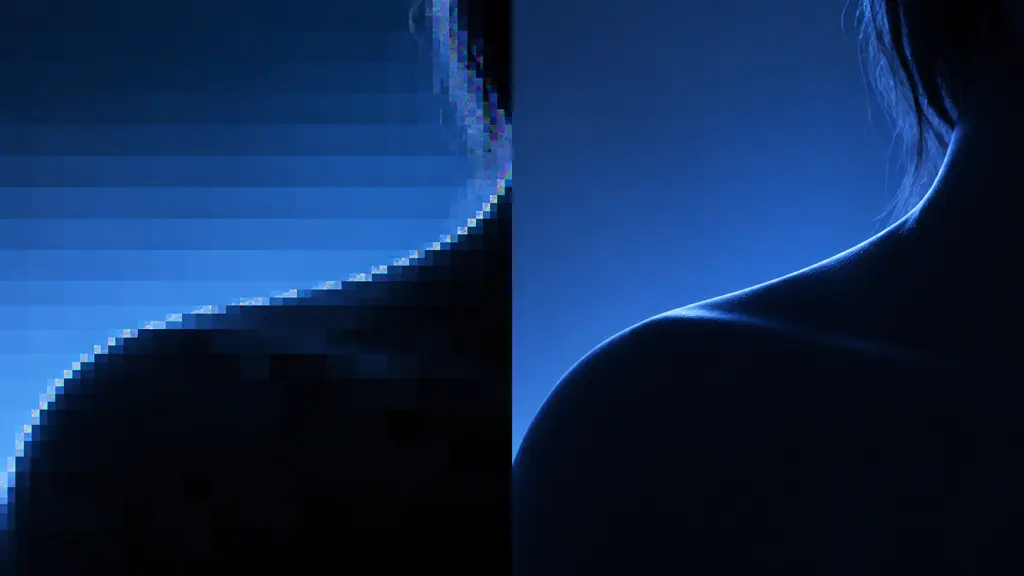
Blocking, banding and mosquito noise
Footage that has been re-uploaded through two or three platforms carries a specific kind of damage: 8x8 blocking in dark areas, banding across gradients, and shimmering artifacts around edges. These are treated as degradation to undo rather than as detail to preserve.
- Removes macroblocking
- Smooths banding in gradients
- Cleans edge artifacts
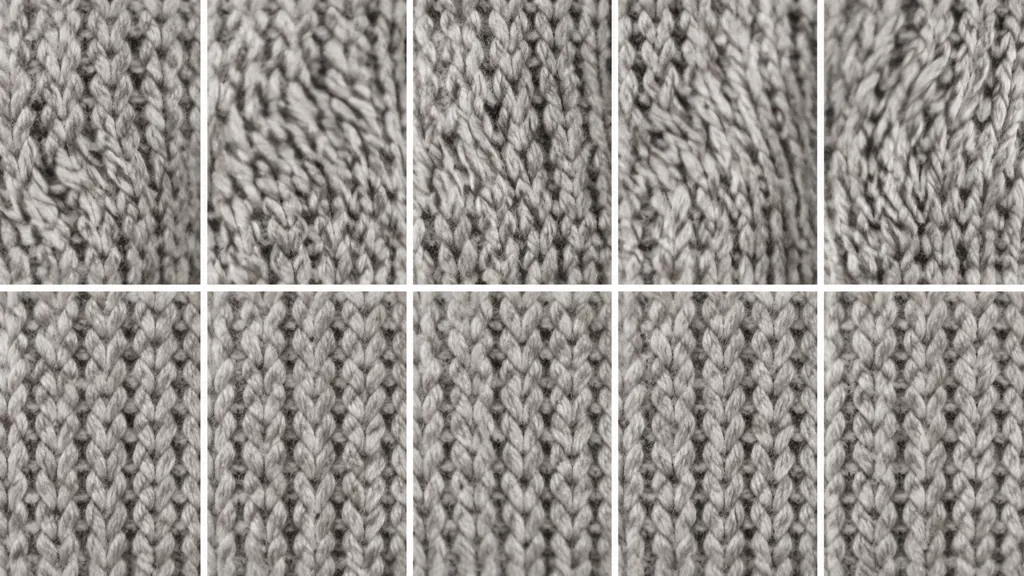
The same fix on every frame
The hard part of video upscaling is not one frame, it is a thousand of them agreeing. Processing frames independently makes texture crawl and flicker, which reads as worse than the original blur. The pass here is conditioned across neighbouring frames so the reconstructed detail stays put.
- No flicker between frames
- Stable texture on motion
- Original frame rate preserved
Why LazyKiwi
Why this rather than a sharpen slider
Adds information back
A sharpen filter cannot invent detail. A super-resolution model predicts it from what it has seen before.
Up to 4x
480p to near-1080p, or 1080p to 4K, in one pass.
No flicker
Frames are processed with reference to their neighbors, so texture does not crawl.
Handles compression damage
Blocking and banding are treated as damage, not as detail to preserve.
Free to try
Run a short clip on the free balance and judge it on your own footage before spending.
Pairs with the rest
Unblur, then remove unwanted objects or extend the shot in the same workbench.
FAQ
Unblurring video
Can you really unblur a video?+
Within limits, yes. An AI upscaler reconstructs likely detail from a low-resolution or compressed source, which recovers faces, text and texture that a sharpen filter cannot. What it cannot do is recover detail from motion blur caused by a moving camera at a slow shutter — that information was never captured.
What is the best setting for old phone footage?+
4x on anything 480p or below, 2x on 720p and above. The rule of thumb is to aim at roughly 1080p output; pushing a soft source to 4K mostly magnifies the model's guesses.
Will it fix a pixelated video?+
Yes — pixelation and macroblocking from heavy compression are exactly what this handles best, because the underlying structure is still there under the blocks.
Does the video get longer to process if it is long?+
Yes, processing time scales with frame count and with the scale factor. A short clip at 2x is quick; a two-minute clip at 4x is a real render, so start with a 10-second test segment.
Can it unblur a face enough to identify someone?+
No, and you should not rely on it for that. The model produces a plausible face, not a recovered one. Treat the output as a better-looking video, never as evidence.
Use cases
Footage worth running through
Old phone and camcorder video
Family footage shot at 480p or 720p that now plays on a screen four times larger than the one it was made for.
Clips that went through a messaging app
WhatsApp, WeChat and Messenger recompress hard. What comes out the other side is blocky rather than merely small.
Screen recordings and downloads
A demo capture at the wrong resolution, or a clip you own that only survives in a low-quality export.
More answers
More on video sharpening
Motion blur or focus blur — which can be fixed?+
Focus blur and resolution loss respond well, because the scene structure is still present in a degraded form. Motion blur from a long exposure is much harder: the sensor genuinely integrated several positions of the subject into one frame, and no model can separate them reliably.
Why does my upscaled video look plasticky?+
Usually because the scale factor was too high for the source. At 4x on an already decent clip the model fills in skin and fabric with invented micro-detail that reads as waxy. Drop to 2x and it looks like the same footage, only cleaner.
Should I unblur before or after editing?+
After the cut, before the final export, and only on the shots that need it. Upscaling everything wastes render time, and mixing upscaled and untouched shots in one sequence is very visible — keep it consistent per scene.
How is this different from the video enhancer?+
The enhancer is a general clean-up and re-grade pass. This one is aimed specifically at resolution and blur, so it favours faithful reconstruction of what was in the frame over a nicer-looking reinterpretation of it.
Bring your blurry footage back
Reconstruct real detail instead of sharpening the blur.
No credit card · Free to try · Results in seconds