
Skin Color Changer: try a new skin tone, keep your face
Upload a photo, pick a tone from porcelain to deep or a natural tan, and only the skin color changes.
Strength
Clearly the tone you picked, still believable.
Free to try · your face, hair and clothes stay the same
What the skin color changer does
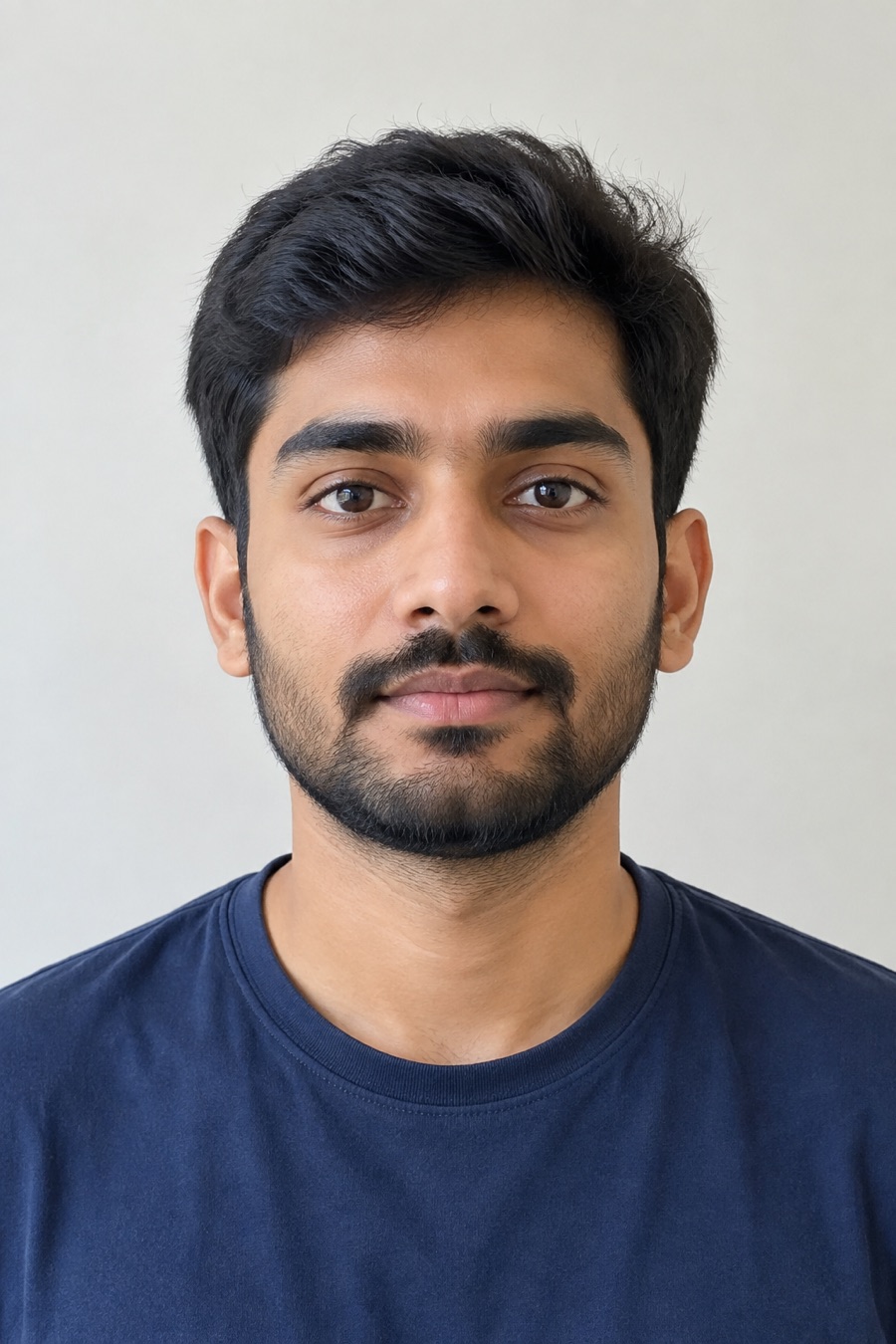
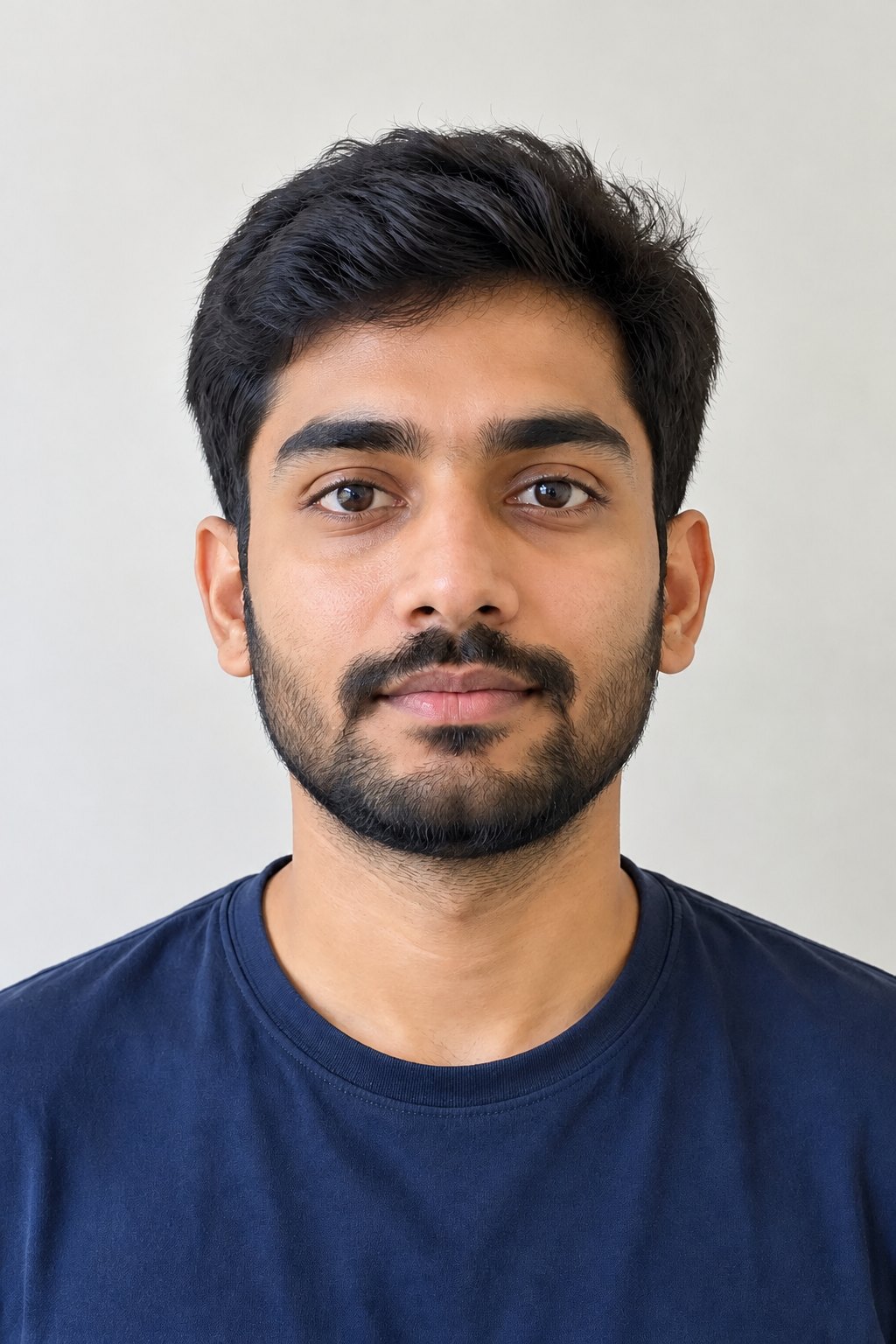
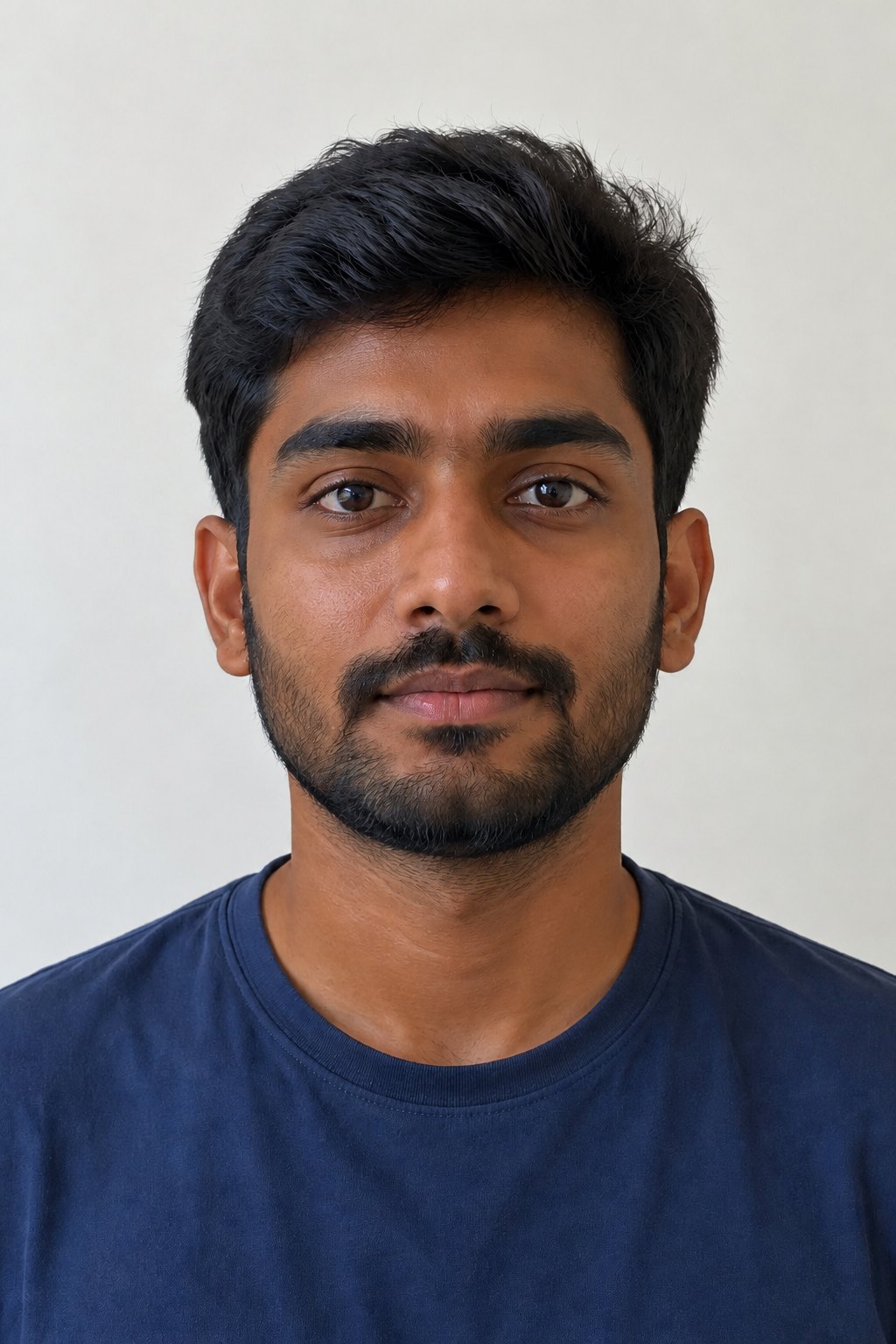
LazyKiwi's Skin Color Changer recolors the visible skin in one photo, face, neck, arms and hands, to the tone you pick: eight steps from porcelain to deep, or a natural golden tan, at a subtle, natural or strong strength. Your facial features, face shape, hair, clothes, background and skin texture stay exactly as they were. It is free to try, and the result keeps the shape of the photo you uploaded.
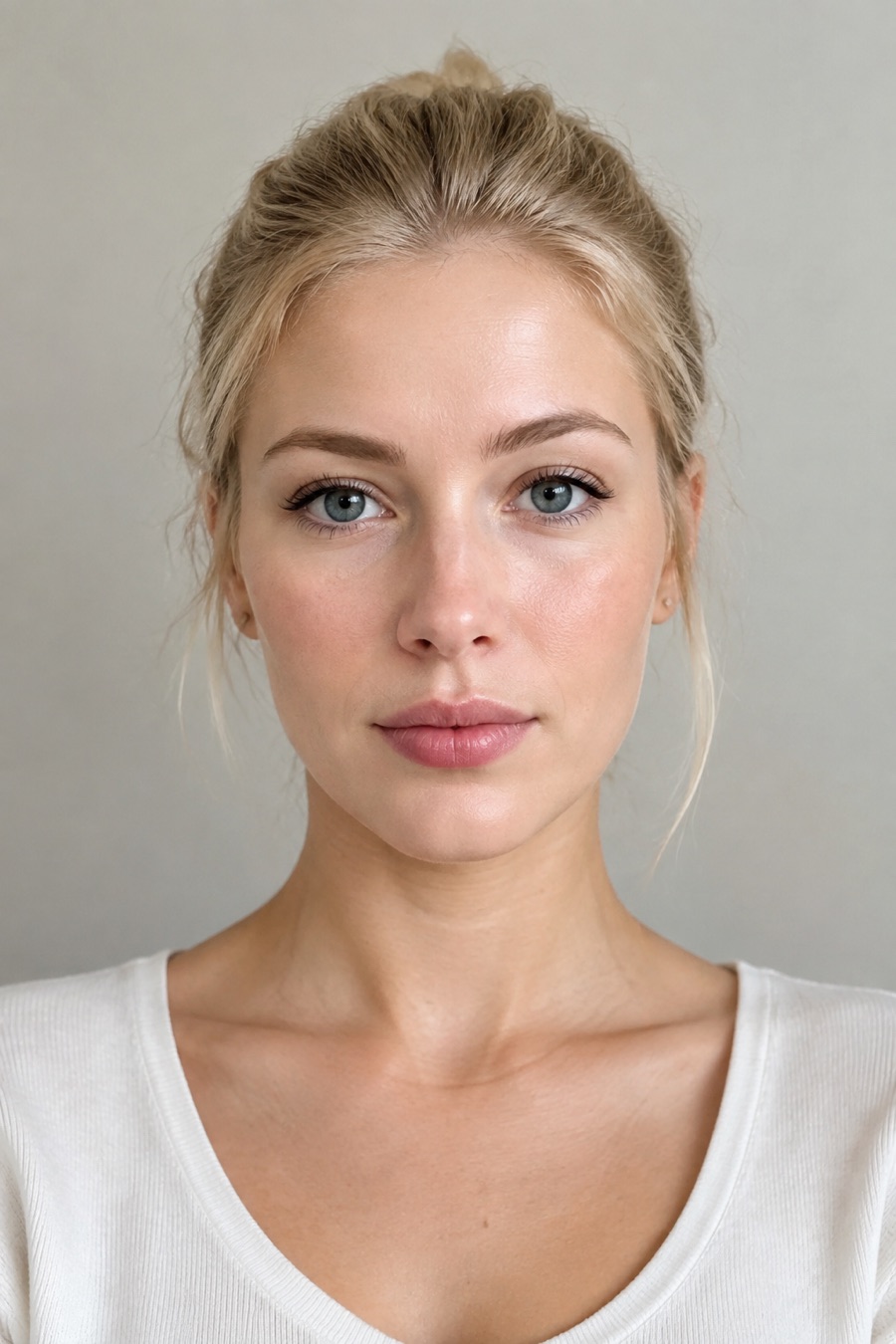
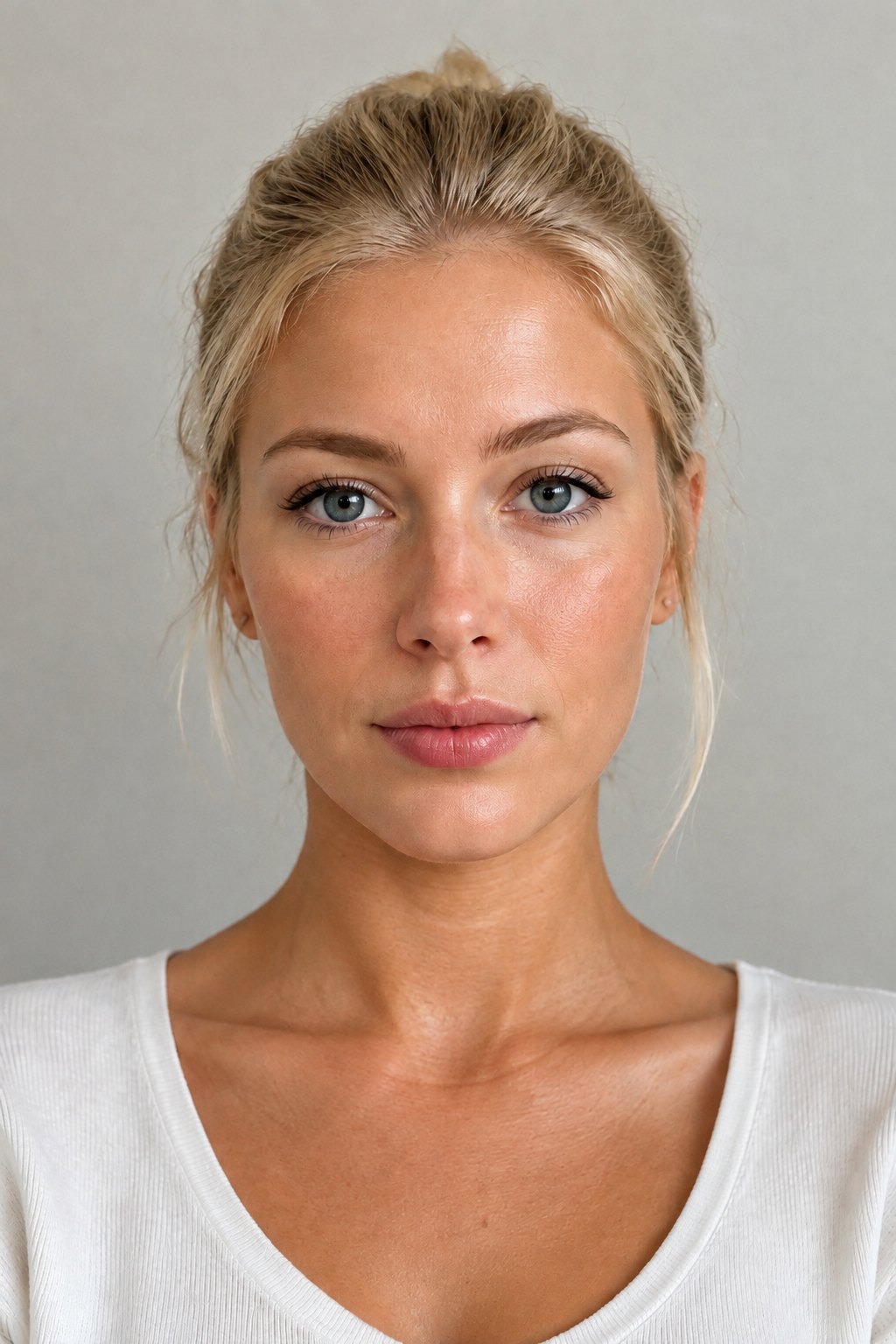
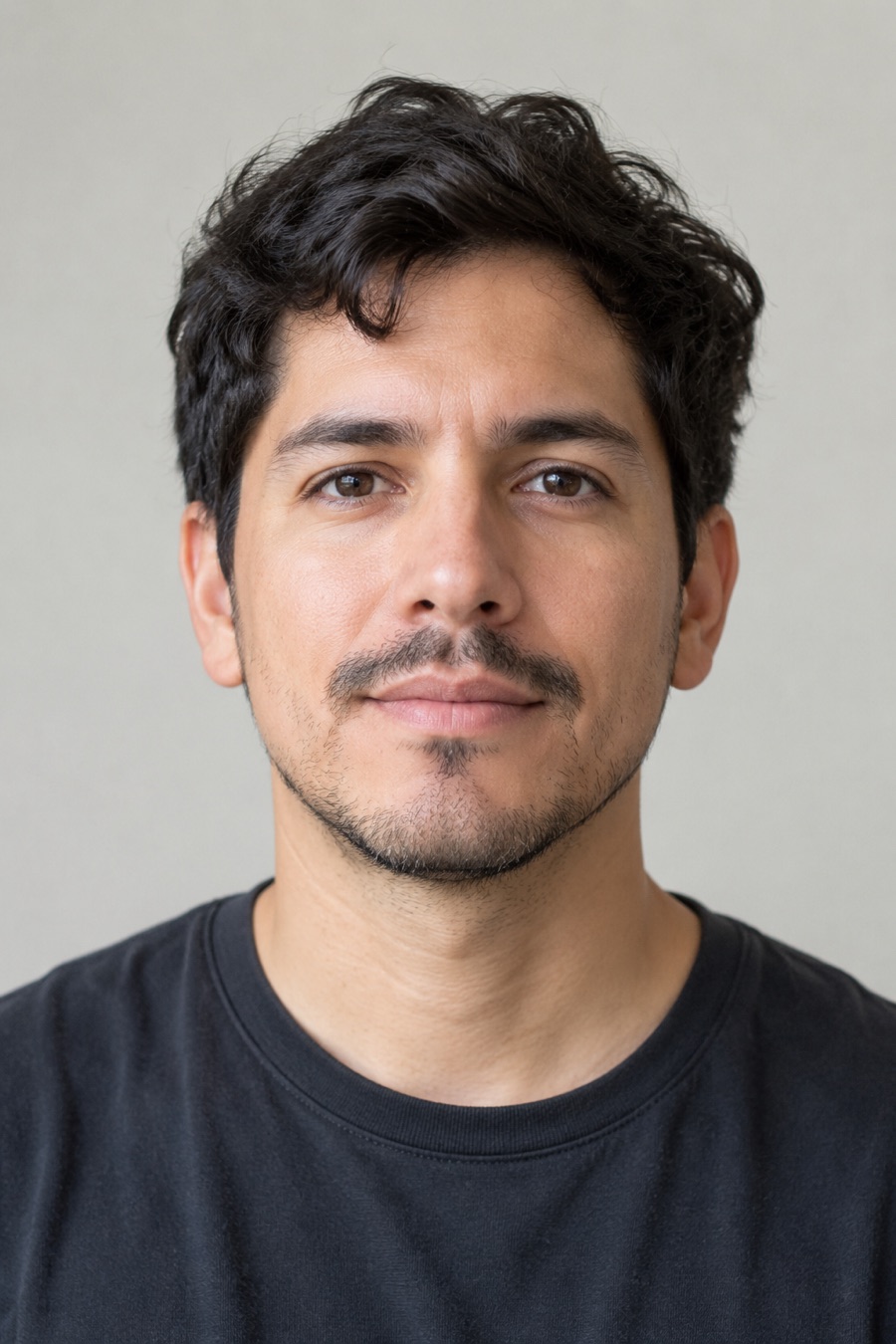
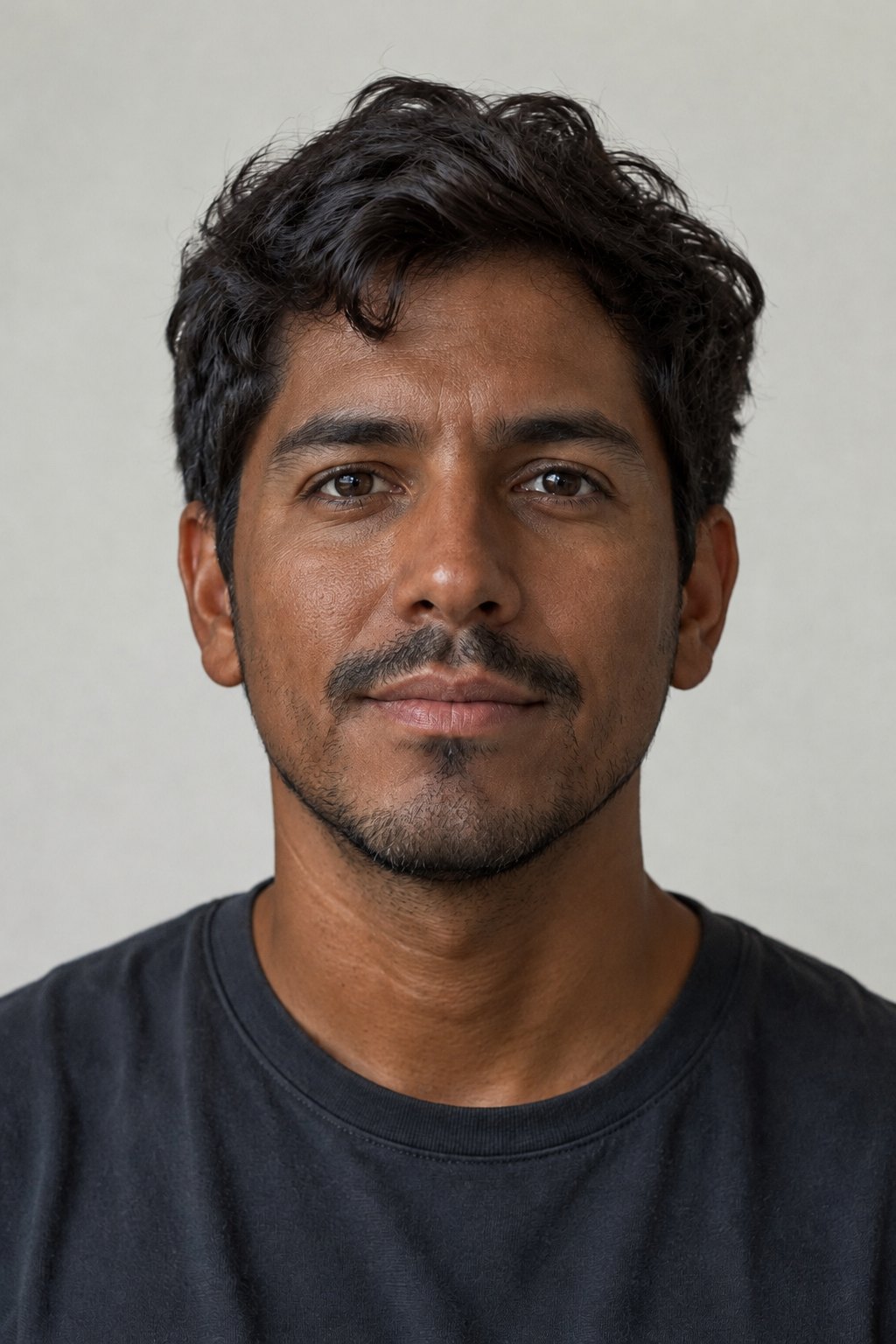
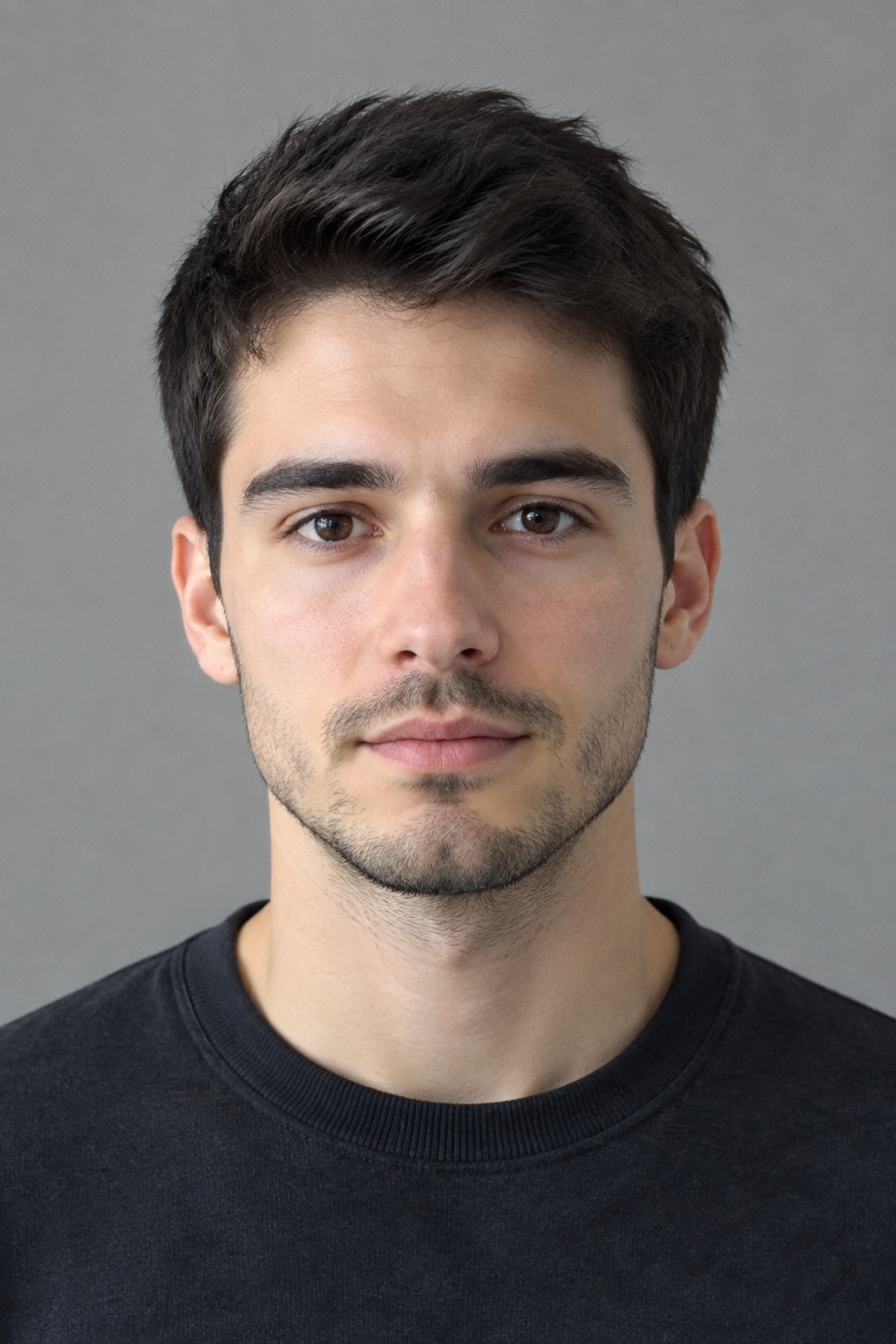
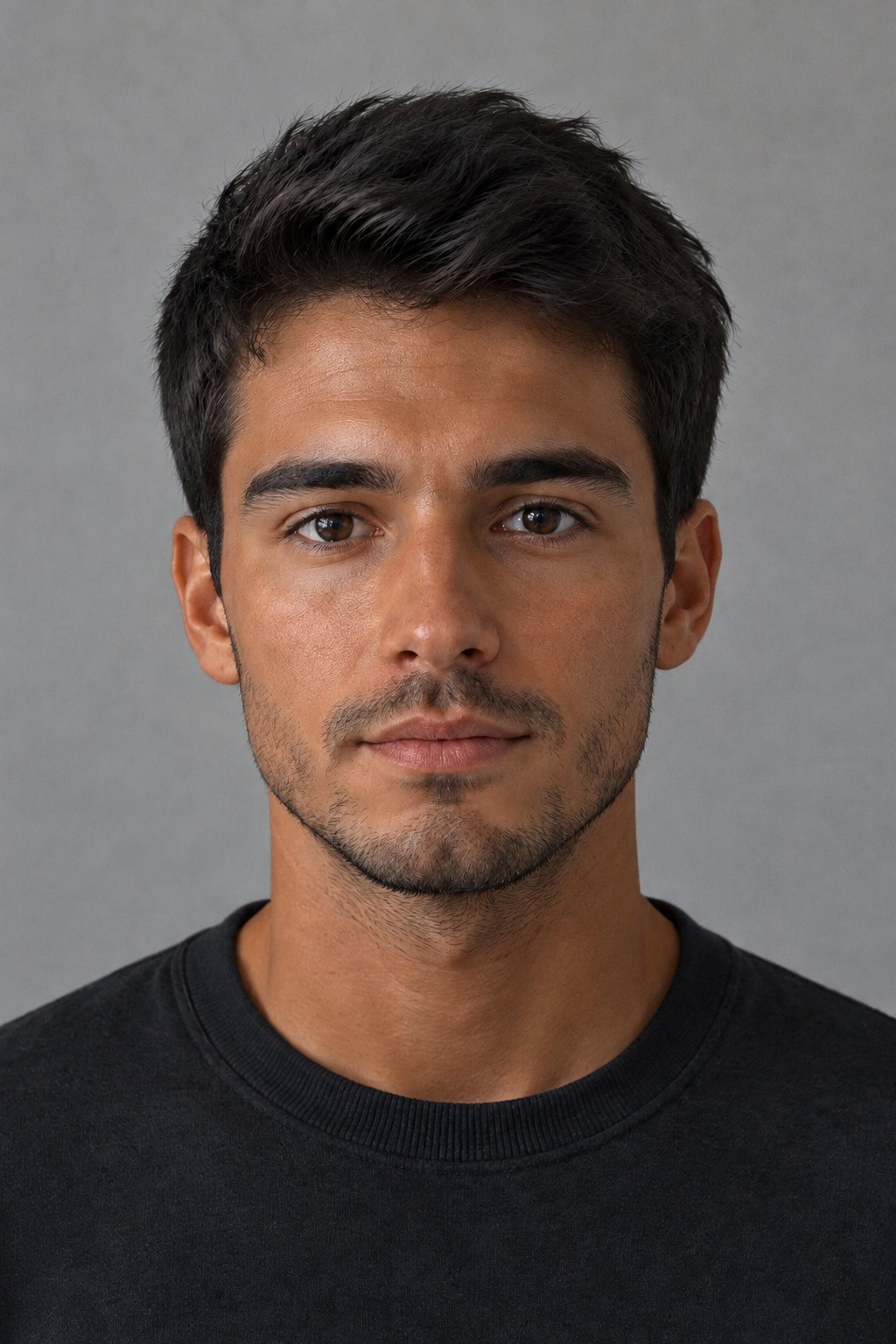
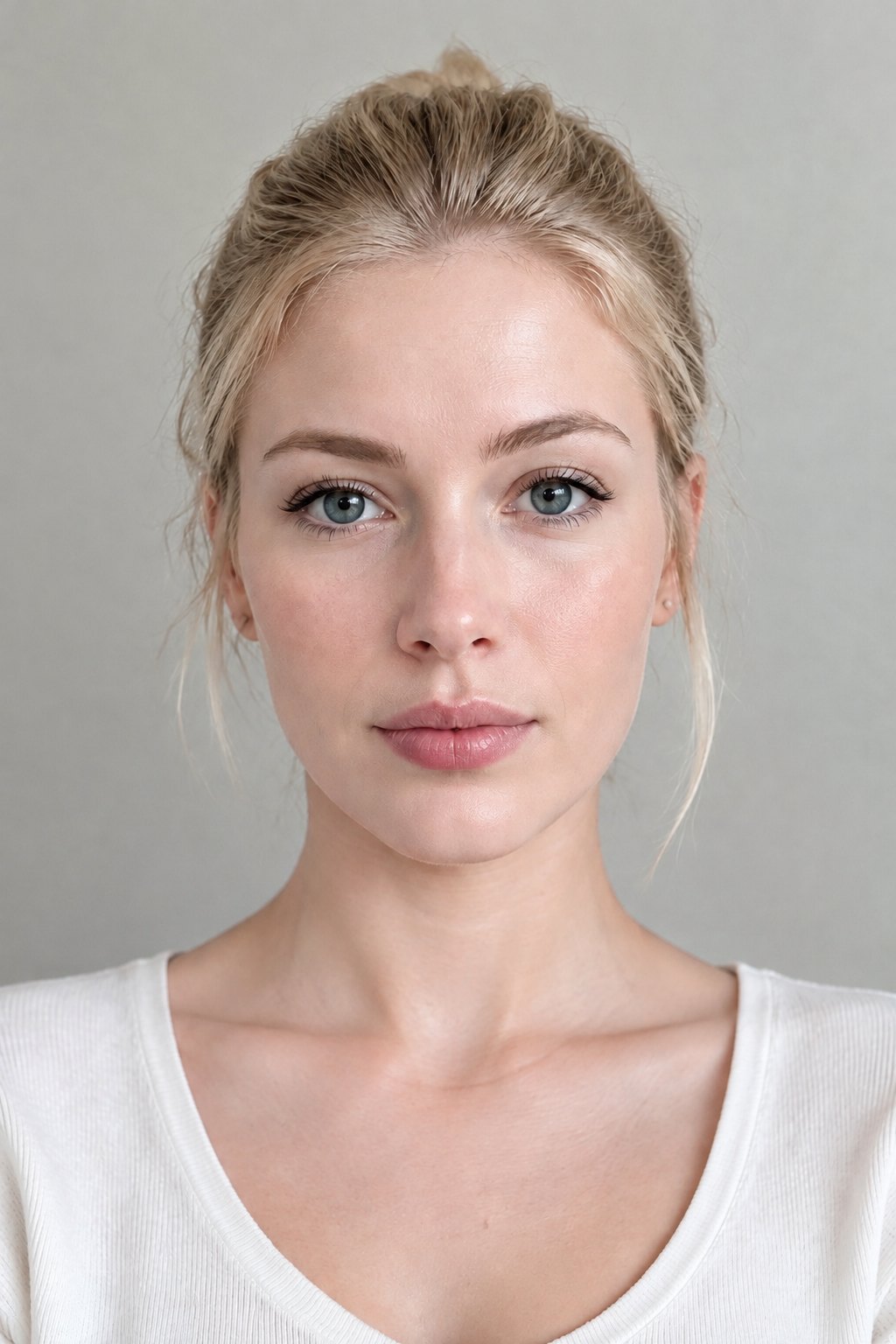
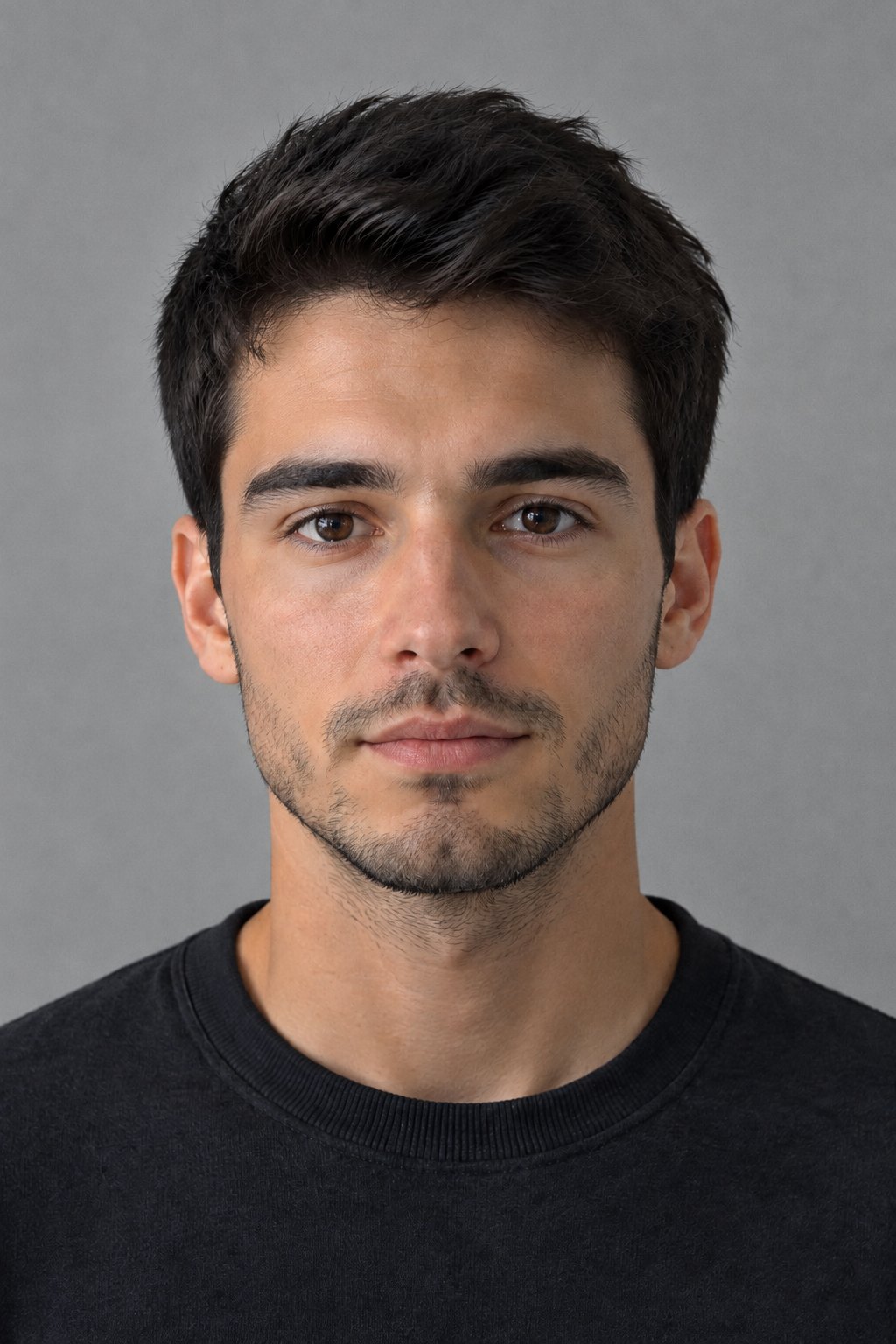
Specs
Skin color changer specs
- Input
One photo
a selfie, a headshot or a full-body shot, skin clearly visible
- Tones
Eight tones
porcelain, fair, light, medium, olive, tan, brown and deep
- Strength
Three levels
subtle, natural or strong
- Keep
Everything but the skin color
face, features, hair, clothes, background and skin texture
How to change skin color in a photo
One photo, one tone, one download.
Step 1
Upload a photo
A selfie, a portrait or a full-body photo where the skin is clearly visible.
Step 2
Pick a tone and strength
Choose one of eight tones from porcelain to deep, or a golden tan, then subtle, natural or strong.
Step 3
Download
The result keeps the framing of your photo. Try another tone on the same photo to compare.
Lighter, darker or tanned: you pick the tone
Instead of typing a color and hoping, pick a swatch: porcelain, fair, light, medium, olive, tan, brown or deep. Each tone has its own undertone, so the result looks like real skin, not a tint.
- Eight preset tones
- Subtle, natural or strong
- Compare tones on one photo
Your face stays your face
Only the color and lightness of the skin change. Eyes, nose, lips, face shape, expression, hairstyle and hair color stay as they were, and the face, neck and arms are matched so nothing looks patched.
- Features and face shape kept
- Hair and clothes untouched
- Face and body matched
Real skin texture, no filter look
Pores, freckles, moles and beard stay exactly where they are. Use it to preview a tan, to warm up or cool down a skin tone, or to correct skin that came out too pale or too orange in a photo.
- Texture and freckles kept
- No smoothing or slimming
- Natural tan in one click
Compared
Skin color changer vs. editing it by hand
What changes when the tool does the masking for you.
| LazyKiwi Skin Color Changer | Manual editing (brush and mask) | |
|---|---|---|
| Pick a tone | ✓Eight preset tones from porcelain to deep | Mix the color yourself |
| Only the skin changes | ✓Skin is found automatically; hair, eyes, lips and clothes are left alone | Paint a mask around every edge |
| Face and body match | ✓Face, neck, arms and hands recolored together | Match each area by eye |
| Skin texture | ✓Pores, freckles and shading kept | Depends on the blend mode |
| Strength | ✓Subtle, natural or strong | ✓Layer opacity |
| Skills needed | ✓None, upload and pick | Selections and color blending |
FAQ
Skin color changer FAQ
How do I change my skin color in a photo?+
Upload the photo to the Skin Color Changer, pick one of the eight tones (or Tan), choose a strength and generate. Only the skin color changes; the rest of the photo stays the same.
Can I make my skin lighter or darker?+
Yes. Pick a lighter tone such as Porcelain, Fair or Light, or a deeper one such as Brown or Deep. The strength slider decides how far the skin moves toward that tone.
How do I make myself look tan in a picture?+
Pick the Tan swatch for a warm golden sun-kissed tan, or use the one-click Tan Filter, which applies a natural beach tan without any settings.
Will it change my face or hair?+
No. Your facial features, face shape, expression, hairstyle, hair color, clothes and background are kept. Only the color and lightness of the skin change.
Can I change skin tone in a full-body photo?+
Yes. Every visible skin area of the main person, face, neck, arms, hands and legs, is recolored together so the face and body match.
Can I use it to fix skin that looks too pale or too orange?+
Yes. Pick the tone the skin should be and a subtle strength to correct a photo where the light or a filter shifted the skin color.
Is the skin color changer free?+
Signing up is free and comes with free credits to try it. Each run shows its price on the Generate button before anything is charged.
Are my photos private?+
Your photo is used only to make your edit and is not shown publicly. See the LazyKiwi privacy policy for how uploads are stored.
More color and portrait tools
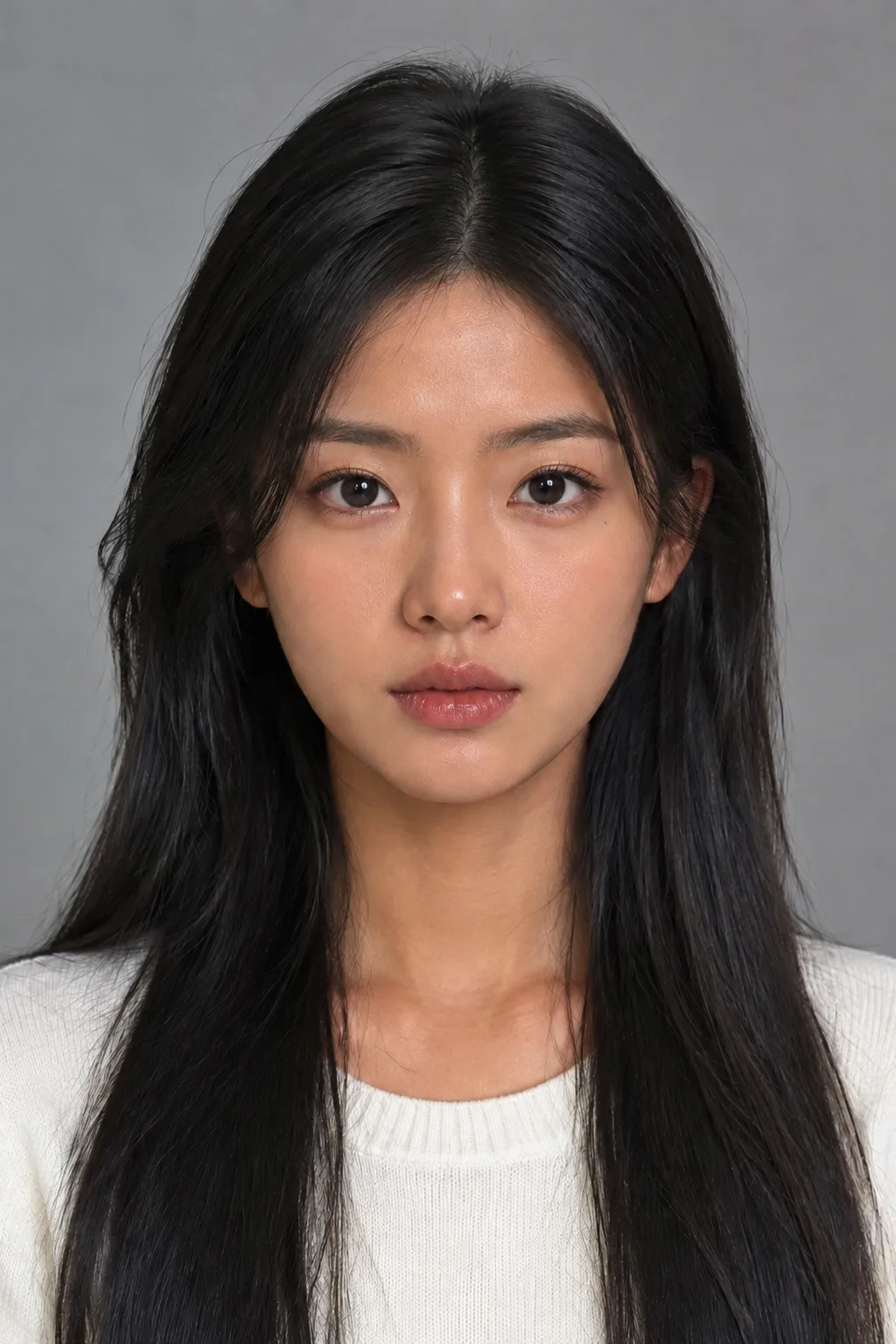


A new skin tone, the same you.
Upload a photo, pick a tone, download.
Free to try · Price shown before you generate · Your photos stay private