
Erase burned-in text from a video.
Brush over the subtitle bar, the logo in the corner or the date stamp, and the AI rebuilds what was behind it frame by frame. Not a blur, not a black box — the background is painted back in, and it tracks with the shot.
 BEFORE
 AFTER ✨
What it is
Inpainting, not a rectangle over the problem.
The usual way to get rid of text in a video is to cover it: a blur, a solid box, a crop that throws away the bottom third of the frame. All three are visible, and on a moving shot they are worse than the text. This tool uses the same video inpainting model as the AI video object remover: you mark the region once, the model follows it through the clip, and it reconstructs the pixels underneath from the surrounding frames. On a shot where the camera moves, the background it needs is genuinely there in nearby frames, which is why the result usually holds up under scrutiny.
How it works
Remove video text in three steps
Upload the clip
MP4 or MOV. Up to about a minute works best in one pass; longer videos are handled in segments.
Brush over the text
Paint roughly over the subtitle bar or the logo. The selection does not need to be tight — the model tracks it forward through the shot.
Render and download
The clip comes back with the marked region rebuilt. Watch it once at full size before you publish.
Mark it once, not on every frame
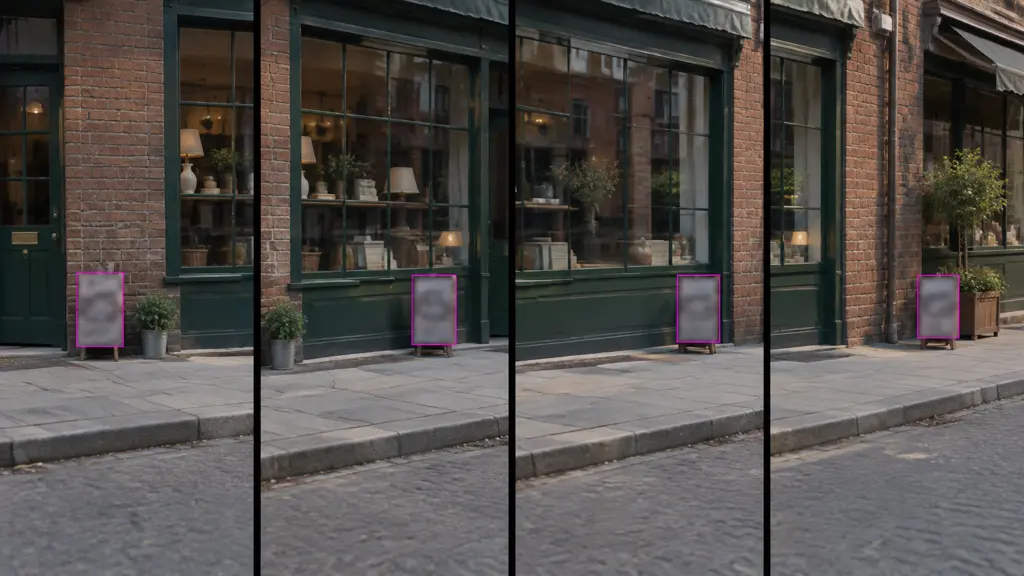
The region you paint is propagated through the clip, so a logo that drifts as the camera pans stays covered without you keyframing anything. This is the part that makes text removal practical rather than a frame-by-frame chore in a compositor.
- One mask, whole shot
- Follows camera movement
- Multiple regions in one pass
Texture and motion, not a smear
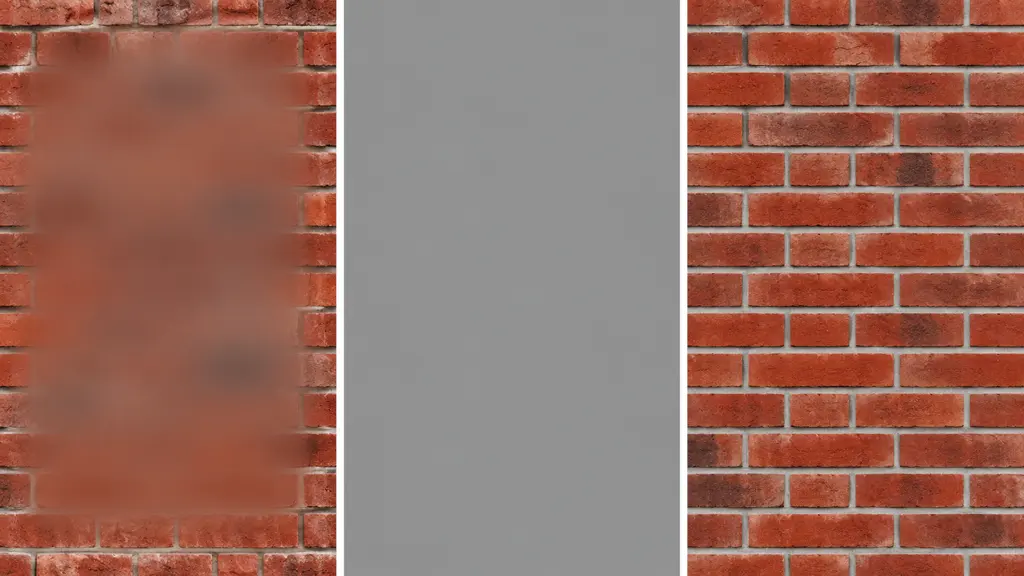
Where a blur destroys the frame and a box announces itself, inpainting rebuilds grass, brick, skin, sky and moving water from what the neighbouring frames saw. Straight edges and repeating patterns behind a subtitle bar are the hardest case, and the honest answer is that they are the ones to check first.
- Rebuilds from adjacent frames
- Keeps grain and motion blur
- No blur patch, no black bar
Subtitles, watermarks, timestamps, signage
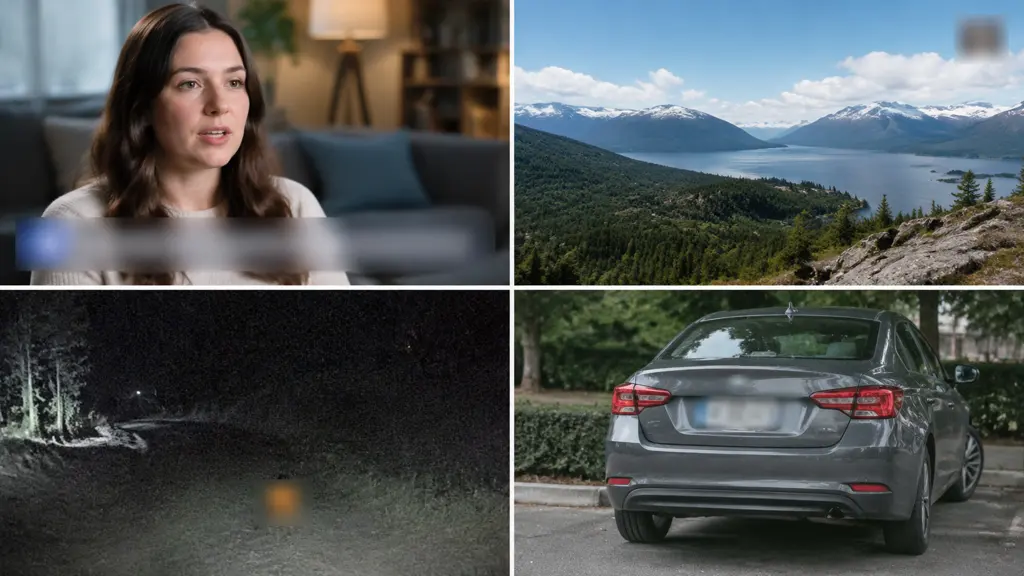
Hard-coded captions on a downloaded clip you own, a producer's logo bug in the corner, a camcorder date stamp, a name plate on a screen recording, a license plate or a street sign you need out of a shot. Same brush, same pass.
- Burned-in subtitle bars
- Corner logo bugs
- Date and time stamps
Why LazyKiwi
Why this text remover
No visible patch
The result is a rebuilt frame, not a blur or a box, so the fix is not the first thing a viewer notices.
Tracks the shot
Paint once and the mask follows through camera moves and subject motion.
Same model as object removal
The video object remover it shares a pipeline with is one of the best-scoring tools in our own QA.
Nothing re-rendered around it
Untouched areas of the frame are passed through, so the rest of your video keeps its original quality.
Free to try
Run a short clip on the free credit balance before deciding whether it handles your footage.
Straight into the editor
The cleaned clip stays in the same workbench as the rest of your video tools.
FAQ
Removing text from video
How do I remove hardcoded subtitles from a video?+
Upload the clip, brush over the subtitle bar once, and the AI rebuilds the background across the whole shot. You do not need to mask each frame — the region is tracked for you.
Will it leave a blurred patch?+
No. This is inpainting, not blurring: the pixels behind the text are reconstructed from surrounding frames. Busy or fast-moving backgrounds reconstruct best; a hard straight edge running directly behind the text is the case worth checking at full size.
Can it remove a watermark?+
Technically yes, and you should only do it on footage you own or have the right to edit. Removing someone else's watermark to republish their video is copyright infringement, and we will not help with that.
How long a video can I process?+
Clips up to about a minute go through in one pass. Longer videos are processed in segments, which is also better practice — a mask that suits one shot rarely suits the next.
Does it work on moving text?+
Yes, for text that moves with the frame, such as a logo on a panning shot. Text that animates on its own path, like a scrolling credit roll, needs the region drawn wide enough to cover the whole path.
Use cases
When you need text gone
Re-cutting your own footage
Old exports that were rendered with captions burned in, now being reused in a new edit that needs its own subtitle track.
Repurposing across platforms
A vertical cut where the original caption sits exactly where the platform puts its own UI. Remove it, then add clean text with add text to video.
Cleaning a screen recording
A demo clip with a real name, an email address or an account number visible in the interface, which needs to come out before the video is shared.
More answers
More on video text removal
What makes text hard to remove cleanly?+
Three things: a static camera, because there are no other frames showing what is behind the text; a hard geometric edge running under the text, because the model has to guess where the line continues; and very large text covering a third of the frame or more. A handheld or panning shot with organic background is the easy case.
Can I remove text and add my own?+
Yes, and that is the common workflow. Remove the burned-in caption here, then put a fresh, editable caption on with add text to video so it can be restyled per platform.
Does the rest of the video lose quality?+
Only the masked region is regenerated. The encode is a single pass over the finished frames, so the untouched areas are as close to the source as the export settings allow.
What about text reflected in a surface?+
A reflection of the text in glass or water is a separate region and needs its own brush stroke. It is easy to miss on the first pass — worth scrubbing through once before you export.
Take the text out of your footage
Brush once and let the model rebuild what was behind it.
No credit card · Free to try · Results in seconds