
Gemini Photo Editor Alternative
The Gemini photo trend is one sentence per edit: golden-hour light, a rainy street behind you, a clean studio portrait. LazyKiwi does the same thing in the browser with no app and no chat history to scroll: upload the photo, type the change, download the result.
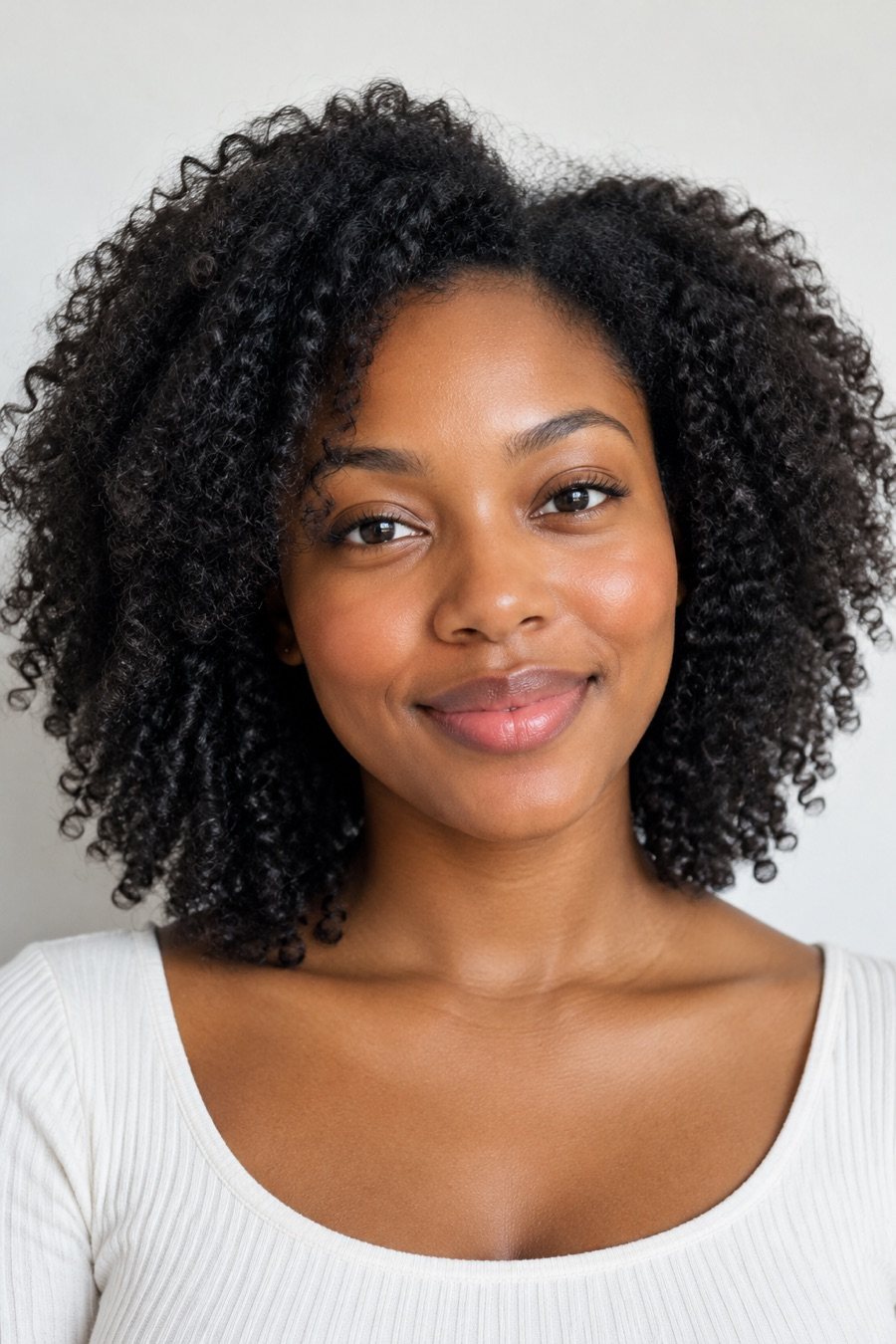
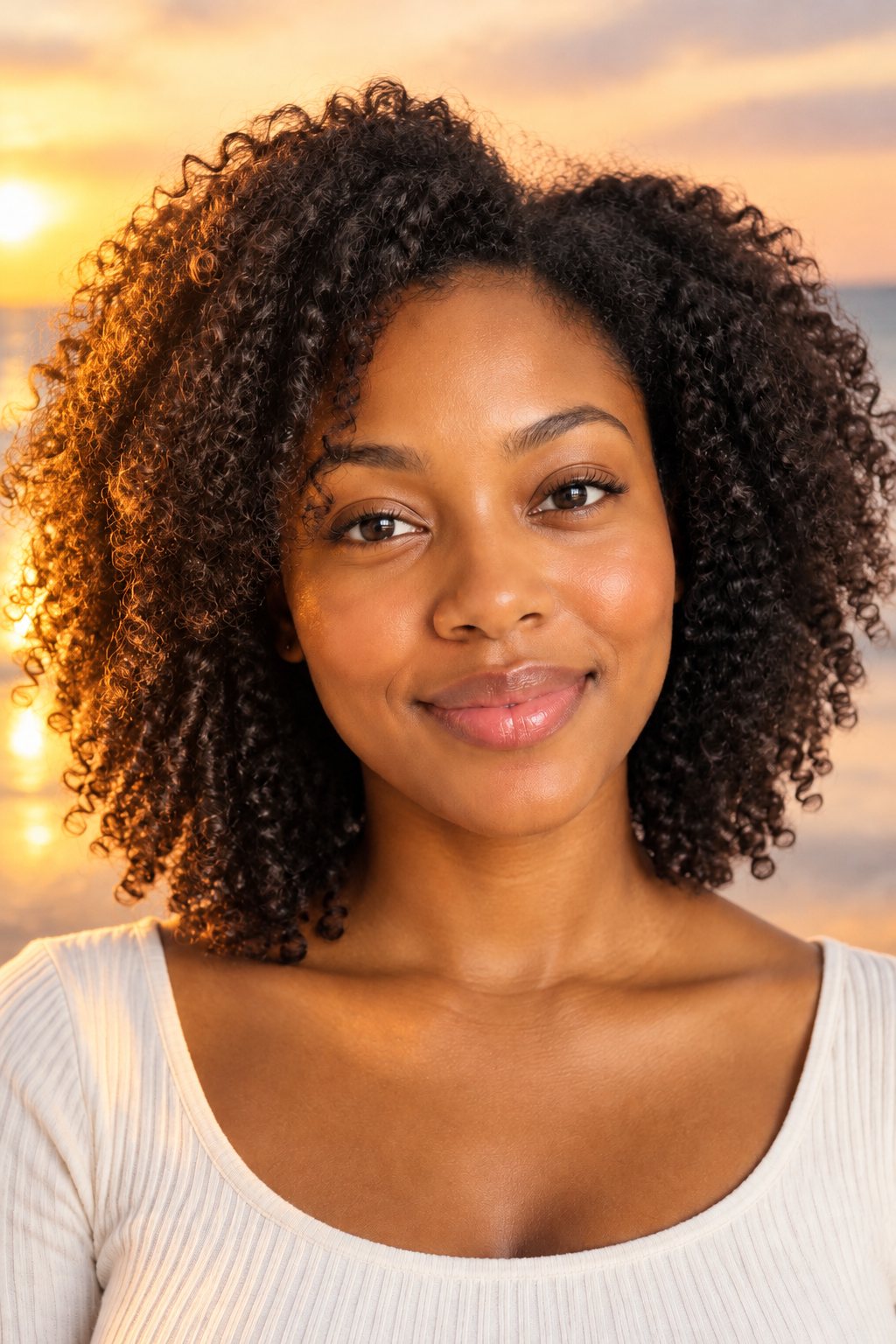
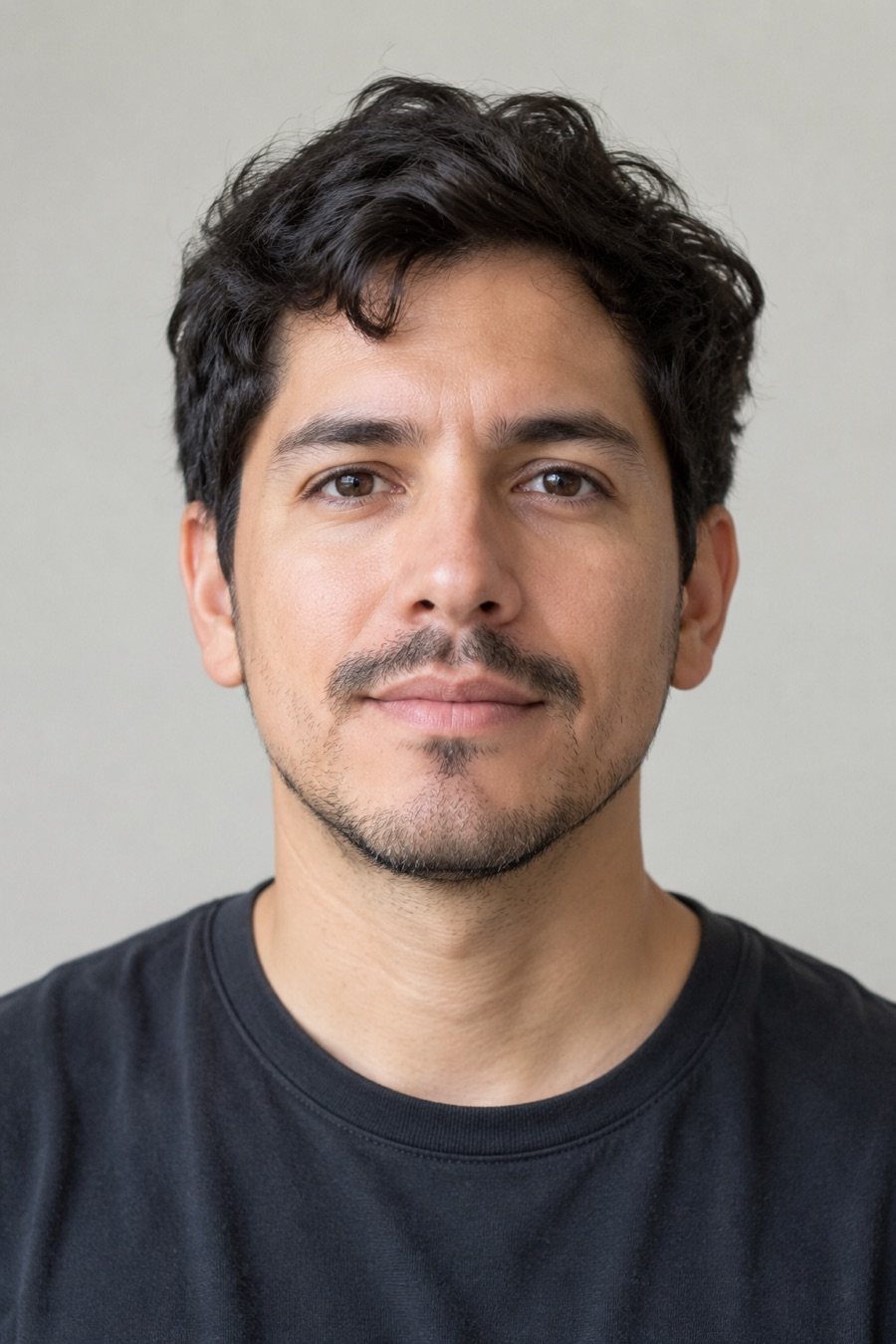
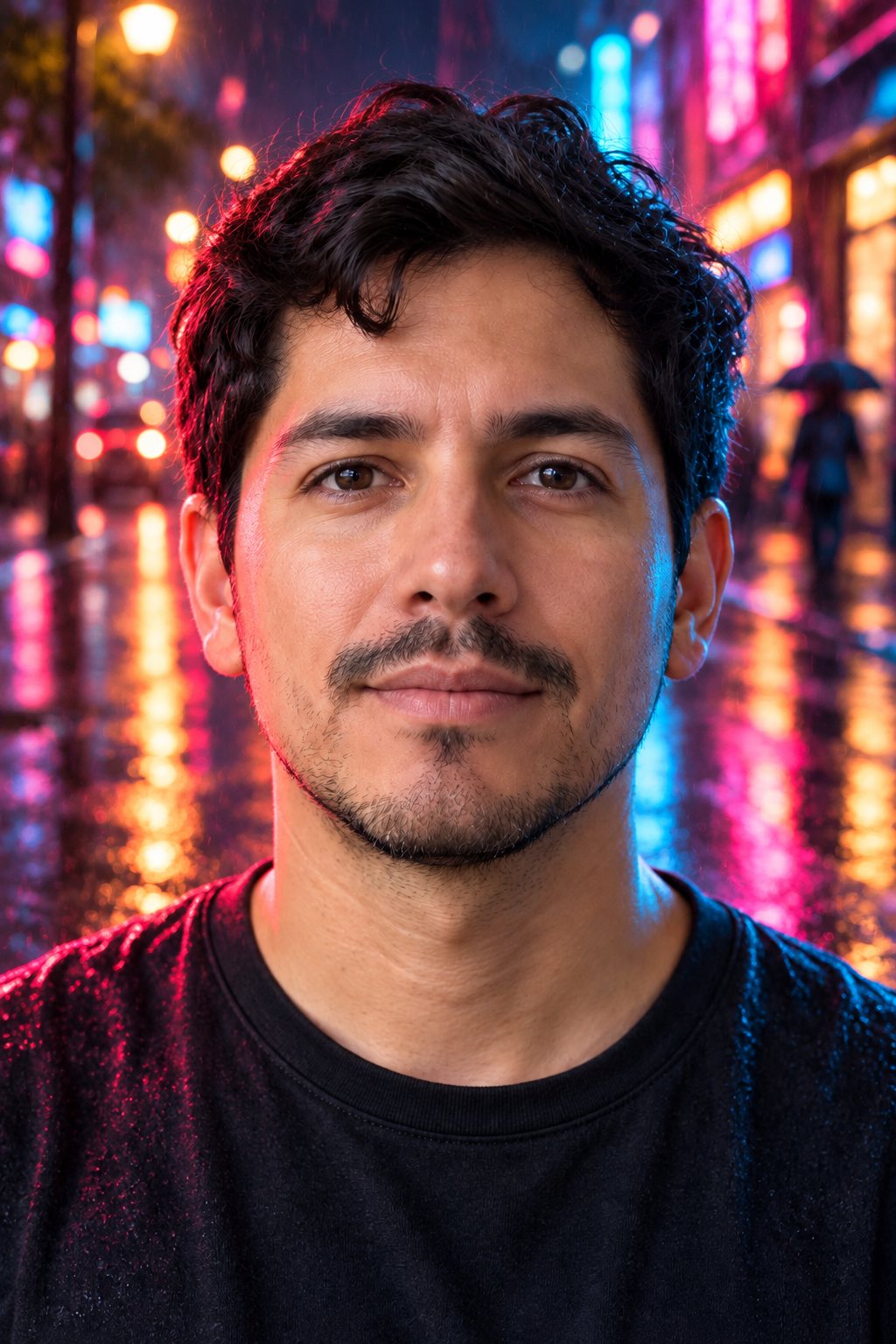
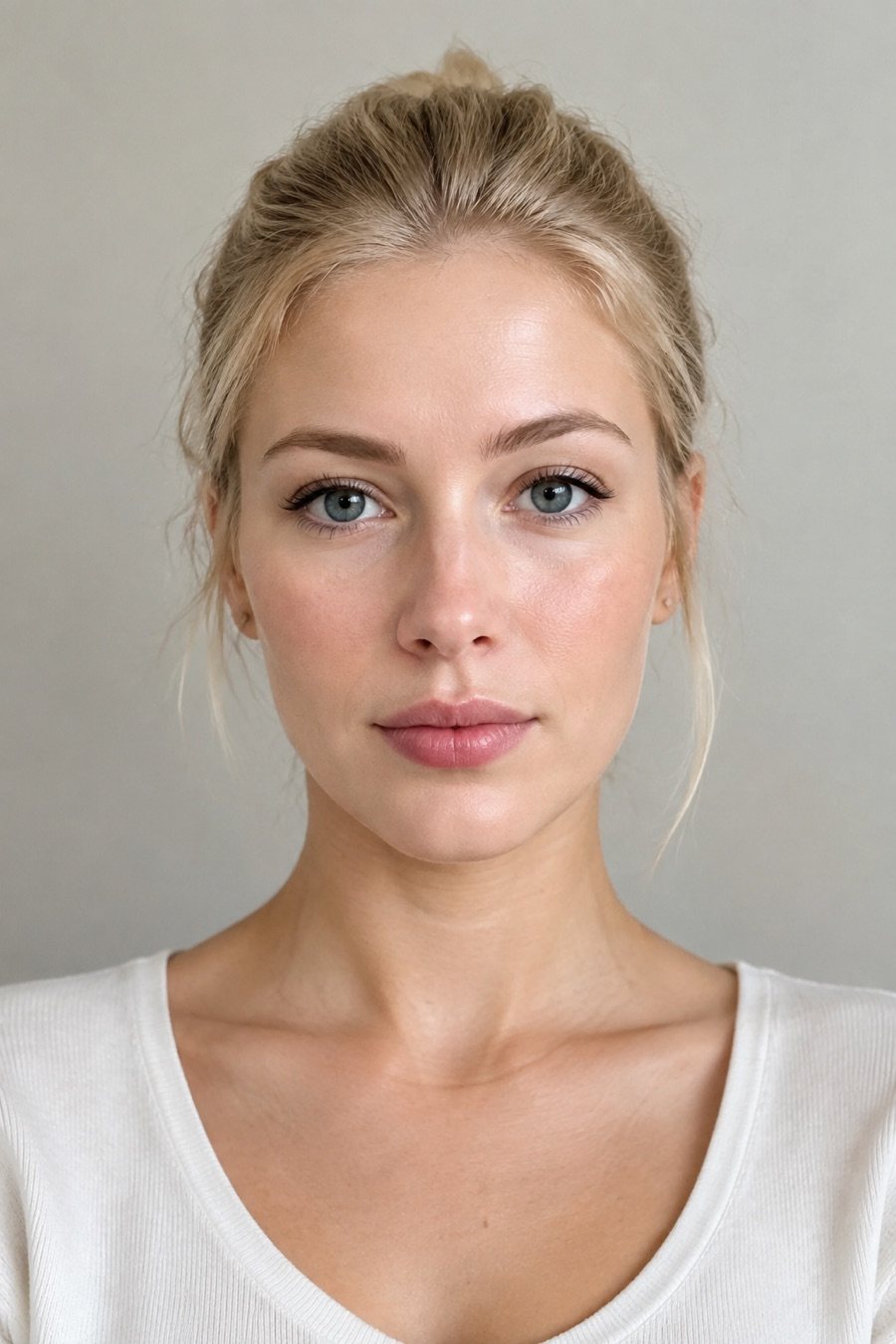
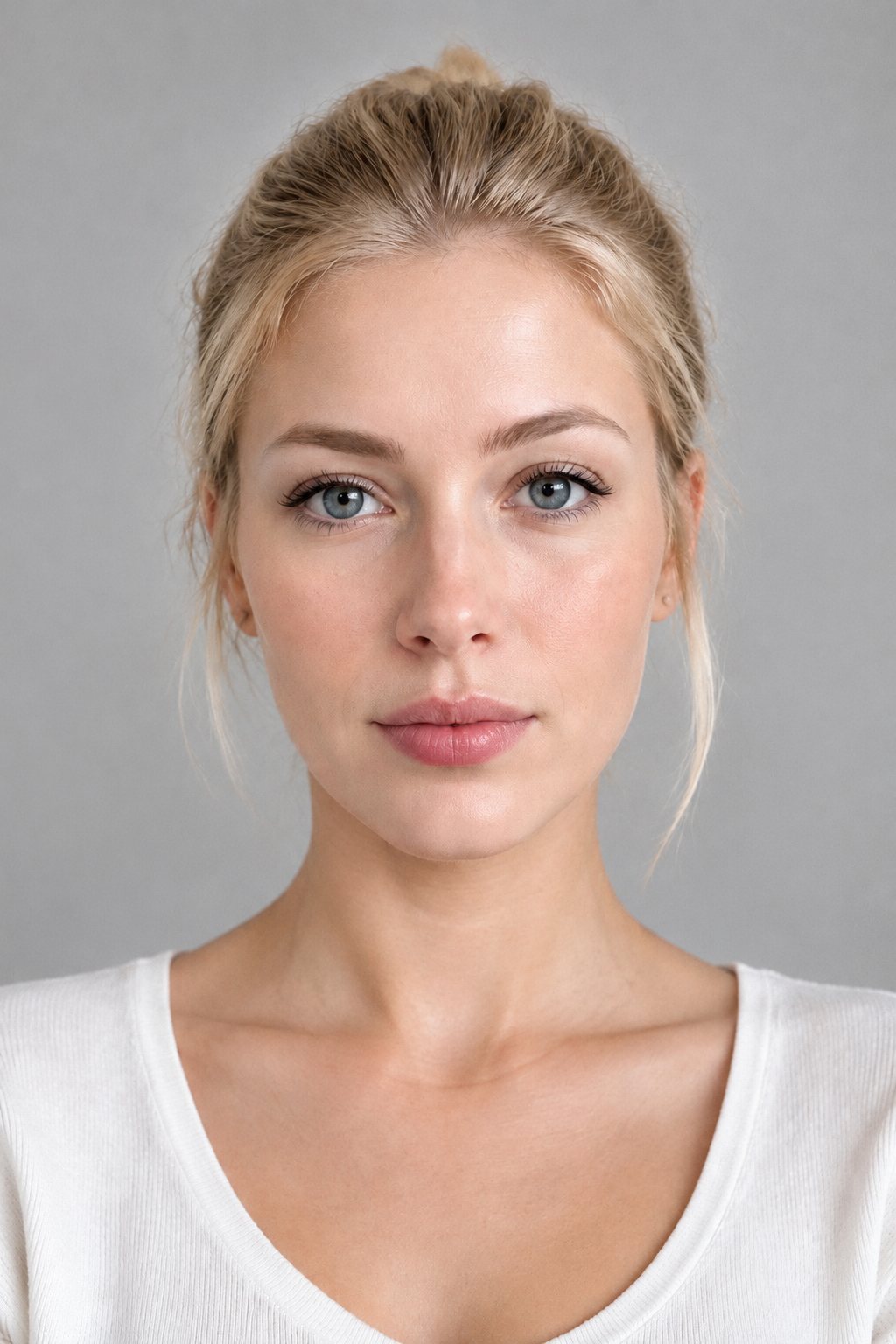
Results
One line of text, one edit
Each pair shows the original and the result of the prompt in the caption. The person stays the same; only what the prompt names changes.
OriginalEditedOriginalEditedOriginalEditedSpecs
Prompt photo editor specs: what goes in, what comes out
- Inputs
One photo plus a sentence describing the change; add a second photo as a reference if you want
- Output
One edited image at 1K or 2K, ready to download
- Keeps
The person's face, body and pose unless the prompt says otherwise
- Edits
Lighting, background, outfit, colour grade, style, objects added or removed
How to edit a photo by prompt in 3 steps
No layers, no brushes. Say what should change and the editor does the masking.
Step 1
Upload the photo
Any photo. Portraits, products and places all work; the subject is detected automatically.
Step 2
Type the change
One sentence: "make it golden hour", "put me on a rainy street", "swap the hoodie for a black blazer". Name only what should change.
Step 3
Download, or edit again
Download the result or type the next change on top of it. Every version stays in your history.
Describe the edit, not the tool
Lighting, background, outfit, weather, time of day, colour grade: name it in plain words and the model works out what to mask. This is the Gemini-style workflow, without the chat app.
- Lighting and time of day
- Background and location
- Outfit, colour and style
You stay you
The face, body and pose are preserved by default. The edits land around the person, which is what the viral Gemini photo prompts rely on.
- Face and body preserved
- Pose unchanged
- Say "change the hair" only if you mean it
Browser, no install, no chat scroll
Open the editor on a phone or a laptop, upload, type, download. Results are files, not messages buried in a conversation.
- Works in any browser
- Downloads at 1K or 2K
- History of every version
The viral prompts, ready to paste
The retro studio portrait, the golden-hour relight, the birthday set, the couple poses: the prompts people copy from Instagram are collected in our AI photo editing prompts post with results.
- Retouch, background, outfit prompts
- Festive and portrait sets
- Each prompt shown with its result
FAQ
Gemini photo editor alternative FAQ
What is the Gemini photo editor?+
The way people use Google's Gemini app to edit photos: upload a picture and type what should change, and the image model returns an edited version. The viral prompts (retro portraits, golden-hour relights, outfit changes) are all one-sentence edits of this kind.
How is LazyKiwi different from editing in Gemini?+
Same workflow, different place: a browser editor built for photos rather than a chat app. Results are downloadable files at 1K or 2K, and every version is kept in a history.
Is it free?+
Signing up is free and comes with free credits to try it. Each edit shows its price on the Generate button before anything is charged.
Will my face change?+
No, unless the prompt asks for it. The face, body and pose are preserved by default; the edit lands on what the prompt names, such as the lighting or the background.
Can I use the viral Gemini prompts here?+
Yes. Paste the prompt as written. Our AI photo editing prompts post lists the common ones with the result each produced.
Can I edit the same photo several times?+
Yes. Each result can be the input for the next prompt, so a relight, then a new background, then an outfit change are three short steps.
Does it work on product photos and places, not just people?+
Yes. Change the surface under a product, the weather in a landscape or the colour of a wall with the same one-line prompt.
Which image model does the edit?+
LazyKiwi picks it for you. The editor runs on one image-editing model that we choose and keep up to date, so there is no model menu: you upload the photo, describe the change, pick an aspect ratio and resolution, and generate.
More AI photo tools


Type the change. Keep the person. Download the photo.
Upload a photo, describe the edit in one line, and download the result at 1K or 2K.
Free to try · Price shown before you generate · No app to install