
Remove object from photo — no Photoshop needed.
Upload one photo and describe what to take out — "remove the traffic sign on the right". The AI erases it and rebuilds the background behind it, so nothing looks cut out.
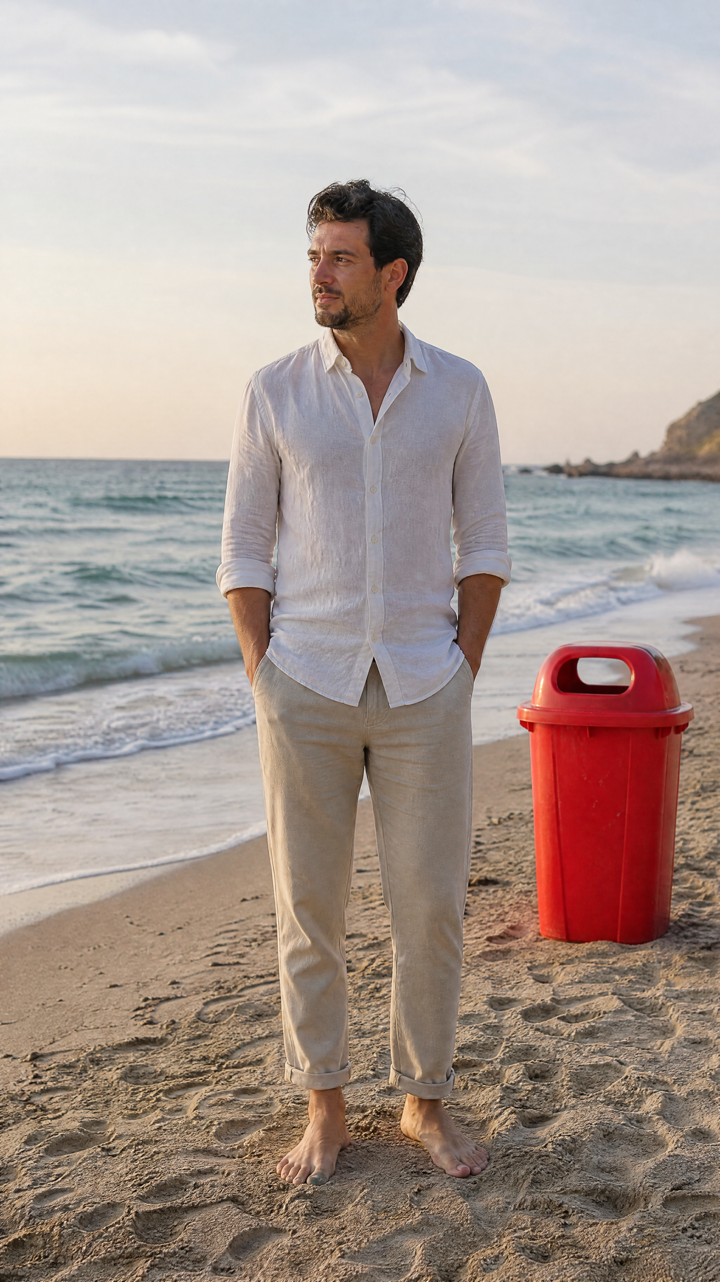 BEFORE
 AFTER ✨
What it is
Say what to delete. It fills the gap.
Most erasers leave a smear where the object used to be. LazyKiwi reads your description, removes the object you named, and paints in what should logically be behind it — wall, sky, pavement or grass — at the same lighting and texture.
How it works
Your result in three steps
Upload your photo
One image is all you need — a phone shot, a scan or an export from your camera.
Describe what to remove
Write it the way you'd say it: "remove the bin next to the door" or "remove the person in the background".
Generate & download
Check the result, rephrase if something is left behind, then download the clean photo.
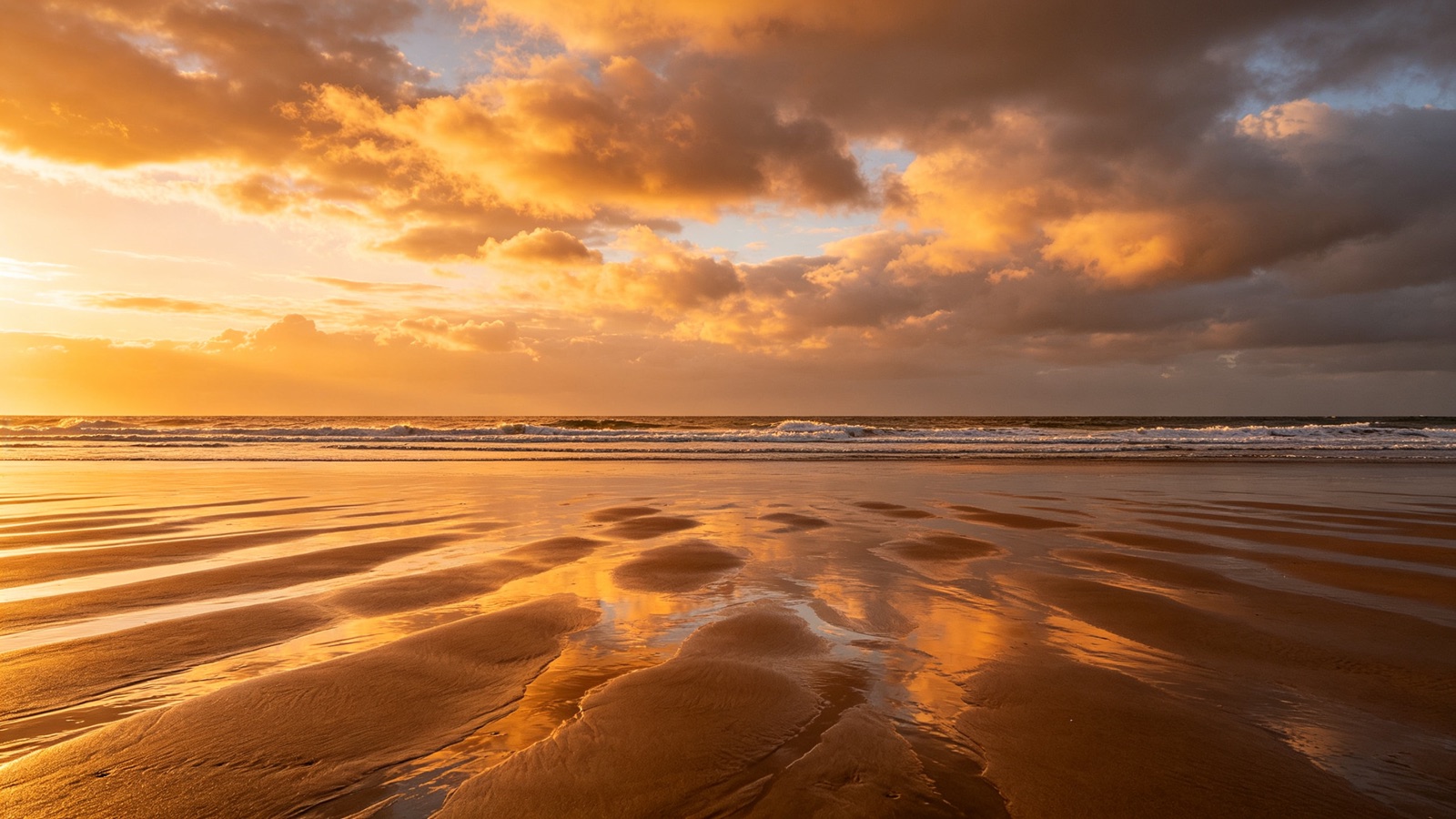
The background comes back with it
Removing an object leaves a hole. The AI reconstructs what belongs there and matches the surrounding light, grain and perspective.
- Rebuilds walls, sky and floors
- Keeps shadows consistent
- No blur patch, no smudge

No brushes, no masks, no layers
You point with language instead of a selection tool. Say which object and where it sits, and only that part of the image changes.
- Target one object at a time
- Use position words like "on the left"
- Rephrase and retry instantly

People, clutter, signs and wires
The same prompt box handles a stranger in the background, a rubbish bin, a parked car, a date stamp or power lines across a view.
- Remove a person from a photo
- Clear clutter from room shots
- Take out signs, poles and cables
Why LazyKiwi
Built to look untouched
Seconds, not an evening
A cleanup that used to mean clone-stamping in Photoshop now takes one sentence and a few seconds.
Private by default
Your photos are processed securely and never sold. What you upload stays yours.
Free to start
No credit card. Remove an object from your own photo and judge the result before you pay anything.
Try again for free
If a shadow or a leg is left behind, reword the request and run it again. There is no penalty for iterating.
Only what you named
The people, colors and framing you wanted to keep stay exactly as they were.
No editing skills
No lasso tool, no healing brush, no layer masks. If you can describe it, you can delete it.
FAQ
Questions, answered
How do I remove an object from a photo?+
Upload the photo, type what should go — for example "remove the traffic sign on the right" — and download the result. No selection tools involved.
Is the AI object remover free?+
Yes. You can upload a photo and remove an object for free, with no credit card.
Can it remove a person from a photo?+
Yes. Describe who to remove and where they are standing, and the AI fills the background they were covering.
Are my photos safe?+
Your uploads are processed securely, kept private and never sold or published.
Use cases
Who uses it
Etsy and Shopify sellers
Shoot a product on your kitchen table, then remove the cable, the crumb and the reflection before it goes in the listing.
Travel and family photos
The view was perfect; the tourist walking through it was not. Remove the object or person from the image and keep the moment.
Landlords and hosts
Clear bins, cars and clutter out of property photos so a rental listing shows the space instead of the mess.
More answers
More questions
Can I remove several objects at once?+
You get the cleanest fills by removing one thing per run. Download the result, upload it again, and remove the next object — repeat as often as you need.
How big can the object be?+
Small and medium objects come out cleanest, because there is plenty of surrounding detail to rebuild from. Something covering most of the frame gives the AI little to work with, so results vary.
What file types and sizes work?+
Standard JPG, PNG and WebP images. A higher-resolution upload gives a sharper fill, so use the original file rather than a screenshot of it where you can.
Can I remove logos or watermarks?+
It works technically, but only do it on images you own or have the rights to. Stripping a watermark from someone else's photo to reuse it is a copyright problem, not an editing one.
Keep going
Guides for this tool
Change Background of Photo: 3 Methods Compared
Change background of photo files three ways: white for IDs and listings, a real room for portraits, an invented scene for social. Edge and light rules.
OpenRemove Person From Photo: What Actually Works
How to remove person from photo edits that survive a 100% zoom: catch the shadow, protect the subject, and know when a crop beats reconstruction.
OpenDelete the thing that ruined the shot.
Upload one photo, say what to remove, and get it back clean — free to try, results in seconds.
No credit card · Free to try · Results in seconds