
AI outpainting: extend a photo beyond its frame.
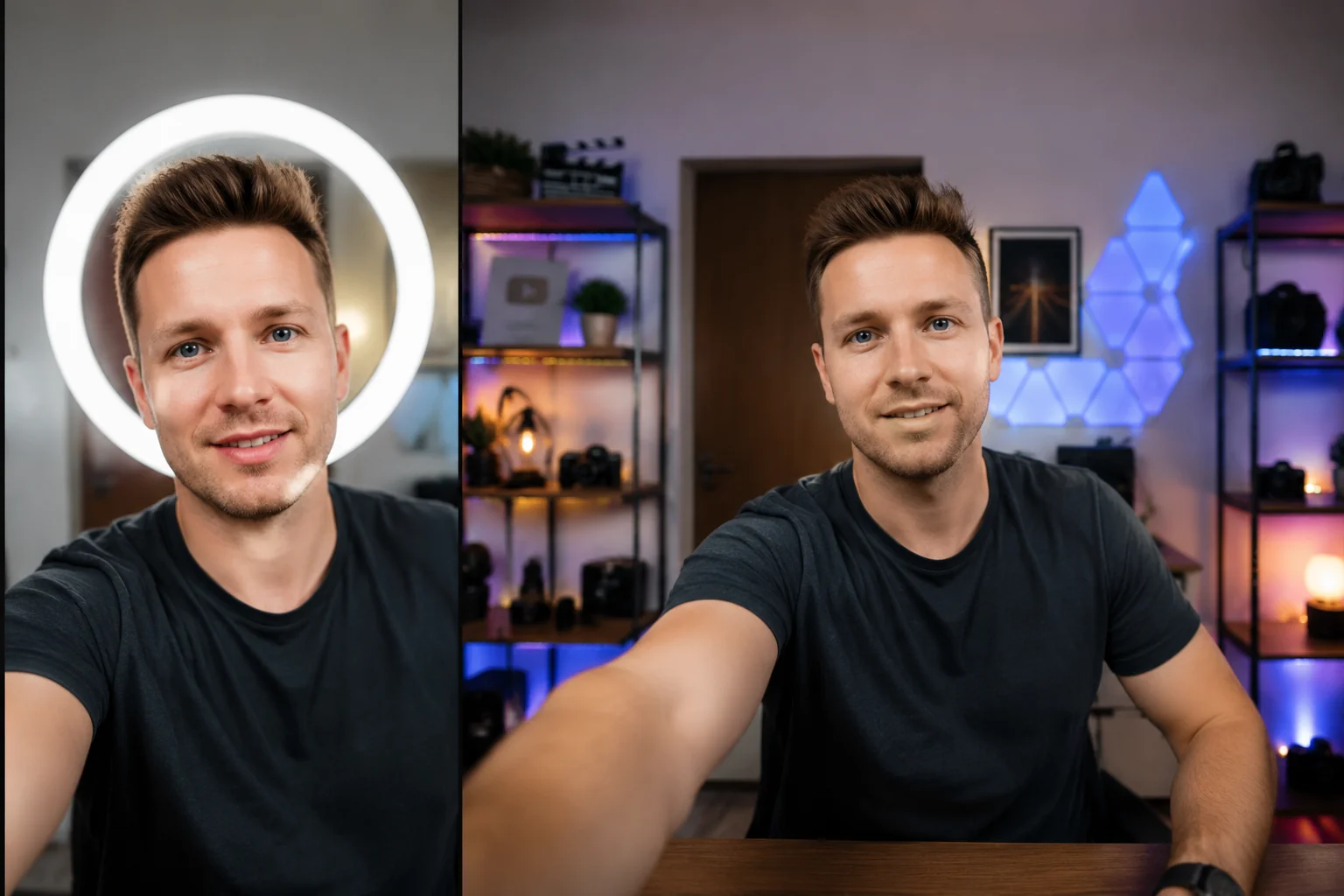
Outpainting is the opposite of inpainting. Instead of repainting something inside the picture, the AI paints what should be outside it: more sky above a skyline, more floor under a product, the rest of the room around a tight portrait. Upload one image, describe the new frame, and the original pixels stay exactly as they were.
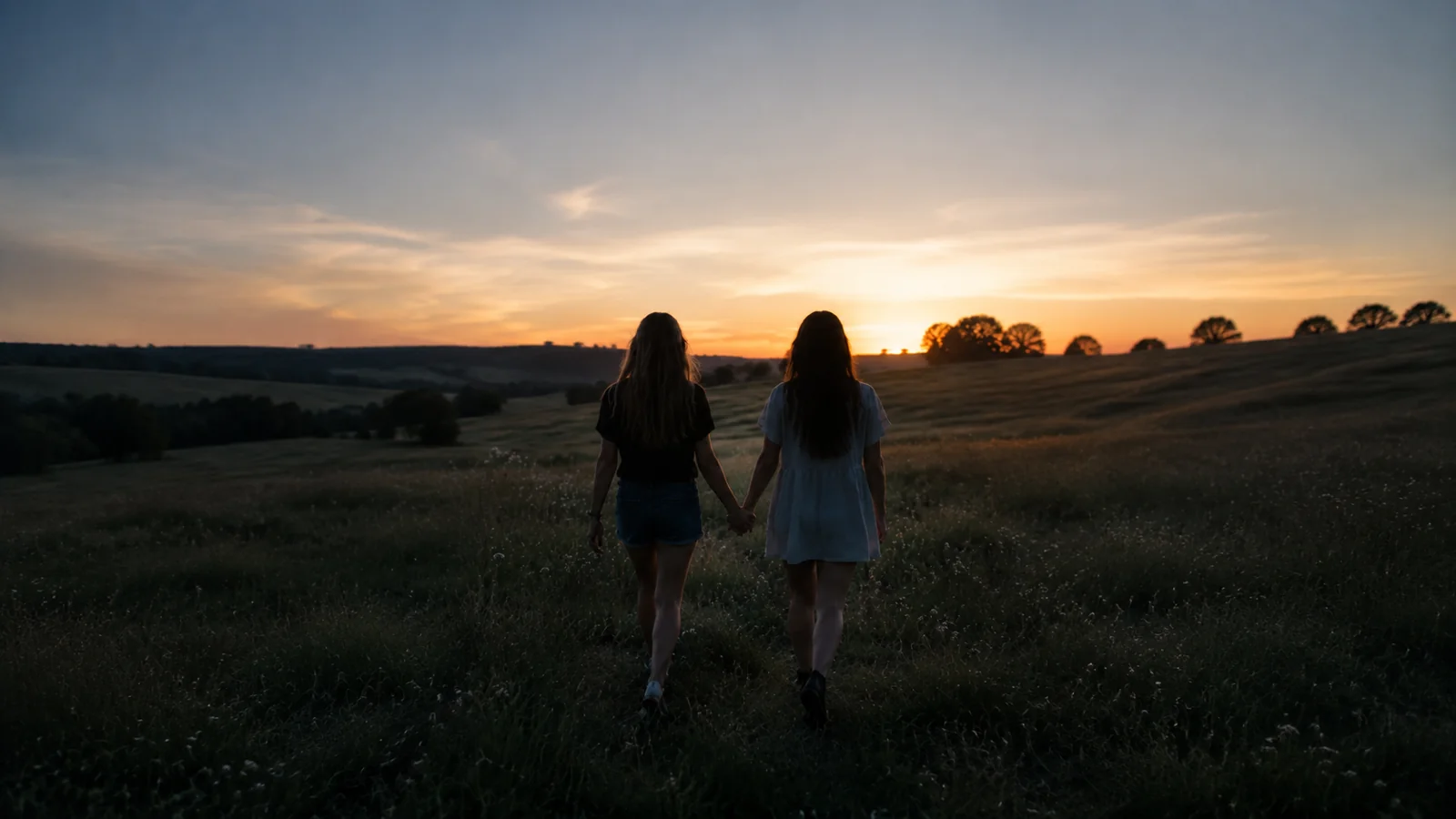 BEFORE
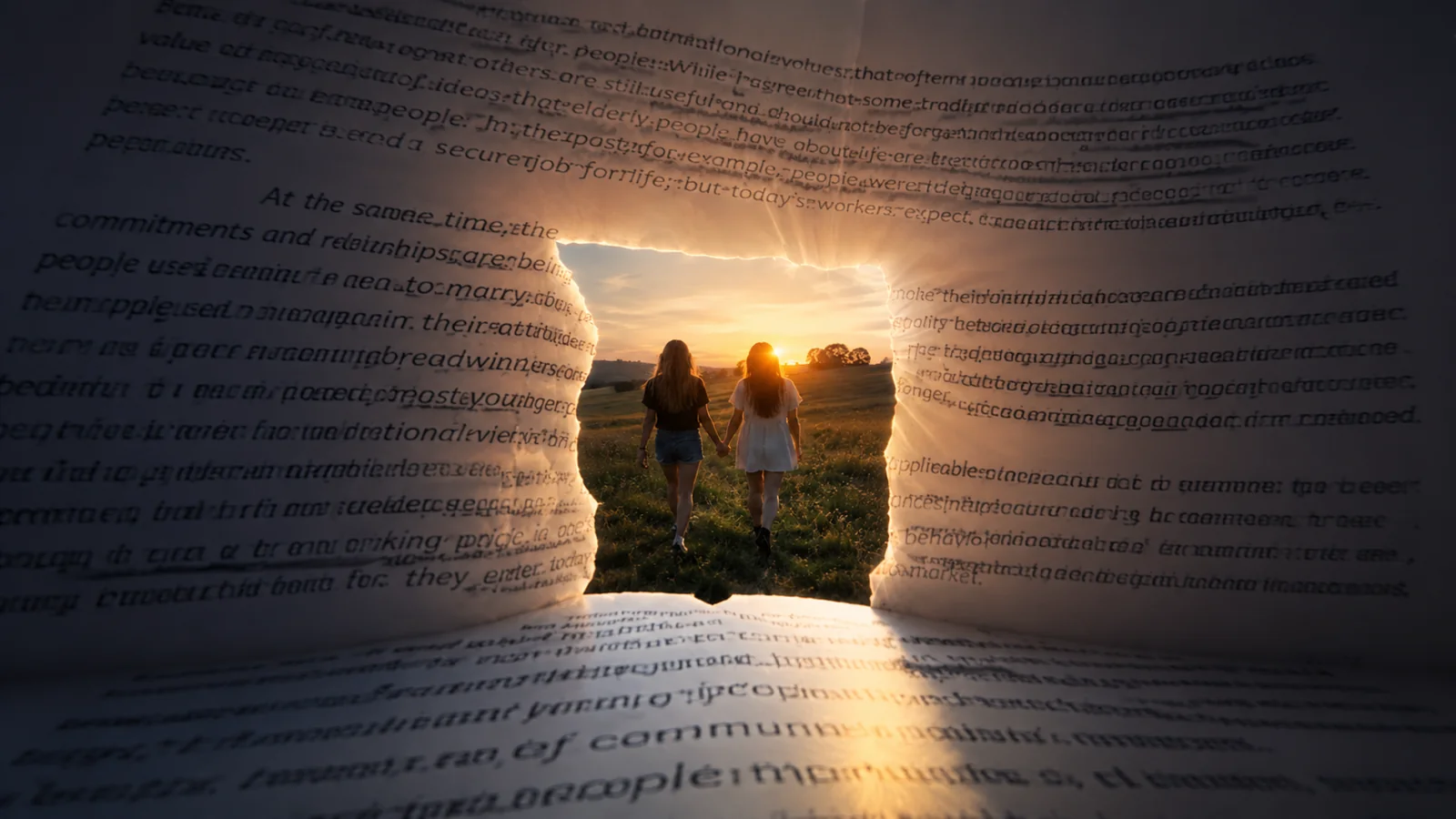 AFTER ✨
What it is
What AI outpainting actually does
Every photo has an edge, and sooner or later that edge is in the wrong place: a portrait cropped too tight for a 16:9 thumbnail, a square product shot that has to become a tall story, a landscape that needs room for a headline. Outpainting (sometimes written out-painting, and also called image extension or uncropping) solves that by generating new pixels beyond the border. The model reads what is already at the edge, meaning the direction of the light, the grain, the vanishing lines and the textures, and continues the scene outward so the join is not visible. It is different from inpainting, which replaces a region inside the picture, and from upscaling, which adds resolution without adding any new scene. On LazyKiwi, outpainting runs in the AI Image Extender tool; this page explains the technique and how to get clean edges from it.
How it works
Outpaint an image in three steps
Upload one image
A single photo is all the tool takes. Sharp sources outpaint better than soft ones, because the model continues whatever detail it finds at the edge.
Describe the new frame
Say which way and how far, for example "extend to 16:9, add more of the room on the left" or "make it 9:16 with more sky". Naming what should fill the space steers the result.
Check the seam, then download
Look along the old border at full size. If a line bends or a texture repeats, run it again with a smaller extension or a clearer description.
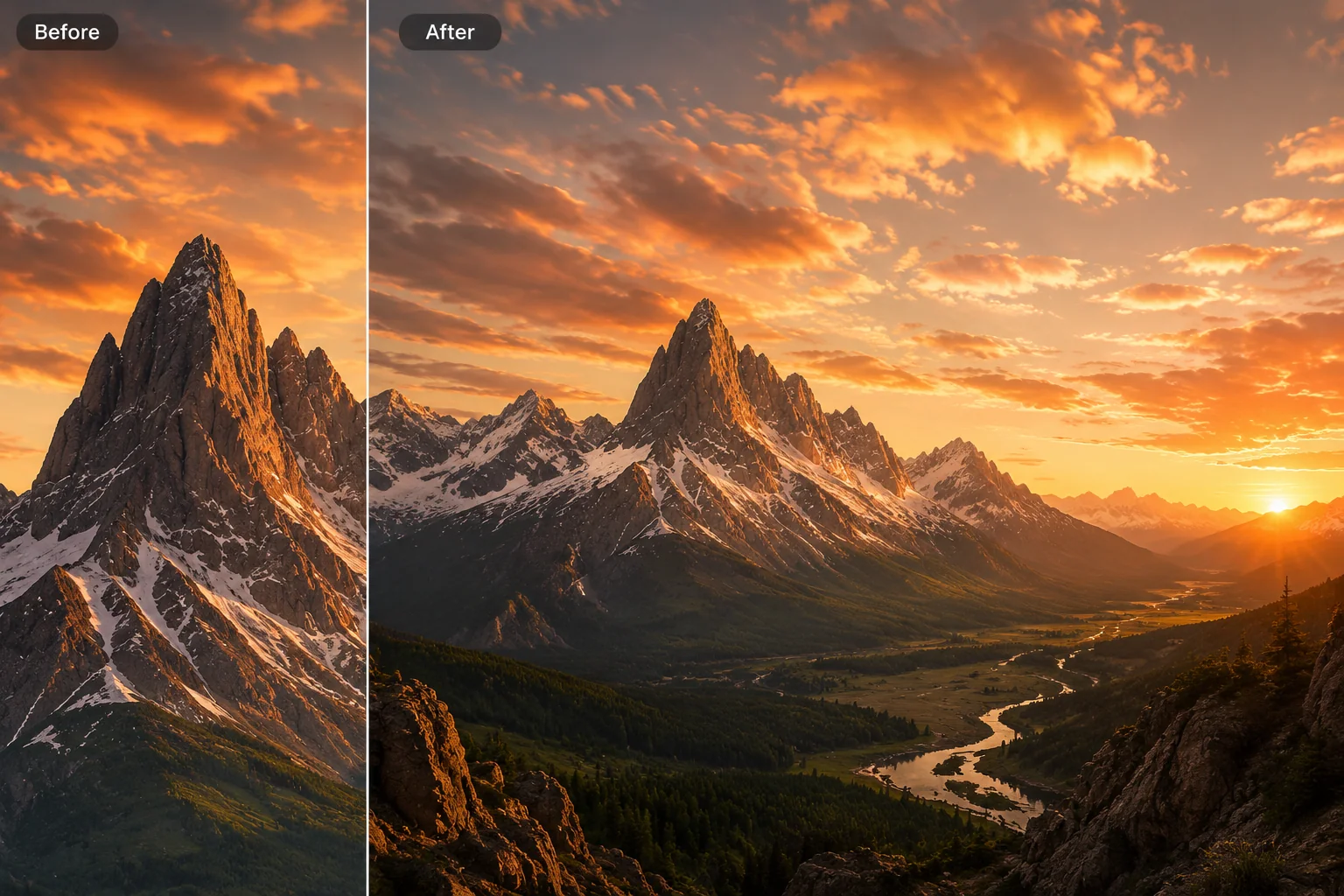
Edge matching
The join should be invisible
Good outpainting is judged at the seam. The model continues straight lines, horizons, floor planes and repeating textures from the edge instead of starting a new picture next to the old one.
- Continues lines and horizons
- Matches light direction and grain
- Keeps perspective consistent
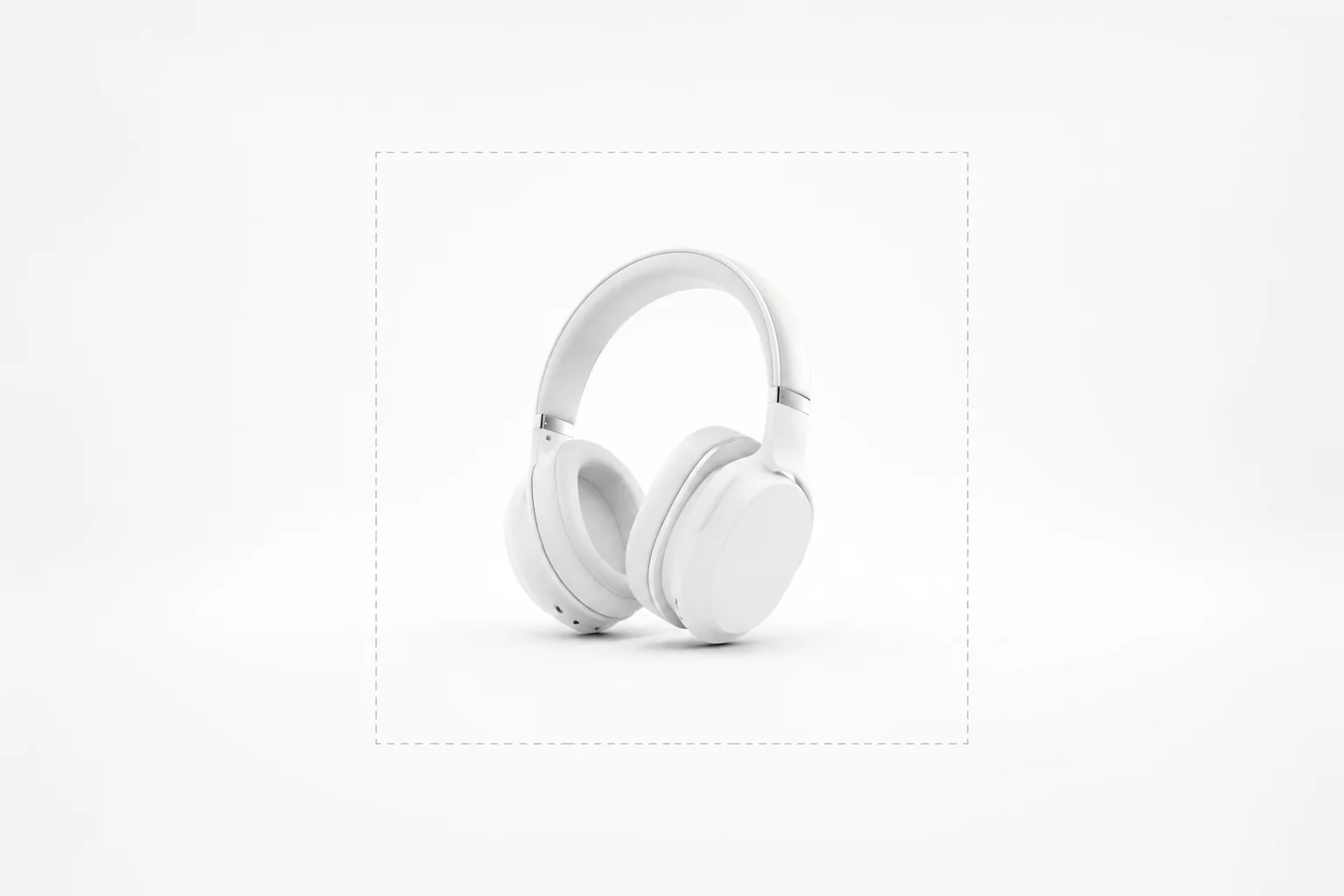
Direction control
Extend one side or all four
Add room on a single side to make space for text, or extend every edge to turn a close crop into a wider shot. Whatever you do not extend stays where it was.
- Single side or all sides
- Pick the target ratio
- Describe what fills the space
Reframing
One photo, every format
The same picture can become a 16:9 header, a 4:5 feed post and a 9:16 story without cropping the subject, because the extra canvas is generated rather than cut away.
- Landscape to vertical
- Tight crop to wide shot
- Room for headlines and logos
Why LazyKiwi
Outpainting, done carefully
Your original stays intact
Only the new canvas is generated. The part of the picture you uploaded is kept as it was.
You steer the new space
Describe what should appear beyond the edge instead of accepting whatever the model guesses.
Honest about limits
Very large extensions invent more than they continue. Extending in steps usually looks more natural than one huge jump.
Same workbench as your other edits
Outpainting sits next to the rest of the LazyKiwi image tools, so a photo can be extended, retouched and resized in one place.
FAQ
Questions, answered
What is AI outpainting?+
AI outpainting generates new image content beyond the original border of a photo. The model studies the edge of the picture and continues the scene outward, so a cropped image can become wider, taller or a different aspect ratio without stretching or cutting the subject.
What is the difference between outpainting and inpainting?+
Inpainting replaces a region inside the image, such as removing an object or fixing a blemish. Outpainting adds new area outside the image. Both fill space with generated pixels, but outpainting changes the size of the canvas and inpainting does not.
Is outpainting the same as the AI Image Extender?+
On LazyKiwi, yes: outpainting is done with the AI Image Extender tool. "Outpainting" is the technical name for the technique, while "image extender" and "uncrop" describe the same result in plain words.
How far can I extend an image?+
Moderate extensions, such as turning a square into 16:9 or 9:16, give the most convincing results because the model has plenty of real detail to continue. The further you go, the more of the picture is invented; if a large extension looks off, extend in two smaller steps.
Can I choose which side to extend?+
Yes. Say which edge to extend and what should appear there, for example "add more room on the right for text". Edges you do not mention stay where they are.
Will it change the part of the photo I uploaded?+
The goal is to leave the original area as it was and only generate the new canvas. Always check the result at full size, especially along the old border, before you use it.
What kind of photo outpaints best?+
Sharp photos with clear light and simple, continuous backgrounds such as sky, walls, floors, sand or foliage extend most cleanly. Busy scenes with text, crowds or complex architecture at the edge are harder to continue convincingly.
Does outpainting cost credits?+
Yes, like the other image tools it uses credits. The cost is shown in the workbench before you generate.
Use cases
When outpainting beats a reshoot
Thumbnails and headers
A close-up selfie needs to become a wide YouTube thumbnail or a banner. Outpaint the sides with more of the studio instead of zooming the face until it blurs.
Product listings
Marketplaces want square or tall images and the product shot is a tight rectangle. Extend the backdrop so the product keeps its size and nothing is stretched.
Travel and landscape photos
A mountain peak cropped at the top gets its sky back; a beach shot cut at the waterline gets more sand. The panorama you meant to take, from the frame you have.
More answers
More about outpainting
Is outpainting the same as upscaling?+
No. Upscaling makes the same picture larger and sharper; outpainting adds new scenery around it. If you need both, extend first and then use the AI Photo Upscaler.
Can outpainting uncrop a photo where part of a person was cut off?+
It can continue a shoulder, an arm or the top of a head that was just outside the frame, but it is guessing, so faces and hands deserve a close look. For missing large parts of a person, results vary.
Can I outpaint a landscape photo into a vertical 9:16 story?+
Yes. Ask for 9:16 and describe what should fill the extra height, such as more sky and more foreground. The subject keeps its size instead of being cropped to fit.
Why does the new area sometimes repeat patterns?+
When the edge contains a strong repeating texture, the model may continue it too literally. Describing what should appear, or extending by a smaller amount, usually breaks the repetition.
Is outpainting the same as generative fill?+
They are close relatives. Generative fill is a general term for filling any selected area with generated content, inside or outside the picture; outpainting is the specific case of filling new area beyond the border.
Extend your photo past its edges.
Upload one image, describe the frame you need, and check the credit cost before you generate.
No credit card · Free to try · Results in seconds