
AI Meme Generator
Upload a photo, type the joke, and get a finished meme with the caption set in bold, readable meme lettering. No templates to hunt for, no text boxes to drag.
Results
A photo or an idea in, a finished meme out
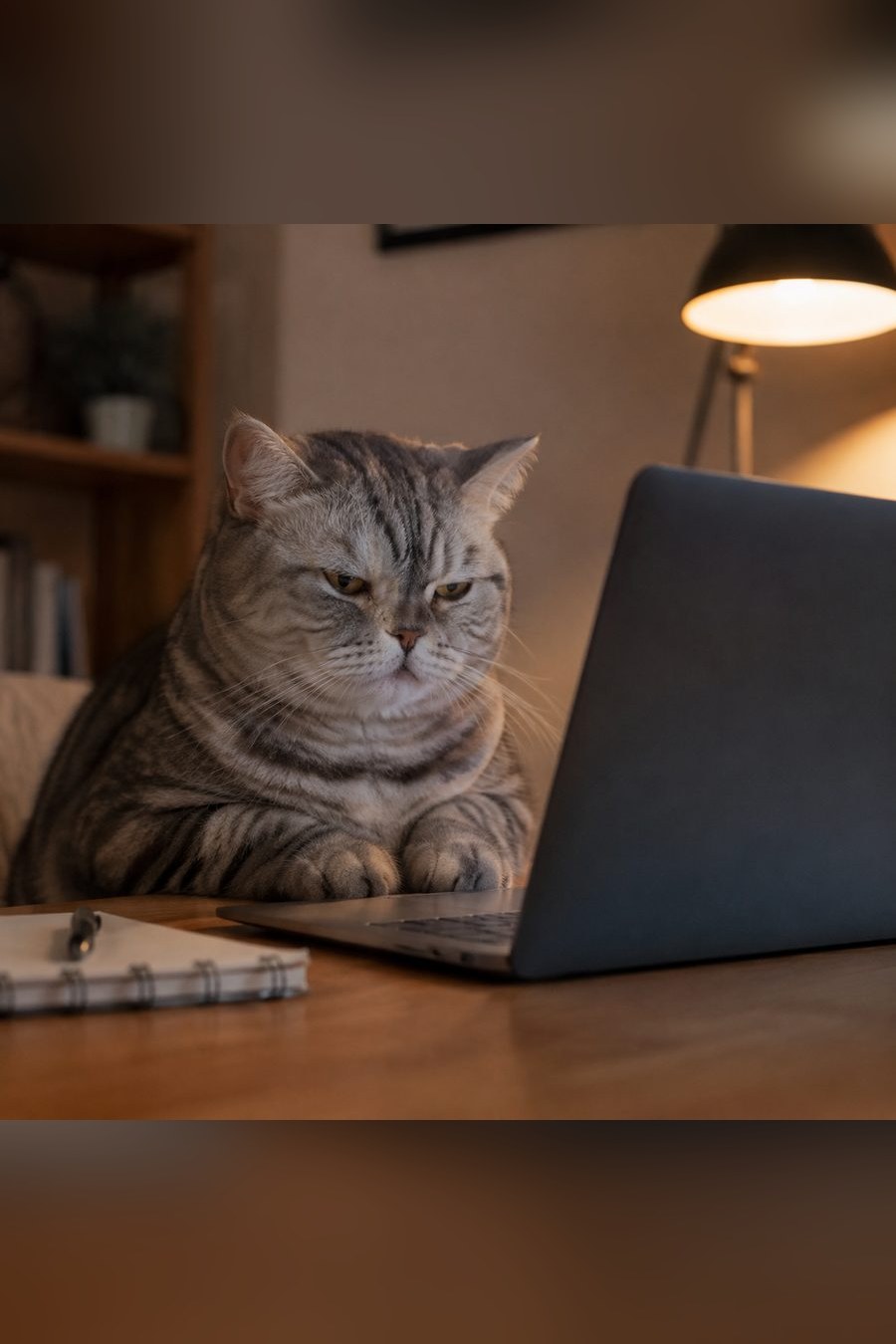
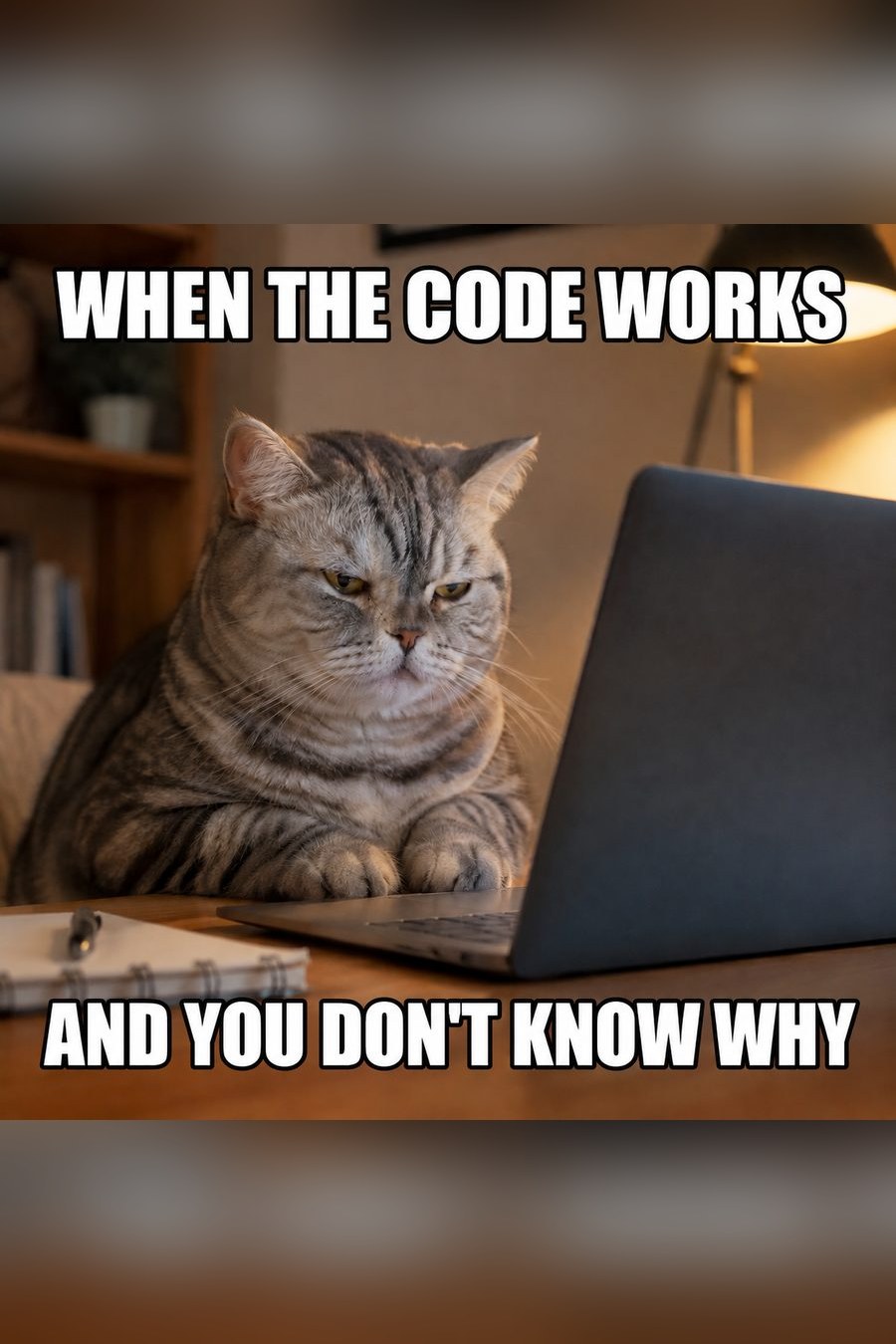
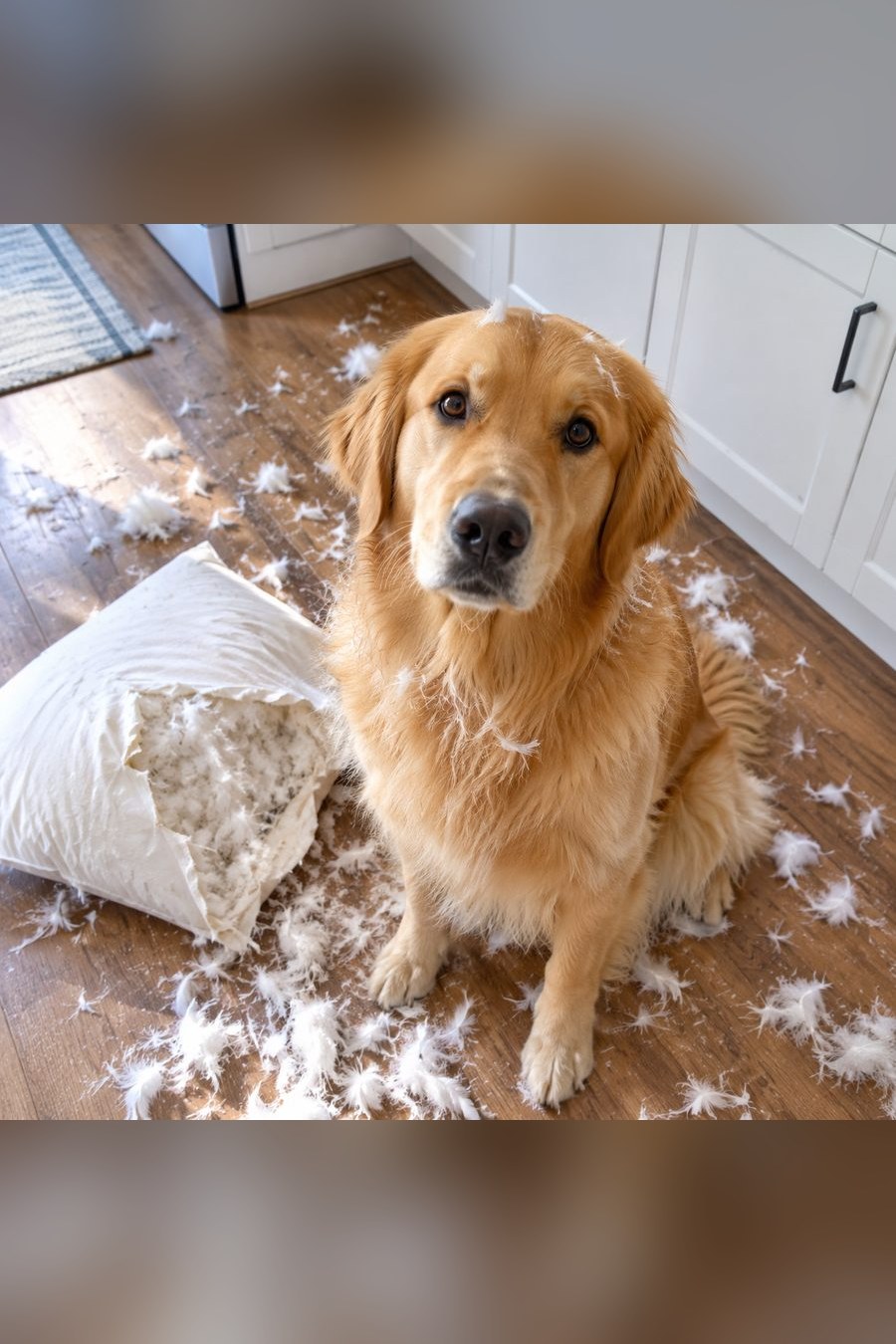
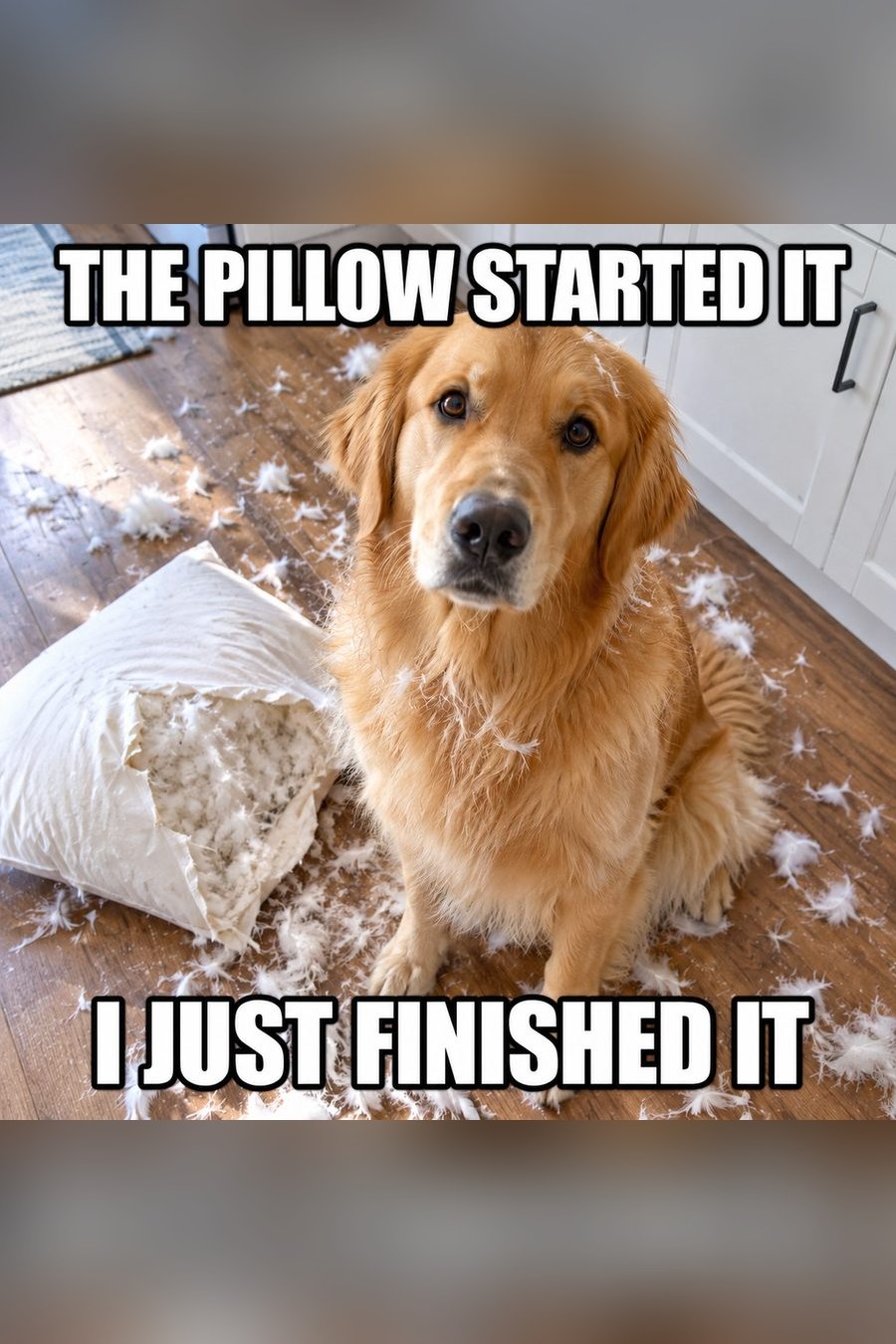
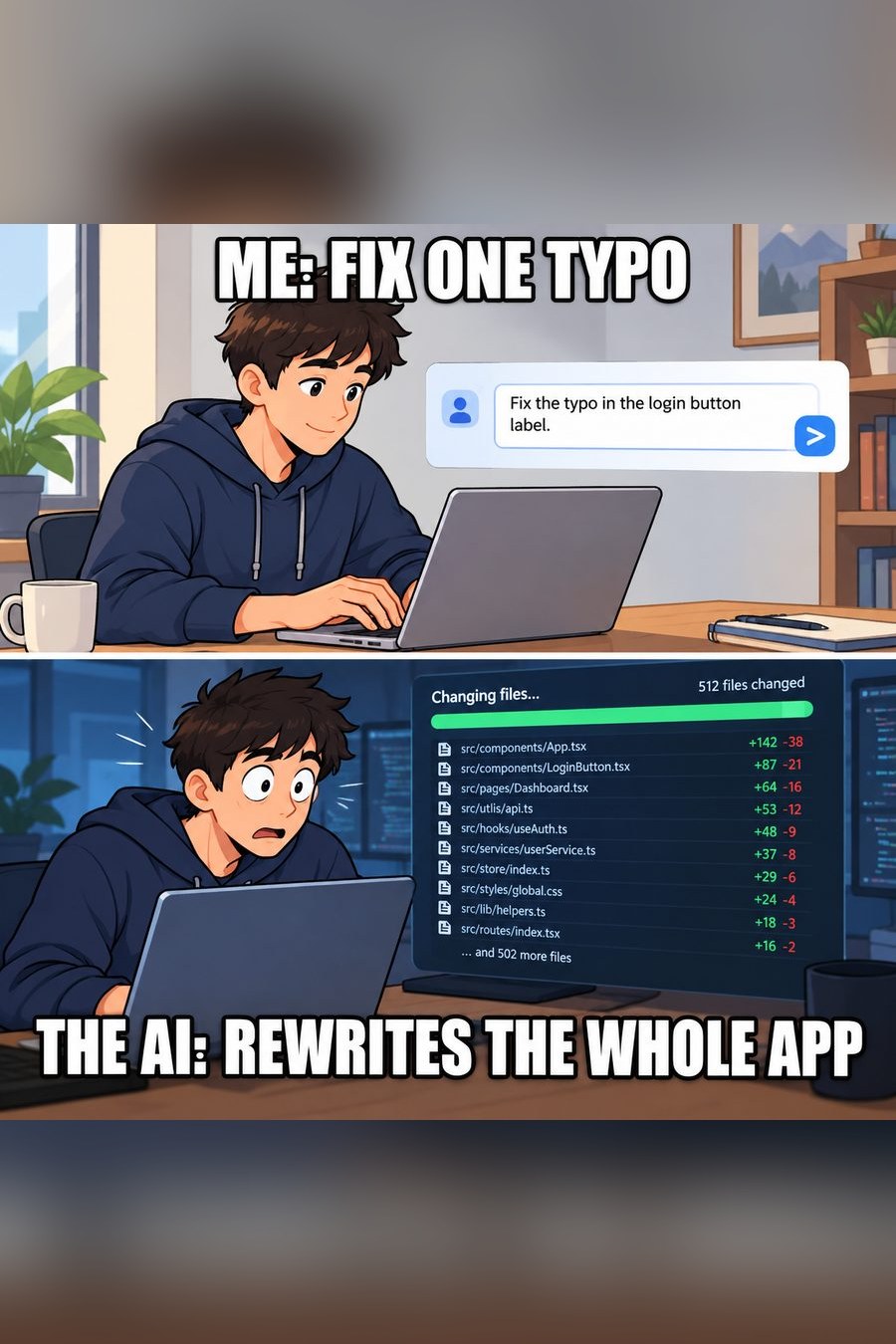
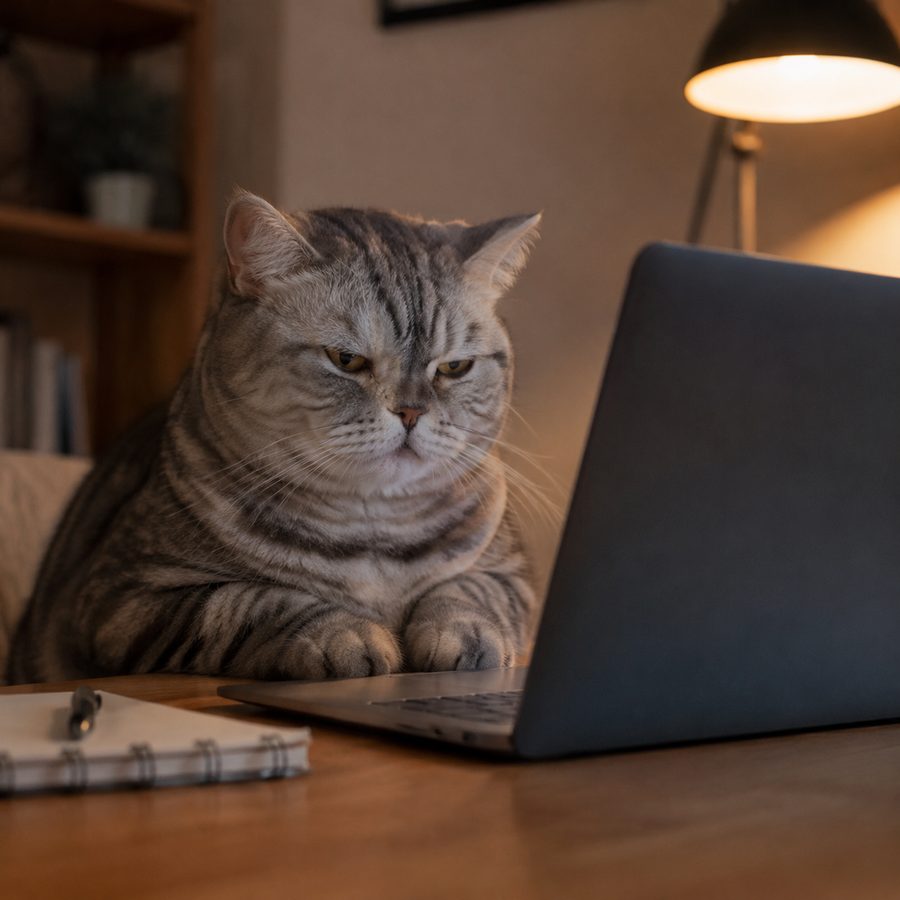
Left: the photo that was uploaded, or the scene that was described. Right: the meme that came back, caption included.
 Input
Input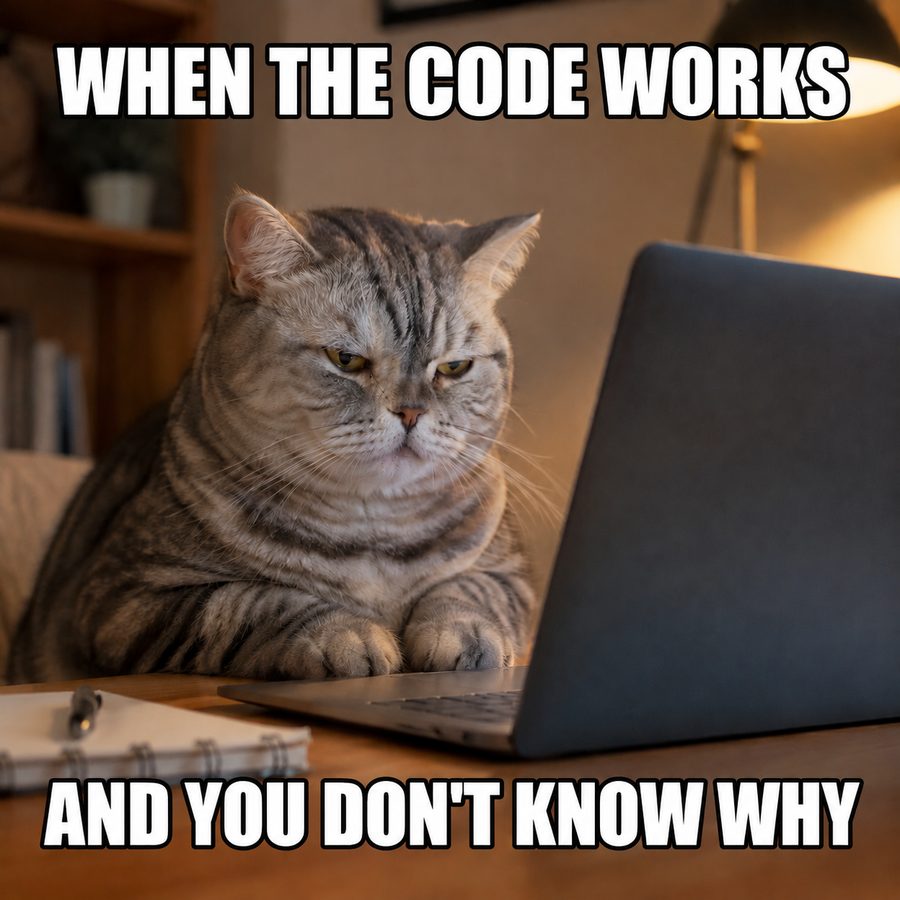 Meme
Meme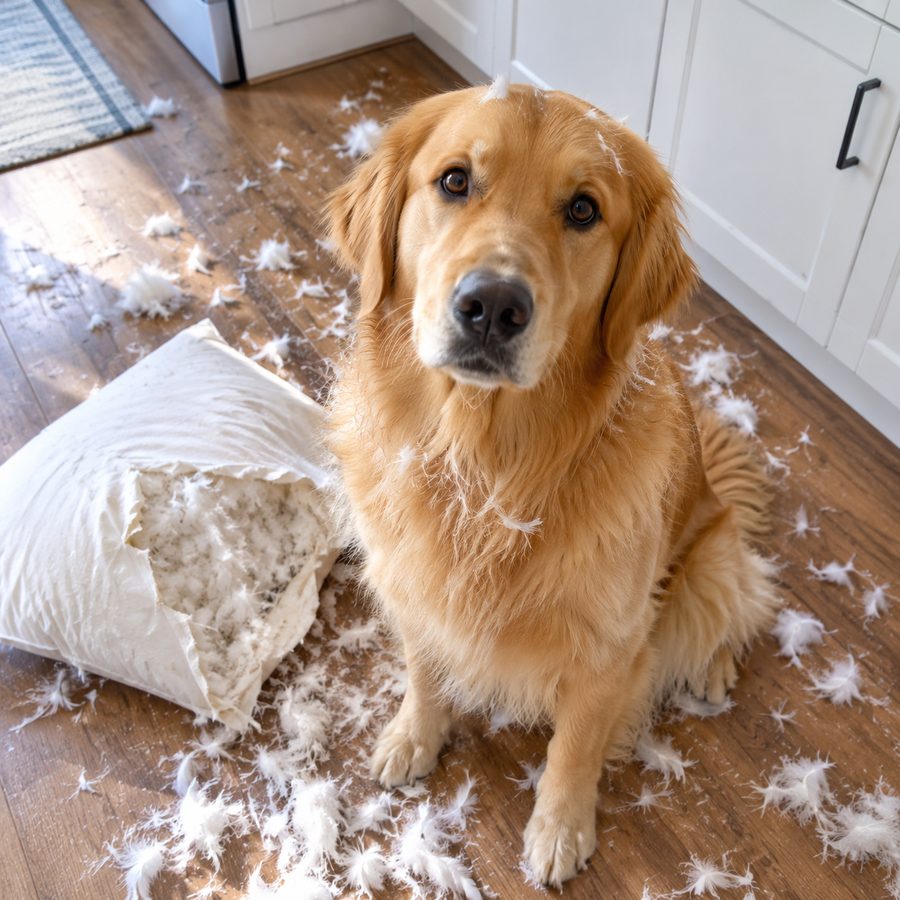 Input
Input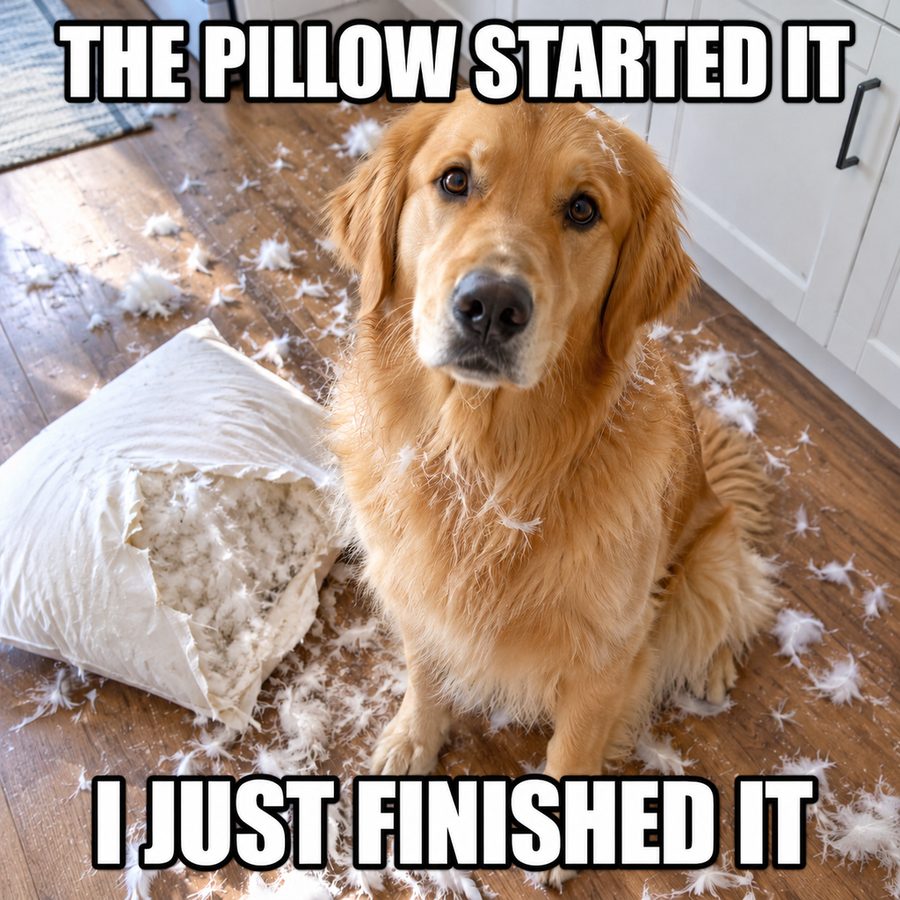 Meme
Meme Input
Input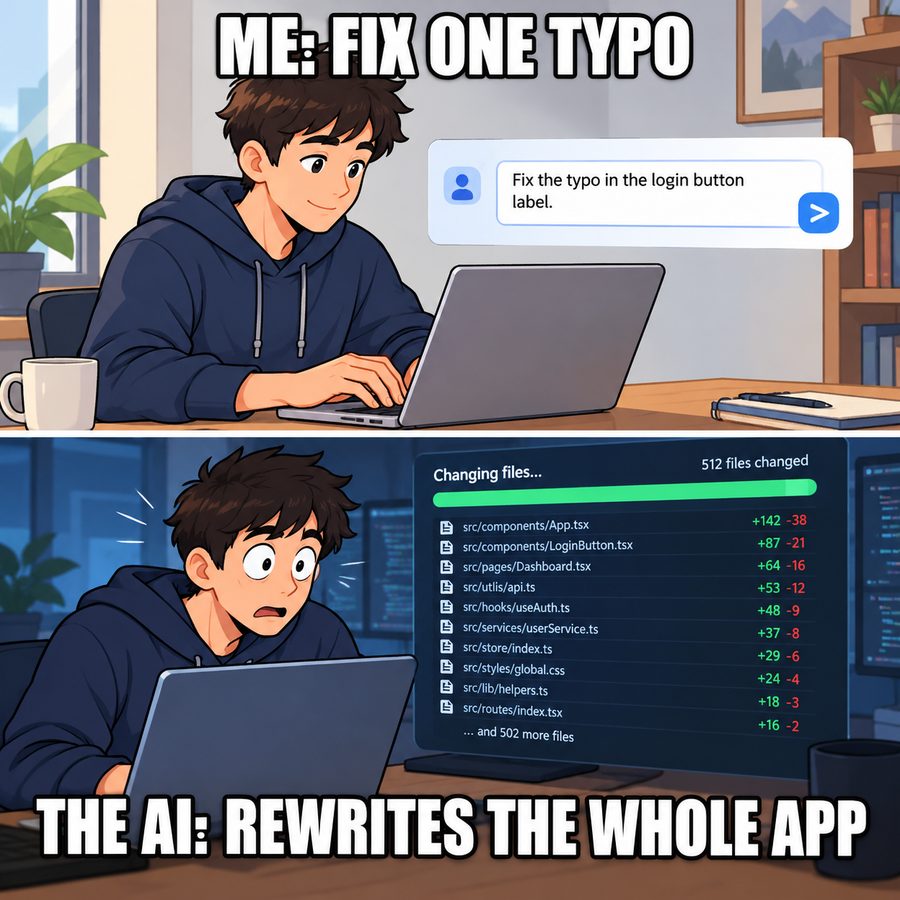 Meme
Meme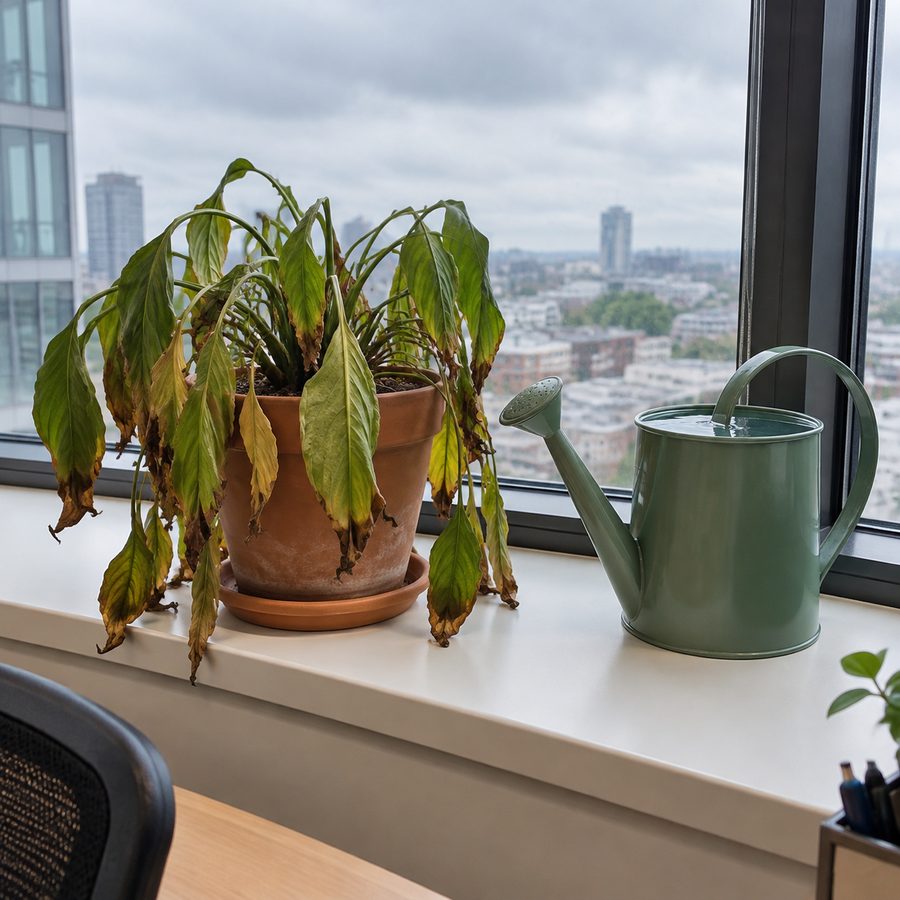 Input
Input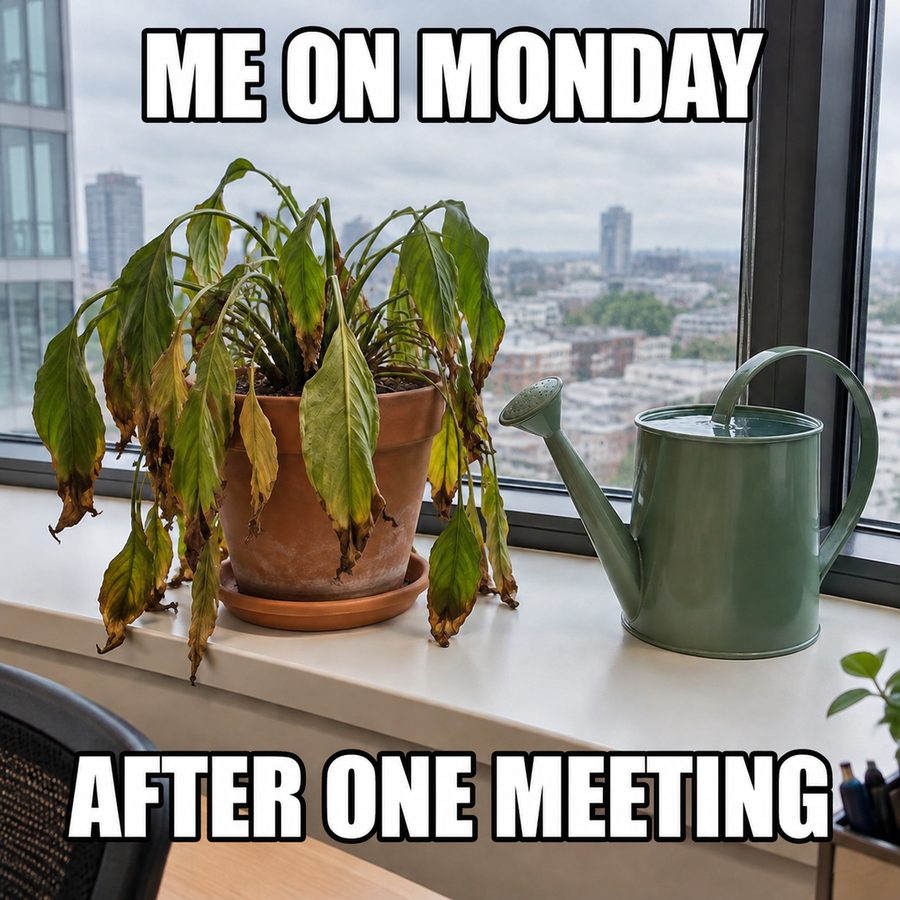 Meme
Meme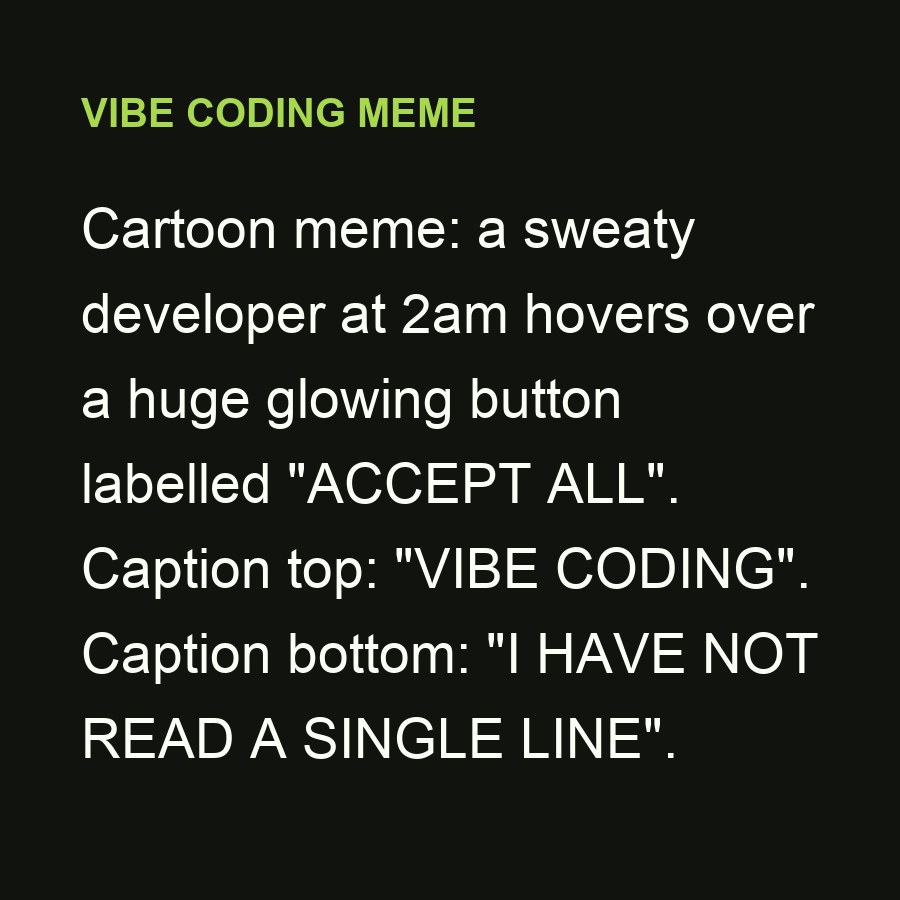 Input
Input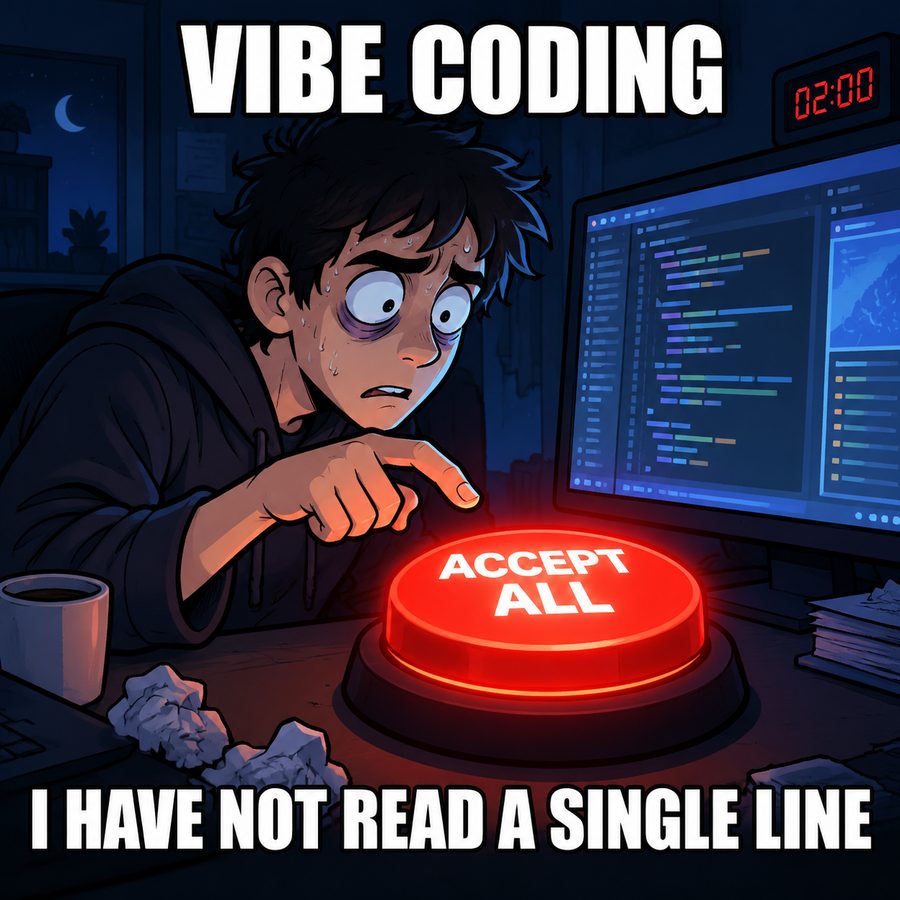 Meme
Meme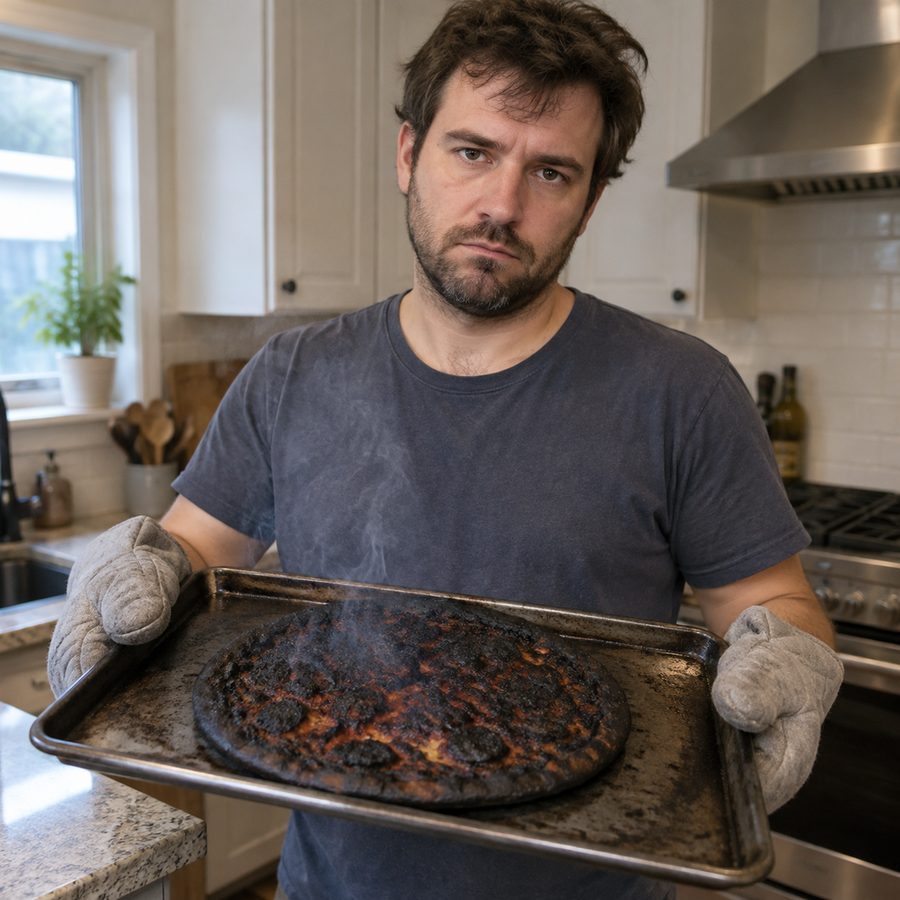 Input
Input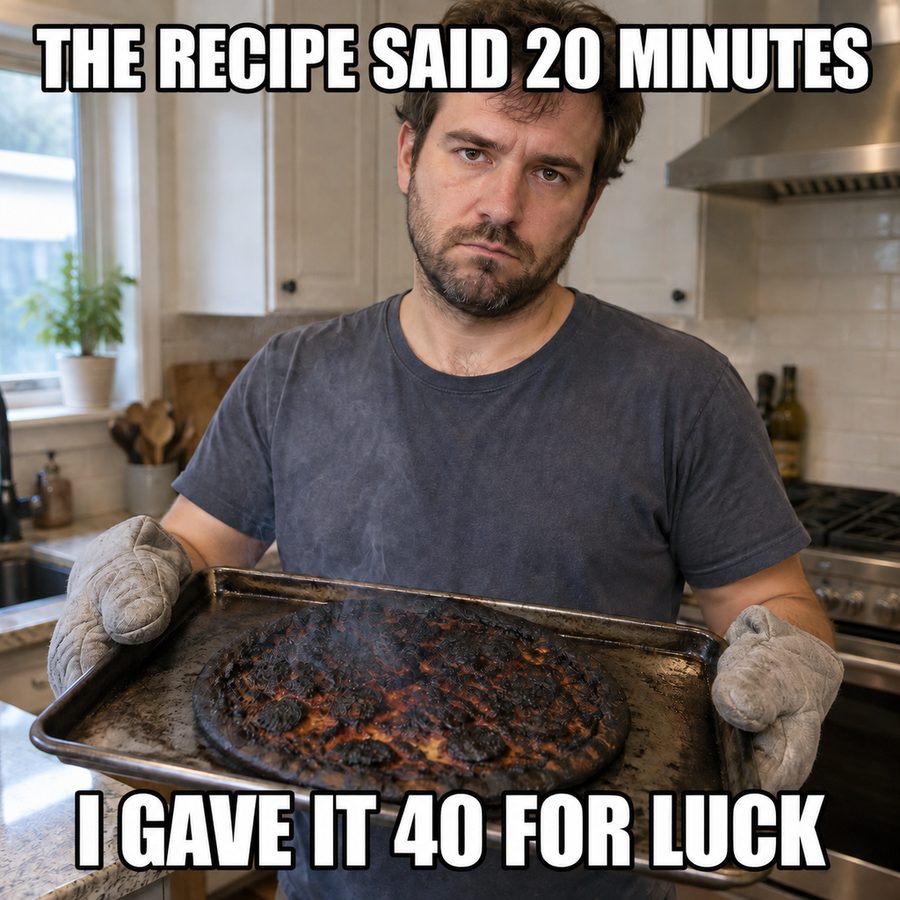 Meme
MemeWhat it is
What is an AI meme generator?
A classic meme maker gives you a stock template and two text boxes. An AI meme generator works the other way round: you bring the picture or the idea, write the joke in plain words, and the model sets the caption into the image for you. Every meme on this page was made that way, from a photo or from a one-line description.
Specs
AI meme generator specs
- Input
A photo or a one-line idea
upload the picture as a reference, or describe the scene and the panels
- Caption
The exact words, in quotes
bold white uppercase with a black outline, top and bottom, spelled as typed
- Output
A finished meme image
square, portrait or landscape, ready to download and post
- Keep going
Change a detail
tweak the result in the AI Photo Editor or set your own type with Add Text to Photo
How to make a meme with AI
Three steps, and the caption is the only thing you have to write.
Step 1
Upload the photo
Open the image generator and add the picture you want to caption as a reference image. Pets, food fails and everyday objects work best.
Prompt
Add bold white meme text with a black outline, top: "WHEN THE CODE WORKS", bottom: "AND YOU DON'T KNOW WHY".
Step 2
Write the caption as an instruction
Type something like the instruction above, with the exact words in quotes. Keep each line short.
Step 3
Generate and share
Download the meme and post it. To make one with no photo, skip the upload and describe the whole scene and caption instead.
Your photo, not a stock template
Upload the cat, the burnt dinner, the group chat screenshot moment. The photo stays as it is; only the caption is added on top.
- Pets, food fails, everyday objects
- The picture is kept as it is
- Caption set in top and bottom
Captions that look like memes
Ask for bold white uppercase letters with a black outline, top and bottom, and that is what comes back: centered, readable on a phone, spelled the way you typed it. The model sets the text exactly as written, so the writing is the part that matters.
- Set up, then punch: the top line sets the situation, the bottom line delivers the twist. If you need a third line, it is two memes.
- Short lines read on a phone: aim for six words or fewer per line. Long captions get set smaller and lose the meme look.
- Quote the exact words: put the caption in quotation marks inside your instruction so spelling and capitalisation come back exactly as typed.
- Leave room in the photo: sky, wall or floor at the top and bottom give the caption space without covering the face that makes the joke.
No photo? Describe the scene
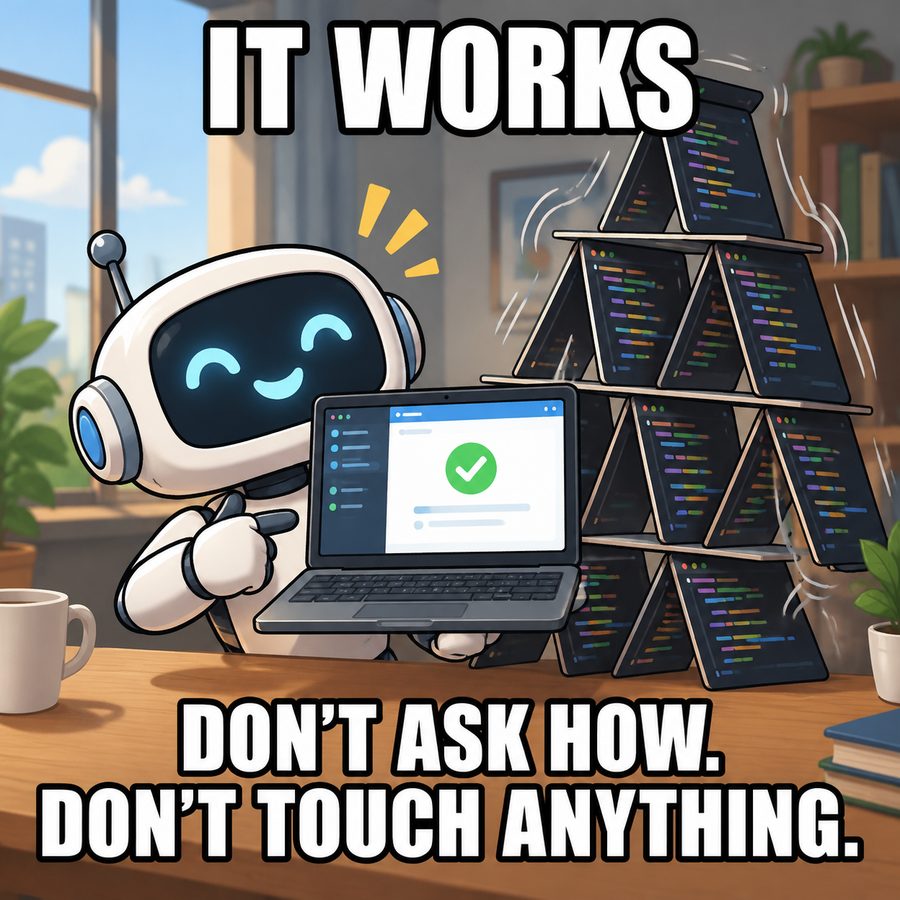
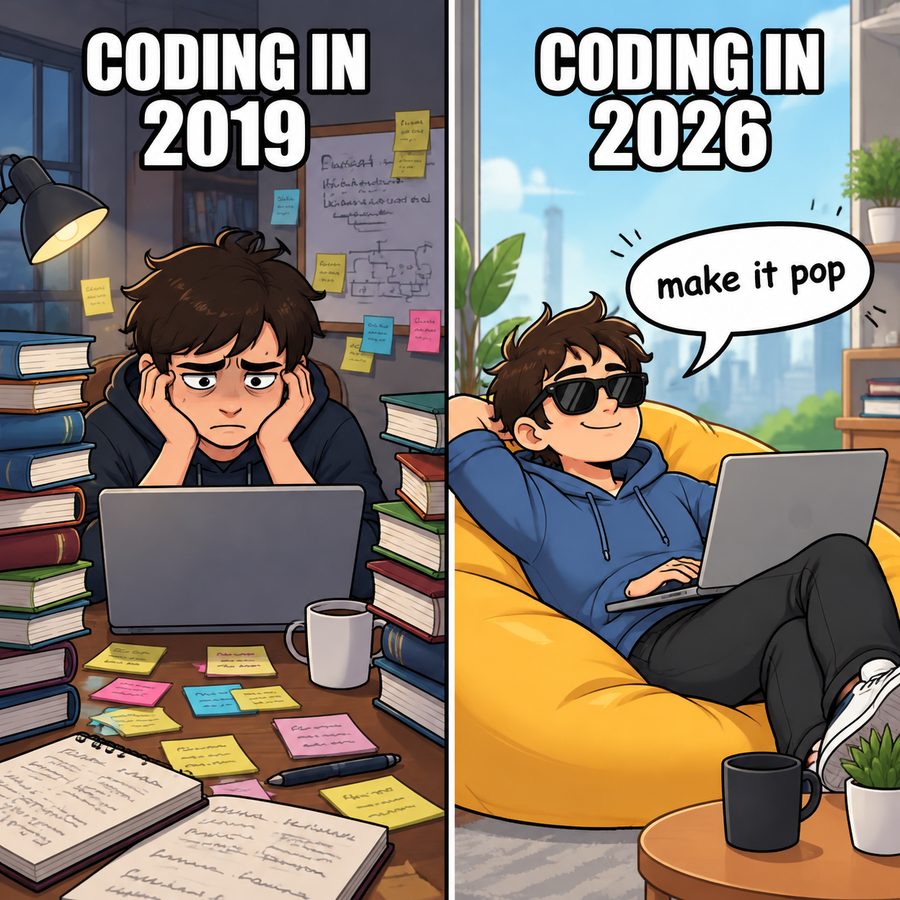
Write the panels and the caption in one paragraph and generate the whole meme from text, including two-panel and before-and-after formats.
- Single-image, two-panel and side-by-side
- Cartoon or photo style
- Caption written into the prompt
Vibe coding memes
"Vibe coding" is building software by describing what you want to an AI and accepting what it writes. The memes about it are their own genre on developer forums: the one-line request that rewrites everything, the giant Accept All button, the app that works for reasons nobody can explain. Every vibe coding meme on this page was generated from text alone; the prompts to copy are further down.
- The scope creep
- The 2am deploy
- The bug report
- The undo
Original, so you can post it
Because the picture is yours or freshly generated, you are not reposting someone else's image. Keep real people, logos and famous characters out of it and the meme is safe to share.
- Your own photos or generated scenes
- No reposted stock images
- No real people, logos or famous characters
FAQ
AI meme generator FAQ
Is the AI meme generator free?+
You can start free: new accounts get free credits, and the cost of each image is shown before you generate.
Can I turn my own photo into a meme?+
Yes. Upload the photo as a reference image in the generator and write the caption as an instruction, for example add bold white meme text, top: "...", bottom: "...". The photo stays as it is and the caption is added.
Can AI make a meme from text only?+
Yes. Describe the scene, the panels and the caption in the AI image generator. The vibe coding memes on this page were made that way, with no photo uploaded.
Will the caption be spelled correctly?+
Put the exact words in quotation marks and keep each line short; that is how the samples on this page were made. If a letter comes back wrong, generate again with the same instruction.
What is a vibe coding meme?+
A meme about building software by prompting an AI and accepting its code without reading it: the tiny request that rewrites the whole app, the Accept All button, the app that works for reasons nobody knows. See the vibe coding prompts on this page.
Can I use classic meme templates like the famous reaction images?+
This generator is built for original memes from your own photos or generated scenes. Famous meme images often show real people or copyrighted stills, so we do not recreate them.
Can I make memes of celebrities or real people?+
No. Real people, brand logos and copyrighted characters are not supported. Use your own photos, pets, objects or generated characters.
Use cases
Vibe coding meme prompts to copy
The scope creep
Two-panel cartoon. Top: "ME: CHANGE THE BUTTON COLOR". Bottom: the screen shows a brand-new app with a login page nobody asked for, caption "THE AI: I ALSO ADDED ACCOUNTS".
The 2am deploy
A developer asleep on the keyboard while the laptop says "all tests passed". Caption top: "SHIPPED TO PRODUCTION". Caption bottom: "WROTE ZERO LINES".
The bug report
A detective with a magnifying glass looking at a screen full of code. Caption top: "FINDING THE BUG". Caption bottom: "IN CODE I NEVER READ".
The undo
A cartoon developer frantically pressing Ctrl+Z on a giant keyboard. Caption top: "ASKED FOR ONE MORE FEATURE". Caption bottom: "NOW NOTHING WORKS".
Coding in 2019 vs 2026
Side-by-side comparison meme, cartoon style. Left "CODING IN 2019": a tired programmer buried in books and sticky notes. Right "CODING IN 2026": the same programmer in a beanbag with sunglasses telling the laptop "make it pop".
It works
Cartoon meme: a cheerful robot presents a working app while a house of cards made of code wobbles behind it. Caption top: "IT WORKS". Caption bottom: "DON'T ASK HOW. DON'T TOUCH ANYTHING."
More ways to make images

Got a photo and a joke? That is a meme.
Upload it, type the caption, share it.
Free to try · Price shown before you generate · Original memes from your own photos and ideas