
Text that looks like it was there when you took the shot.
Upload the picture, type your words, and pick how they sit: in front of everything or behind the person, in a bold sans, condensed caps, serif, script, brush, retro, neon or 3D style. The letters take the light, angle and color of the scene.



What it is
Type that sits in the scene, not on top of it.
A caption app drops flat letters over your picture and hopes for the best. LazyKiwi reads the photograph first: where the light is coming from, how warm it is, which way the surfaces run away from the camera. The headline is then lit and angled to match, so it reads as part of the shot rather than a sticker on it.
How it works
Your result in three steps
Upload your photo
One picture is enough: a landscape from a trip, a portrait, a product on a table, a frame from an event.
Type the words, pick the look
Type exactly what it should say, then choose the placement (in front, or behind the person), the font style and the position: top, center, bottom, in the sky, or on a wall or surface. Color and size are under the advanced options.
Generate & download
Check the placement and the spelling, change an option and run it again if you want a different look, then download the finished picture.
Type that takes the light with it
The warmth of a sunset, the reflection off a neon sign, the direction the shadows fall: the lettering picks all of it up. Colors come out of the frame itself, so a headline never fights the picture it is sitting on.
- Matches the color of the light
- Shadows fall the right way
- Follows perspective and curves
The text behind image effect, with nothing to cut out
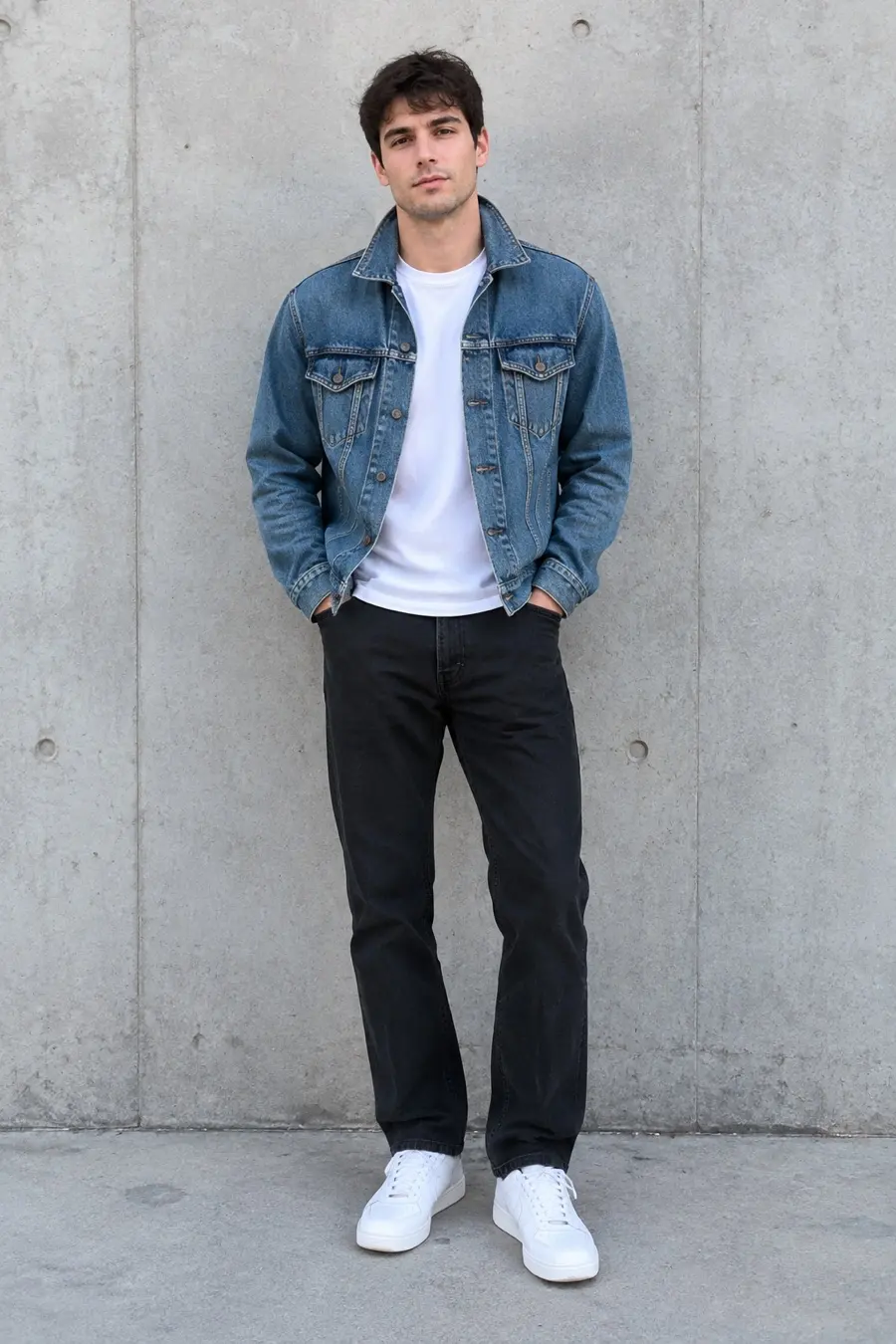
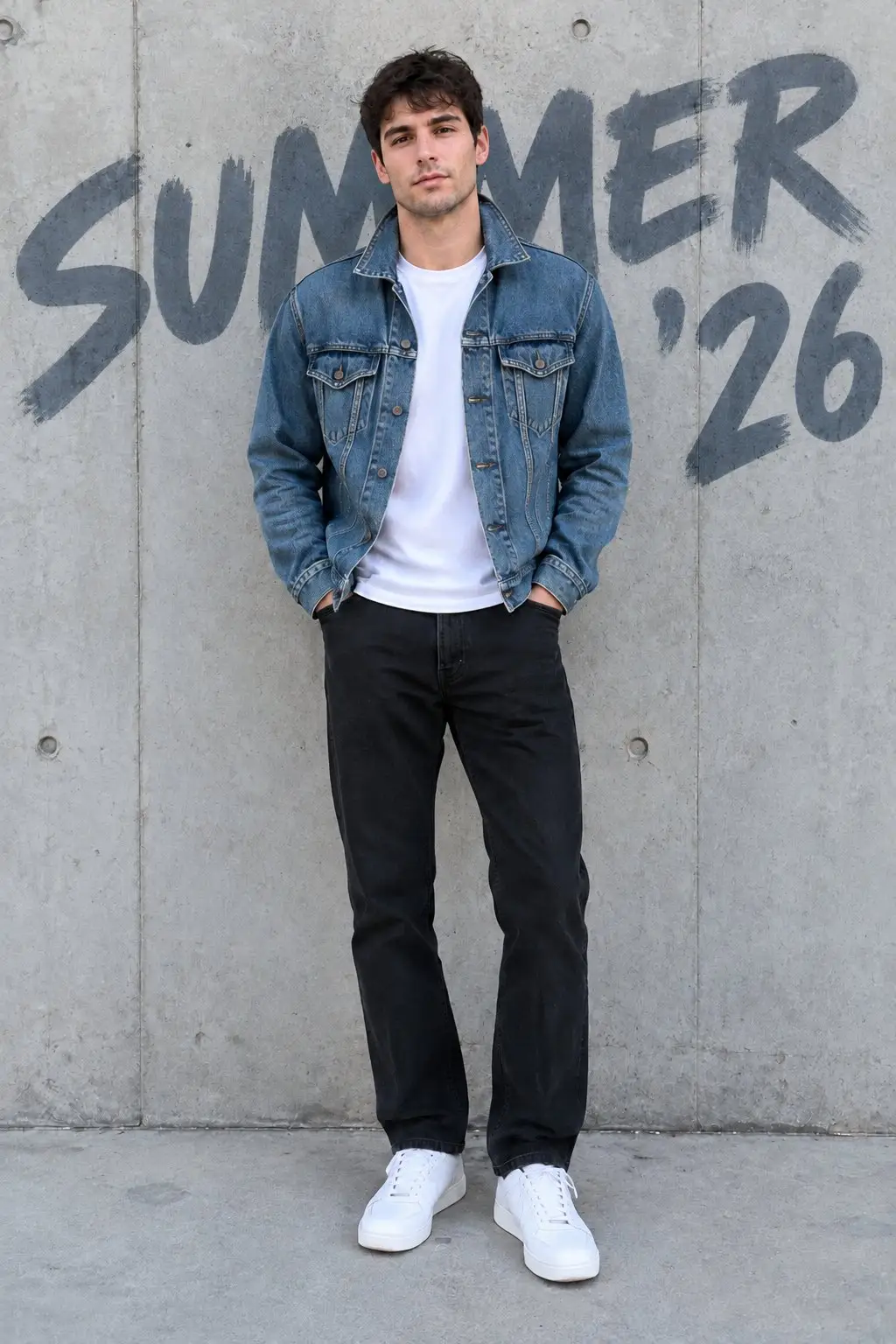
The look everyone wants: big letters across the background with the subject standing in front of them. Normally that means masking the person by hand on a separate layer and cleaning up the hair. Here you pick Behind the person and the overlap is worked out for you, with most of each letter left readable.
- Subject overlaps the lettering
- No manual cutout or masking
- Works for people, pets and products
Titles, quote cards and a signature of your own
The same box handles a thumbnail headline, a caption on a listing photo, a quote laid over a portrait, an event flyer built from a single photograph, or your name signed quietly in the corner of work you shot yourself.
- Thumbnail and cover headlines
- Quote cards and event flyers
- Sign or watermark your own work
Why LazyKiwi
Built to look like part of the shot
No design tool to open
A headline that meant layers, font files and a hand-drawn cutout now takes one sentence in the browser.
Depth without masking
Subject in front, type behind. You never trace an outline or tidy up a ragged hairline edge.
Free to start
New accounts get free monthly credits, no credit card. Each run uses credits, so try it on your own image and judge the result before you pay for anything.
Private by default
Your uploads are processed securely, used only to make your image, and never sold or published.
Reword and rerun
Too big, too low, wrong mood: change the font style, position or size and run it again. Each run uses credits.
Holds up small
Type is placed with contrast in mind, so a title still reads when the picture is a thumbnail in a feed.
FAQ
Questions, answered
How do I add text to photo images?+
Upload the picture, type the words, pick the placement, font style and position, then download the result. No layers and no font files.
Is it free to add text to a photo?+
Yes. New accounts get free monthly credits with no credit card, so you can put a headline on your own photo first. Each run uses credits.
How does the text behind image effect work?+
Choose Behind the person in the placement option. The tool works out which part of the frame is the subject and sets the lettering large in the background, so the person, pet or product covers part of the letters with a clean edge while the word stays readable. In front of everything is the default, and in that mode text never covers a face.
Are my photos private?+
Your uploads travel over an encrypted connection, are used only to produce your image, and are never sold or shared.
Use cases
What people put text on
Travellers and photographers
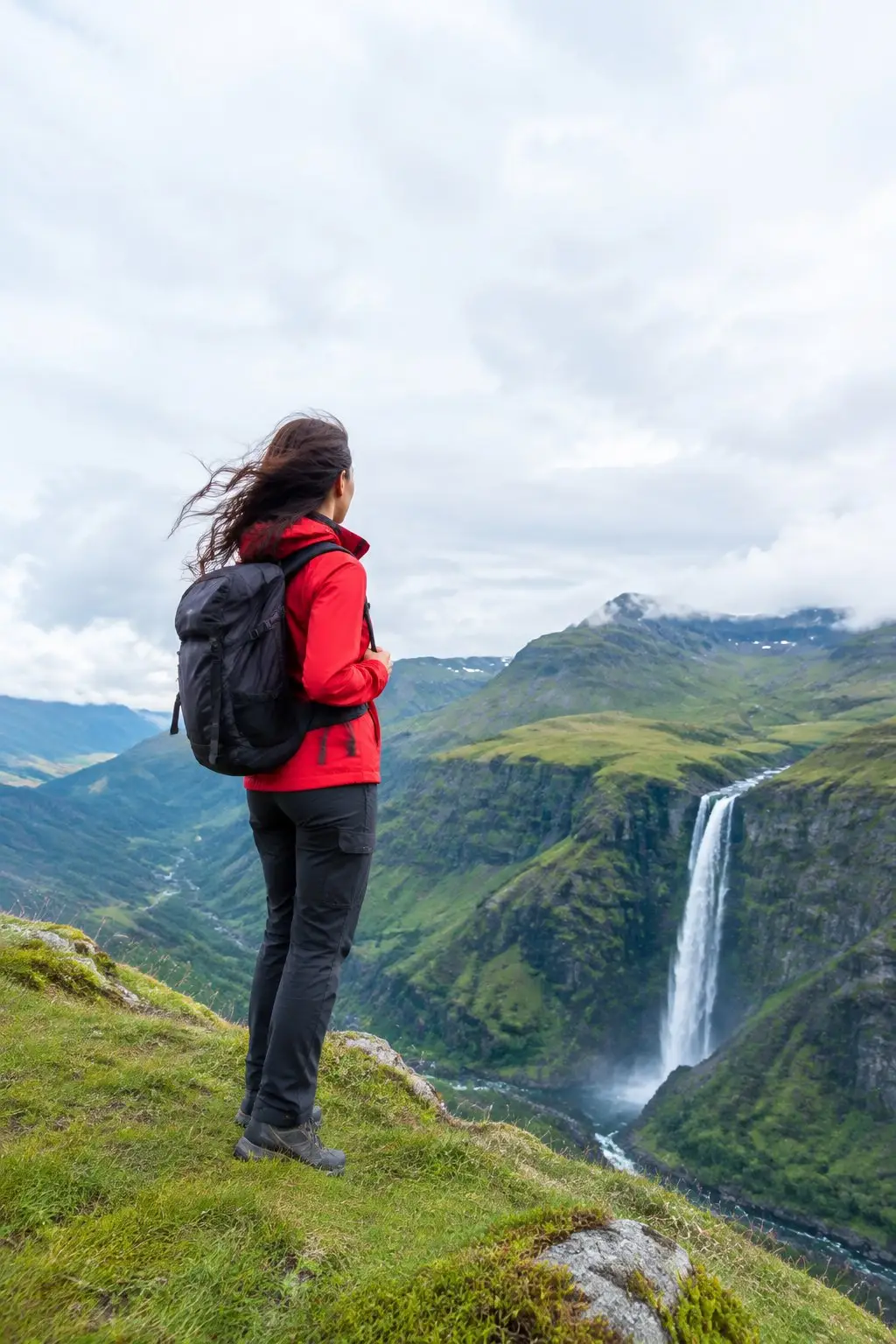
A place name set across the sky turns a holiday shot into something worth printing. The type takes the color of the evening it was taken in, so the title looks like it was standing on the hillside with you.
Social creators
A quote over a portrait, a story frame with a date on it, a thumbnail headline that still has to be readable at postage-stamp size. Text on photo work that used to mean opening a design tool now takes one line of instruction.
Online sellers
Caption photo listings with the size, the material or the offer set into the scene, and the detail that sells the item stays on the picture when a marketplace crops it into a grid on Etsy or eBay.
More answers
More about adding text
How much text can it hold?+
A headline plus a short supporting line is the sweet spot. Paragraphs of body copy belong in a design tool: past a couple of dozen words the type has to shrink to fit. The text is rendered exactly as you type it, letter for letter, and you steer the look with eight font styles, a position, a color and a size rather than a font file.
What kind of photo works best?+
One with somewhere for the words to live: sky, a wall, a table top, water, a stretch of road. A frame packed with detail edge to edge leaves the type nowhere quiet to sit, so it either covers something you wanted to see or gets lost in the noise. Breathing space in the shot is worth more than a clever font.
Can I add text to image files of any type?+
Standard JPG, PNG and WebP images work. Upload the full-size original rather than a compressed download or a photo of a screen: crisp edges in the picture give you crisp edges on the lettering.
Can I write on photo prints and use them commercially?+
Yes, on work you own or have the rights to: your own photographs, your product shots, images you have licensed for commercial use. What you make here is yours to publish, print or sell. Signing your own picture is fine; putting your name on someone else's is not.
Put the words in the picture.
Upload one photo, type the headline, and download it with the type lit like the rest of the shot. Free to try, no credit card.
No credit card · Free to try · Results in seconds