
3x3 Maker
Drop in nine pictures and get one clean 3x3 grid to post, with a title and a label on each square. Or cut one photo into nine tiles for your profile.
Free · No sign-up · Your pictures never leave your device
What the 3x3 maker does
It puts up to nine pictures into one square 3x3 grid (1080 or 2160 px), with an optional title and a label under each picture, for "my top 9" charts of anime, games, albums or pets. It can also split one photo into nine numbered tiles, Instagram 3:4 or square, downloaded as a ZIP. Everything runs in your browser: free, no sign-up, nothing is uploaded.
Results
Made with the 3x3 maker
Real files from the tool, unedited.
 Before
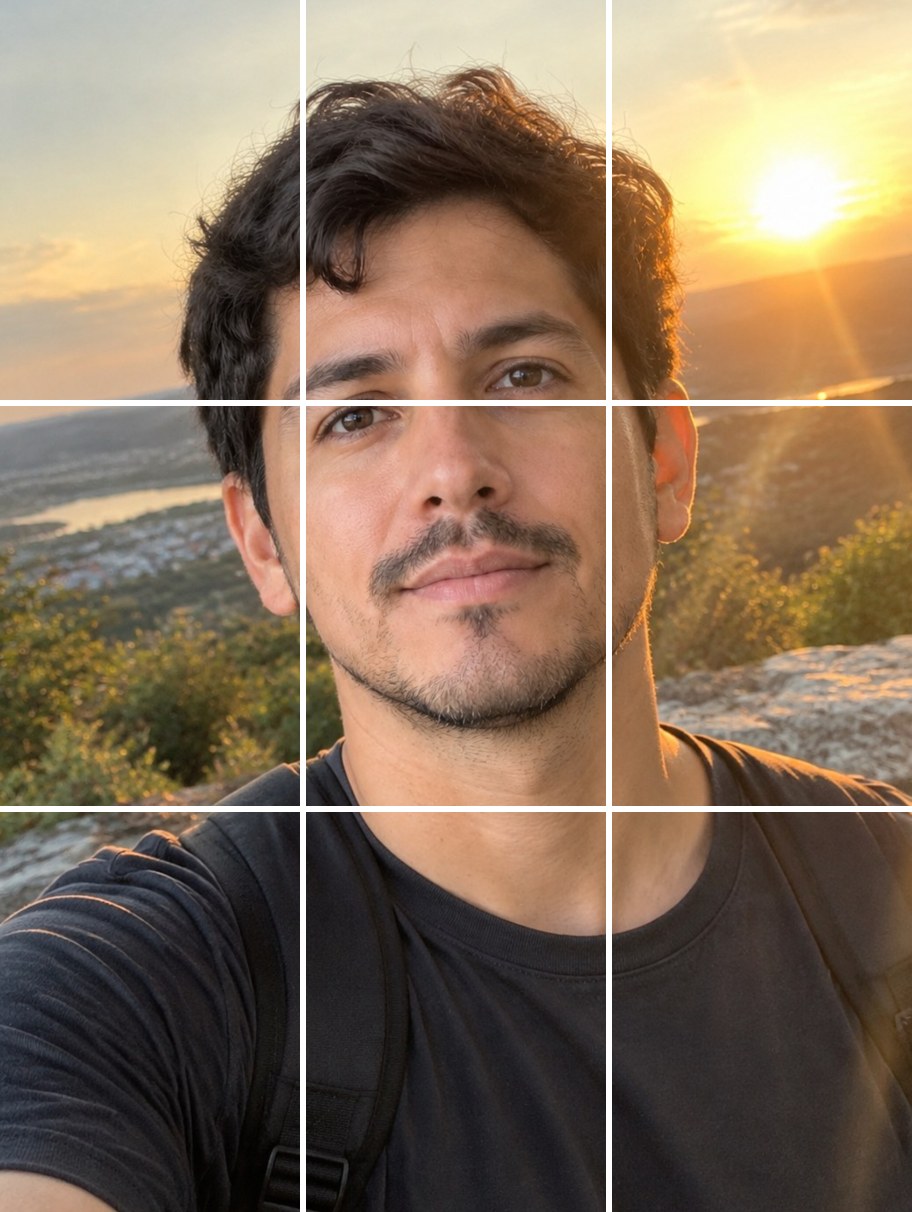 After
After9 pictures
in one square grid
1080 / 2160 px
PNG export
Title + labels
optional, per square
9 tiles
Instagram 3:4 or square
Free
no sign-up
Instant
runs in your browser
How to make a 3x3 grid in 3 steps
Nine pictures in, one grid out.
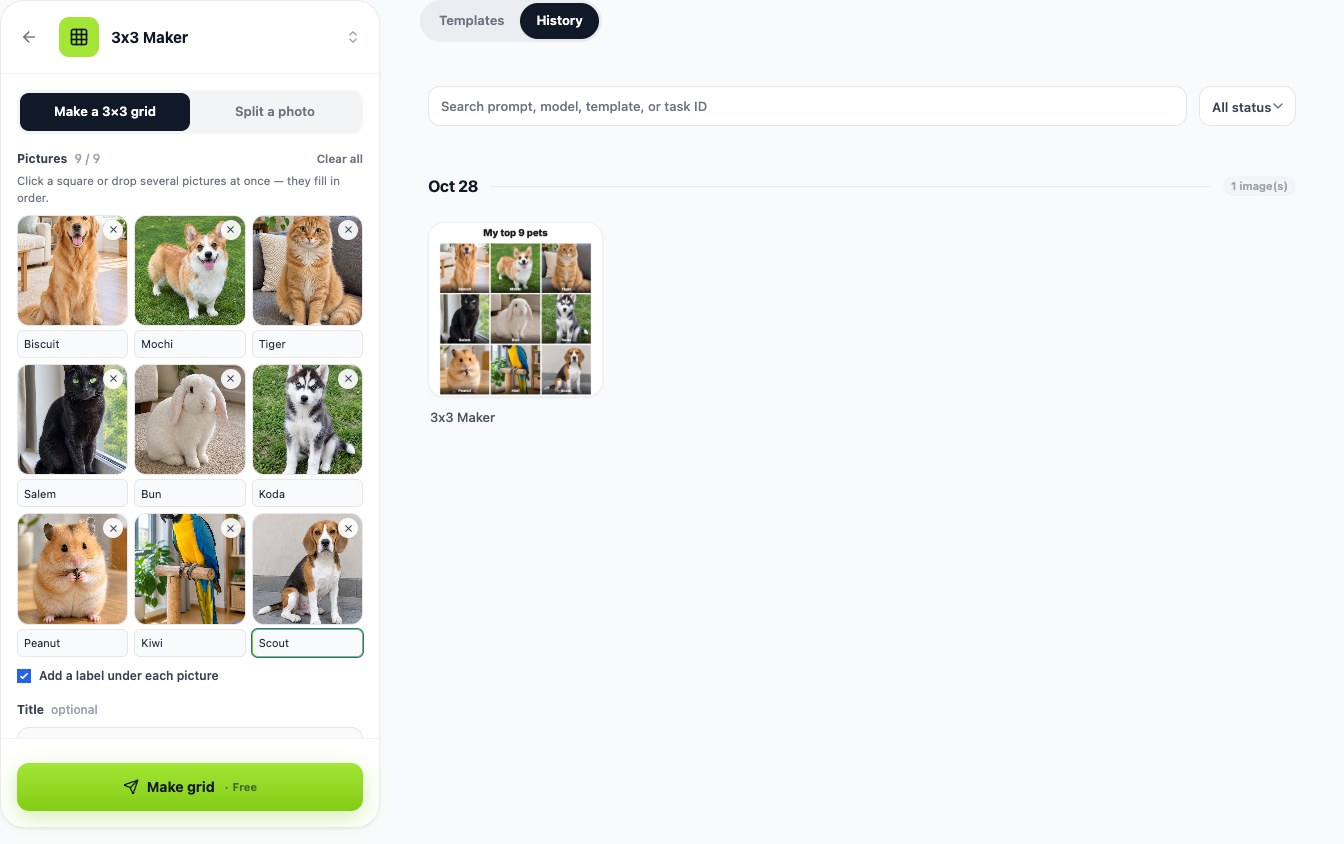
Step 1
Add your nine pictures
Click a square or drop several pictures at once. Leave a square empty if you only have eight.
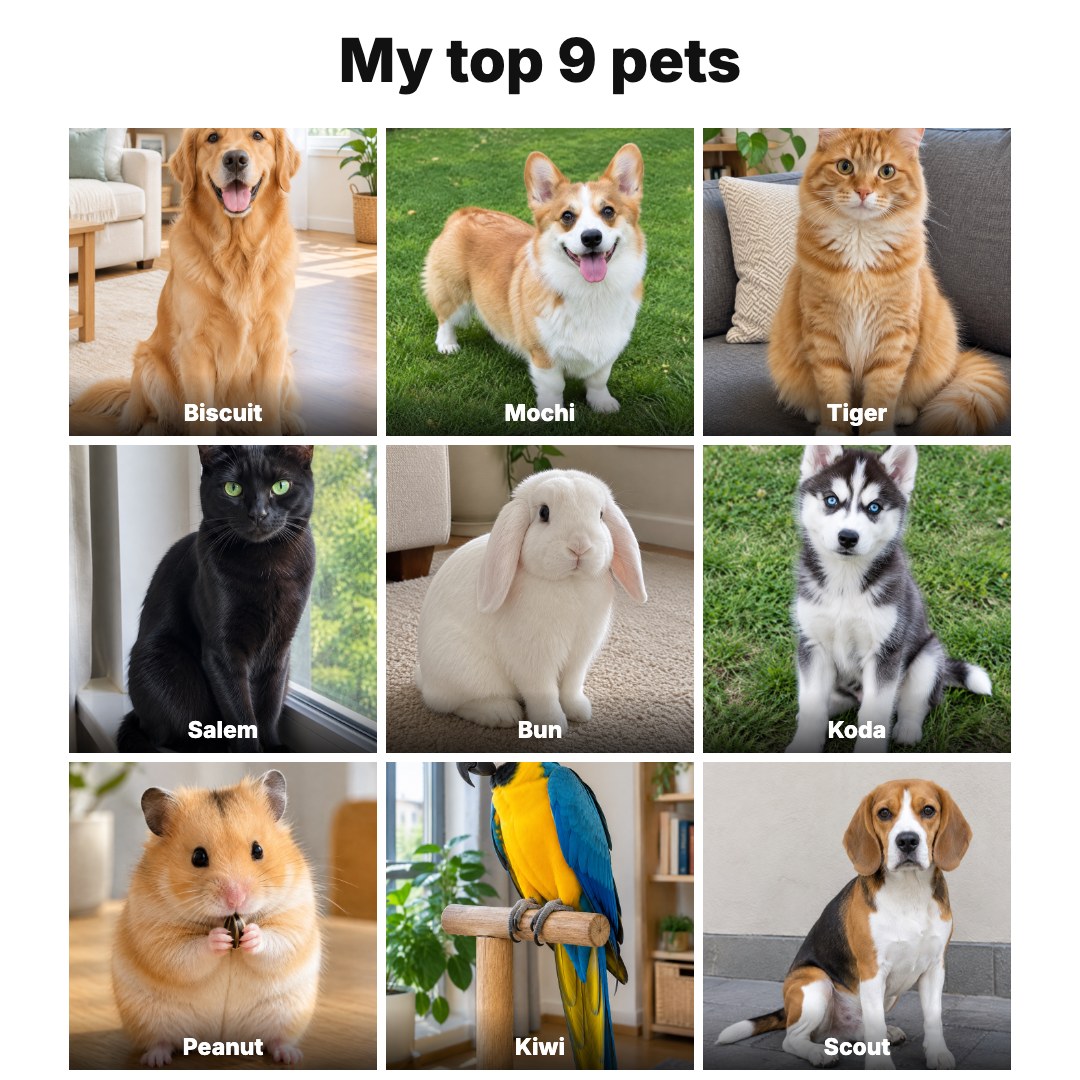
Step 2
Add a title and labels
"My top 9 anime of 2026", the name of each pick, a background colour and the gap between squares.
Step 3
Download
One square PNG for the grid, or a ZIP of nine tiles when you split a photo.
Your top 9, ready to post
Favourite anime, games, albums, films or pets: drop the nine pictures in, write a title, label each square and download one image. Every picture is cropped to a square so the grid lines up.
- Drop all nine at once — they fill in order
- A title band and a label on each square
- White, black, cream or kiwi background, three gap sizes
Split one photo into nine posts
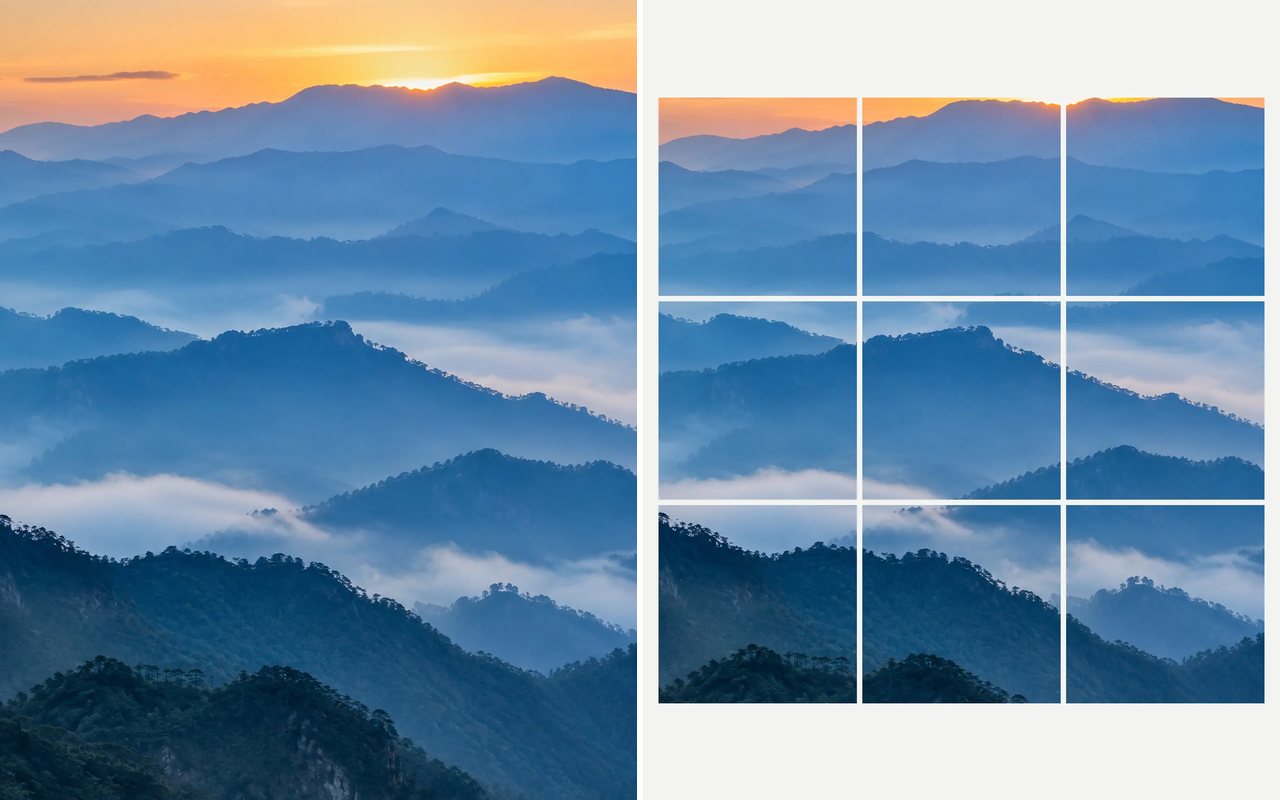
Upload one wide picture and get nine tiles that line up on your profile. Pick Instagram's 3:4 tiles or classic squares; the tiles are numbered so you post them in the right order.
- 1080 × 1440 or 1080 × 1080 tiles
- Numbered in reading order
- One ZIP with all nine
Your pictures never leave your device
The grid is drawn by your browser. Nothing is uploaded, so you can use personal photos and screenshots without an account.
- No upload, no account
- Works on phone and desktop
Compared
3x3 maker compared
What each tool offers, from their own pages (checked 2026-10-28).
| LazyKiwi 3x3 Maker | 3x3 Photo Grid (github.io) | PixGrid | |
|---|---|---|---|
| Nine pictures into one 3x3 grid | ✓Drop all nine at once | ✓Upload 1–9 | ✓Collage layouts |
| Title and a label on each square | ✓Built in | Not published | ✓Text tools |
| Split one photo into 9 profile tiles | ✓Instagram 3:4 or square | Not published | ✓Grid planner |
| Runs in the browser, nothing uploaded | ✓ | Not published | ✓In-browser |
| Free without an account | ✓ | ✓ | ✓Basic editing |
FAQ
3x3 maker FAQ
Is the 3x3 maker free?+
Yes. It runs in your browser, needs no account and has no watermark.
Are my pictures uploaded?+
No. The grid and the tiles are drawn on your device and saved straight to your downloads.
What size is the grid?+
A square PNG, 1080 × 1080 or 2160 × 2160 pixels. Each picture is centre-cropped to a square.
How do I post split tiles in the right order on Instagram?+
Post tile 9 first and tile 1 last. Instagram shows the newest post top-left, so the picture lines up on your profile.
Can I make a 3x3 of my favourite anime or games?+
Yes. Save the nine covers or screenshots, drop them in, add the names as labels and a title like "My top 9 games".
Can AI make the nine pictures for me?+
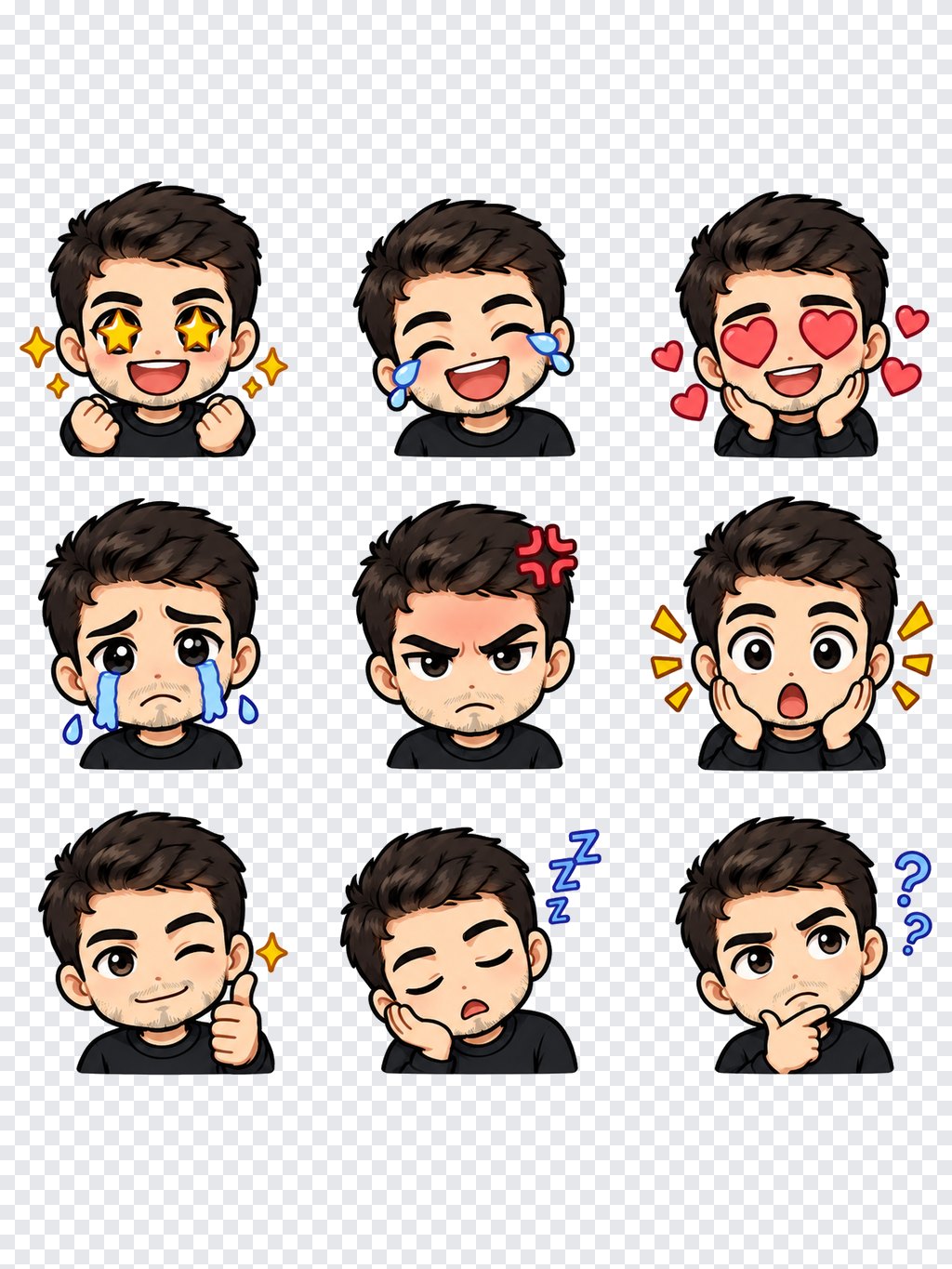
Yes — make them with the AI image generator, then put them into the grid here. To turn one photo into nine emotes, use the Twitch emote maker.
More free photo tools
Nine pictures. One grid.
Make it right here, or open the 3x3 maker in LazyKiwi next to the AI image tools.
Free · No sign-up · Nothing uploaded