
Mesh Gradient
A website background video with your headline on it
A four-point mesh gradient drifting on a seamless eight-second loop, with a wordmark, a three-line grotesk headline, a lede, a dark pill button and a secondary link laid over it. A landing-page hero, as a clip.
- 8s
- duration
- 4
- aspect ratios
- 7
- controls
- 720p
- free, unlimited exports
Motion Background · 8s · 9:16
Gradient · Mesh · Landing page · Loop
A hero section you can export as a video
This is the layout every software landing page has used for the last five years — soft mesh gradient, big grotesk headline, one sentence of lede, a primary button and a secondary link — assembled as a motion document. The gradient is a shader with four colour points drifting against each other on an eight-second cycle, computed per pixel so it never bands and never tiles.
The point of having it as a clip rather than as CSS is that it goes places a web page cannot: a product-launch post, a conference screen, a demo intro, an ad slot. Everything is editable — headline, lede, button label, wordmark and the secondary link — and the softness control decides whether the gradient reads as four distinct colour fields or as one continuous wash.
8 seconds, three beats
What is on screen, and when. Every element named here is a layer in the document — you can click any of them on the canvas and change it.
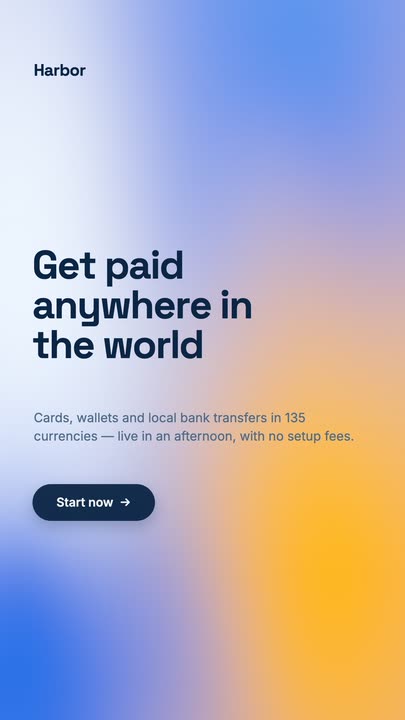
Beat 1 · 1.4s
The hero is already up
The mesh is drifting under its veil, and the wordmark, the three-line headline, the lede and the primary button have all landed.

Beat 2 · 3.4s
Secondary link and footer
The Contact-sales link has appeared beside the button — the frame that reads as a finished landing page.
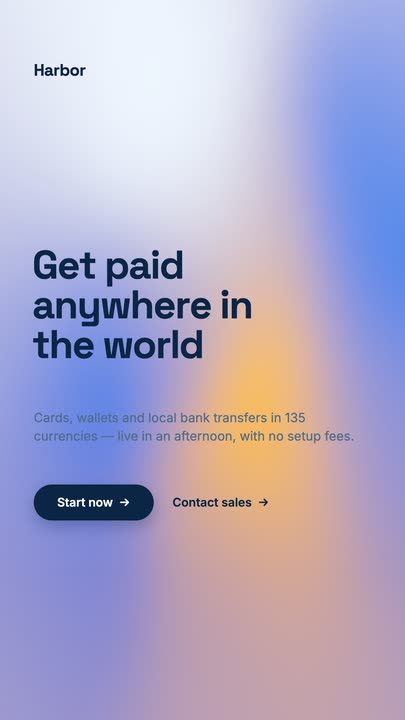
Beat 3 · 6.9s
Back to the start
The gradient has come back round to where it started, with the copy still held before it clears for the loop.
Three steps to a hero loop
- 01
Write the headline and lede
The headline takes line breaks so you place the wrap yourself. The lede is a single sentence control — keep it to one line of thought and it stays readable in a vertical export.
- 02
Set the two gradient colours
Two controls drive the four-point mesh, and the softness slider from 0.6 to 1.8 decides how sharply the fields separate.
- 03
Label the button and export
The primary button label is a control; the secondary link and the wordmark are canvas-editable. Export 16:9 and loop it.
Shader gradient
No banding, at any resolution
The mesh is computed per pixel rather than sampled from an image, so the transitions between colour points stay perfectly smooth in a 1080p export and in a 720p one. Exported gradients from design tools band; this one does not.
Seamless
Eight seconds, closed loop
The gradient runs on an exact eight-second cycle, so the last frame lands back on the first. Run it behind a stand or on a stage screen for an hour and there is no join to notice.
A full hero
Wordmark, headline, lede, button, link
Everything a landing-page hero has is already laid out and typed in a real grotesk. You are replacing copy, not building a layout — which is why this is usually the fastest template in the gallery to finish.
What you can change
Seven controls, with the wordmark and the secondary link editable directly on the canvas.
- Click any element on the canvas to edit it directly
- Or describe the change in a sentence and let the assistant make it
- Export 9:16, 16:9, 1:1, 4:5 from the same document
Studio controls
7 named
- HeadlineTextGet paid anywhere in the world
- LedeTextCards, wallets and local bank transfers in 135 currencies — live in an afternoon, with no setup fees.
- ButtonTextStart now →
- Gradient colourColour#1E6FE8
- Gradient colour 2Colour#FFB703
- SoftnessSlider 0.6–1.80.9
- SpeedSlider 0.5–21
Why export a hero as video
A CSS gradient animation costs every visitor a little GPU and never leaves your site. A rendered loop costs nothing to play, works in a feed, on a screen and in an ad slot, and carries the same headline everywhere you put it. This template is the cheapest way to get a consistent hero frame across a launch — one document, four aspect ratios, one message.
Mesh Gradient: questions, answered
Is the website background video template free?+
Free to open and edit, and free accounts get unlimited free 720p exports with a small LazyKiwi mark. Clean 1080p is included with any paid plan if you need full HD for a large display.
What aspect ratios can I export?+
9:16, 16:9, 1:1 and 4:5. 16:9 is the one for a site hero or a screen; the vertical retarget stacks the headline and button rather than cropping them.
Can I change the copy and the colours?+
The headline, lede, button label, both gradient colours and the softness are named controls, and the wordmark and the secondary link are canvas-editable text.
Do I need After Effects?+
No. The mesh is a shader in the document — there is nothing to install, and no gradient image to re-export when the colours change.
How long is the clip?+
Eight seconds, authored as a seamless loop, with the full hero assembled by 3.4s.
More gradient & particle backgrounds
All backgrounds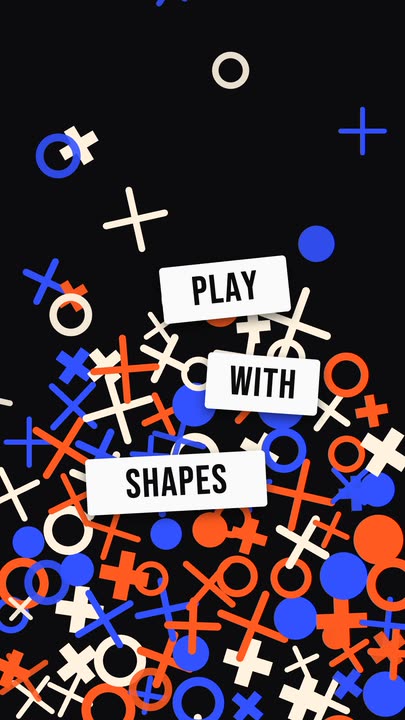 Falling ShapesOrange, cobalt and cream rings, crosses and plus signs rain down and pile up, while three white word tiles pop in between them.
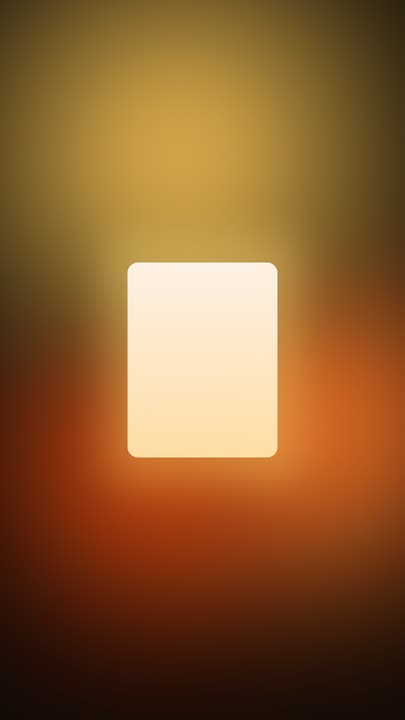 Ambient GlowAmber and burnt-orange light drifts slowly through a warm dark frame while a crisp panel of soft light glows at the centre — minimal, seamless 8-second loop.
 Iron FilingsFine iron-filing strokes snap into the field lines of a horizontal dipole and keep drifting along them, around a bar magnet carrying one display word.
 Fractal GlassBlue and amber colour flows behind a wall of vertical reeded glass — each rib refracts the gradient into shifted slices. Seamless 8-second loop, nothing on top of it.
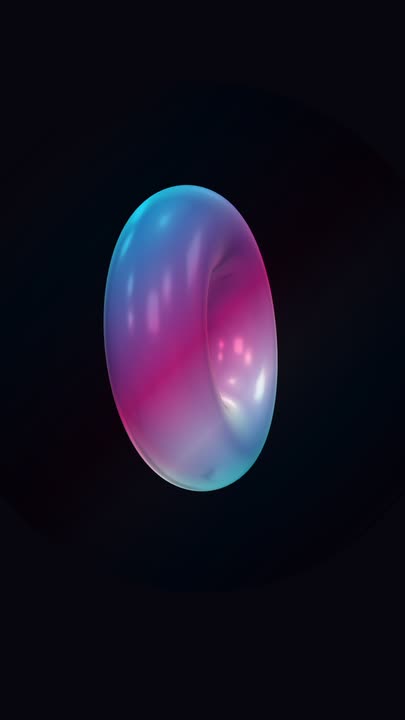 Iridescent TorusA big holographic 3D torus tumbles slowly on two axes over near-black, cyan and magenta bands sliding across its glossy surface — a seamless loop with nothing else in the frame.
Ship your hero as a clip.
Headline, lede, button, two colours. Export a looping mesh gradient with your message on it.